Small TVs for PS4
If you're looking for a small TV to use for your PlayStation 4, there are a number of factors to consider. You'll want to make sure the TV has the right input ports for your console, and that it offers the best picture quality possible. You'll also want to think about how easy the TV is to set up and use, and whether or not it comes with any additional features that will make it easier to play your PS4 games. Here are some great options.
Sort
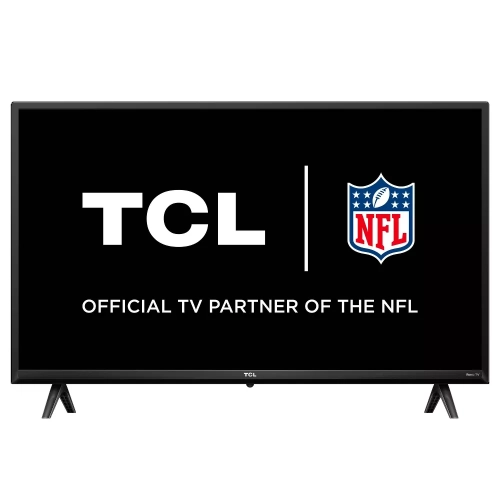
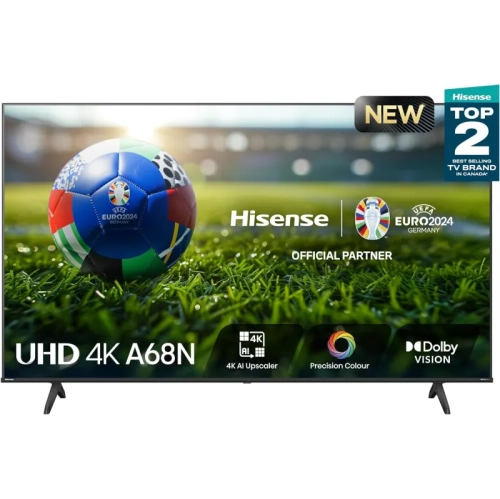
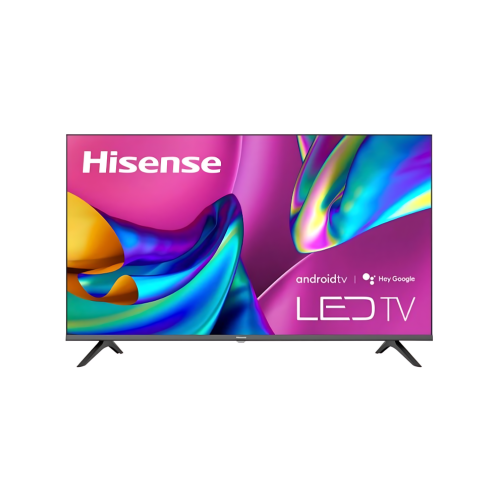
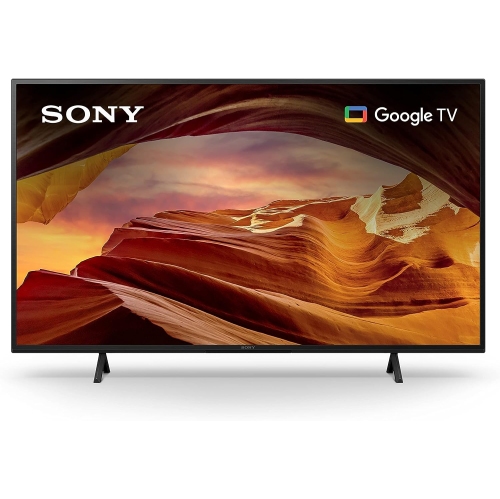



What to look for in a compact PS4 setup
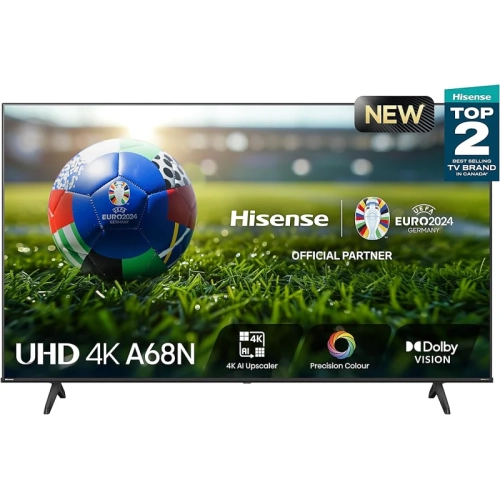
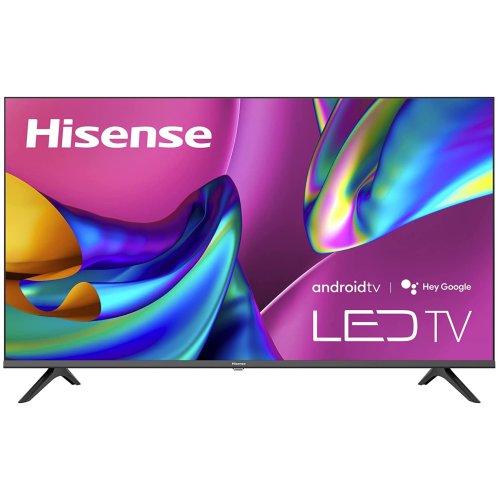
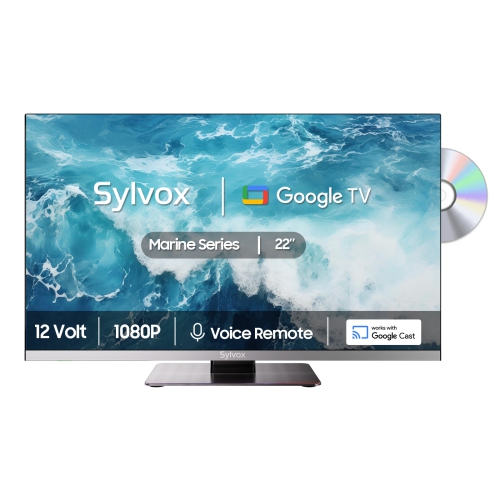
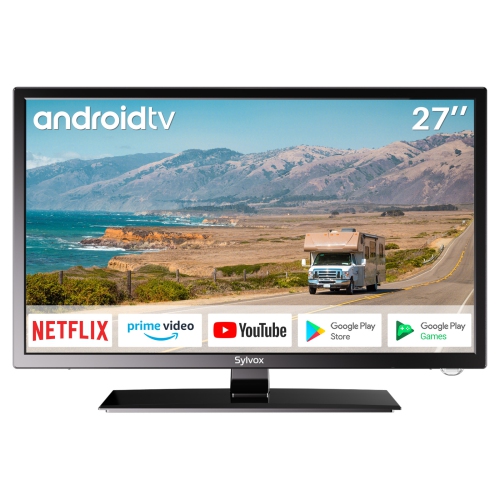
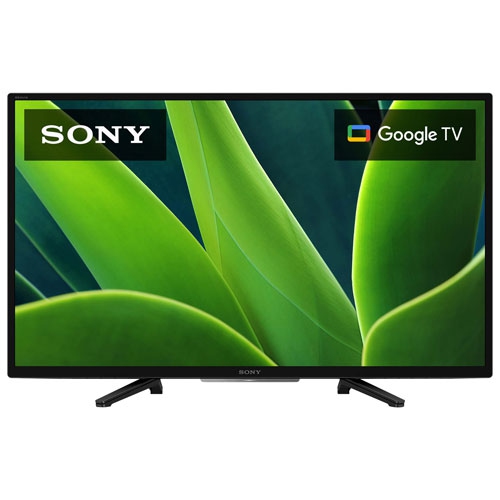
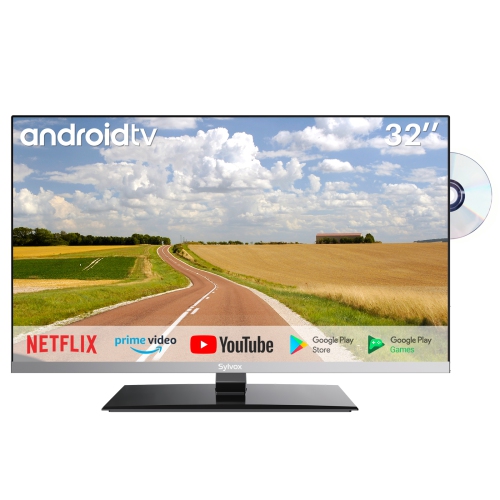
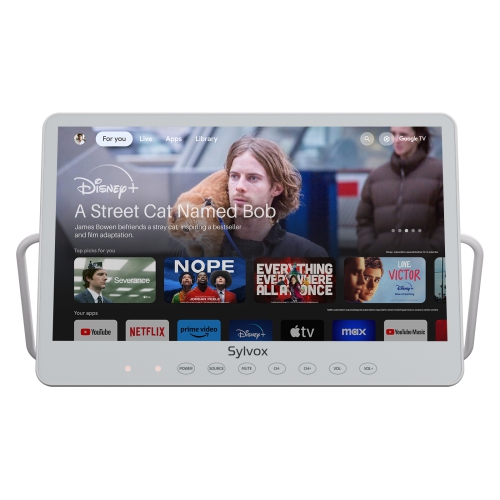
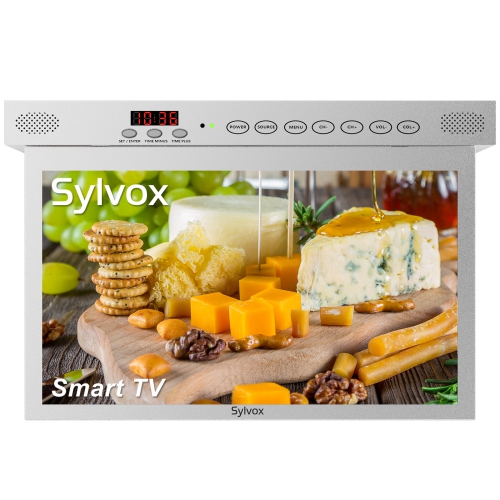
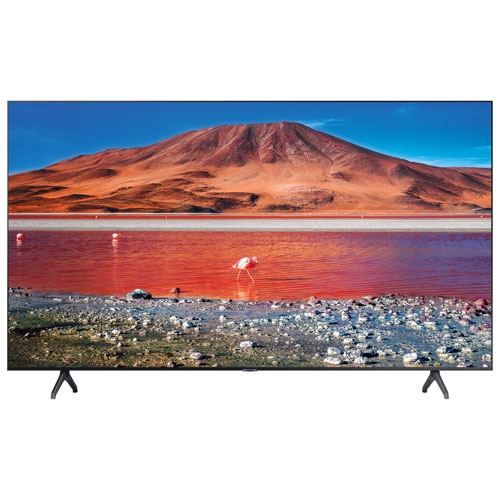
Small TVs for PS4 are a practical choice for bedrooms, dorm rooms, apartments, game rooms, home offices and other spaces where a full-size television would feel overwhelming. A compact screen can create a comfortable gaming station without taking over a desk, dresser or corner cabinet, while still providing the clear picture and responsive controls needed for PlayStation 4 games. For most standard PS4 consoles, a television between 24 and 32 inch is a useful place to start. At a close viewing distance, this size range keeps the action easy to follow without making the image feel stretched across a wall. It also works well for players who sit at a desk or only a few feet from the screen. A 1080p Full HD display is especially well matched to standard PS4 output, delivering sharp menus, readable text and defined details in everything from racing games to story-driven adventures. A 720p model may fit a tighter budget, but 1080p generally offers a more satisfying experience for modern games and everyday television viewing. Think about the available space before choosing a screen: measure the width of the shelf or desk, allow room for the console and cables, and check that the television’s stand will sit securely on the surface. Wall mounting may be helpful in a small bedroom or shared room, but the mounting pattern and hardware need to match the television. Viewing distance matters as well. A 24-inch screen can be ideal for a close desk setup, while a 32-inch model may be more comfortable from the end of a bed, a small sofa or a compact lounge chair. The right size is the one that lets you see the entire image at a glance without turning a small room into a cinema.
Gaming performance depends on more than resolution. A native 60Hz refresh rate is a sensible match for PS4 gaming, keeping movement smooth during most console gameplay and regular video content. Look for a dedicated Game Mode or similar picture setting, as it can reduce processing that adds delay between pressing a button and seeing the result on screen. Low input lag is particularly helpful in competitive sports, fighting, racing and first-person games, where a quick response can make aiming, braking or blocking feel more precise. While specifications can vary, a display with input lag under 20 milliseconds is generally considered a strong choice for responsive console play. Make sure the television includes at least one HDMI input for the PS4, and consider the location of the ports if the screen will be placed close to a wall. Additional HDMI connections are useful for adding a streaming device, cable box, computer or another console without constantly swapping cables. A 3.5-millimetre audio output, optical audio connection or Bluetooth support may also be valuable if you prefer headphones, a gaming headset, soundbar or compact speakers over built-in television sound. Small televisions often have limited speaker cabinets, so audio quality can be an important part of the decision, especially in a room where game sound helps create atmosphere. Check for adjustable volume controls, headphone compatibility and audio settings that make dialogue and effects easier to balance. Smart features can add convenience for streaming shows, music and videos between gaming sessions, although they should be treated as a bonus rather than the main reason to choose a PS4 display. Built-in Wi-Fi can help with streaming and software updates, while a straightforward remote and uncluttered menu make it easier to switch between entertainment and console inputs.
A compact PS4 television can suit many different kinds of players. It may be a thoughtful gift for a student moving into residence, a teenager setting up a first gaming corner or a family member who wants a personal screen for a bedroom or recreation room. It can also be useful for a dedicated multiplayer setup, letting friends play side by side on separate screens, or for a guest room where the television needs to serve several purposes without occupying much space. During the warmer months, a lighter compact setup can be moved between rooms with less effort, while during the cooler months it can make a bedroom, basement or den feel like a cosy retreat for evening gaming. Before making a purchase, consider whether the recipient already owns a headset, external speakers, wall mount or HDMI accessories, since these additions can make the setup more comfortable and easier to use. Families may appreciate a television with clear parental controls and simple input switching, while adults sharing a home may value a screen that supports headphones for quieter late-night sessions. Picture settings are worth adjusting after installation: select Game Mode, set brightness for the room, turn off unnecessary motion smoothing if it creates an artificial look, and position the screen so that overhead lights do not reflect across dark game scenes. A stable internet connection may be needed for smart functions and online play, but the PS4 itself connects to the television through HDMI, making setup straightforward. For more options designed around console use, browse Small Gaming TVs while comparing screen size, Full HD resolution, refresh rate, input lag, HDMI connections, audio options and placement requirements. With those details in mind, a small TV can provide a focused, comfortable PS4 experience that fits neatly into everyday spaces and adapts easily to gaming, streaming and shared household use.
Gaming performance depends on more than resolution. A native 60Hz refresh rate is a sensible match for PS4 gaming, keeping movement smooth during most console gameplay and regular video content. Look for a dedicated Game Mode or similar picture setting, as it can reduce processing that adds delay between pressing a button and seeing the result on screen. Low input lag is particularly helpful in competitive sports, fighting, racing and first-person games, where a quick response can make aiming, braking or blocking feel more precise. While specifications can vary, a display with input lag under 20 milliseconds is generally considered a strong choice for responsive console play. Make sure the television includes at least one HDMI input for the PS4, and consider the location of the ports if the screen will be placed close to a wall. Additional HDMI connections are useful for adding a streaming device, cable box, computer or another console without constantly swapping cables. A 3.5-millimetre audio output, optical audio connection or Bluetooth support may also be valuable if you prefer headphones, a gaming headset, soundbar or compact speakers over built-in television sound. Small televisions often have limited speaker cabinets, so audio quality can be an important part of the decision, especially in a room where game sound helps create atmosphere. Check for adjustable volume controls, headphone compatibility and audio settings that make dialogue and effects easier to balance. Smart features can add convenience for streaming shows, music and videos between gaming sessions, although they should be treated as a bonus rather than the main reason to choose a PS4 display. Built-in Wi-Fi can help with streaming and software updates, while a straightforward remote and uncluttered menu make it easier to switch between entertainment and console inputs.
A compact PS4 television can suit many different kinds of players. It may be a thoughtful gift for a student moving into residence, a teenager setting up a first gaming corner or a family member who wants a personal screen for a bedroom or recreation room. It can also be useful for a dedicated multiplayer setup, letting friends play side by side on separate screens, or for a guest room where the television needs to serve several purposes without occupying much space. During the warmer months, a lighter compact setup can be moved between rooms with less effort, while during the cooler months it can make a bedroom, basement or den feel like a cosy retreat for evening gaming. Before making a purchase, consider whether the recipient already owns a headset, external speakers, wall mount or HDMI accessories, since these additions can make the setup more comfortable and easier to use. Families may appreciate a television with clear parental controls and simple input switching, while adults sharing a home may value a screen that supports headphones for quieter late-night sessions. Picture settings are worth adjusting after installation: select Game Mode, set brightness for the room, turn off unnecessary motion smoothing if it creates an artificial look, and position the screen so that overhead lights do not reflect across dark game scenes. A stable internet connection may be needed for smart functions and online play, but the PS4 itself connects to the television through HDMI, making setup straightforward. For more options designed around console use, browse Small Gaming TVs while comparing screen size, Full HD resolution, refresh rate, input lag, HDMI connections, audio options and placement requirements. With those details in mind, a small TV can provide a focused, comfortable PS4 experience that fits neatly into everyday spaces and adapts easily to gaming, streaming and shared household use.
Top selling and popular products
-
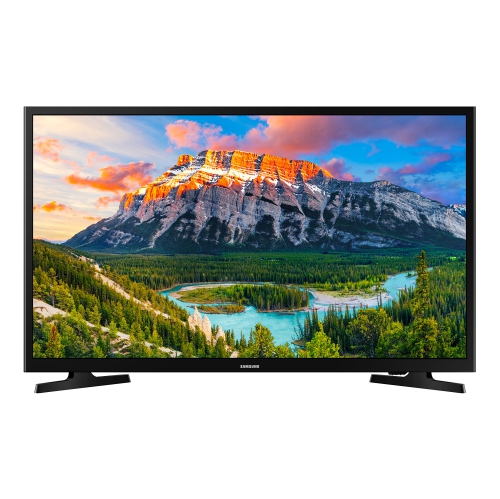 Your price for this item is $349.99
 -
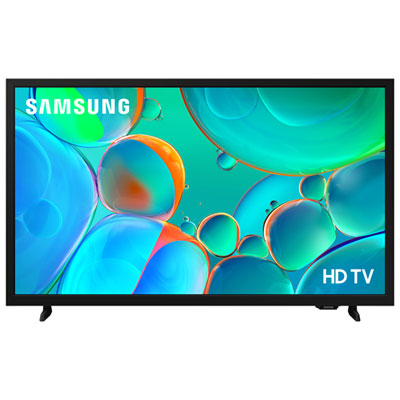 Your price for this item is $199.99
 -
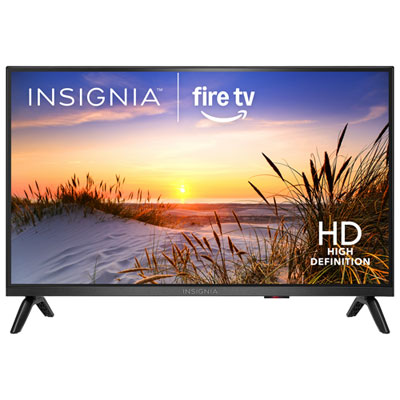 Your price for this item is $199.99
 -
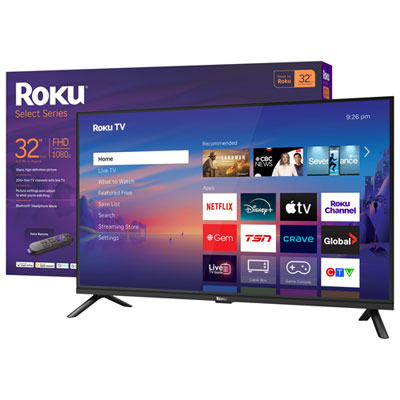 Your price for this item is $159.99
 -
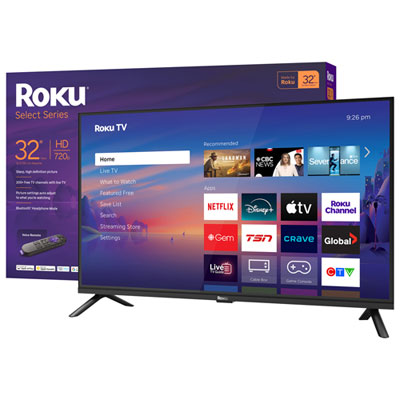 Your price for this item is $199.99
 -
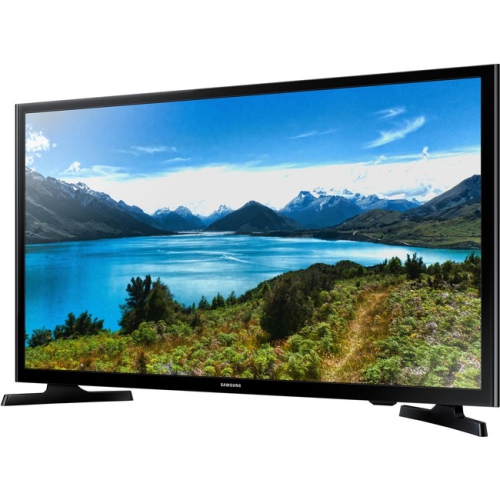 Your price for this item is $349.99
 -
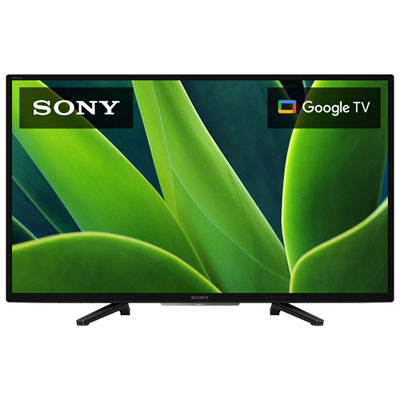 Your price for this item is $379.99
 -
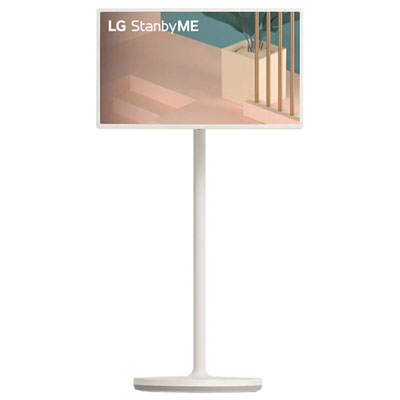 Your price for this item is $999.97
Discover more categories related to Small TVs for PS4


Top Collections:
Pokemon Centers, Kindle Devices, Best Budget Office Chairs, Apple iPhones 16, Best Laptops for Writers, iPhone 15 Apple, Canon G7X Cameras, Refurbished Apple Laptops, Alarm Clock, Motorola Razr Phones
Some products may be subject to Environmental Handling Fees
(EHF) depending on your province.
Learn more about EHFs.