Gaming Controller Grips
Enhance your gaming experience with our wide selection of gaming controller grips. Designed to provide you with maximum comfort and control, these grips are a must-have accessory for any avid gamer. Whether you're battling it out in intense multiplayer matches or embarking on epic solo adventures, our gaming controller grips will give you the edge you need to dominate the game. With their ergonomic design and premium materials, these grips offer a secure and comfortable grip that will enhance your gameplay for hours on end. Upgrade your gaming setup today and take your skills to the next level with our top-notch gaming controller grips.
Sort

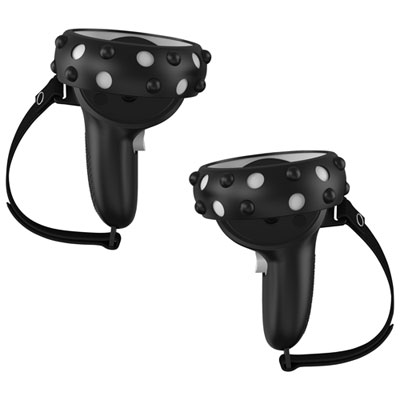
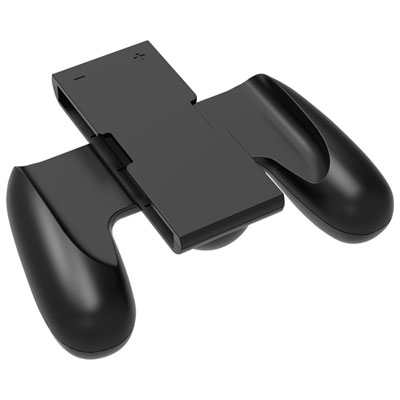
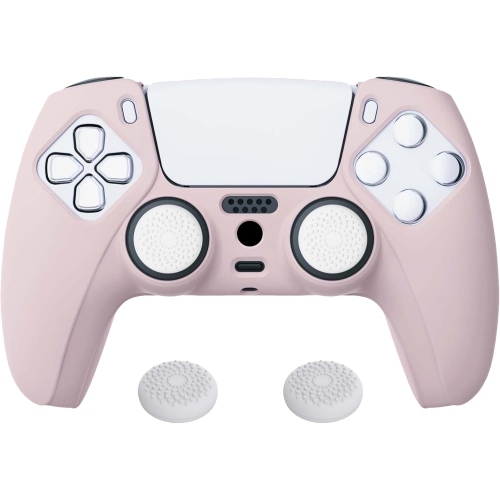
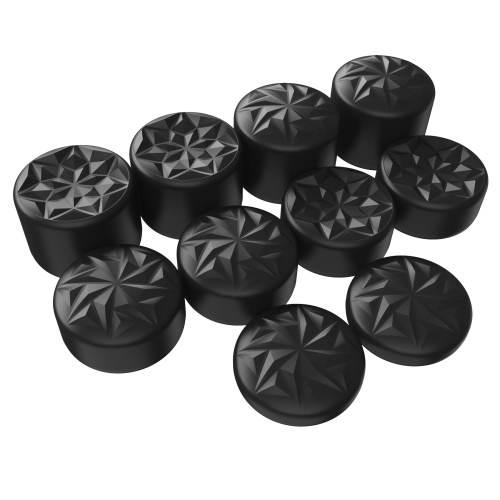
![KMD Ps5 Silicone Controller Grip Cover [] In White](https://multimedia.bbycastatic.ca/multimedia/products/500x500/174/17404/17404642.jpeg)
![PROGAMR Performance Thumb Grips for Xbox Series X/s Controller [Xbox Series X/s Accessory]](https://multimedia.bbycastatic.ca/multimedia/products/500x500/157/15718/15718881.jpeg)
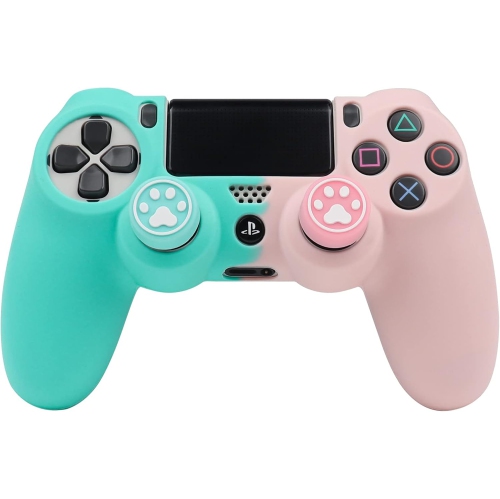
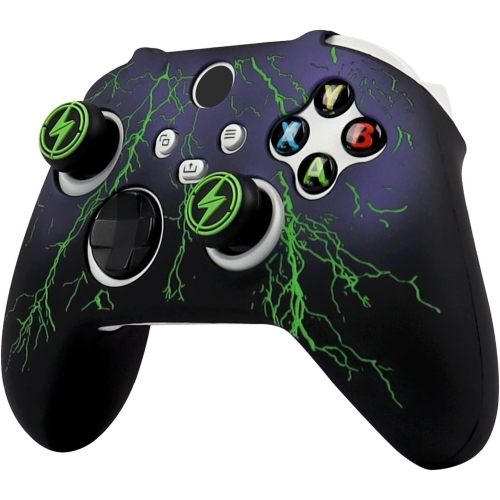
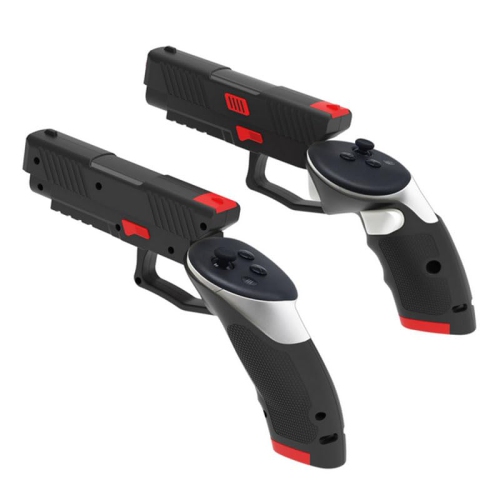
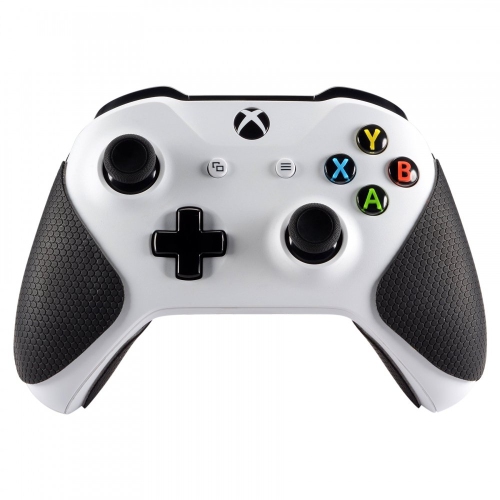

![BIOGENIK Biogenic: Thumb Grip - Ps4, Xbox, Nintendo Switch [Electronics]](https://multimedia.bbycastatic.ca/multimedia/products/500x500/188/18884/18884574.jpeg)
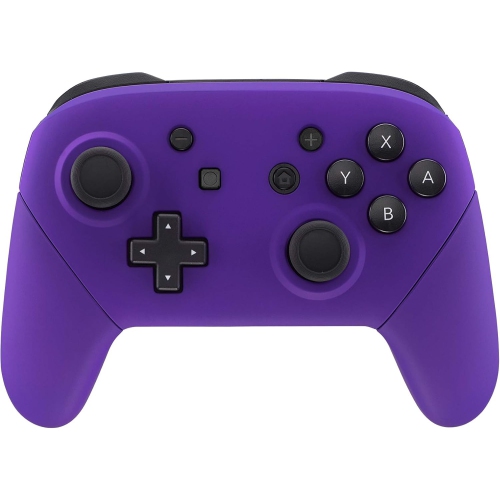
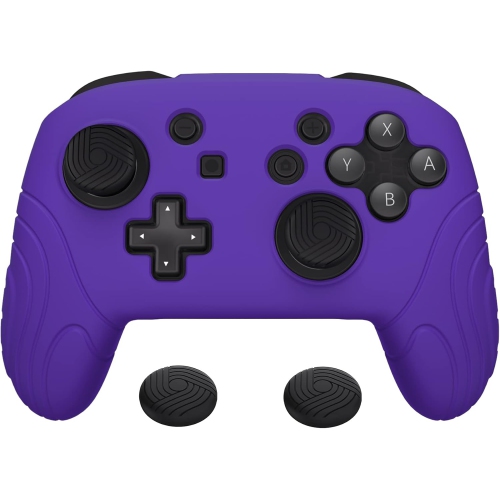
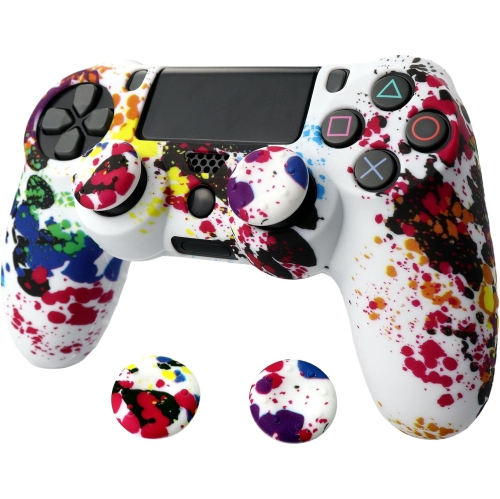
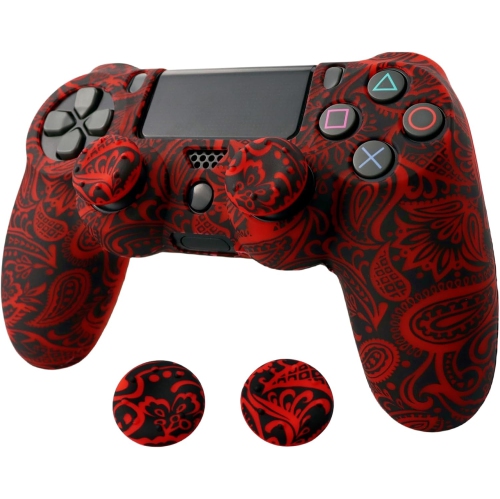
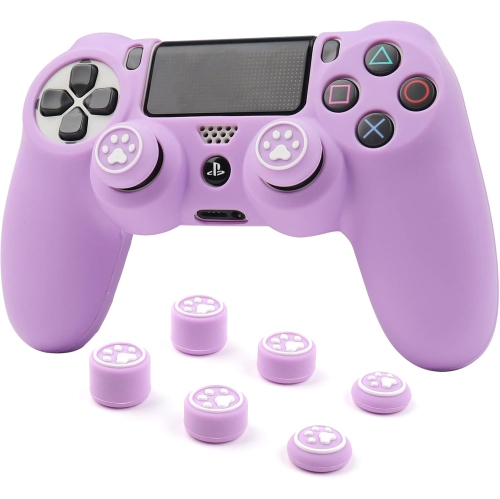

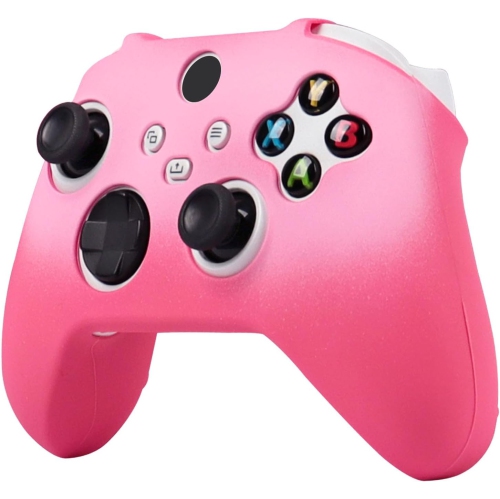
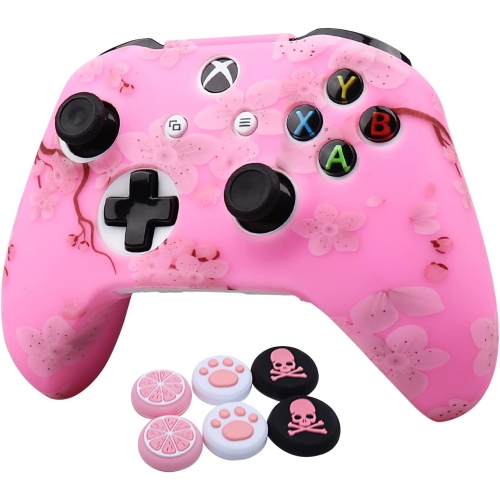
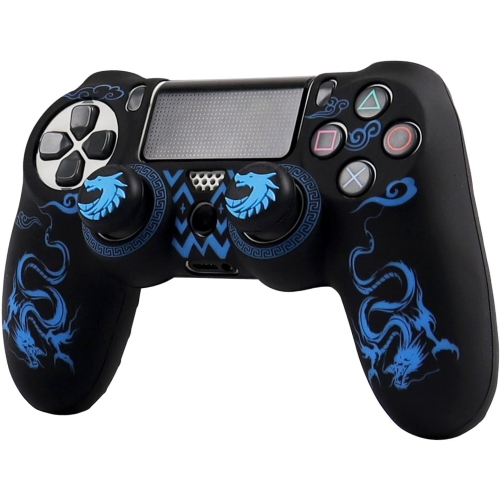
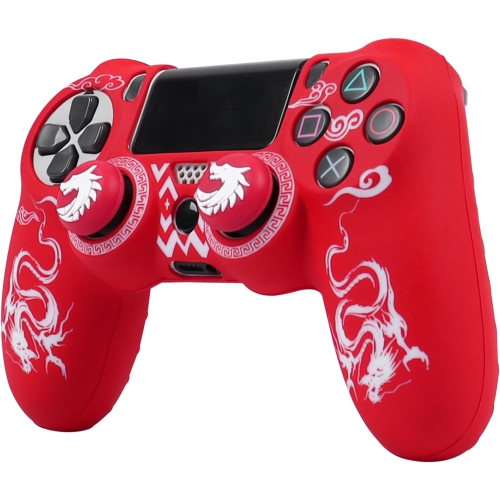
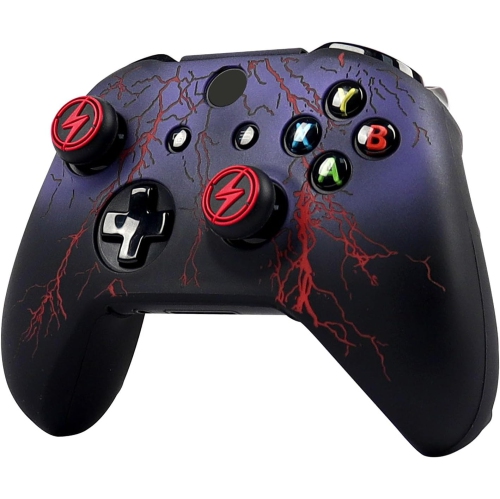
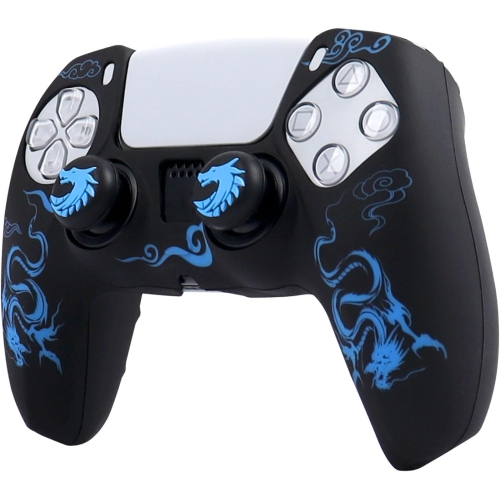
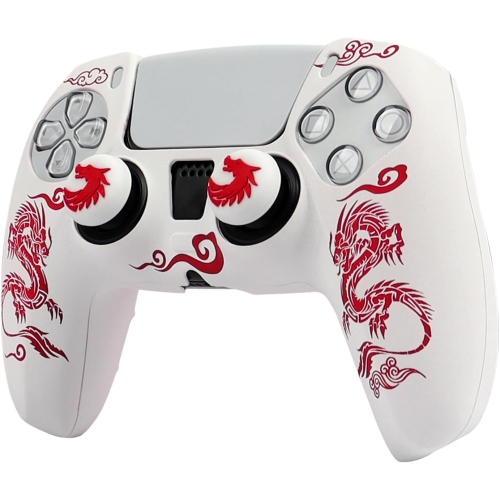
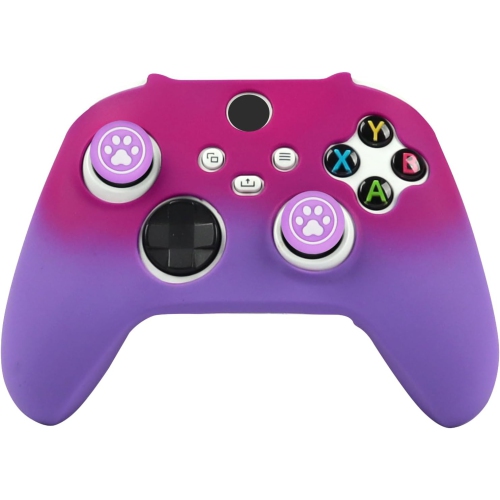
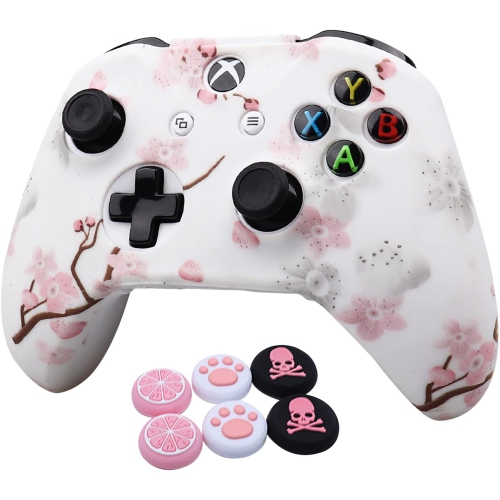
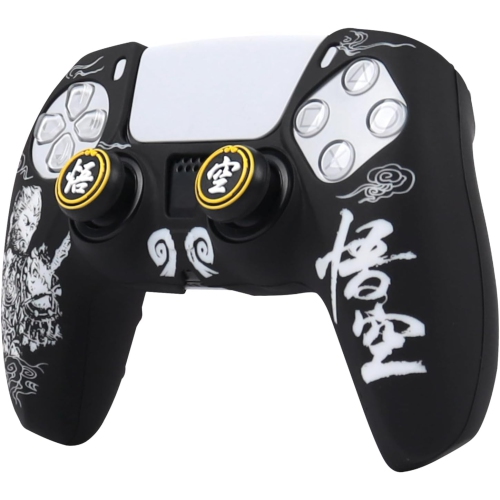
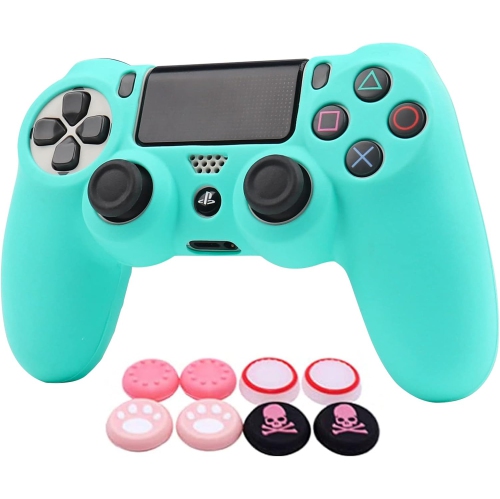
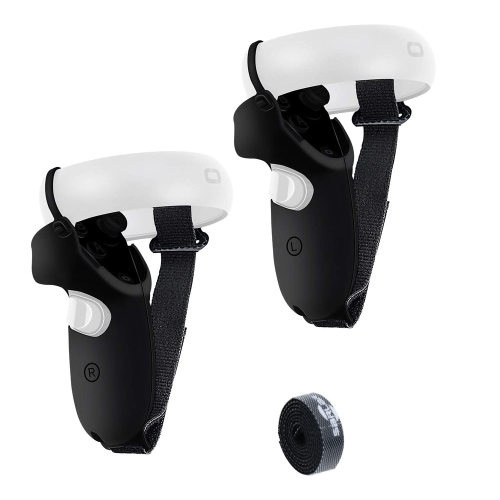
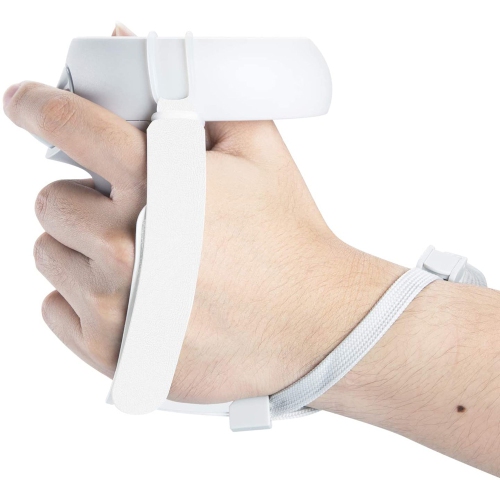
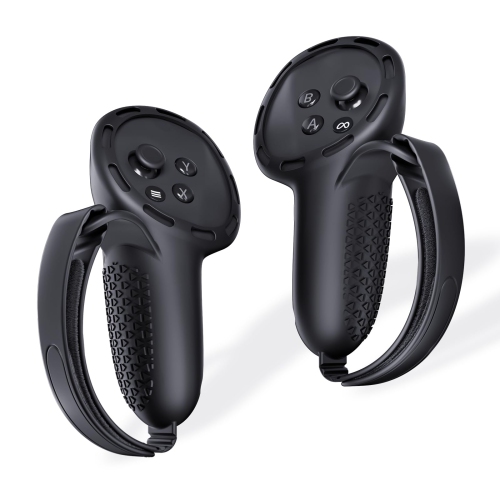
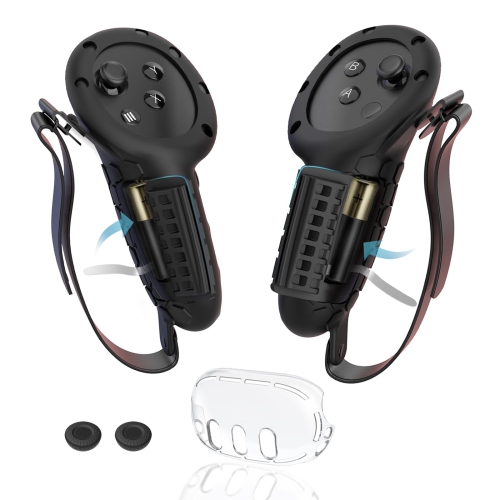
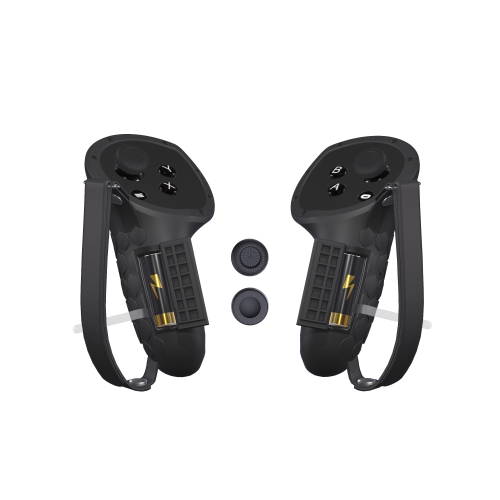
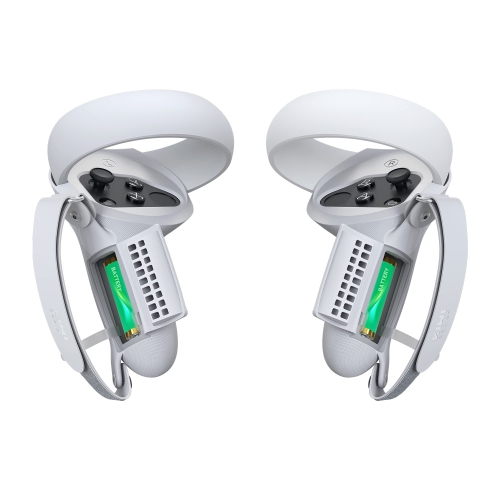
![HLD Upgraded Controller Grips Cover Accessories Compatible With Quest 2, With Battery Opening Protector With Knuckle Straps (Black) [Video Game]](https://multimedia.bbycastatic.ca/multimedia/products/500x500/172/17202/17202594.jpeg)
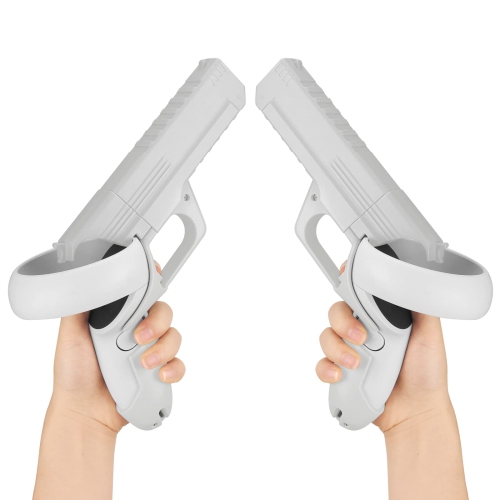
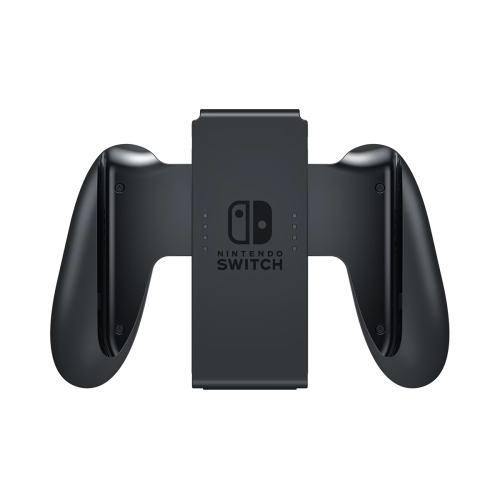
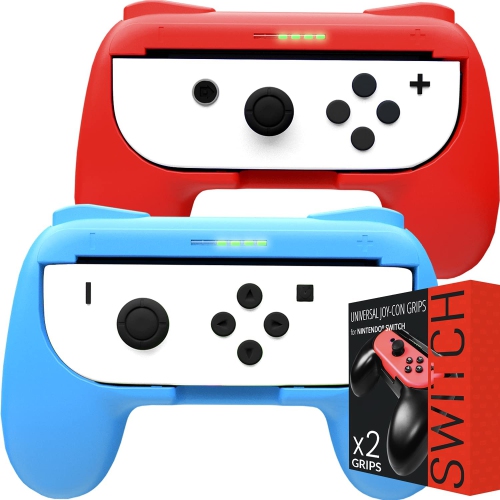
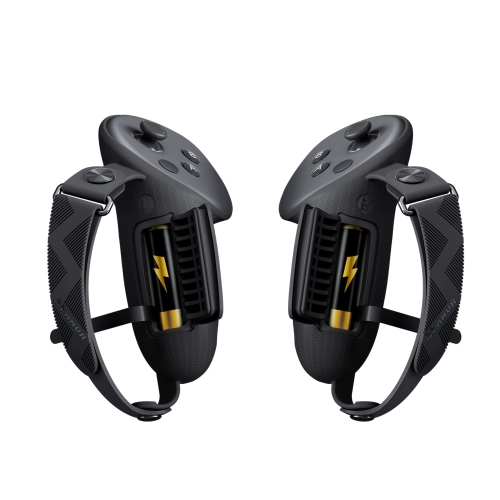
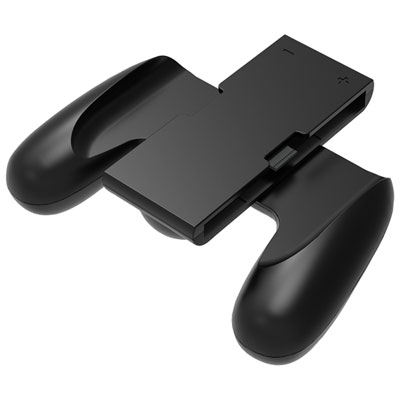
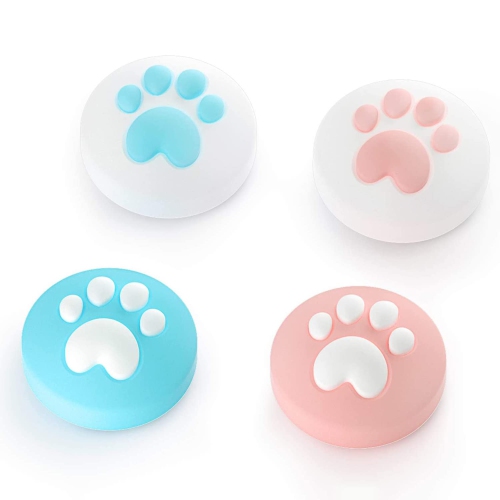
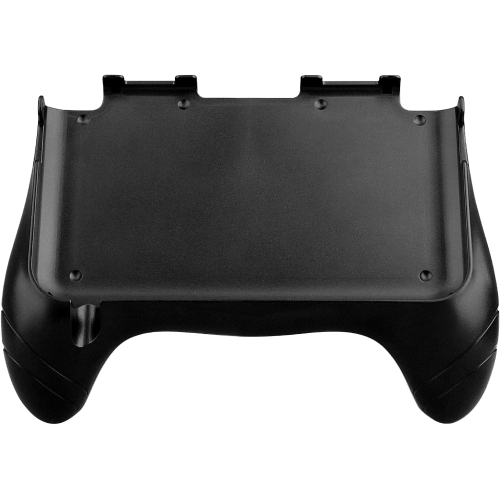
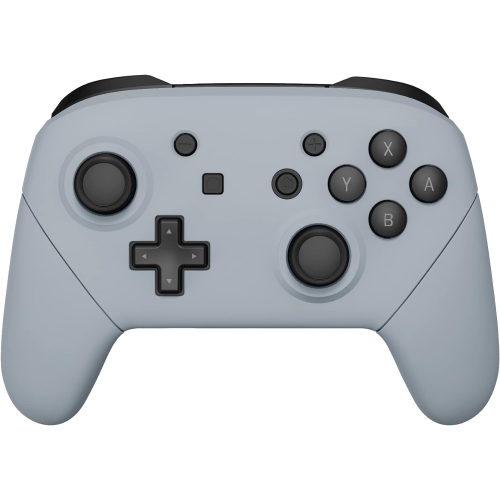
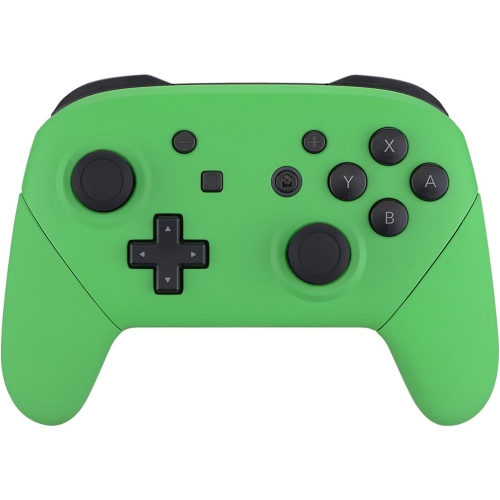
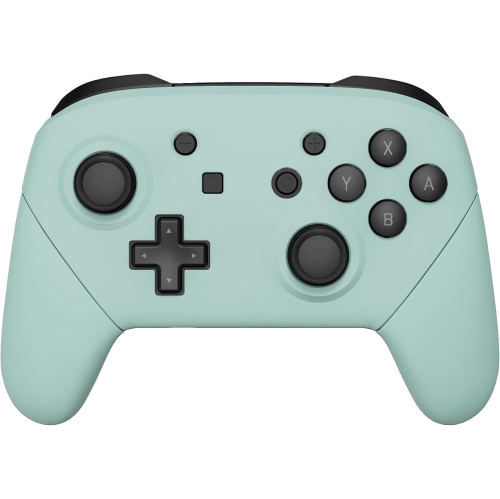

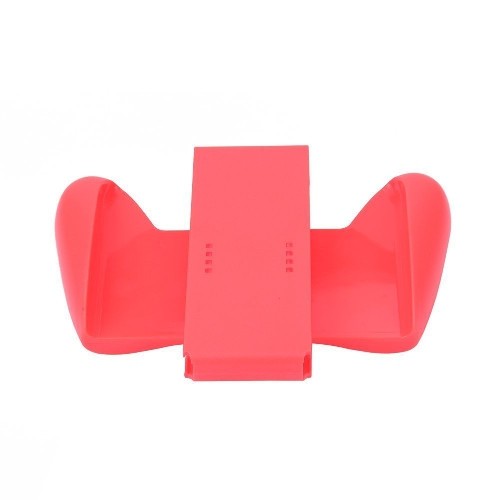
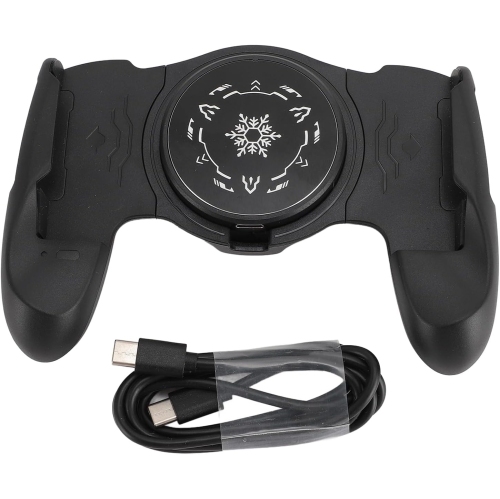
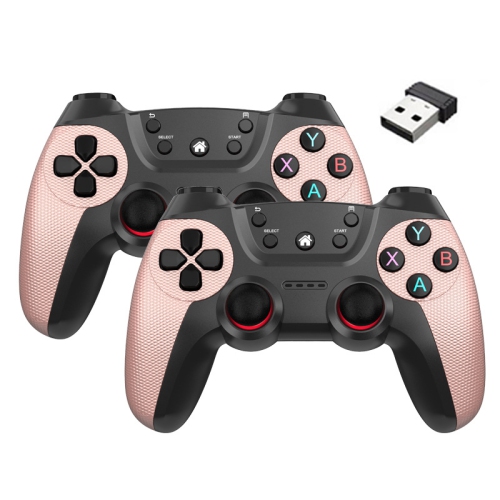
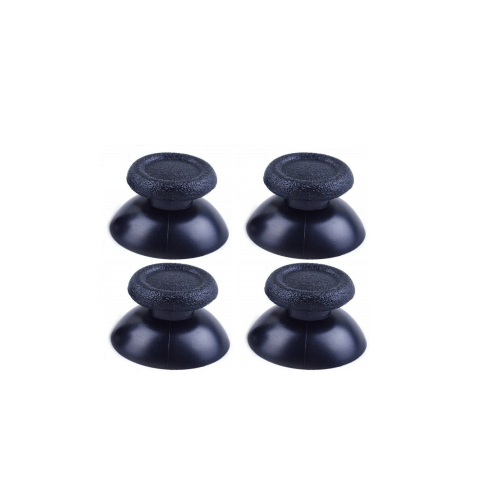

Comfort, traction, and protection for longer gaming sessions
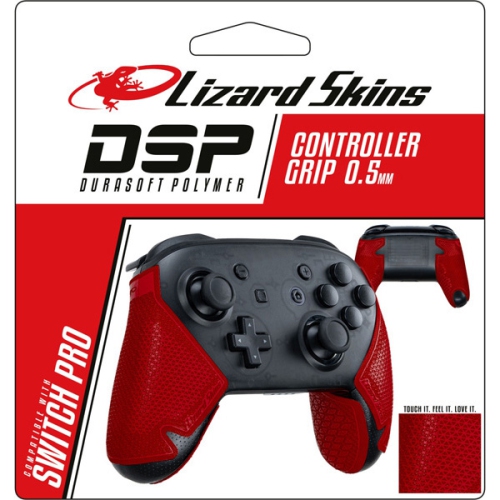
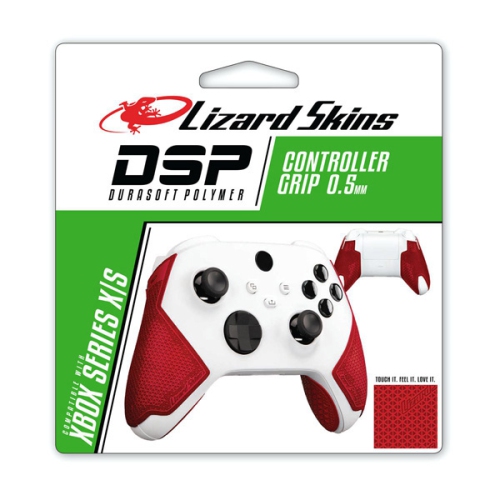
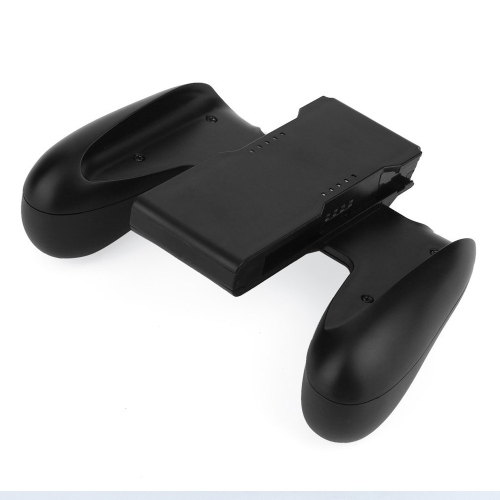
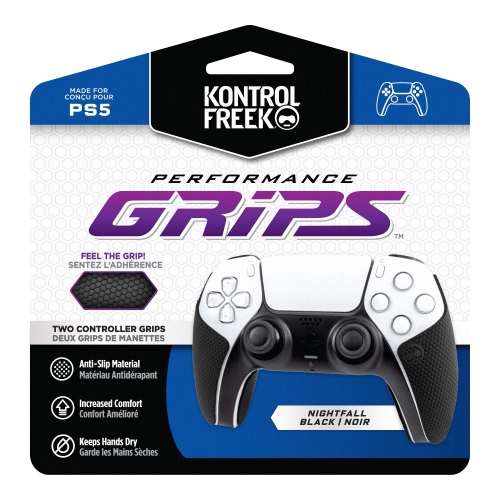
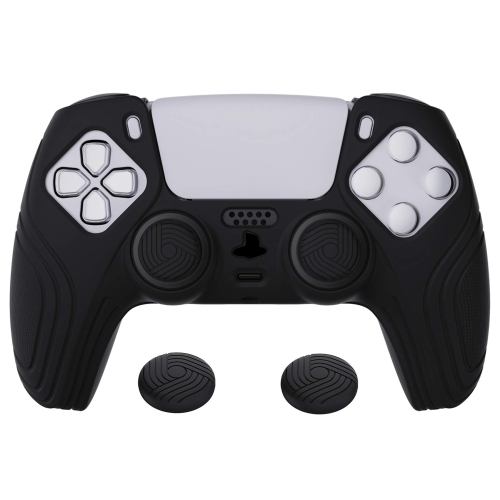
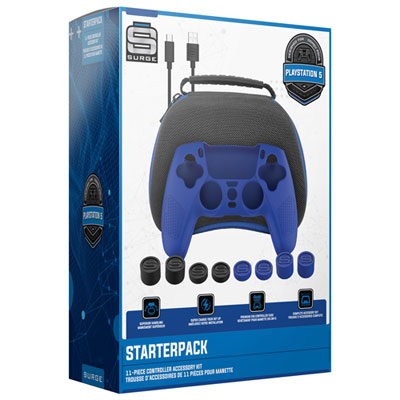
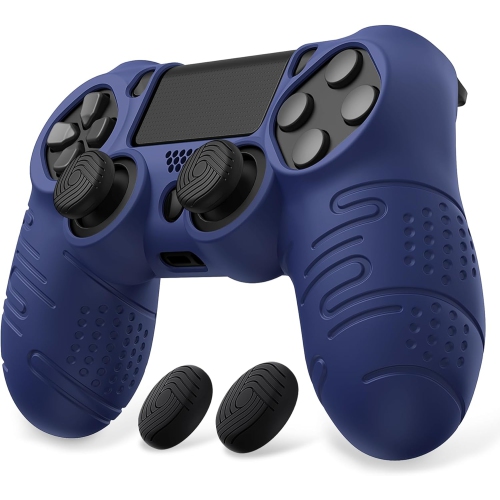
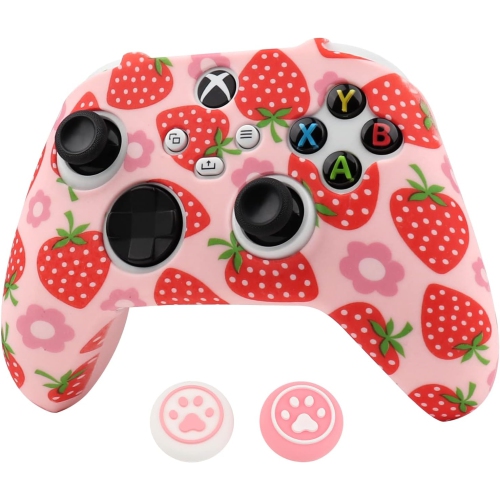
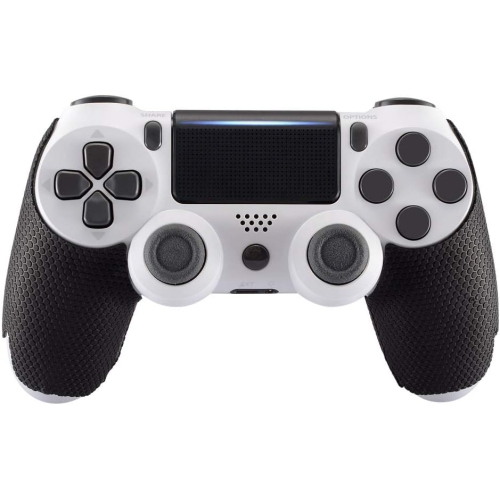
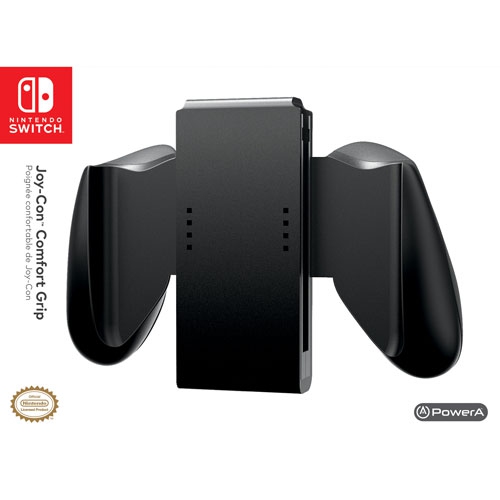
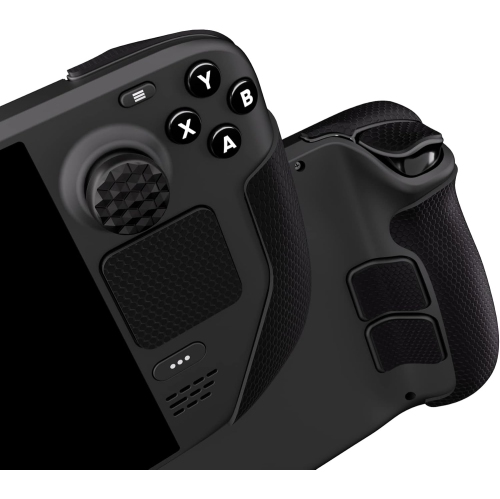
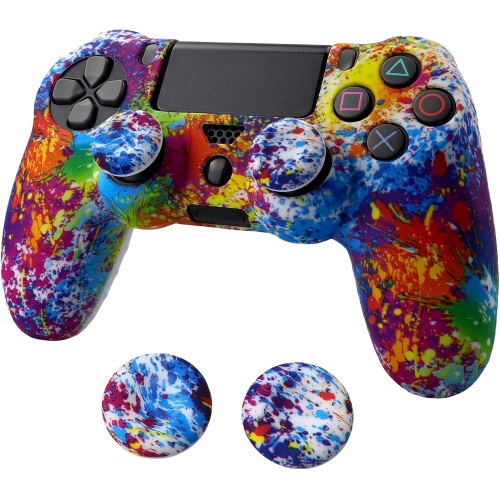
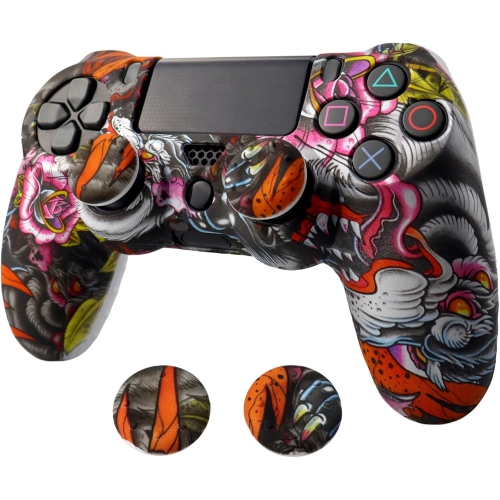
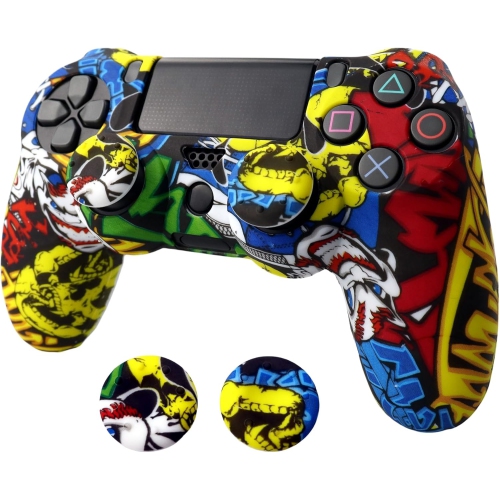
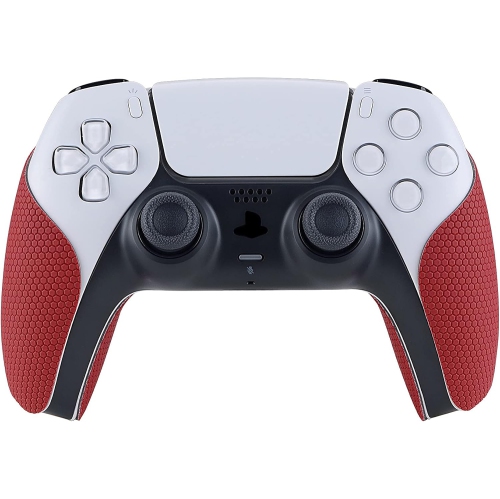
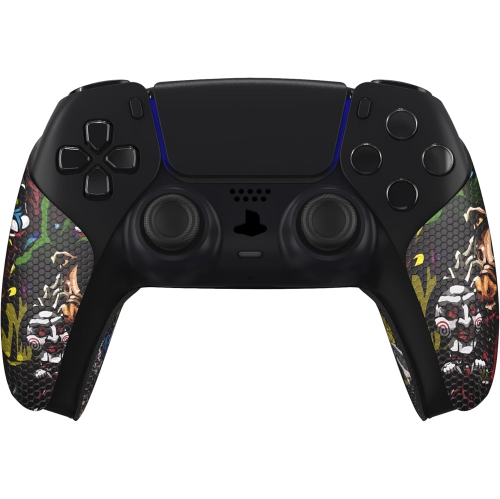
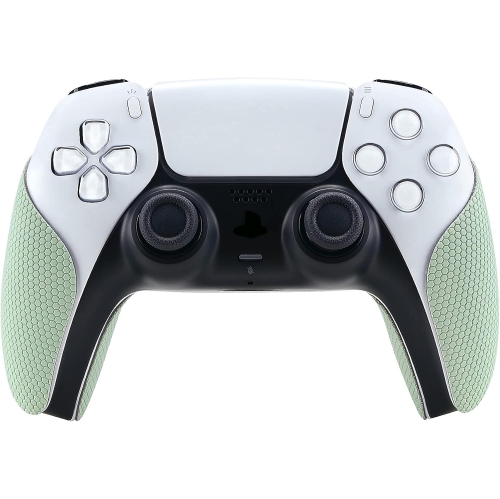
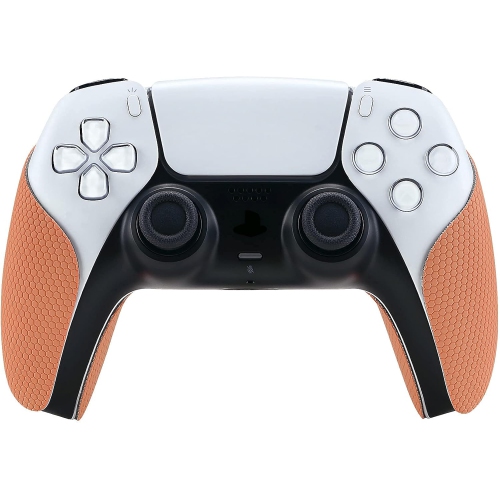
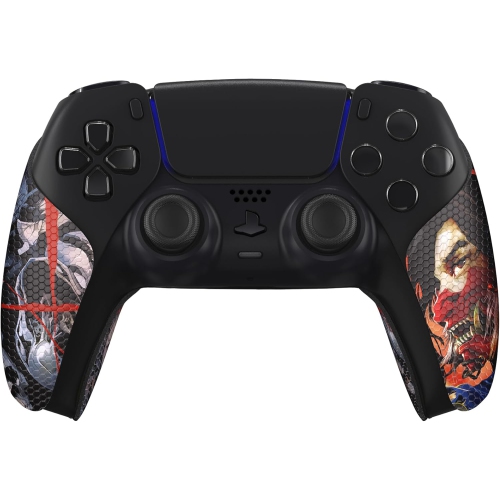
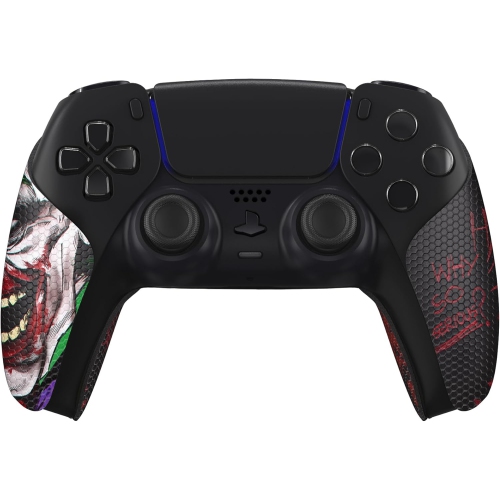
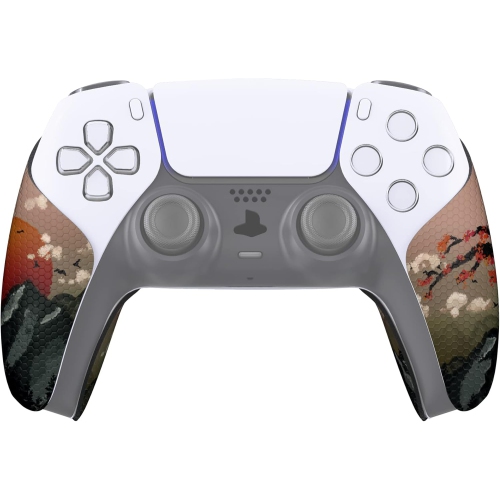
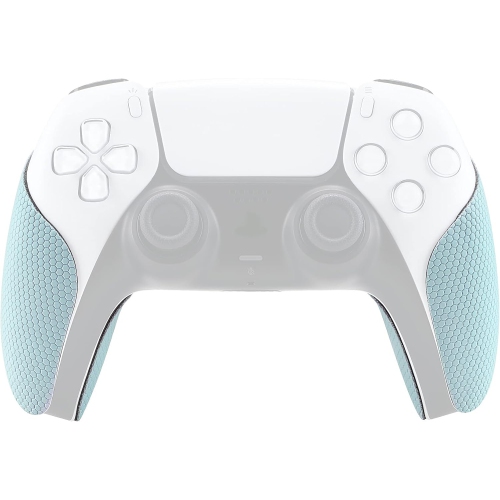
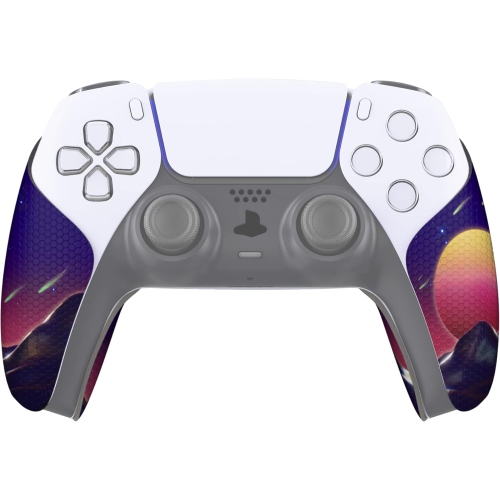
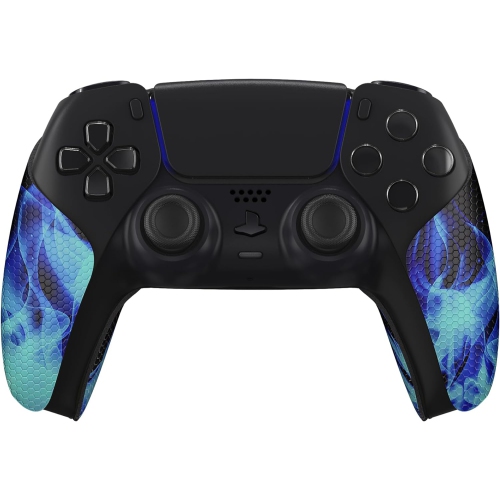
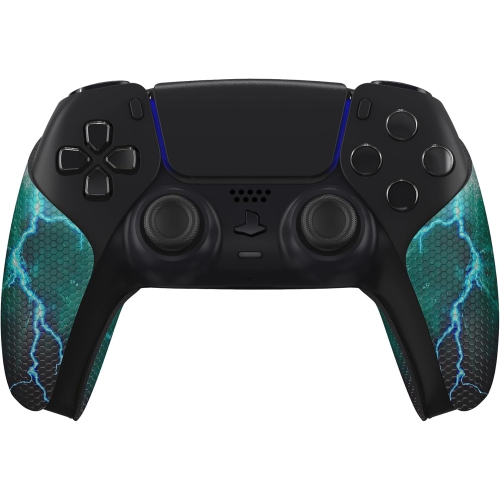
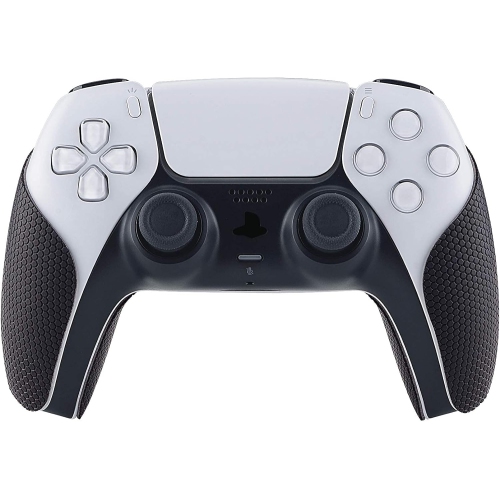
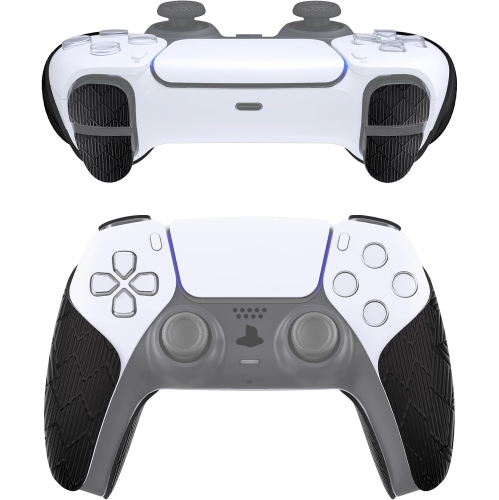
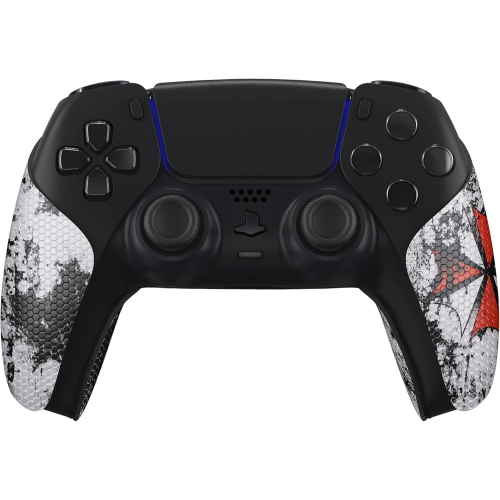
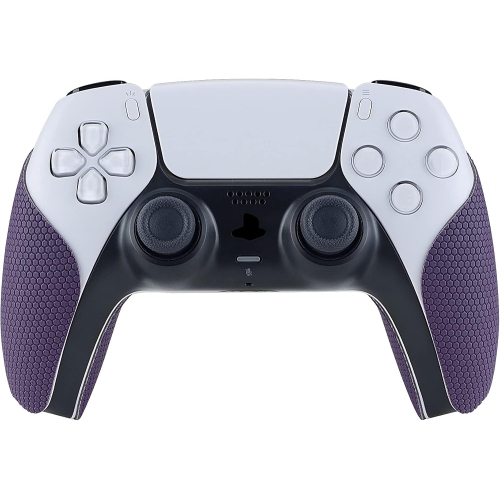
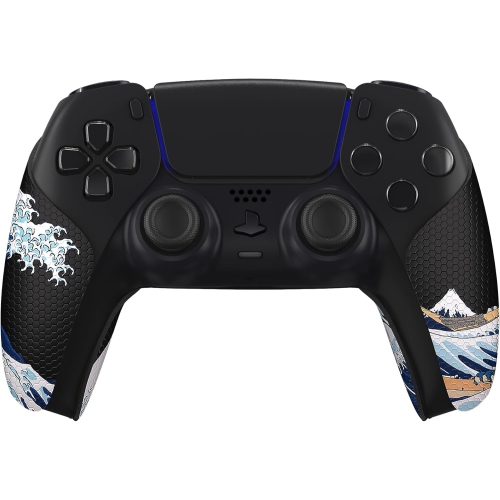
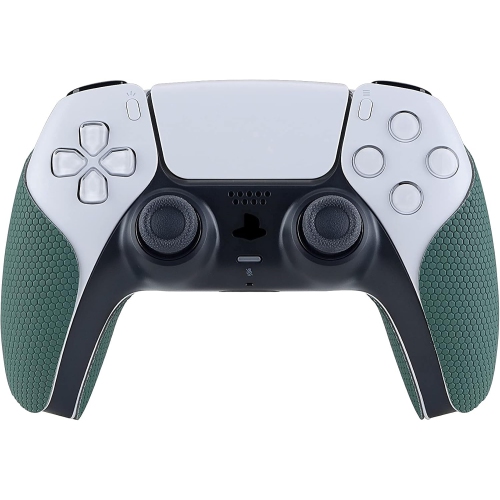
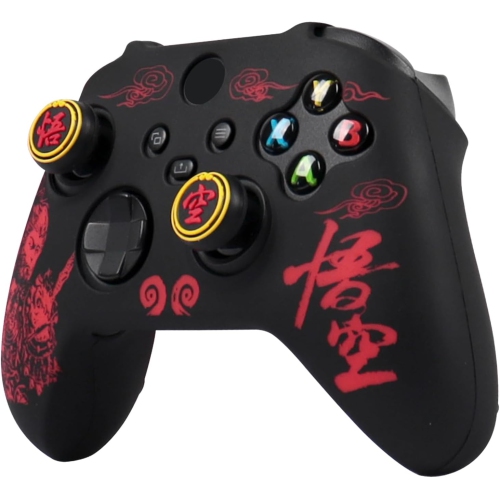
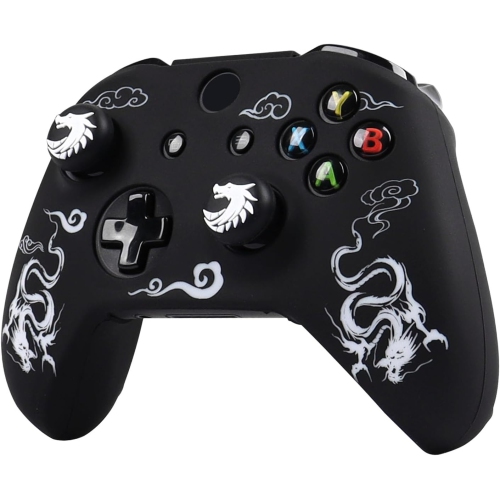
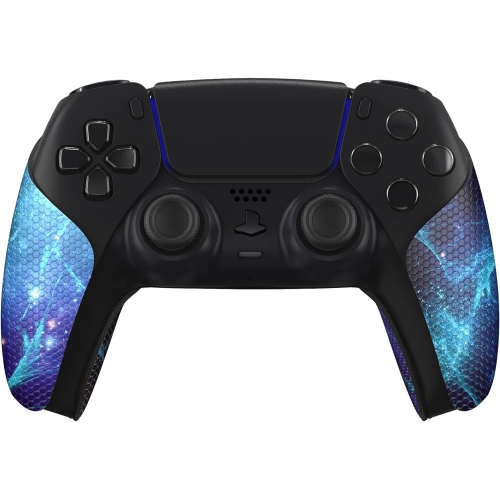
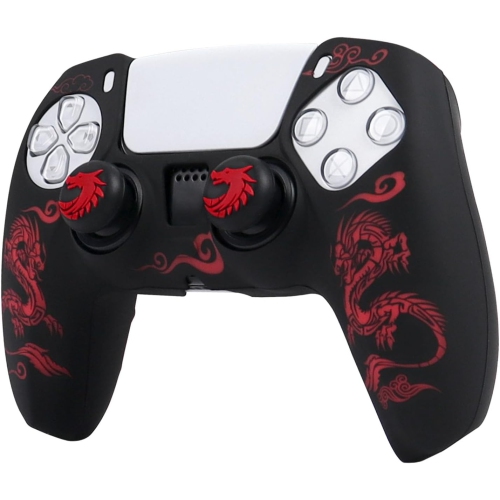
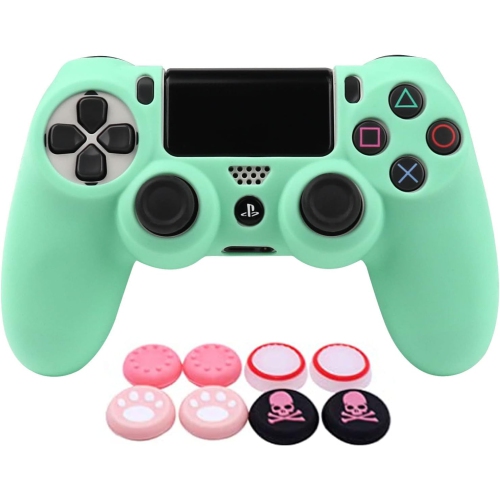
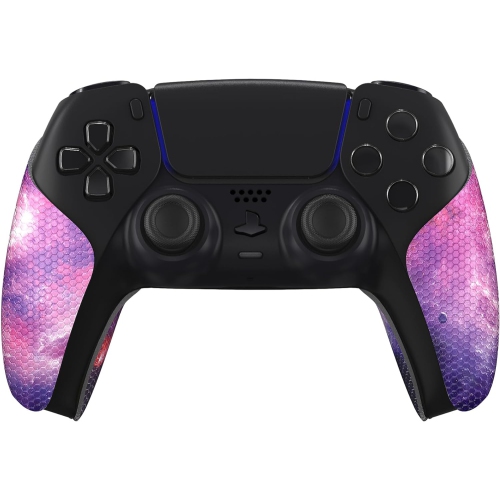
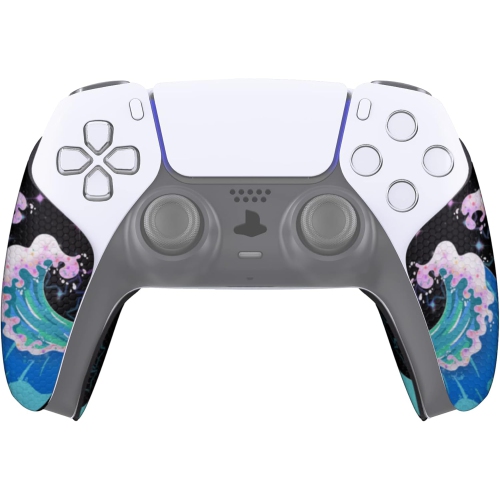
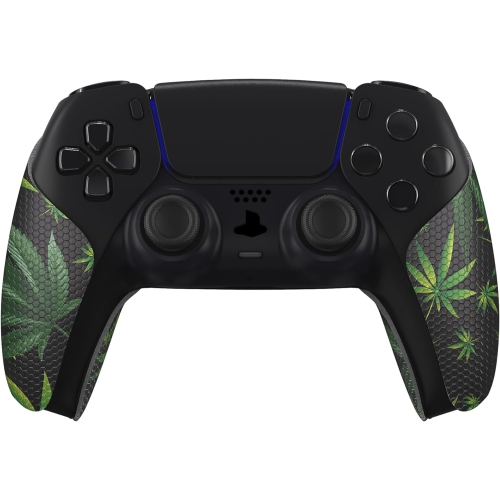
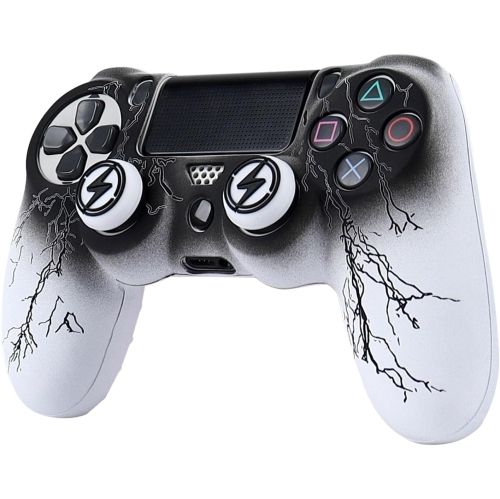
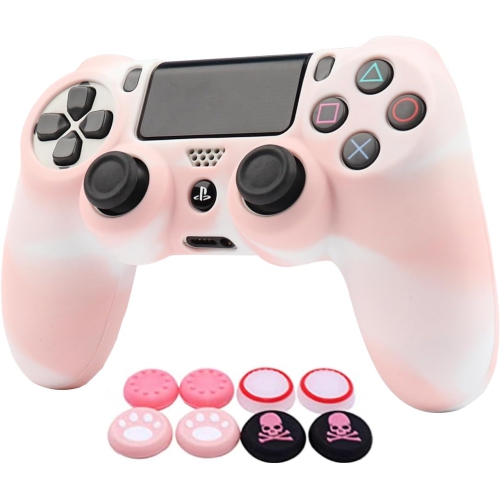
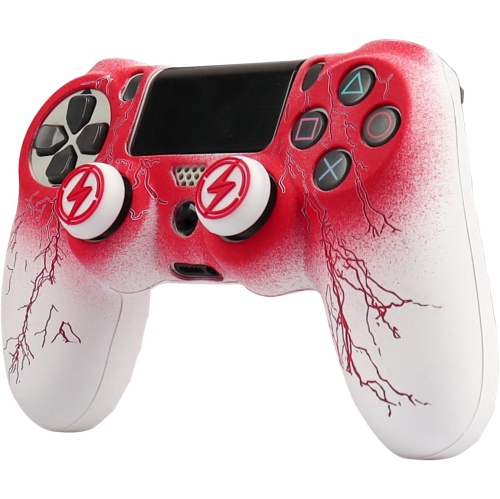
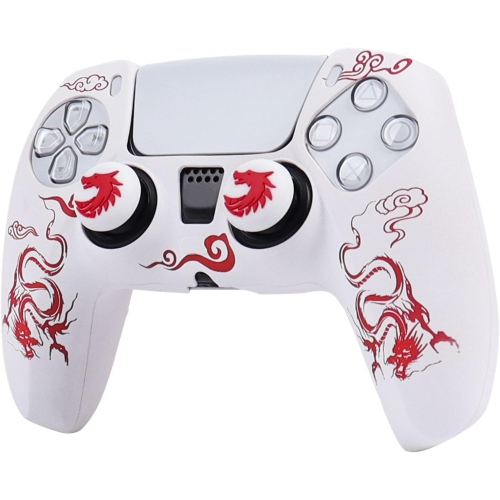
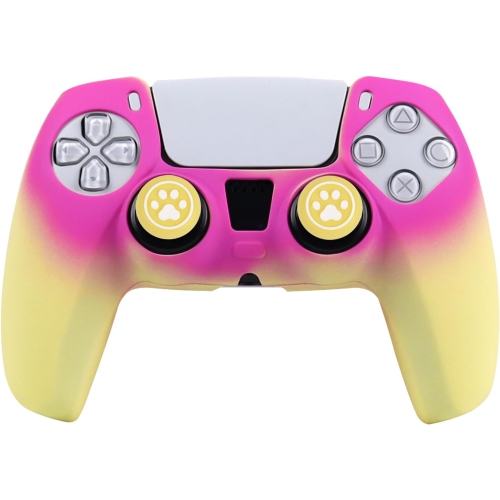
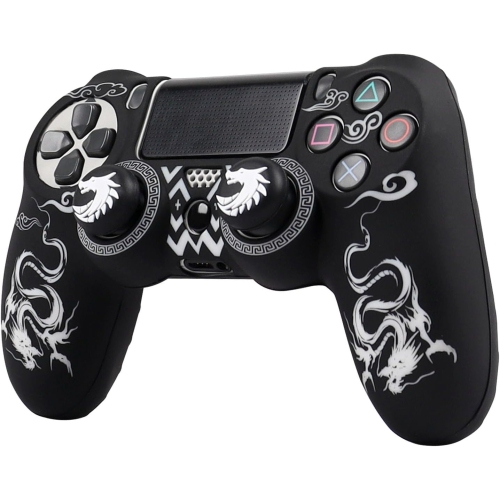
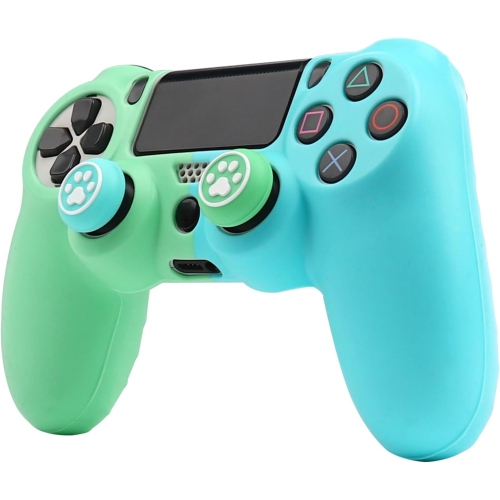
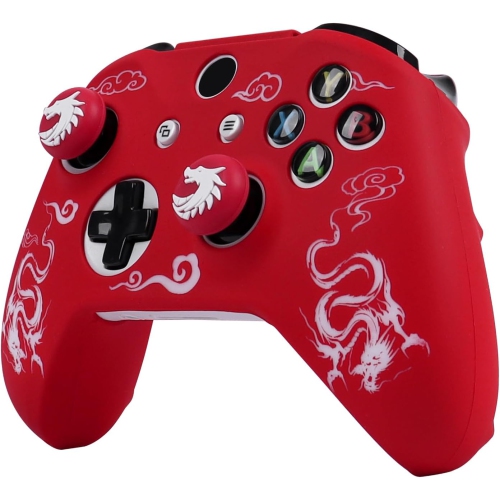
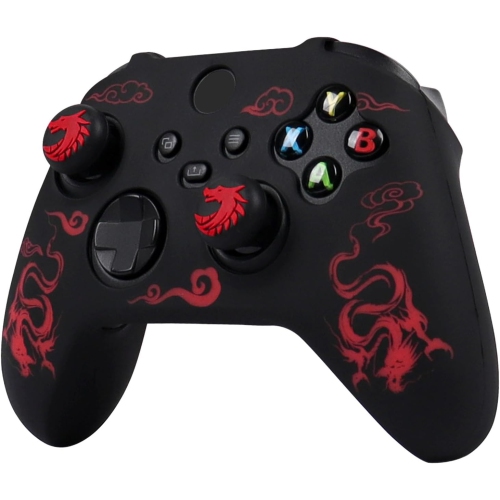
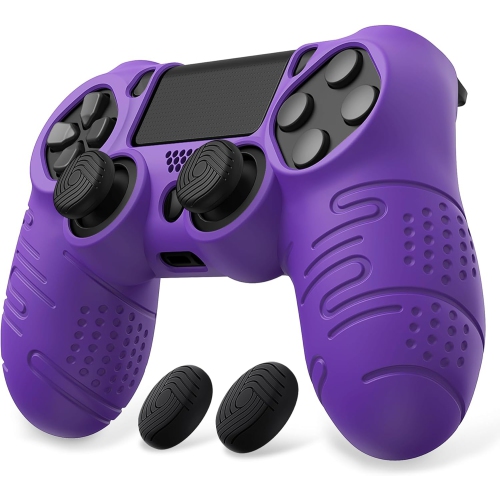
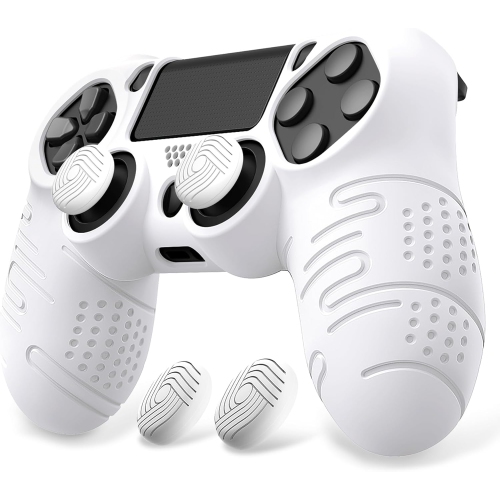
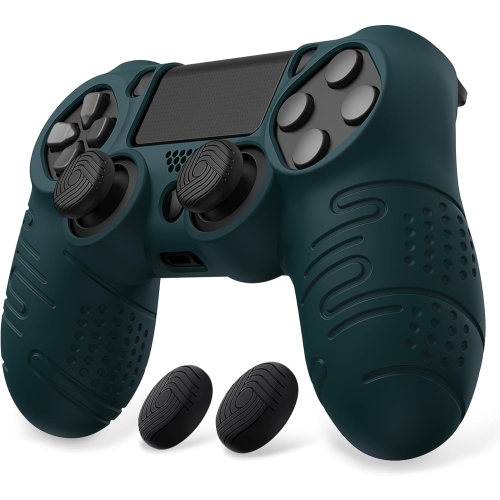
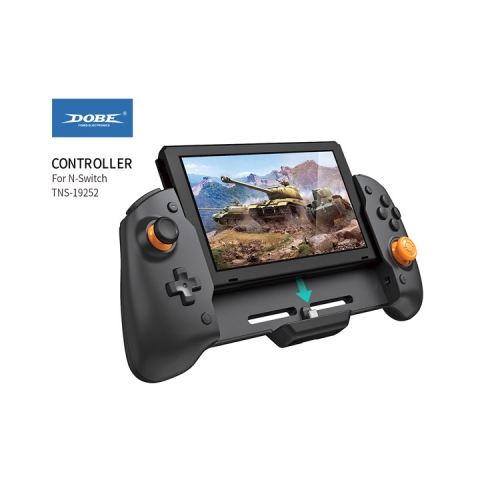
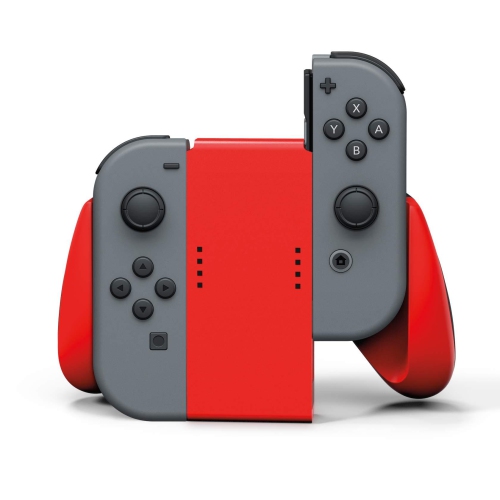
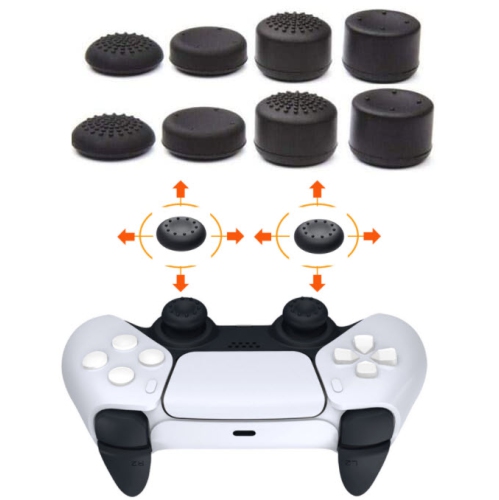
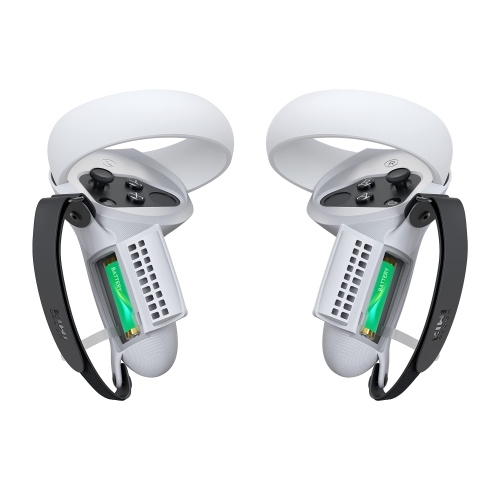
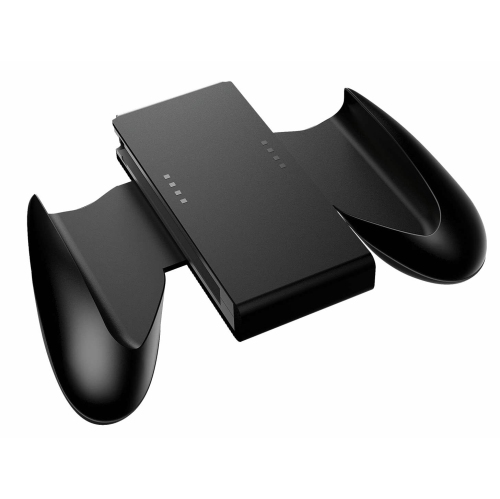
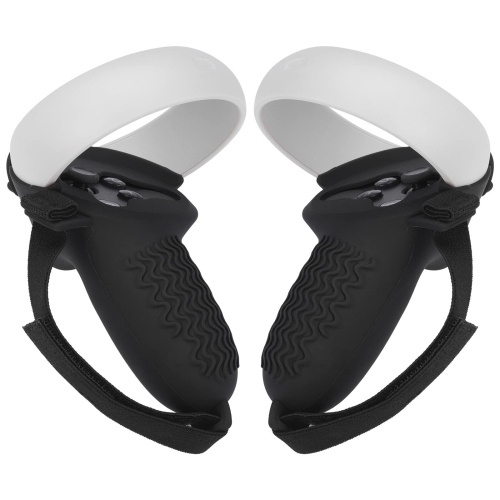
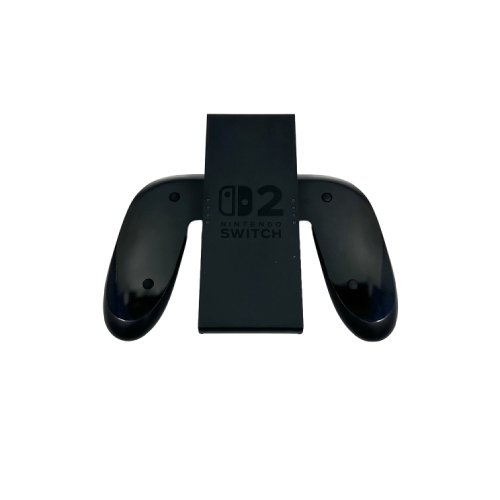
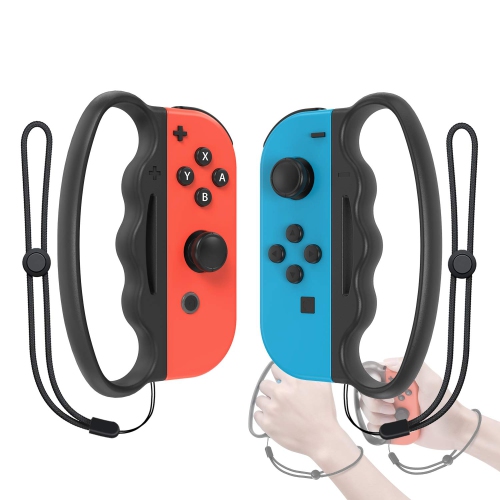
Gaming controller grips are add-on accessories designed to make a gamepad feel more secure, comfortable, and responsive during play. They can be especially useful for people who spend long evenings exploring open-world games, competing in online matches, or working through a challenging level where every movement matters. A grip may help reduce slipping when palms become warm during an intense session, while textured surfaces can provide a steadier hold without requiring a tighter squeeze. That small change can make a controller feel more natural in the hands, particularly for players who experience hand fatigue, finger strain, or discomfort from smooth plastic handles. Some grips are made from soft silicone or flexible rubber and slide over much of the controller, adding a cushioned layer and helping protect the exterior from everyday scuffs. Others are thin handle decals or adhesive wraps that add texture directly to the areas where the palms rest, preserving the original shape and button layout while creating a more tactile finish. Rubber thumbstick caps are another popular option, fitting over the analogue sticks to improve traction, refresh worn surfaces, or add a little extra height for more controlled movements. When browsing gaming controller grips, begin by checking compatibility with the exact controller model, since handle shapes, stick dimensions, button placement, and charging-port access can vary between systems and generations. A grip that fits one gamepad may not sit properly on another, and a close fit is important for keeping the accessory from shifting while you play. It is also worth considering whether you prefer a lightweight layer that keeps the original feel of the controller or a fuller cover with more cushioning and protection.
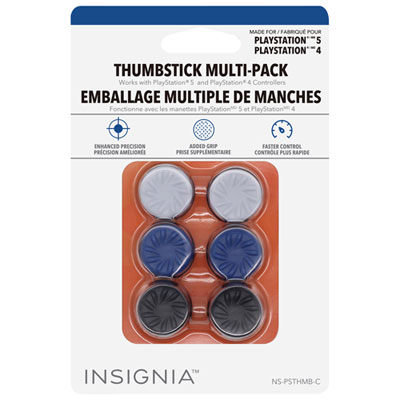
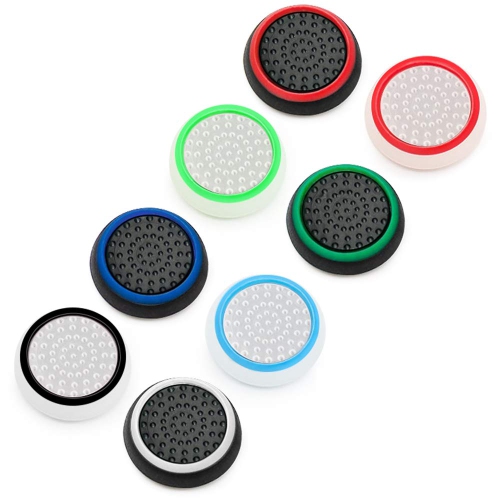
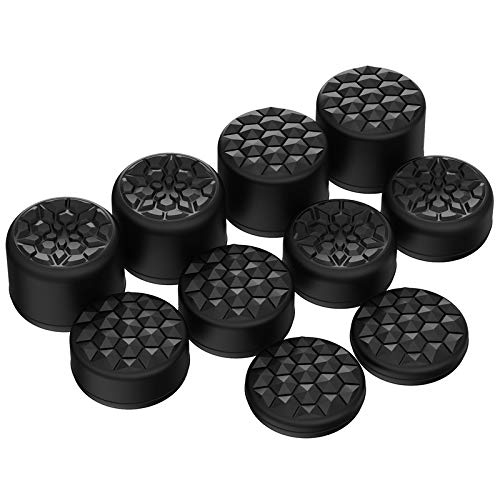
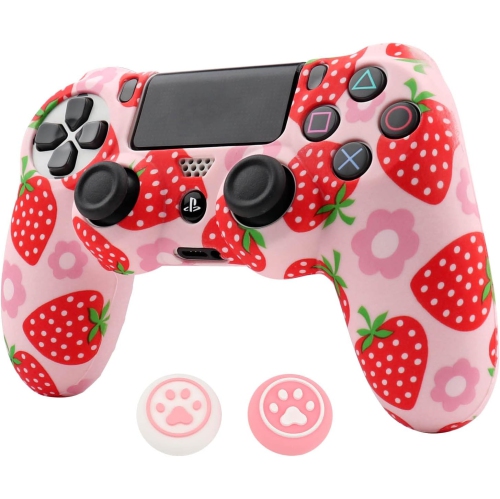
Different types of gaming controller grips suit different playing styles and comfort preferences. Handle decals and stickers are usually slim and shaped to follow the contours of the gamepad, making them a practical choice for players who want added friction without noticeably changing the controller’s size. Look for a clean, well-defined texture that feels secure but not abrasive, especially if you play for several hours at a time. Silicone skins can offer a softer hand feel and may help shield the controller from minor knocks, dust, and surface marks. Their flexibility makes them easy to remove for cleaning, although the fit should remain snug around the handles and corners rather than bunching beneath the palms. Thumbstick grips or caps can be useful when the original stick tops feel smooth, worn, or difficult to control. Concave caps can give the thumb a more settled resting place, while convex shapes may suit quick, sweeping movements. Taller thumbstick extenders increase the distance of analogue movement and can offer finer control in aiming or camera adjustments, though they may feel unfamiliar at first and are not ideal for every game or player. Material also affects the experience: rubber and silicone tend to provide a soft, grippy touch, while textured polymer surfaces can feel more precise and structured. Moisture-resistant or moisture-wicking textures may be helpful for warm rooms, active multiplayer sessions, or players whose hands become sweaty while concentrating. For adhesive styles, installation is easiest when the controller is clean, dry, and free of dust or skin oils. Align each piece carefully before pressing it down, paying close attention to seams, vents, triggers, and access to the charging port. A well-designed adhesive grip should remove without leaving a troublesome sticky layer, but following the care and removal instructions helps protect the controller’s finish.
Gaming controller grips can be a thoughtful gift for console players, PC gamers who use a gamepad, and families who share controllers between siblings or friends. They are compact, easy to pair with a new gaming setup, and useful for both casual play and more demanding genres. A young player may appreciate colourful or tactile thumb caps that give a controller a more personal feel, while a competitive player may prefer performance-focused grips that support precise aiming and consistent hand placement. They can also be a practical addition to a gaming station in a shared home, where controllers see frequent handling and benefit from an extra layer of protection. Players who enjoy racing games may like a secure, non-slip handle texture for long laps, while fans of action, sports, and adventure games may value cushioning during extended sessions. Those building or updating a setup can browse Gaming Controllers alongside grips to compare controller shapes and find accessories that match their equipment. Before making a choice, consider the player’s preferred console, the controller’s exact model, the amount of cushioning they enjoy, and whether they want coverage for the handles, the entire shell, or only the thumbsticks. Check that the grip will not interfere with triggers, bumpers, motion controls, headset connections, or a charging dock. Regular care is simple: remove the accessory according to its instructions, wipe washable silicone or rubber with a soft, lightly damp cloth, and allow it to dry fully before reinstalling it. With the right fit and texture, gaming controller grips can turn a familiar gamepad into a more comfortable extension of the hands, helping players stay focused through a quick match, a long co-op adventure, or a relaxed session during the cooler months.
Different types of gaming controller grips suit different playing styles and comfort preferences. Handle decals and stickers are usually slim and shaped to follow the contours of the gamepad, making them a practical choice for players who want added friction without noticeably changing the controller’s size. Look for a clean, well-defined texture that feels secure but not abrasive, especially if you play for several hours at a time. Silicone skins can offer a softer hand feel and may help shield the controller from minor knocks, dust, and surface marks. Their flexibility makes them easy to remove for cleaning, although the fit should remain snug around the handles and corners rather than bunching beneath the palms. Thumbstick grips or caps can be useful when the original stick tops feel smooth, worn, or difficult to control. Concave caps can give the thumb a more settled resting place, while convex shapes may suit quick, sweeping movements. Taller thumbstick extenders increase the distance of analogue movement and can offer finer control in aiming or camera adjustments, though they may feel unfamiliar at first and are not ideal for every game or player. Material also affects the experience: rubber and silicone tend to provide a soft, grippy touch, while textured polymer surfaces can feel more precise and structured. Moisture-resistant or moisture-wicking textures may be helpful for warm rooms, active multiplayer sessions, or players whose hands become sweaty while concentrating. For adhesive styles, installation is easiest when the controller is clean, dry, and free of dust or skin oils. Align each piece carefully before pressing it down, paying close attention to seams, vents, triggers, and access to the charging port. A well-designed adhesive grip should remove without leaving a troublesome sticky layer, but following the care and removal instructions helps protect the controller’s finish.
Gaming controller grips can be a thoughtful gift for console players, PC gamers who use a gamepad, and families who share controllers between siblings or friends. They are compact, easy to pair with a new gaming setup, and useful for both casual play and more demanding genres. A young player may appreciate colourful or tactile thumb caps that give a controller a more personal feel, while a competitive player may prefer performance-focused grips that support precise aiming and consistent hand placement. They can also be a practical addition to a gaming station in a shared home, where controllers see frequent handling and benefit from an extra layer of protection. Players who enjoy racing games may like a secure, non-slip handle texture for long laps, while fans of action, sports, and adventure games may value cushioning during extended sessions. Those building or updating a setup can browse Gaming Controllers alongside grips to compare controller shapes and find accessories that match their equipment. Before making a choice, consider the player’s preferred console, the controller’s exact model, the amount of cushioning they enjoy, and whether they want coverage for the handles, the entire shell, or only the thumbsticks. Check that the grip will not interfere with triggers, bumpers, motion controls, headset connections, or a charging dock. Regular care is simple: remove the accessory according to its instructions, wipe washable silicone or rubber with a soft, lightly damp cloth, and allow it to dry fully before reinstalling it. With the right fit and texture, gaming controller grips can turn a familiar gamepad into a more comfortable extension of the hands, helping players stay focused through a quick match, a long co-op adventure, or a relaxed session during the cooler months.
Top selling and popular products
-
 Your price for this item is $32.99
 -
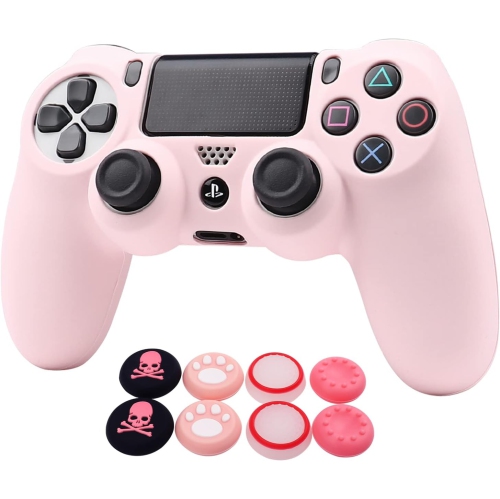 Your price for this item is $32.99
 -
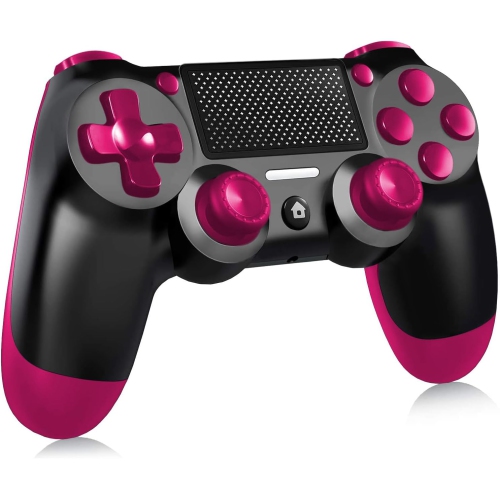 Your price for this item is $30.99
 -
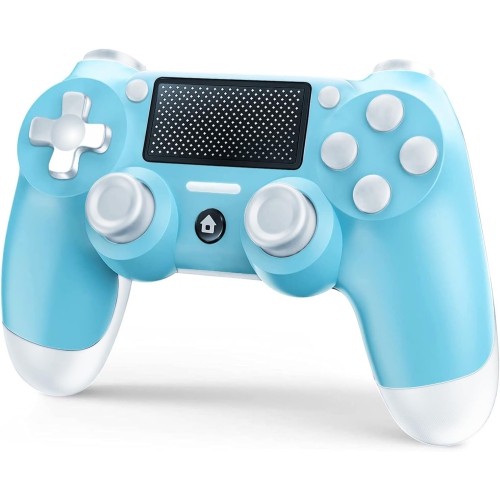 Your price for this item is $30.99
 -
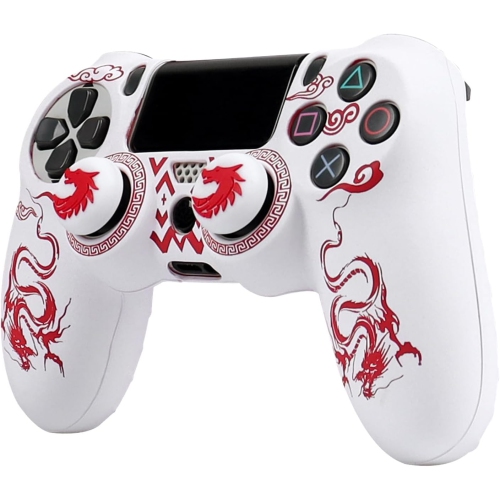 Your price for this item is $32.99
 -
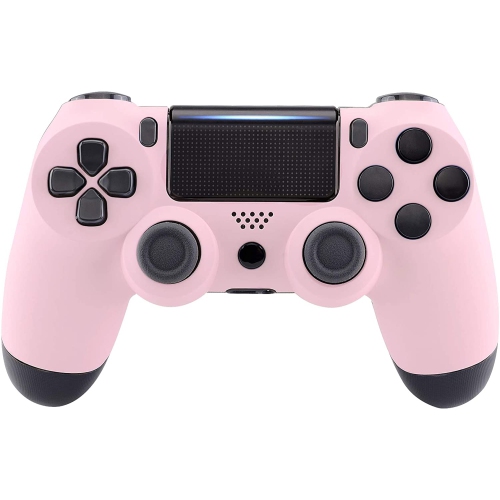 Your price for this item is $20.99
 -
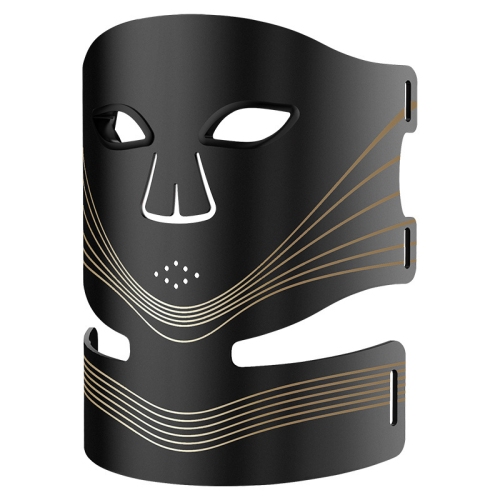 Your price for this item is $154.99
 -
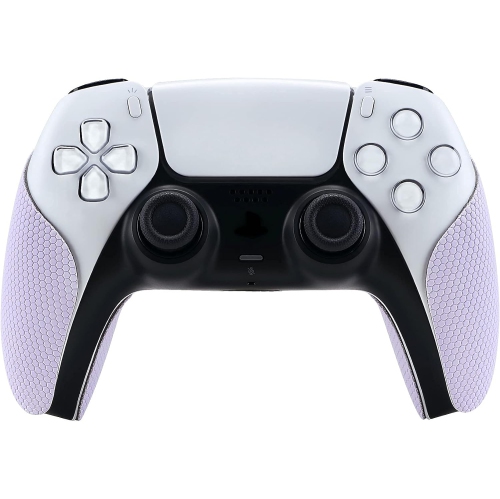 Your price for this item is $26.99
Discover more categories related to Gaming Controller Grips

Top Collections:
Pokemon Centers, Kindle Devices, Best Budget Office Chairs, Apple iPhones 16, Best Laptops for Writers, iPhone 15 Apple, Canon G7X Cameras, Refurbished Apple Laptops, Alarm Clock, Motorola Razr Phones
Some products may be subject to Environmental Handling Fees
(EHF) depending on your province.
Learn more about EHFs.