Ps 4 Controller Parts
Explore our comprehensive selection of PS4 controller parts to keep your gaming experience seamless and uninterrupted. Whether you're looking to replace worn-out components or customize your controller for a personalized touch, you'll find a variety of options designed to meet your needs. From thumbsticks and buttons to internal components, these parts are crafted to help you maintain optimal performance and extend the life of your favorite gaming accessory. Dive into our collection and discover the perfect PS4 controller parts that will enhance every gaming session.
Sort
Repair guidance for common controller faults and compatibility checks
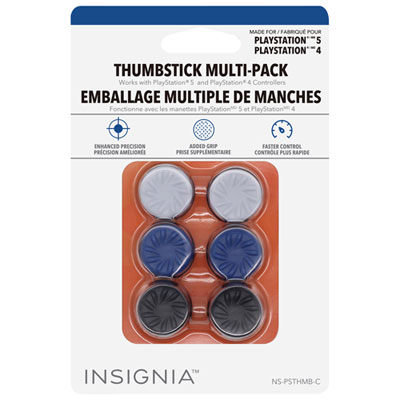
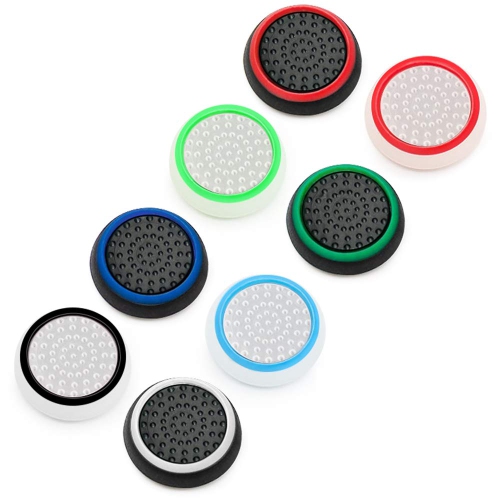
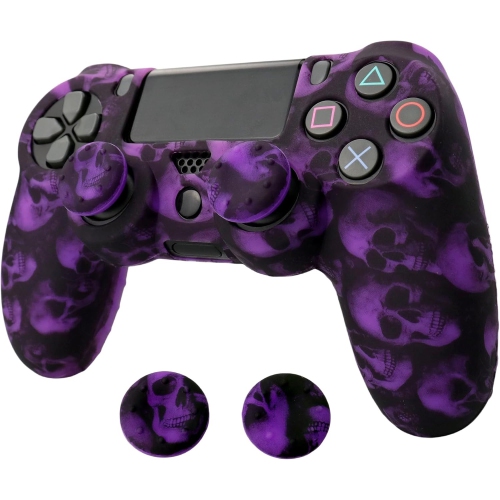
PS4 controller parts can help restore the feel and function of a controller when everyday use has taken its toll. A thumbstick that no longer centres properly, a trigger that feels loose, or a face button that responds only when pressed firmly can make even a familiar game feel frustrating. Replacement parts are available for several common issues, including worn analog thumbsticks, faulty joystick modules, unresponsive buttons, unreliable charging connections, and damaged trigger mechanisms. Analog thumbstick caps are a practical option when the original grip has become smooth, sticky, cracked, or uncomfortable during longer play sessions. If the on-screen character or camera moves without input, the problem may be related to the internal joystick module rather than the removable thumbstick cap. Standard replacement modules can address worn potentiometer components, while newer magnetic-sensing options may be available for some repair projects. Conductive rubber pads sit beneath the face buttons, directional pad, and trigger controls, transferring pressure to the controller’s circuit board. When these pads flatten, tear, or collect residue, buttons may feel soft, fail to register, or respond inconsistently. Replacing the appropriate pad can bring back a more defined press and reliable rebound. Since controllers can have different internal revisions, it is important to compare the part with the controller’s model information, circuit-board layout, connector position, and number of pins before ordering.
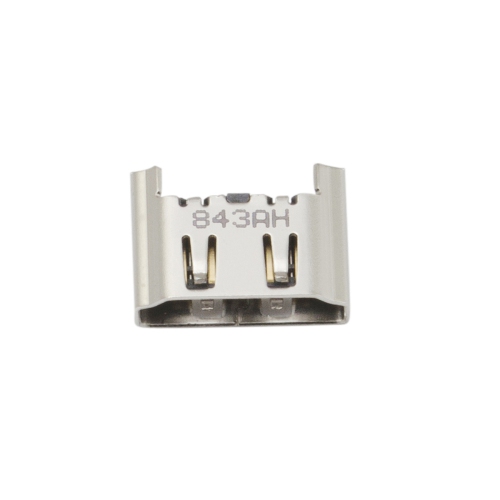
Charging-related problems often point to the charging port board, flex cable, or another internal connection rather than the battery alone. A controller that charges only when the cable is held at a particular angle may have a worn port, while a controller that does not communicate consistently with a console or computer may require a compatible ribbon cable or internal film. Ribbon cables are thin, delicate components that carry signals between sections of the controller, and the correct version can depend on the controller’s hardware revision. Model identifiers such as JDM-030 or JDM-040 may appear on the internal board or related documentation, but the most reliable approach is to open the controller only if you are comfortable doing so and confirm the markings before purchasing. Trigger springs are another small but important part. L2 and R2 controls rely on spring tension to return to position, so a snapped or weakened spring can leave a trigger loose, uneven, or stuck. When choosing replacement parts, consider whether the package includes the complete component or only a small individual piece, and check whether installation requires soldering, a precision screwdriver, tweezers, a plastic opening tool, or other repair equipment. Static electricity, misplaced screws, stretched cables, and broken plastic clips can create additional problems during disassembly, so a clean, well-lit work surface and a careful visual walkthrough can make the process easier. Parts should be handled gently, with connectors released rather than pulled by their cables, and the controller should be tested gradually after reassembly.
PS4 controller parts may suit regular players, families with several controllers, collectors maintaining older gaming equipment, and anyone who prefers repairing a familiar controller instead of replacing the entire unit. They can also be a thoughtful practical gift for a gamer who enjoys hands-on projects, particularly when matched with the recipient’s controller revision and the symptom they have noticed. Before selecting a part, identify the exact fault: drifting movement usually calls for attention to the analog stick assembly; a worn grip may only need a thumbstick cap; missed face-button inputs may involve conductive rubber pads or a ribbon cable; a loose L2 or R2 control may point to a trigger spring; and charging interruptions may involve the port board or flex connection. Compatibility matters more than appearance, since two controllers that look similar from the outside can use different internal layouts, cable lengths, connector counts, or board revisions. It is also worth checking whether the repair involves soldering. Replacing a cap, spring, or some cable assemblies may be manageable with basic tools, while joystick modules and certain charging-port repairs can require solder removal, board cleaning, and precise installation. Taking photographs at each stage can help with cable routing and screw placement, especially when several small components are removed. After the repair, test every face button, the directional pad, both sticks, all triggers, vibration, touch controls, wireless connection, and charging function before returning the controller to regular use. For shoppers comparing parts for different generations of console controllers, the selection of PS5 Controller Parts provides a separate starting point, while this collection is focused on replacement components intended for PS4 controllers. During the cooler months, when more time is often spent indoors with multiplayer sessions and story-driven games, having the right replacement component on hand can help keep a well-used controller comfortable, responsive, and ready for another round.
Charging-related problems often point to the charging port board, flex cable, or another internal connection rather than the battery alone. A controller that charges only when the cable is held at a particular angle may have a worn port, while a controller that does not communicate consistently with a console or computer may require a compatible ribbon cable or internal film. Ribbon cables are thin, delicate components that carry signals between sections of the controller, and the correct version can depend on the controller’s hardware revision. Model identifiers such as JDM-030 or JDM-040 may appear on the internal board or related documentation, but the most reliable approach is to open the controller only if you are comfortable doing so and confirm the markings before purchasing. Trigger springs are another small but important part. L2 and R2 controls rely on spring tension to return to position, so a snapped or weakened spring can leave a trigger loose, uneven, or stuck. When choosing replacement parts, consider whether the package includes the complete component or only a small individual piece, and check whether installation requires soldering, a precision screwdriver, tweezers, a plastic opening tool, or other repair equipment. Static electricity, misplaced screws, stretched cables, and broken plastic clips can create additional problems during disassembly, so a clean, well-lit work surface and a careful visual walkthrough can make the process easier. Parts should be handled gently, with connectors released rather than pulled by their cables, and the controller should be tested gradually after reassembly.
PS4 controller parts may suit regular players, families with several controllers, collectors maintaining older gaming equipment, and anyone who prefers repairing a familiar controller instead of replacing the entire unit. They can also be a thoughtful practical gift for a gamer who enjoys hands-on projects, particularly when matched with the recipient’s controller revision and the symptom they have noticed. Before selecting a part, identify the exact fault: drifting movement usually calls for attention to the analog stick assembly; a worn grip may only need a thumbstick cap; missed face-button inputs may involve conductive rubber pads or a ribbon cable; a loose L2 or R2 control may point to a trigger spring; and charging interruptions may involve the port board or flex connection. Compatibility matters more than appearance, since two controllers that look similar from the outside can use different internal layouts, cable lengths, connector counts, or board revisions. It is also worth checking whether the repair involves soldering. Replacing a cap, spring, or some cable assemblies may be manageable with basic tools, while joystick modules and certain charging-port repairs can require solder removal, board cleaning, and precise installation. Taking photographs at each stage can help with cable routing and screw placement, especially when several small components are removed. After the repair, test every face button, the directional pad, both sticks, all triggers, vibration, touch controls, wireless connection, and charging function before returning the controller to regular use. For shoppers comparing parts for different generations of console controllers, the selection of PS5 Controller Parts provides a separate starting point, while this collection is focused on replacement components intended for PS4 controllers. During the cooler months, when more time is often spent indoors with multiplayer sessions and story-driven games, having the right replacement component on hand can help keep a well-used controller comfortable, responsive, and ready for another round.
Top selling and popular products
-
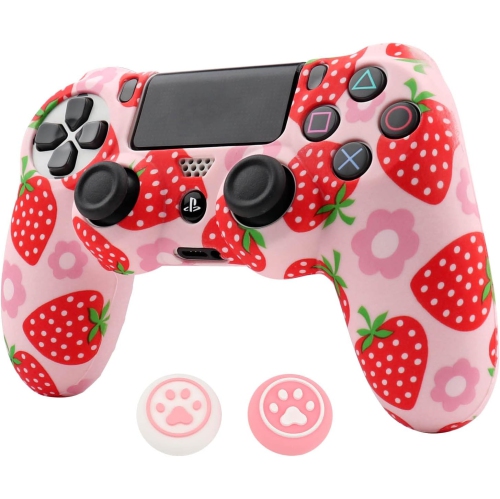 Your price for this item is $32.99
 -
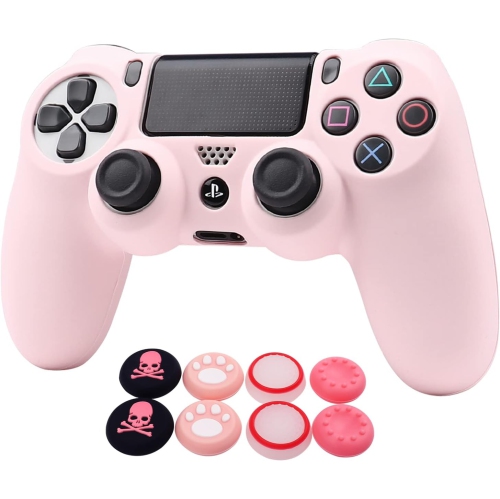 Your price for this item is $32.99
 -
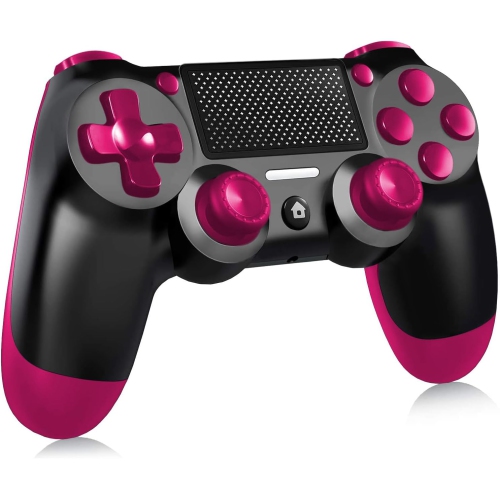 Your price for this item is $30.99
 -
 Your price for this item is $30.99
 -
 Your price for this item is $32.99
 -
 Your price for this item is $20.99
 -
 Your price for this item is $154.99
 -
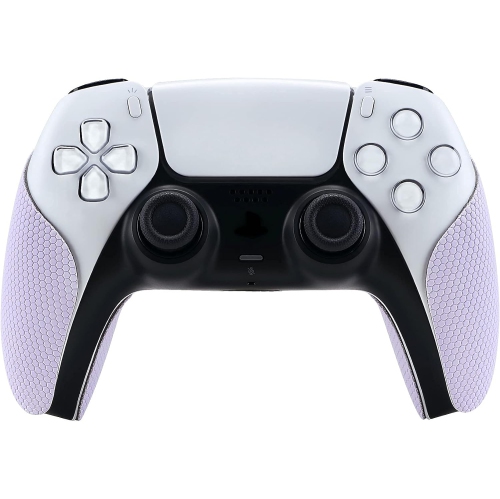 Your price for this item is $26.99
Discover more categories related to Ps 4 Controller Parts
Top Collections:
Pokemon Centers, Kindle Devices, Best Budget Office Chairs, Apple iPhones 16, Best Laptops for Writers, iPhone 15 Apple, Canon G7X Cameras, Refurbished Apple Laptops, Alarm Clock, Motorola Razr Phones
Some products may be subject to Environmental Handling Fees
(EHF) depending on your province.
Learn more about EHFs.