Fitbit Charge 3 Band Replacement
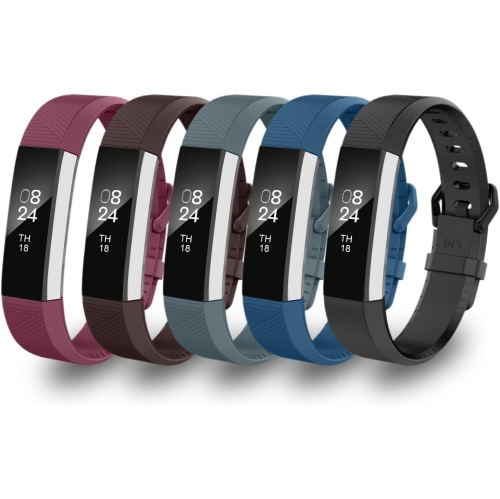
A Fitbit Charge 3 is a powerful, yet stylish fitness tracker that helps you reach your goals. If you're looking to customize your tracker with a new band, here are some of the best options for you.
Sort
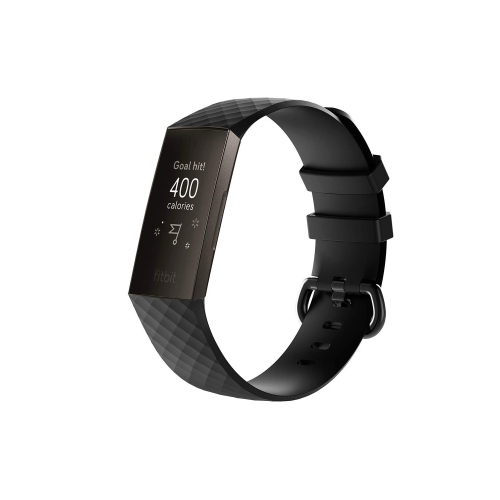
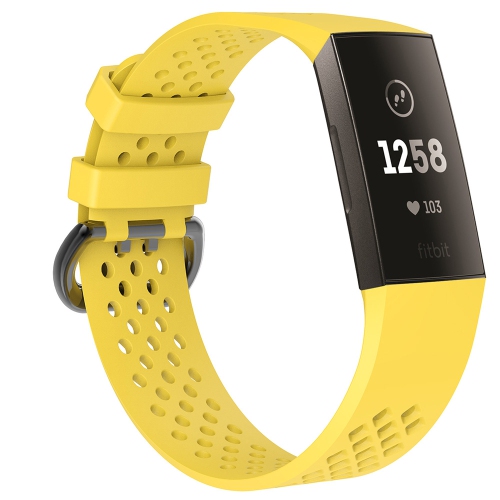
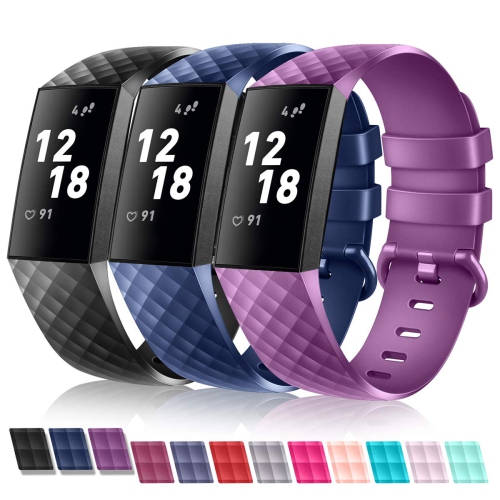
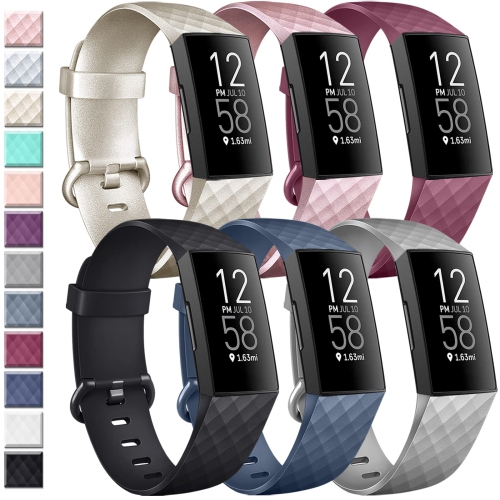
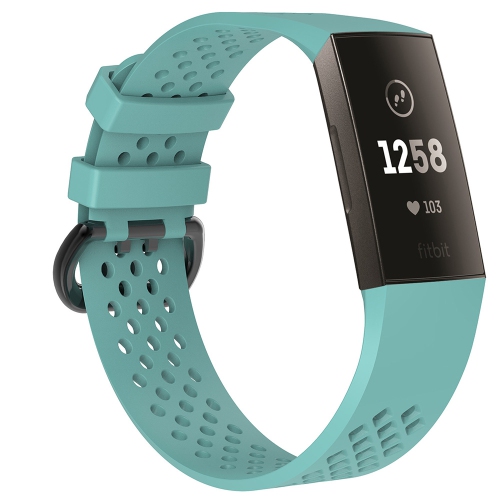
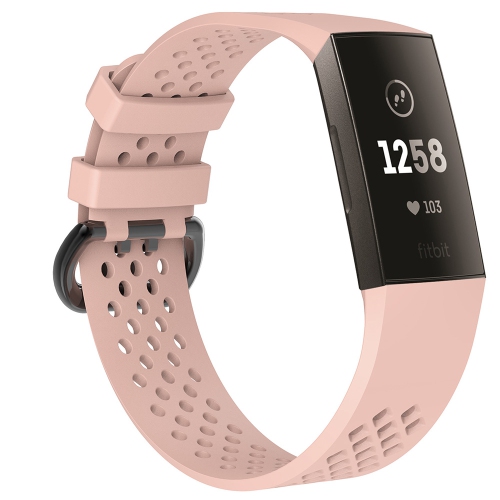
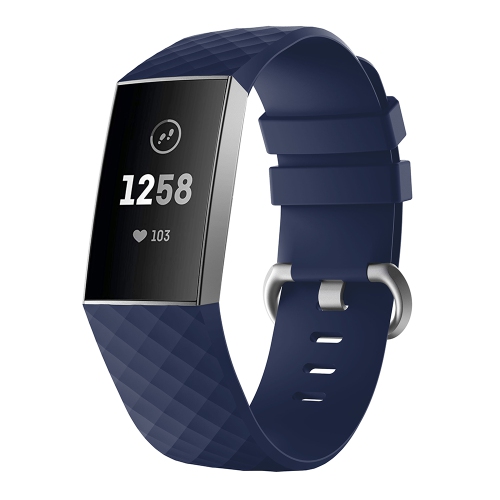
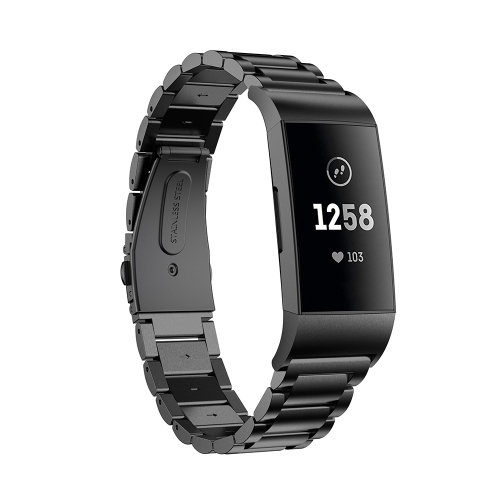
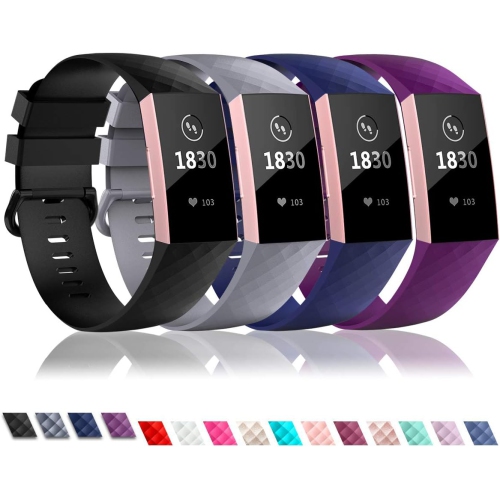
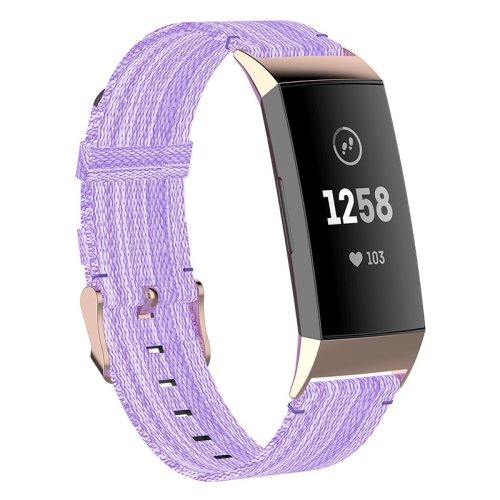
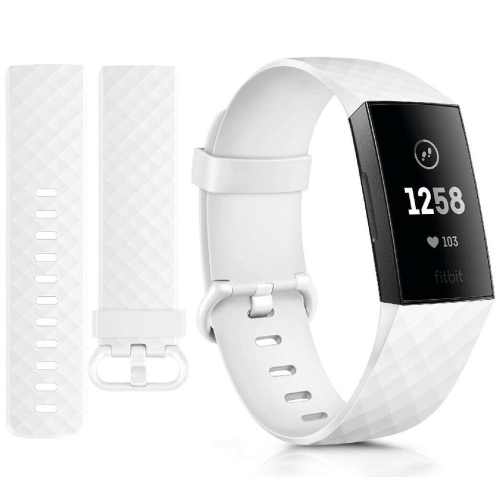
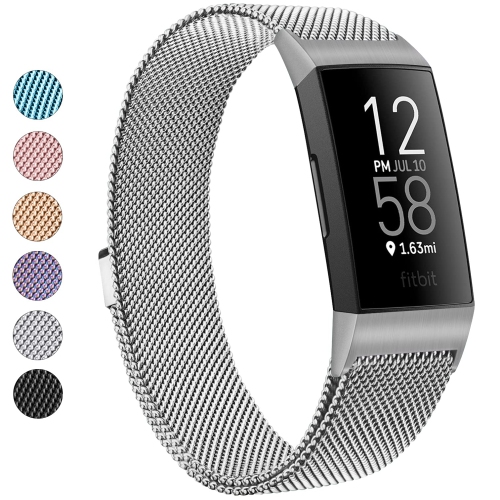
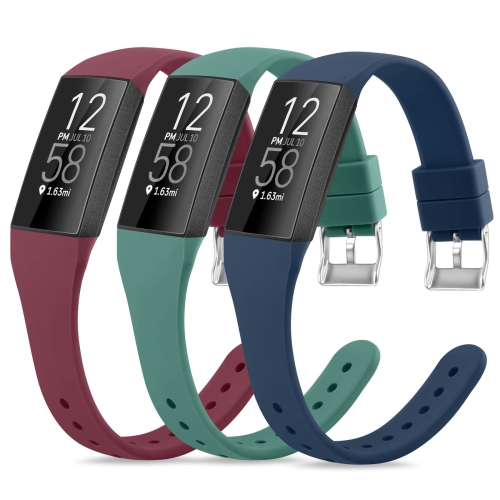
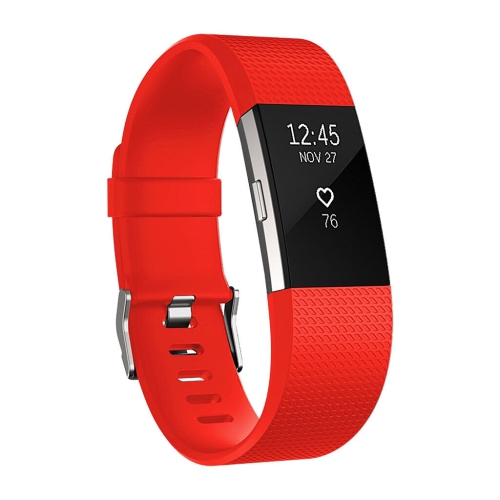
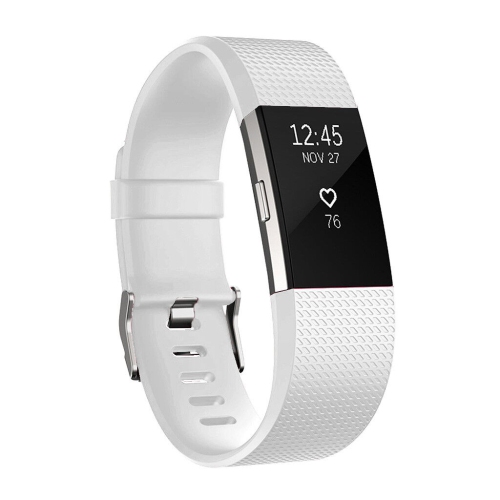
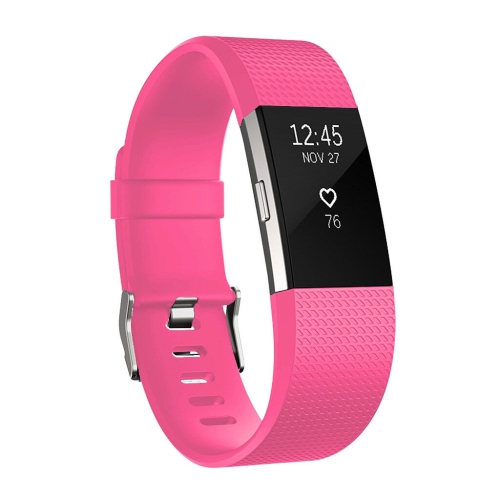
![TASNIM Fitbit Charge 3 / 4 Bands, Soft Tpu Silicone Replacement Sport Band Fitness Strap [Large Red]](https://multimedia.bbycastatic.ca/multimedia/products/500x500/198/19830/19830278.jpeg)
![TASNIM Fitbit Charge 3 / 4 Bands, Soft Tpu Silicone Replacement Sport Band Fitness Strap [Small Purple]](https://multimedia.bbycastatic.ca/multimedia/products/500x500/198/19830/19830220.jpeg)
![TASNIM Fitbit Charge 3 / 4 Bands, Soft Tpu Silicone Replacement Sport Band Fitness Strap [Small Blue]](https://multimedia.bbycastatic.ca/multimedia/products/500x500/198/19830/19830222.jpeg)
![TASNIM Fitbit Charge 3 / 4 Bands, Soft Tpu Silicone Replacement Sport Band Fitness Strap [Small Red]](https://multimedia.bbycastatic.ca/multimedia/products/500x500/198/19830/19830221.jpeg)
![TASNIM Fitbit Charge 3 / 4 Bands, Soft Tpu Silicone Replacement Sport Band Fitness Strap [Small Pink]](https://multimedia.bbycastatic.ca/multimedia/products/500x500/198/19830/19830223.jpeg)
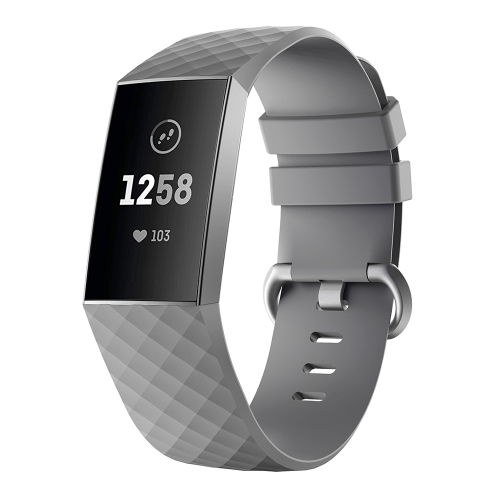
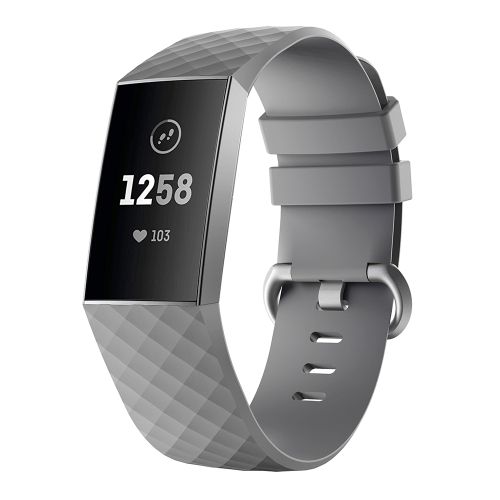
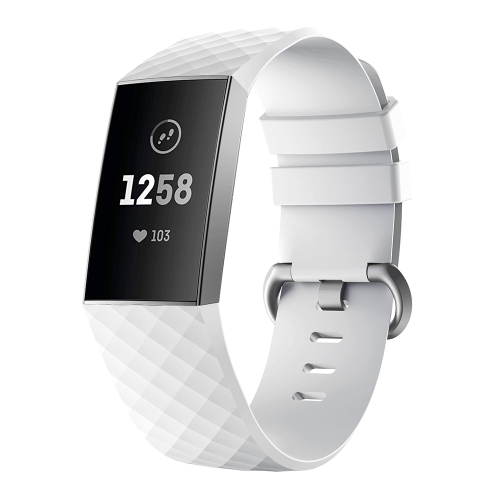
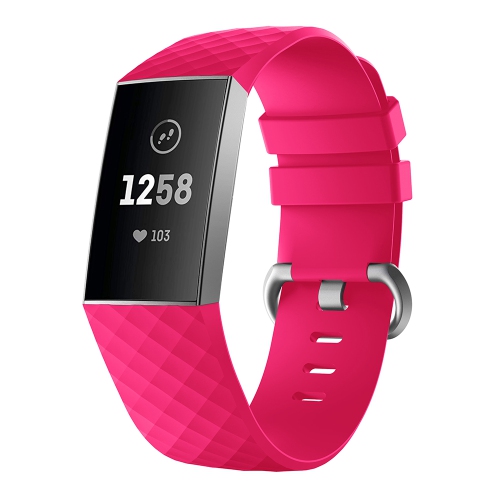
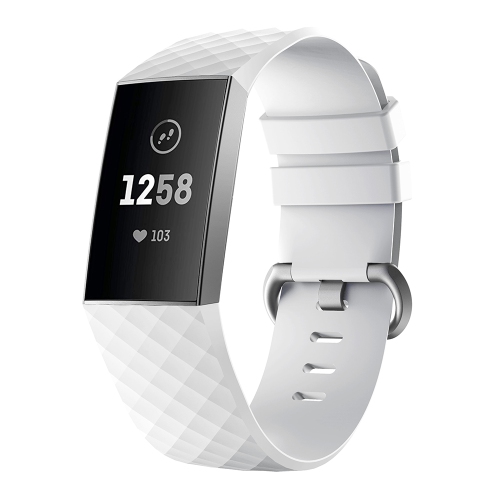
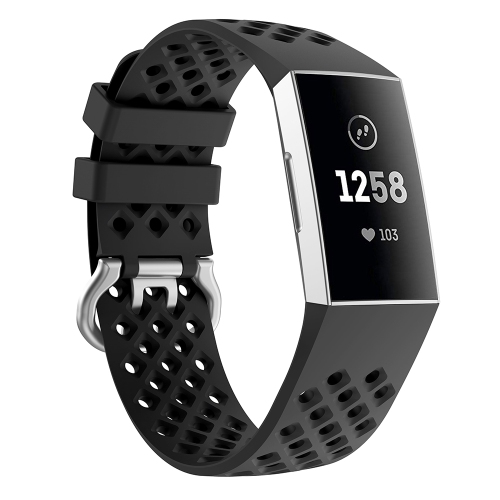
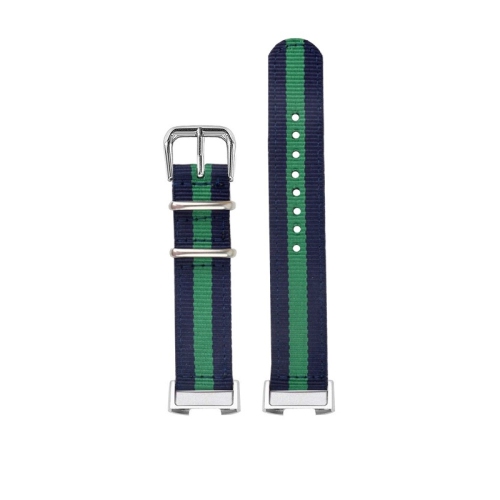
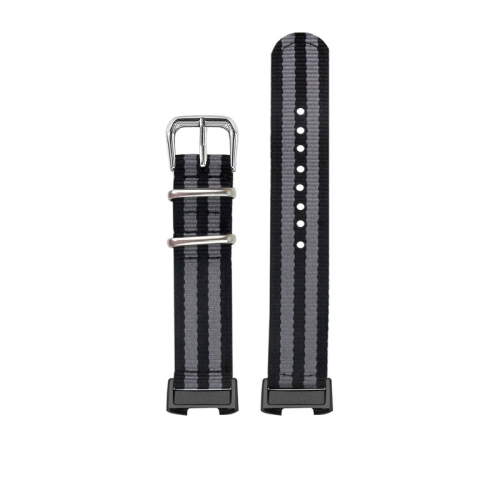
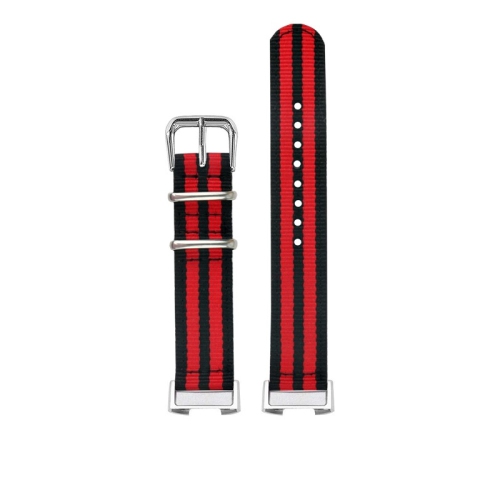

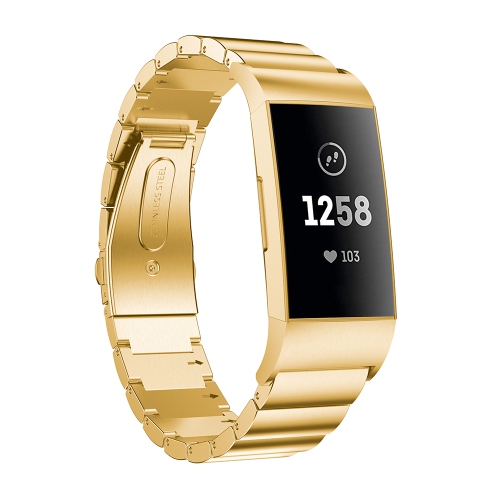
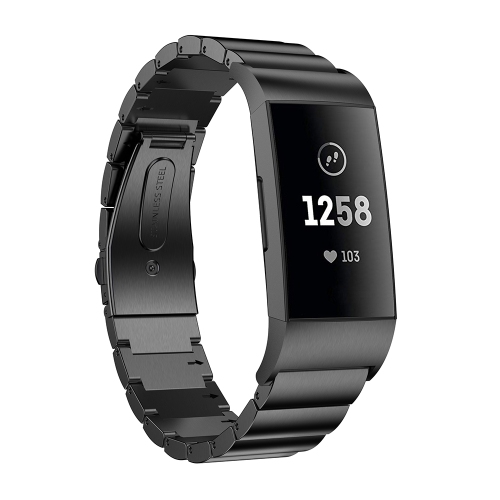
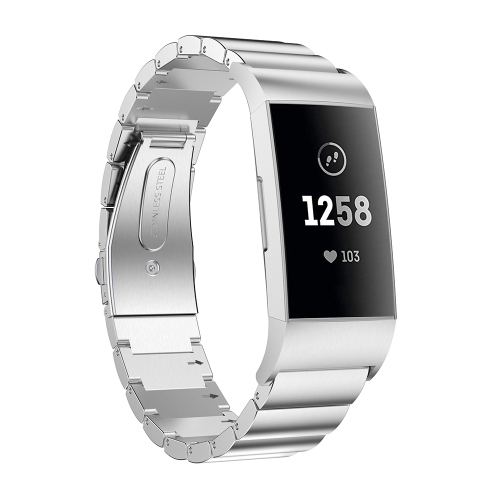
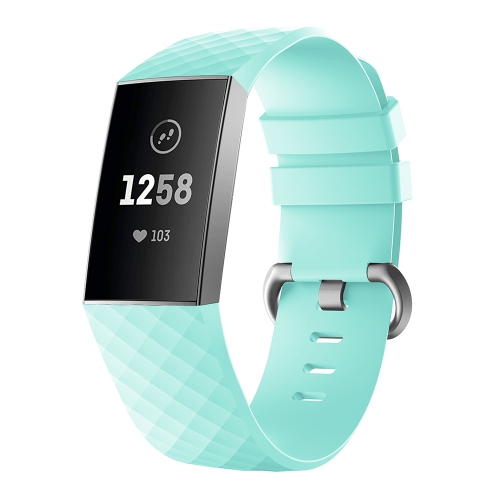
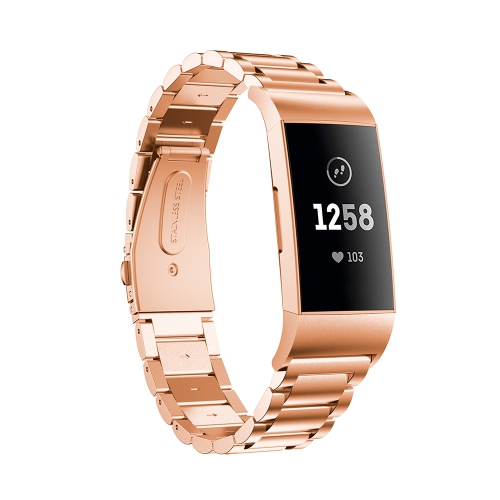
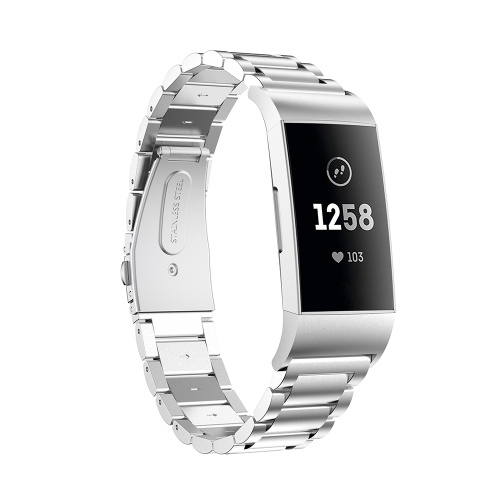
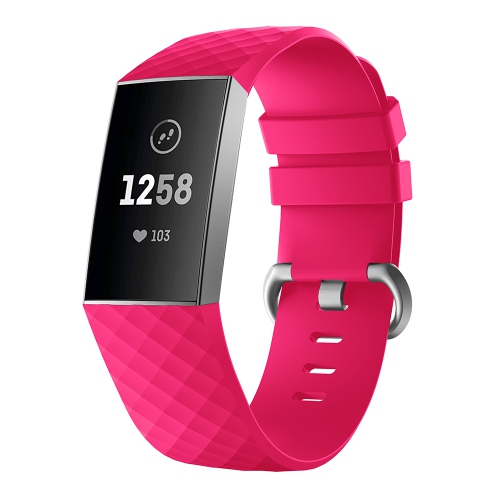
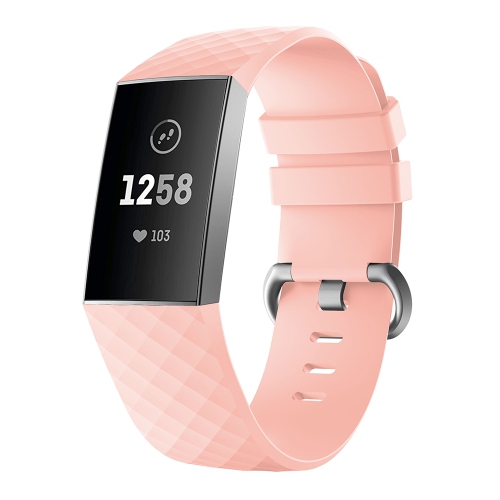
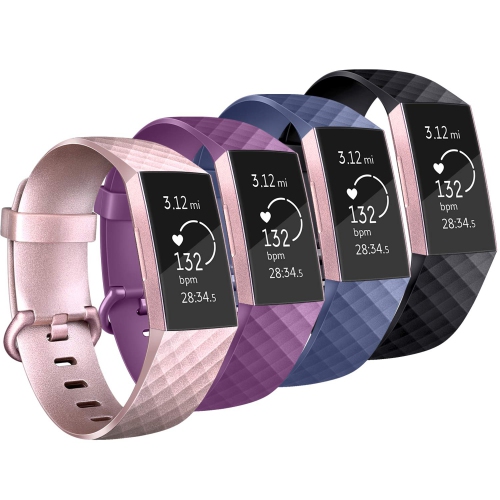

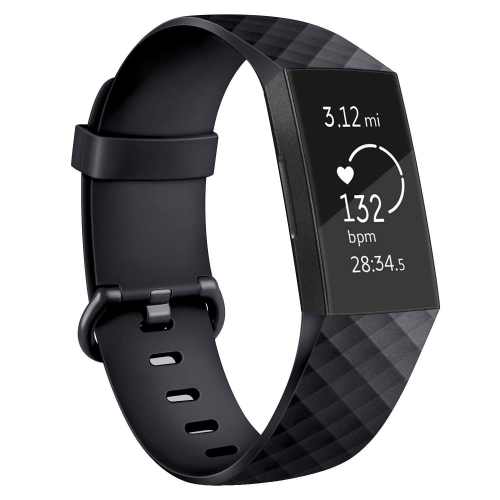
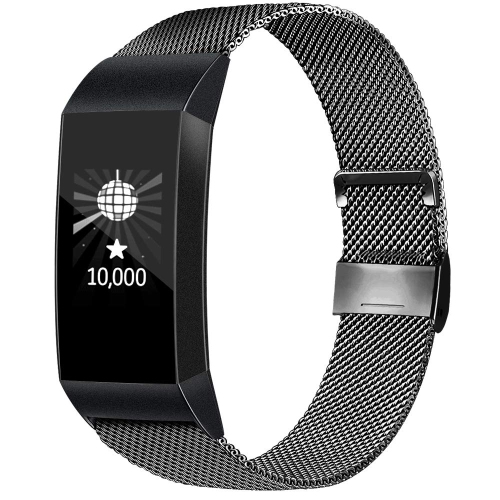
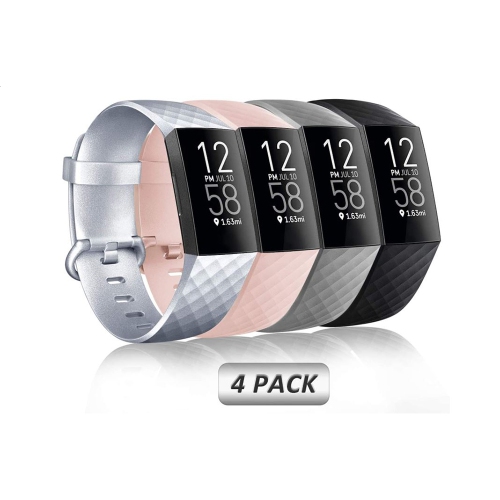
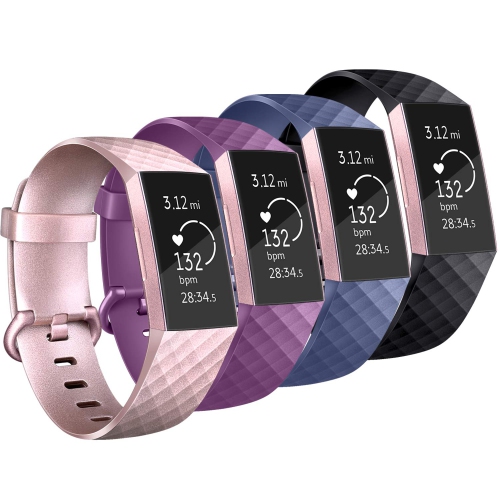
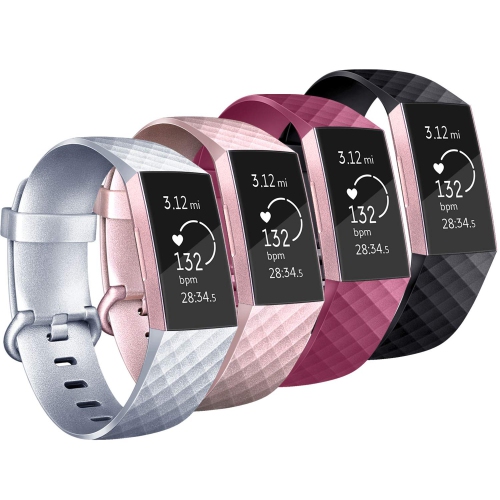
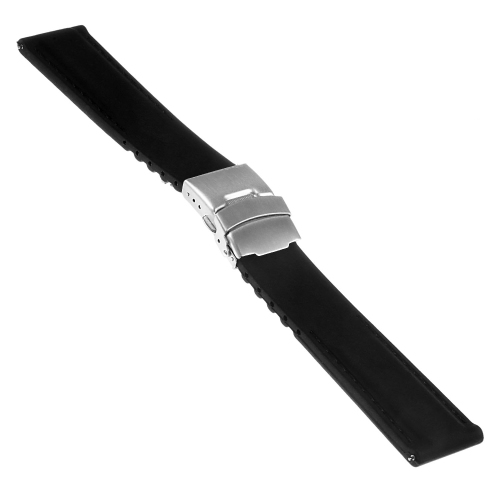
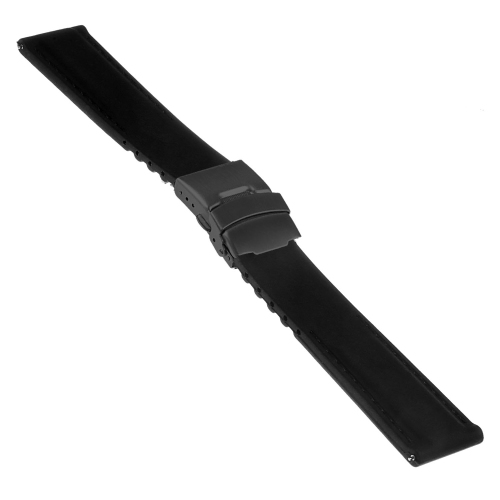
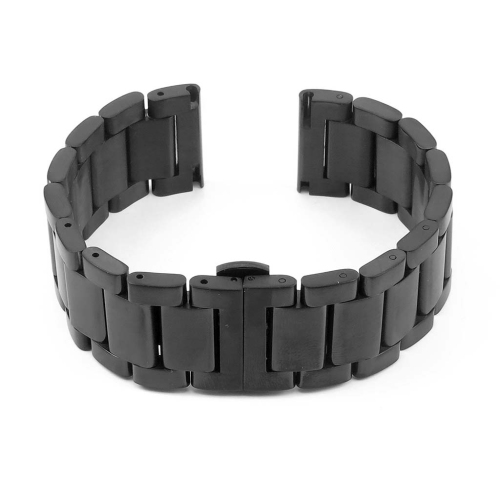
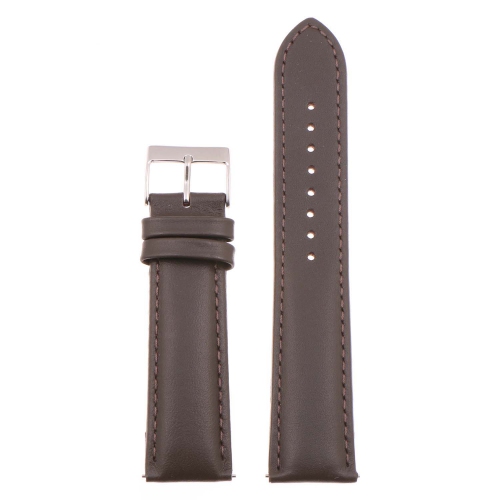
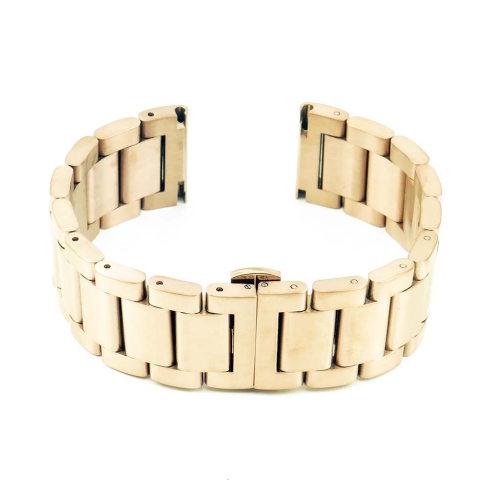
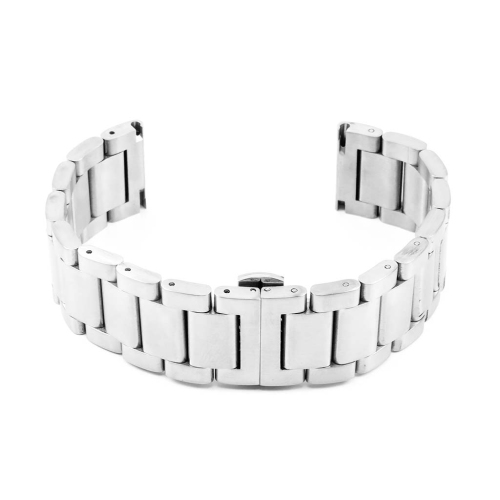
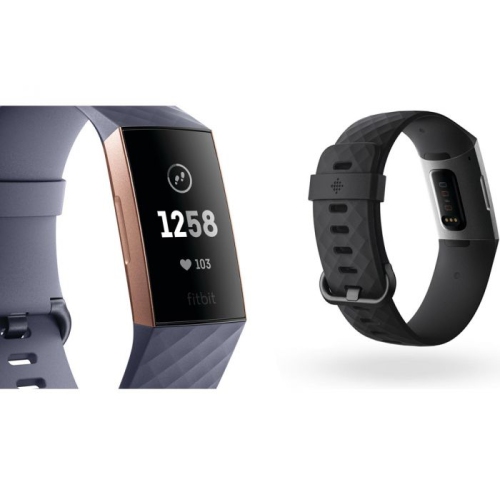
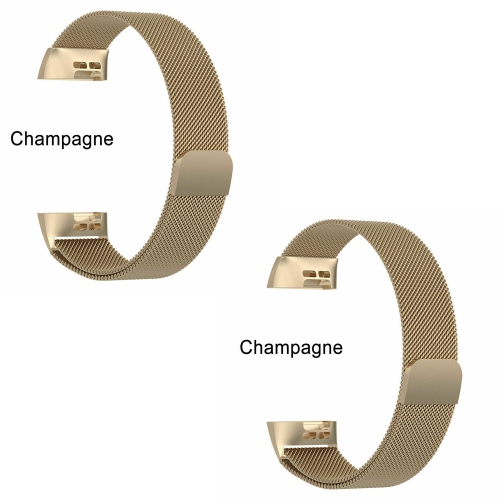
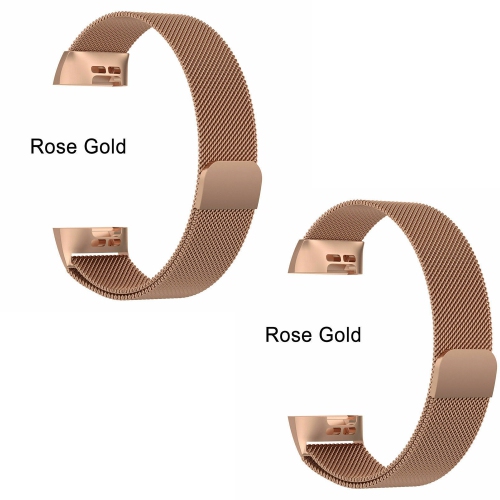
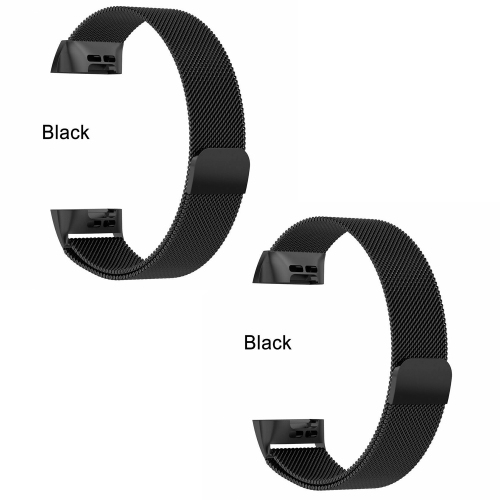
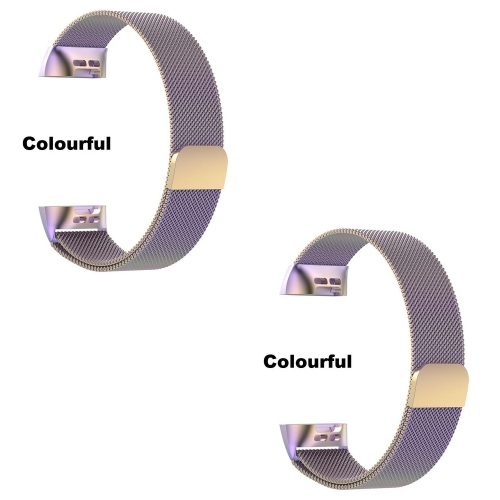
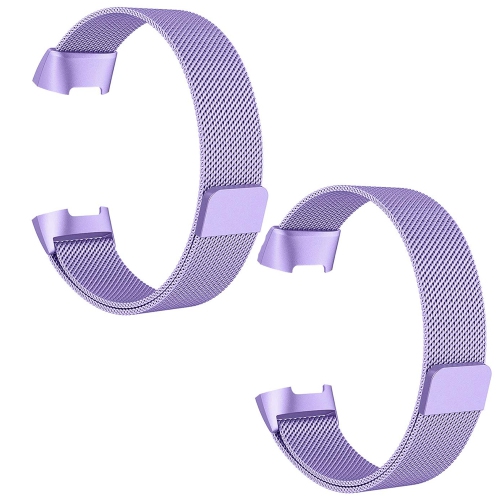
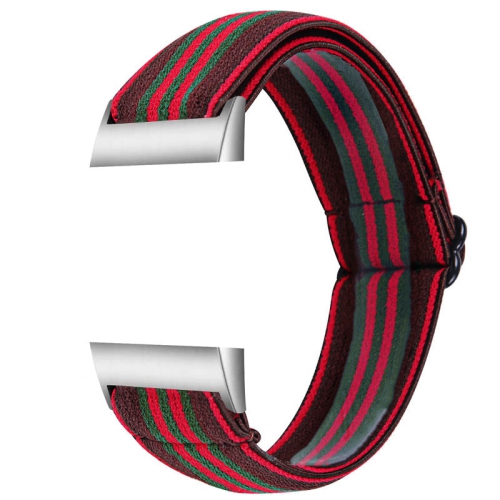
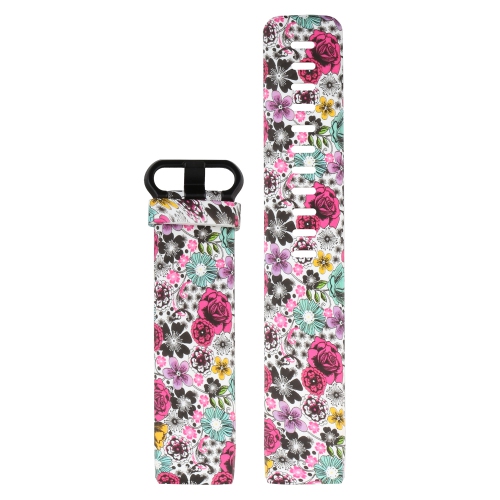
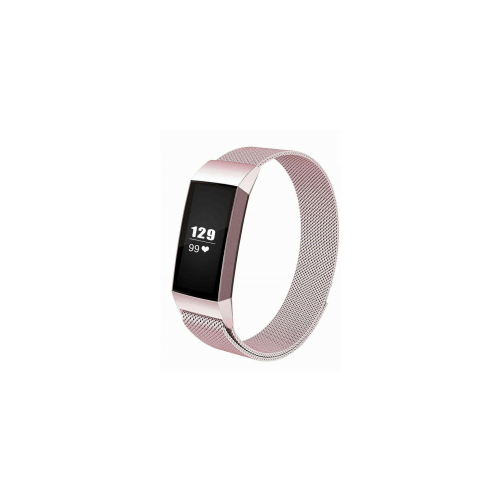
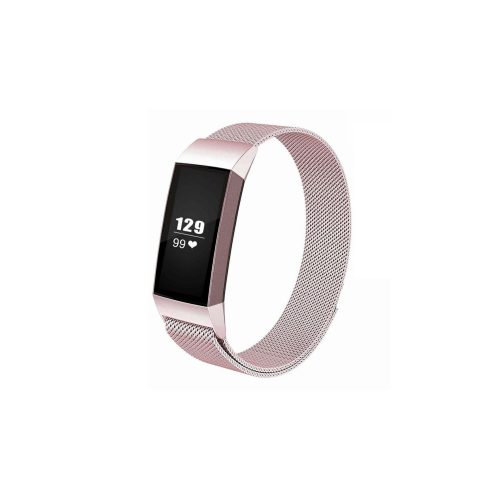
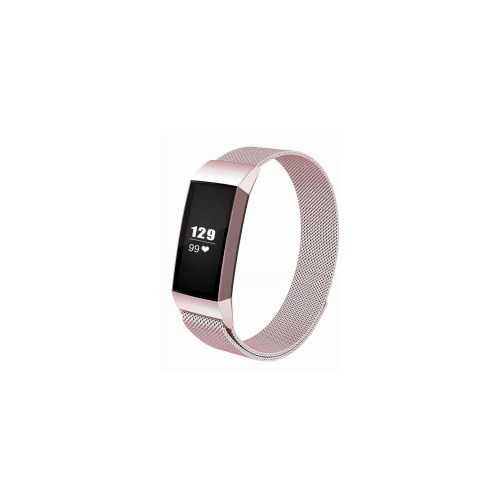
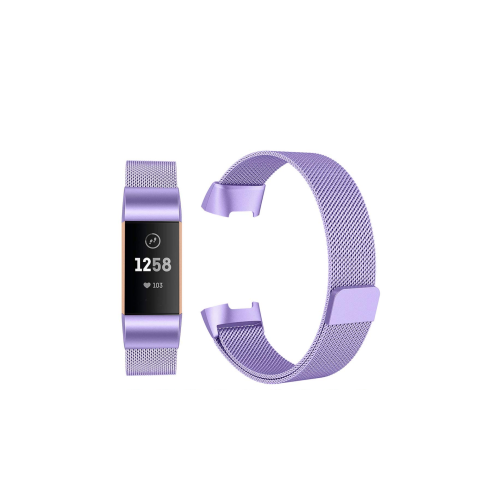
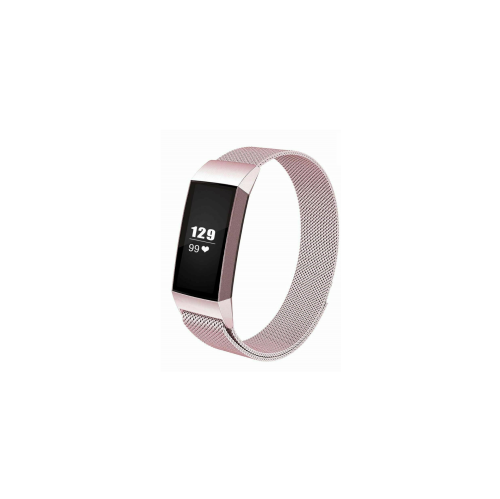
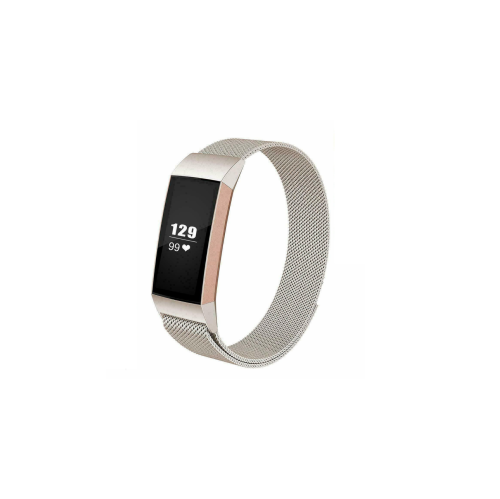
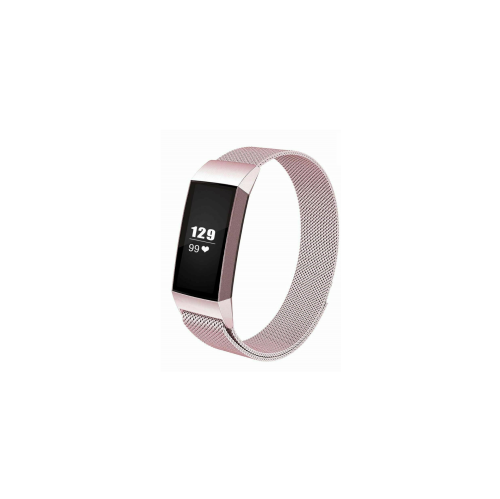
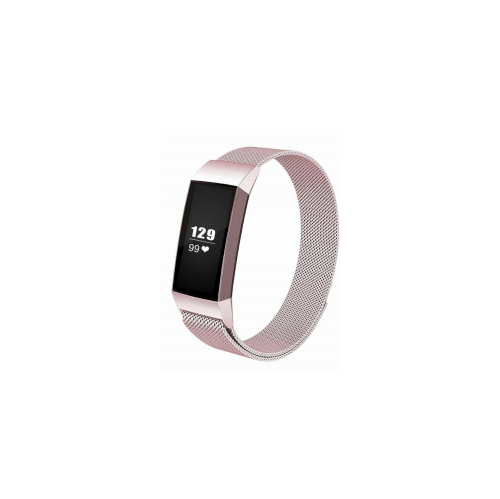
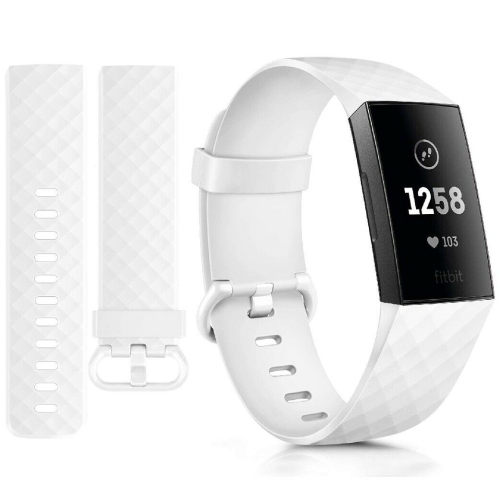
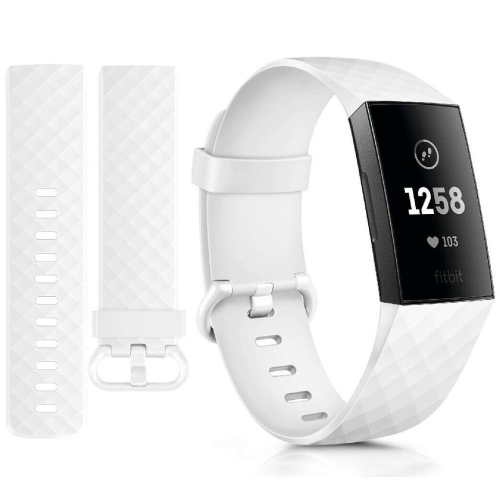
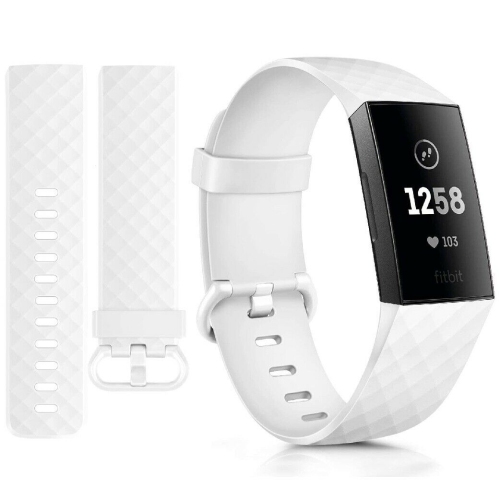
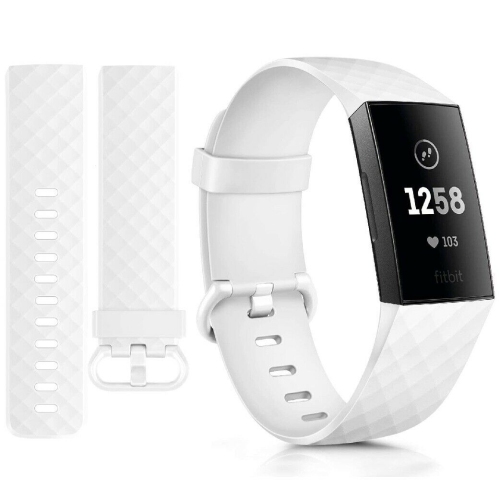
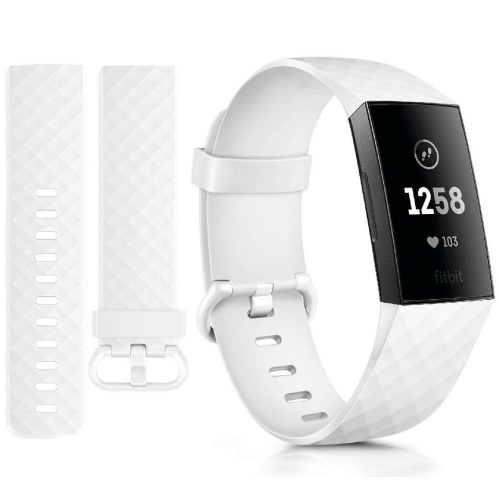
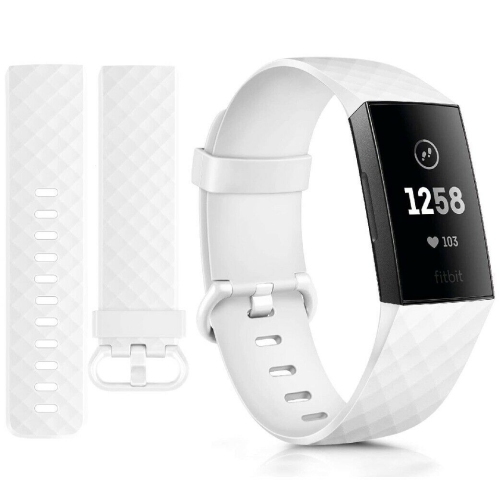
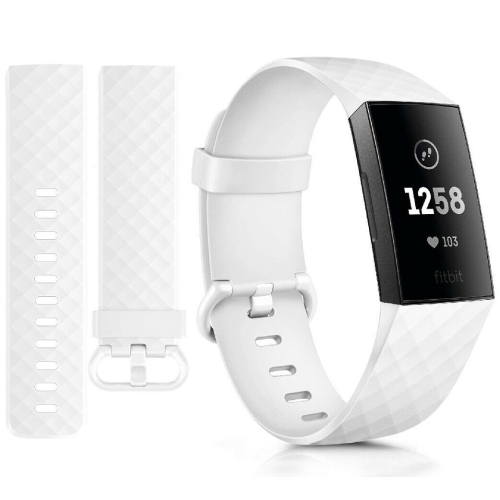
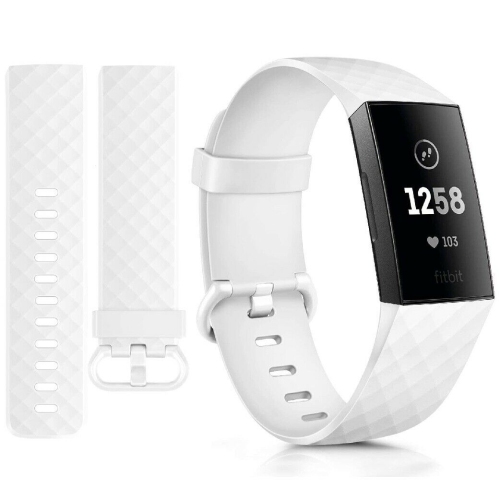
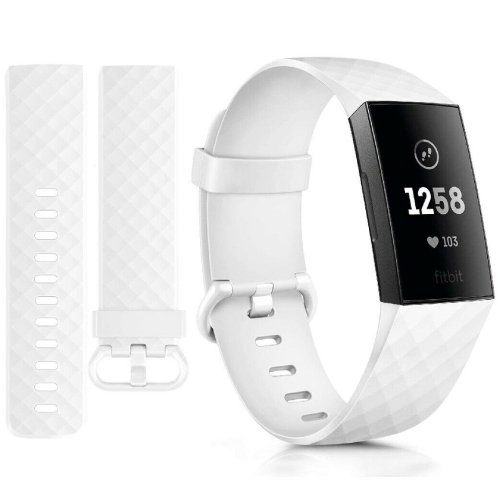
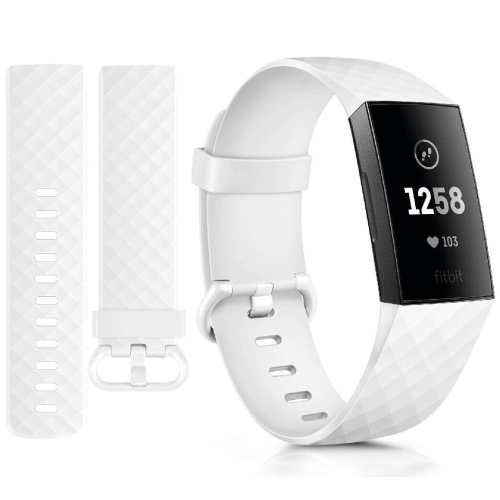
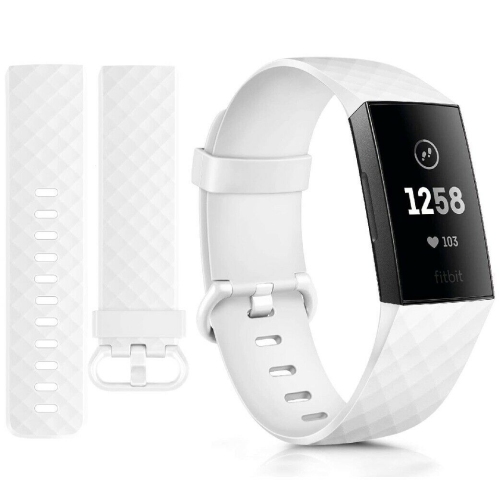
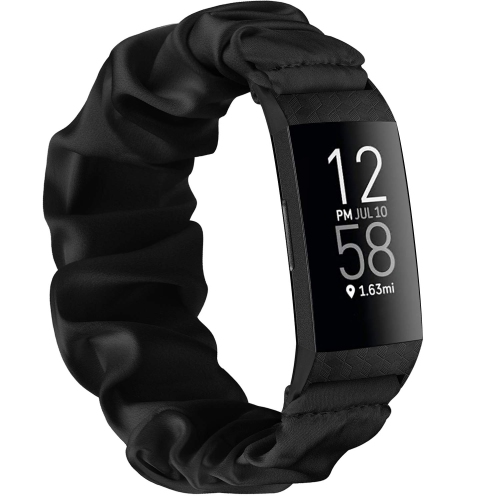
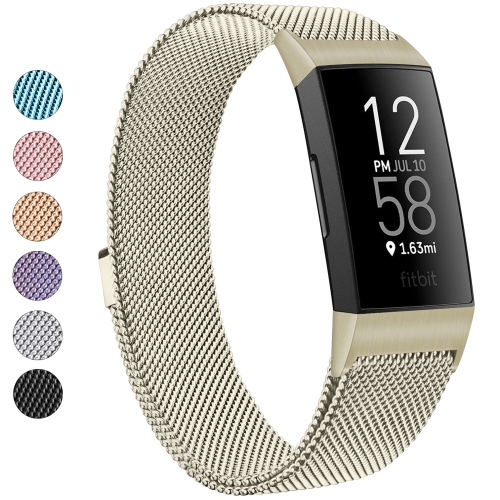

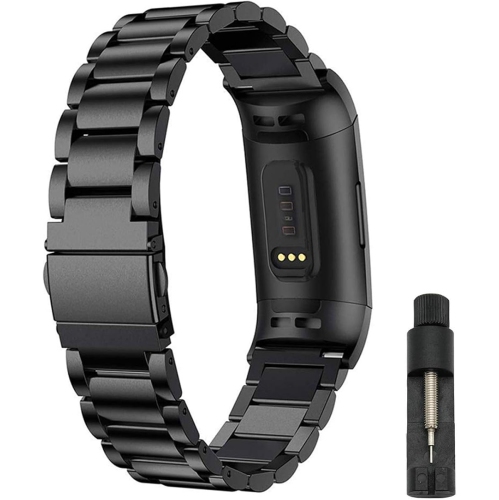
Comfort and compatibility guide a secure Charge 3 fit
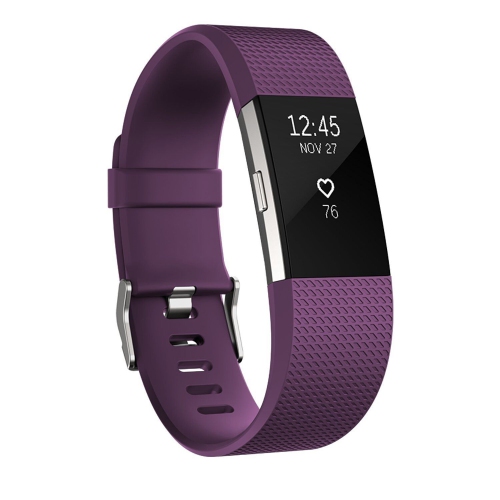
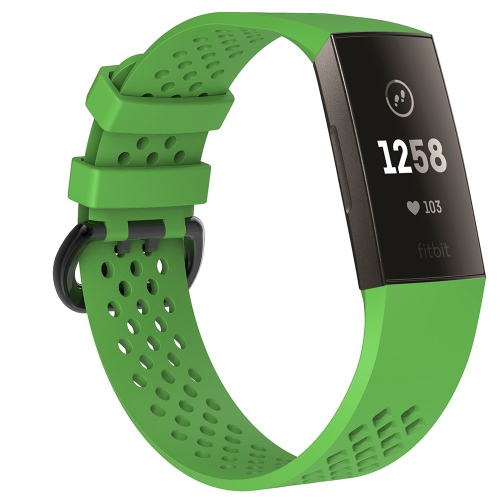
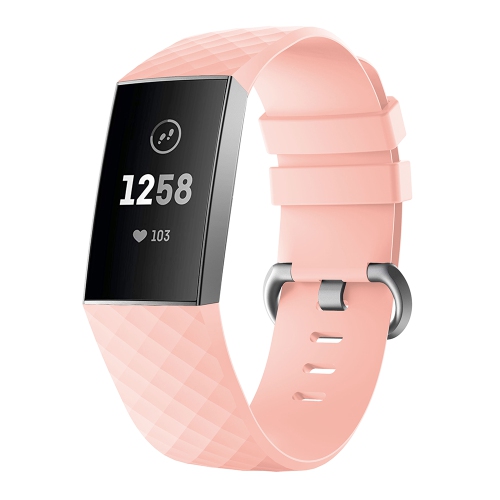
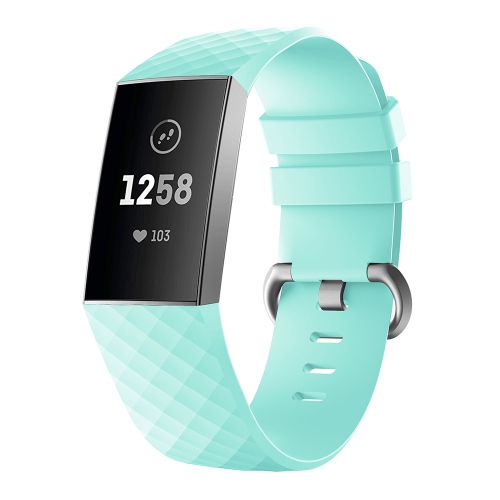
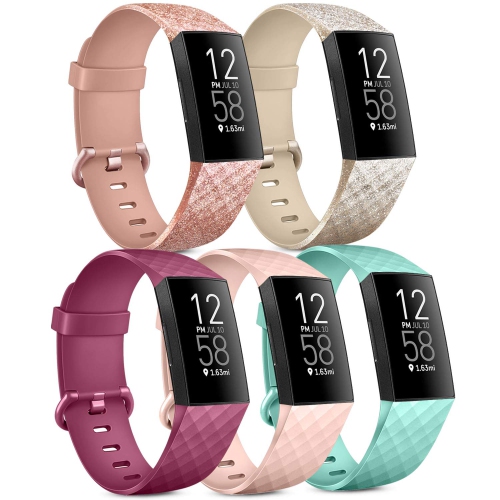
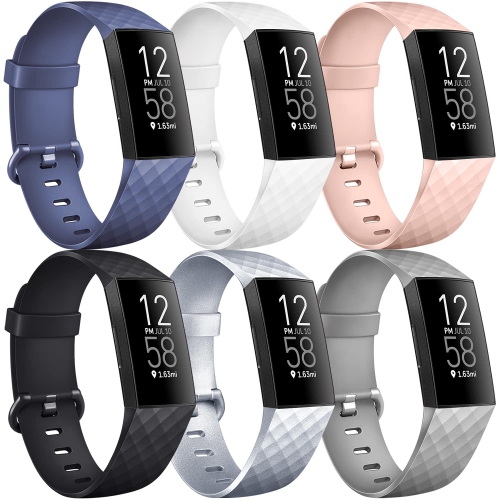
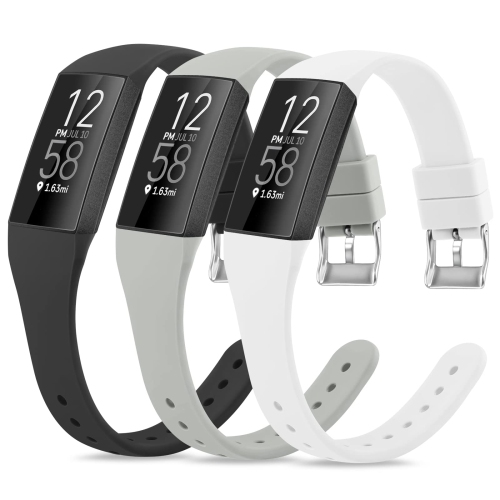
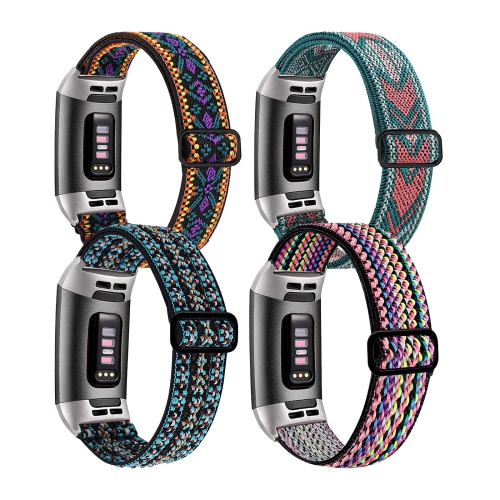
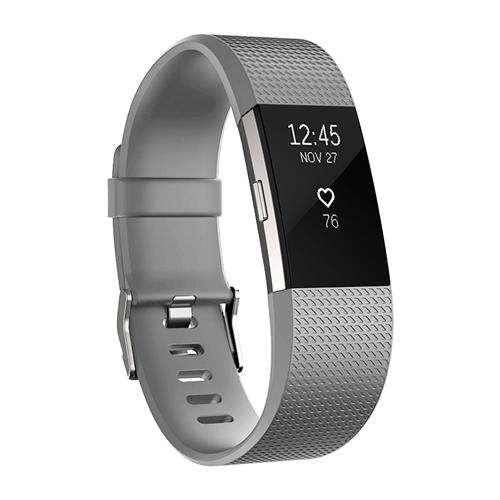
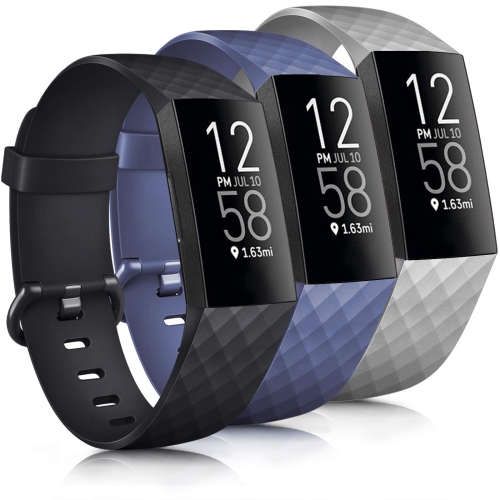
Replacing a worn or damaged Fitbit Charge 3 band is a simple way to keep a familiar fitness tracker comfortable, secure, and ready for everyday use. A replacement band can be helpful when the original strap has stretched, cracked, picked up odours, or no longer feels comfortable against the wrist. It can also be a practical choice for people who alternate between work, exercise, travel, and rest, since different materials and closures can suit different routines. Before choosing a band, confirm that it is specifically designed to fit the Fitbit Charge 3, as bands made for other fitness trackers may have different connectors, dimensions, or attachment mechanisms. It is also worth considering the size range and how the band adjusts. A good fit should feel secure without pressing tightly into the skin, and the tracker should remain in its usual position while walking, typing, sleeping, or moving through a workout. For a streamlined everyday look, a low-profile band can sit neatly beneath a jacket cuff or sweater sleeve. For exercise, a flexible, lightweight strap may be more comfortable during runs, gym sessions, bike rides, or long walks. Someone replacing a band as a gift may appreciate a style that reflects their routine, whether that means a simple neutral colour for daily wear, a sporty texture for active use, or a more polished finish for work and social occasions. As the weather warms, a breathable band can feel more comfortable during outdoor activity, while during the cooler months, a smooth design may slide easily beneath layered clothing without catching on fabric.
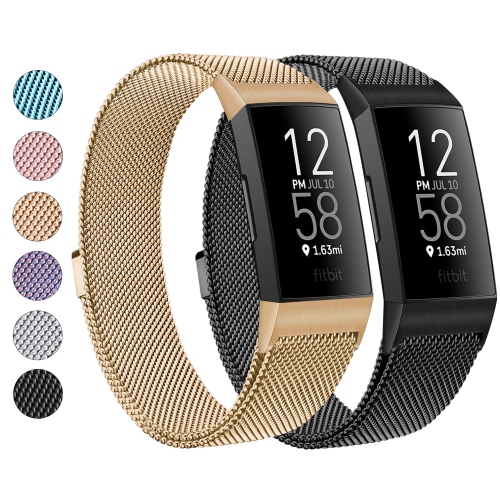
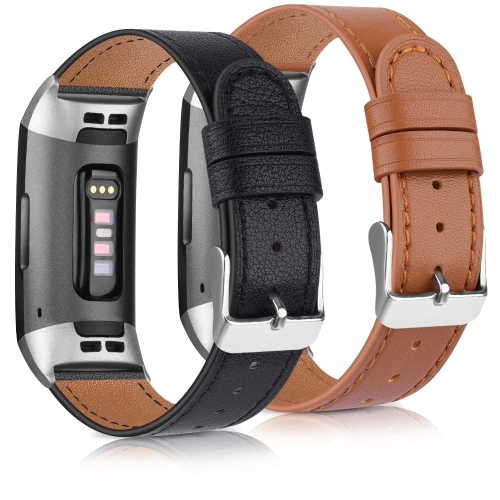
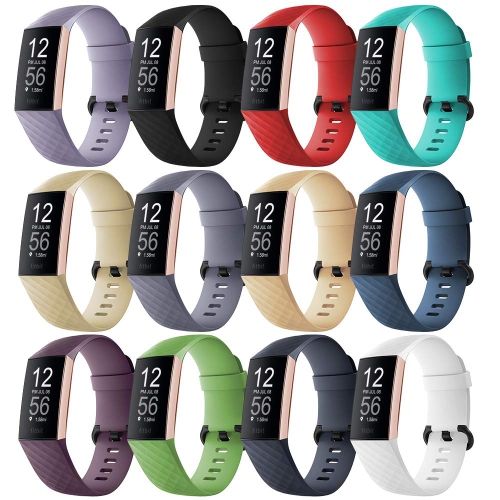
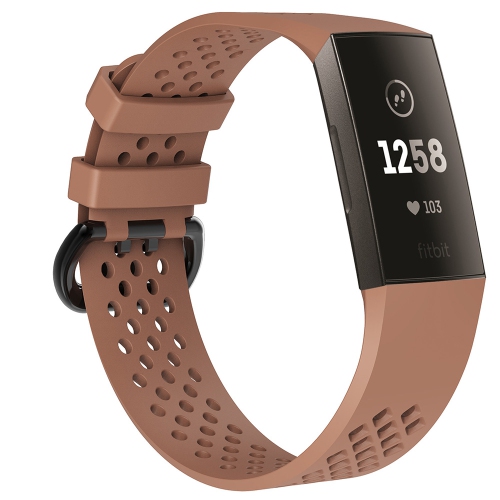
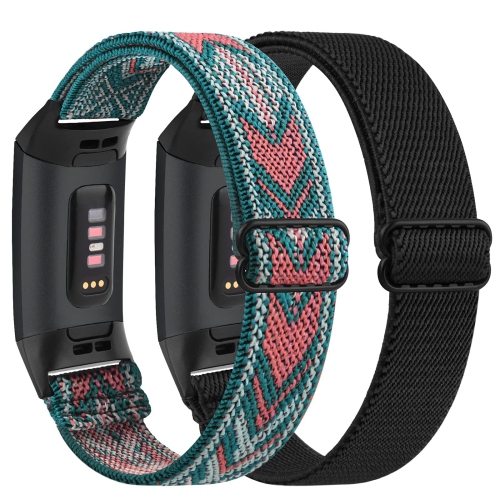
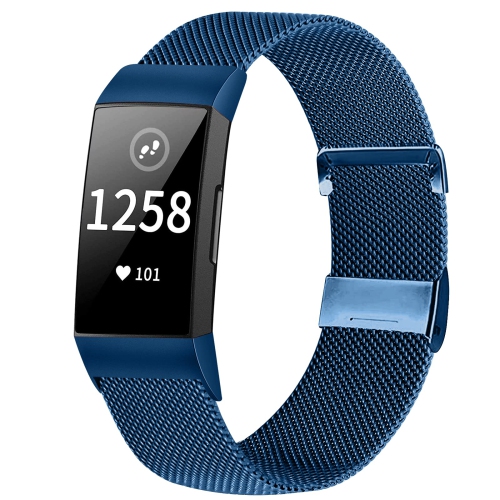
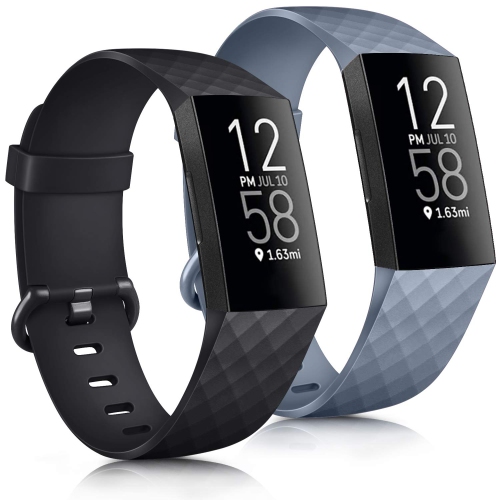
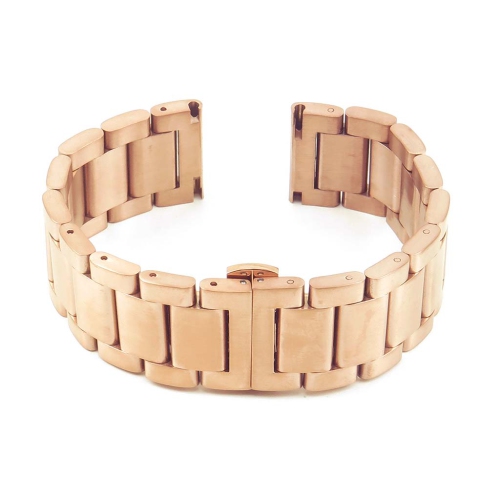
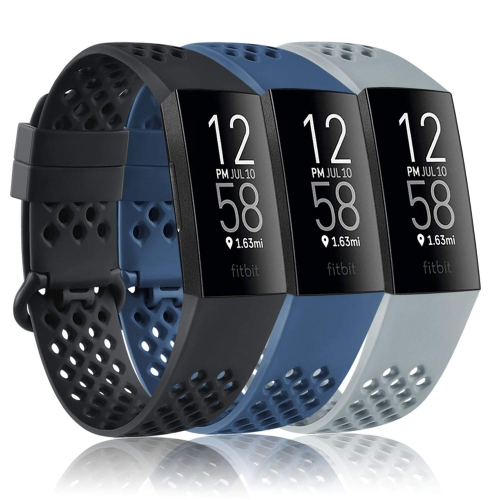
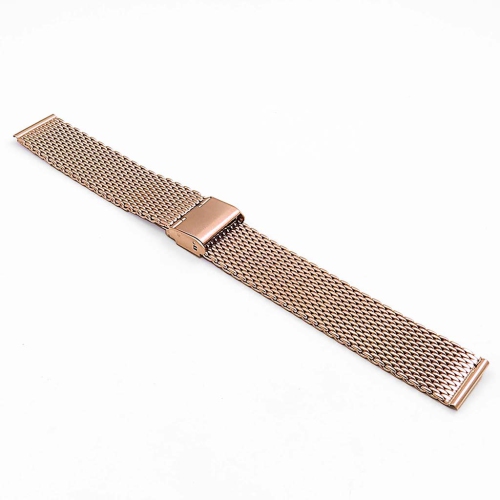
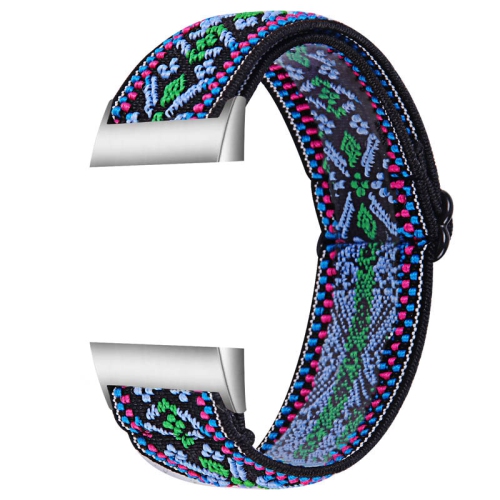
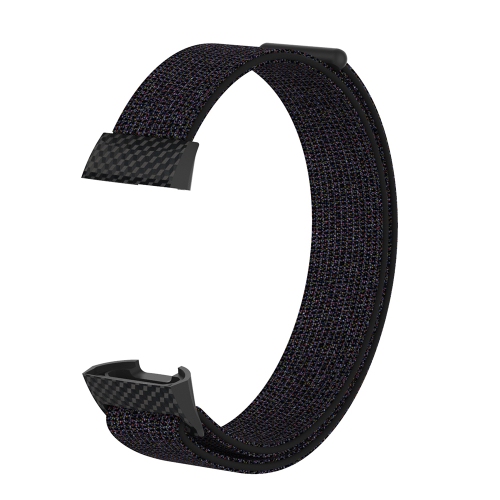
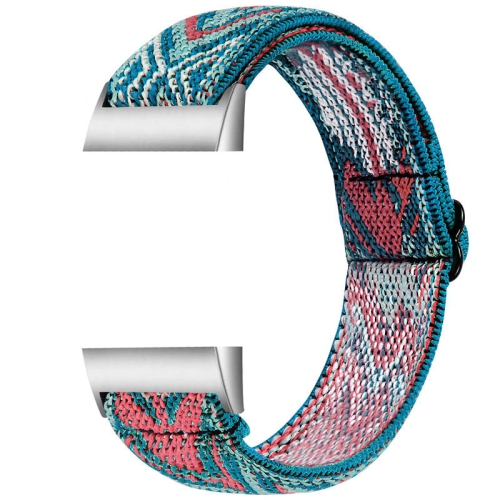
Material is one of the most noticeable differences among replacement bands. Silicone and other flexible sport-style materials are popular for active routines because they are lightweight, easy to adjust, and simple to wipe clean after perspiration or outdoor use. Look for a surface that feels smooth against the wrist and a fastening system that can be handled easily with one hand. Perforated or vented designs may allow more airflow during exercise, while a solid strap can offer a clean, understated appearance. Woven, nylon-style, or fabric bands can provide a softer feel and may be appealing for sleep tracking or all-day wear, particularly for anyone who finds firmer materials distracting at night. Metal mesh and other dressier finishes can create a more refined appearance for an office, dinner, or special occasion, although the clasp and adjustment range should be checked carefully to ensure they remain comfortable throughout the day. Leather-style options may offer a classic look, but care instructions and exposure limits should be considered before wearing them during swimming, showering, or high-sweat activities. Regardless of material, inspect the connector, clasp, and adjustment points before use. Small parts should align cleanly, and there should be no visible gaps, loose stitching, sharp edges, or signs that the tracker could slip free. For those comparing options across the Charge range, Fitbit Charge 4 Replacement Bands are listed separately, so checking model compatibility remains an important step before ordering.
Changing a Fitbit Charge 3 band does not normally require special tools, but it helps to work over a clear, well-lit surface so the tracker is easy to handle. Turn the tracker over to access the back, then locate the small, flat metal latch button near the point where the band meets the tracker body. Press the button down and gently pull the band away from the device to release it. Repeat the process on the other side, using steady pressure rather than twisting or forcing the connector. To attach the replacement, hold the new band at a slight angle and position its end connector with the corresponding opening on the tracker. Press the band end straight into place until it seats and a distinct click can be heard or felt. Repeat on the opposite side, then give each section a gentle tug to confirm that it is latched securely before putting the tracker on. If the connector does not slide into position smoothly, remove it and check the orientation instead of applying extra force. After installation, adjust the band so the tracker rests comfortably and does not move excessively as you walk or exercise. A quick fit check is especially useful before heading outdoors, travelling, or beginning a workout. Regularly wipe the band according to its care instructions and allow it to dry fully before wearing it again. With the right fit, compatible connectors, and a material suited to the wearer’s routine, a replacement band can make an older fitness tracker feel comfortable and dependable for many more daily activities.
Material is one of the most noticeable differences among replacement bands. Silicone and other flexible sport-style materials are popular for active routines because they are lightweight, easy to adjust, and simple to wipe clean after perspiration or outdoor use. Look for a surface that feels smooth against the wrist and a fastening system that can be handled easily with one hand. Perforated or vented designs may allow more airflow during exercise, while a solid strap can offer a clean, understated appearance. Woven, nylon-style, or fabric bands can provide a softer feel and may be appealing for sleep tracking or all-day wear, particularly for anyone who finds firmer materials distracting at night. Metal mesh and other dressier finishes can create a more refined appearance for an office, dinner, or special occasion, although the clasp and adjustment range should be checked carefully to ensure they remain comfortable throughout the day. Leather-style options may offer a classic look, but care instructions and exposure limits should be considered before wearing them during swimming, showering, or high-sweat activities. Regardless of material, inspect the connector, clasp, and adjustment points before use. Small parts should align cleanly, and there should be no visible gaps, loose stitching, sharp edges, or signs that the tracker could slip free. For those comparing options across the Charge range, Fitbit Charge 4 Replacement Bands are listed separately, so checking model compatibility remains an important step before ordering.
Changing a Fitbit Charge 3 band does not normally require special tools, but it helps to work over a clear, well-lit surface so the tracker is easy to handle. Turn the tracker over to access the back, then locate the small, flat metal latch button near the point where the band meets the tracker body. Press the button down and gently pull the band away from the device to release it. Repeat the process on the other side, using steady pressure rather than twisting or forcing the connector. To attach the replacement, hold the new band at a slight angle and position its end connector with the corresponding opening on the tracker. Press the band end straight into place until it seats and a distinct click can be heard or felt. Repeat on the opposite side, then give each section a gentle tug to confirm that it is latched securely before putting the tracker on. If the connector does not slide into position smoothly, remove it and check the orientation instead of applying extra force. After installation, adjust the band so the tracker rests comfortably and does not move excessively as you walk or exercise. A quick fit check is especially useful before heading outdoors, travelling, or beginning a workout. Regularly wipe the band according to its care instructions and allow it to dry fully before wearing it again. With the right fit, compatible connectors, and a material suited to the wearer’s routine, a replacement band can make an older fitness tracker feel comfortable and dependable for many more daily activities.
Top selling and popular products
-
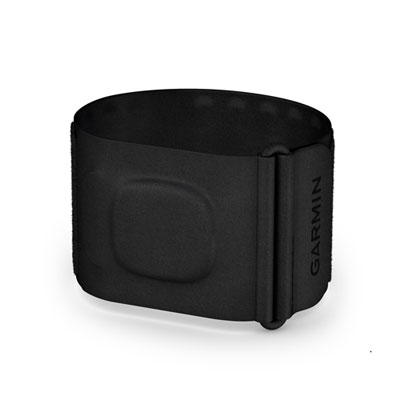 Your price for this item is $239.99
 -
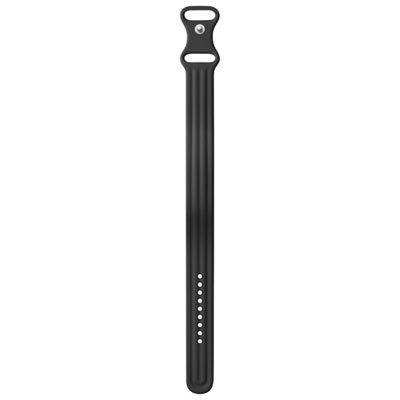 Your price for this item is $49.99
 -
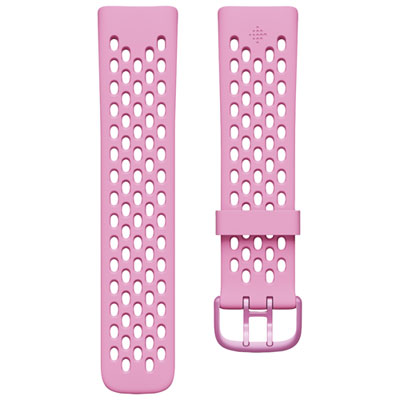 Your price for this item is $14.95
 -
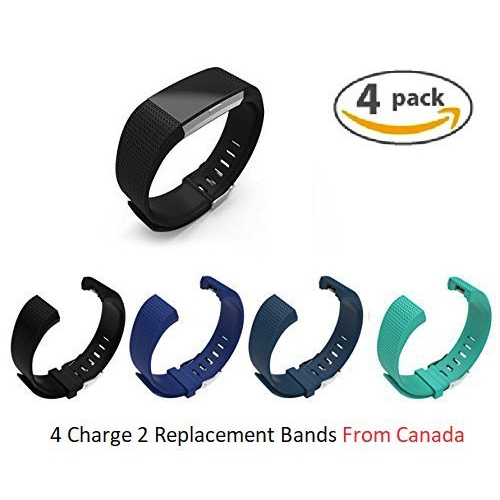 Your price for this item is $17.99
 -
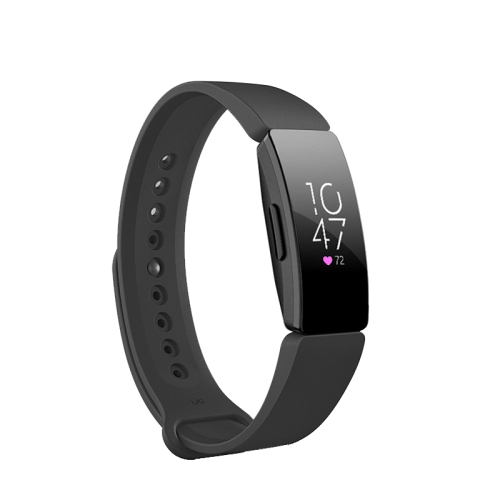 Your price for this item is $12.99
 -
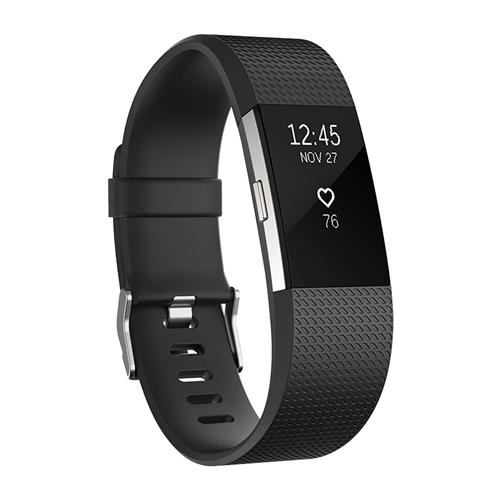 Your price for this item is $9.99
 -
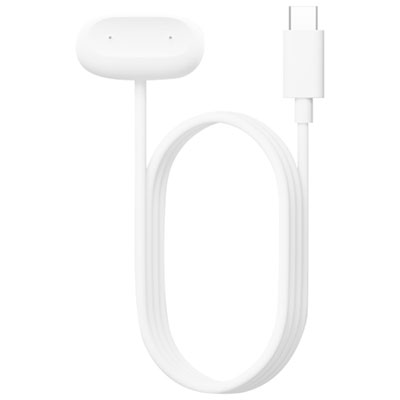 Your price for this item is $34.99
 -
 Your price for this item is $21.96
Discover more categories related to Fitbit Charge 3 Band Replacement
Top Collections:
Pokemon Centers, Kindle Devices, Best Budget Office Chairs, Apple iPhones 16, Canon G7X Cameras, iPhone 15 Apple, Alarm Clock, Refurbished Apple Laptops, Flip Phones, Best Laptops for Writers
Some products may be subject to Environmental Handling Fees
(EHF) depending on your province.
Learn more about EHFs.