Telus Watches
Stay connected and stylish with our collection of smartwatches from Best Buy. Explore a range of advanced timepieces that not only tell time but also offer a plethora of features to enhance your daily life. Whether you're looking for a sleek design, fitness tracking capabilities, or seamless connectivity to your smartphone, our selection of smartwatches has something for everyone. Upgrade your wrist game and experience the convenience of having a miniature computer right at your fingertips.
Sort
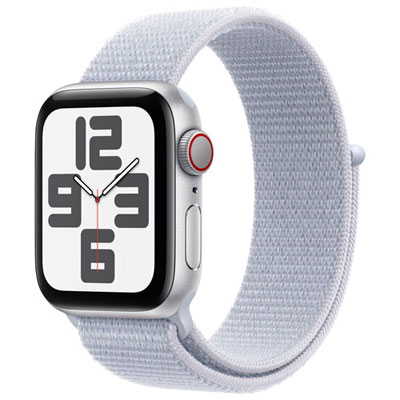
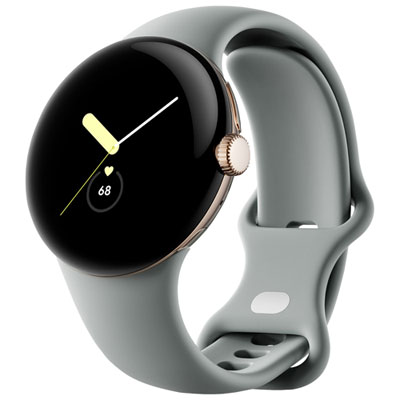
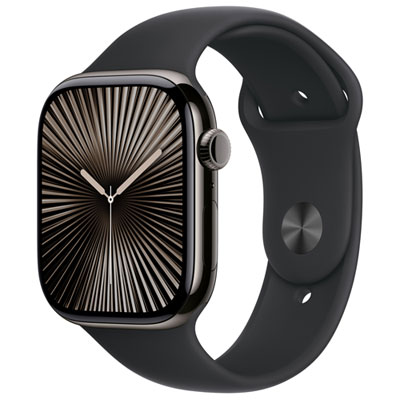
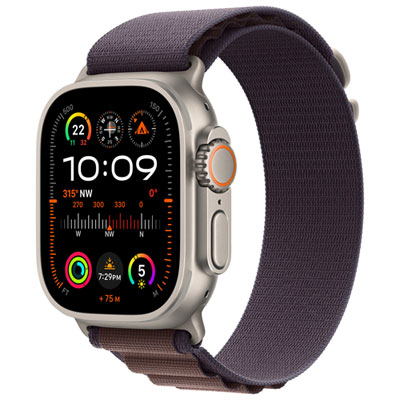
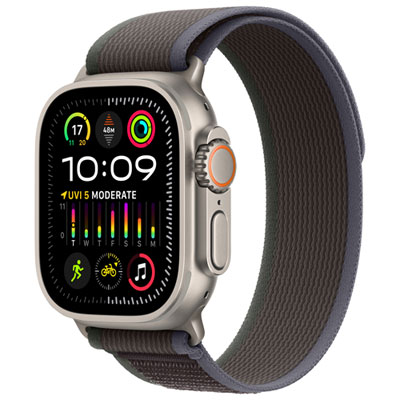
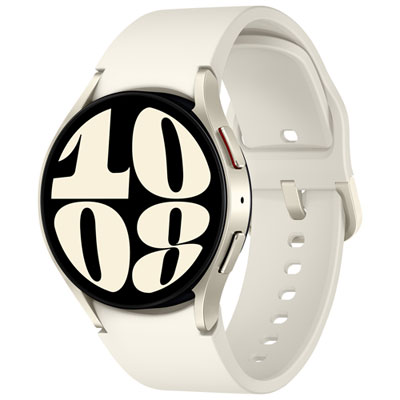
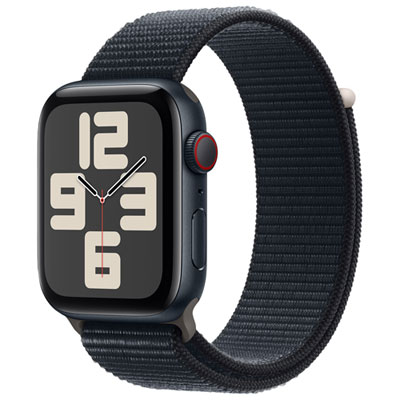
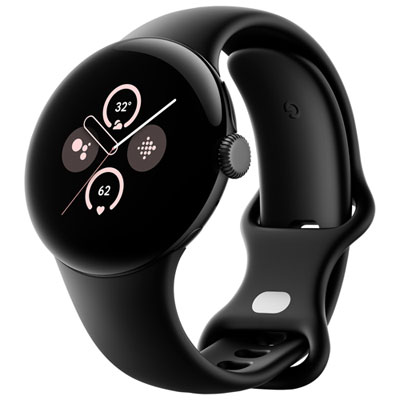
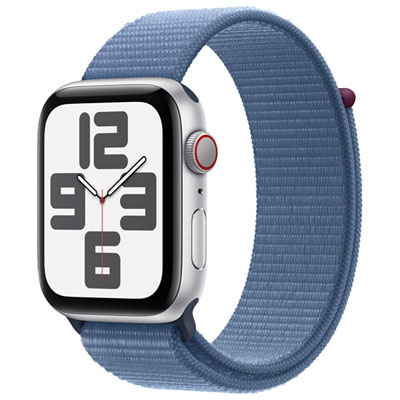
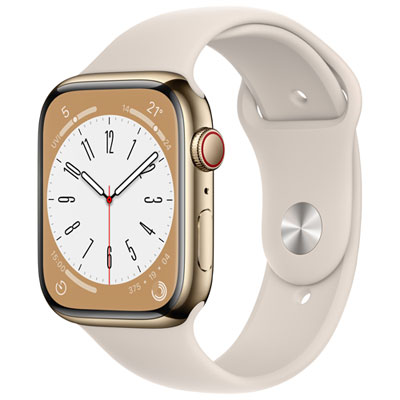
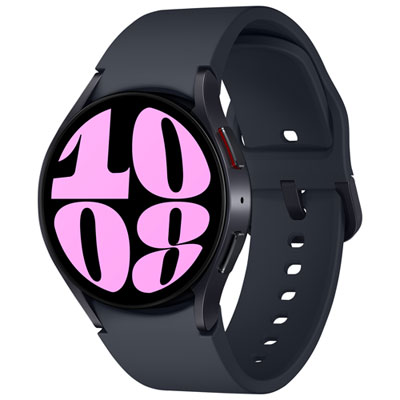
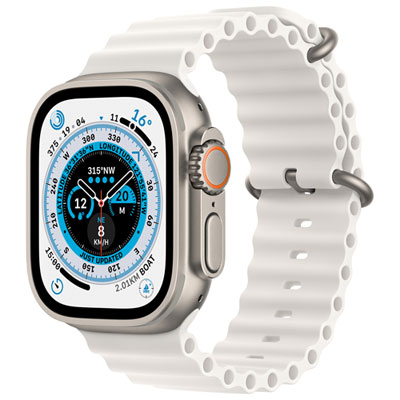
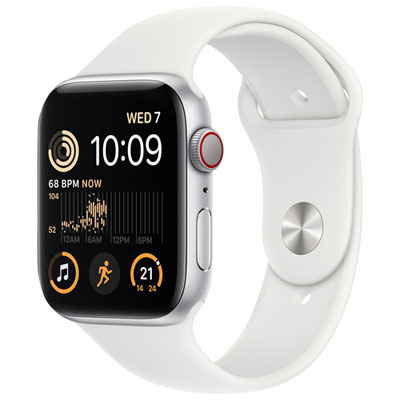
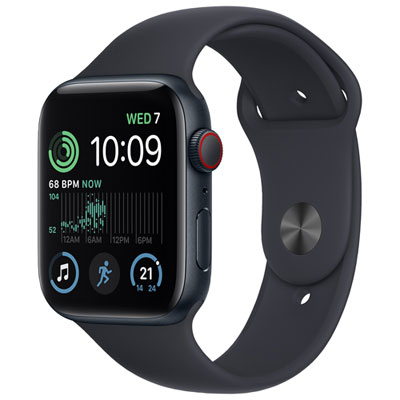
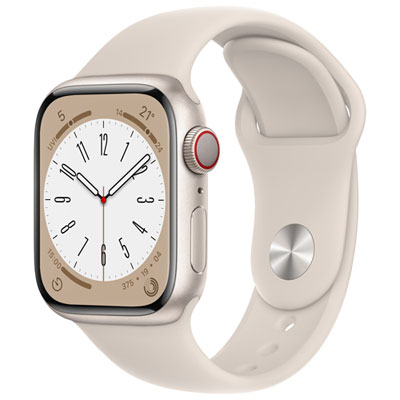
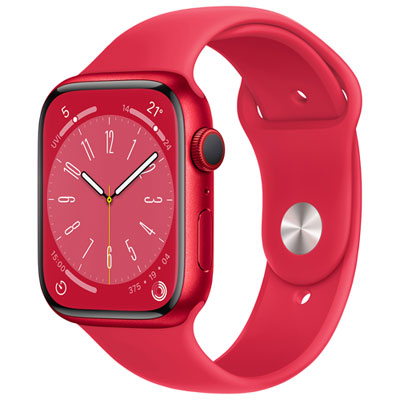
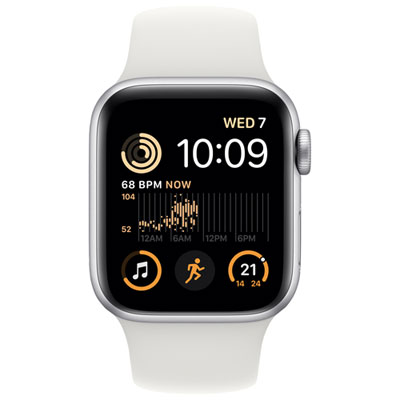

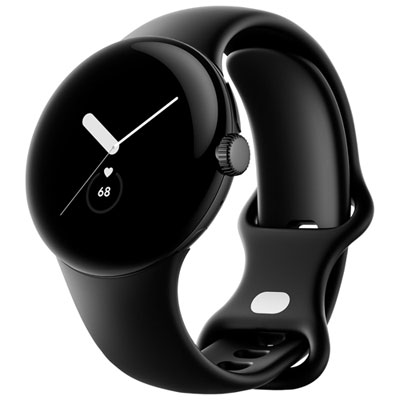
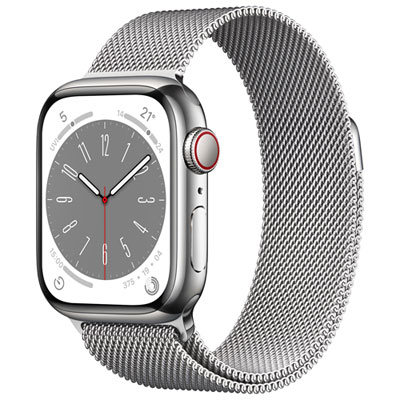
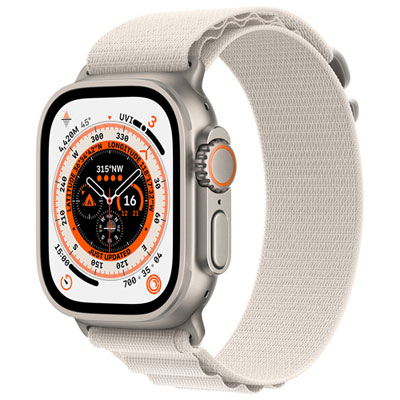
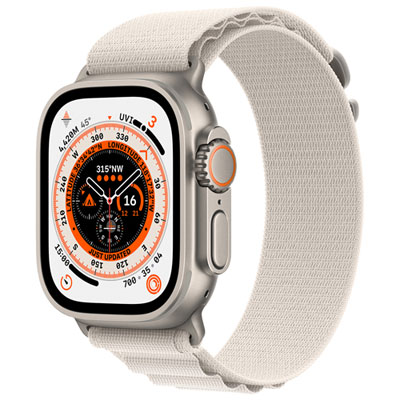
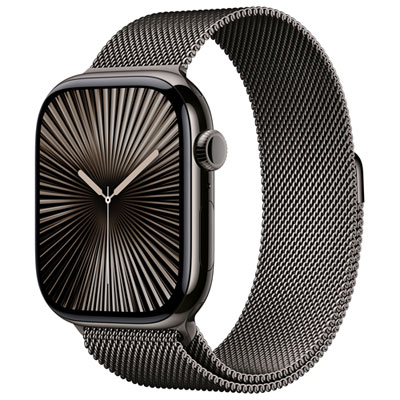
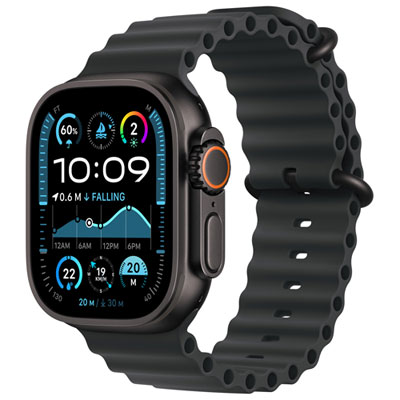
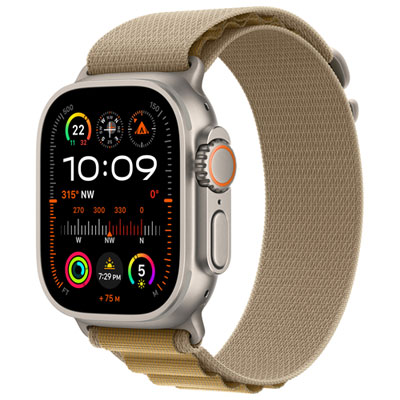
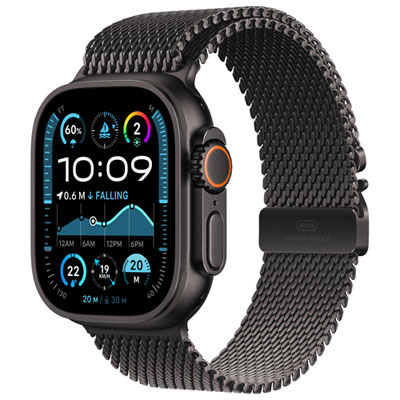
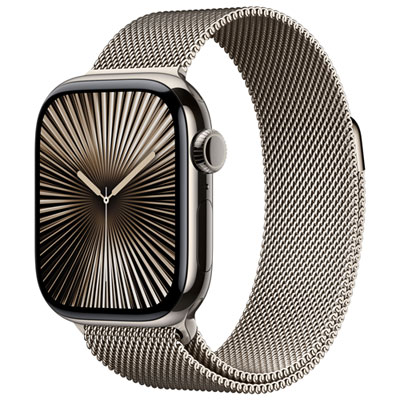
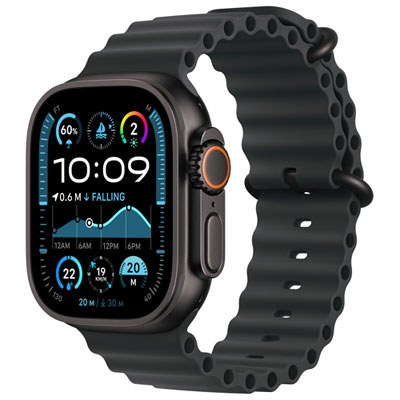
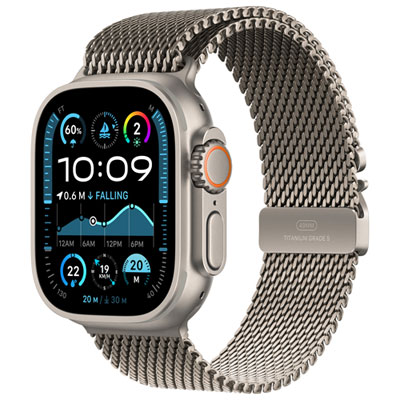
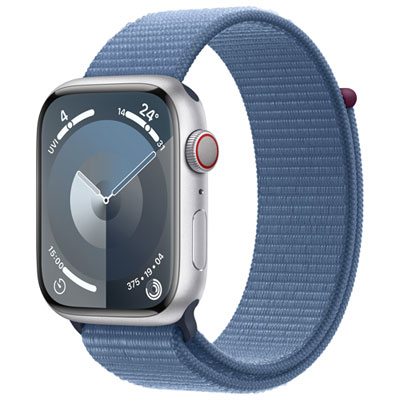

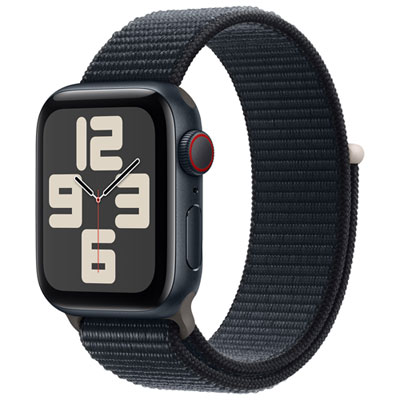
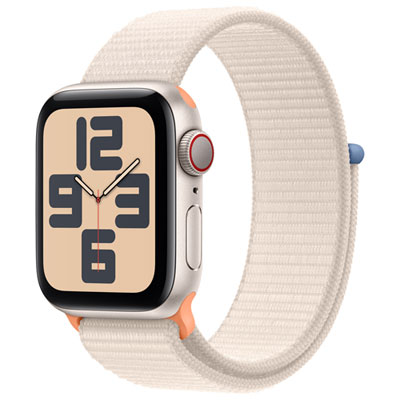
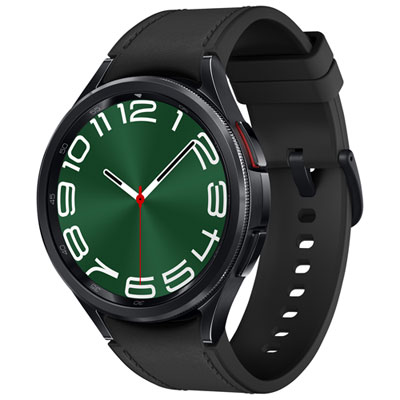
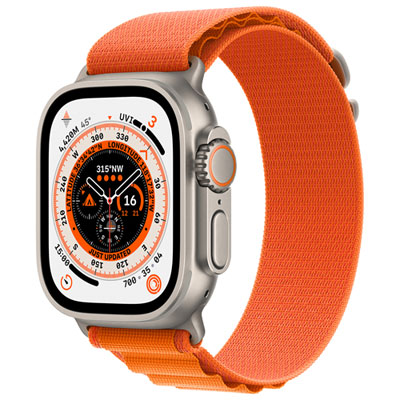
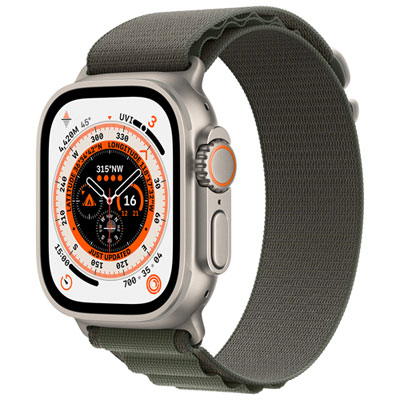
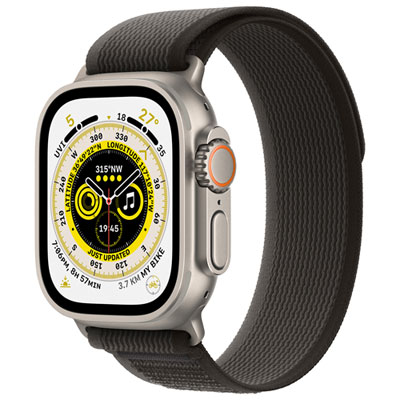
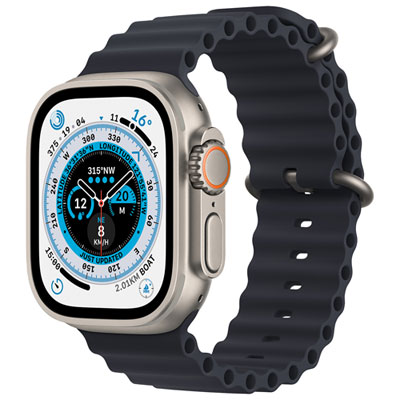
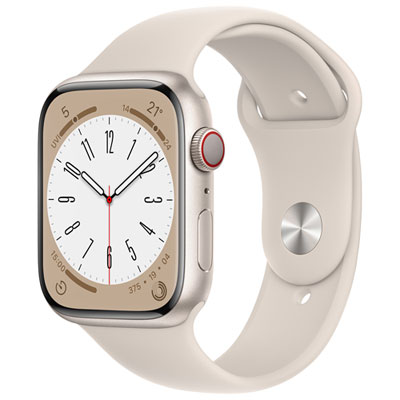
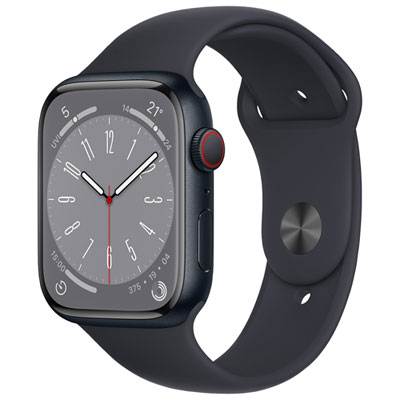
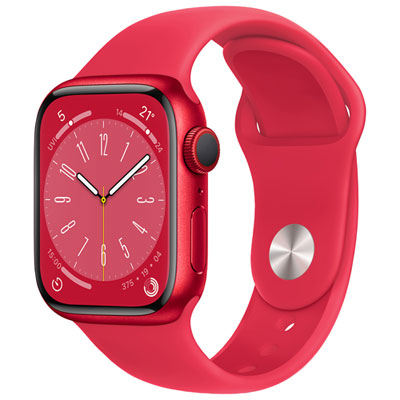

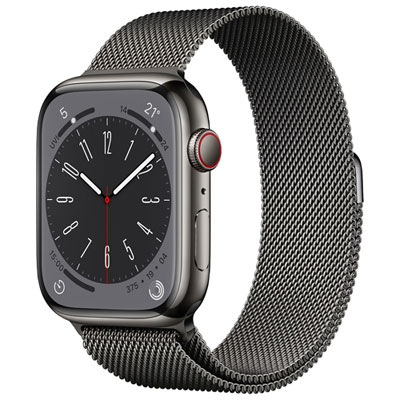
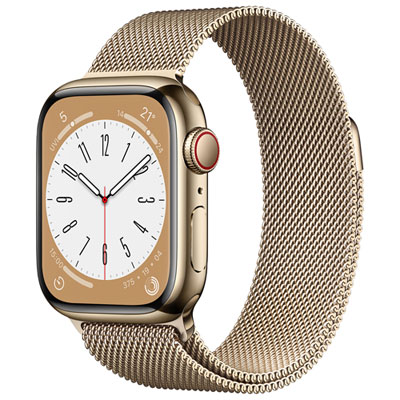
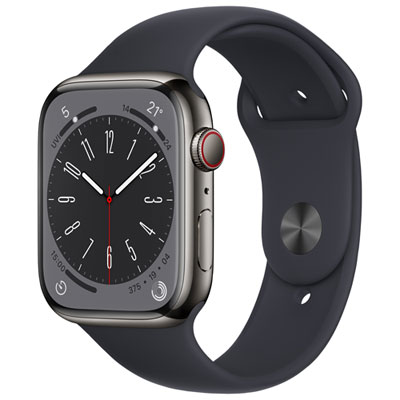
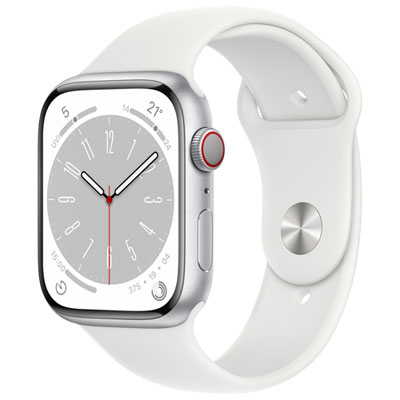
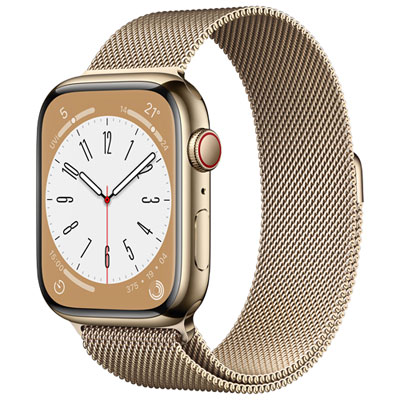
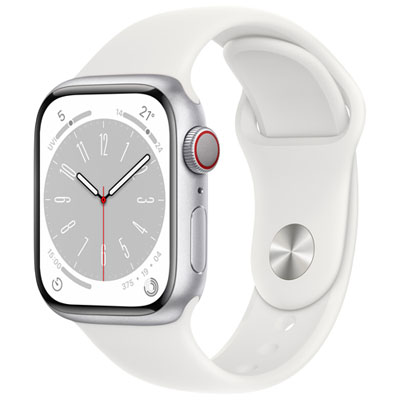
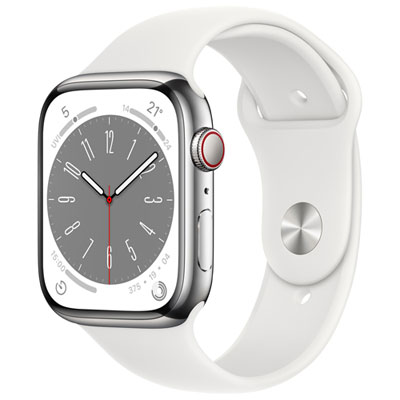
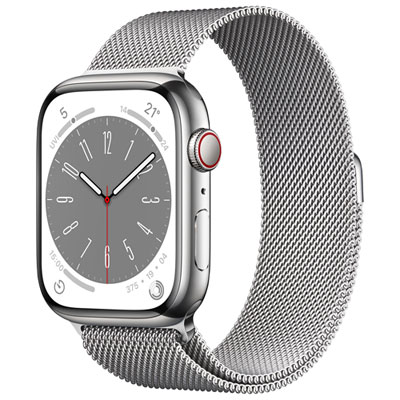
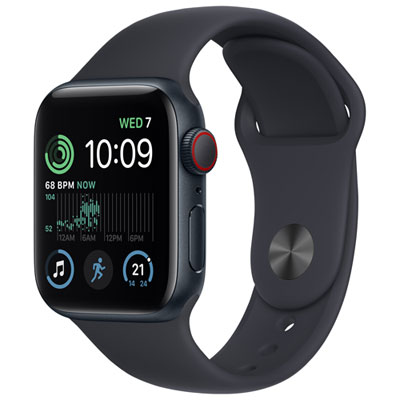
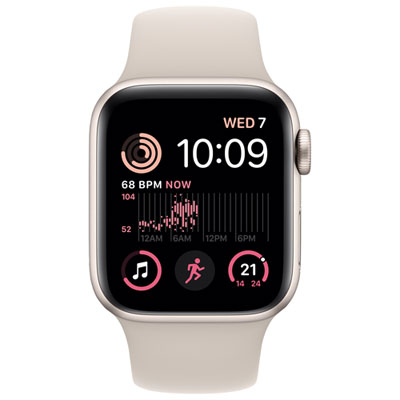
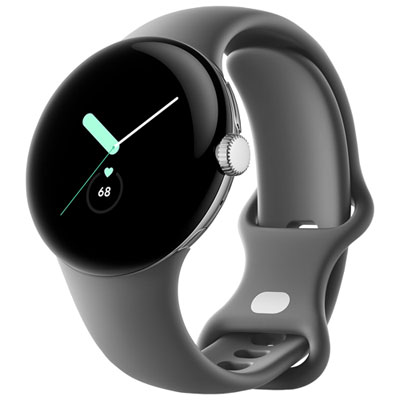
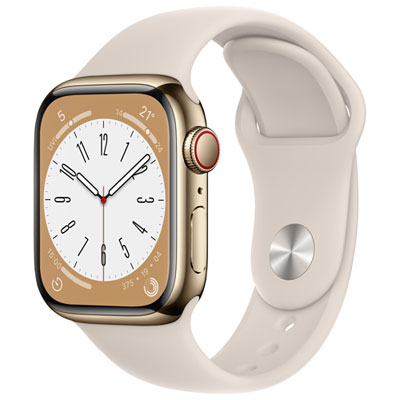
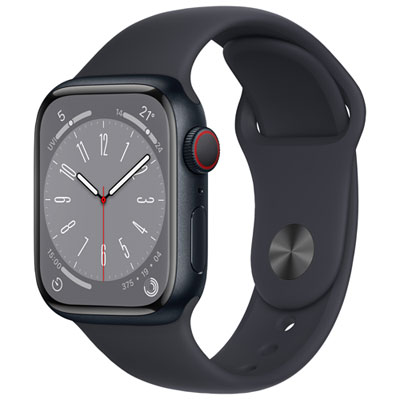
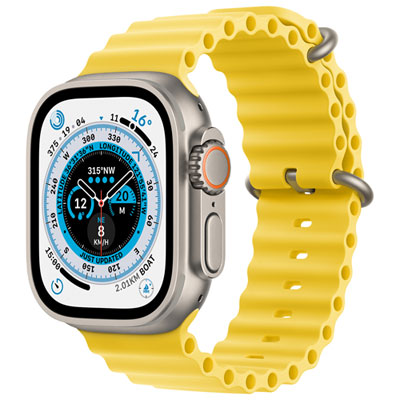
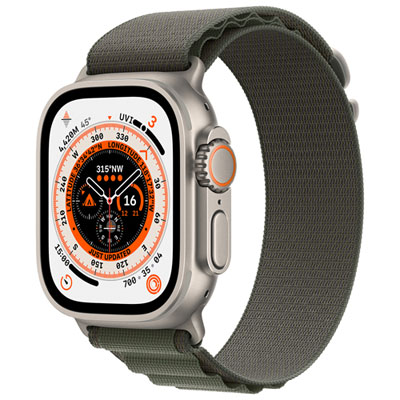
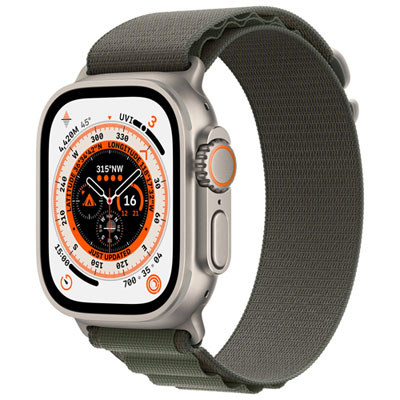
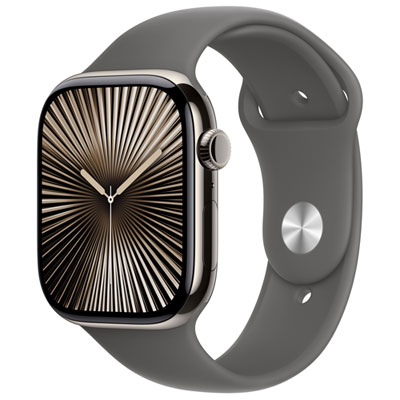

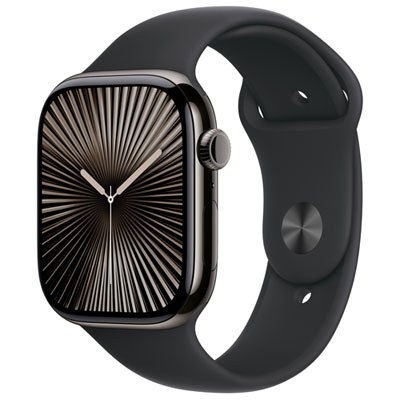
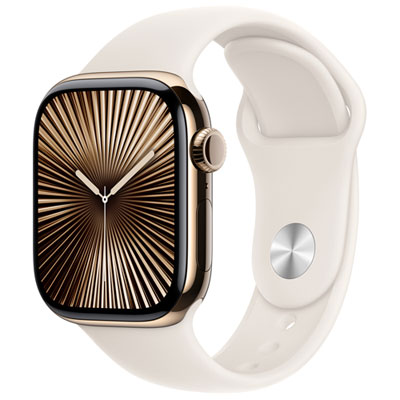
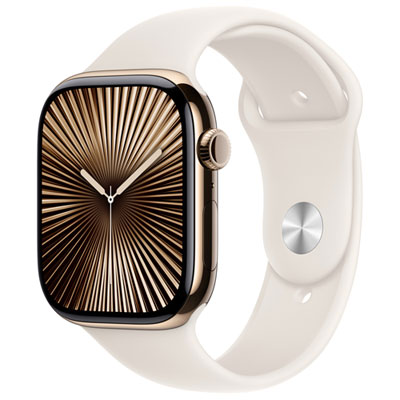
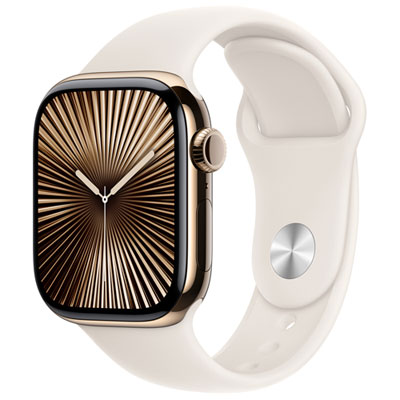
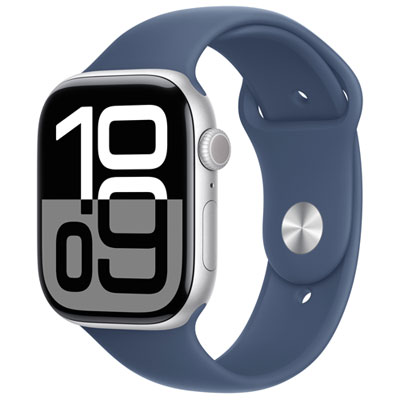
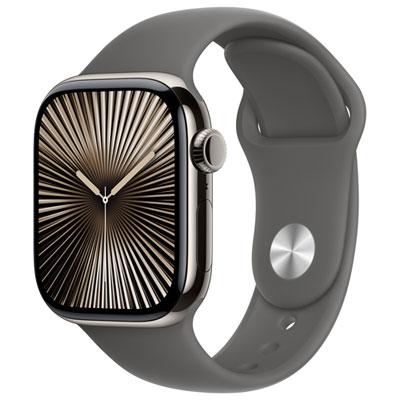
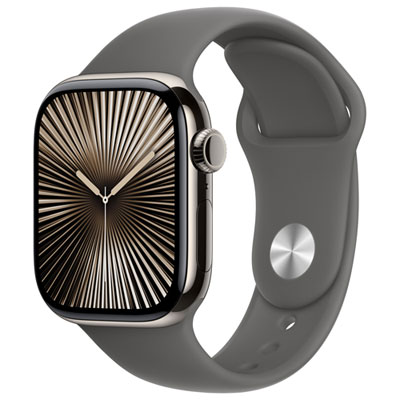
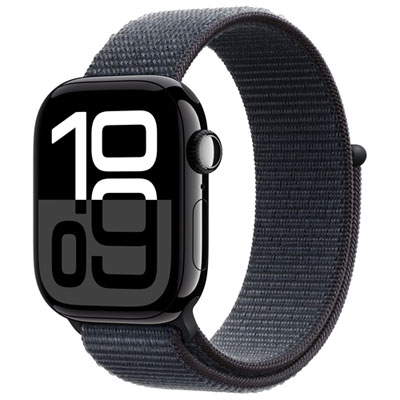
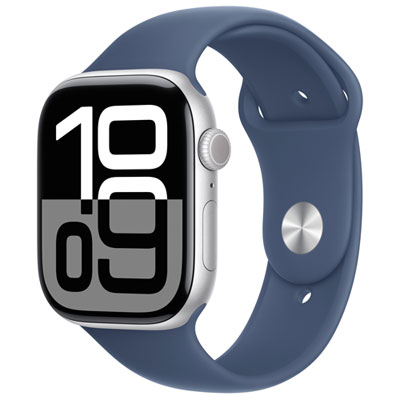
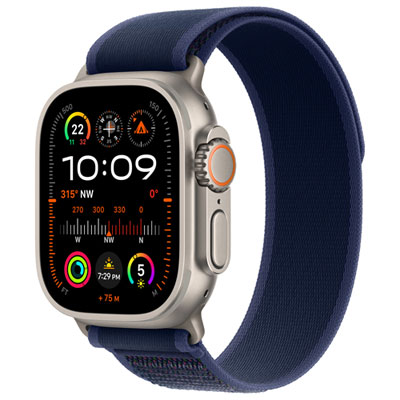
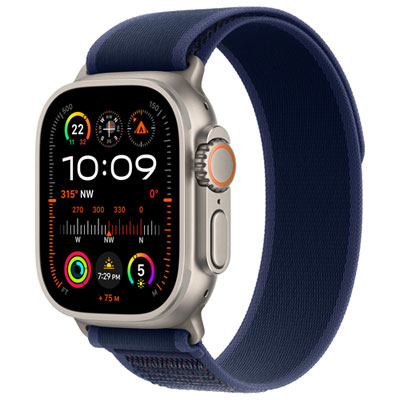
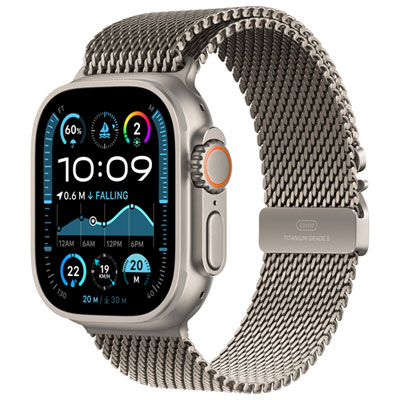
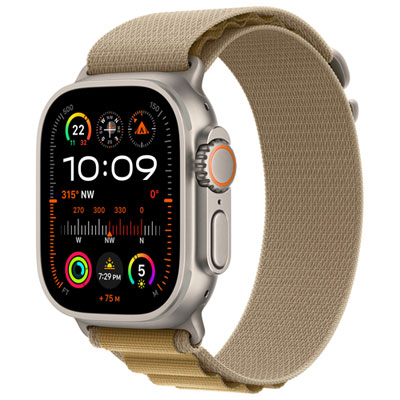
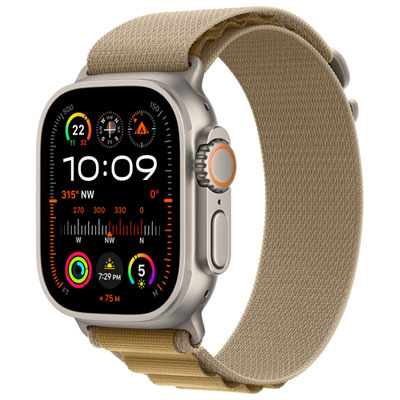
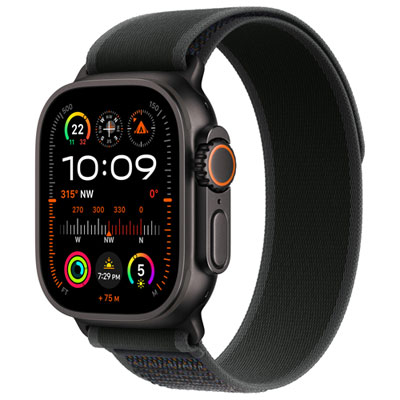
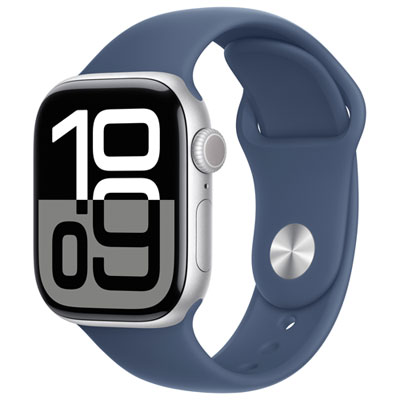
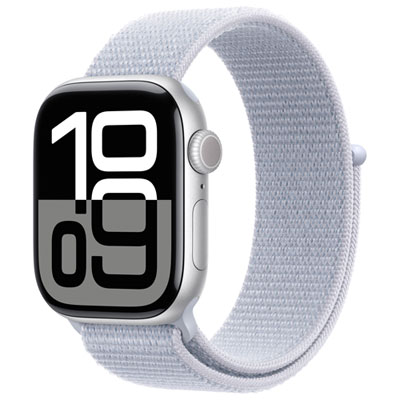
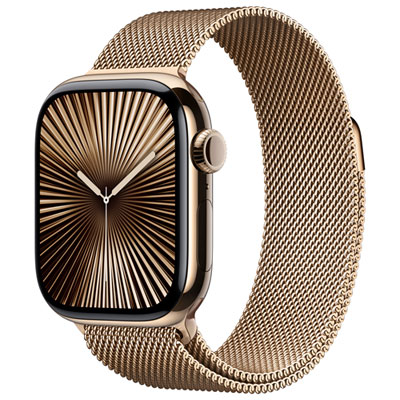
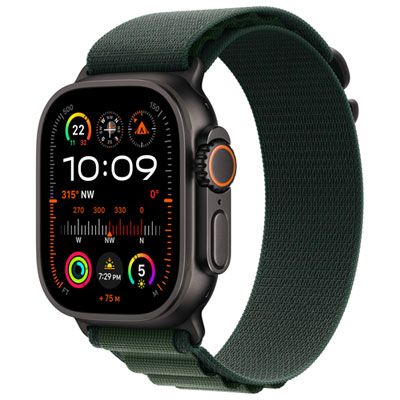
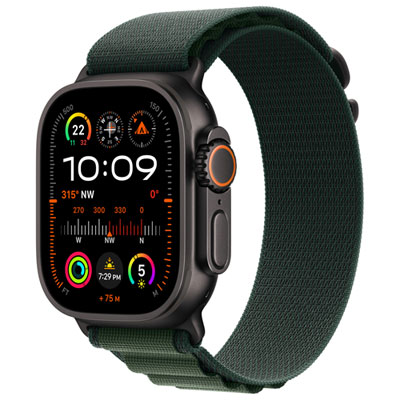
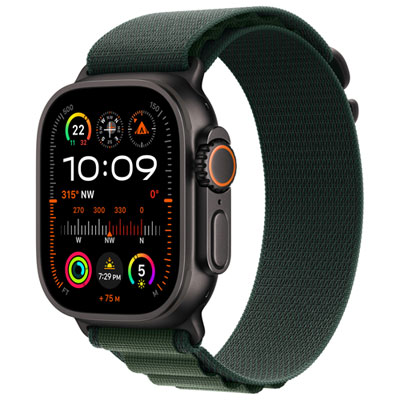
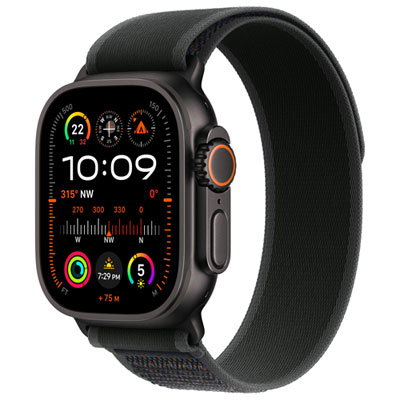
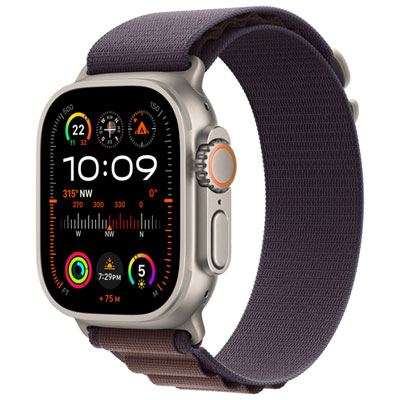
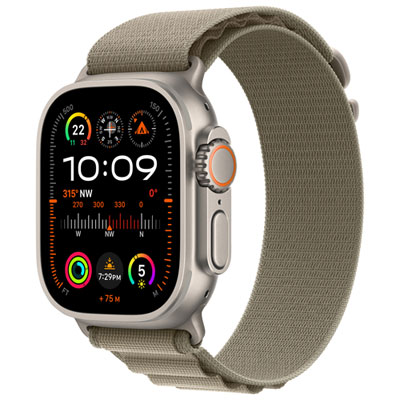
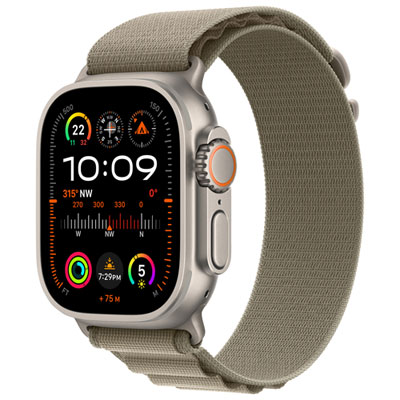
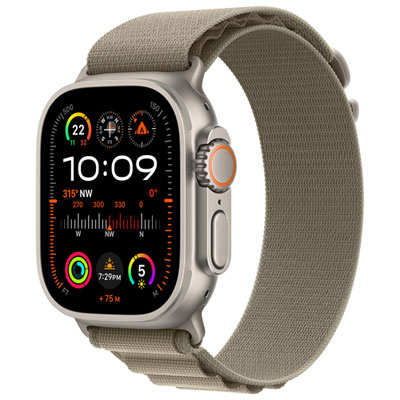
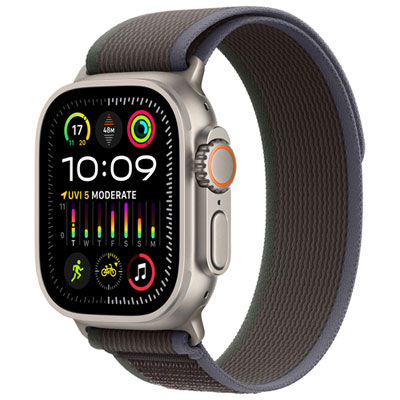
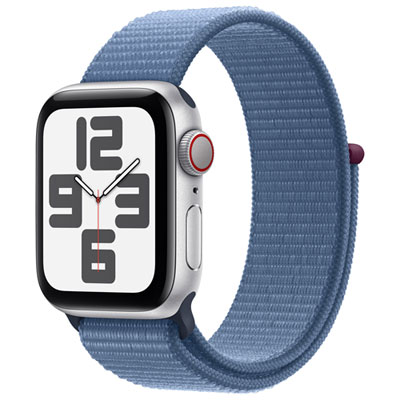
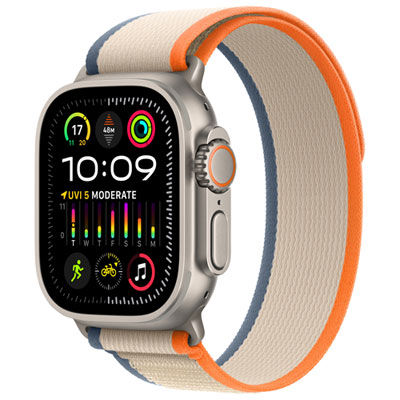
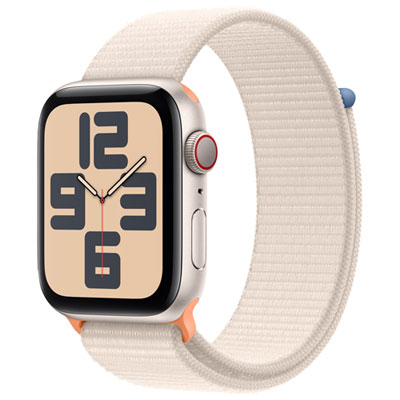
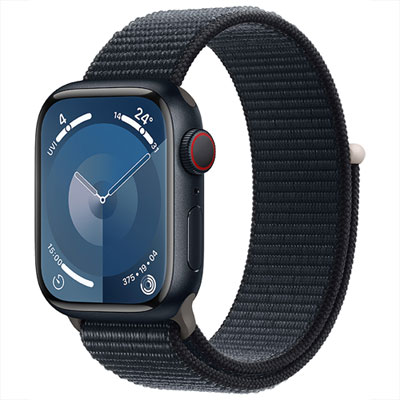
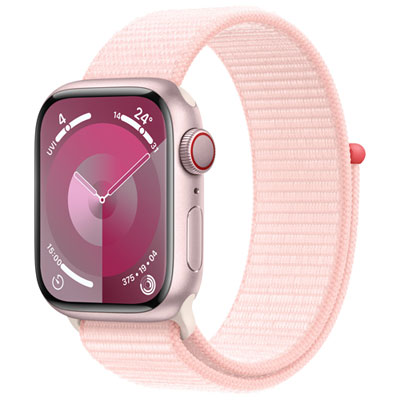
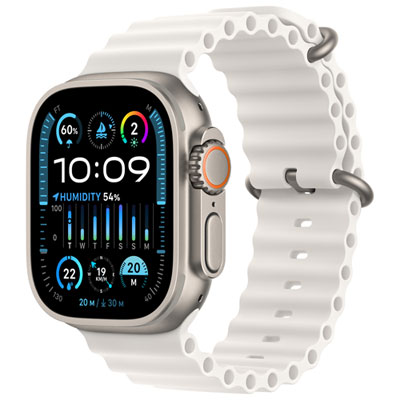
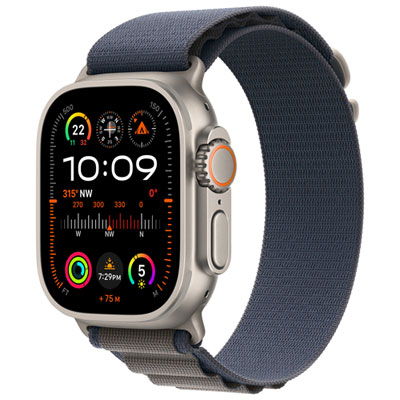
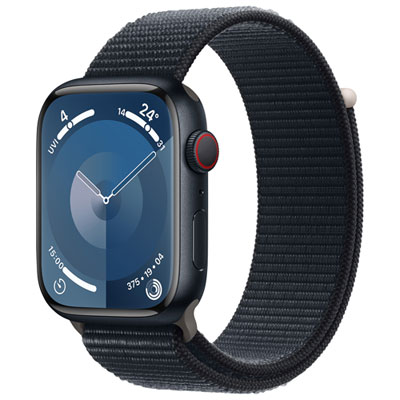
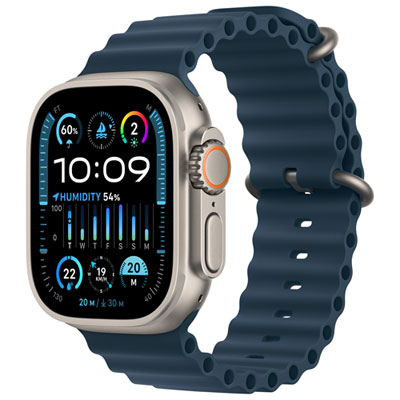
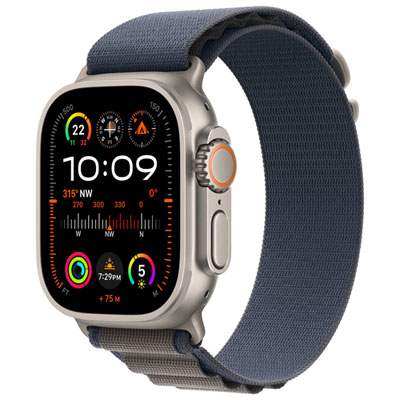
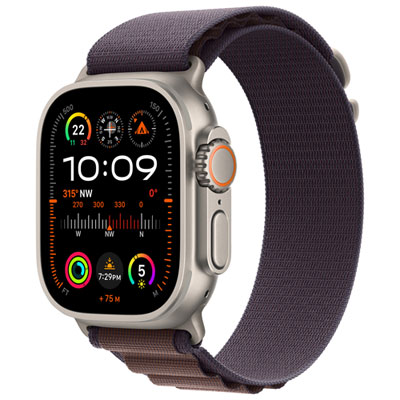
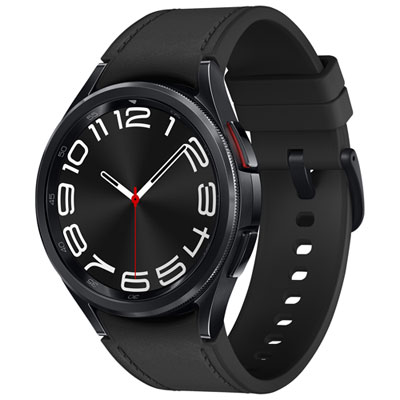
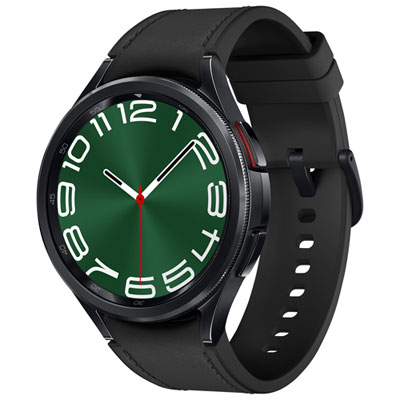
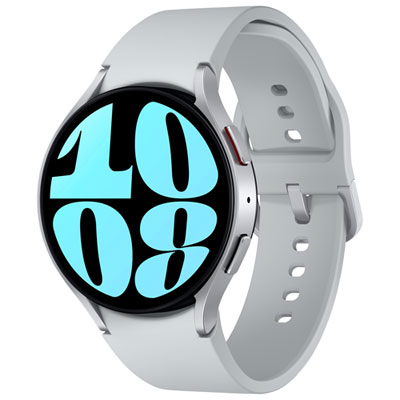
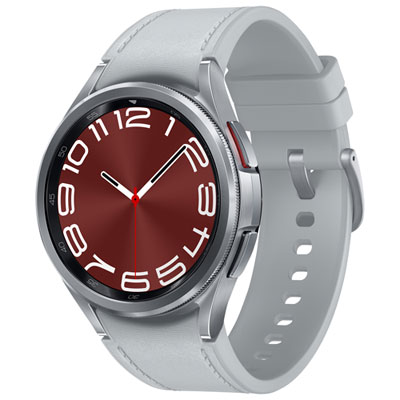
How TELUS connectivity extends your smartwatch beyond your phone
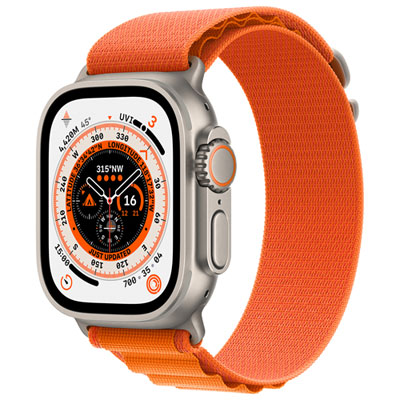
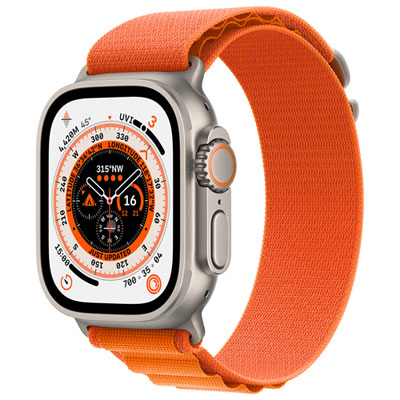
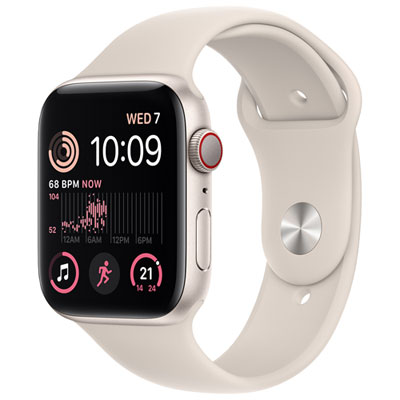
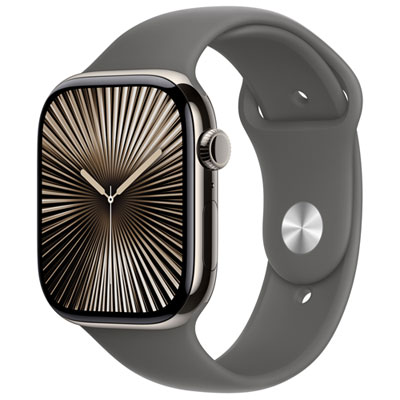
TELUS Watches generally refers to smartwatches that can connect to the TELUS network, rather than a separate line of watches made by TELUS. These wearable devices combine the convenience of a traditional watch with features such as activity tracking, notifications, calling, messaging, navigation, music controls, health insights and emergency assistance. When a compatible cellular smartwatch is paired with an eligible smartphone and activated with a TELUS connected device plan, it may be able to use mobile connectivity away from the phone. That can be useful during a morning walk, a bike ride, a commute or an afternoon at the park, when carrying a phone feels inconvenient. A smartwatch with cellular capability can help you stay in touch while leaving your phone safely in a bag or at home, although the exact functions available depend on the watch, its operating system, the paired phone and the terms of the wireless service. For shoppers browsing products associated with Telus Watches, it is helpful to think of the device and the network service as two parts of the same setup. The watch is purchased separately, while TELUS provides the compatible mobility connection when the requirements are met. An active TELUS smartphone mobility plan is generally needed before adding a connected device plan, and the connected device service may cost $15 per month according to the plan information available from TELUS. Plan pricing, eligibility, activation requirements and supported devices can change, so reviewing the latest TELUS terms before completing setup is an important part of the purchase decision.
Choosing a smartwatch for use with TELUS starts with compatibility. Check whether the watch supports cellular service in Canada, whether it works with the type of smartphone you use and whether your existing TELUS plan can support an additional connected device. A watch that relies only on Bluetooth or Wi-Fi may still be useful for notifications, exercise tracking and other everyday functions, but it will typically need to remain near the phone or within a known wireless network for many connected features. A cellular model offers greater independence, though it may require a separate service fee and can use more battery when mobile features are active. Battery life is worth considering in practical terms: someone who charges devices beside the bed each night may be comfortable with a watch that needs frequent charging, while a hiker, traveller or shift worker may prefer longer battery performance. Screen size and case design also affect comfort, visibility and durability. A bright, easy-to-read display can be valuable during a brisk outdoor walk in changing light, while a lighter case may feel better during sleep tracking or extended workouts. Look at the available health and fitness tools as well, including heart-rate tracking, step counting, workout modes, sleep information and reminders to move. These features are not a substitute for professional medical advice, but they can make daily routines easier to notice and maintain. Water resistance, strap options, notification controls, voice features, GPS and emergency functions may also influence the right choice. If the watch is intended for a child, older family member or someone who spends time outdoors alone, simple controls, dependable location features and clear communication may matter more than advanced workout statistics. If it is a gift, consider the recipient’s phone type, preferred activities and comfort with technology before focusing on appearance. A well-matched smartwatch can feel personal and useful, whether it helps a busy parent keep track of messages while preparing dinner, gives a runner quick access to pace information or lets a traveller check directions without repeatedly reaching into a coat pocket.
Before activating a TELUS-compatible smartwatch, prepare the phone and account used for setup. The initial pairing process usually involves installing or opening the watch’s companion app, signing in with the appropriate account, confirming permissions, selecting a mobile plan and following the activation instructions. Keep the phone nearby, make sure both devices have sufficient battery and install available software updates to reduce interruptions during setup. The watch may need to be reset if it was previously paired with another phone, and some features may require separate permissions for contacts, location, health information or notifications. Once connected, test the functions that matter most by moving a short distance away from the phone and checking whether calls, messages or data features continue to work. It is also sensible to review roaming rules before travelling, understand how mobile data is managed and confirm what happens if the main smartphone plan changes. The right setup can make a smartwatch feel almost effortless: a discreet vibration during a meeting, a glance at directions while carrying groceries or a quick check of an incoming message while gloves are on during the cooler months. Shoppers comparing connected devices may also be considering a new phone to complete their setup; the Telus iPhones selection can be reviewed separately when phone compatibility is part of the decision. By checking network support, monthly service requirements, battery expectations and everyday comfort before buying, you can choose a wearable that fits naturally into your routine and makes the most of TELUS connectivity.
Choosing a smartwatch for use with TELUS starts with compatibility. Check whether the watch supports cellular service in Canada, whether it works with the type of smartphone you use and whether your existing TELUS plan can support an additional connected device. A watch that relies only on Bluetooth or Wi-Fi may still be useful for notifications, exercise tracking and other everyday functions, but it will typically need to remain near the phone or within a known wireless network for many connected features. A cellular model offers greater independence, though it may require a separate service fee and can use more battery when mobile features are active. Battery life is worth considering in practical terms: someone who charges devices beside the bed each night may be comfortable with a watch that needs frequent charging, while a hiker, traveller or shift worker may prefer longer battery performance. Screen size and case design also affect comfort, visibility and durability. A bright, easy-to-read display can be valuable during a brisk outdoor walk in changing light, while a lighter case may feel better during sleep tracking or extended workouts. Look at the available health and fitness tools as well, including heart-rate tracking, step counting, workout modes, sleep information and reminders to move. These features are not a substitute for professional medical advice, but they can make daily routines easier to notice and maintain. Water resistance, strap options, notification controls, voice features, GPS and emergency functions may also influence the right choice. If the watch is intended for a child, older family member or someone who spends time outdoors alone, simple controls, dependable location features and clear communication may matter more than advanced workout statistics. If it is a gift, consider the recipient’s phone type, preferred activities and comfort with technology before focusing on appearance. A well-matched smartwatch can feel personal and useful, whether it helps a busy parent keep track of messages while preparing dinner, gives a runner quick access to pace information or lets a traveller check directions without repeatedly reaching into a coat pocket.
Before activating a TELUS-compatible smartwatch, prepare the phone and account used for setup. The initial pairing process usually involves installing or opening the watch’s companion app, signing in with the appropriate account, confirming permissions, selecting a mobile plan and following the activation instructions. Keep the phone nearby, make sure both devices have sufficient battery and install available software updates to reduce interruptions during setup. The watch may need to be reset if it was previously paired with another phone, and some features may require separate permissions for contacts, location, health information or notifications. Once connected, test the functions that matter most by moving a short distance away from the phone and checking whether calls, messages or data features continue to work. It is also sensible to review roaming rules before travelling, understand how mobile data is managed and confirm what happens if the main smartphone plan changes. The right setup can make a smartwatch feel almost effortless: a discreet vibration during a meeting, a glance at directions while carrying groceries or a quick check of an incoming message while gloves are on during the cooler months. Shoppers comparing connected devices may also be considering a new phone to complete their setup; the Telus iPhones selection can be reviewed separately when phone compatibility is part of the decision. By checking network support, monthly service requirements, battery expectations and everyday comfort before buying, you can choose a wearable that fits naturally into your routine and makes the most of TELUS connectivity.
Top selling and popular products
-
 Your price for this item is $599.99
 -
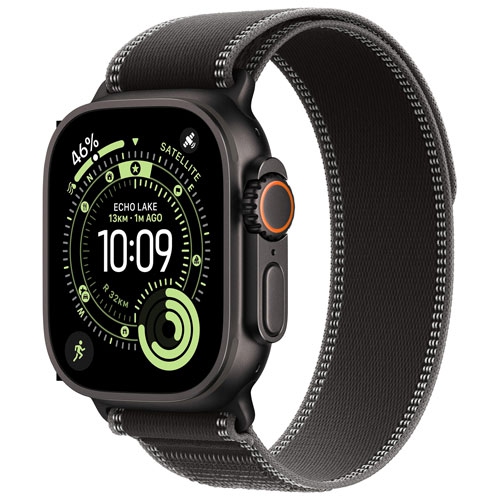 Your price for this item is $1069
 -
 Your price for this item is $196.99
 -
 Your price for this item is $196.99
 -
![APPLE Watch Series 8 [Gps 41Mm] Smart Watch With Starlight Aluminum Case And Starlight Sport Band - S/m In Multicolor](https://multimedia.bbycastatic.ca/multimedia/products/500x500/165/16537/16537952.jpeg) Your price for this item is $594.95
Your price for this item is $594.95 -
![APPLE Watch Series 10 [Gps 46MM Case] Smartwatch With Jet Aluminum Case With Sport Band - M/l In Black](https://multimedia.bbycastatic.ca/multimedia/products/500x500/186/18618/18618511.jpeg) Your price for this item is $529.99
Your price for this item is $529.99 -
 Your price for this item is $619
 -
 Your price for this item is $429.99
Discover more categories related to Telus Watches
Top Collections:
Pokemon Centers, Budget 4K TVs, Best Budget Office Chairs, Kindle Devices, Canon G7X Cameras, Apple iPhones 16, iPhone 15 Apple, Laptops for Business Work, Xiaomi Phones, Flip Phones
Some products may be subject to Environmental Handling Fees
(EHF) depending on your province.
Learn more about EHFs.