Insta360 Webcam
FAQ
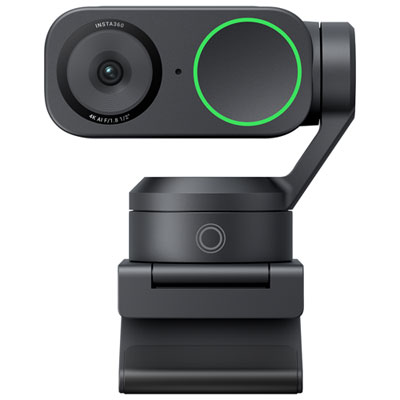
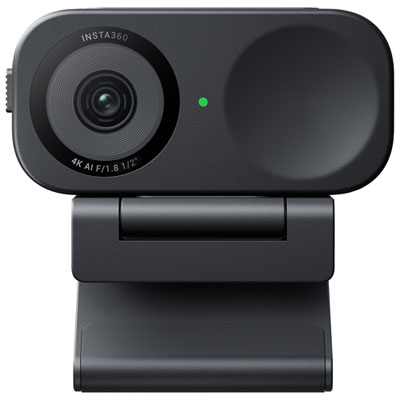
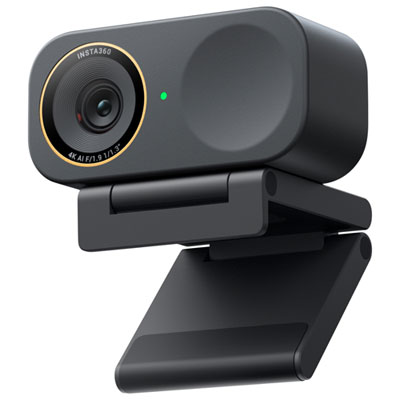
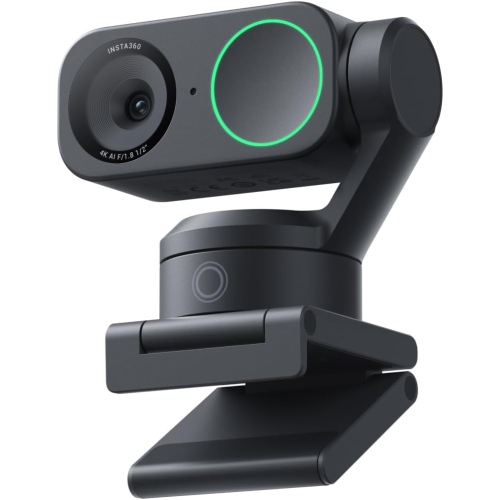
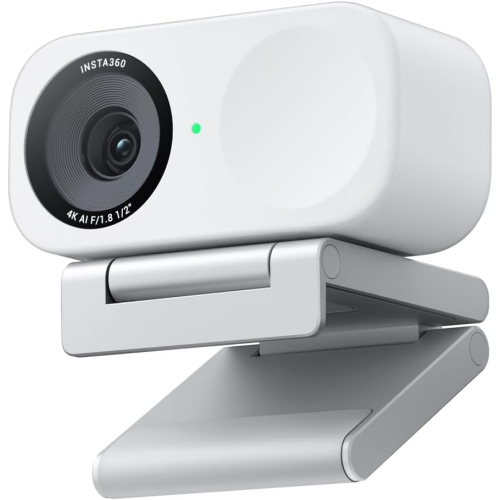
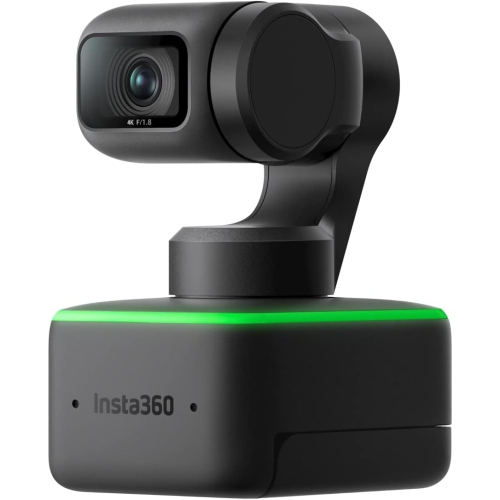
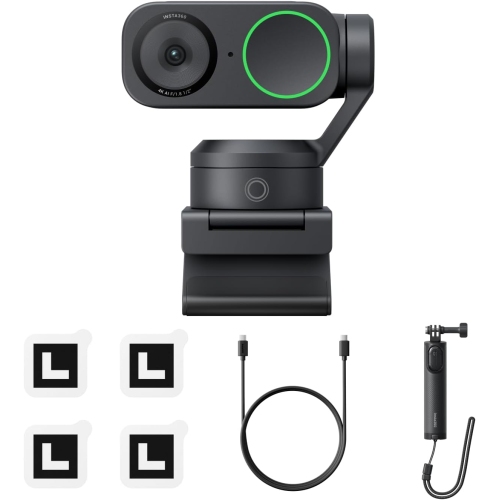
Insta360 webcams may include 4K video, AI-powered framing, gesture control, HDR, built-in microphones, and pan-and-tilt functionality, depending on the model.
Yes. Insta360 webcams are generally designed to work with popular video conferencing and streaming applications, including Zoom, Microsoft Teams, Google Meet, and OBS Studio.
Connect the webcam to your computer using the included USB cable, then select it as the camera and microphone source in your video conferencing or streaming application.
Many Insta360 webcam models support AI-powered automatic framing, which can help keep you centred in the frame as you move during calls, presentations, or livestreams.
Yes. Compatible Insta360 webcams can be used for livestreaming through software such as OBS Studio and other platforms that support USB webcams.
Top selling and popular products
Discover more categories related to Insta360 Webcams

Some products may be subject to Environmental Handling Fees(EHF) depending on your province. Learn more about EHFs.