AirPods Charging Cases
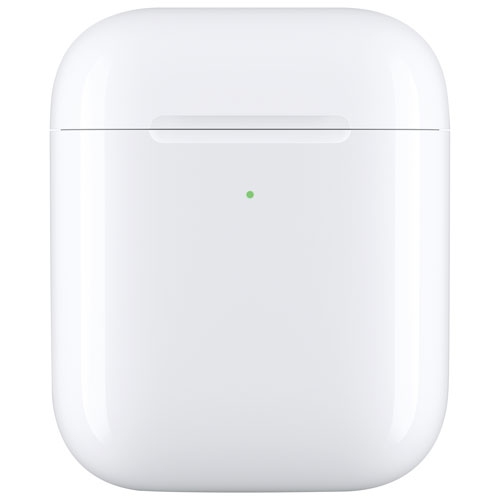
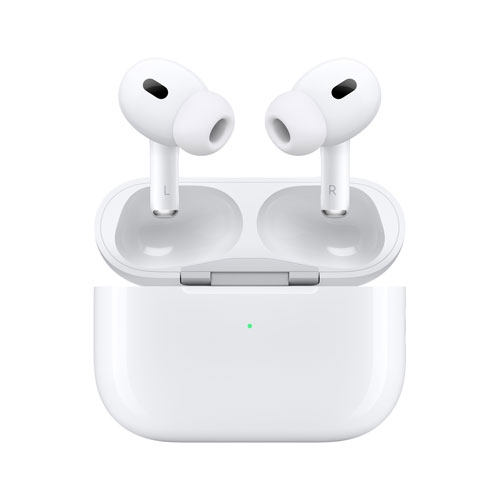
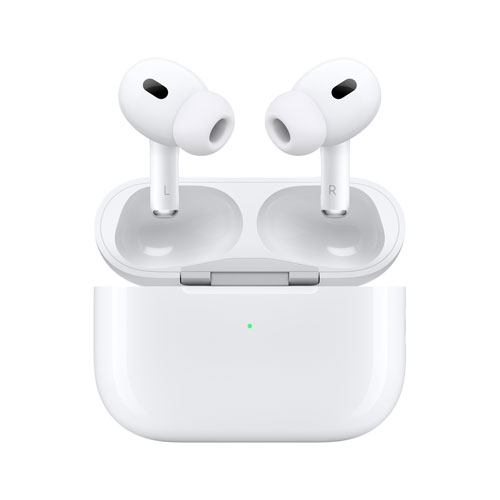
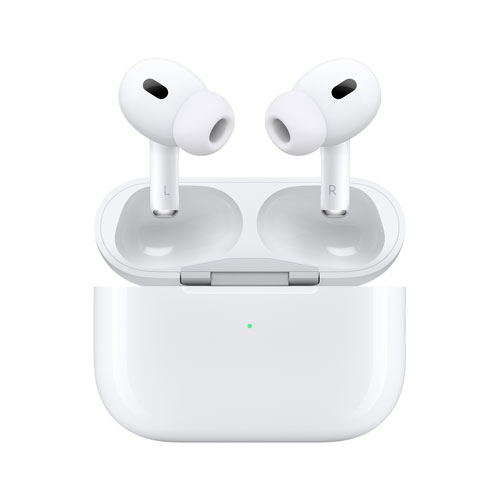
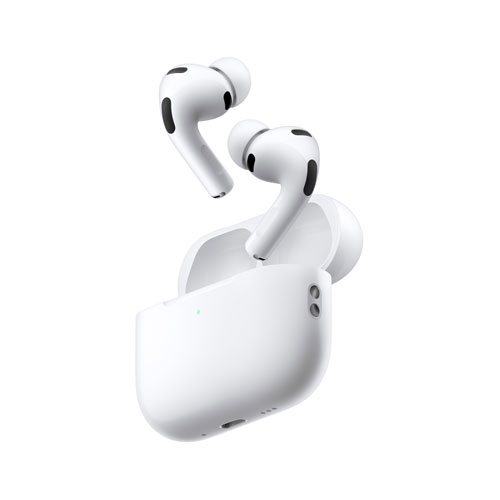
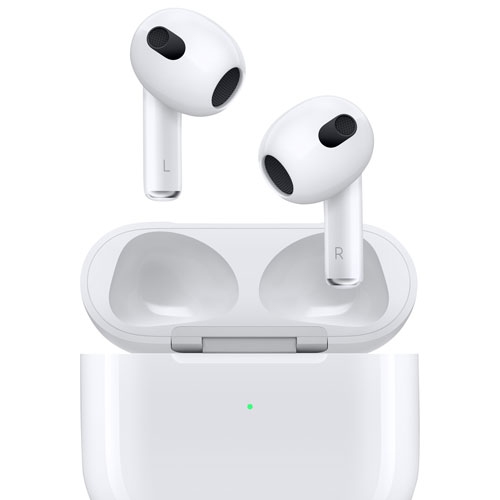
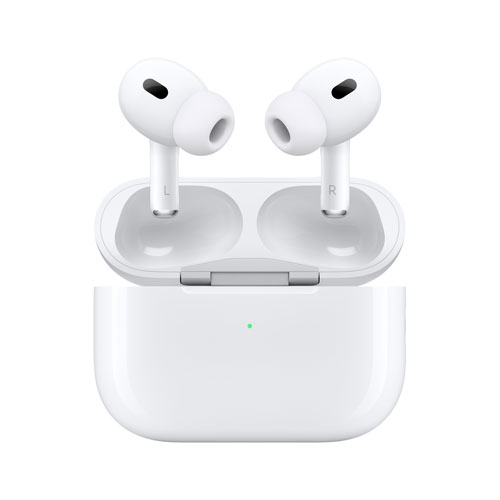
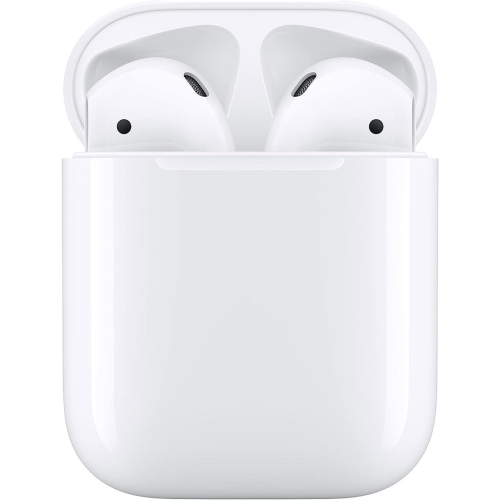
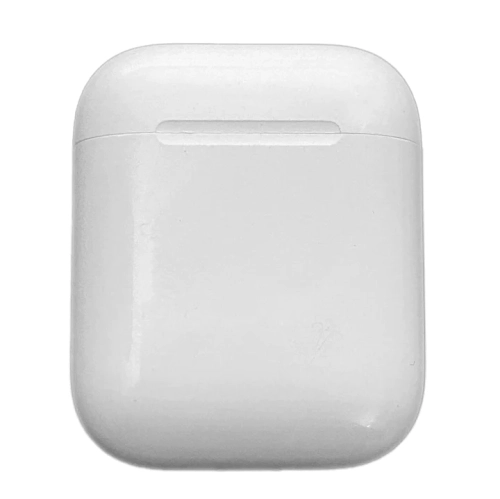
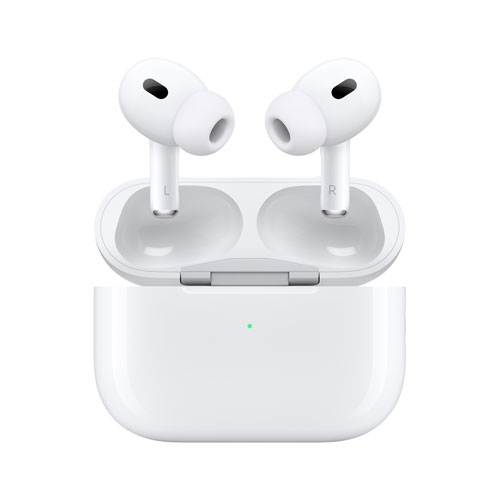
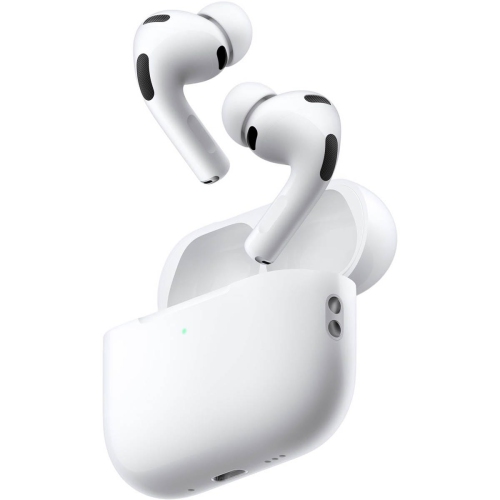
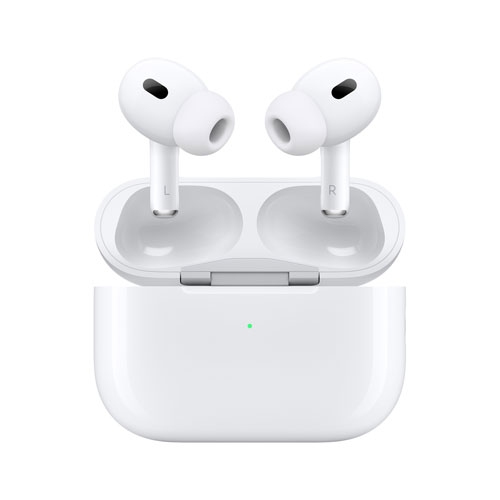
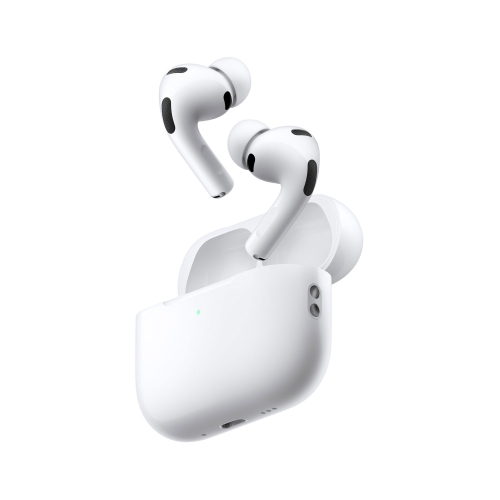
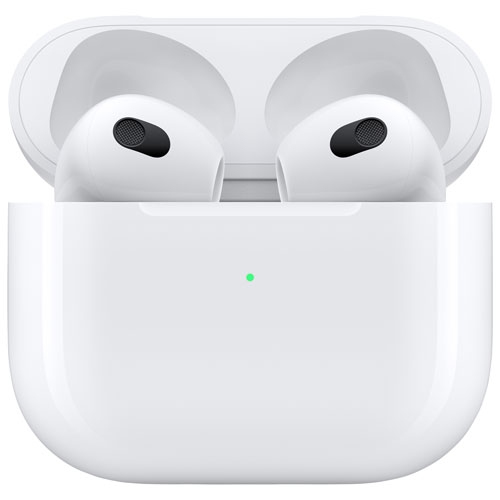
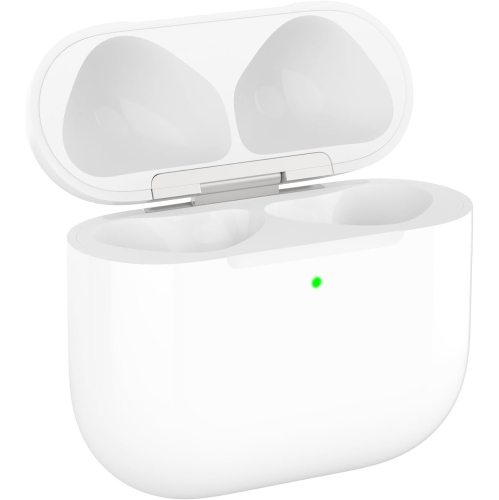
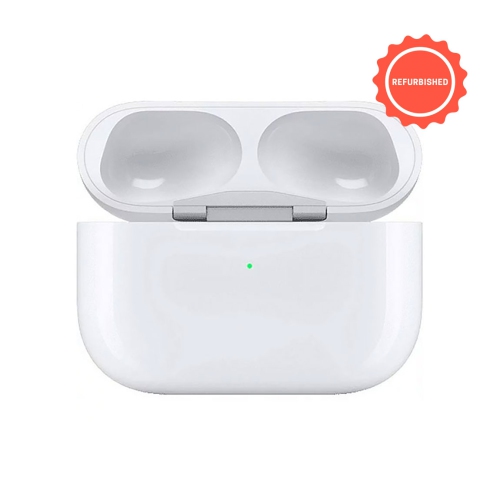
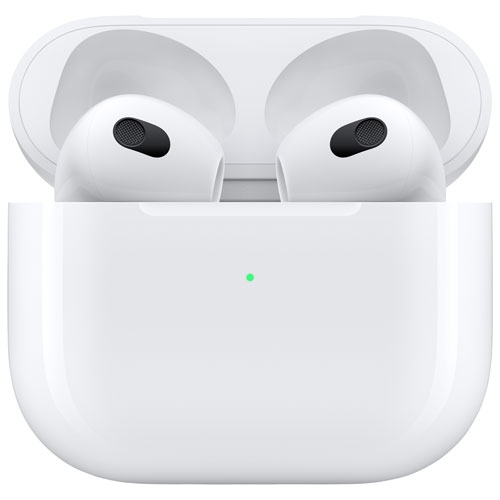
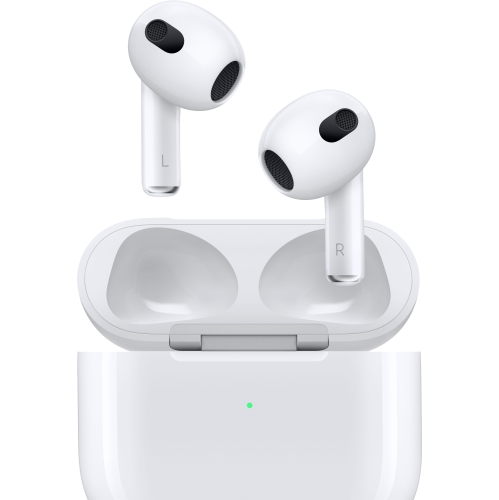
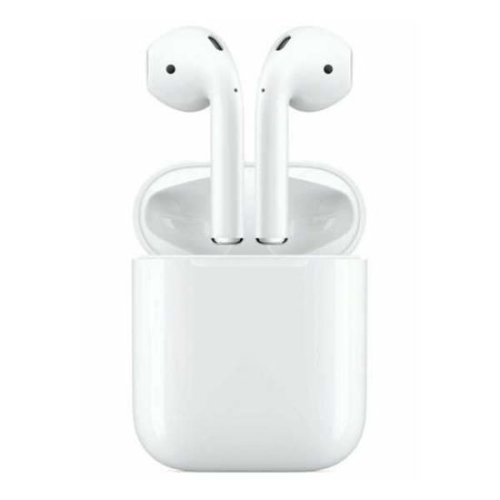
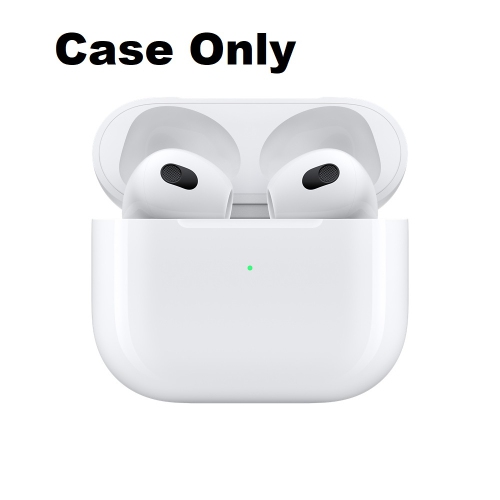
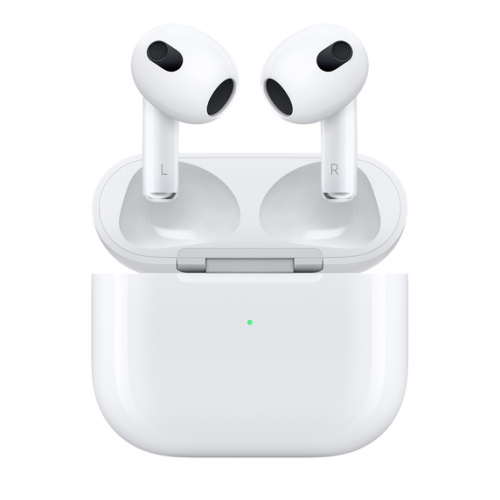
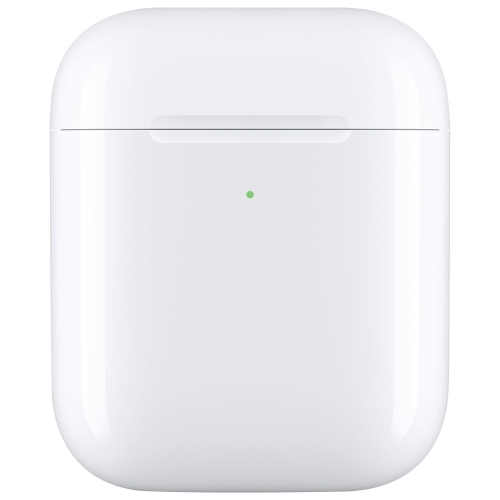
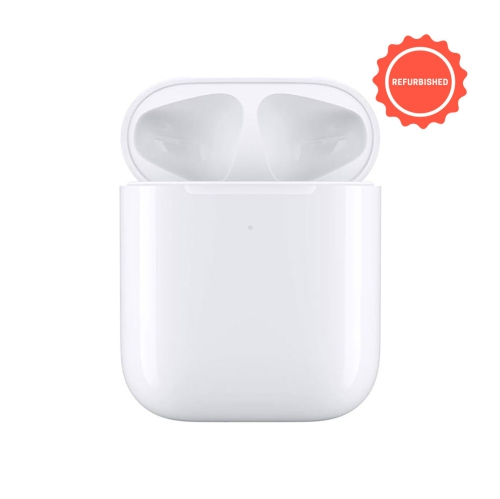
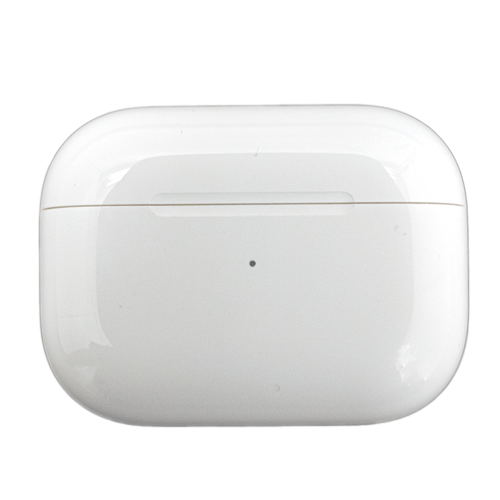
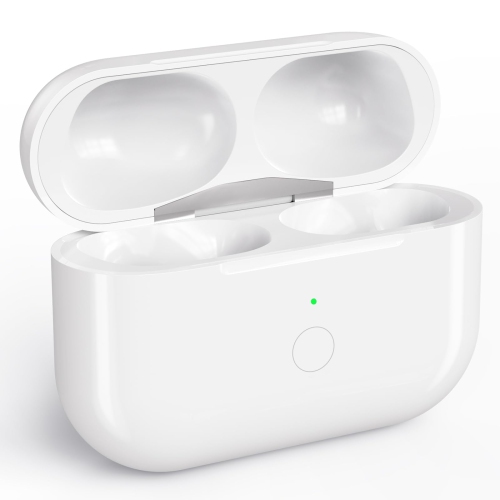
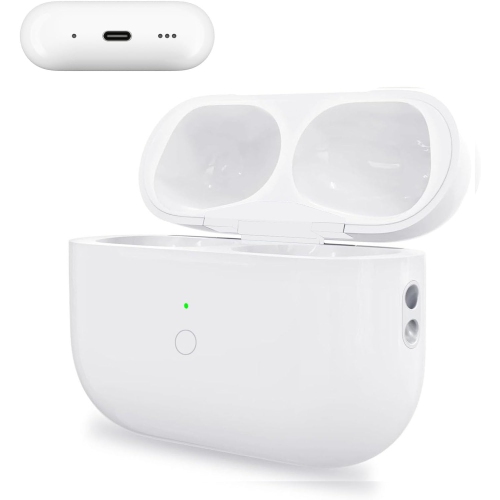
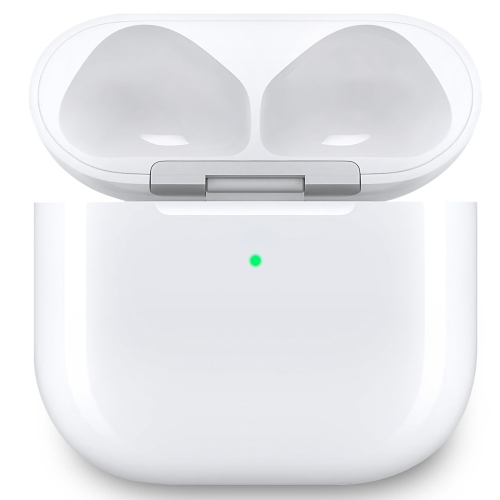
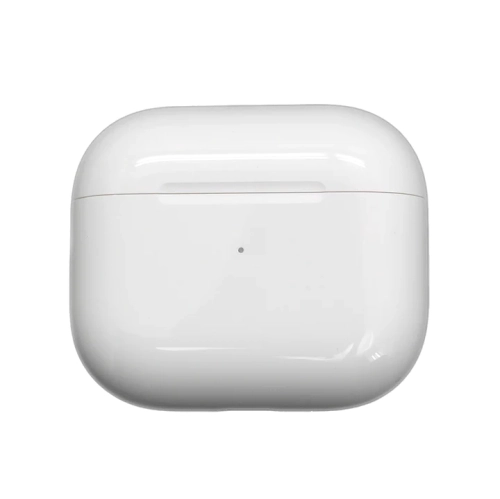
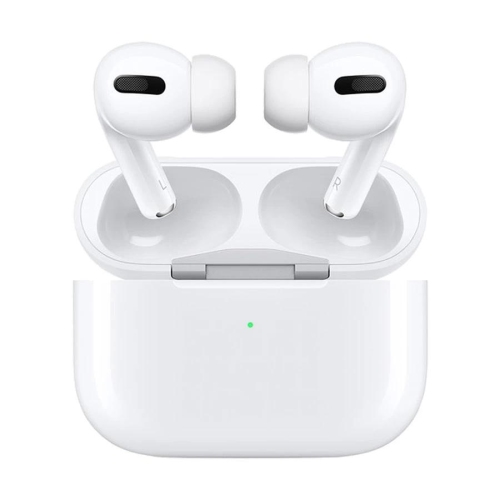
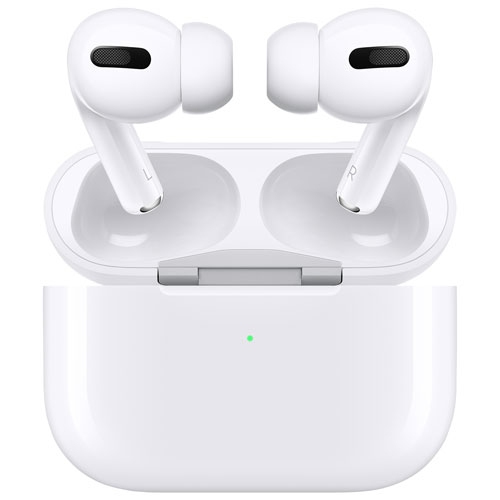
Find AirPods charging cases to replace a lost or damaged case or keep a spare on hand. Compare options for your AirPods model and generation, and check the charging connection and wireless charging support to choose a compatible case.






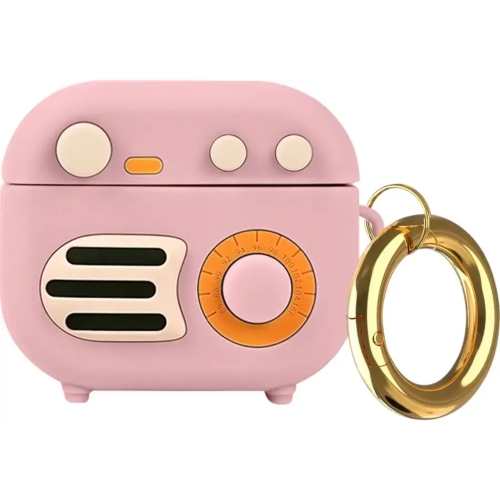
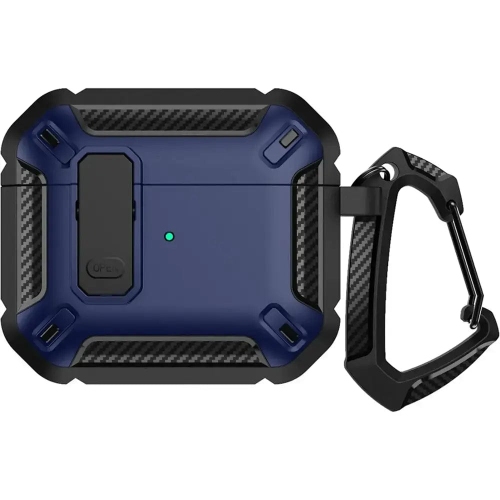
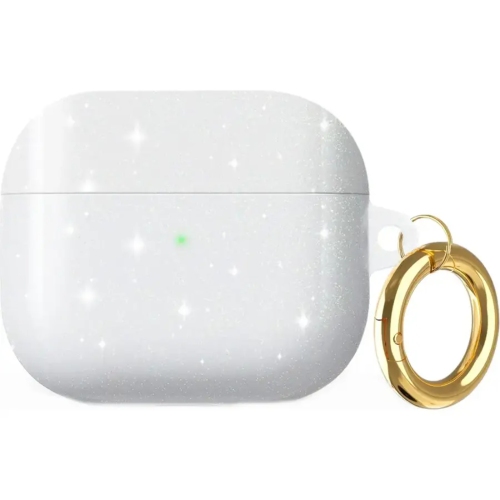
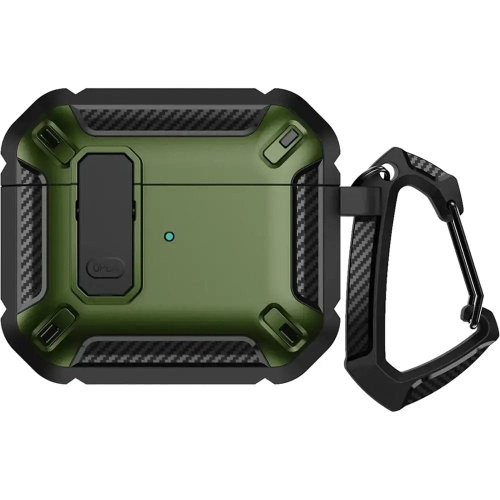








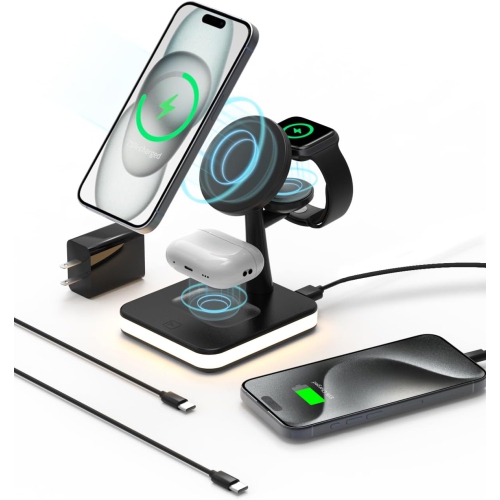
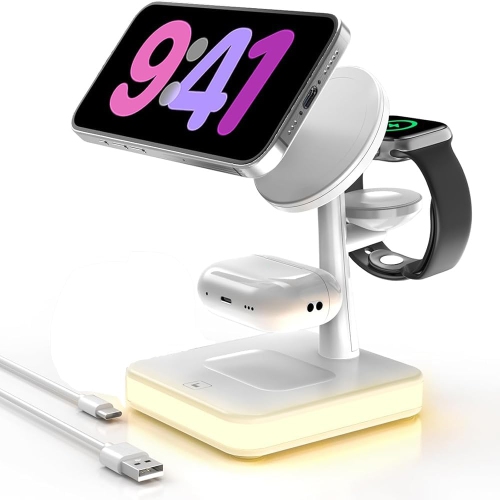
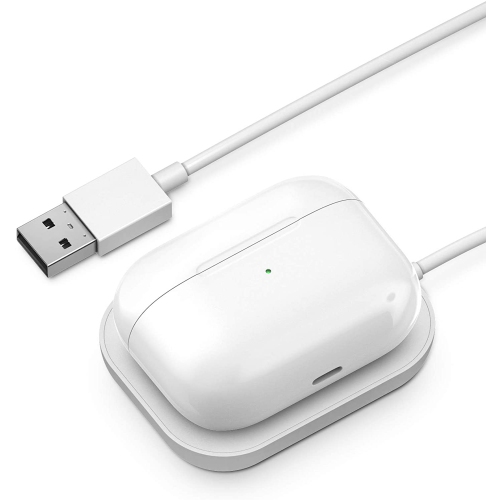
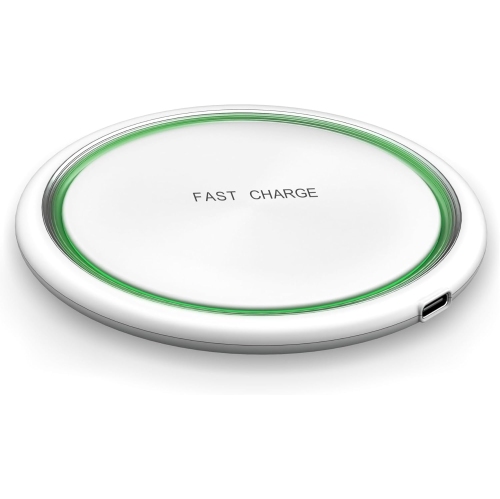
![YOULIGHTS 2 In 1 Magnetic Wireless Charging Stand [With Charger] Compatible With Iphone 15/14/13/12 Series/air Pods 2/3/pro](https://multimedia.bbycastatic.ca/multimedia/products/500x500/188/18883/18883405.jpeg)














FAQ
No. AirPods charging cases are designed for particular models and generations. Check your AirPods model in your paired device’s Bluetooth settings, then confirm that the charging case supports that model.
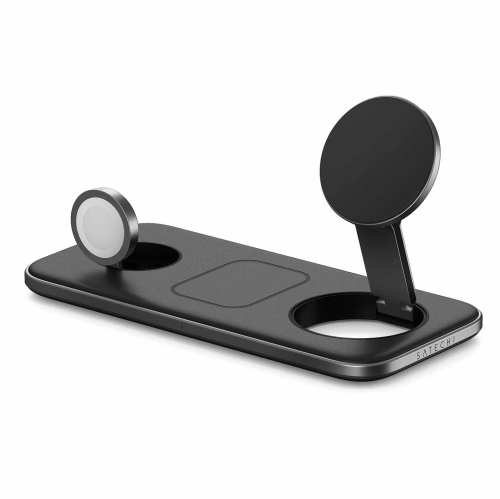
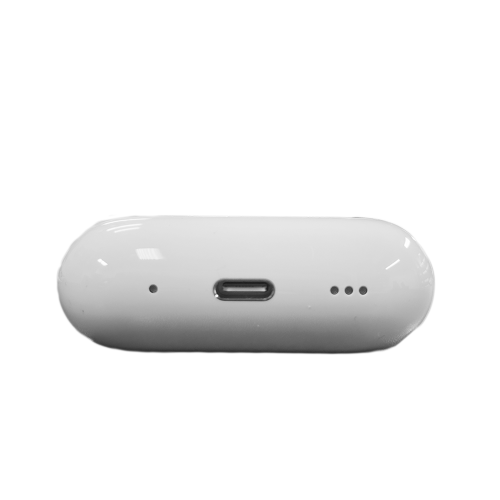
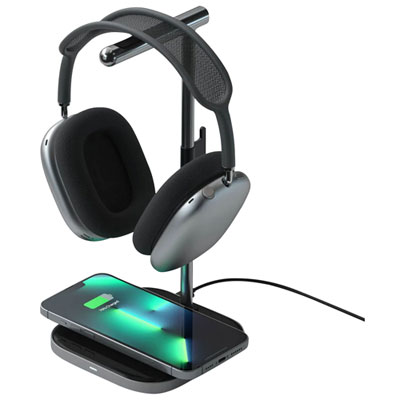
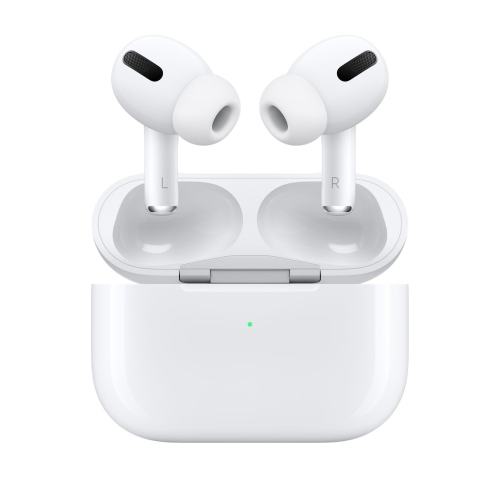
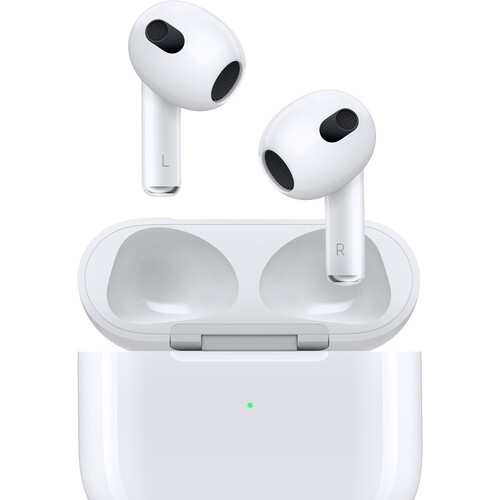
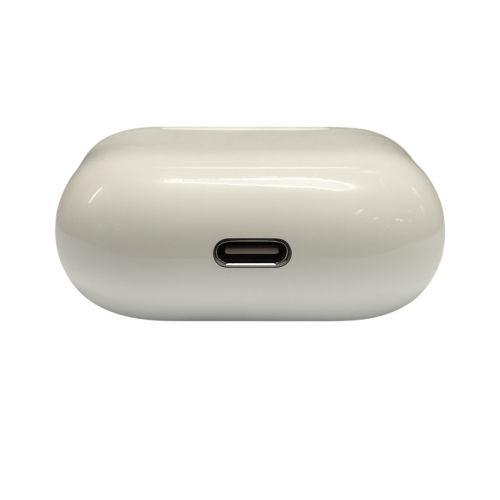
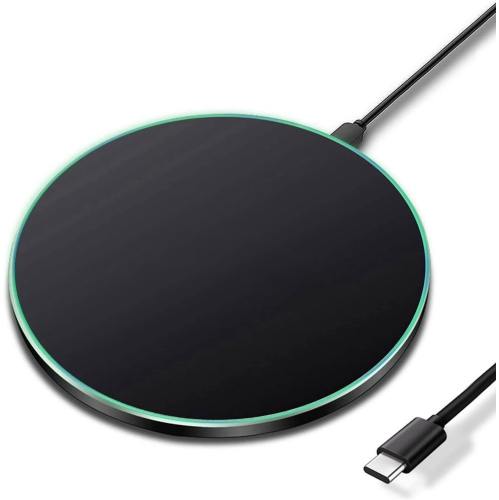
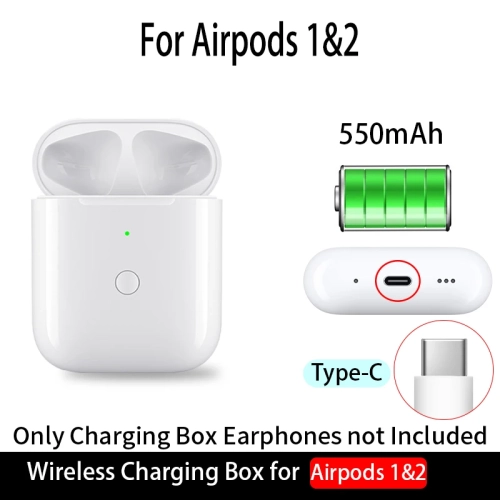
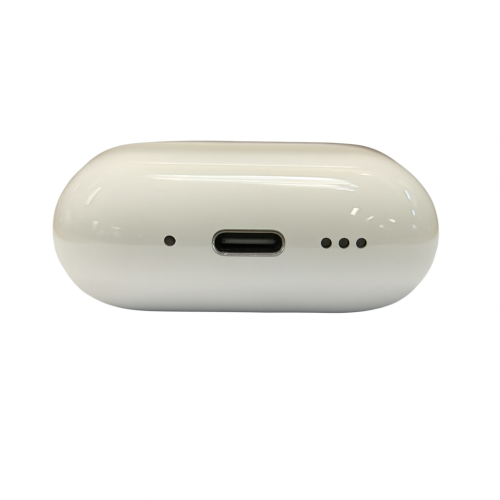
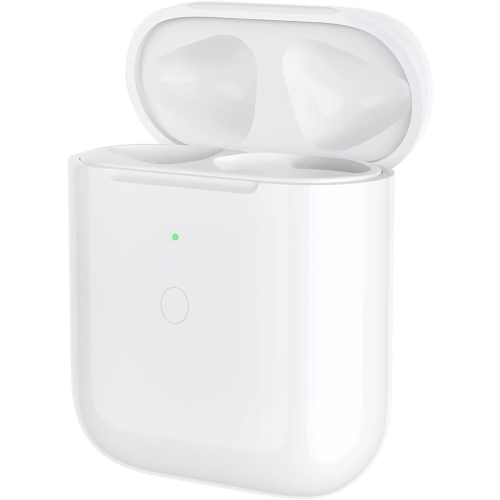
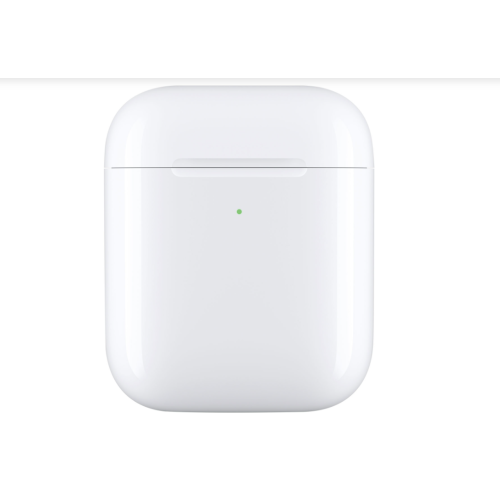
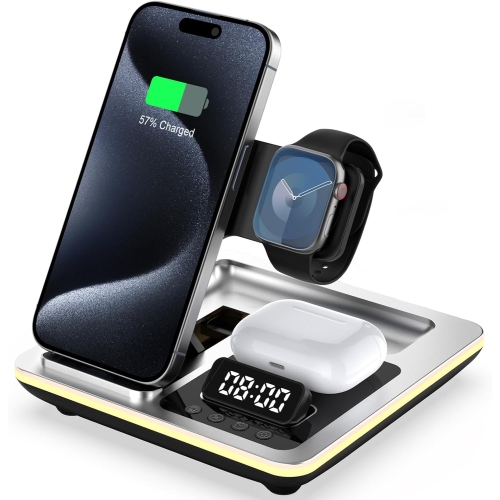
Depending on the model, an AirPods charging case may charge through a Lightning or USB-C port. Some cases also support Qi wireless charging, MagSafe charging or an Apple Watch charger. Check the case’s specifications to confirm which charging methods it supports.
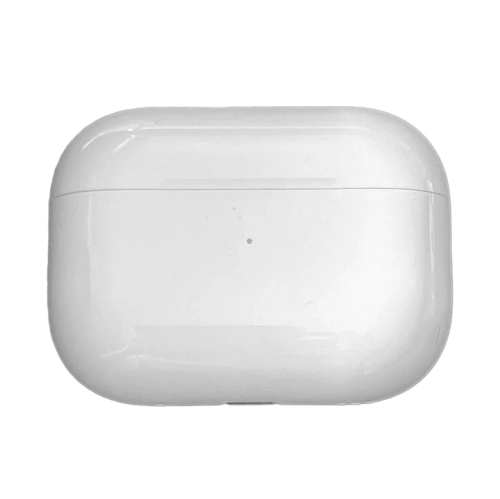
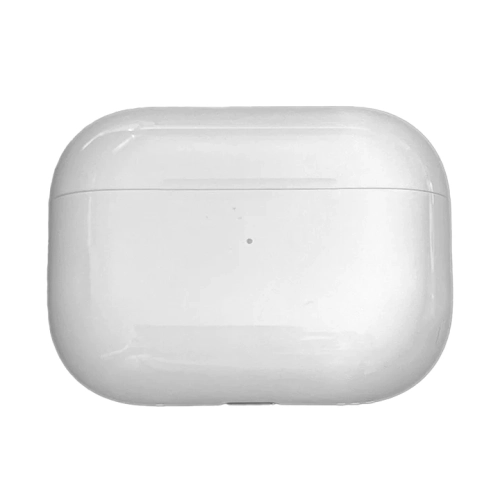
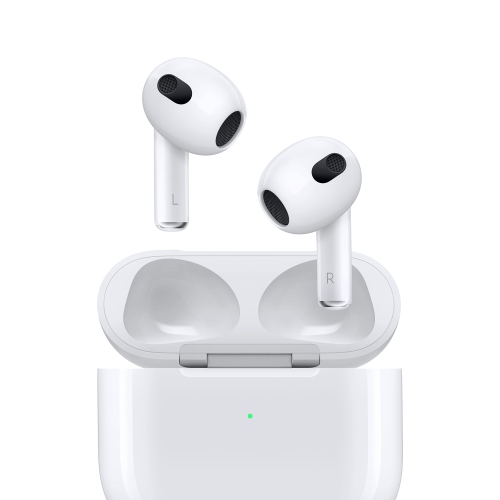
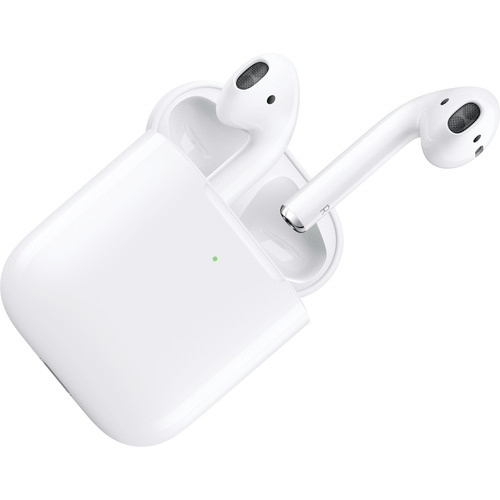
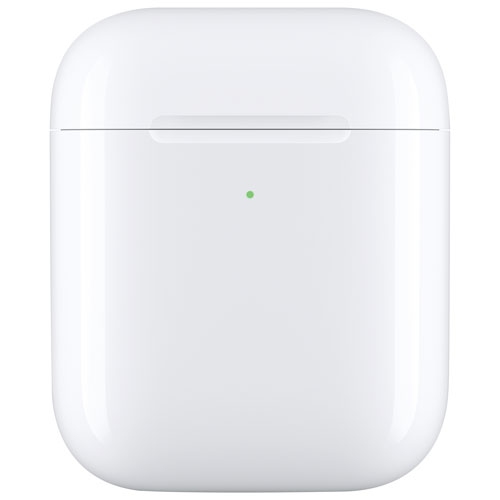
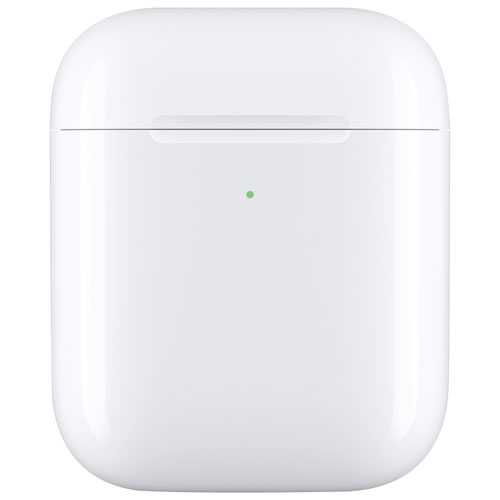
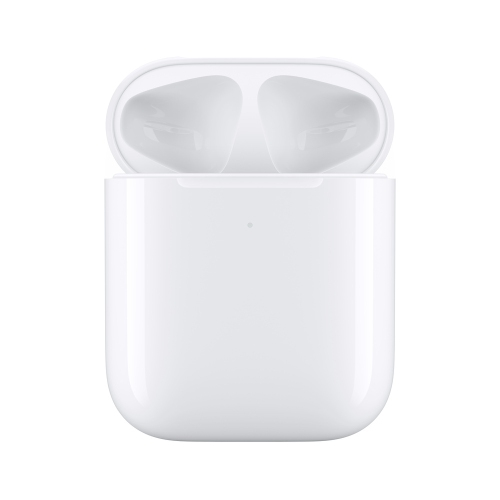
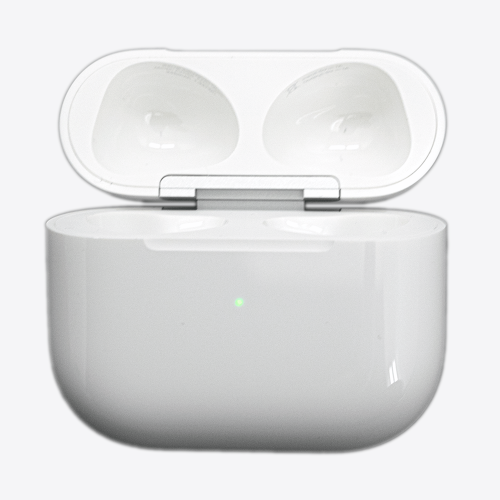
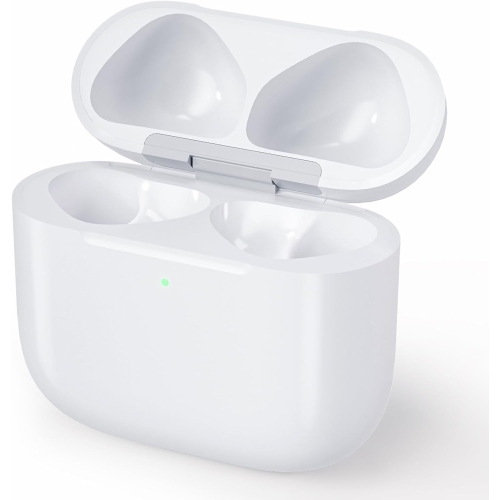
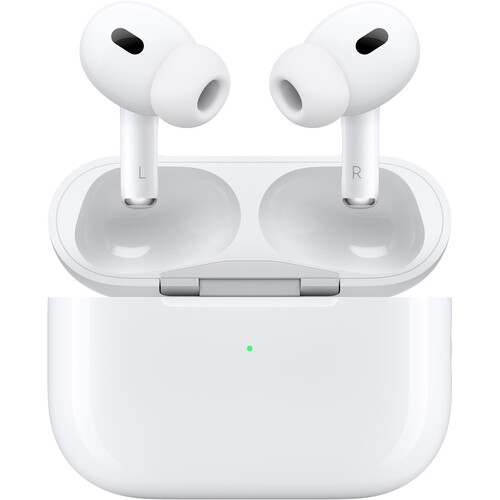
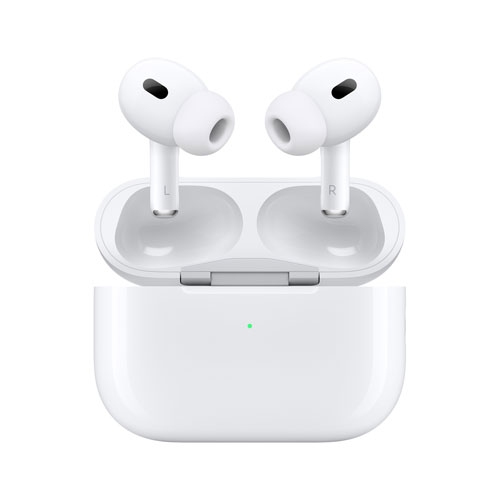
When your AirPods are inside the case and the lid is open, the light generally shows their charge status. When they are outside the case, it shows the case’s charge status. Green indicates a full charge, while amber indicates less than one full charge remains. A flashing white light means the AirPods are ready to pair.
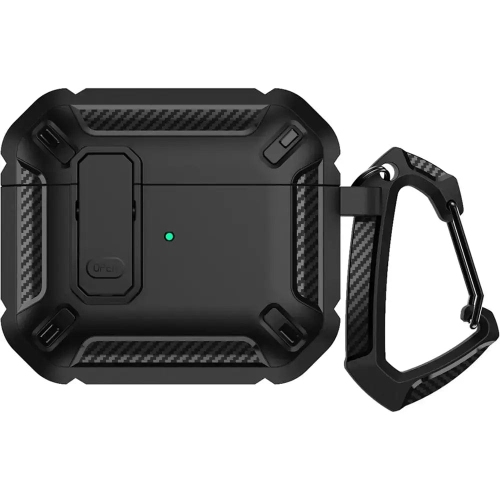
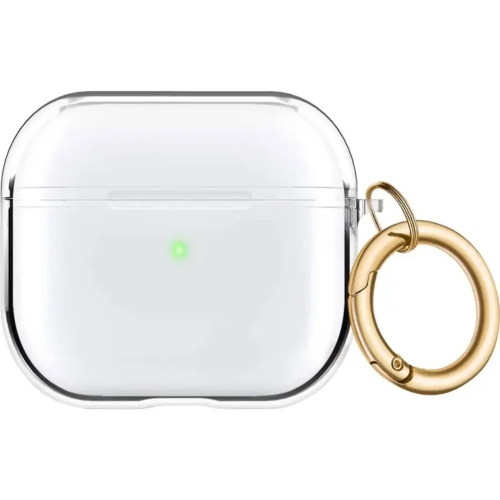
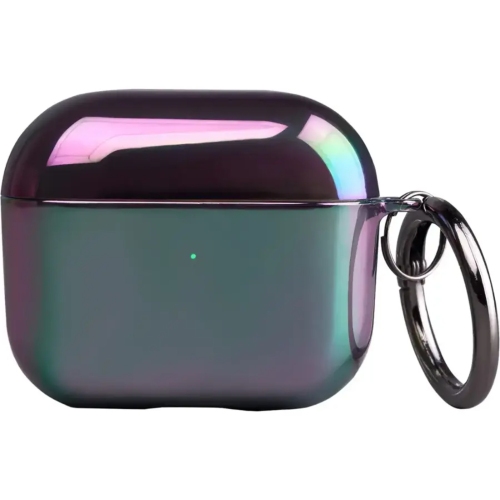
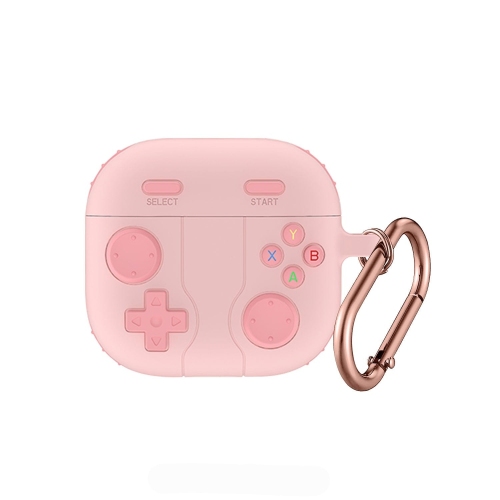
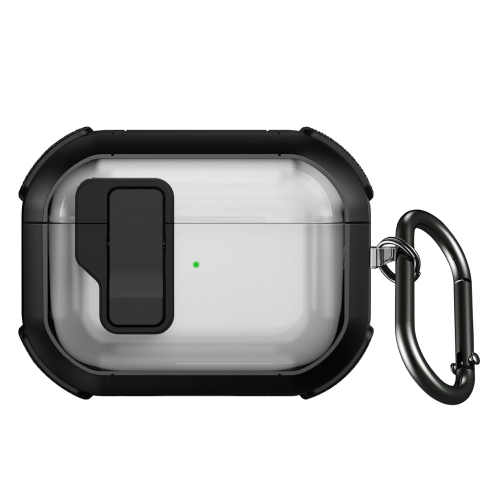
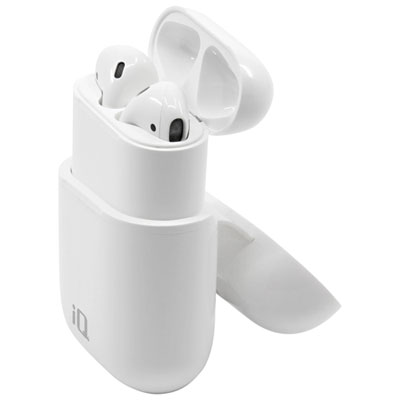
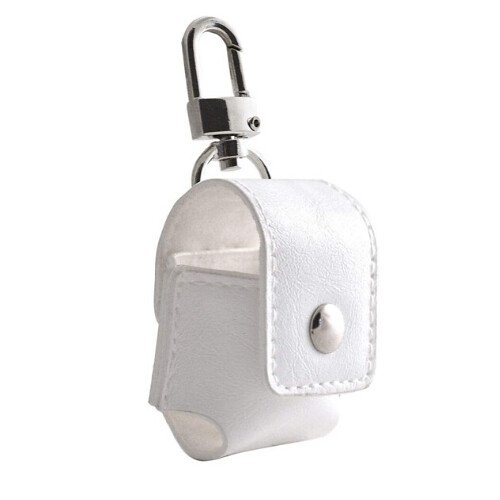
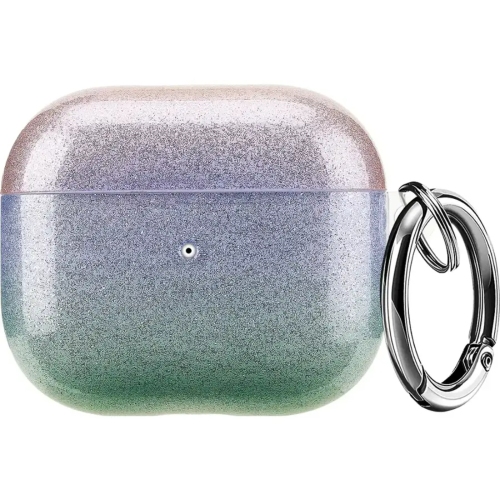
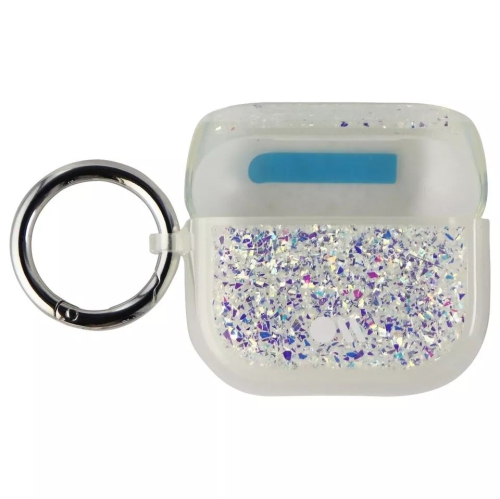
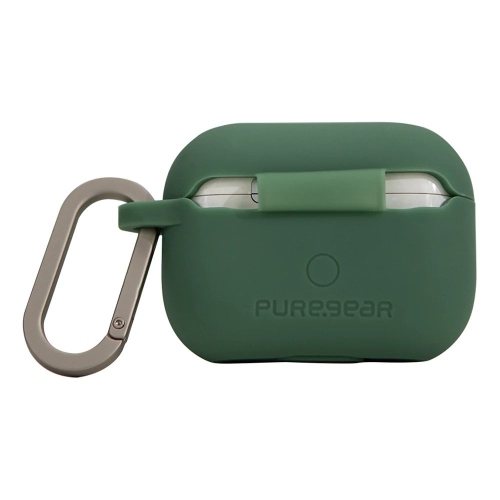
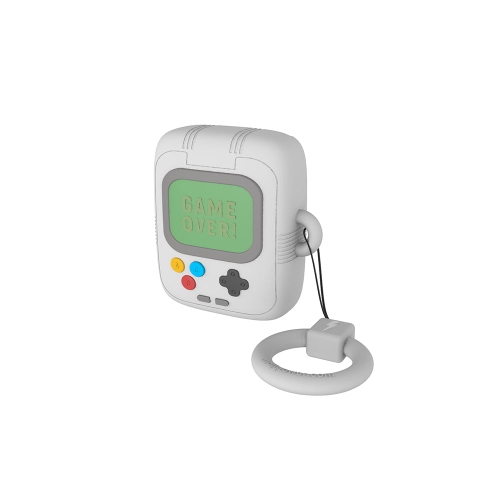
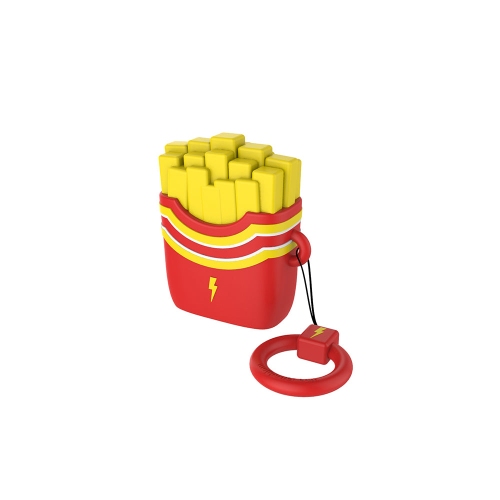
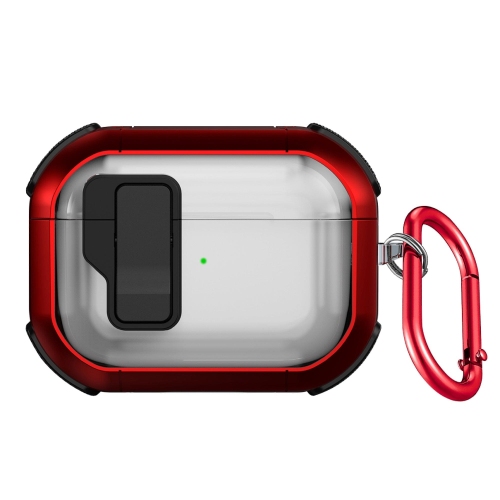
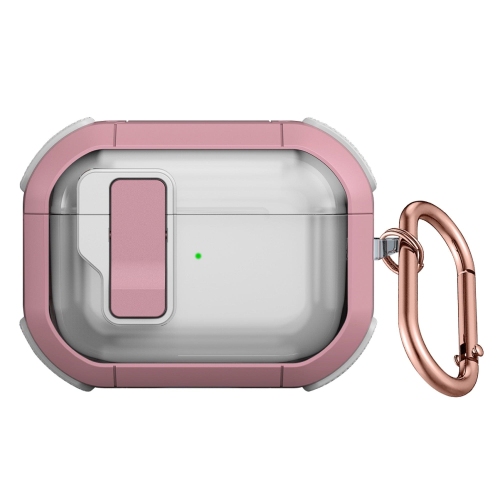
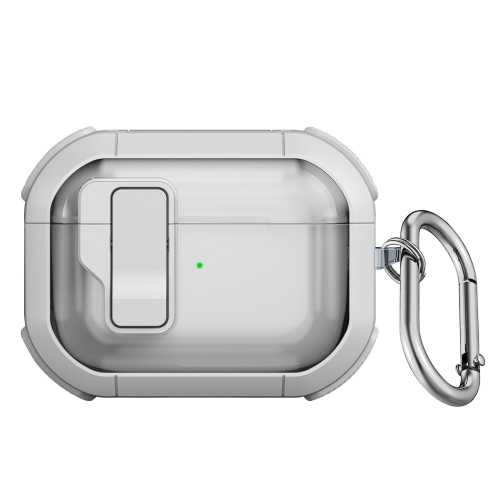
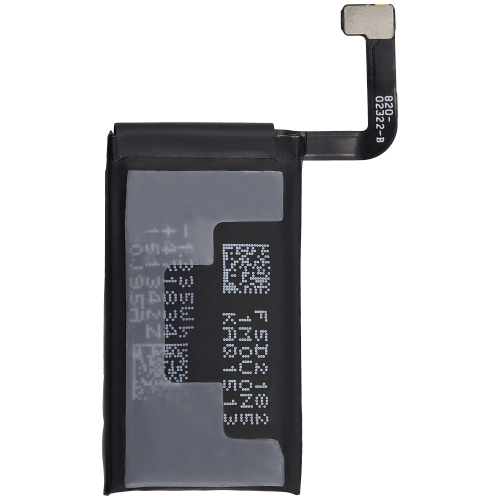
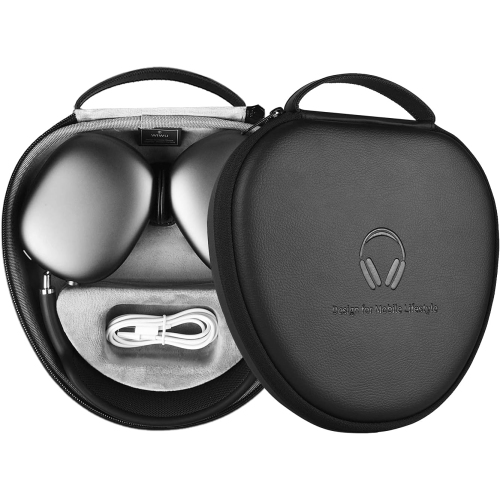
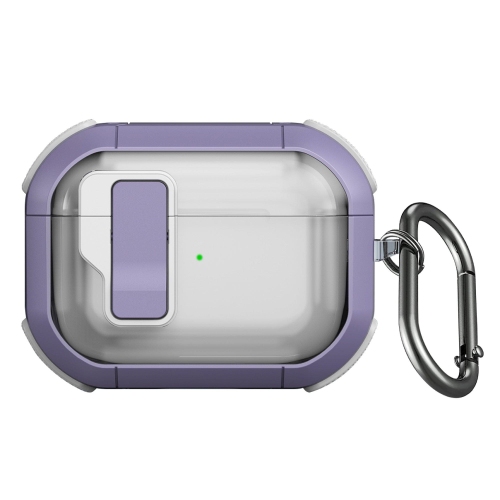
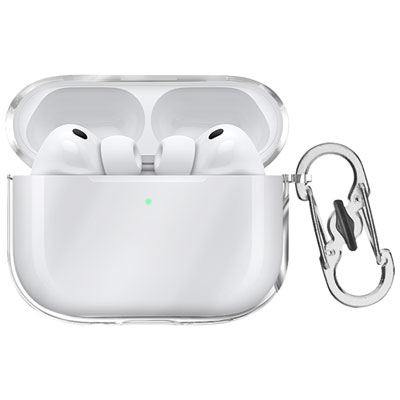
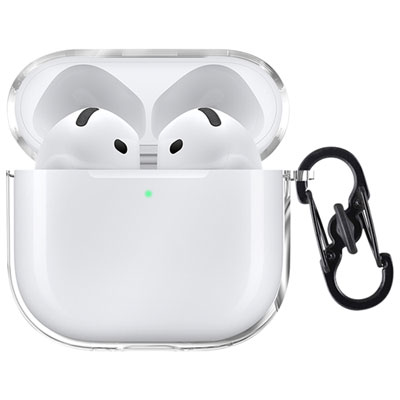
An AirPods charging case contains a battery and charging contacts that charge your earbuds when they are placed inside. A protective cover fits over the charging case to help guard against everyday scuffs and scratches. A cover does not charge AirPods on its own.
Find My features vary by AirPods model. Some charging cases can be located separately from the earbuds and can play a sound to help you find them. Other models offer more limited location information. Available features also depend on your paired device, software and Find My settings.
Top selling and popular products
Discover more categories related to AirPods Charging Cases
Some products may be subject to Environmental Handling Fees (EHF) depending on your province. Learn more about EHFs.