AirPods Pro Charging Cases
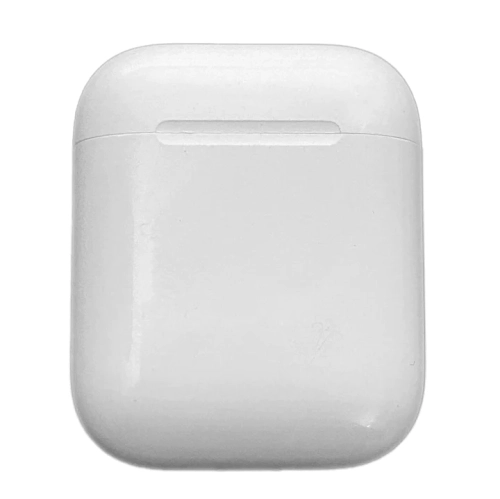
Find AirPods Pro charging cases to replace a lost or damaged case. Check compatibility with your AirPods Pro generation, and compare charging connections and supported charging methods to choose a case that works with your earbuds and setup.
FAQ
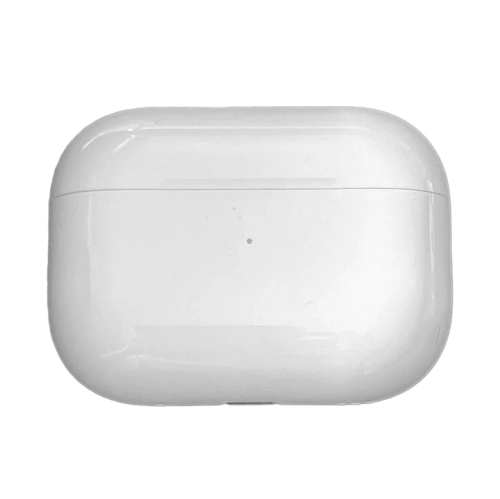
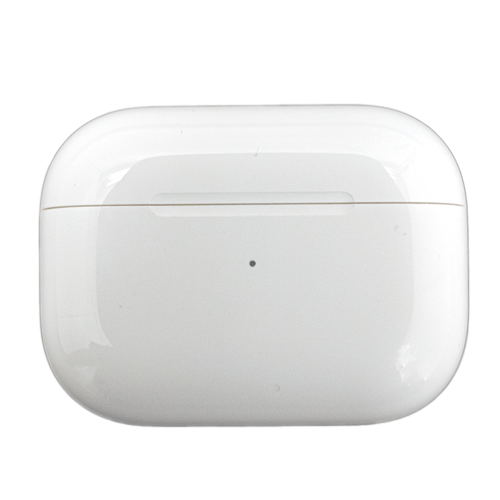
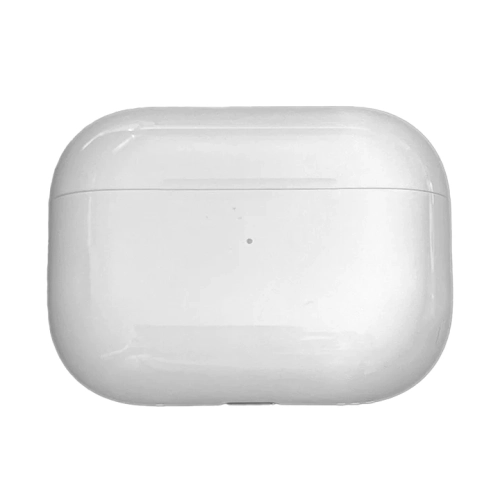
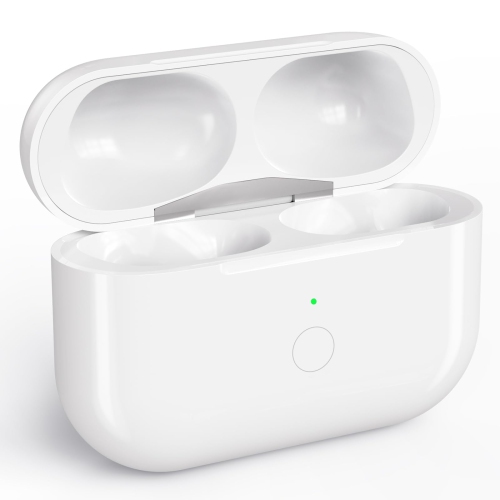
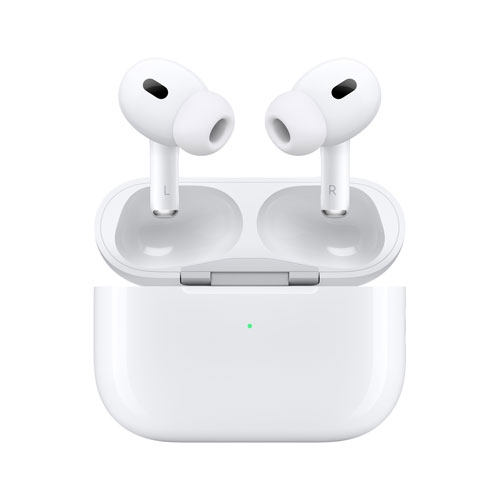
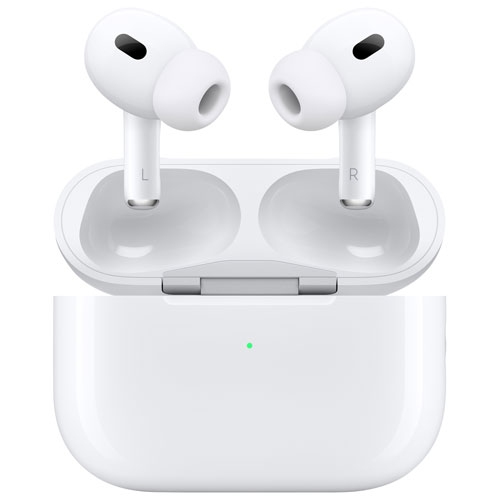
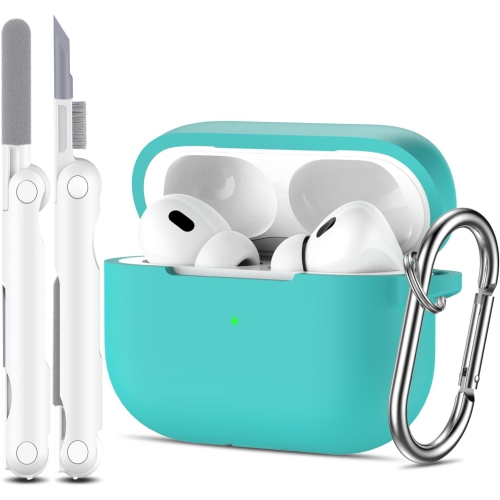
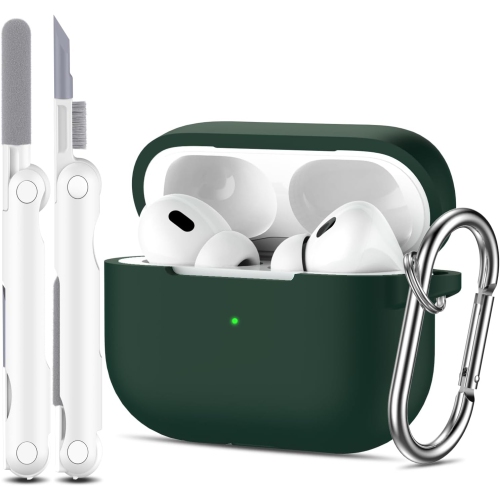
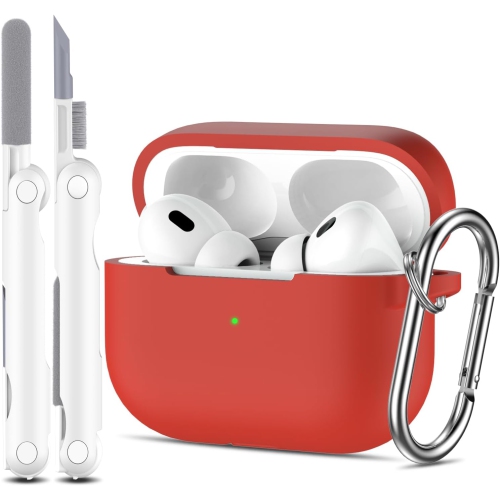
An AirPods Pro charging case holds and charges the earbuds using its built-in battery. A protective case cover fits around the charging case to add a different look or features such as a clip. A cover does not charge the earbuds or replace the charging case.
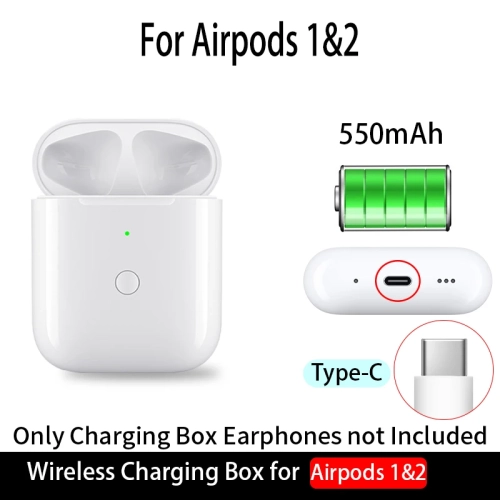
Compatibility depends on the AirPods model and generation. AirPods Pro charging cases are not interchangeable with cases for standard AirPods, and compatibility can also vary between AirPods Pro generations. Check your earbuds’ model number and the charging case’s stated compatibility before choosing a replacement.
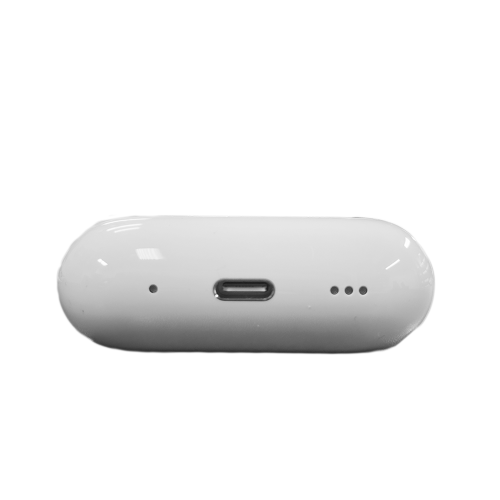
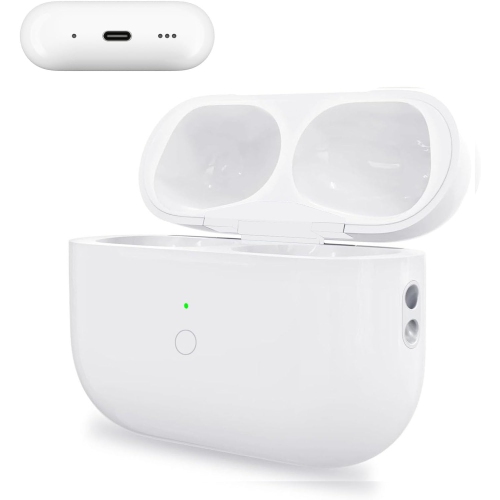
Depending on the model, AirPods Pro charging cases may support wired charging through a Lightning or USB-C port, along with wireless charging. Support for Qi-certified chargers, MagSafe chargers and Apple Watch chargers varies by case model, so check which methods your case supports.
Place both compatible earbuds in the replacement charging case and connect it to power. Follow Apple’s setup instructions for your AirPods Pro model, which may include waiting for the earbuds to sync with the case, resetting them and reconnecting them to your device.
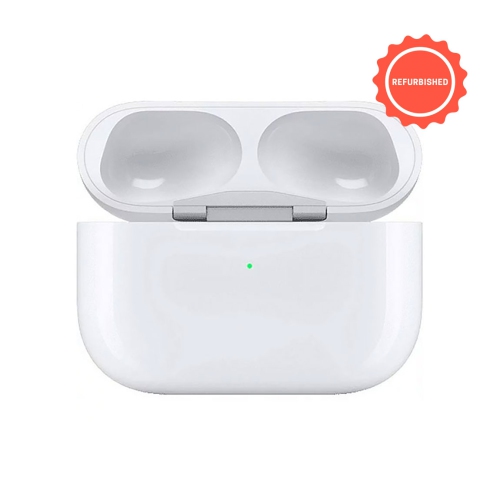
When the earbuds are in the case and the lid is open, the light shows their charge status. When the earbuds are removed, it shows the case’s charge status. Green indicates a full charge, while amber indicates that less than one full charge remains. A flashing white light means the AirPods are ready to pair.
Top selling and popular products
Discover more categories related to AirPods Pro Charging Cases

Some products may be subject to Environmental Handling Fees (EHF) depending on your province. Learn more about EHFs.