Amplifiers for Computer Speakers
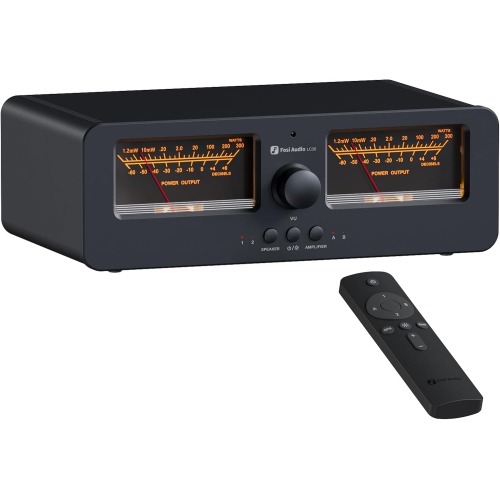
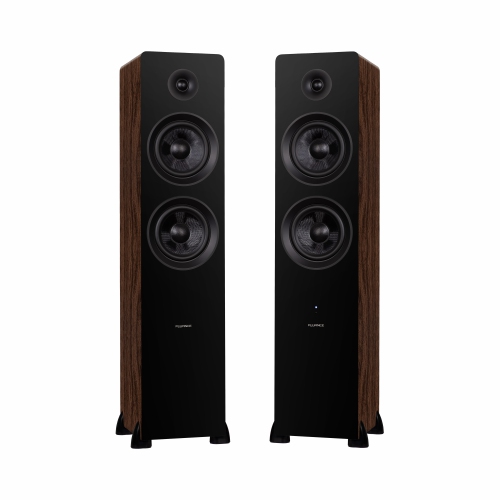
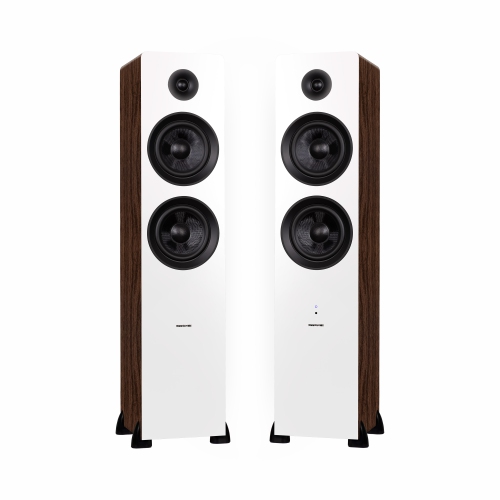
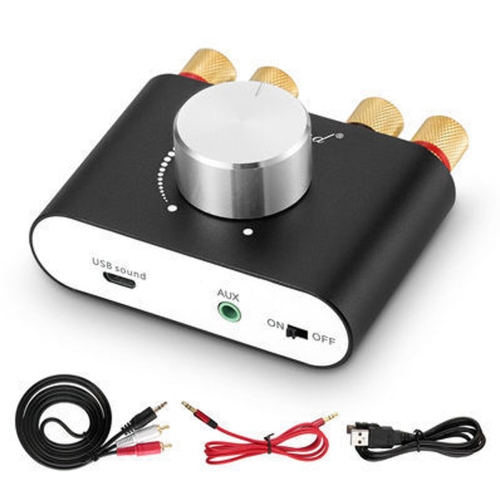
Amplifiers for computer speakers help power passive speakers in a desktop audio setup. Browse options with your speakers’ power requirements and impedance in mind, and check that the inputs match your computer or audio interface. If you use powered computer speakers, a separate amplifier is usually unnecessary.
FAQ
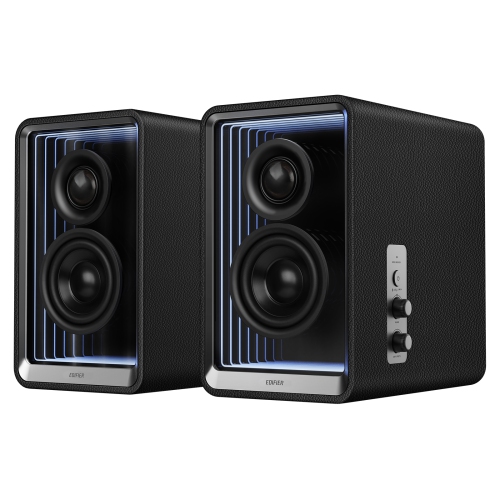
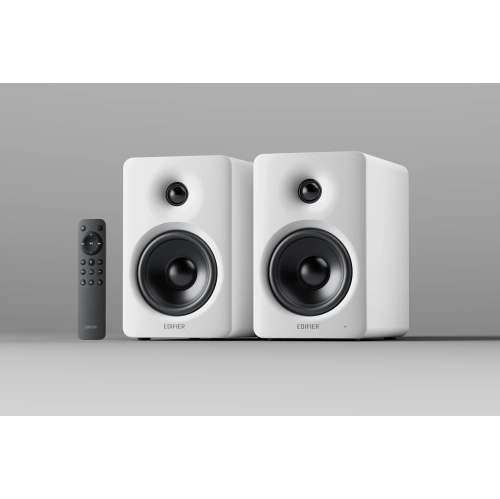
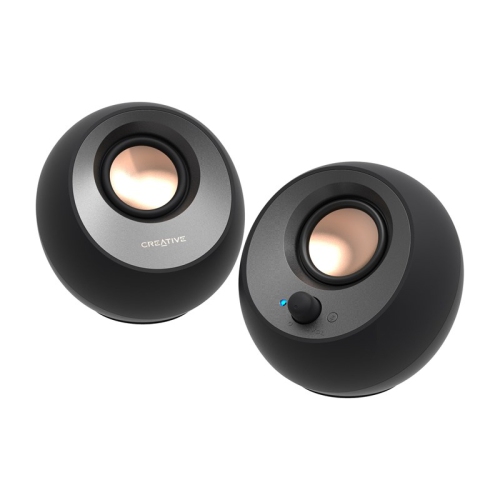
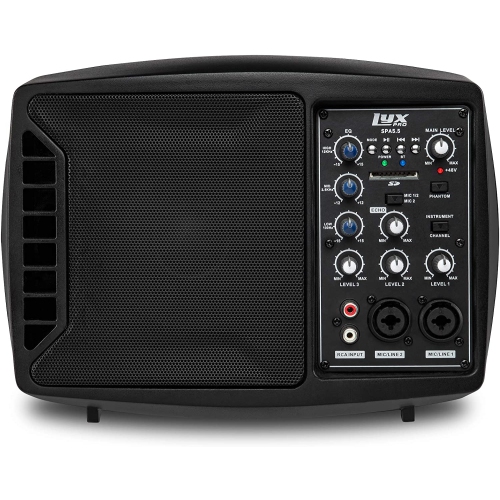
Passive computer speakers require an external amplifier, while powered speakers have an amplifier built in. Most USB-powered and plug-in desktop speakers are powered models. Check your speakers’ specifications to determine whether they need an external amplifier.
A digital-to-analogue converter, or DAC, converts digital audio from your computer into an analogue signal. A speaker amplifier supplies the power needed to drive passive speakers. Some desktop amplifiers include a DAC, allowing both functions to be handled by one device.
The connection depends on the ports available on your computer and amplifier. Common options include USB, optical audio, and an analogue connection from the computer’s headphone or line output. USB and optical connections require an amplifier with a compatible digital input and built-in DAC, or a separate DAC between the computer and amplifier.
Yes, an amplifier with a Bluetooth audio receiver can receive sound wirelessly from a compatible computer. Passive speakers still connect to the amplifier using speaker wire. An amplifier without built-in Bluetooth may support an external Bluetooth receiver through an analogue audio input.
Look for inputs that match your computer’s audio connections, along with amplifier power ratings and supported speaker impedance that match your passive speakers’ requirements. Useful features include accessible volume controls, a headphone output, input switching, and a dedicated subwoofer output if you plan to add a compatible subwoofer.
Top selling and popular products
Discover more categories related to Amplifiers for Computer Speakers
Some products may be subject to Environmental Handling Fees (EHF) depending on your province. Learn more about EHFs.