Apple Find My Compatible Trackers
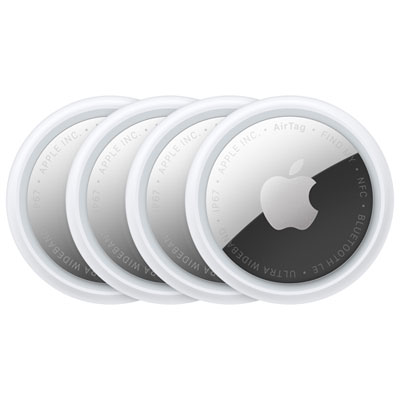
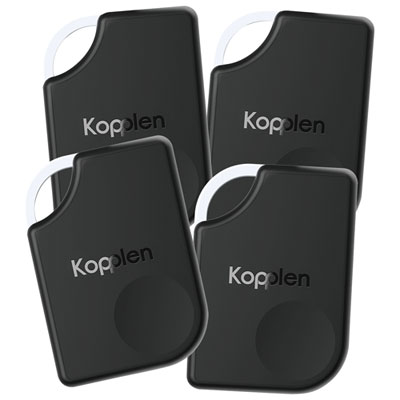
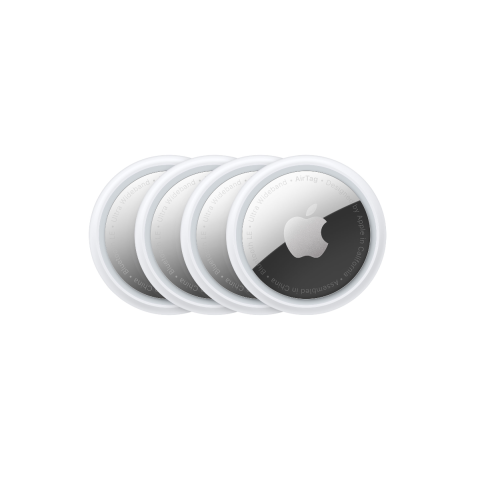
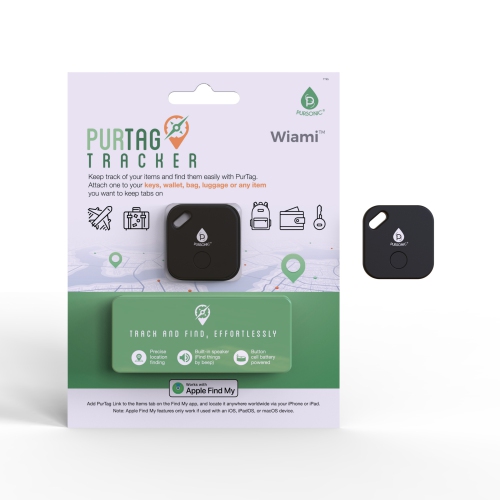
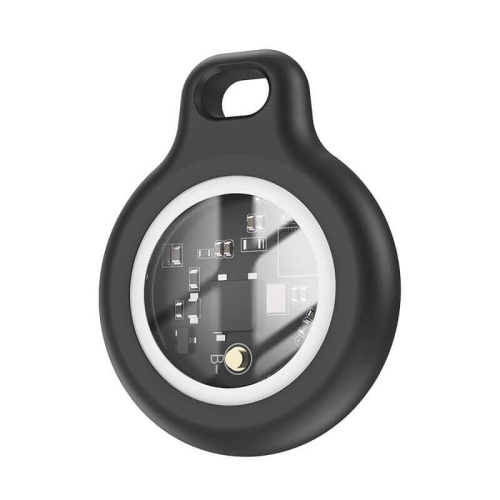
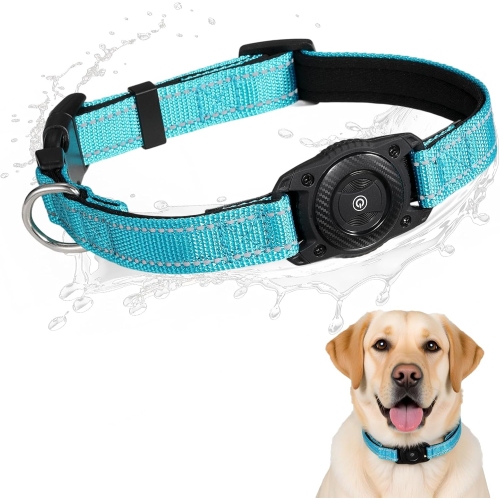
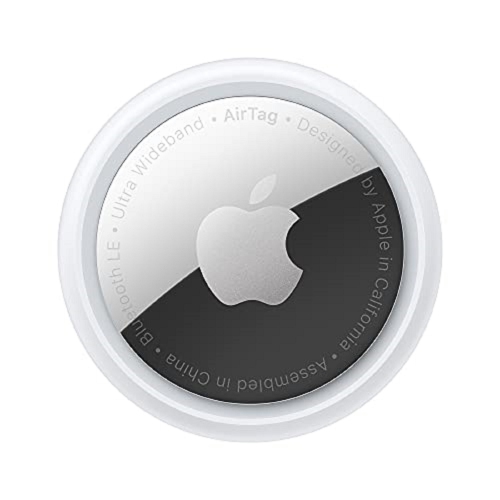
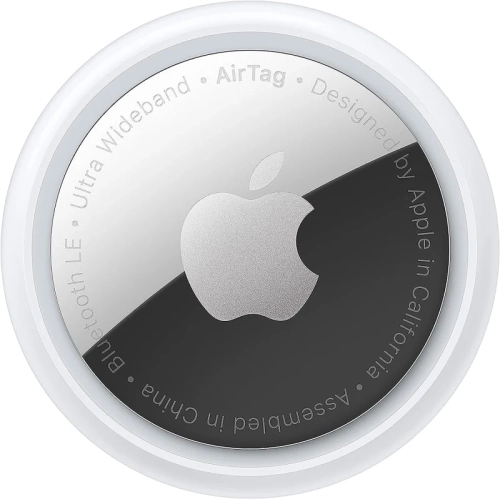
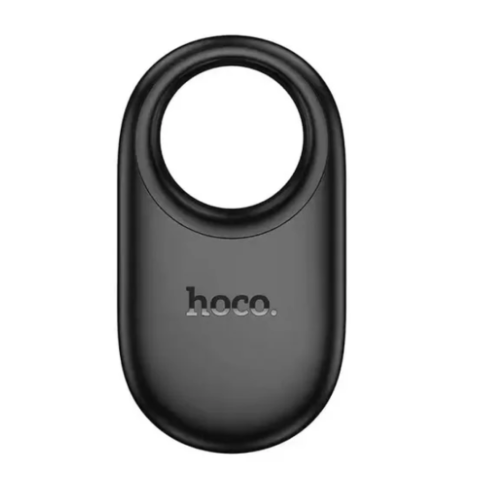
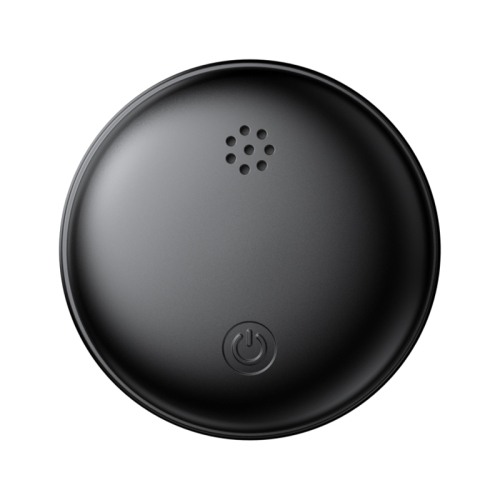
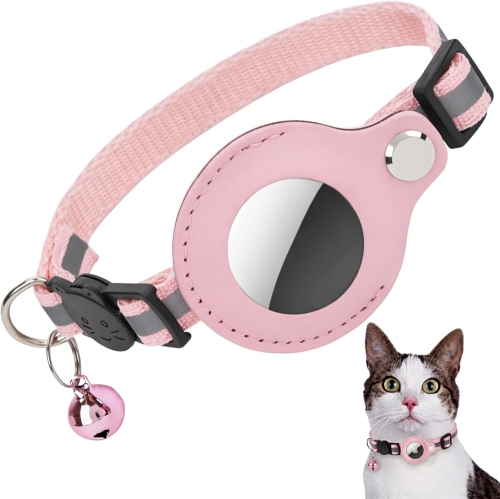
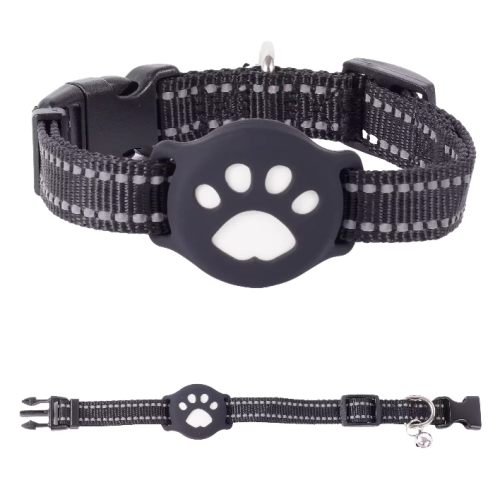
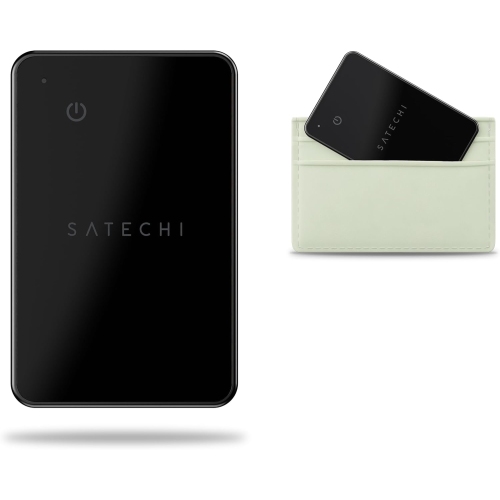
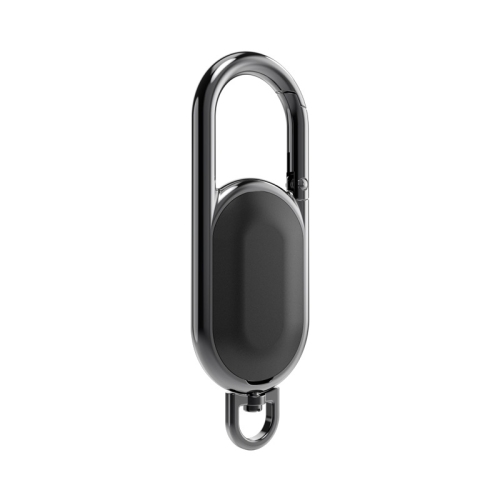
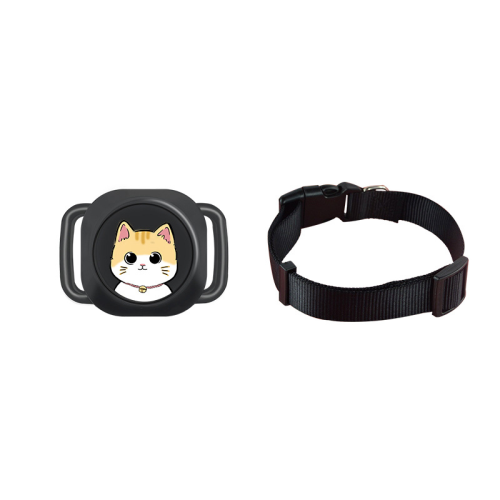
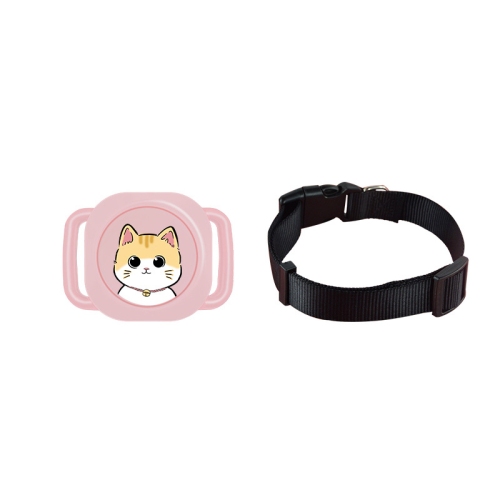
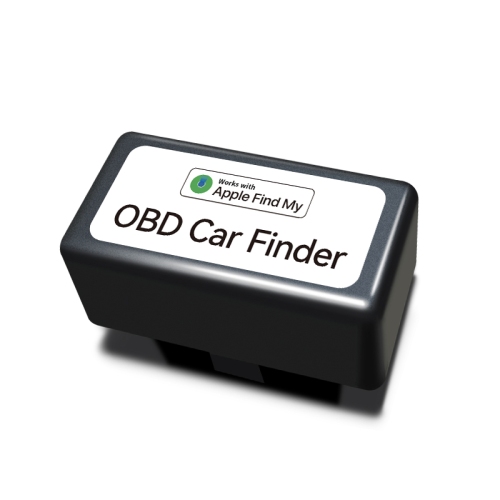
Apple Find My compatible trackers help you locate everyday belongings through the Find My app on your Apple device. Browse item trackers for keys, bags, and other essentials, and compare size, attachment options, and battery type to find one that suits what you want to keep track of.
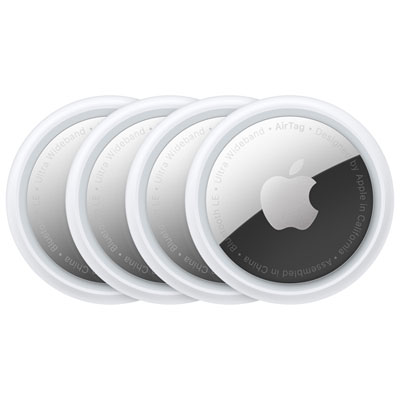
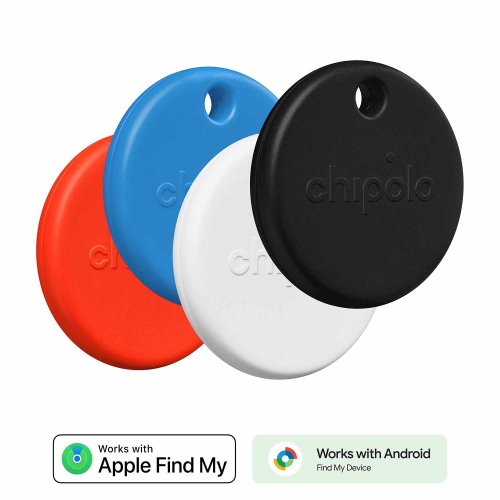
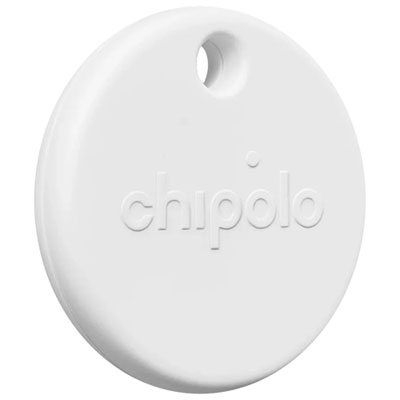
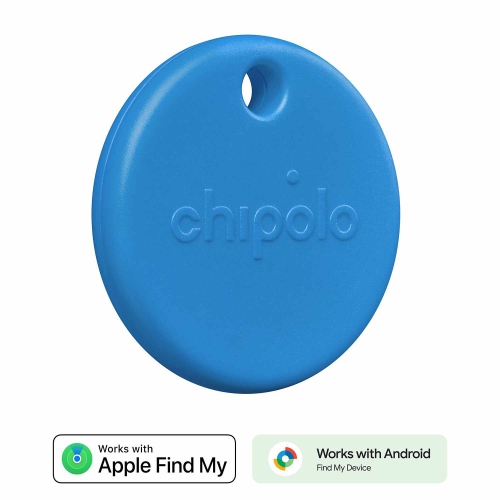
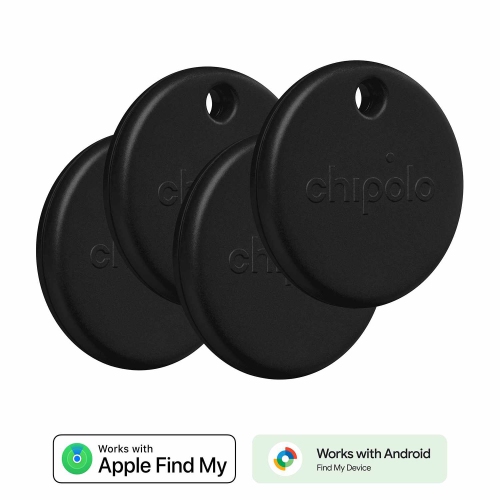
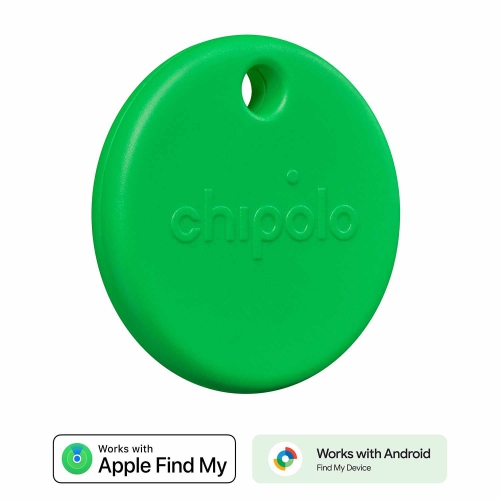
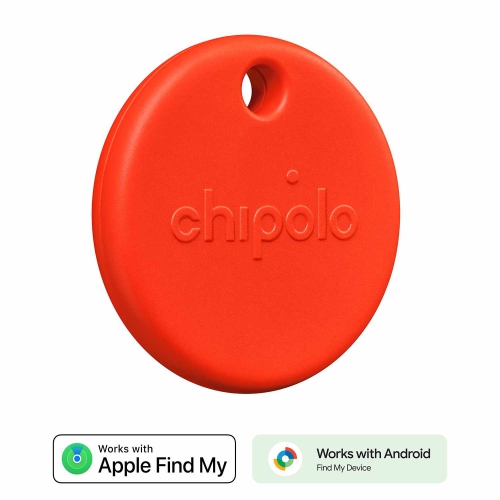
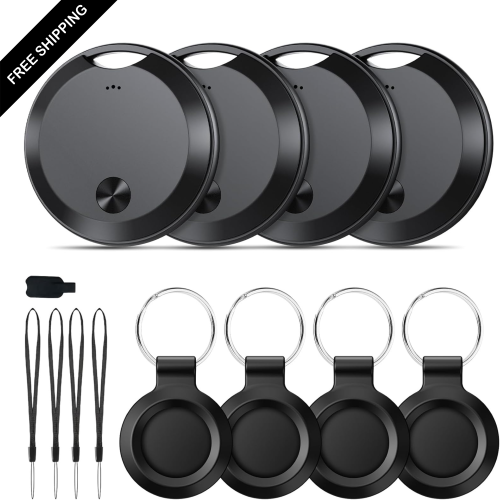
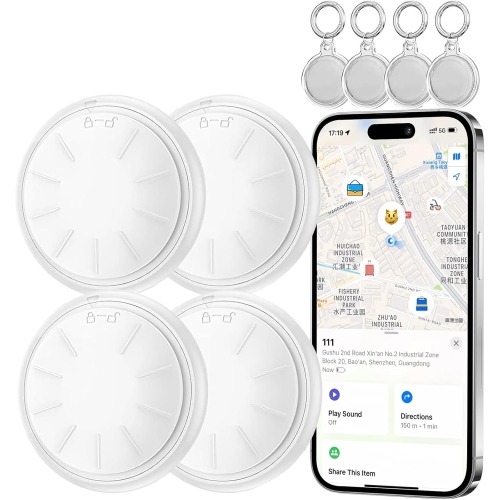
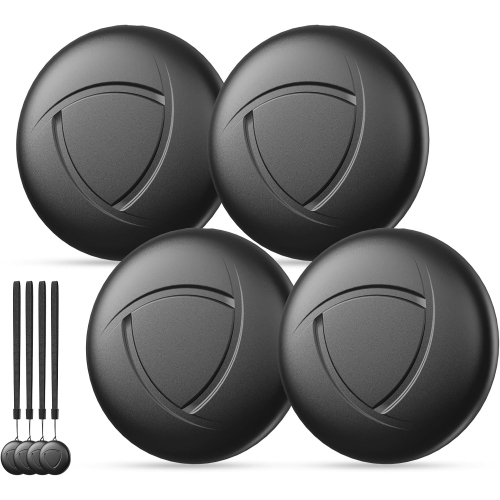
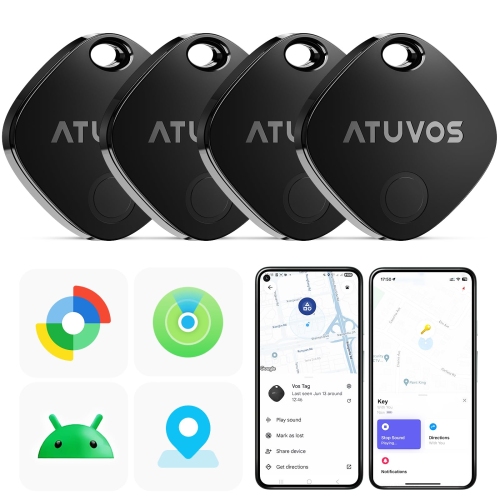
![LDAS ELECTRONICS Air Tracker Tags-4 Pack Black, 2026 New [Apple Mfi Certified], Bluetooth Tracker Work w Apple Find My (Ios Only), 100Db Reliable trackers – Great Value 4-Pa](https://multimedia.bbycastatic.ca/multimedia/products/500x500/197/19786/19786487.png)
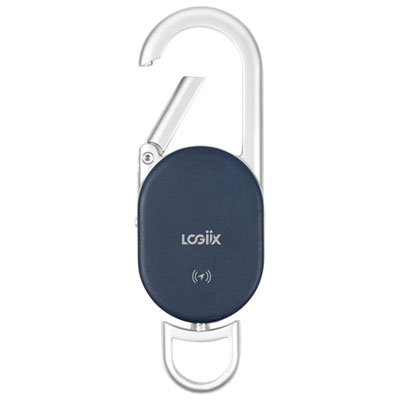
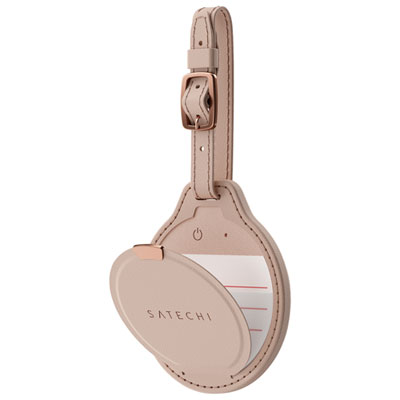
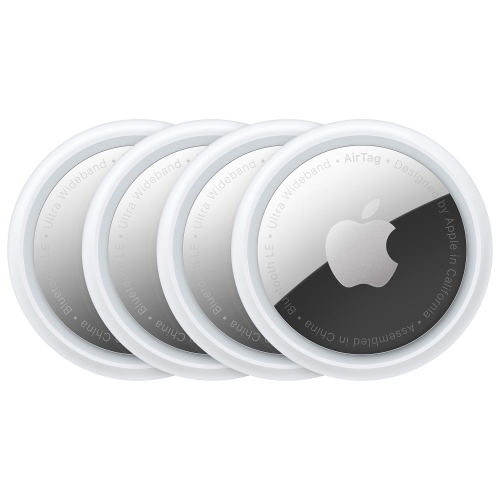
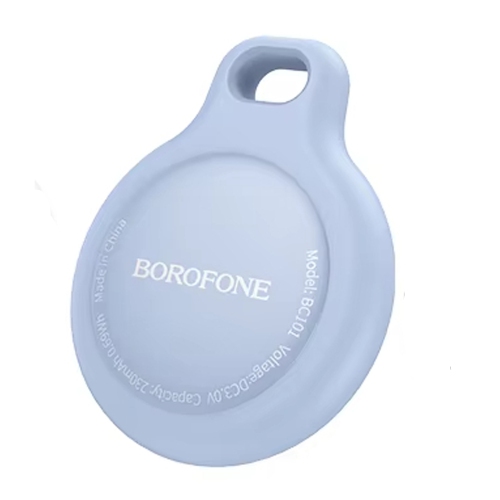
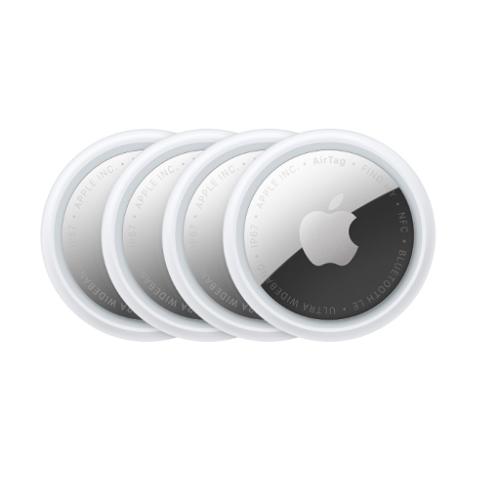

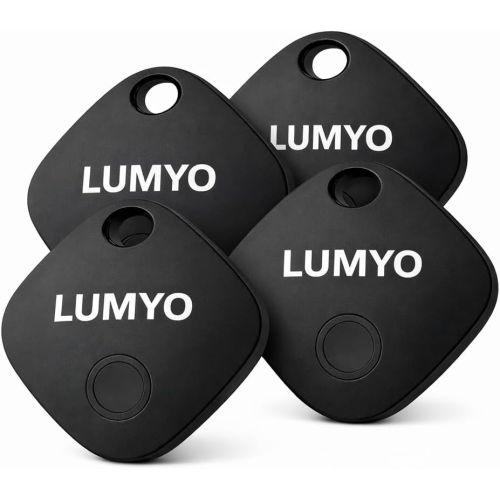
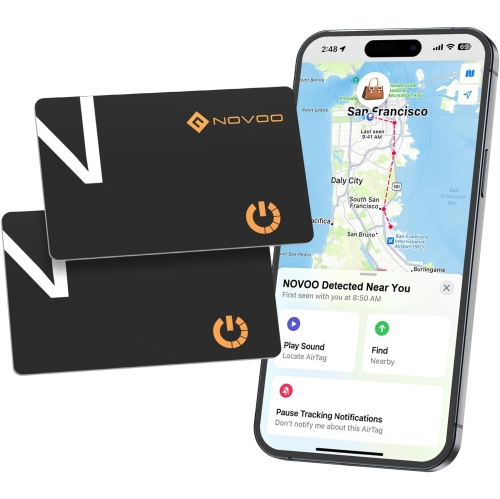
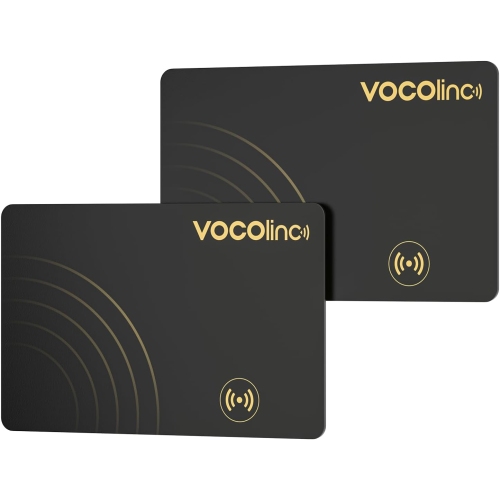
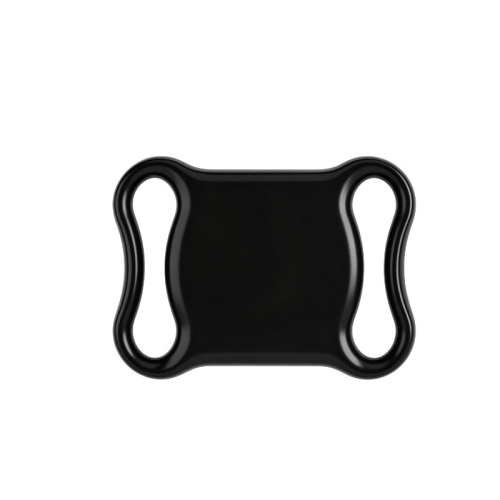
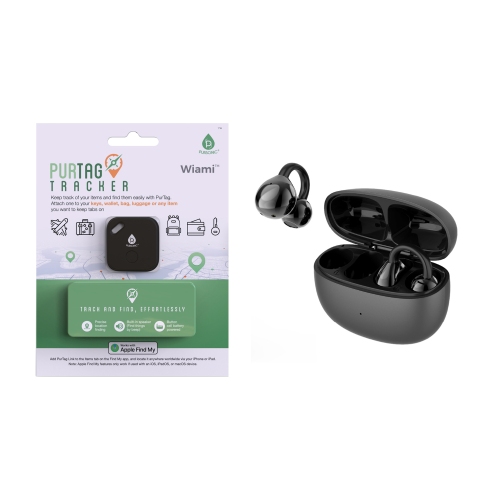
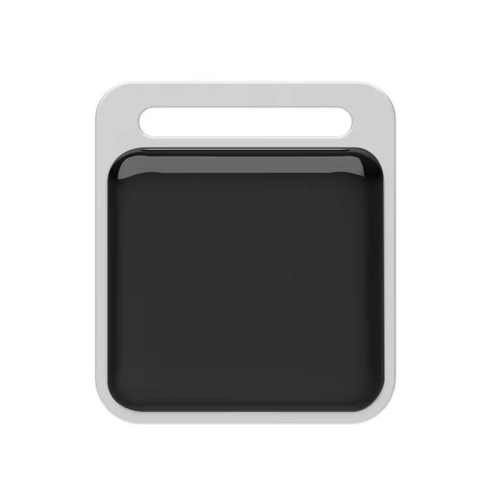
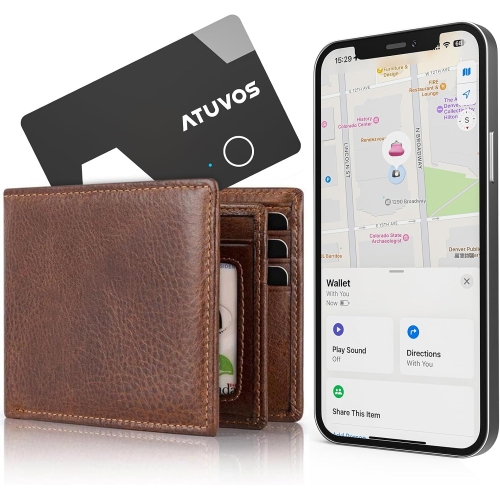
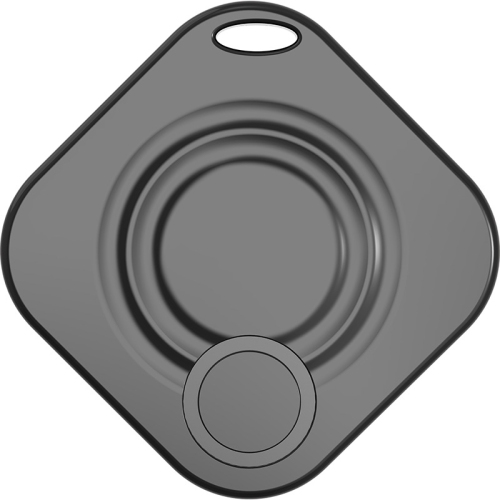
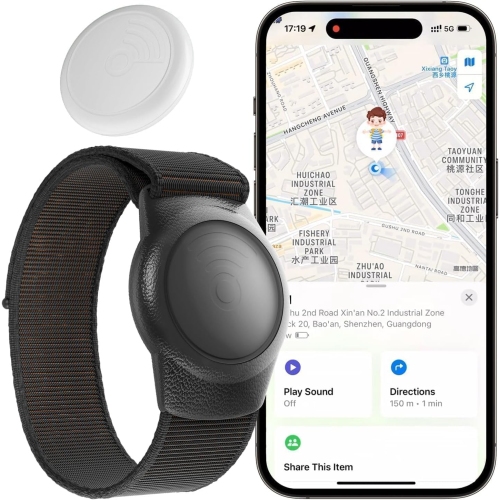
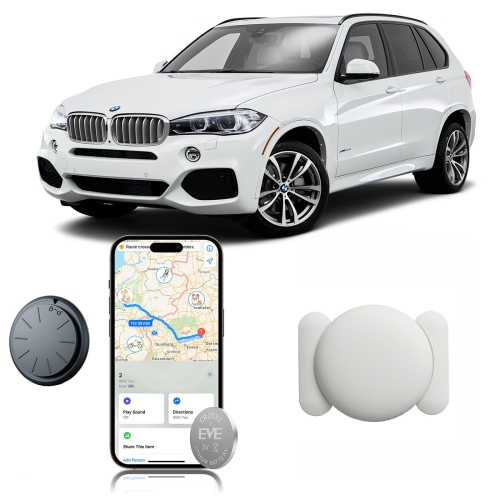
![ZYSCOPE Mitag Universal Anti-Lost Device for Apple Ios, Google, And Android - With Black Leather Case [Dual Version] In White](https://multimedia.bbycastatic.ca/multimedia/products/500x500/201/20163/20163979.jpeg)
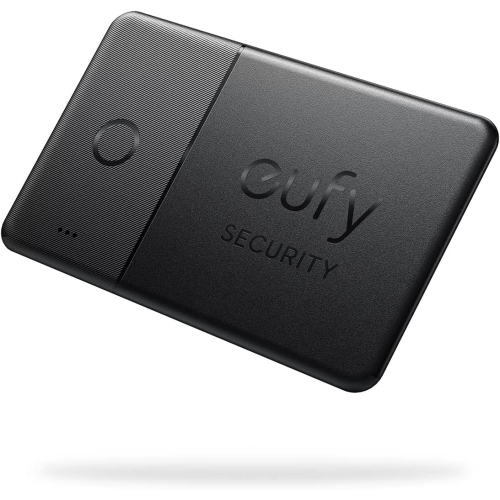
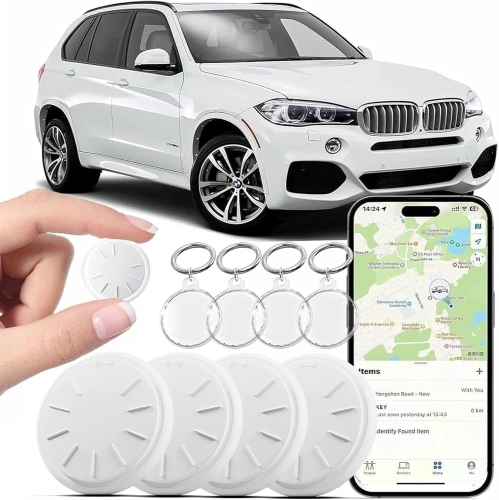

![LDAS ELECTRONICS Air Tracker Tags-4 Pack Black, 2026 New [Apple Mfi Certified], Bluetooth Tracker Work w Apple Find My (Ios Only), 100Db](https://multimedia.bbycastatic.ca/multimedia/products/500x500/198/19894/19894066.jpeg)
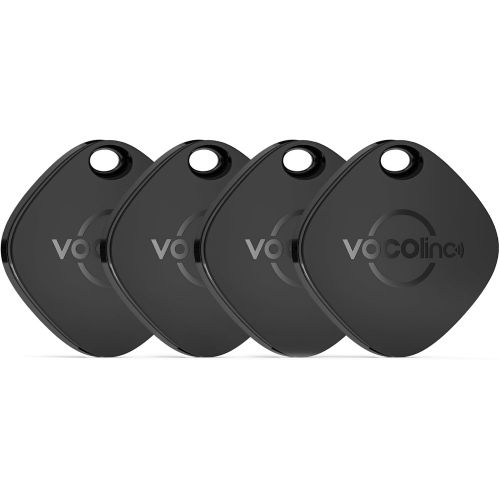
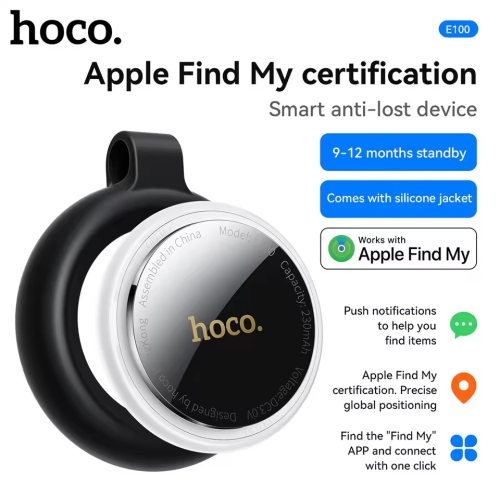
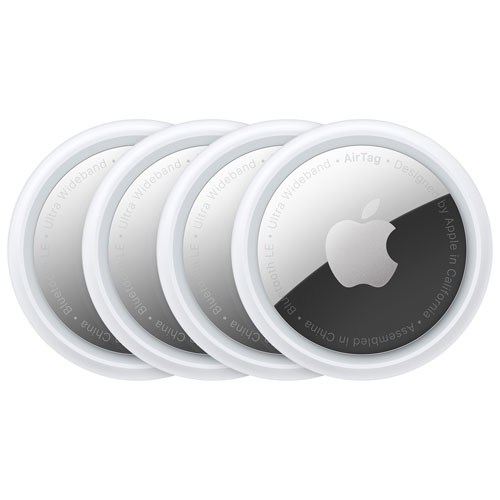
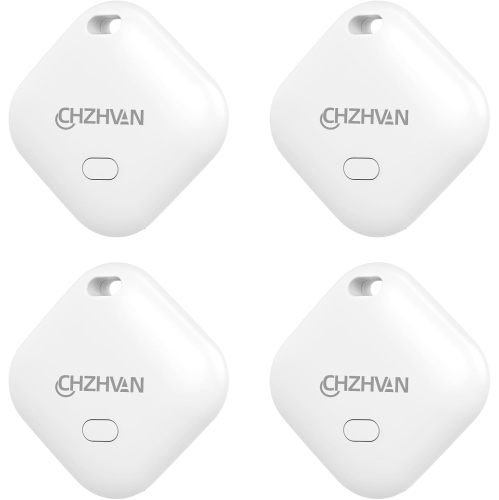
![GENERIC 2 Pack Tracker Tags [ Mfi Certified] Bluetooth Air Tracker Pair With Find My(Ios Only)Tag Global Tracking](https://multimedia.bbycastatic.ca/multimedia/products/500x500/199/19938/19938769.jpeg)
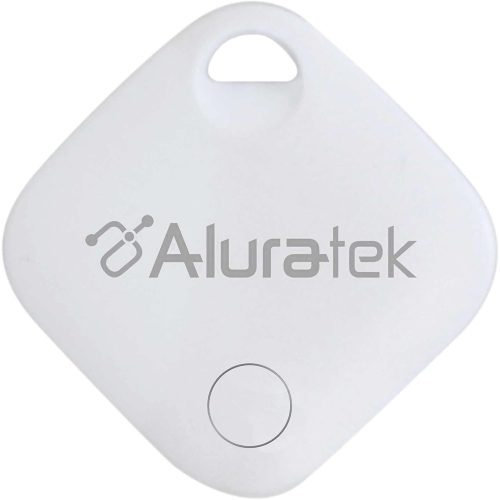
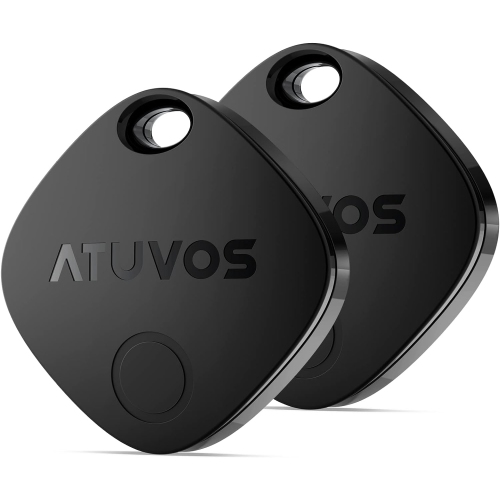
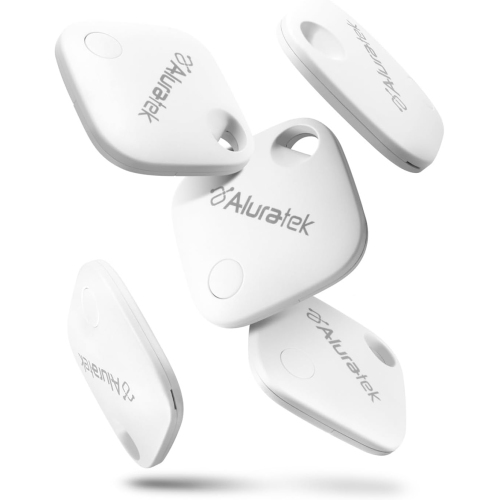
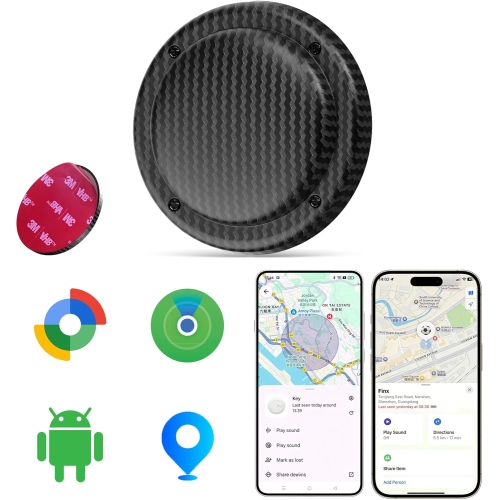
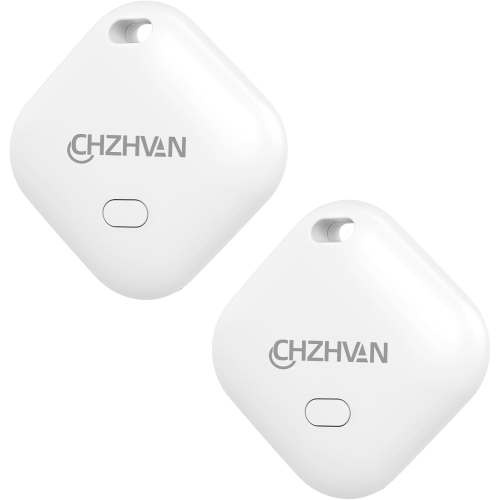
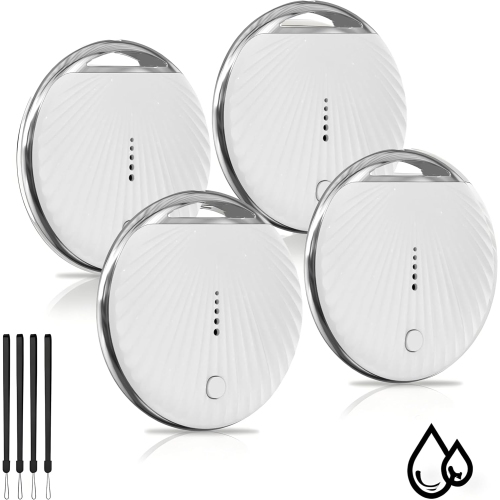
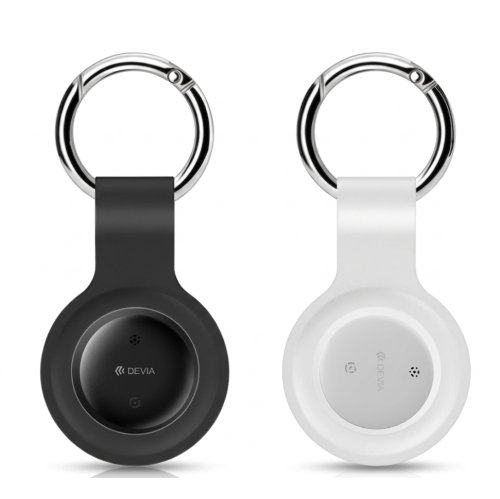
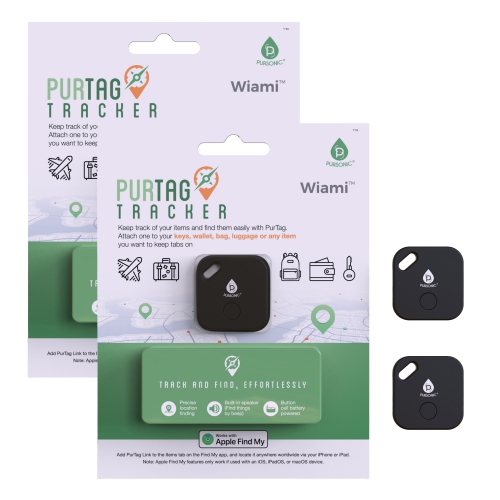
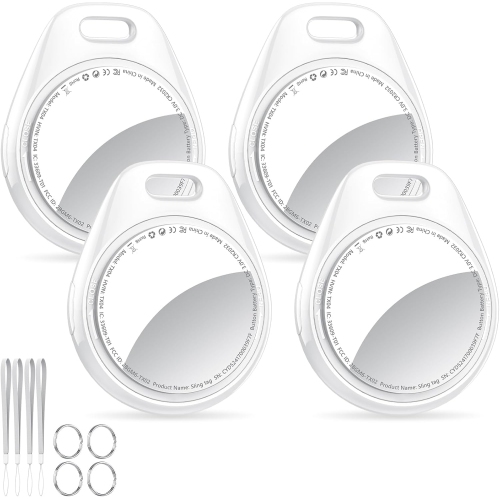
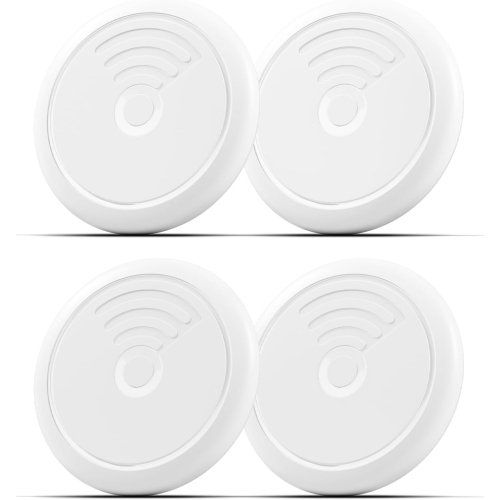
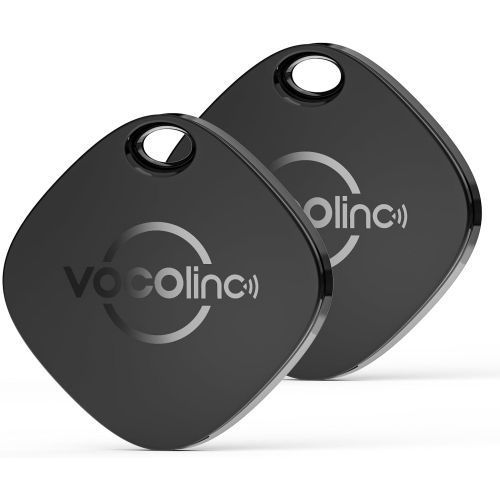
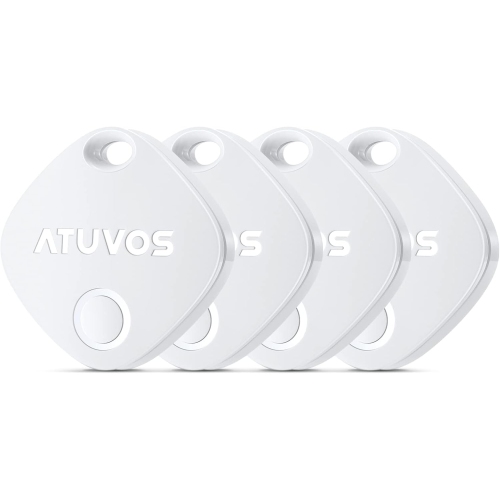
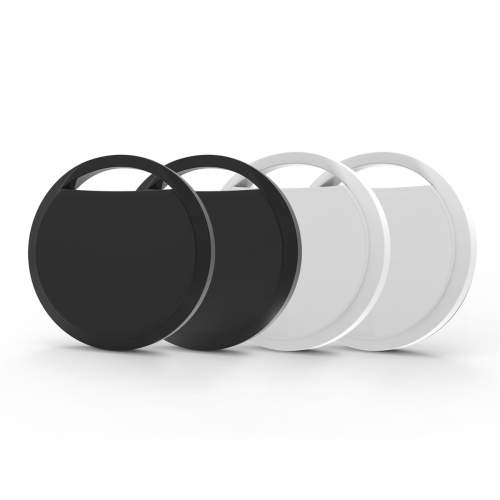
![GENERIC 2026 New [ Mfi Certified] Tracker Tags-2 Pack (Ios Only), Bluetooth Tracker for Find My, Replaceable](https://multimedia.bbycastatic.ca/multimedia/products/500x500/199/19960/19960857.jpeg)
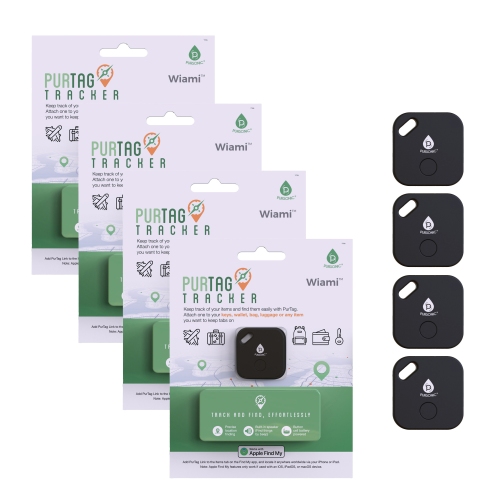
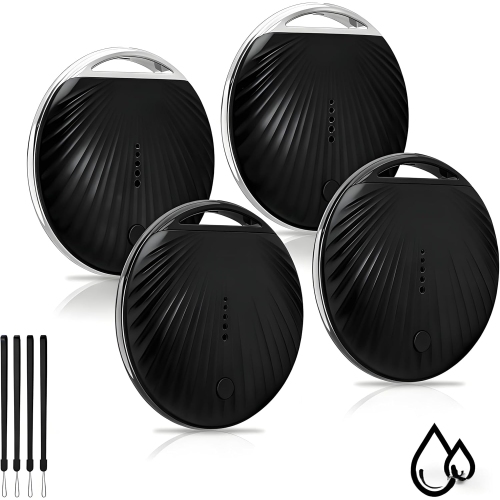
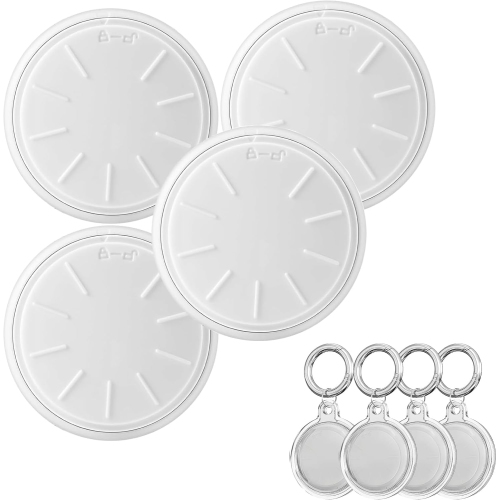
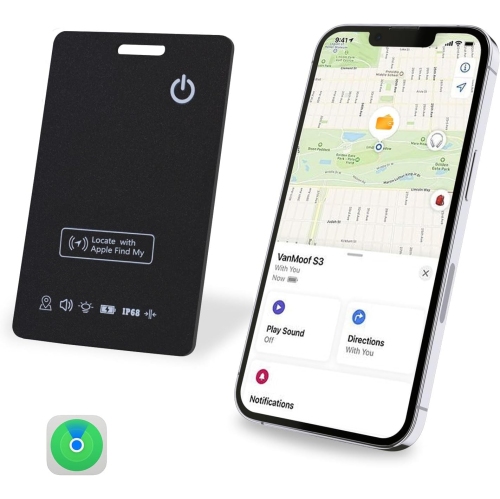
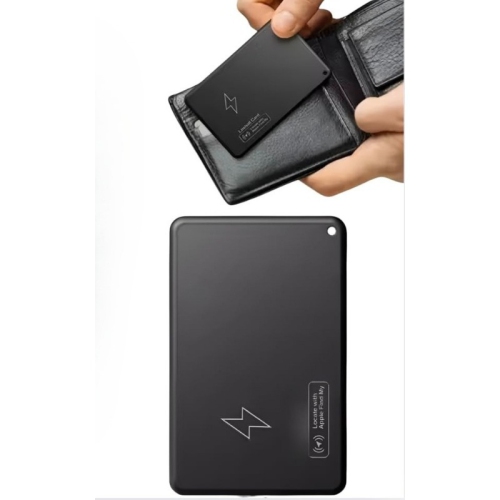
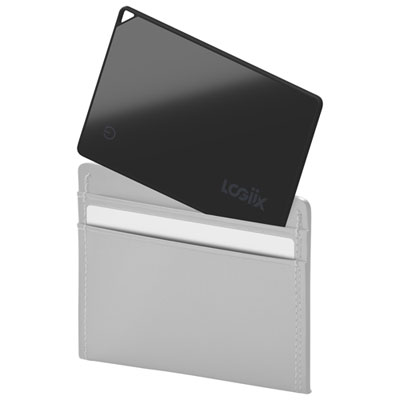
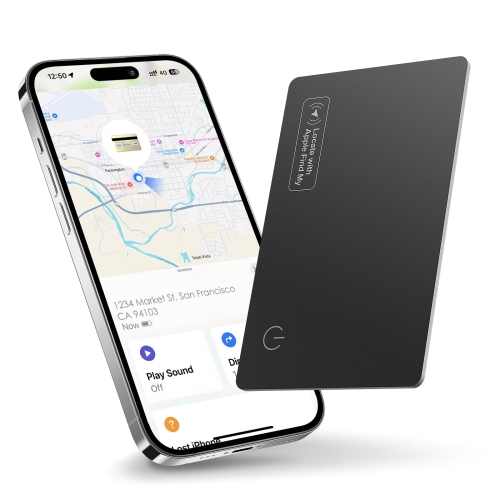
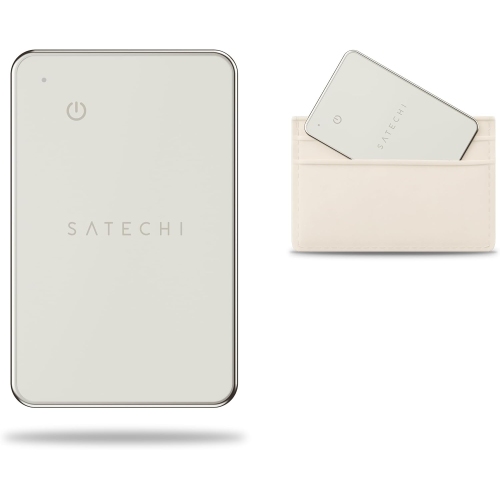
![GENERIC [ Mfi Certified] Air Tag Rechargeable Wallet Tracker 1.6Mm, Item Work With Find My App](https://multimedia.bbycastatic.ca/multimedia/products/500x500/200/20002/20002511.jpeg)
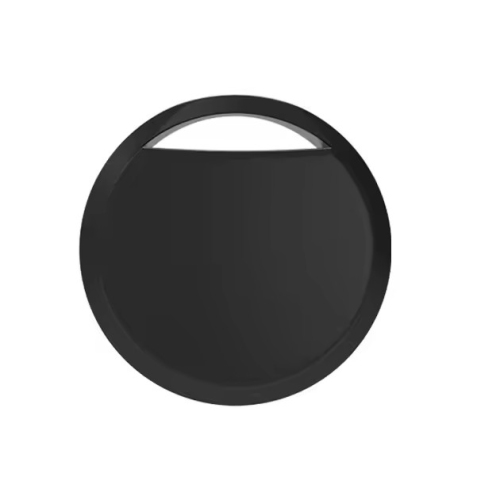
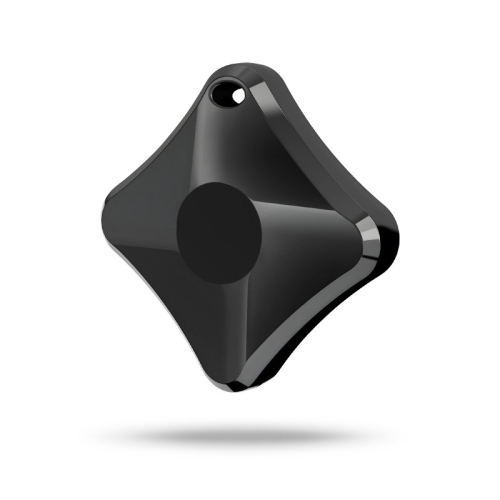
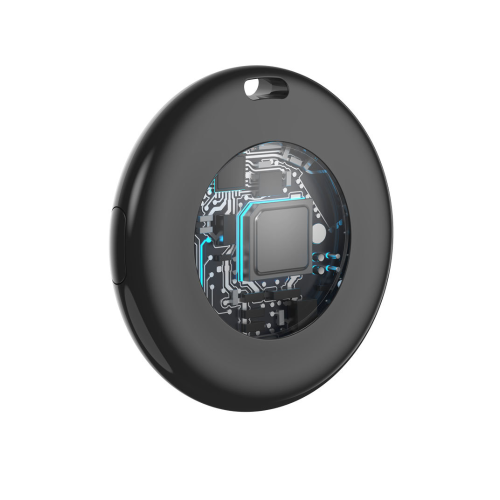

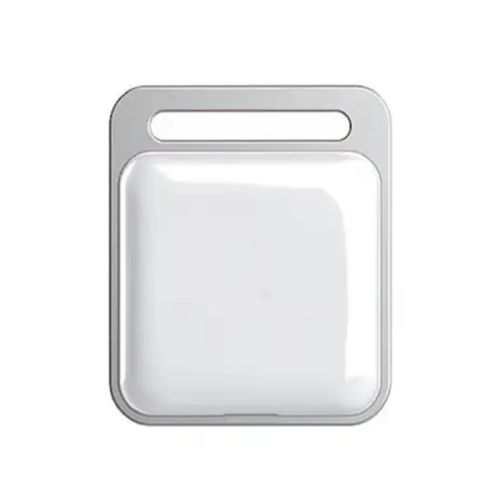
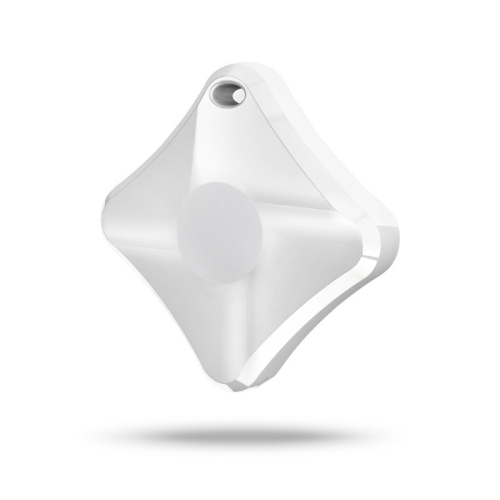
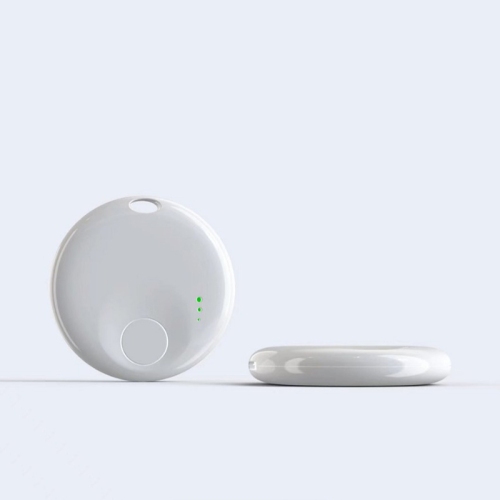
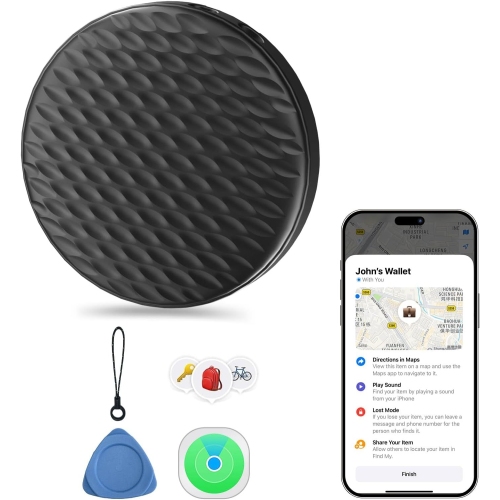
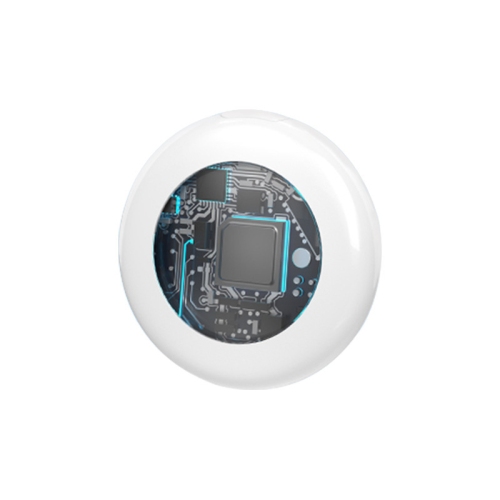
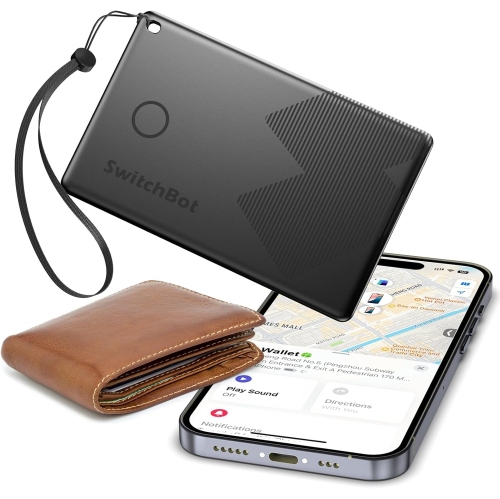
![ZYSCOPE Mitag Universal Anti-Lost Device for Apple Ios, Google, And Android - With Leather Case [Dual Version] In Black](https://multimedia.bbycastatic.ca/multimedia/products/500x500/201/20164/20164000.jpeg)
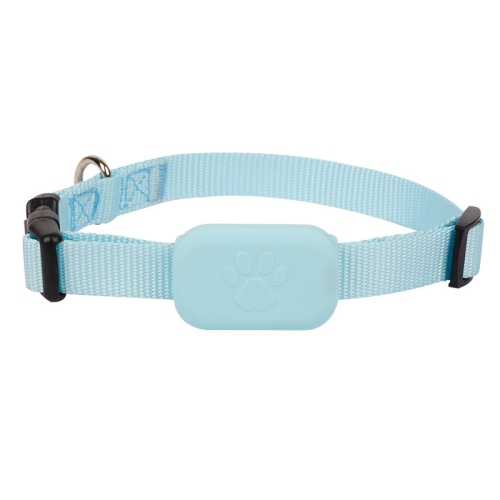
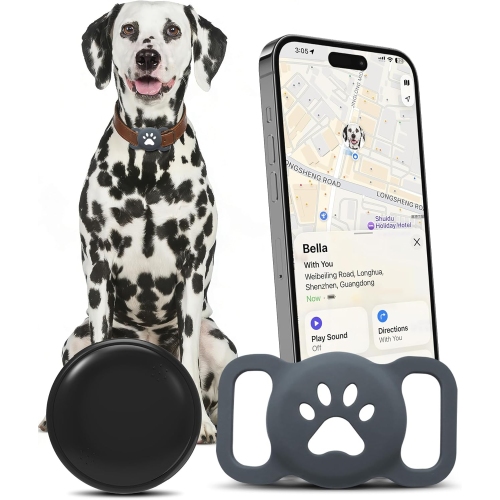
![ZYSCOPE Mitag Universal Anti-Lost Device for Apple Ios, Google, And Android - White With Paw [Dual System Version] In Blue](https://multimedia.bbycastatic.ca/multimedia/products/500x500/201/20164/20164001.jpeg)
![ZYSCOPE Mitag Universal Anti-Lost Device for Apple Ios, Google, And Android - With Pink Dog Paw [Dual Version] In Black](https://multimedia.bbycastatic.ca/multimedia/products/500x500/201/20164/20164002.jpeg)
![ZYSCOPE Mitag Universal Anti-Lost Device for Apple Ios, Google, And Android - With Purple Dog Paw [Dual Version] In Black](https://multimedia.bbycastatic.ca/multimedia/products/500x500/201/20164/20164004.jpeg)
![ZYSCOPE Mitag Universal Anti-Lost Device for Apple Ios, Google, And Android - With Leather Case [Dual Version] In White](https://multimedia.bbycastatic.ca/multimedia/products/500x500/201/20163/20163989.jpeg)
![ZYSCOPE Mitag Universal Anti-Lost Device for Apple Ios, Google, And Android - With Brown Leather Case [Dual Version] In White](https://multimedia.bbycastatic.ca/multimedia/products/500x500/201/20163/20163995.jpeg)
![ZYSCOPE Mitag Universal Anti-Lost Device for Apple Ios, Google, And Android - Black With Leather Case [Dual Version] In Red](https://multimedia.bbycastatic.ca/multimedia/products/500x500/201/20163/20163996.jpeg)
![ZYSCOPE Mitag Universal Anti-Lost Device for Apple Ios, Google, And Android - With Purple Dog Paw [Dual Version] In White](https://multimedia.bbycastatic.ca/multimedia/products/500x500/201/20163/20163999.jpeg)
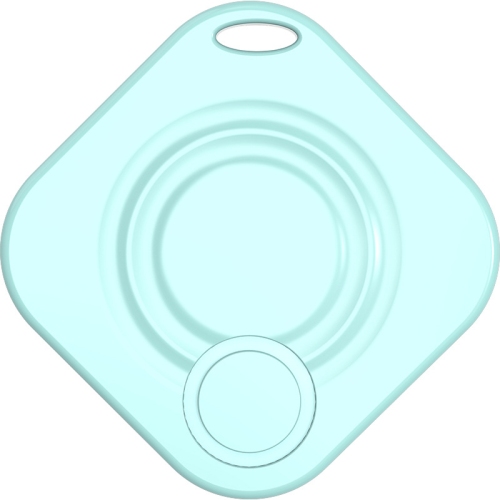
![ZYSCOPE Mitag Universal Anti-Lost Device for Apple Ios, Google, And Android - Black With Dog Paw [Dual Version] In Blue](https://multimedia.bbycastatic.ca/multimedia/products/500x500/201/20163/20163973.jpeg)
![ZYSCOPE Mitag Universal Anti-Lost Device for Apple Ios, Google, And Android - White With Leather Case [Dual System Version] In Blue](https://multimedia.bbycastatic.ca/multimedia/products/500x500/201/20163/20163974.jpeg)
![ZYSCOPE Mitag Universal Anti-Lost Device for Apple Ios, Google, And Android - Black With Leather Case [Dual Version] In Blue](https://multimedia.bbycastatic.ca/multimedia/products/500x500/201/20163/20163975.jpeg)
![ZYSCOPE Mitag Universal Anti-Lost Device for Apple Ios, Google, And Android - White With Leather Case [Dual Version] In Red](https://multimedia.bbycastatic.ca/multimedia/products/500x500/201/20163/20163971.jpeg)
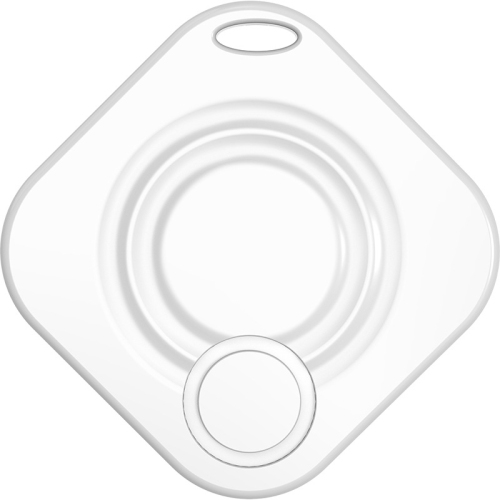
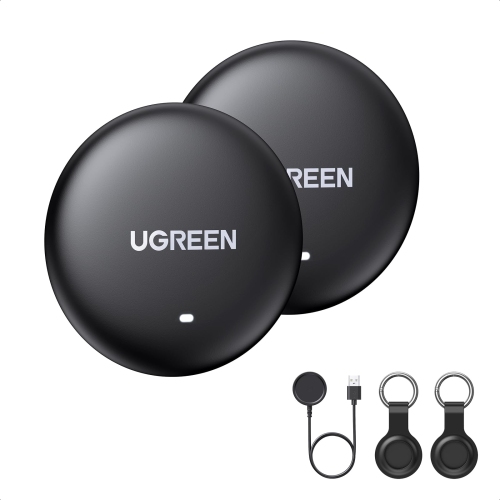
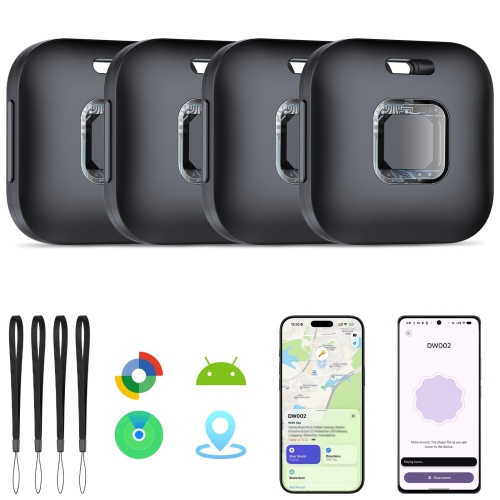
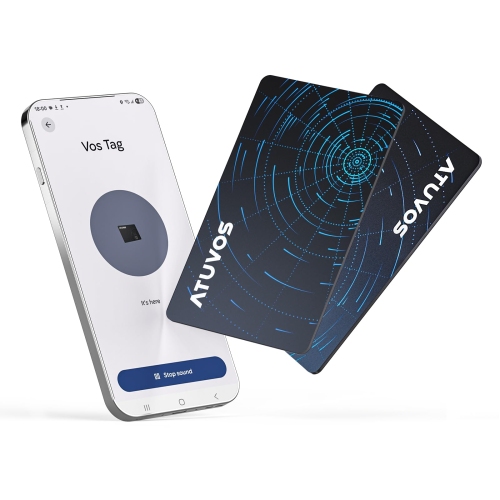
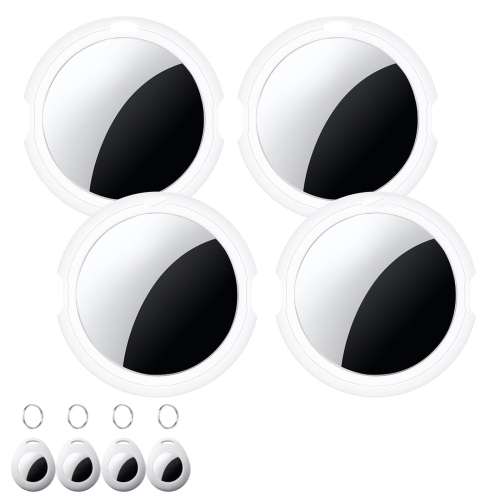
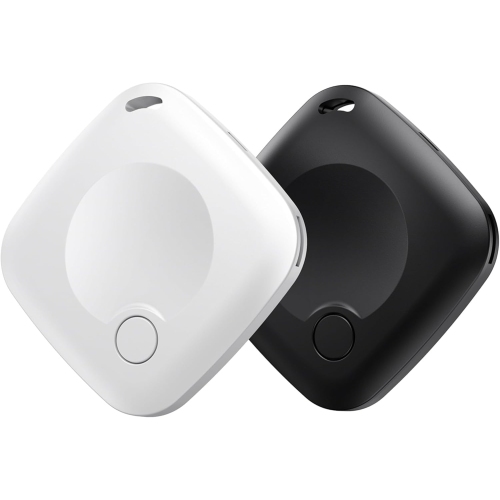
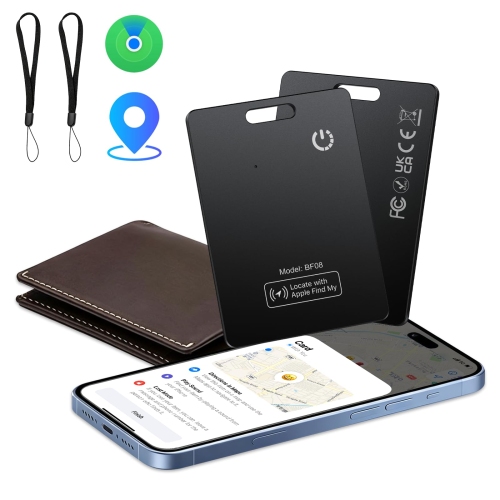
![GENERIC 2 Pack Tracker Tags [ Mfi Certified] Pair With Find My (Ios Only) Bluetooth Smart Tags Key Item](https://multimedia.bbycastatic.ca/multimedia/products/500x500/201/20168/20168488.jpeg)
FAQ
Apple Find My compatible trackers are small accessories you can attach to belongings such as keys, bags or luggage and manage in Apple’s Find My app. They work with the Apple Find My network rather than relying solely on a manufacturer’s separate tracking app. Look for the “Works with Apple Find My” designation when comparing trackers.
Follow the manufacturer’s instructions to put the tracker into pairing mode. On a compatible iPhone or iPad, open the Find My app, select the Items tab and choose the option to add an item. Follow the onscreen prompts to connect the tracker to your Apple Account and give it a name.
You generally need a compatible iPhone or iPad to set up a tracker in Find My. Once it is linked to your Apple Account, you can also view supported items in Find My on a Mac or through the Find Items app on an Apple Watch. Operating system requirements and available features vary by tracker.
Yes. In the Find My app, you can give each tracker a name and an emoji to identify the belonging it is attached to. For example, you could label items “House Keys,” “Backpack” or “Suitcase.” You can update these labels if you move a tracker to a different item.
Battery designs vary by tracker. Some use replaceable coin-cell batteries, while others have rechargeable batteries or sealed, non-replaceable batteries. Check the product specifications for the battery type and follow the manufacturer’s instructions for charging or replacement.
Top selling and popular products
Discover more categories related to Apple Find My Compatible Trackers
Some products may be subject to Environmental Handling Fees (EHF) depending on your province. Learn more about EHFs.