Desktop Air Purifiers With HEPA Filter
Enhance your indoor environment with a Desktop Air Purifier With HEPA Filter, designed to help refresh the air in your personal space. Perfect for home offices, bedrooms, or workstations, these compact air purifiers fit seamlessly on desks and tables while blending into any décor. Discover a selection of desktop air purifiers that combine modern design with advanced filtration technology, making it easy to maintain a cleaner atmosphere wherever you need it most. Explore options that suit your style and workspace needs for a more comfortable daily routine.
Sort
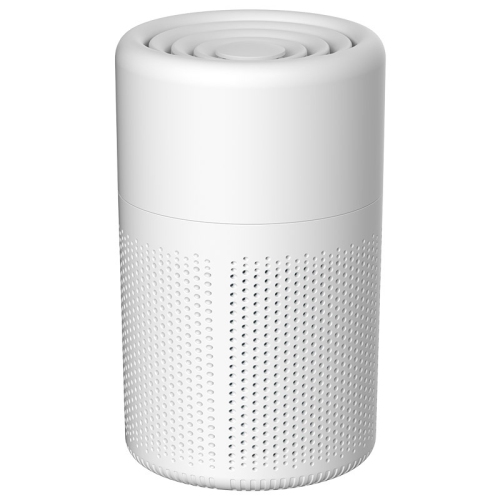
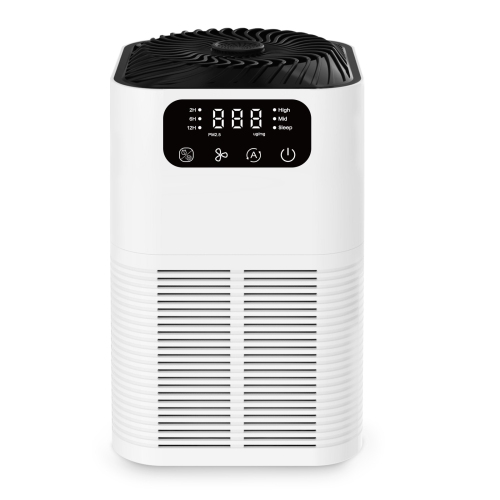
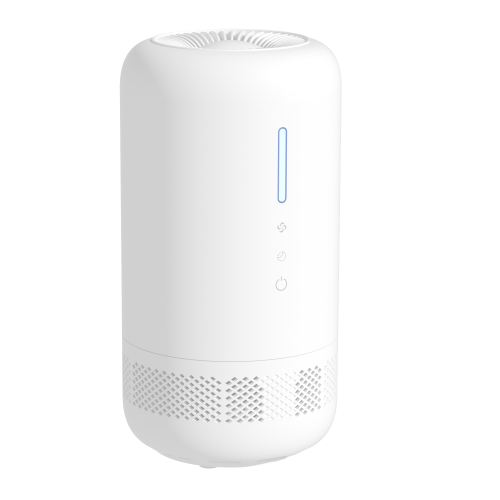
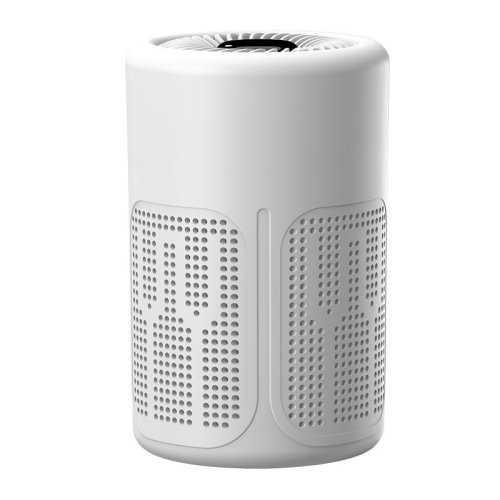
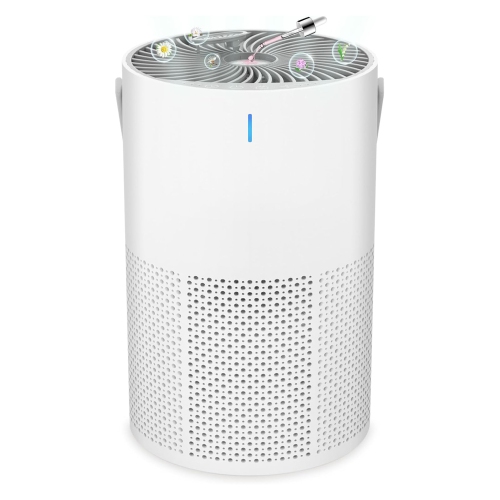
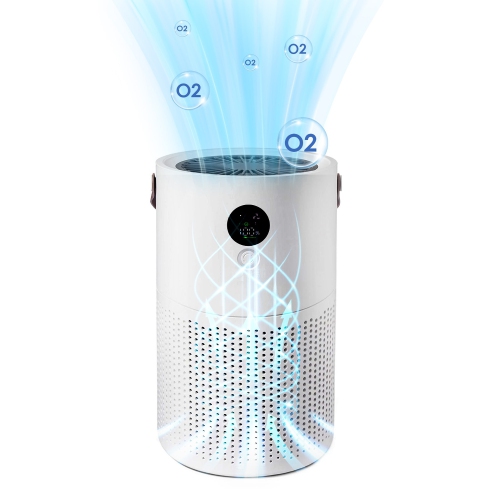
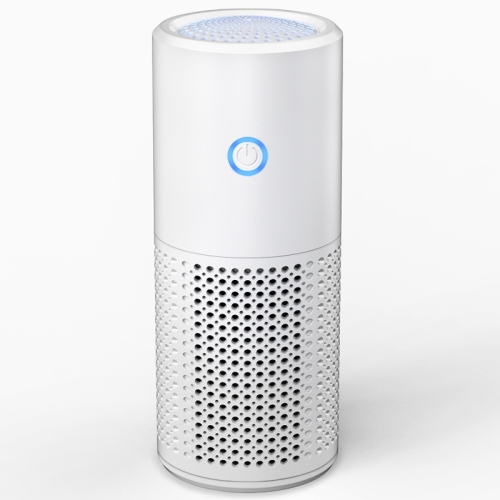
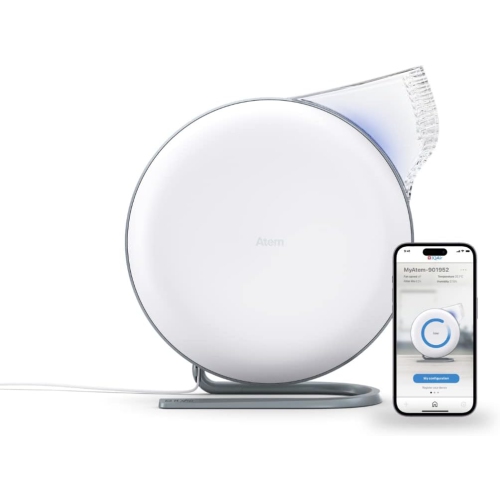
Why a compact purifier still needs room to work
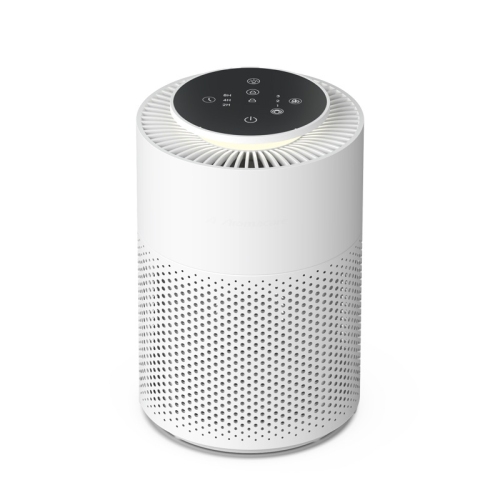
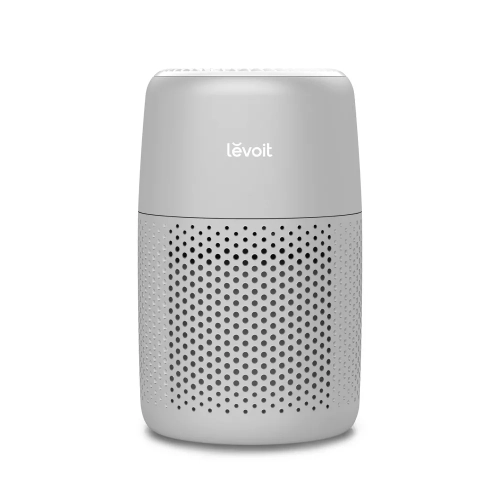
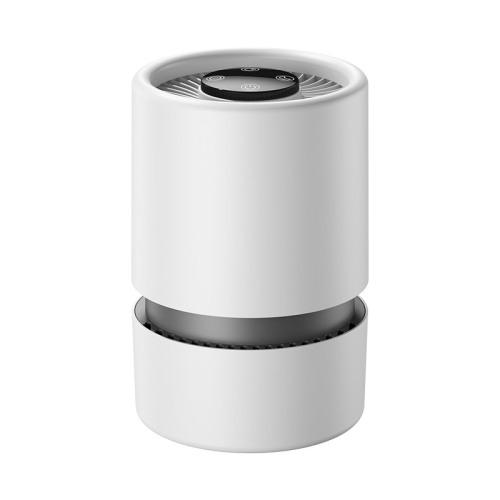
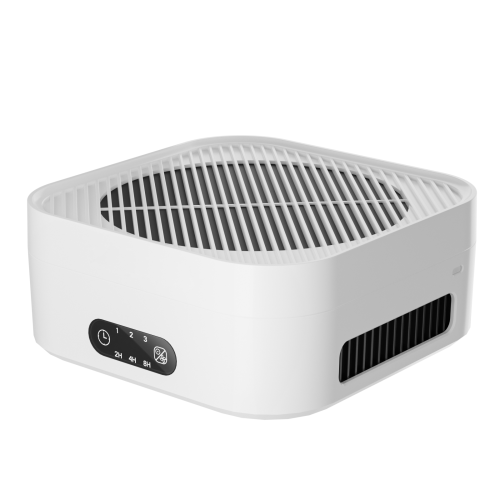
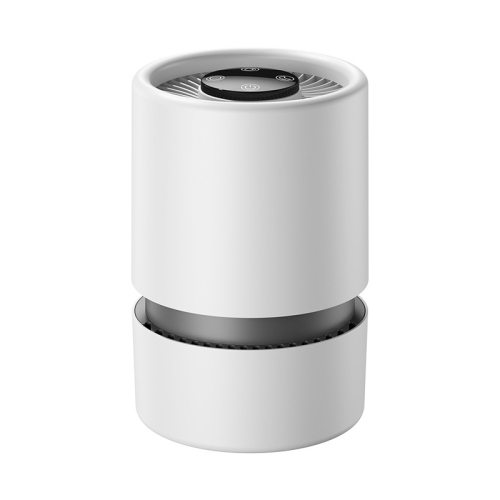
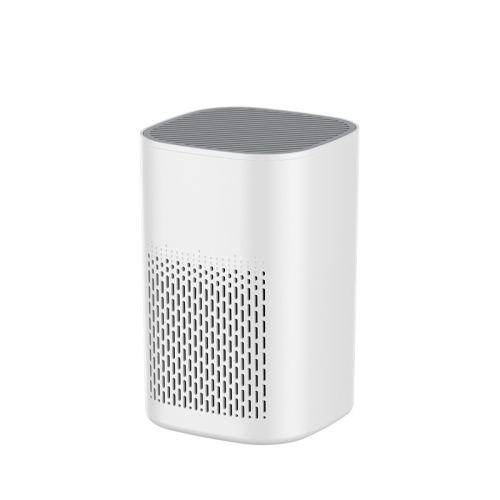
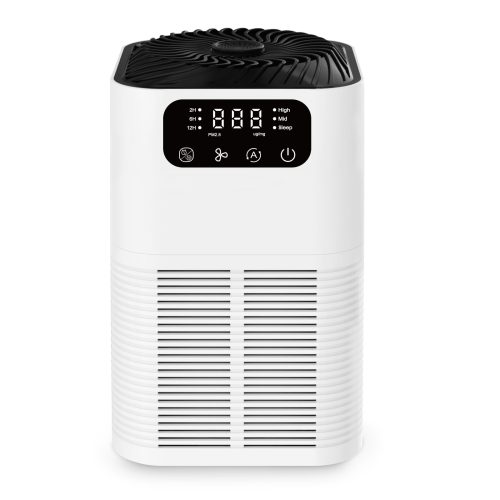
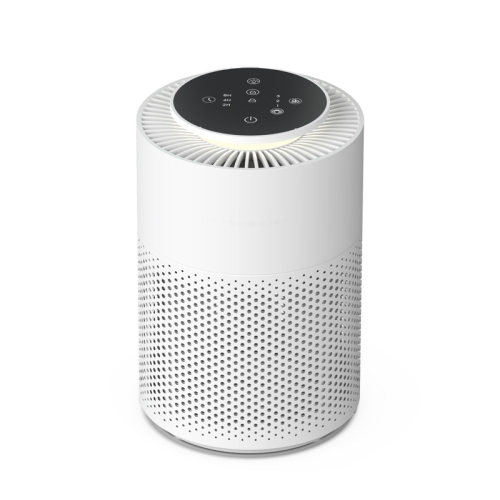
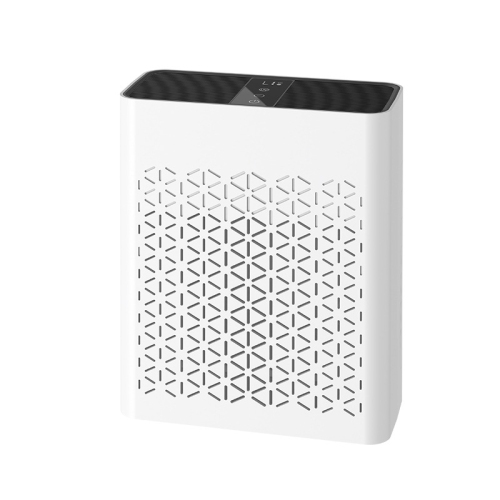
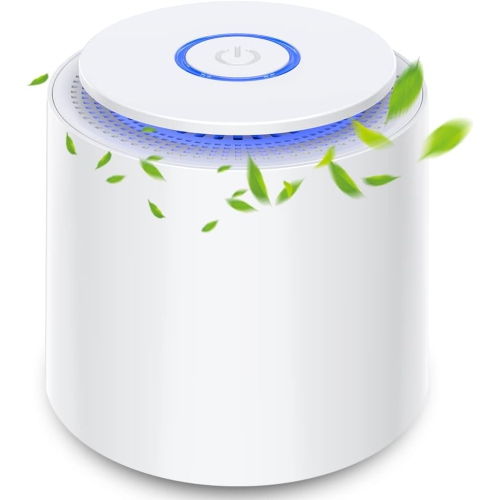
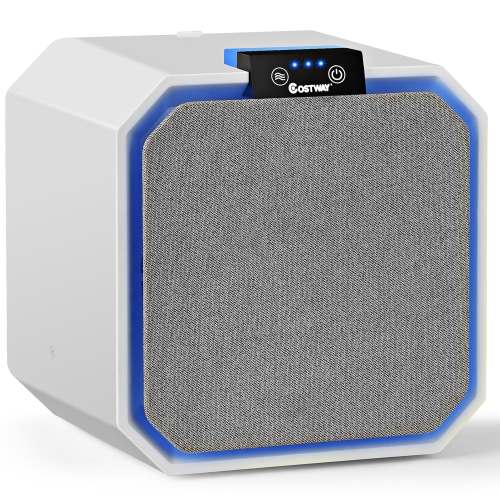
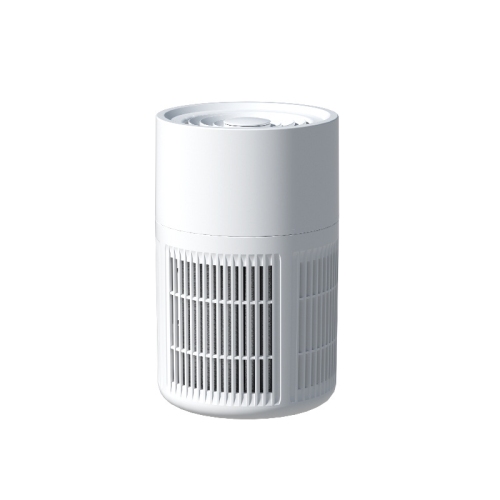
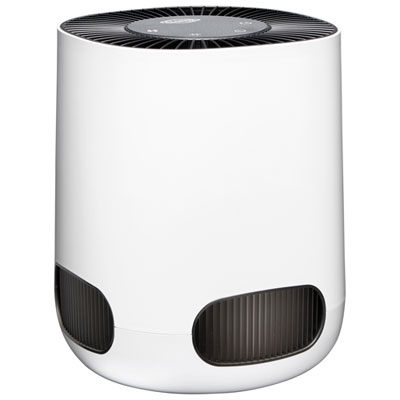
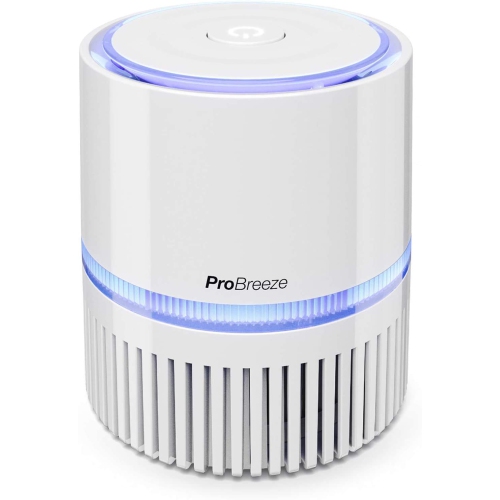
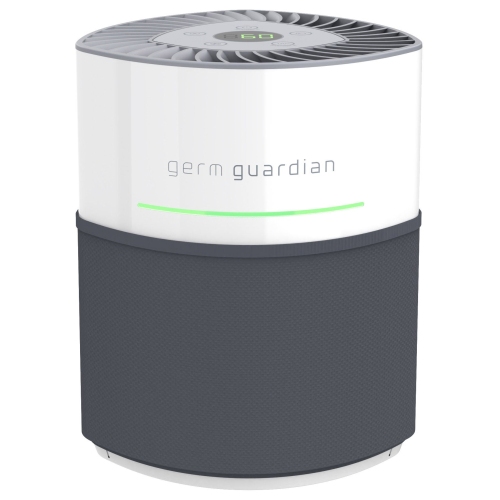
Desktop air purifiers with HEPA filters bring particle filtration to places where surface space matters, from a home office beside a bookcase to a study corner in a shared apartment. Their smaller footprints can make them easier to position than larger floor-standing units, but size alone does not determine how well a purifier suits a room. HEPA filtration captures fine airborne particles as air passes through the filter, including dust, pollen and pet dander. It does not remove dust already settled on a keyboard or shelf, and a unit sitting beside a monitor does not create a sealed pocket of filtered air around the person using it. Airflow, room layout and operating time all influence performance. For that reason, the rated room coverage and clean air delivery rate, where provided, are more useful starting points than the shape of the housing. A compact purifier intended for a small enclosed room may not have enough airflow for an open-plan living area, even when positioned close to a desk. Coverage figures also need context: a rating based on fewer air changes per hour is not directly equivalent to one based on more frequent air changes. When comparing specifications, look for the room size and test conditions behind the claim. HEPA filtration addresses particles rather than every type of airborne contaminant. An activated carbon stage may help reduce some odours, depending on its design, the amount of carbon and the substances present, but it should not be treated as a replacement for ventilation or removing the source of an odour. For spaces that need more airflow or a different placement option, the wider range of HEPA Filter Purifiers provides a useful comparison beyond desktop formats. The most suitable size is one that matches the room and leaves enough unobstructed space for air to enter and leave the unit, rather than simply fitting into the smallest available gap.
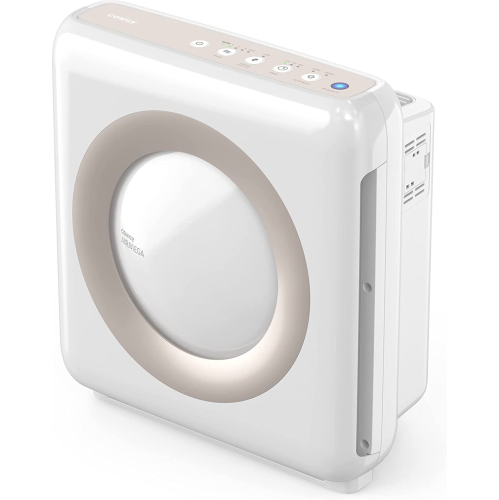
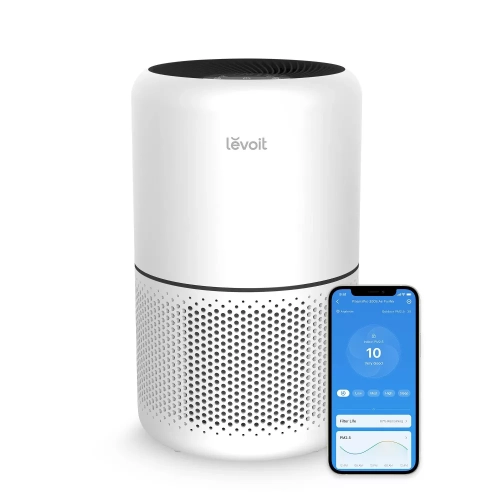
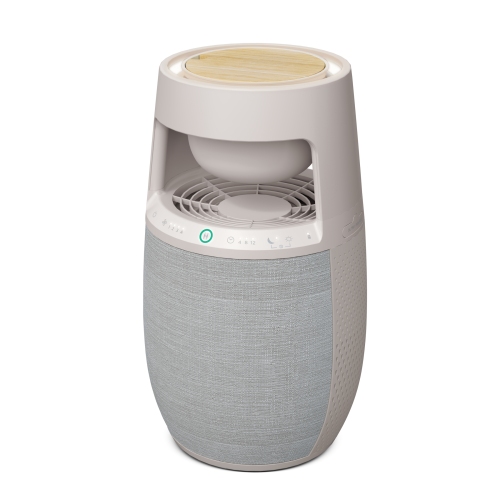
The physical fit becomes clearer when the purifier is considered alongside everything else on the work surface. A narrow cylindrical housing might sit comfortably beside a monitor stand, while a wider rectangular design may work better on a nearby cabinet. Either way, allow the clearance specified by the manufacturer around the intake and outlet. Tucking a purifier behind a screen, pressing it against a wall or surrounding it with folders can restrict airflow, even if the controls remain easy to reach. Check its height beneath shelves, the direction of the exhaust and the space needed to open the filter compartment without rearranging the entire desk. A stable base and secure-fitting panels are practical details on a surface that also holds a laptop, task lamp and drinks. Smooth plastic housings are generally straightforward to wipe clean, while metal grilles and textured finishes may need more attention around openings where dust collects. Construction and ease of access matter more to everyday durability than appearance alone. Sound is another important consideration, particularly for someone who takes video calls, records audio or concentrates on detailed work. Lower fan settings are often quieter, but they also move less air, so the quietest setting may not provide the airflow associated with the unit’s maximum coverage claim. Published sound levels are most useful when the fan setting and measurement conditions are clear. Adjustable display brightness or a switchable indicator light can be helpful when the same room serves as both an office and a bedroom. Simple, clearly marked controls make quick adjustments easier, while timers and automatic modes offer different ways to manage operation. Where particle sensors are included, their readings reflect conditions near the sensor rather than a complete assessment of indoor air quality. Wi-Fi connectivity may add remote controls or scheduling, but reliable onboard controls remain useful for anyone who prefers not to use an app. Power connections deserve a check, too: desktop placement does not necessarily mean a purifier can run from a computer’s USB port.
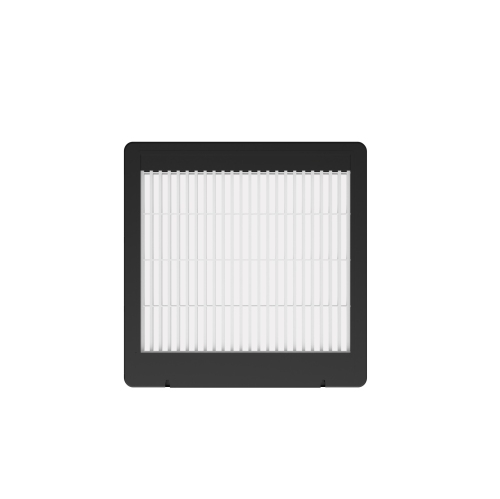
Routine care has a direct effect on how practical a desktop air purifier feels after the first few days. Filter access should be straightforward, with enough room to remove the cartridge without scattering collected dust across a keyboard or paperwork. A separate pre-filter, where included, can catch larger debris such as hair and lint before it reaches the finer filtration layer. Follow the manufacturer’s cleaning directions for each component, because a washable pre-filter does not mean the HEPA filter can also be washed. Water, brushes or a vacuum attachment can damage filter media that is not designed for those methods. Replace filters according to the manufacturer’s instructions and the unit’s maintenance indicators, taking actual use into account rather than assuming every household will follow the same schedule. A purifier running for long periods in a room with shedding pets may collect debris differently from one used occasionally in a quiet study. Replacement filters must match the unit correctly; an approximate fit can leave gaps that allow air to bypass the intended filtration path. Before cleaning the housing or opening a service panel, switch the purifier off and disconnect its power supply as directed. Keep liquids away from openings, avoid spraying cleaners into the unit, and let any washable parts dry fully before reassembly. Placement also deserves an occasional check as the desk changes: a stack of books or a newly added charging station can gradually crowd an intake that was clear at setup. For students, remote workers and people sharing smaller living spaces, a manageable size, clear controls and simple upkeep can be more useful than a long list of seldom-used features. A desktop purifier can also be a thoughtful gift for someone setting up a study or home office, provided its room rating, footprint and maintenance requirements suit the recipient’s space. Used alongside regular cleaning and appropriate ventilation, HEPA filtration serves a specific purpose: removing airborne particles from the air that passes through the filter, without replacing the other habits that help keep a room comfortable.
Top selling and popular products
-
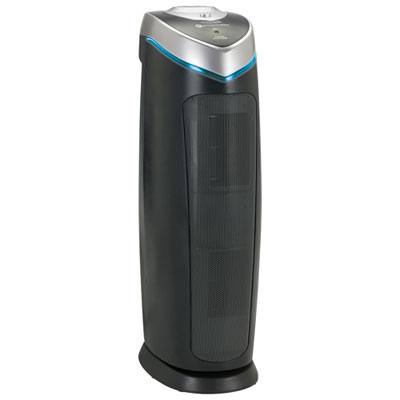 Your price for this item is $139.99
-
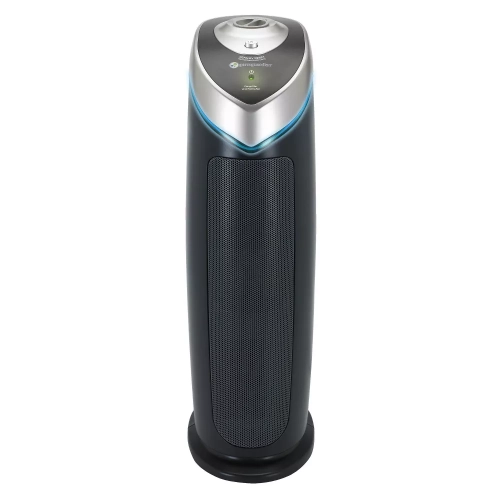 Your price for this item is $296.99
-
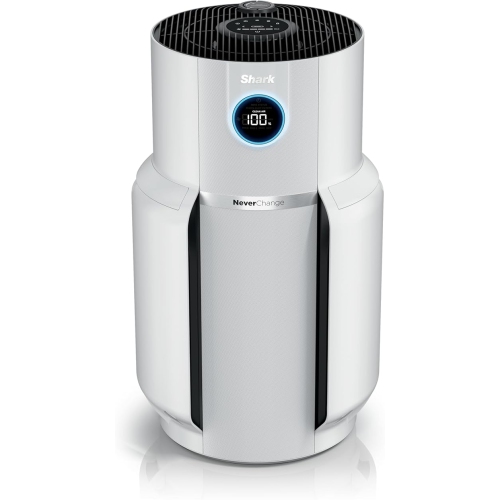 Your price for this item is $359.99
-
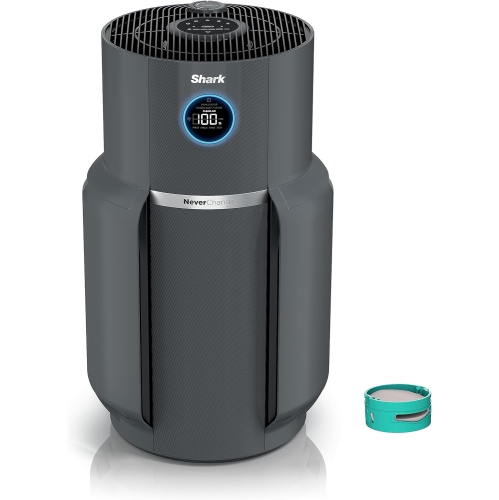 Your price for this item is $999.99
-
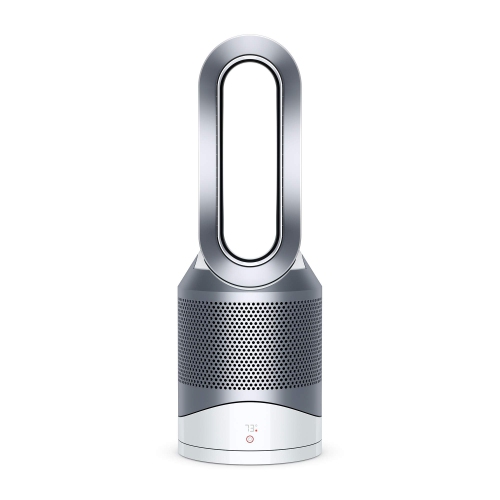 Your price for this item is $729.99
-
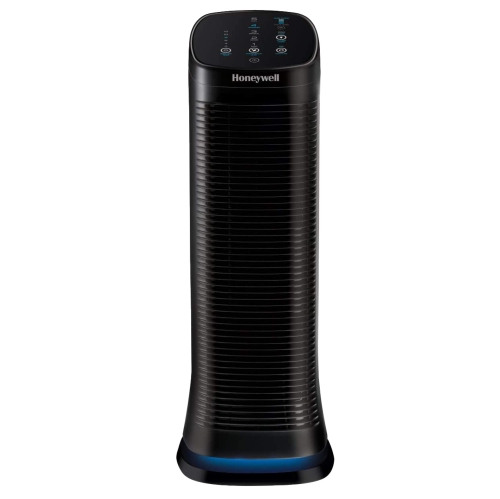 Your price for this item is $534.99
-
 Your price for this item is $659.99
-
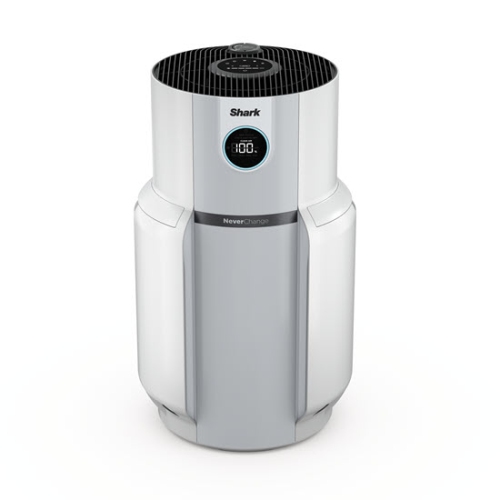 Your price for this item is $224.99
Discover more categories related to Desktop Air Purifiers With HEPA Filter
Top Collections:
Best Black Friday Deals This Year, Best Black Friday Deals On Electronics, Kindle Devices, Pokemon Centers, Best Black Friday Deals On Apple Products, Best Cameras for Sports Photography, Dyson Airwrap, Pokémon 30th Celebration Cards, Apple iPhone 17 Pro, Canon G7X Cameras
Some products may be subject to Environmental Handling Fees
(EHF) depending on your province.
Learn more about EHFs.