Best Computer Sound Bars
Upgrade your desktop audio with the best computer sound bars, ranked by user review ratings. Whether you’re gaming, joining video calls, or streaming your favourite shows, a sound bar can deliver clearer dialogue and fuller sound without taking up much desk space. Compare compact designs, connection options, and feedback from other shoppers to find the right fit for your computer setup.
What to look for in computer sound bars
1. Computer Connectivity
2. Sound Quality
3. Size and Placement
4. Controls and Features
-
1
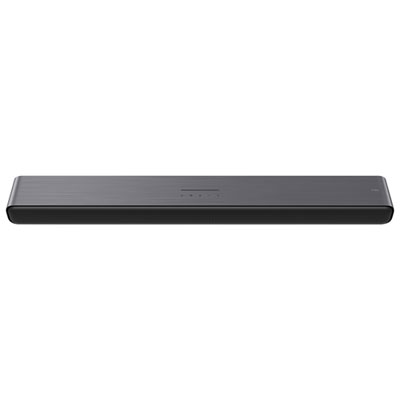
TCL S4BH 100-Watt 2.0 Channel Dolby Atmos Sound Bar - Only at Best Buy
About this product
A powerful 100-watt sound bar with Dolby Atmos and DTS Virtual:X for immersive, cinematic audio.
What customers like
(184)$99.99 Your price for this item is $99.99 -
2

Samsung Music Studio 5 2.0 Channel Sound Bar - White - Exclusive Retail Partner
About this product
A sleek white sound bar delivering 70W Dolby Atmos audio with wireless streaming and built-in voice assistant.
What customers like
(117)$299.99Your price for this item is $299.99SAVE $50 -
3
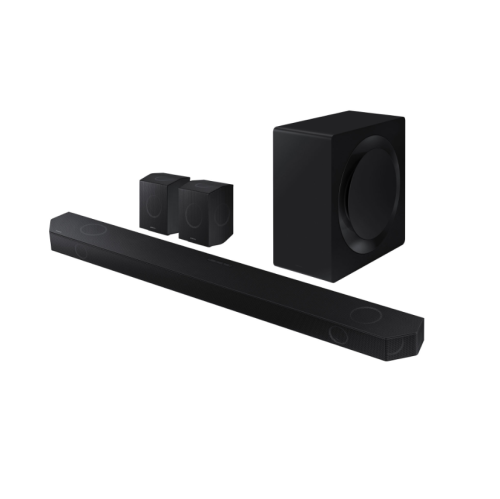
SAMSUNG Hw-Q990D/zc 11.1.4 Channel Sound Bar With Wireless Subwoofer & Up-Firing Rear Speakers - Graphite 10/10 In Black
About this product
A powerful 11.1.4 channel sound bar with wireless subwoofer and up-firing rear speakers in graphite black.
What customers like
(101)$2,299.99 Your price for this item is $2299.99 -
4
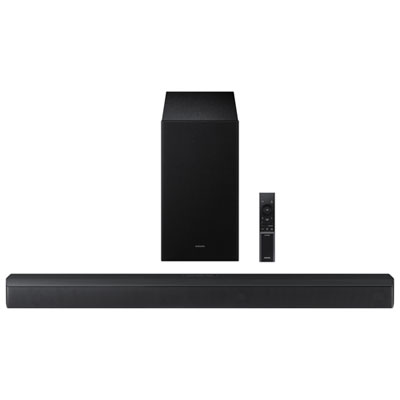
Samsung HW-B630F/ZC 3.1 Channel Sound Bar
About this product
A black 3.1 channel sound bar delivering 370W immersive audio with adaptive sound and one remote control.
What customers like
(77)$247.98Your price for this item is $247.98SAVE $52 -
5
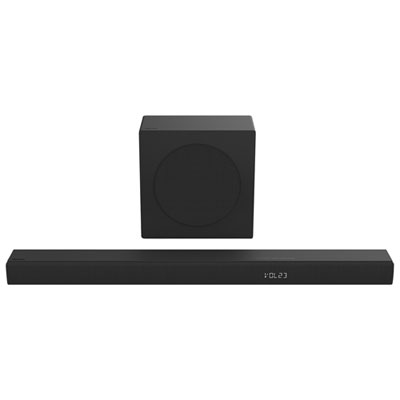
Hisense HS3100 3.1 Channel Soundbar with Wireless Subwoofer
About this product
A black 3.1 channel soundbar with wireless subwoofer delivers 480W immersive audio and deep bass.
What customers like
(76)$299.99 Your price for this item is $299.99 -
6
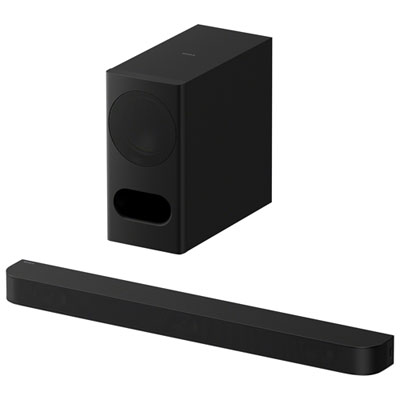
Sony BRAVIA Theatre Bar 5 3.1 Channel Sound Bar with Subwoofer
About this product
A 3.1 channel sound bar with subwoofer offering immersive surround sound and Bluetooth music streaming.
What customers like
(40)$469.99 Your price for this item is $469.99 -
7
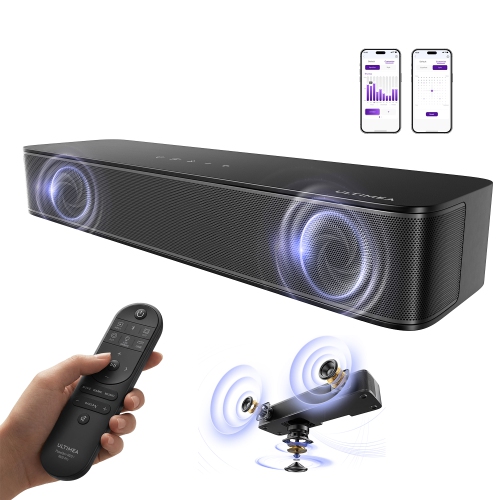
ULTIMEA 2.1Ch Poseidon M30 Soundbar w Wireless Subwoofer, Voicemx & Bassmx, App Control, 240W Peak, HDMI/optical, Bluetooth 6.0, Adjustable Bass
About this product
A compact 2.1 channel sound bar with built-in subwoofer, Bluetooth 5.4, and app control features.
What customers like
(34)$149.99Your price for this item is $149.99SAVE $250 -
8
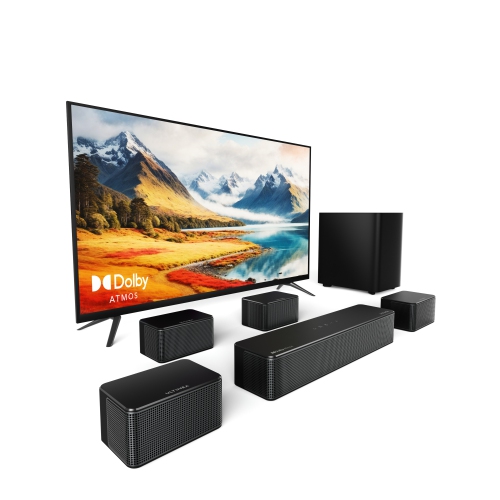
ULTIMEA Poseidon D80 7.1 Channel Sound Bar for Tv With Dolby Atmos, 4 Wired Surround Speakers, 6.5" Wireless Subwoofer, App Control
About this product
An advanced 7.1 channel sound bar system with Dolby Atmos, wireless subwoofer, and app control for immersive audio.
What customers like
(26)$399.99Your price for this item is $399.99SAVE $200 -
9
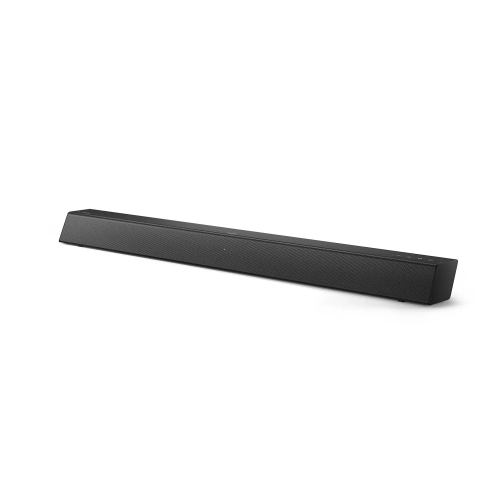
PHILIPS B5106 2.0-Channel Soundbar With HDMI Arc Support, Roku Tv Ready In Black
About this product
A sleek black soundbar delivering clear audio with HDMI ARC support and Roku TV compatibility.
What customers like
(24)$99.99 Your price for this item is $99.99 -
10
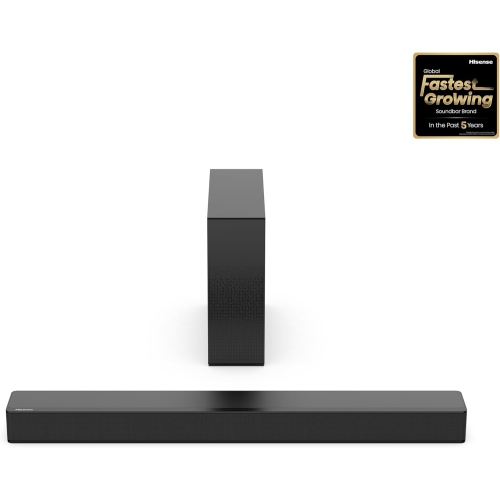
HISENSE Refurbished (Good)- Hs2100 2.1 Channel Soundbar With Wireless Subwoofer
About this product
A 2.1 channel soundbar with wireless subwoofer delivers immersive audio and enhanced clarity for your TV.
(2)$99.99Your price for this item is $99.99SAVE $100
FAQ
Computer sound bars may connect through USB, a 3.5 mm audio cable, or Bluetooth. Some also offer optical or HDMI inputs, though these require a compatible audio output on your computer or connected equipment. Check which connections your computer supports before choosing a sound bar.
Some computer sound bars use a single USB connection for power and digital audio. Others use USB only for power and require a separate 3.5 mm cable or Bluetooth connection for audio. The connection details should specify which setup is required.
A sound bar with wired and Bluetooth inputs can often connect to a computer by cable and pair with a phone wirelessly. You typically select one audio source at a time. Support for maintaining multiple Bluetooth connections varies by model.
Some computer sound bars include a built-in microphone, while others provide audio playback only. If a sound bar has no microphone, you can use your computer’s microphone or a separate USB microphone. Your calling app may let you select the sound bar as the speaker and another device as the microphone.
Common controls include power, volume, mute, and input selection. Depending on the model, a computer sound bar may also have Bluetooth pairing controls, a remote, or adjustable audio settings. Computer-based volume control can vary with the connection type.
Top selling and popular products
Discover more categories related to Best Computer Sound Bars
Some products may be subject to Environmental Handling Fees (EHF) depending on your province. Learn more about EHFs.