Bluetooth Speakers for Holiday Parties And Christmas Gatherings


FAQ
Turn on the speaker and activate its Bluetooth pairing mode. Open your phone’s Bluetooth settings, select the speaker from the available devices, and start your holiday playlist. Many speakers reconnect automatically to a previously paired phone.
Bluetooth speakers do not need Wi-Fi to receive audio from a paired phone, tablet, or computer. Streaming services generally require an internet connection on the source device, while music stored locally or downloaded for offline listening can play without one, subject to the app’s requirements.
Stereo mode typically assigns the left and right audio channels to two compatible speakers. Party mode typically plays the same audio through multiple compatible speakers. These features vary by brand and model, so check compatibility before linking speakers.
A shared playlist or an app’s collaborative queue lets guests contribute songs while one device stays connected to the speaker. Some Bluetooth speakers also support connections to more than one source device, although switching between devices depends on the model and usually does not allow simultaneous playback.
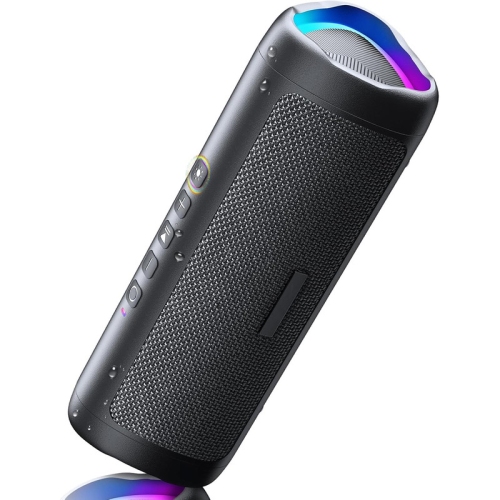
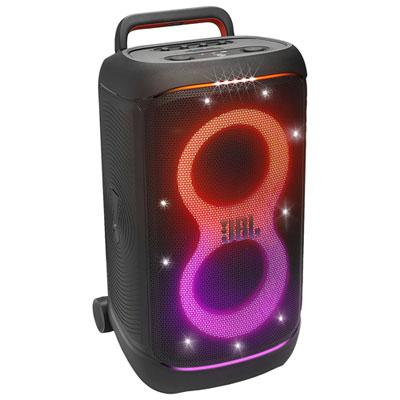
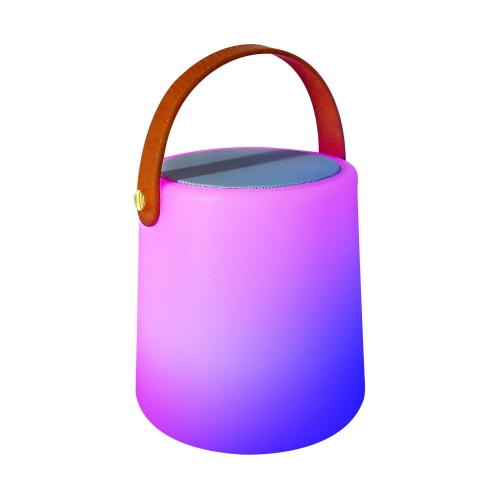
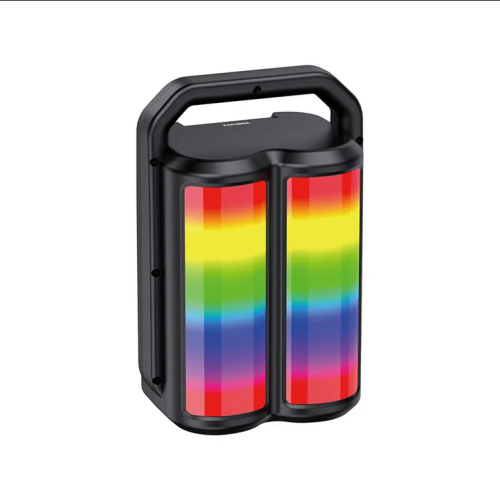
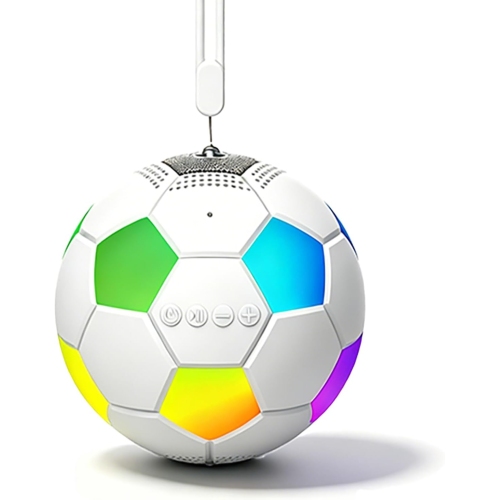
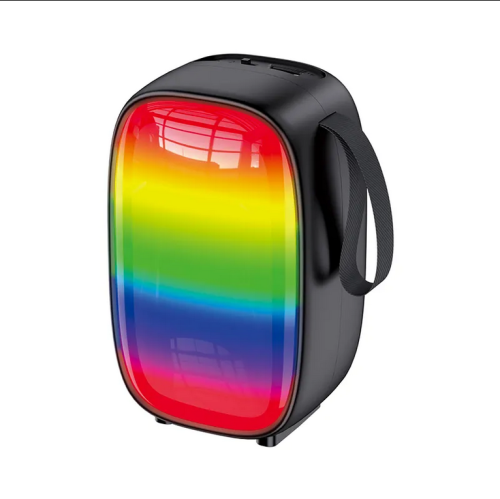
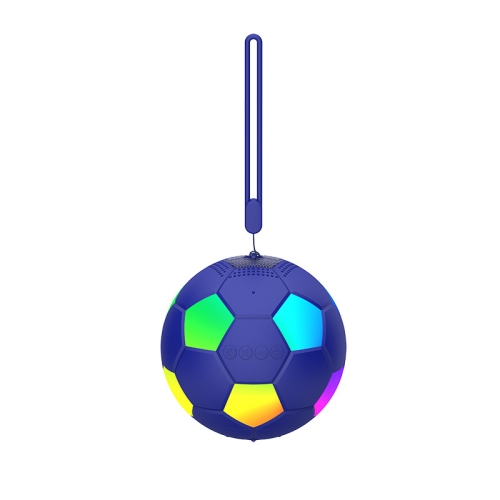
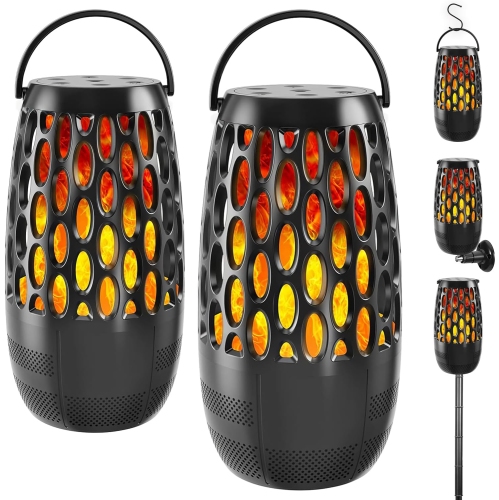
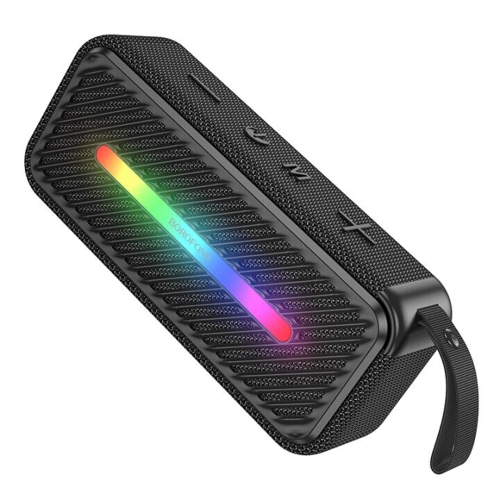
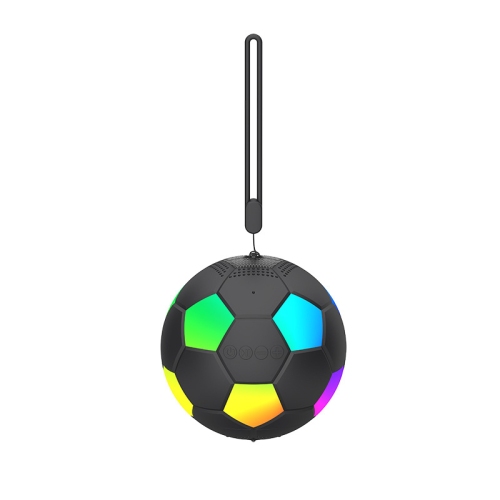
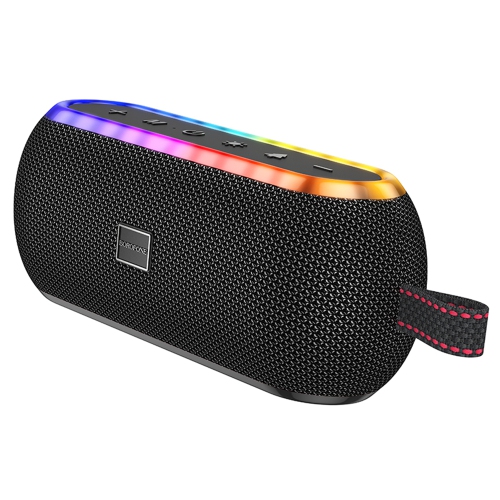
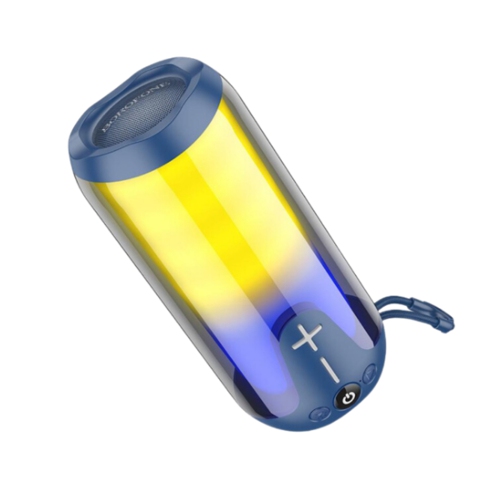
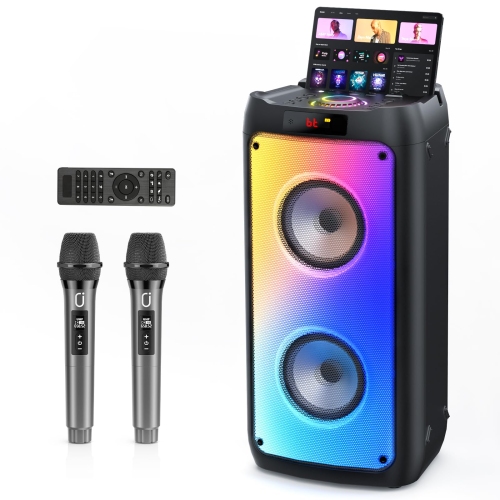
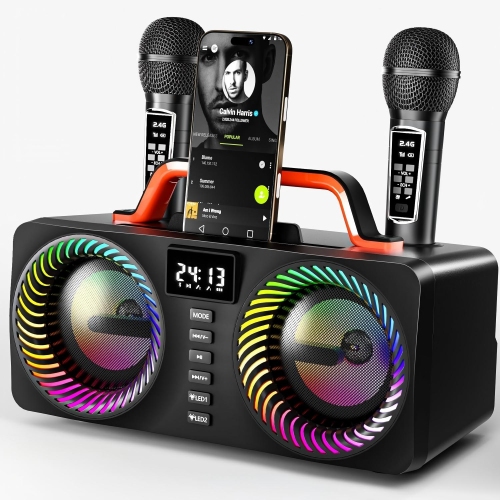
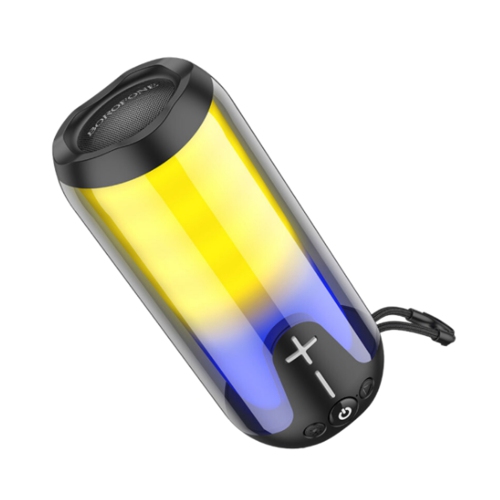
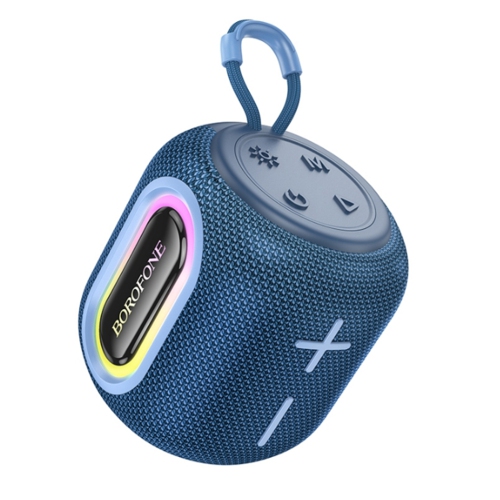
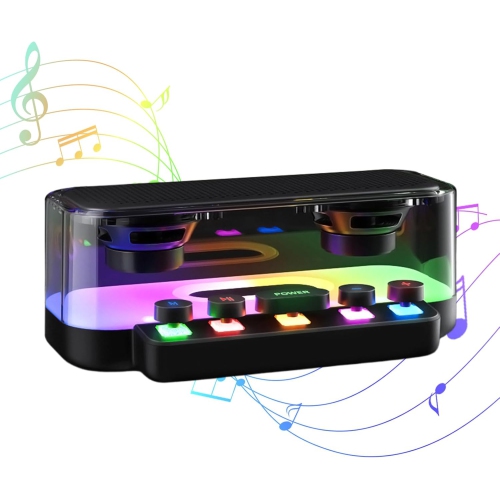
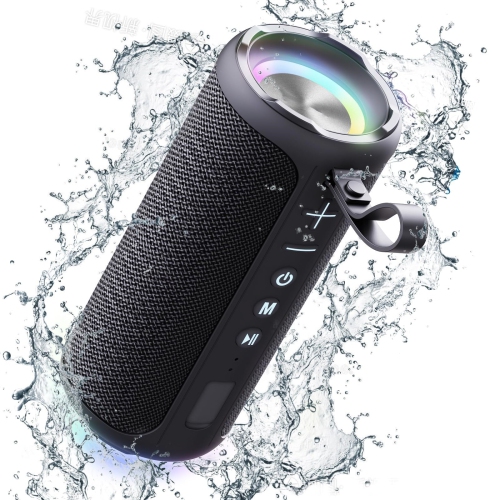
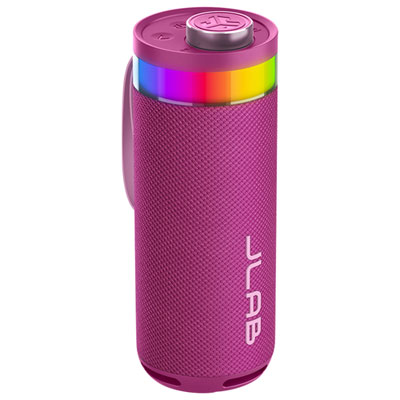
Some Bluetooth speakers include LED lighting with selectable colours, preset patterns, or effects that respond to music. Depending on the model, you can adjust these settings using onboard controls or a companion app. Speakers without built-in lighting are also available if you prefer to keep your Christmas decorations separate from your audio setup.
Top selling and popular products
Discover more categories related to Bluetooth Speakers for Holiday Parties And Christmas Gatherings
Some products may be subject to Environmental Handling Fees (EHF) depending on your province. Learn more about EHFs.