Best Acer Laptops for Students
Find the right laptop for your student life with top-rated options ranked by customer review ratings. Whether you’re taking notes in class, researching assignments, or joining online study groups, compare features such as battery life, portability, and performance to choose a laptop that fits your coursework and budget.
What to look for in Acer laptops for students
1. Performance and Software Compatibility
2. Portability and Battery Life
3. Display and Everyday Comfort
4. Storage and Connectivity
-
1

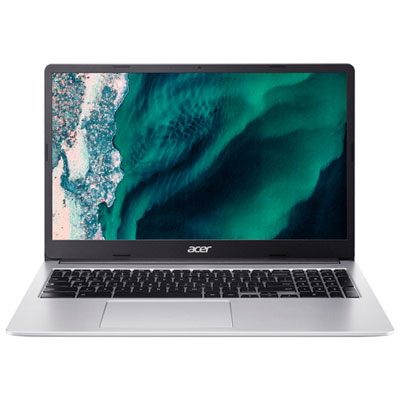
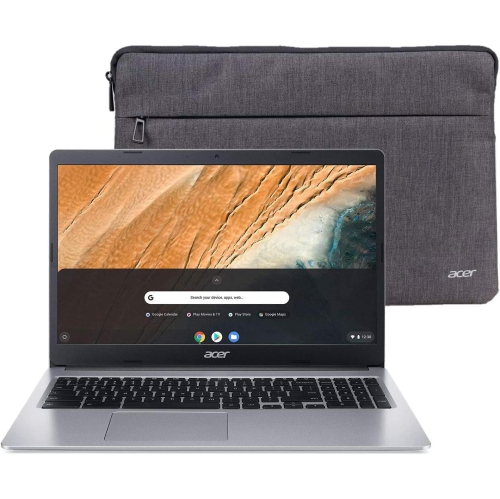
ACER Chromebook 315 15.6" HD - Intel Pentium N6000 - 4GB Lpddr4X - 128GB Storage - Chromeos - - Protective Sleeve Included In Silver
About this product
A lightweight silver laptop with a 15.6" HD screen, Intel Pentium processor, and Wi-Fi 6 connectivity.
What customers like
(396)$339.99Your price for this item is $339.99SAVE $360 -
2
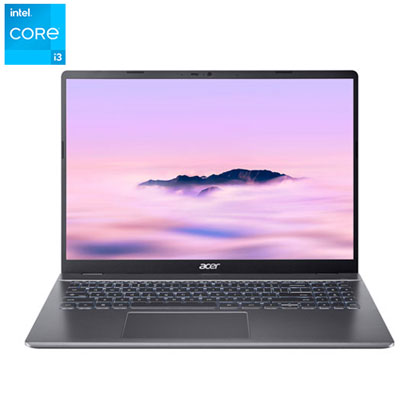
Acer CB516 16" Chromebook Plus - Intel Core i3-1315U - 8GB LPDDR5 - 256GB SSD - ChromeOS - Iron - Includes 12 month of Google AI Pro
About this product
An iron-coloured Chromebook featuring an Intel Core i3 processor, 8GB RAM, 256GB SSD, and Chrome OS.
What customers like
(29)$749.99 Your price for this item is $749.99 -
3
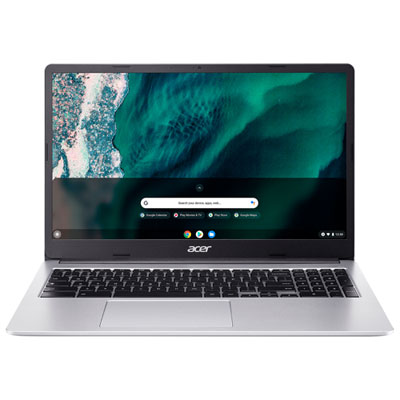
Acer 15.6" Chromebook - Intel Celeron N4500 - 4GB LPDDR4X - 64GB eMMC - ChromeOS - Silver - w/3 month of Google AI Pro
About this product
A sleek silver Chromebook featuring an Intel Celeron processor, 4GB RAM, and vibrant 15.6-inch display.
What customers like
(24)$399.97 Your price for this item is $399.97 -
4
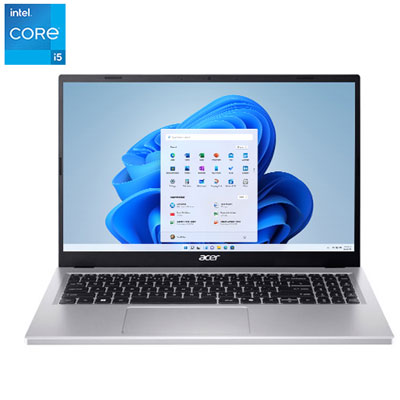
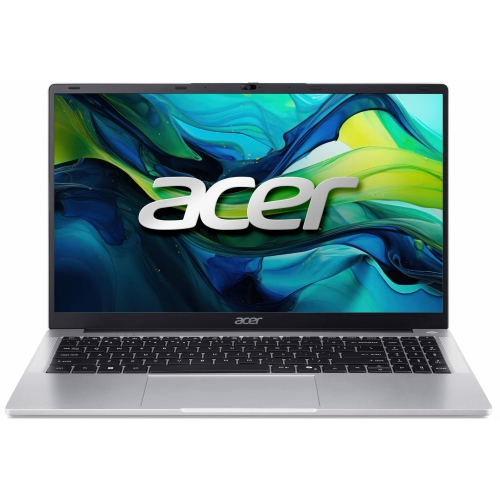
Acer Aspire Go 15 15.6" Laptop - Intel Core i5-13420H - 8GB DDR5 - 512GB SSD - Windows 11 - Iron
About this product
An iron-coloured laptop featuring an Intel Core i5 processor, 8GB RAM, 512GB SSD, and vibrant display.
(18)$799.99 Your price for this item is $799.99 -
5
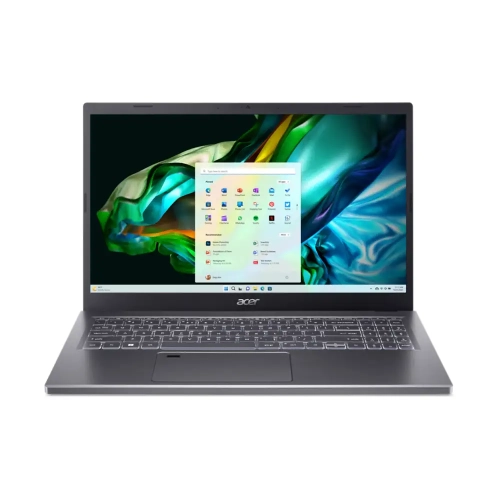
ACER - Aspire 5 15.6" Laptop - Intel Core I9-13900H - 32GB Lpddr5 - 1Tb SSD - Windows 11 Home - Steel - W/ 1 Year Warranty In Gray
About this product
A powerful laptop featuring an Intel i9 processor, 32GB RAM, 1TB SSD, and fingerprint security.
(8)$2,499.77Your price for this item is $2499.77SAVE $500 -
6
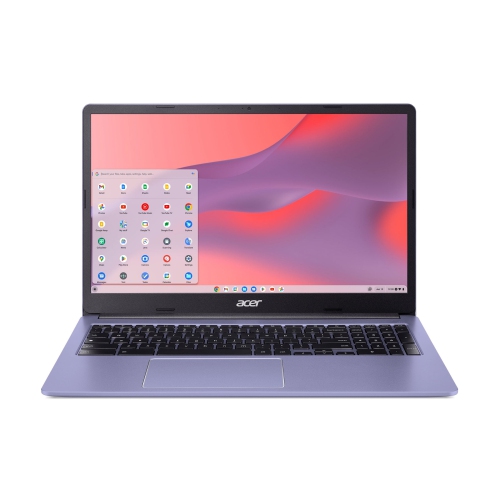
ACER Chromebook 315 15.6" Fhd Student Chromebook - Intel Celeron N4500 - 4GB - 64GB Emmc - Chromeos - Lavender In Purple
About this product
A purple 15.6" Chromebook with Intel Celeron, 4GB RAM, 64GB storage, and 10-hour battery life.
(3)$325.00 Your price for this item is $325 -
7
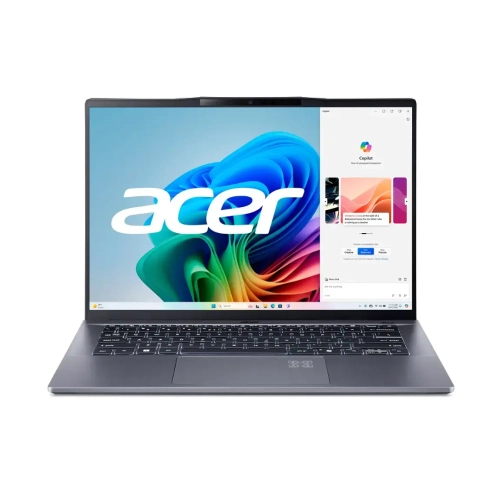
ACER - Swift Go 14.5" 120Hz Copilot+ PC Laptop - Snapdragon X Plus - 16GB Lpddr5X - 1Tb SSD - Windows 11 Home - Steel - W/ 1 Year Warranty
About this product
A high-performance laptop featuring a Snapdragon X Plus processor, 16GB RAM, 1TB SSD, and AI integration.
(2)$875.00Your price for this item is $875SAVE $324 -
8
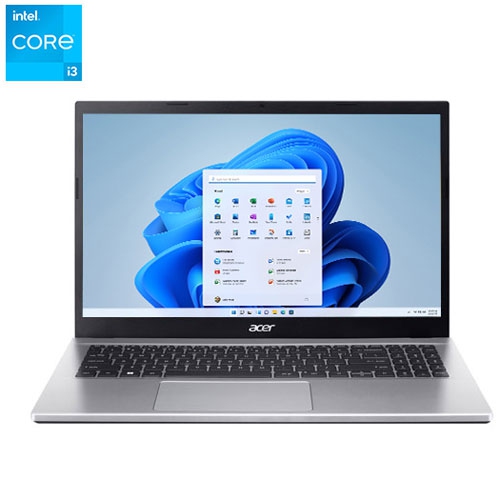
ACER Refurbished (Excellent) - Aspire 3 15.6" Laptop - Intel Core I3-1215U - 8GB Ddr4 - 512GB SSD - Windows 11 - In Silver
About this product
A sleek silver laptop with Intel Core i3, 8GB RAM, 512GB SSD, and Windows 11.
(1)$439.99Your price for this item is $439.99SAVE $209 -
9

ACER - Swift 14 Ai 14.5" 120Hz Laptop - Snapdragon X Plus - 16GB Lpddr5X - 1Tb SSD - Windows 11 Home - Steel In Gray
About this product
A powerful AI-integrated laptop featuring a Snapdragon X Plus processor, 16GB RAM, and 1TB SSD.
(1)$999.00Your price for this item is $999SAVE $500 -
10
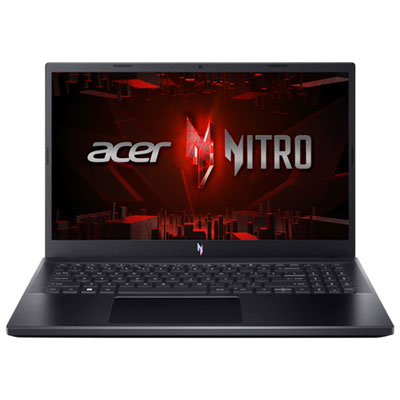
Acer Nitro V 15.6" 165Hz Gaming Laptop - Intel Core i7-13620H - 16GB DDR4 - 512GB SSD - RTX 5050 - Windows 11 - Black
About this product
A powerful black gaming laptop featuring Intel Core i7, 16GB RAM, RTX 5050 graphics, and backlit keyboard.
(10)$1,999.99 Your price for this item is $1999.99
FAQ
Start with your program’s software requirements, then consider portability, battery life, keyboard comfort and connectivity. For courses involving design, engineering or video editing, check whether your school specifies a particular operating system, processor or graphics capability.
An Acer Windows laptop can be a suitable choice for courses that require Windows desktop applications. An Acer Chromebook is geared towards browser-based coursework and online tools. Check your school’s requirements, including exam software compatibility, before choosing either type.
An Acer 2-in-1 laptop offers laptop and tablet modes for activities such as typing assignments, reading course materials and annotating documents. If handwritten notes or sketches are part of your workflow, check whether the model supports an active stylus and whether the pen is included or sold separately.
USB ports are useful for accessories, while HDMI or a compatible USB-C port can connect an external display or classroom projector. A headphone connection and Wi-Fi support are also worth checking. USB-C capabilities vary by model, so verify support for video output and charging if you need those functions.
Students can use a school-provided cloud account, another cloud storage service or an external drive to keep additional copies of assignments. Enable automatic backups where available, and check that important files are accessible offline when studying without an internet connection.
Top selling and popular products
Discover more categories related to Best Acer Laptops for Students
Some products may be subject to Environmental Handling Fees (EHF) depending on your province. Learn more about EHFs.