Best Affordable Laptops for Students

Find the best affordable laptops for students to tackle assignments, research, and everyday study tasks without stretching your budget. Ranked by customer review ratings, this selection makes it easy to explore top-rated options for student life. Compare features such as battery life, portability, and storage to find a laptop that fits your coursework and budget.

Read More

What to look for in affordable laptops for students

1. Price and Value

Set a budget and compare laptops based on the features you’ll use most for school. Include any additional costs for required software, accessories or warranty coverage when comparing options.

2. Performance and Storage

For research, assignments and video calls, look for a laptop with at least 8 GB of RAM and an SSD for responsive everyday use. If your budget allows, 16 GB of RAM can help with multitasking, while courses involving design or engineering may require a more powerful processor or dedicated graphics.

3. Portability and Battery Life

A lightweight laptop with a 13-inch or 14-inch screen can be easier to carry between classes, while a larger display offers more room for coursework. Compare battery-life estimates with your school-day needs, keeping in mind that actual runtime varies with usage and settings.

4. Software and Connectivity

Check your program’s software requirements before choosing Windows, macOS or ChromeOS, since some course applications only work on specific operating systems. Look for reliable Wi-Fi, a webcam for online classes and the ports you need for peripherals or an external monitor.
  1. 1

    LENOVO 14E 14" Touchscreen Chromebook - Amd A4-9120 - 4GB Ddr4 - 32GB Flash Memory - Chromeos - In Gray

    About this product

    A 14" Chromebook with Full HD display, AMD A4 processor, 4GB RAM, and 32GB flash storage.

    What customers like

    • Fast performance
    • Good screen quality
    • Great value for the price
    • Lightweight and portable
    • Easy to use and set up
    (23)
    $389.99
    SAVE $110
    Your price for this item is $389.99
  2. 2

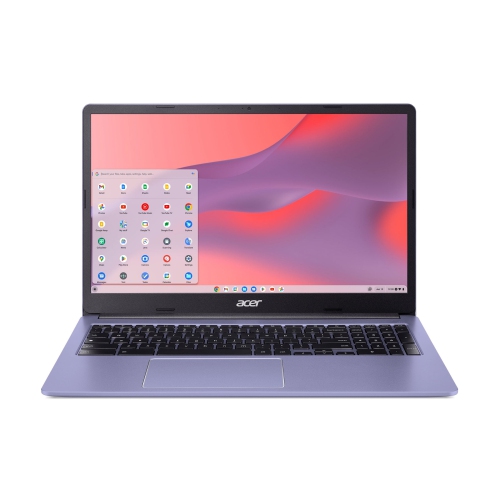
    ACER Chromebook 315 15.6" Fhd Student Chromebook - Intel Celeron N4500 - 4GB - 64GB Emmc - Chromeos - Lavender In Purple

    About this product

    A purple 15.6" Chromebook with Intel Celeron, 4GB RAM, 64GB storage, and 10-hour battery life.

    (3)
    $325.00 Your price for this item is $325
  3. 3

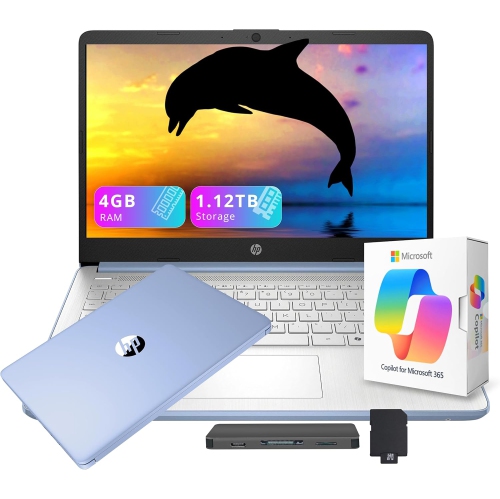
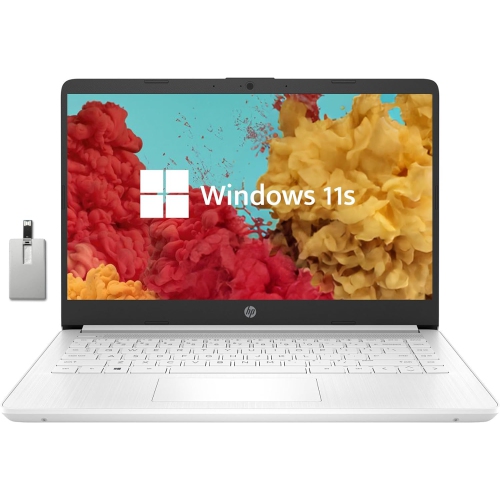
    HP 14" HD Student & Business Laptop w Ai Copilot - Intel Processor N150 - 4GB Ddr4 - 128GB Ufs + 1Tb Docking Station - Windows 11 S - - Includes 1

    About this product

    A versatile blue laptop with 13th Gen Intel processor, AI Copilot, 1.12TB storage, and Office 365.

    (2)
    $449.00
    SAVE $110
    Your price for this item is $449
  4. 4

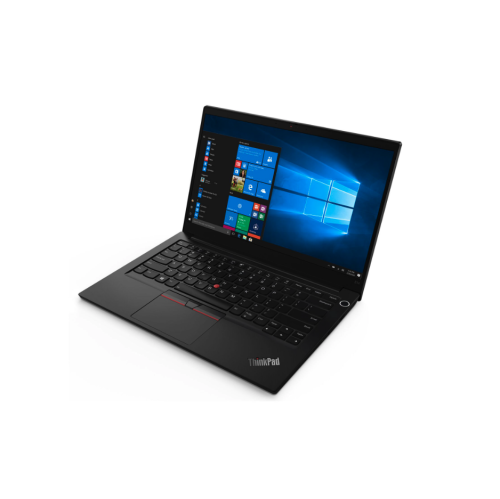
    LENOVO Refurbished (Excellent) - Thinkpad E14 Gen 2 Laptop - Intel Core I5-1135G7 - 16GB Ddr4 - 256GB SSD - Windows 10 Pro

    About this product

    A refurbished laptop with Intel i5, 16GB RAM, 256GB SSD, and Windows 10 Pro.

    (2)
    $799.99 Your price for this item is $799.99
  5. 5

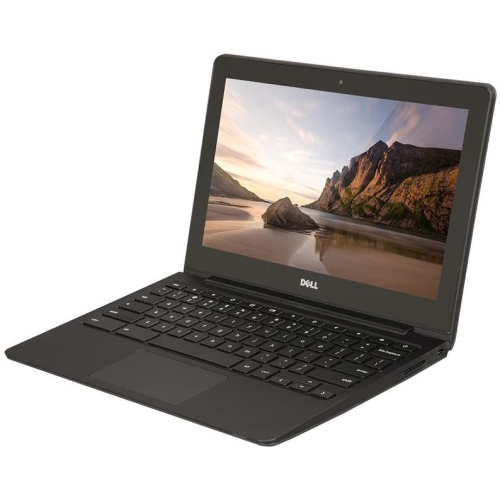
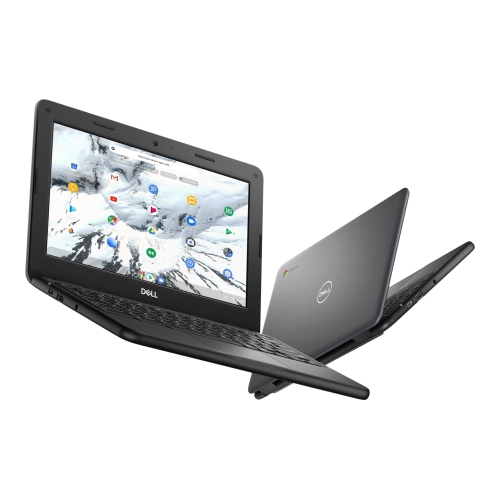
    DELL Refurbished (Good) - Chromebook 11 11.6" Student Chromebook - Intel Celeron 2955U - 4GB Ram - 16GB Emmc - Chrome Os - In Black

    About this product

    A durable 11.6" Chromebook with Intel Celeron processor, 16GB SSD, 4GB RAM, and built-in webcam.

    (1)
    $299.00 Your price for this item is $299
  6. 6

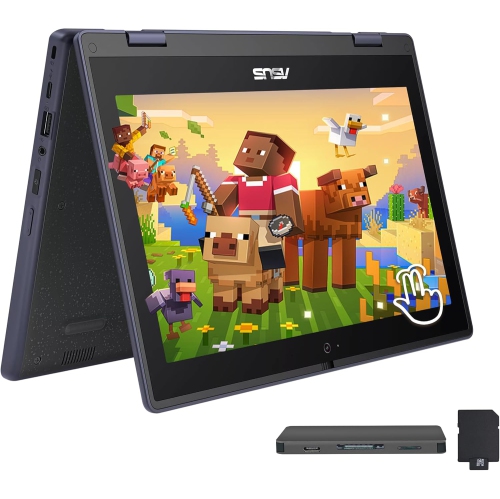
    ASUS 11.6" HD Touchscreen 2-In-1 Student Laptop - Intel Celeron N100 - 4GB Ddr4 - 288GB Storage (128GB SSD+160GB Dock) - Windows 11 Pro - In Gray

    About this product

    A rugged, spill-resistant grey 2-in-1 laptop with touchscreen, Intel Celeron N100, and 288GB storage.

    (1)
    $519.00
    SAVE $230
    Your price for this item is $519
  7. 7

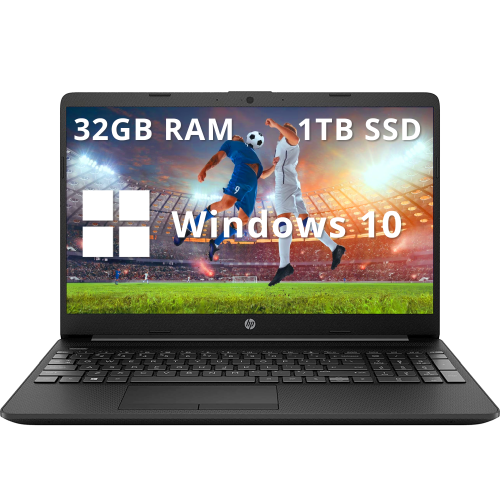
    HP - 15.6" Fhd Anti-Glare Business Laptop - Intel Celeron N4020 - 32GB Ddr4 - 1Tb SSD - Intel Uhd - Windows 10 - In Black

    About this product

    A black business laptop featuring Intel Celeron N4020, 32GB RAM, 1TB SSD, and fast charging.

    What customers like

    • Fast performance
    • Ample storage and memory
    • Good value for the price
    • Clear anti-glare screen
    • Lightweight and portable
    (0)
    $899.00
    SAVE $330
    Your price for this item is $899
  8. 8

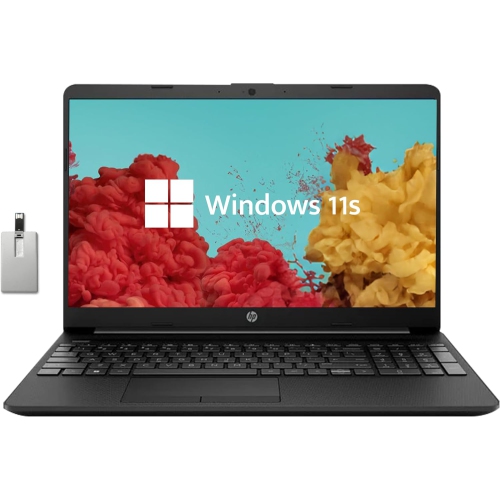
    HP - 15.6" HD Student Laptop, Intel Pentium N5030, 256GB SSD, 16GB Ram, Intel Uhd Graphics, HD Webcam, Wi-Fi 5, Bluetooth, Win 11, Black, 32GB

    About this product

    A 15.6" HD student laptop with 16GB RAM, 256GB SSD, Intel UHD Graphics, and Windows 11 in black.

    (0)
    $649.00
    SAVE $230
    Your price for this item is $649
  9. 9

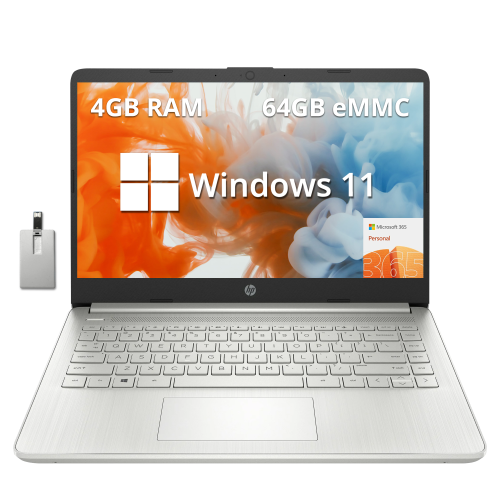
    HP Stream 14" HD Laptop - Amd Athlon 3050U - 4GB Ddr4 - 64GB Emmc - Intel Uhd Graphics 600 - Windows 11 - - 1-Year Microsoft 365 In Silver

    About this product

    A sleek laptop featuring AMD Athlon 3050U, 4GB RAM, 64GB eMMC, and a 720p HD camera.

    (0)
    $419.00
    SAVE $139
    Your price for this item is $419
  10. 10

    HP Stream 14" Laptop - Intel Celeron N4000 - 4GB Ddr4 - 64GB Emmc - Windows 10 Home S Mode - Diamond - Includes 1 Year Office 365 Personal In White

    About this product

    A lightweight laptop with Intel Celeron processor, 4GB RAM, 64GB storage, and Windows 10 in S Mode.

    What customers like

    • Bright, clear screen
    • Good battery life
    • Affordable price
    • Lightweight and portable
    • Easy to use and set up
    (0)
    $449.00
    SAVE $56
    Your price for this item is $449

What everyday coursework really needs from a laptop

The best affordable laptops for students bring together dependable everyday performance, comfortable typing, and a design that is easy to carry between home, class, and the library. For many students, the main workload is a familiar mix of writing assignments, researching sources, joining video calls, and keeping course materials organized. A laptop that handles those tasks smoothly can be a practical fit without needing the hardware designed for demanding games or professional video production. Memory is an important part of that experience: 8 GB of RAM can support basic schoolwork, while 16 GB provides more breathing room for larger spreadsheets, several applications, and a browser full of research tabs. A solid-state drive helps the system start up and open files promptly. For students who mainly work with documents and online learning platforms, 256 GB of storage may be sufficient; larger capacities are useful for downloaded lectures, photo libraries, media projects, and software that must be installed locally. Storage needs also depend on whether coursework can be saved online and whether reliable internet access is part of the daily routine. Processor requirements vary by subject, so the most useful starting point is the software a school or programme expects students to run. Essay writing and web research generally place fewer demands on a computer than engineering simulations, animation, or editing high-resolution video. Some specialized courses require a particular operating system or a dedicated graphics processor, and a laptop designed mainly for browser-based tasks may not support every required application. For shared projects, presentations, and remote tutoring, a clear webcam, an understandable microphone, and stable Wi-Fi matter just as much as specifications that look impressive on paper. A student should be able to move from taking notes to sharing a document during a call without repeatedly closing applications. That balance of capability and simplicity makes an everyday student laptop useful for secondary school, college, university, and adult learning alike.

Physical design has a noticeable effect on how a laptop fits into a school day. A 13-inch or 14-inch display often suits students who carry their computer from room to room or work at compact desks, while a 15-inch or 16-inch display gives spreadsheets, side-by-side documents, and presentation slides more space. Screen size alone does not determine portability: the laptop’s weight, thickness, and charger all contribute to what ends up in a backpack. A Full HD display is a useful baseline for clear text, although resolution, brightness, and screen finish work together to determine reading comfort. An anti-glare finish can reduce distracting reflections beneath overhead lights, and wider viewing angles help when two classmates are reviewing the same slide deck. Keyboard layout deserves similar attention. Well-spaced keys, readable lettering, and a responsive touchpad make long writing sessions easier to manage; a number pad can be helpful for accounting or data entry, but it also changes the keyboard layout. A backlit keyboard improves key visibility in dim study spaces. For students who annotate diagrams or work through equations by hand, a convertible design with touch and compatible pen input can complement typed notes, though pen support and inclusion vary. Materials such as moulded plastic and aluminium each appear in student laptops, but material alone is not a guarantee of durability. A sturdy hinge, a lid that resists excessive flex, and a well-fitted chassis are useful qualities in a device that travels regularly. Battery life should be considered alongside those physical features. Manufacturer estimates are usually based on specific test conditions, and video calls, high screen brightness, and demanding software can shorten time between charges. A compact charger and convenient charging options can make a long day easier to manage. Where USB-C charging is supported, the charger must still meet the laptop’s power requirements; the presence of a USB-C port does not automatically mean it can charge the computer.

Connections, maintenance, and room to grow help determine whether a student laptop will remain useful beyond the next assignment. A USB-A port can accommodate familiar accessories, an HDMI connection can simplify presenting on a compatible classroom display, and a headphone connection offers a straightforward option for private listening. USB-C features differ between laptops, so support for external monitors, charging, and high-speed data transfer should be checked separately. Students who regularly work at a desk may benefit from connecting a larger monitor, keyboard, and mouse, while those who move frequently may prefer fewer accessories to pack. For programme-specific needs and a closer focus on post-secondary study, Best Affordable Laptops for College Students brings that stage of learning into focus. Whichever style suits the student, everyday care makes a difference. A padded sleeve or backpack compartment helps protect the lid and corners in transit, and keeping drinks away from the keyboard reduces the chance of an accidental spill. Using the laptop on a firm, flat surface keeps ventilation openings clear; a blanket or soft cushion can obstruct airflow. Screens and keyboards should be cleaned according to the manufacturer’s directions, with liquids kept out of ports and openings. Regular software updates, a secure sign-in method, and backups of important coursework are equally practical habits. Saving a second copy of a major assignment separately from the laptop helps protect against loss if the device is damaged or misplaced. Repair options and upgrade access also vary: some laptops allow storage or memory changes, while others have components fixed in place. For parents, caregivers, or relatives choosing a laptop as a gift, the recipient’s course requirements and preferred screen size are more useful starting points than appearance alone. A thoughtfully matched student laptop supports the ordinary details of learning, from drafting an essay at the kitchen table to checking presentation notes before class, with enough comfort and capability to make those routines feel straightforward.
Read More

FAQ

Some products may be subject to Environmental Handling Fees (EHF) depending on your province. Learn more about EHFs.