Best Monitors for Students
Find the best monitors for students, ranked by customer review ratings, to help you build a study setup that works for you. Whether you’re researching assignments, attending online classes, or working on group projects, explore options with the screen space and features you need to stay focused and switch between tasks with ease.
What to look for in monitors for students
1. Screen Size and Resolution
2. Laptop Connectivity
3. Viewing Comfort and Adjustability
4. Coursework Needs and Budget
-
1
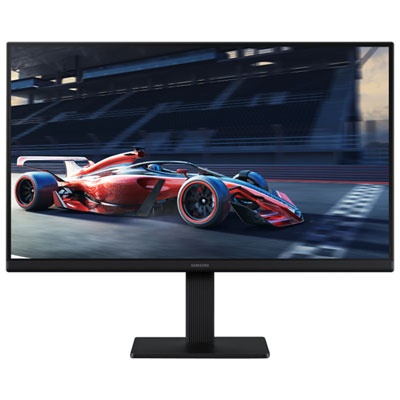
Samsung Essential S3 27" 1080p HD IPS LED Monitor (LS27D300GANXZA) - Blue Light/Flicker-Free - 100Hz
About this product
A 27-inch black IPS monitor with 1080p resolution and 100Hz refresh rate for smooth visuals.
What customers like
(446)$189.99 Your price for this item is $189.99 -
2
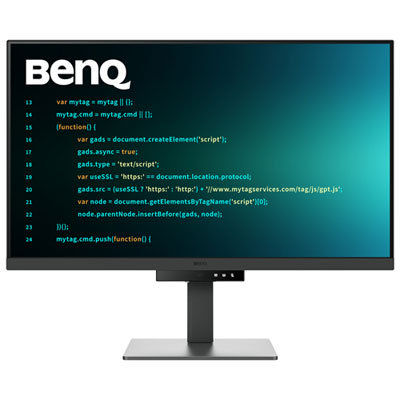
BenQ 31.5" 4K UHD IPS LCD Monitor (RD320U) - 98% P3 - Metallic Grey
About this product
A metallic grey 31.5" 4K IPS monitor with low-reflection panel and eye-friendly coding modes.
(4)$899.99 Your price for this item is $899.99 -
3
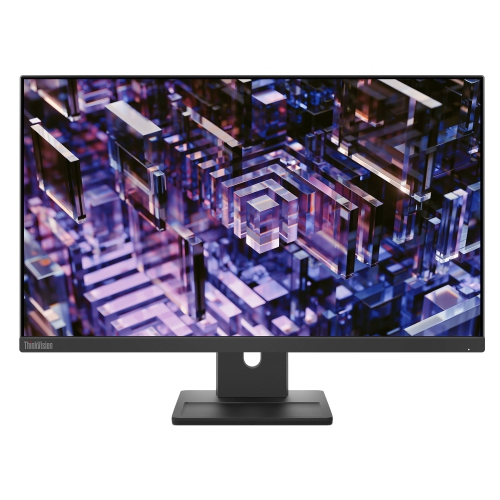
LENOVO Thinkvision 23.8 Inch Ips Qhd 100Hz Monitor - E24Q-30
About this product
A high-resolution 23.8-inch monitor delivering sharp visuals, ideal for work or entertainment setups.
(3)$300.68Your price for this item is $300.68SAVE $30 -
4
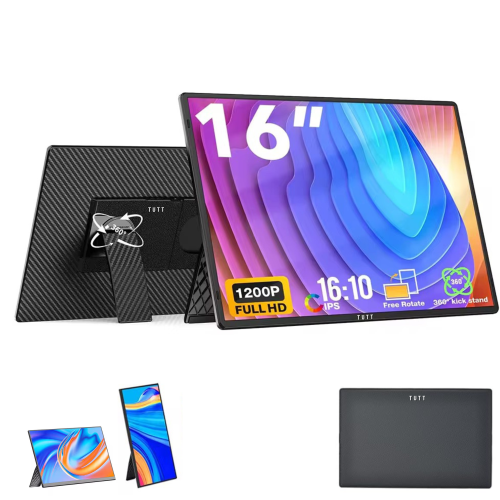
TUTT N3 16" 1920X1200 Ips Lcd Portable Monitor - USB-C & HDMI - 360° Rotating Stand - Speakers
About this product
A portable 12" Full HD IPS monitor extender with built-in stand, speakers, and universal plug-and-play compatibility.
(1)$189.90Your price for this item is $189.90SAVE $46 -
5
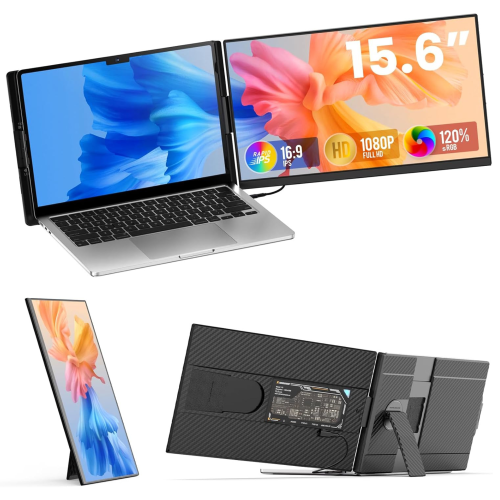
TUTT P5 15.6" 1080P HD Ips Lcd Portable Monitor - USB-C/hdmi
About this product
A portable FHD IPS monitor with USB-C, HDMI, built-in speakers, and rapid technical support.
(9)$249.90Your price for this item is $249.90SAVE $80 -
6
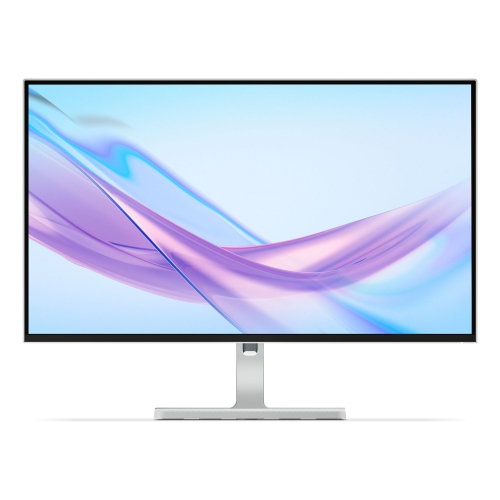
LENOVO L27Q 27" 1440P Qhd Ips Lcd Monitor (L27Q-4A) - 100Hz - Cloud In Grey
About this product
A 27-inch IPS monitor featuring QHD resolution and a smooth 100Hz refresh rate for vibrant visuals.
What customers like
(26)$265.99Your price for this item is $265.99SAVE $84 -
7
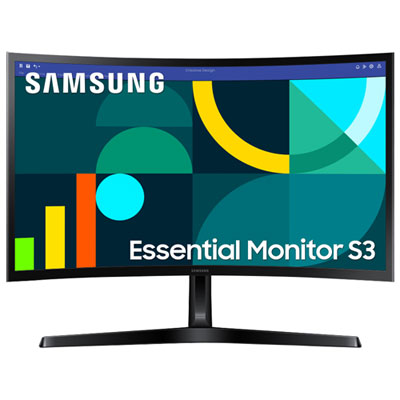
Samsung Essential S3 24" Curved 1080p HD VA LED Monitor (LS24D368GANXZA) - Flicker-Free/Blue Light - 100Hz
About this product
A black curved VA LED monitor delivering Full HD visuals, 100Hz refresh rate, and eye comfort features.
What customers like
(110)$159.99 Your price for this item is $159.99 -
8

LENOVO L27H 27" 1440P Qhd Ips USB-C Monitor (L27H-4A) - Low Light - 100Hz - Cloud Grey In Blue
About this product
A 27-inch IPS QHD monitor with 100Hz refresh rate and USB-C connectivity for vibrant, smooth visuals.
(18)$237.99Your price for this item is $237.99SAVE $172 -
9
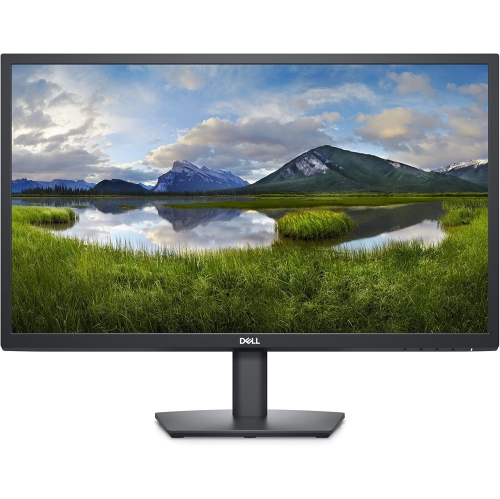
DELL E2423H Monitor, 23.8-Inch Fhd (1920X1080) 60Hz Anti-Glare Display, 8Ms Response Time, VGA/display Port Connectivity, Tilt Adjustability, 16.7
About this product
A black Full HD monitor with anti-glare display, 60Hz refresh rate, and VGA/DisplayPort connectivity.
$259.99 Your price for this item is $259.99 -
10
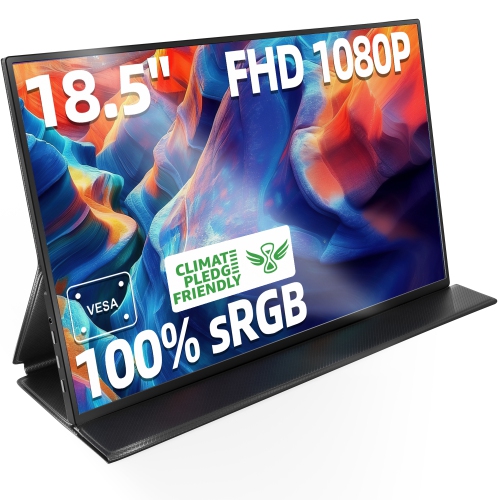
INGNOK 18.5 Inch Large Monitor, Fhd 1080P 100% Srgb Laptop Screen Extender USB C HDMI W/smart Cover & Speakers, for Laptop Mac PC Ps4/5
About this product
A slim, portable FHD monitor with 100% sRGB, USB-C, HDMI, built-in speakers, and smart cover.
$199.99Your price for this item is $199.99SAVE $90
FAQ
Look for a monitor with clear text, connections that match your laptop, and a stand with height and tilt adjustment. An IPS panel offers wide viewing angles, while an anti-glare finish helps reduce reflections. Built-in speakers and a USB hub can also simplify a study setup.
Full HD is a practical choice for writing assignments, browsing, and online classes. QHD provides more workspace for viewing documents side by side, while 4K offers finer detail for tasks such as photo editing and design. Check that your computer supports your preferred resolution through its available display connection.
Yes, if the laptop’s USB-C port supports video output and the monitor has a compatible USB-C input. Some monitors also support USB Power Delivery, allowing one cable to carry video and charge a compatible laptop. Check the video capabilities, charging wattage, and cable requirements of both devices before choosing a monitor.
A built-in webcam, microphone, and speakers can make joining video calls more convenient, though not every monitor includes them. A USB hub provides connection points for accessories such as a headset or external webcam. Check whether the monitor requires a separate USB connection to use these features with your computer.
Yes. A monitor with clear text and versatile connectivity can suit coursework, while a higher refresh rate and adaptive sync support are useful for gaming. Your computer, display connection, and games must support the settings you want to use. An IPS panel can be a versatile option for a mix of schoolwork, media, and gaming.
Top selling and popular products
Discover more categories related to Best Monitors for Students

Some products may be subject to Environmental Handling Fees (EHF) depending on your province. Learn more about EHFs.