Best Monitors for Students Back to School Setup
Build a study space that works for you with the best monitors for students’ back-to-school setups, ranked by customer review ratings. Whether you’re researching assignments, joining online classes or working across multiple documents, a monitor can give you more room to stay organized. Explore options for your desk space, study needs and budget to get ready for the school year.
What to look for in the best monitors for students’ back-to-school setups
1. Screen Size and Resolution
2. Laptop Compatibility and Connectivity
3. Comfort and Adjustability
4. Features for Your Coursework
-
1
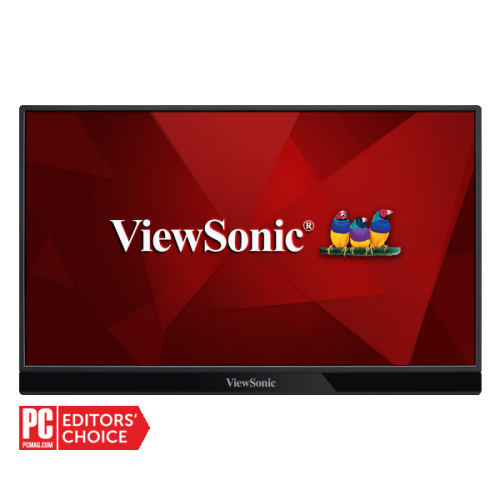
VIEWSONIC Vg 15.6" 1080P HD Ips Led Portable Monitor (Vg1655) - USB-C
About this product
A portable 15.6" IPS LED monitor with Full HD 1080p resolution and anti-glare screen for productivity.
What customers like
(33)$274.10Your price for this item is $274.10SAVE $27 -
2

AOC - 27" Curved 1080P HD Va Led Gaming Monitor (C27G2) - Freesync - 1Ms Gtg - 165Hz - In Black/red
About this product
A 27" curved gaming monitor with Full HD resolution, 165Hz refresh rate, and 1ms response time.
What customers like
(2,150)$275.00 Your price for this item is $275 -
3
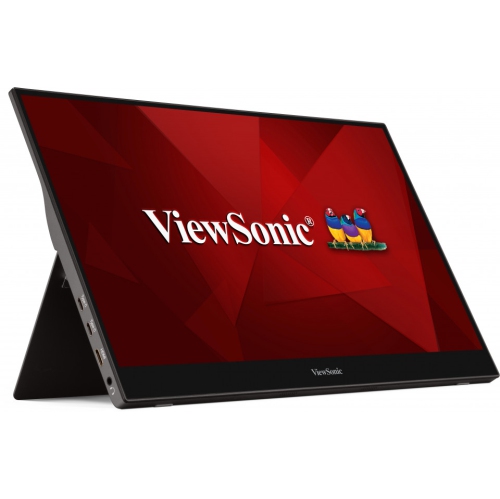
VIEWSONIC 15.6" Touchscreen 1080P HD Ips Led Portable Monitor (Td1655) - USB-C
About this product
A portable 15.6" Full HD IPS touchscreen monitor with anti-glare display for enhanced productivity anywhere.
What customers like
(37)$428.69Your price for this item is $428.69SAVE $42 -
4
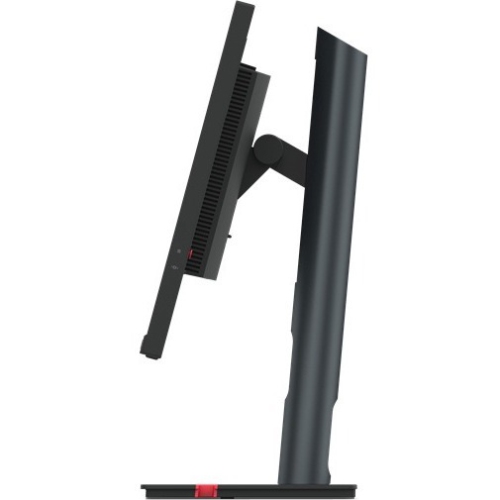
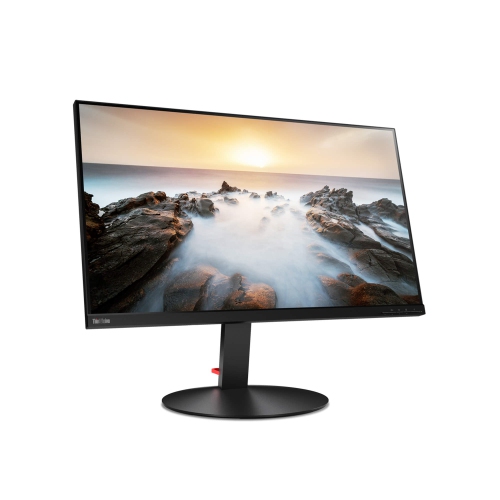
LENOVO Thinkvision P24Q-30 23.8" 1440P Qhd Ips Led Monitor (63B4Gar6Us) - Light - HDr10 In Blue
About this product
A WQHD IPS LED monitor in black offering vibrant colours, fast 4ms response, and multiple connectivity options.
What customers like
(29)$567.68Your price for this item is $567.68SAVE $20 -
5
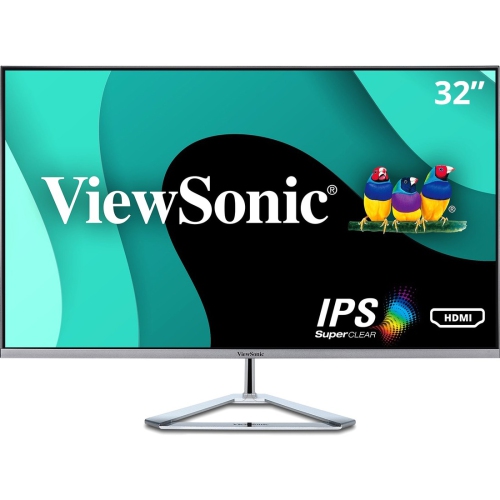
VIEWSONIC 32" Thin-Bezel 1080P HD Ips Led Monitor (Vx3276-Mhd) - Flicker-Free/blue Light - 75Hz - In Silver
About this product
A sleek silver IPS monitor featuring Full HD resolution, 75Hz refresh rate, and multiple connectivity options.
What customers like
(35)$250.99Your price for this item is $250.99SAVE $44 -
6

VIEWSONIC 24" 1440P Qhd Ips Lcd Monitor (Vg2455-2K) - Flicker-Free/blue Light
About this product
A versatile IPS monitor with 1440p resolution, USB-C, HDMI, DisplayPort, and 40-degree ergonomic tilt.
(10)$518.68Your price for this item is $518.68SAVE $20 -
7
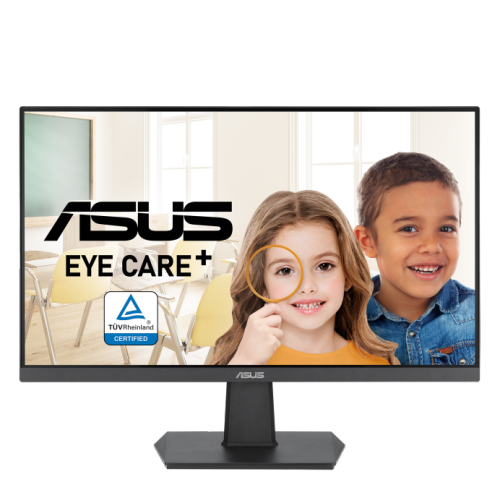
ASUS 23.8" 1080P HD Ips Led Gaming Monitor (Va24Ehf) - Adaptive Sync - 100Hz
About this product
A Full HD IPS gaming monitor with 100Hz refresh rate, 1ms response time, and Adaptive Sync technology.
(2)$96.95Your price for this item is $96.95SAVE $73 -
8
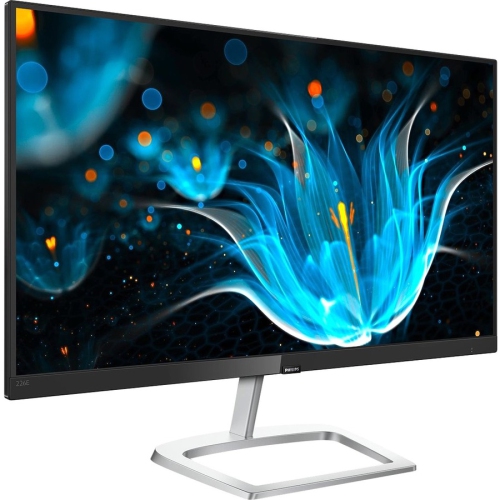
PHILIPS E-Line 21.5" 1080P HD Ips Led Gaming Monitor (226E9Qdsb) - Freesync - Glossy In Silver
About this product
A sleek glossy silver and black monitor with Full HD resolution, FreeSync, and multiple connectivity options.
What customers like
(27)$150.00 Your price for this item is $150 -
9
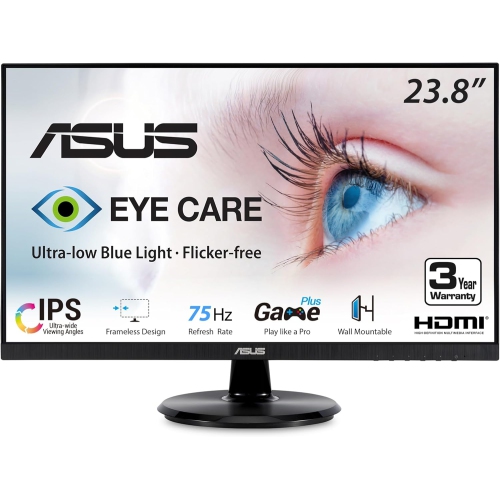
ASUS Eye Care 23.8" 1080P HD Ips Led Monitor (Va24Dq) - Flicker-Free/low Light - 75Hz - Freesync In Blue
About this product
An IPS monitor with Full HD resolution, 75Hz refresh rate, and eye care technologies for comfortable viewing.
(6)$160.99Your price for this item is $160.99SAVE $27 -
10
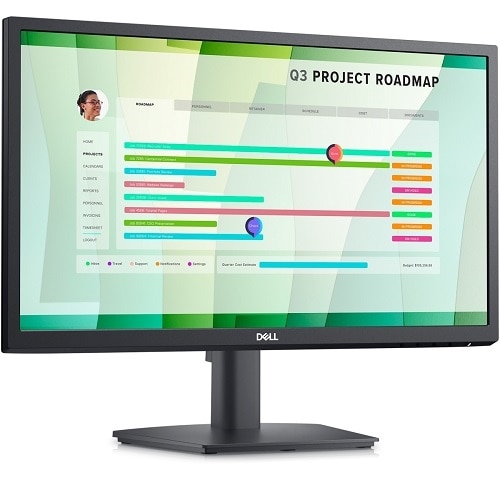
DELL 22" 1080P HD Va Led Monitor (E2223Hn) - Flicker-Free/blue Light
About this product
A 21.5-inch Full HD LED monitor with VA panel, wide viewing angles, HDMI, and VGA connectivity.
$169.99Your price for this item is $169.99SAVE $80
FAQ
Look for connections that match your laptop, an adjustable stand and features that suit your coursework. Built-in speakers, a webcam or a USB hub may be useful for online classes and everyday study. For photography, design or video courses, compare colour accuracy and colour gamut specifications.
Common options include HDMI, DisplayPort and USB-C with video support. Check the ports on both devices and choose a compatible cable or adapter. Once connected, use your laptop’s display settings to mirror its screen or extend your desktop across both displays.
Some USB-C monitors support USB Power Delivery, allowing one cable to carry video and charge a compatible laptop. Check the monitor’s power output against your laptop’s charging requirements. The laptop’s USB-C port and the cable must also support the functions you want to use.
Depending on the model, monitor stands may offer height, tilt, swivel and pivot adjustments. Pivot lets you rotate the display into portrait orientation for reading documents or viewing code. If you plan to use a monitor arm, check the monitor’s VESA mounting compatibility and the arm’s specifications.
These features are optional. Built-in speakers provide audio without separate desktop speakers, while an integrated webcam can be used for online classes and group calls. Check whether a microphone is included and whether the webcam requires a USB connection to your laptop. You can also use your laptop’s camera or separate accessories.
Top selling and popular products
Discover more categories related to Best Monitors for Students Back to School Setup

Some products may be subject to Environmental Handling Fees (EHF) depending on your province. Learn more about EHFs.