Laptops for College Students
If you're a student, your laptop is your constant companion. It's how you do homework, communicate with friends, and stay up-to-date on campus news and events. But it's also how you spend much of your free time watching movies, playing games, reading books, and surfing the Web. So it makes sense that you'd want a machine that can keep up with your busy schedule.
Sort












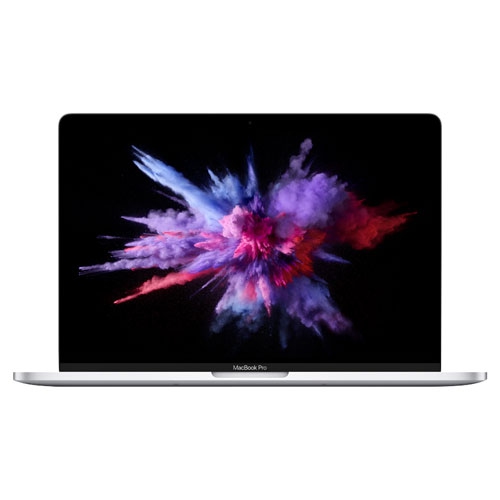
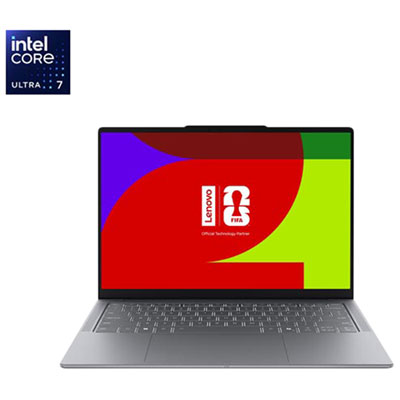
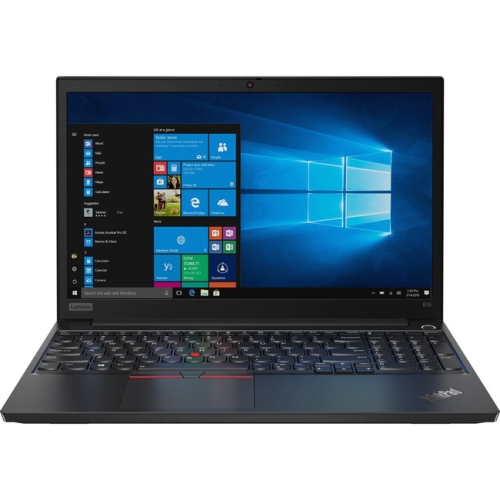

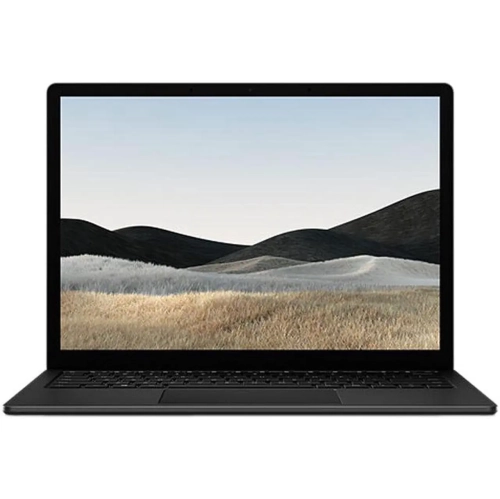
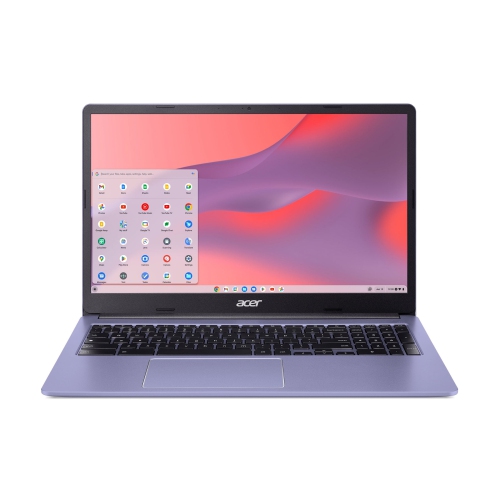
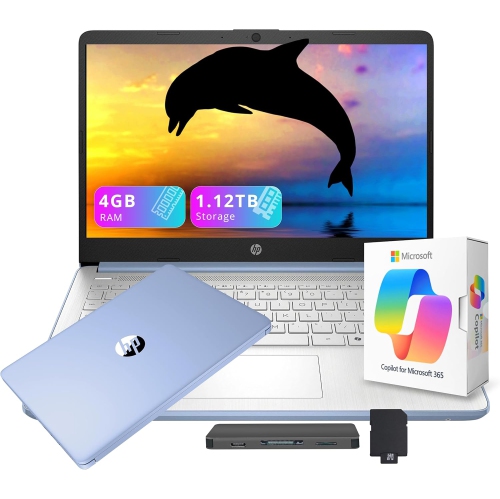
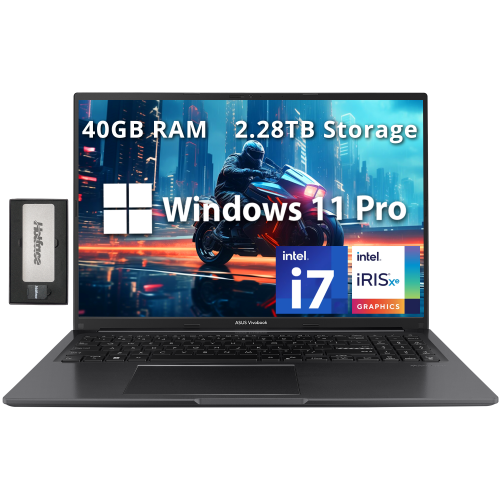
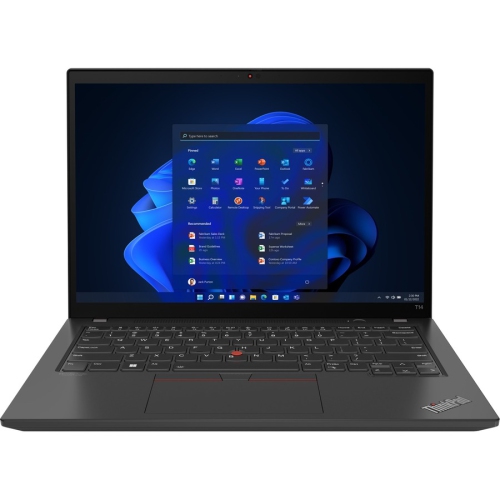
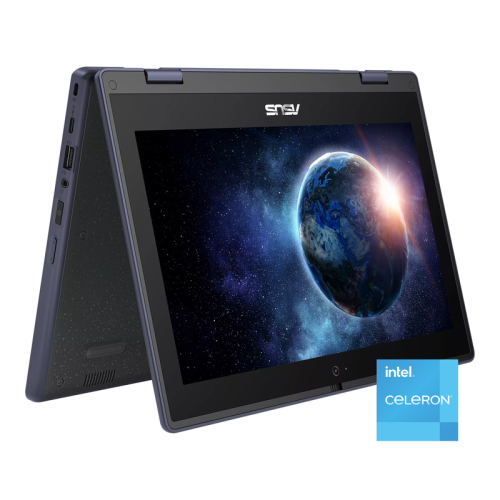
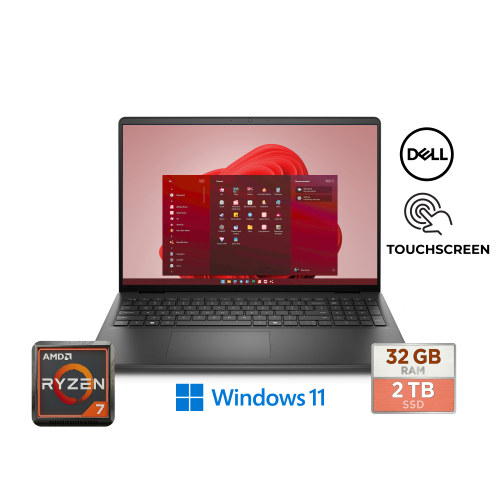
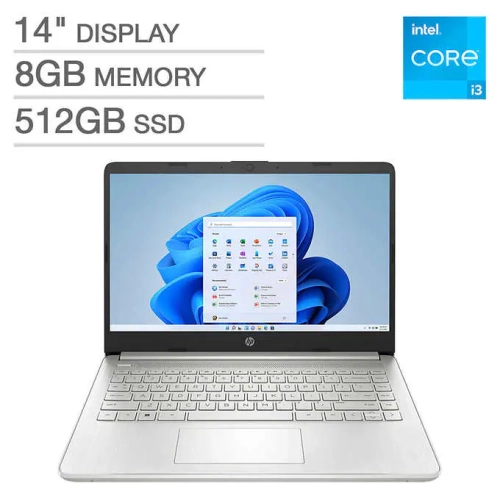
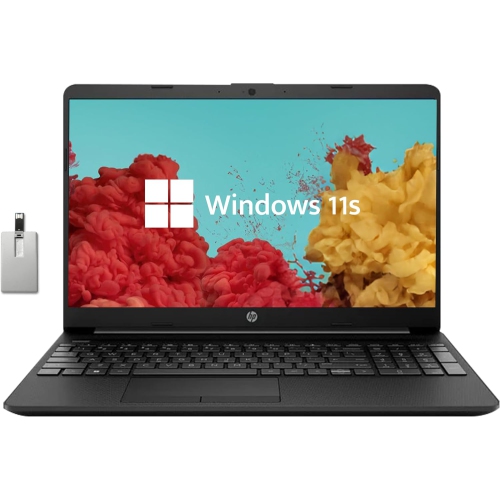
![LENOVO Thinkbook 14 G2 [Business Laptop] - 14" Fhd Ips Laptop for Business And Students](https://multimedia.bbycastatic.ca/multimedia/products/500x500/196/19654/19654776.jpeg)
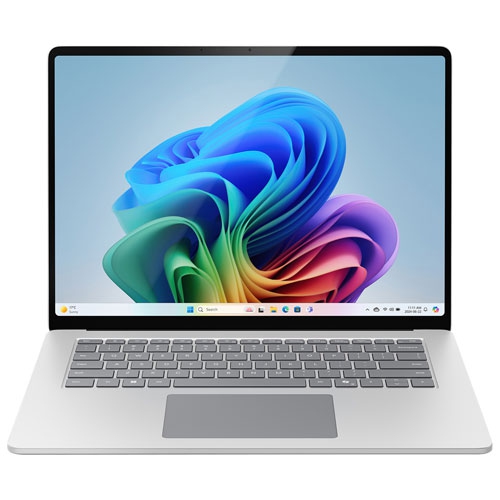
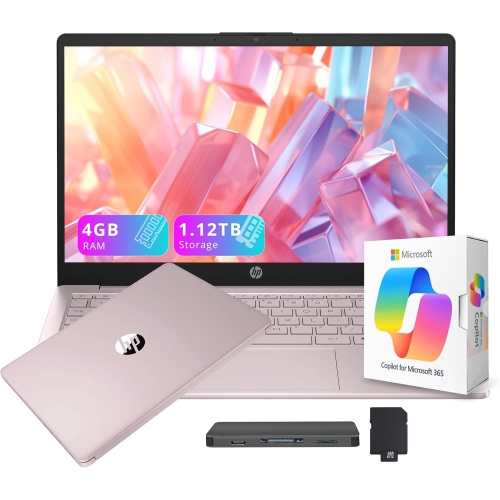
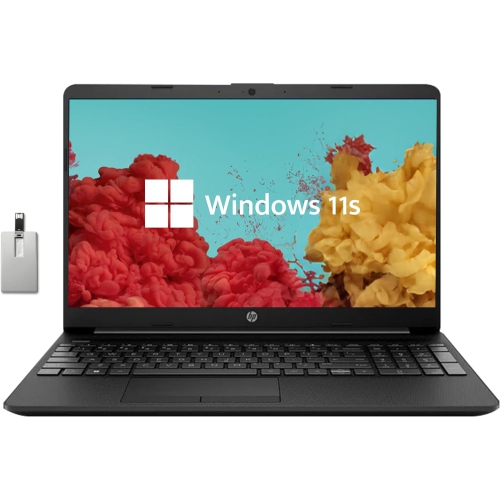
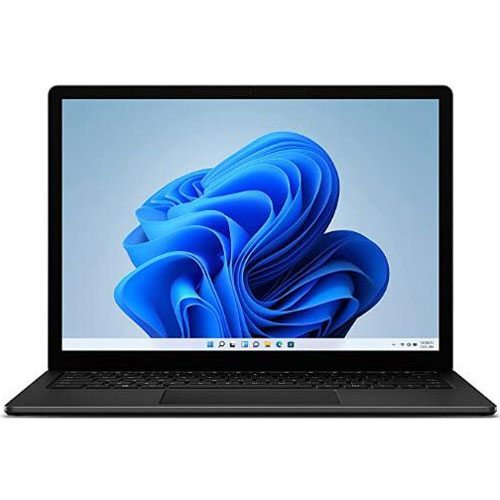
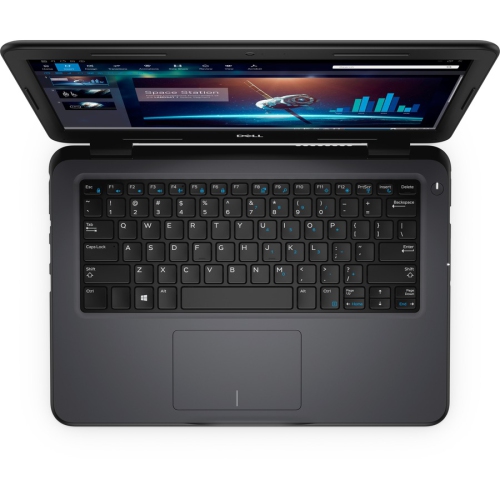
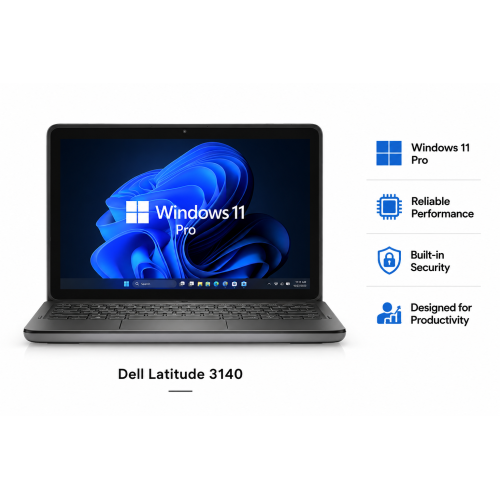
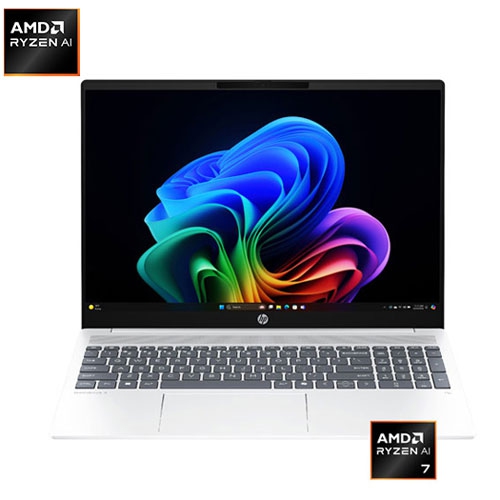
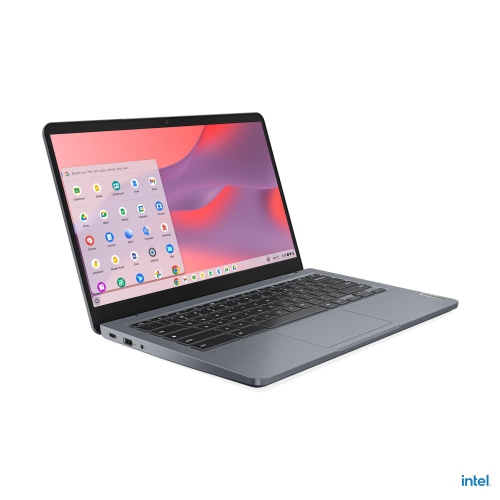
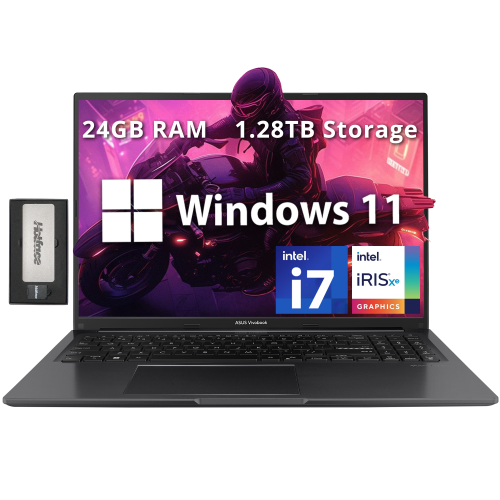
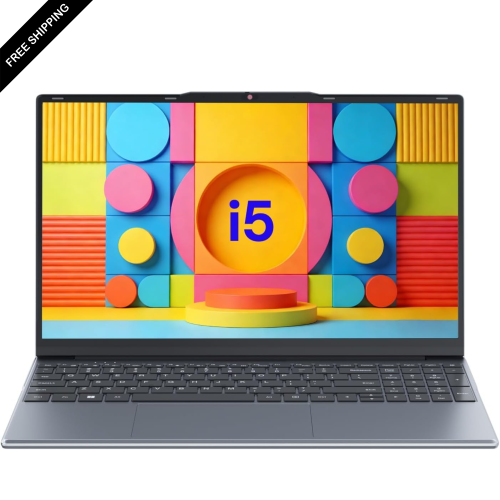
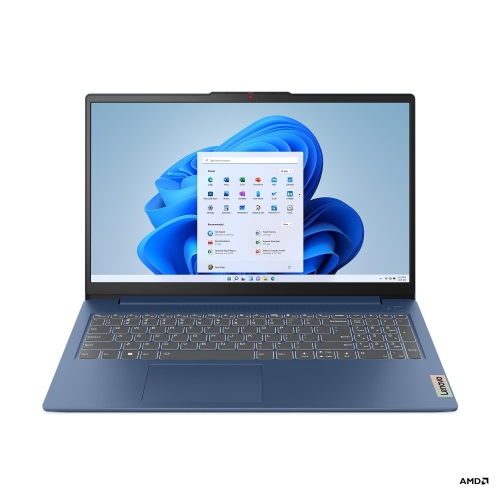
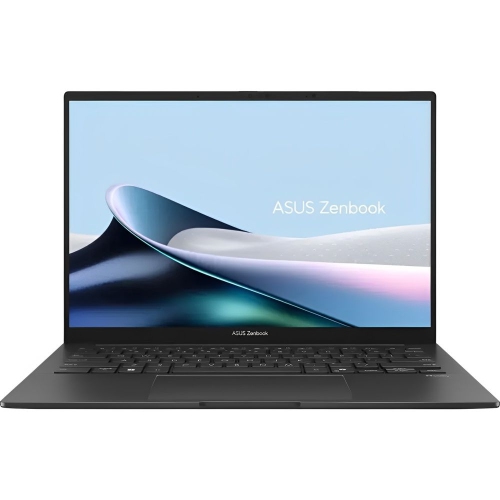
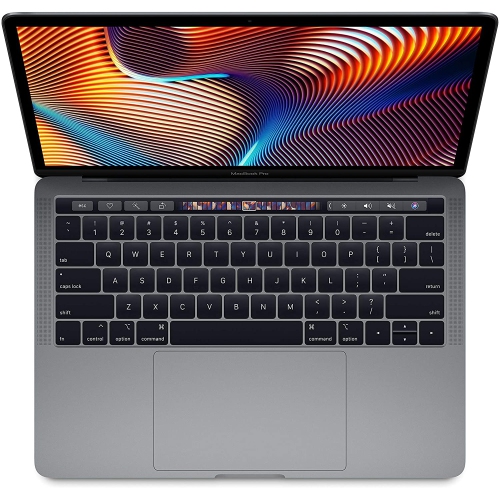
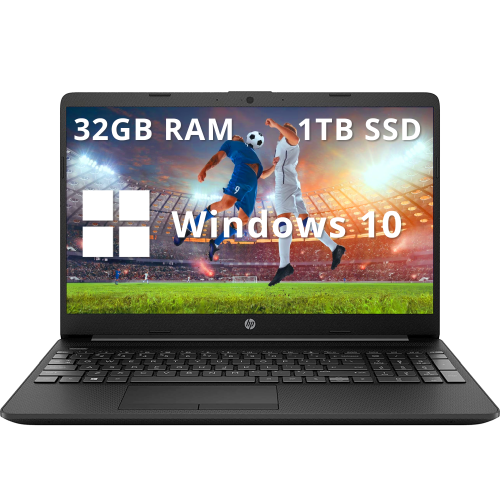
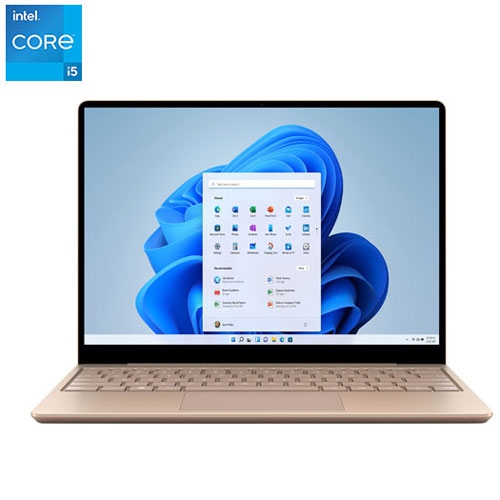
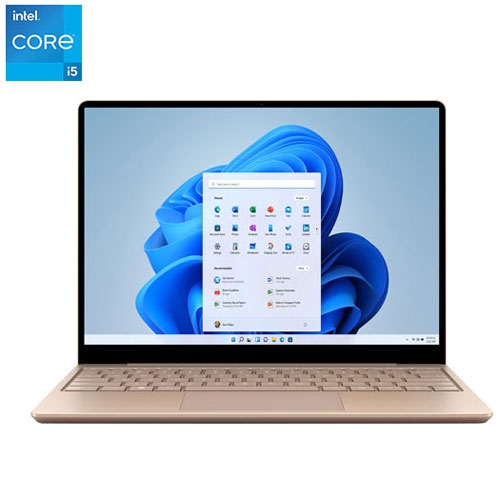
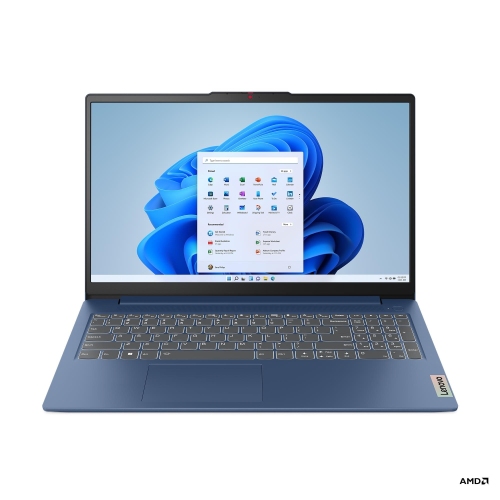
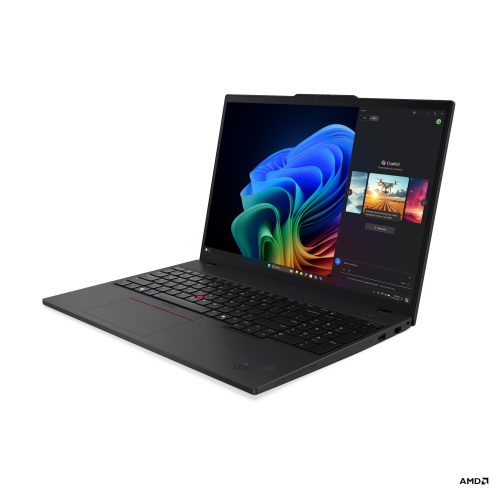
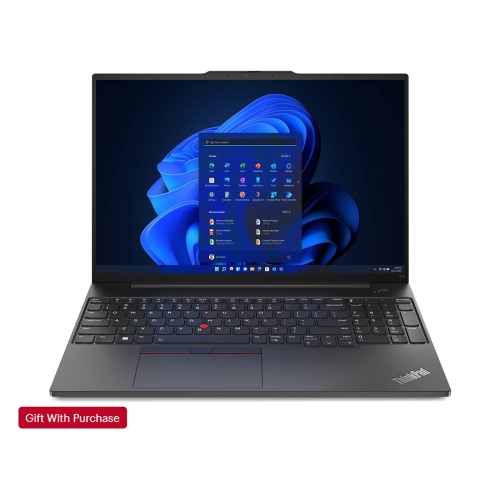
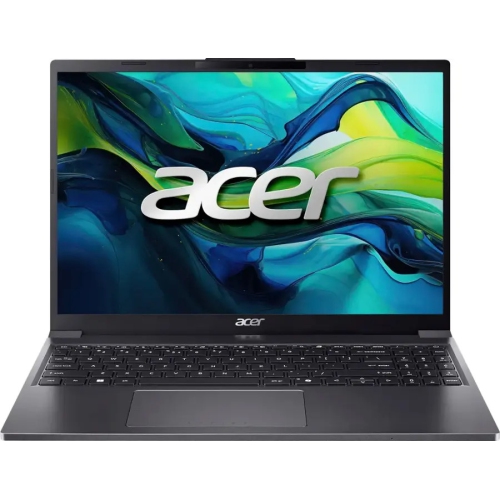
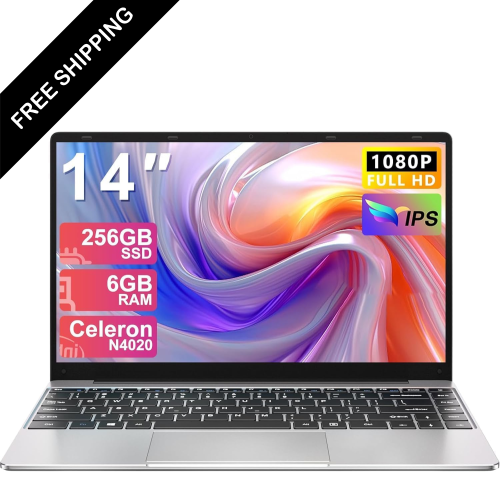
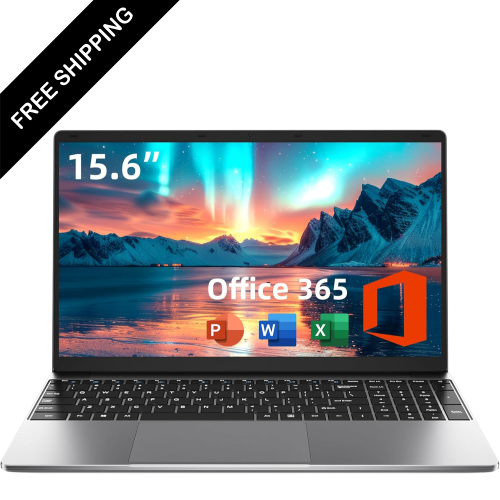
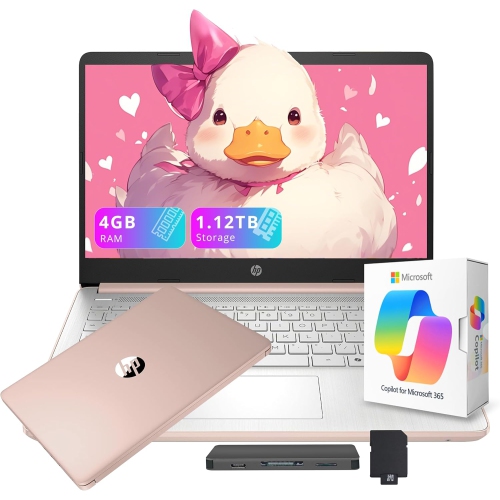
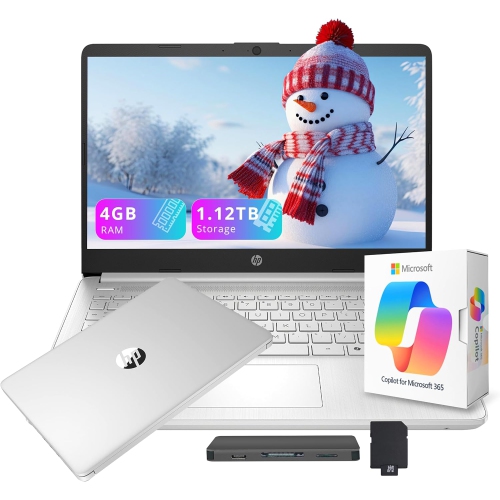
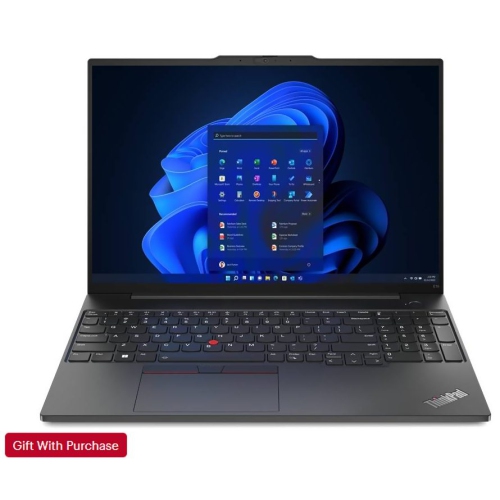
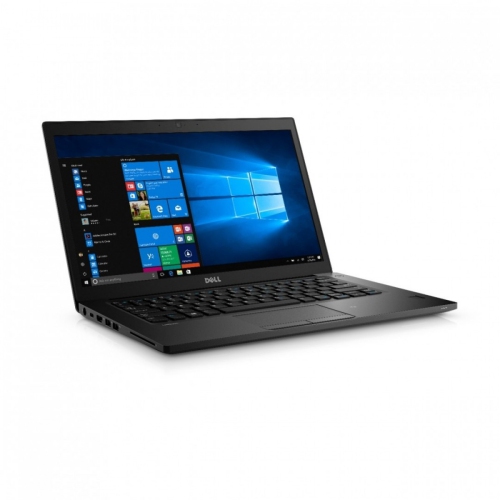
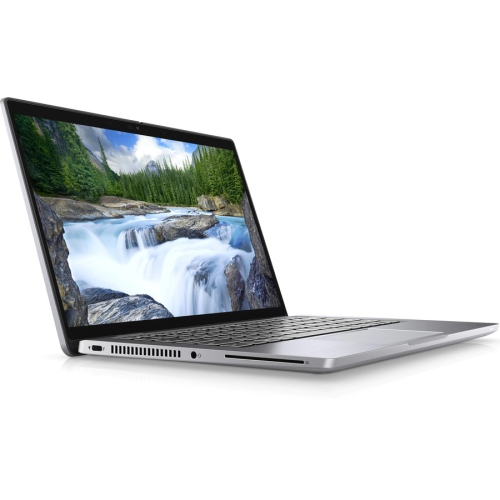
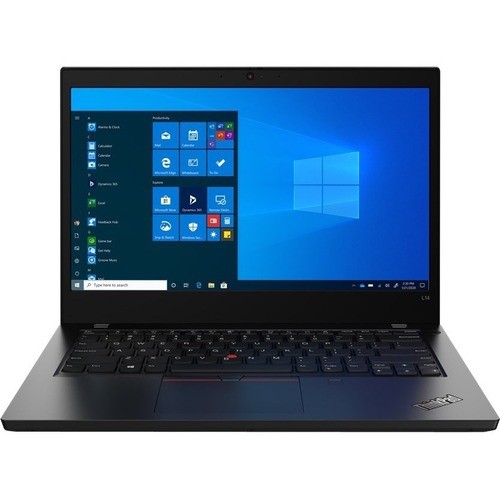
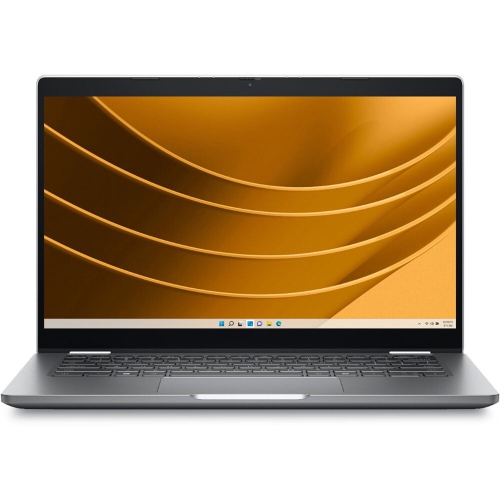
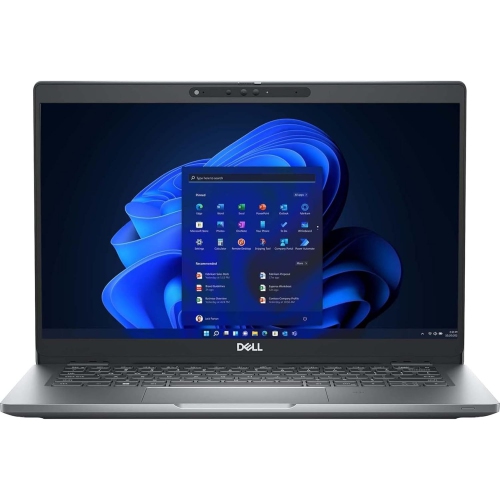
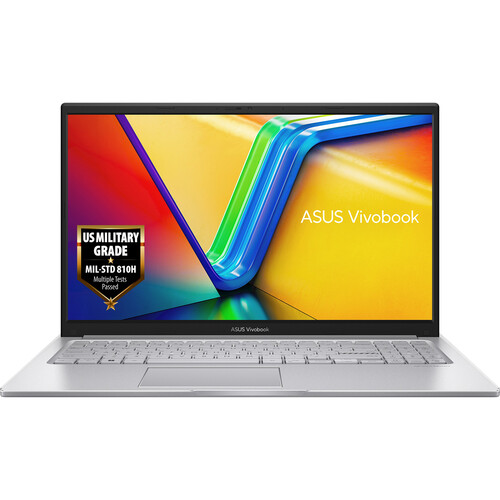
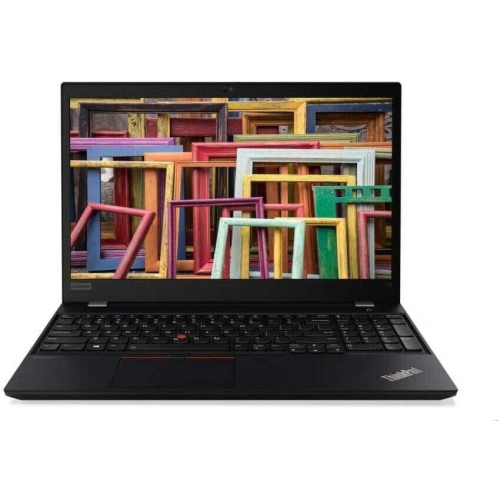
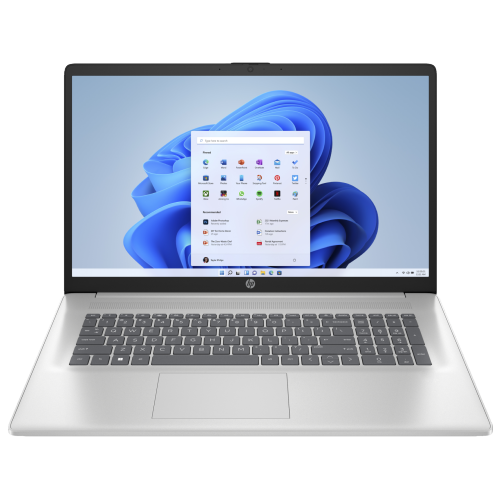
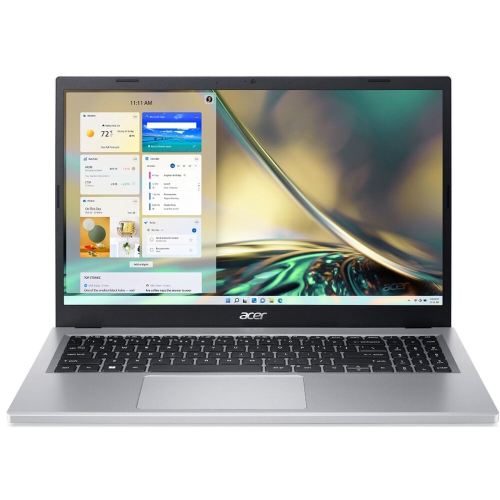

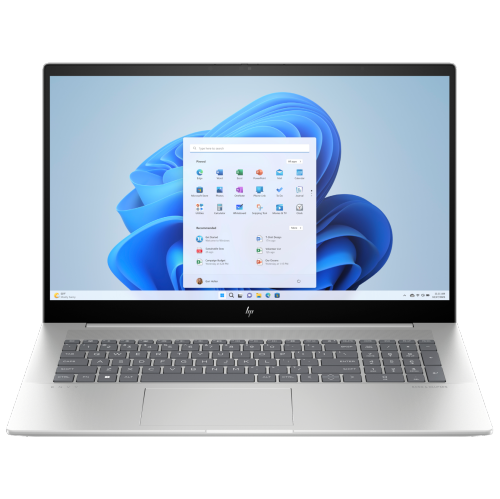
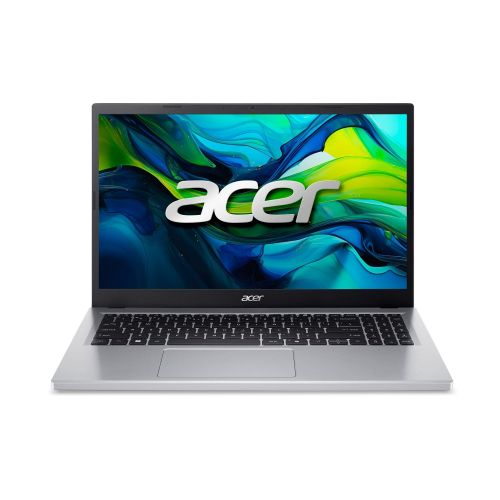
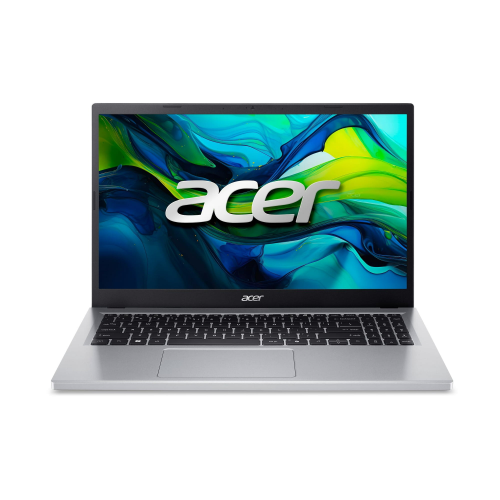
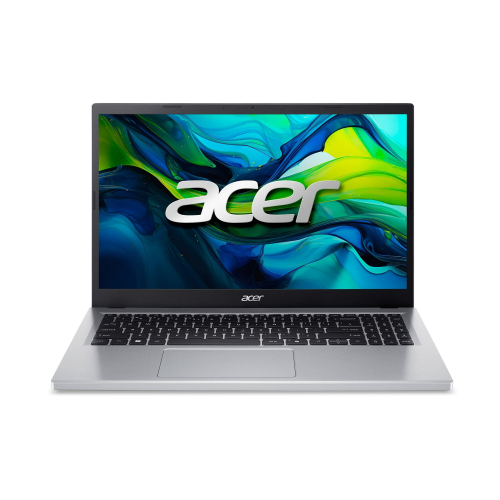
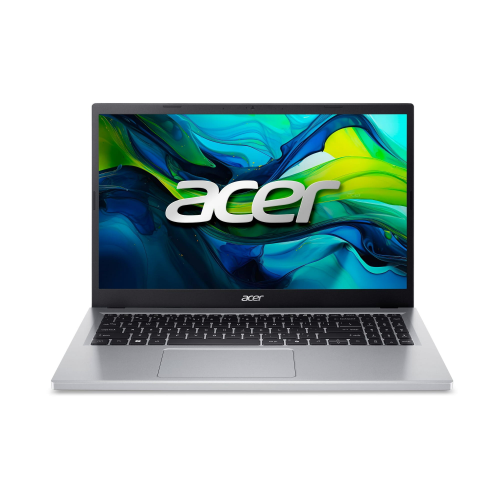
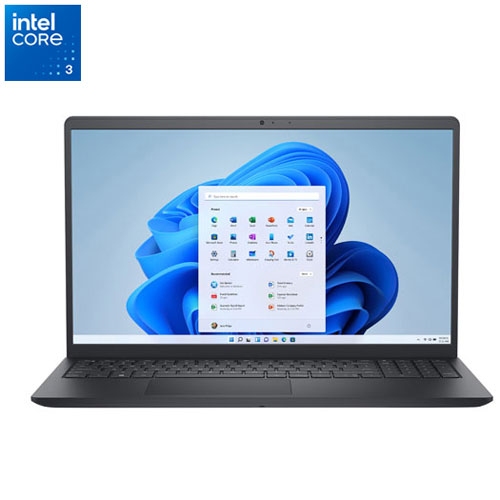
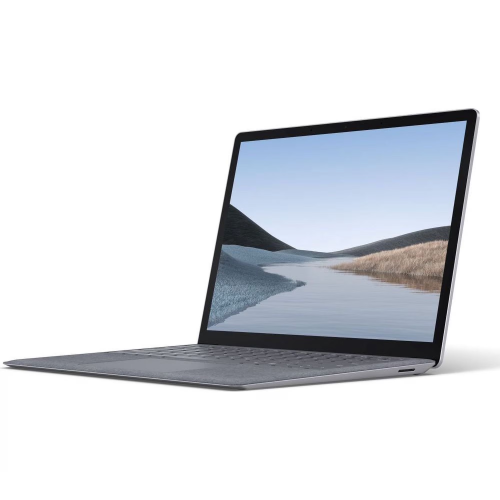
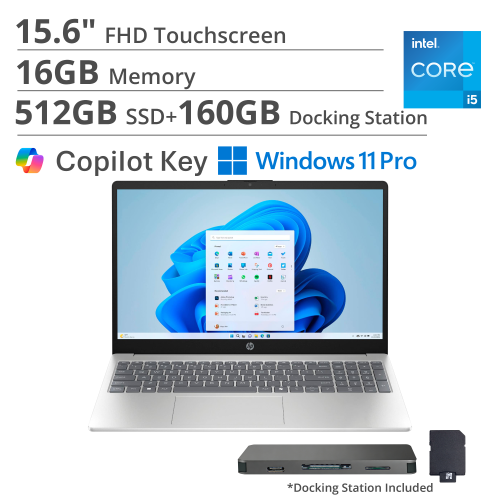
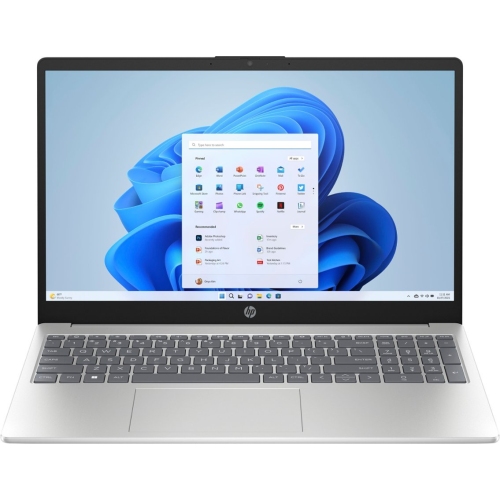
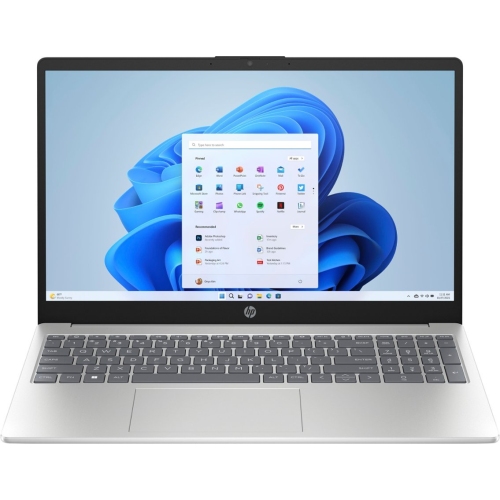
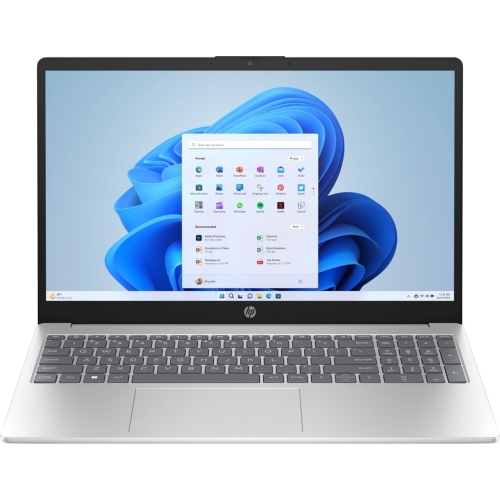
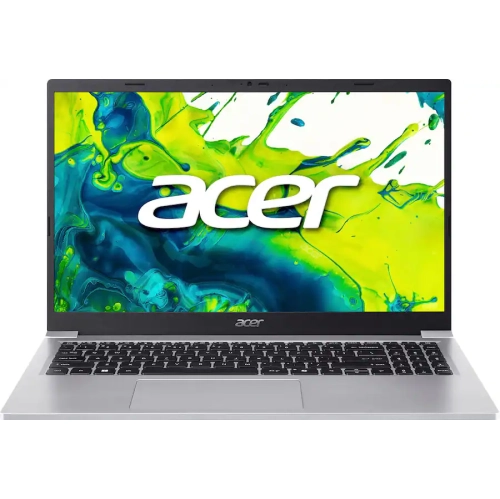
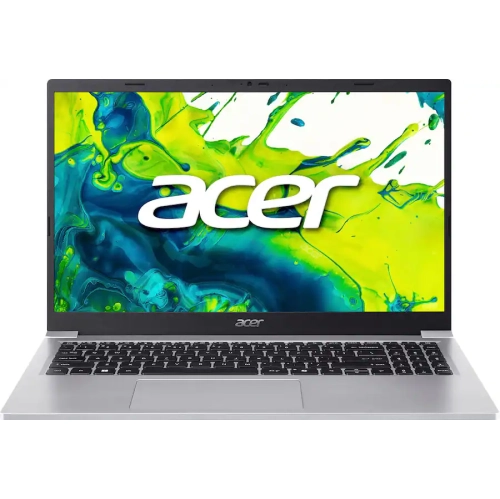
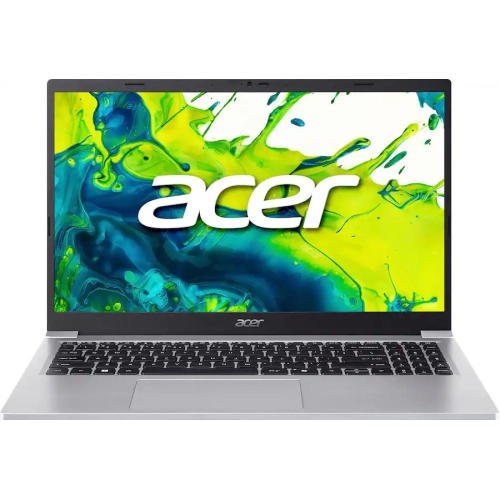
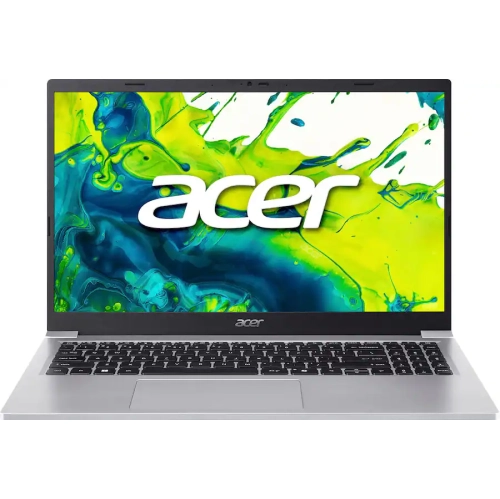
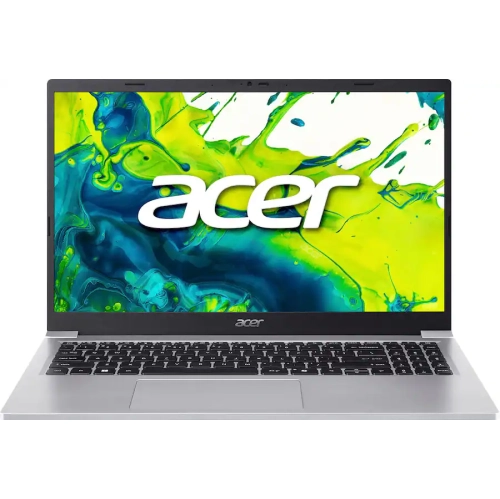
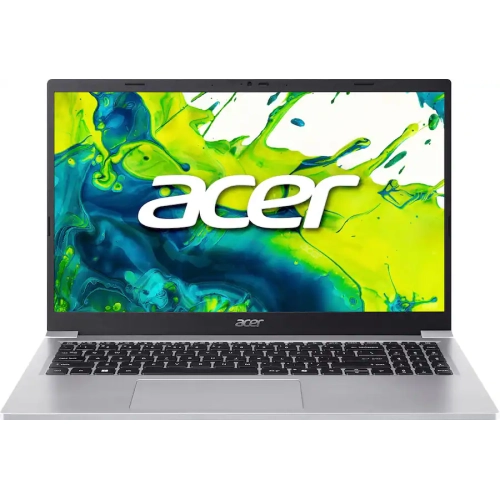
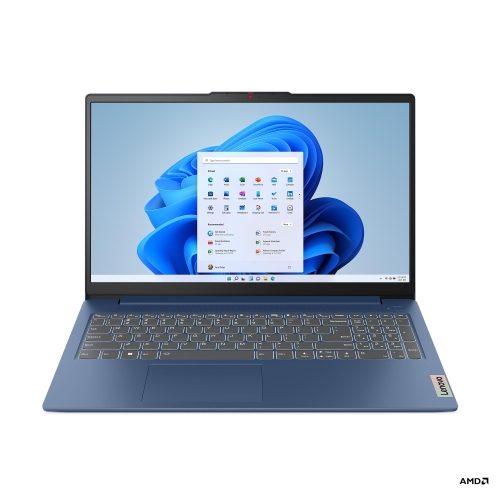
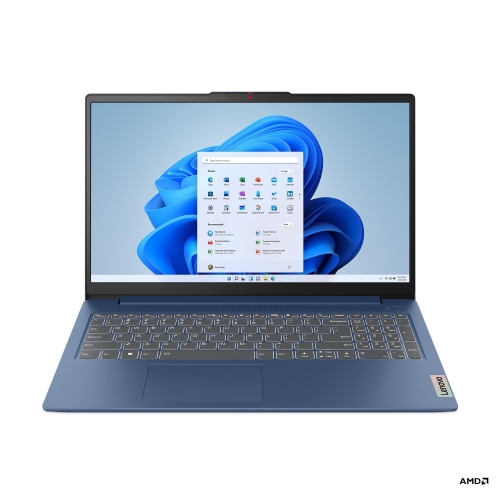
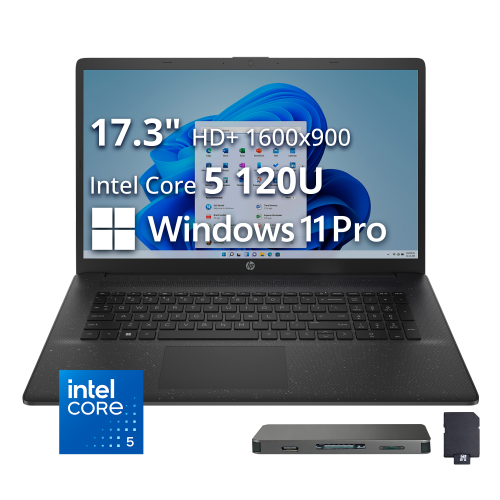
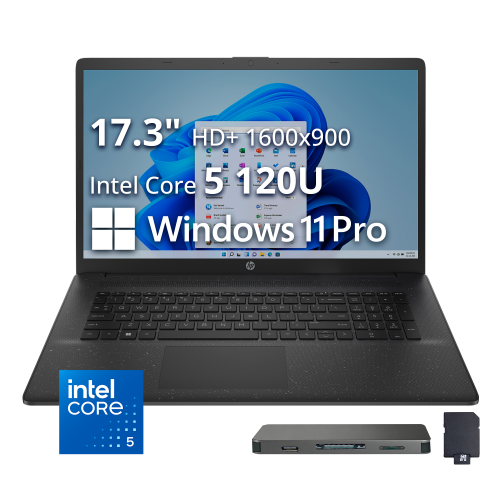
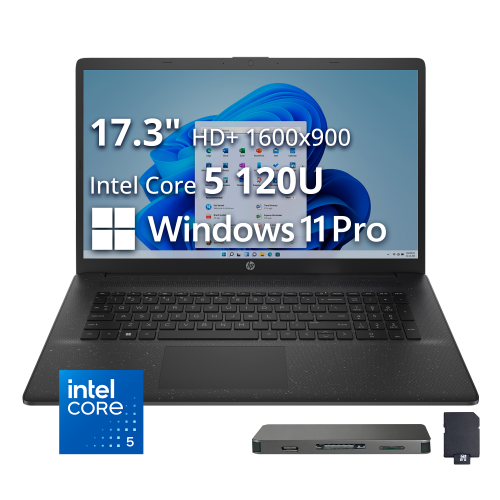
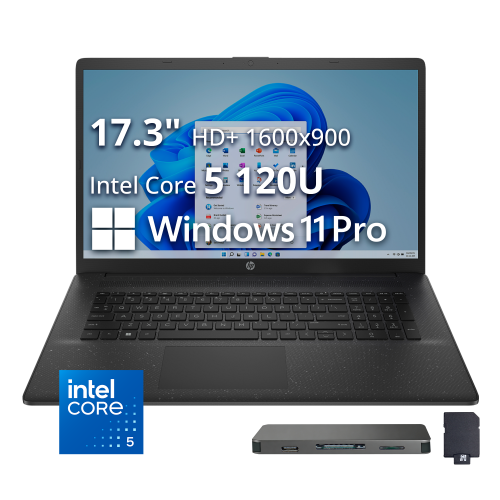
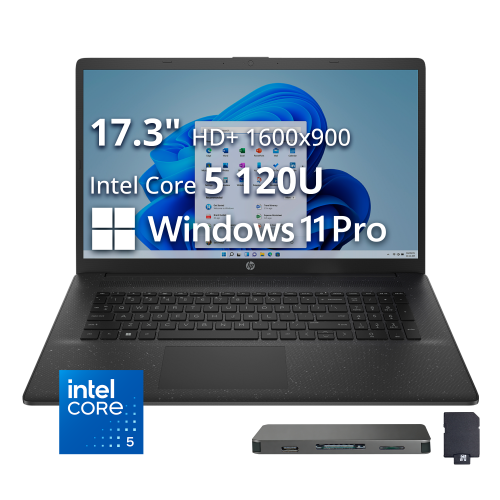
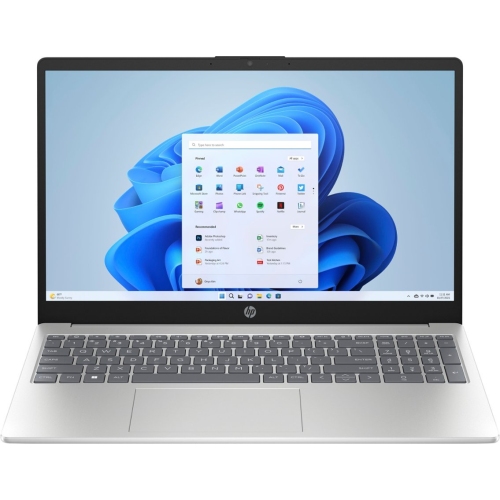
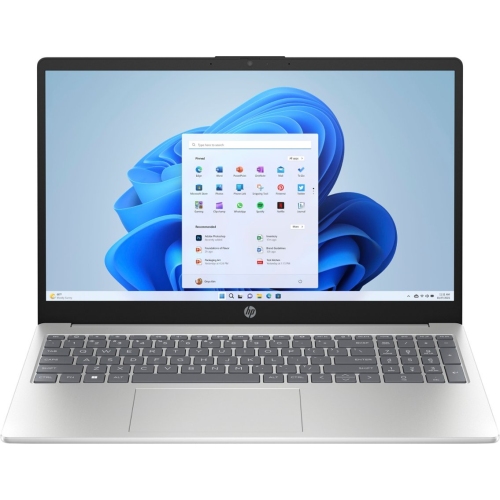
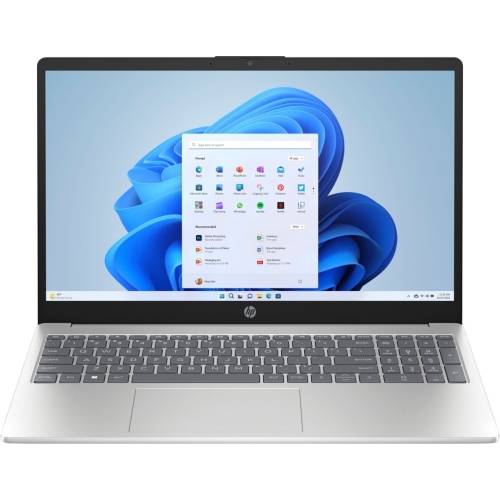
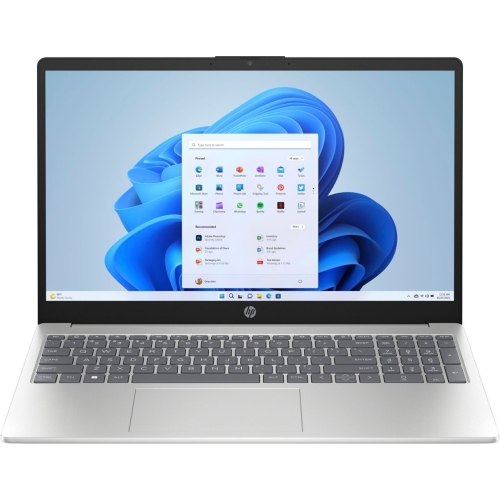
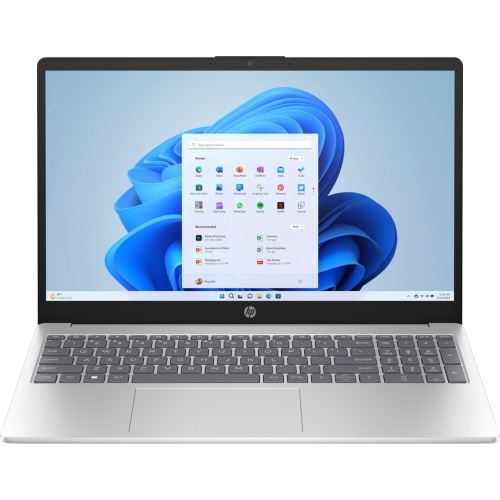
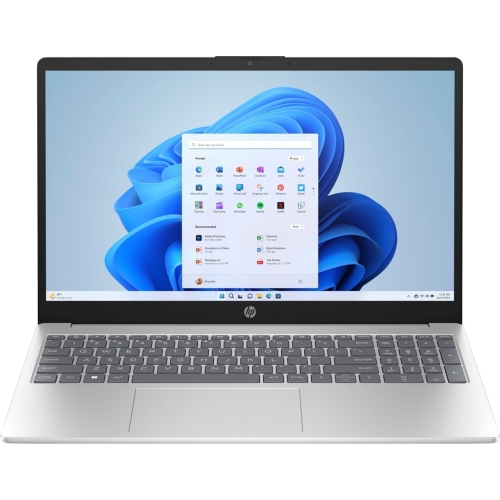
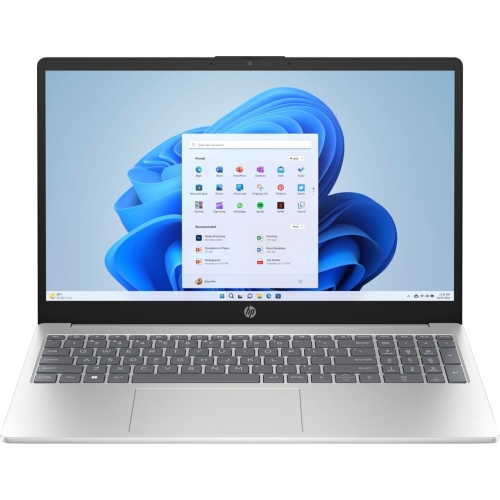
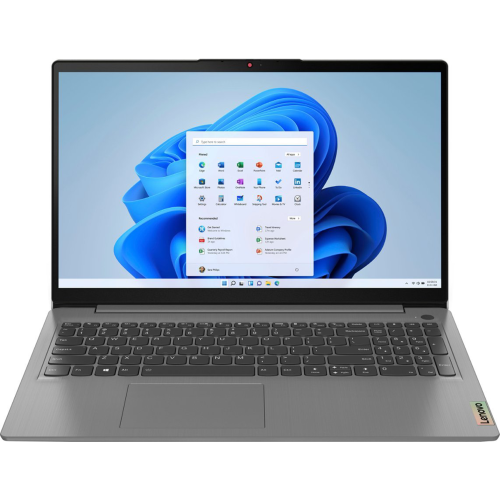
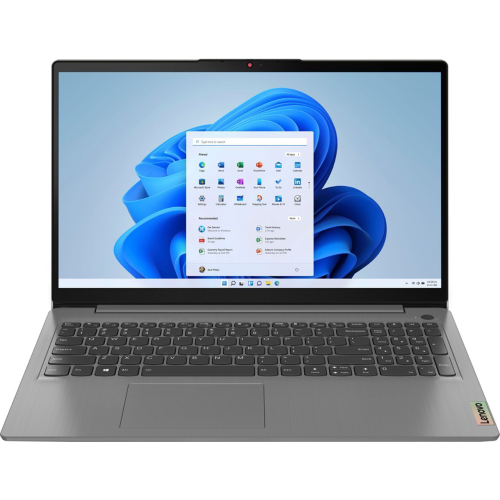
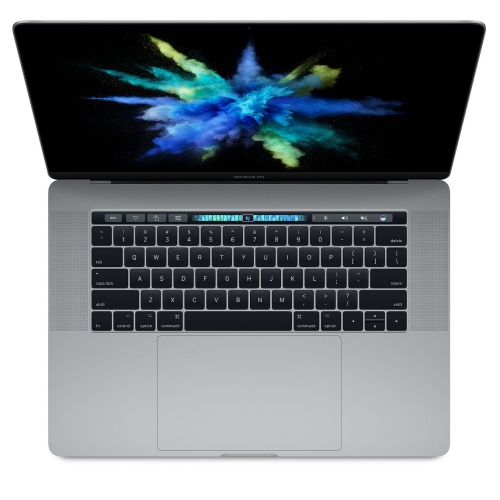
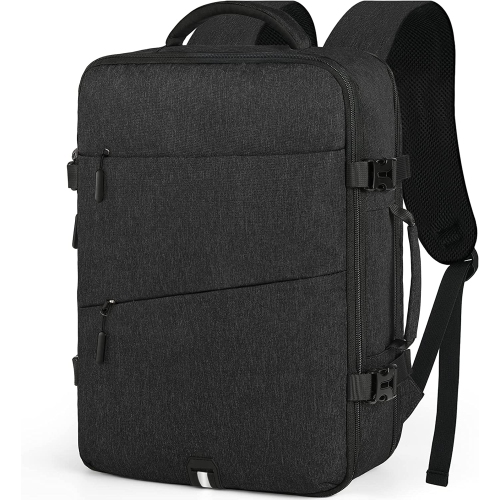

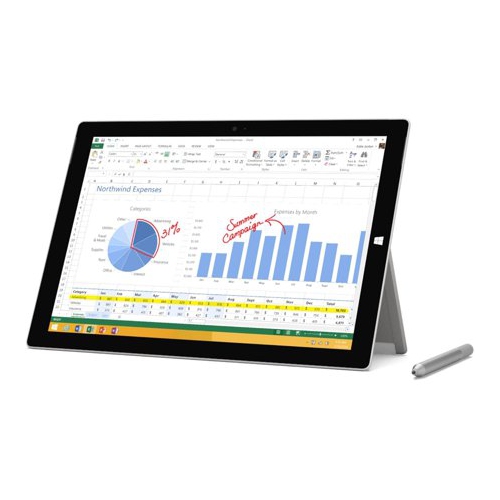
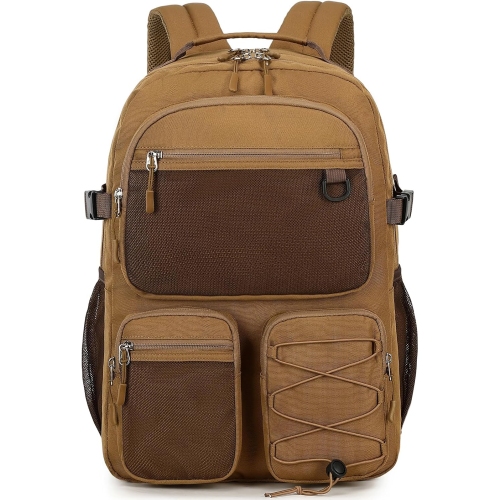
Balance campus portability with performance for demanding coursework
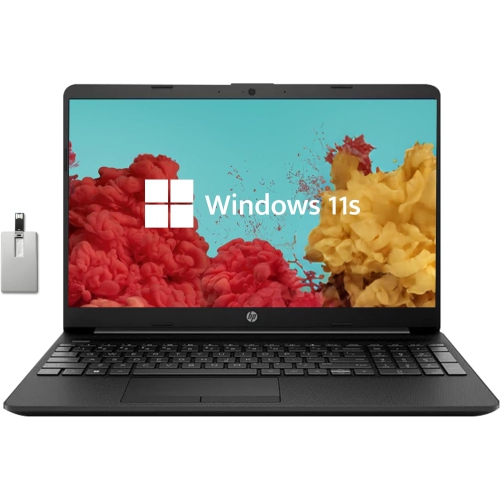
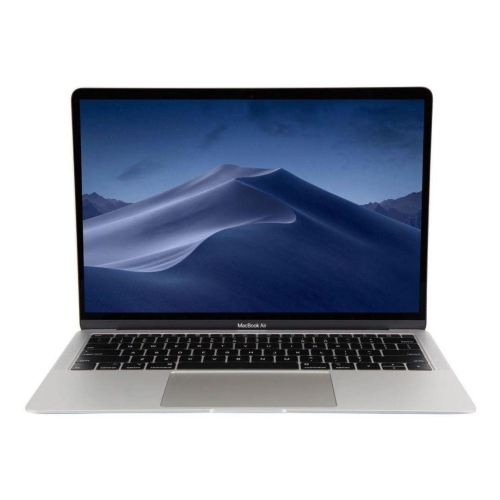
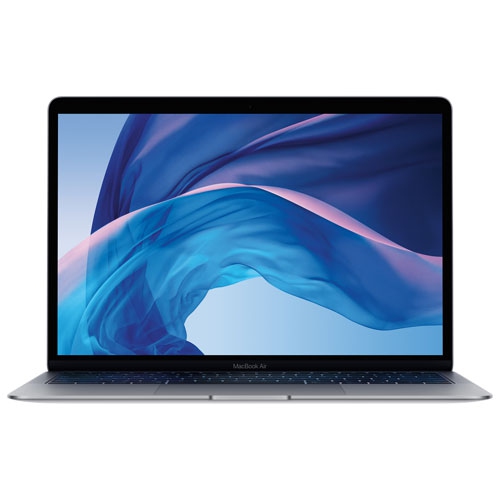
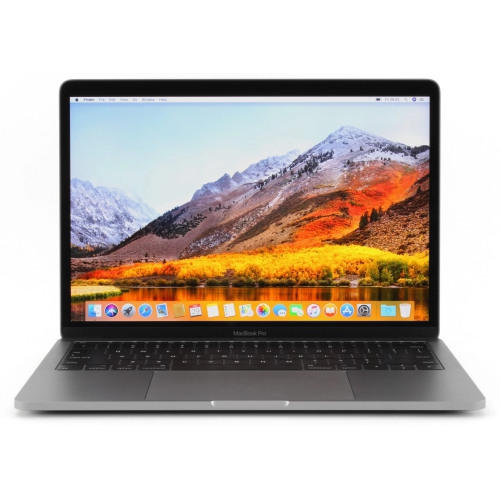
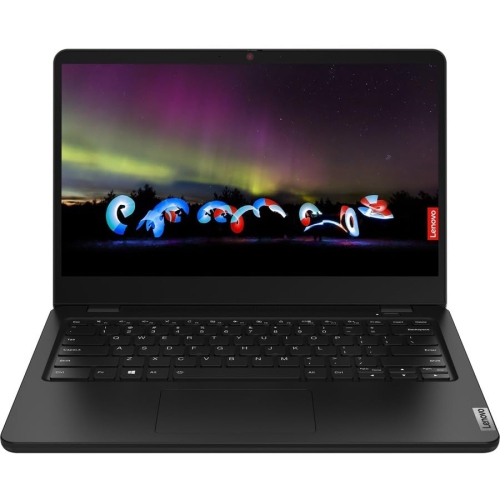
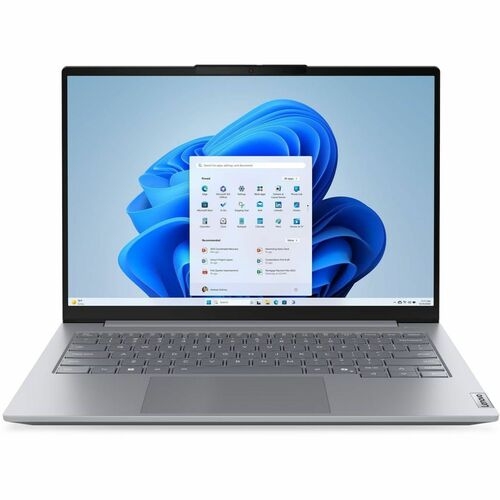
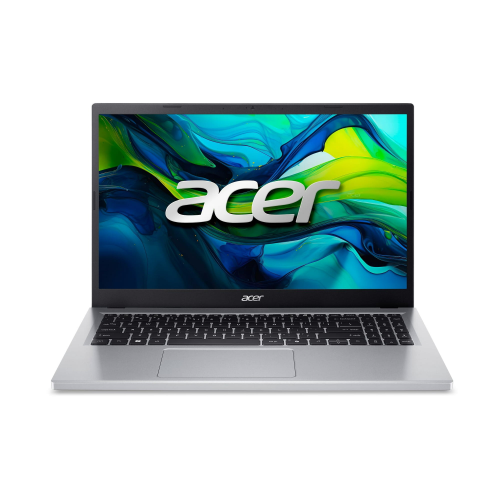
Choosing among laptops for college students starts with matching the computer to the rhythm of campus life. A laptop may serve as a lecture-note companion in a bright classroom, a research station in the library, a video-call device in a residence room, and an entertainment hub after assignments are finished. Portability matters because a student may carry it between buildings alongside notebooks, chargers and textbooks, often on foot and in changing weather. A lightweight model under 3 pounds (1.4 kg) can be easier to manage throughout a long day, while a slightly larger design may provide a more comfortable keyboard, a roomier screen and improved cooling. Battery life is equally important: a laptop that delivers at least 8 hours of real-world use can help a student get through classes, study sessions and travel between outlets without constantly searching for a place to recharge. Screen size is a personal choice. Compact displays are convenient for crowded desks and smaller bags, while 15-inch and larger screens can make split-screen research, spreadsheets, coding windows and creative work easier to view. A crisp display with comfortable brightness and clear text is helpful when reading digital textbooks or reviewing slides, especially during extended study sessions. A dependable keyboard and responsive trackpad can make a noticeable difference when writing essays, entering lab notes or preparing presentations. Students who frequently work in cafés, shared study areas or residence lounges may also appreciate a quiet fan, a sturdy hinge and a webcam with a built-in microphone for online classes and group projects. For a broader selection organized around school needs, explore Laptops for Students.
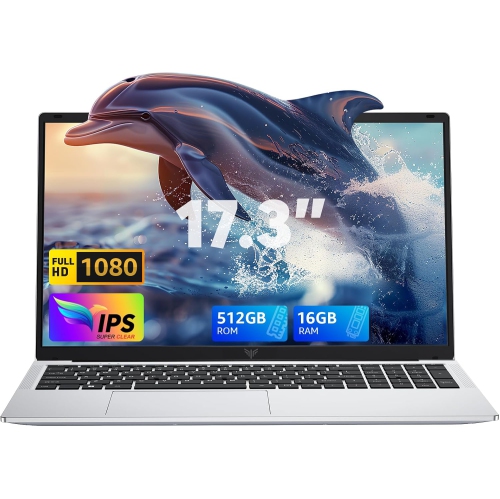
Performance requirements depend on the programme, the software used in class and the way a student works. For everyday coursework such as word processing, web research, email, video meetings and streaming, an efficient processor with 8GB of memory can handle the basics, although 16GB of RAM is strongly recommended for Windows multitasking and longer-term flexibility. More memory helps when numerous browser tabs, documents, presentation tools and communication apps are open together, reducing slowdowns during busy study periods. Students in business, social sciences, education and many arts programmes may benefit from a balanced laptop with solid everyday speed, fast storage and enough battery capacity for mobile work. Those studying computer science, engineering, architecture, film, music production or other technical subjects should review course requirements carefully. Coding environments, design applications, data analysis tools, virtual machines and engineering software can call for a faster processor, more memory and, in some cases, dedicated graphics. A dedicated graphics processor can also support 3D modelling, video editing and demanding games, but it may add weight, cost and fan noise. Compatibility deserves attention before purchase. Some courses require Windows-only applications, while others are well suited to macOS or web-based tools. Students should confirm operating-system requirements, including access to specialized campus software, exam platforms and printers. Storage is another practical consideration: a solid-state drive allows quick start-up and file access, while 512GB or more provides useful room for applications, photos, downloaded readings and creative projects. Cloud storage and external drives can supplement internal capacity, but local space remains valuable when a student is working without reliable internet access. A selection of ports can simplify life as well, particularly when connecting an external monitor, projector, wired network, USB accessories, headphones or a memory card.
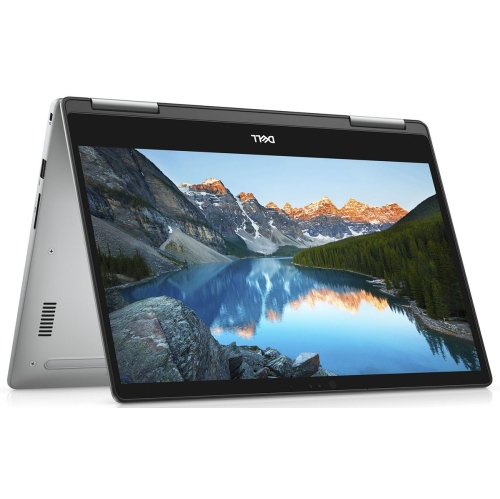
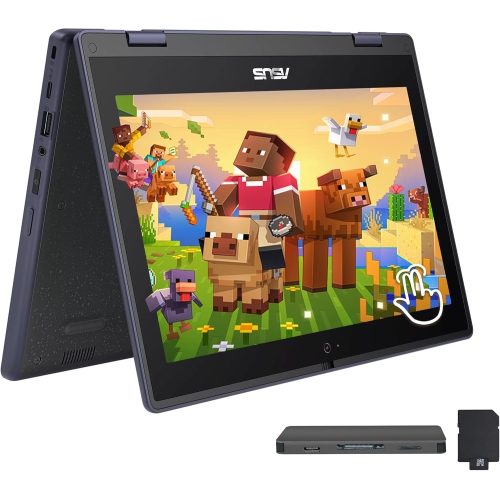
A laptop can be a thoughtful gift for a student heading to college, returning to school after a break or moving into a first residence, and it can also be a practical upgrade for someone whose older computer struggles with current coursework. The best choice is not always the most powerful or the least expensive option; it is the one that fits the student’s programme, daily routine and workspace. A student who travels across a large campus may place portability and battery endurance above everything else, while someone who works mostly at a desk may prefer a larger display and a more spacious keyboard. A two-in-one design with a touchscreen and flexible hinge can be useful for annotating readings, sketching diagrams or presenting ideas, whereas a traditional clamshell laptop may offer a familiar typing experience and straightforward setup. Consider the complete ownership experience, including charger size, webcam quality, wireless connectivity, warranty coverage and the availability of technical support. Wi-Fi 6 can help provide responsive connections on compatible networks, while Bluetooth support is useful for wireless mice, headphones and other accessories. Security features such as a fingerprint reader, facial recognition or a privacy shutter can add convenience and peace of mind in shared living spaces. Before choosing, students can compare their course software requirements, preferred operating system, desired screen size, minimum storage and memory needs, and the amount of time they expect to spend away from a power outlet. During the cooler months and the busy stretch of assignments, a reliable laptop can become part of a steady routine: opened at a kitchen table for morning reading, carried to a lecture, used for collaboration in the afternoon and set beside a bed for a final review of notes. With the right balance of portability, battery life, performance and comfort, laptops for college students can support both focused academic work and the everyday communication, creativity and downtime that make up student life.
Performance requirements depend on the programme, the software used in class and the way a student works. For everyday coursework such as word processing, web research, email, video meetings and streaming, an efficient processor with 8GB of memory can handle the basics, although 16GB of RAM is strongly recommended for Windows multitasking and longer-term flexibility. More memory helps when numerous browser tabs, documents, presentation tools and communication apps are open together, reducing slowdowns during busy study periods. Students in business, social sciences, education and many arts programmes may benefit from a balanced laptop with solid everyday speed, fast storage and enough battery capacity for mobile work. Those studying computer science, engineering, architecture, film, music production or other technical subjects should review course requirements carefully. Coding environments, design applications, data analysis tools, virtual machines and engineering software can call for a faster processor, more memory and, in some cases, dedicated graphics. A dedicated graphics processor can also support 3D modelling, video editing and demanding games, but it may add weight, cost and fan noise. Compatibility deserves attention before purchase. Some courses require Windows-only applications, while others are well suited to macOS or web-based tools. Students should confirm operating-system requirements, including access to specialized campus software, exam platforms and printers. Storage is another practical consideration: a solid-state drive allows quick start-up and file access, while 512GB or more provides useful room for applications, photos, downloaded readings and creative projects. Cloud storage and external drives can supplement internal capacity, but local space remains valuable when a student is working without reliable internet access. A selection of ports can simplify life as well, particularly when connecting an external monitor, projector, wired network, USB accessories, headphones or a memory card.
A laptop can be a thoughtful gift for a student heading to college, returning to school after a break or moving into a first residence, and it can also be a practical upgrade for someone whose older computer struggles with current coursework. The best choice is not always the most powerful or the least expensive option; it is the one that fits the student’s programme, daily routine and workspace. A student who travels across a large campus may place portability and battery endurance above everything else, while someone who works mostly at a desk may prefer a larger display and a more spacious keyboard. A two-in-one design with a touchscreen and flexible hinge can be useful for annotating readings, sketching diagrams or presenting ideas, whereas a traditional clamshell laptop may offer a familiar typing experience and straightforward setup. Consider the complete ownership experience, including charger size, webcam quality, wireless connectivity, warranty coverage and the availability of technical support. Wi-Fi 6 can help provide responsive connections on compatible networks, while Bluetooth support is useful for wireless mice, headphones and other accessories. Security features such as a fingerprint reader, facial recognition or a privacy shutter can add convenience and peace of mind in shared living spaces. Before choosing, students can compare their course software requirements, preferred operating system, desired screen size, minimum storage and memory needs, and the amount of time they expect to spend away from a power outlet. During the cooler months and the busy stretch of assignments, a reliable laptop can become part of a steady routine: opened at a kitchen table for morning reading, carried to a lecture, used for collaboration in the afternoon and set beside a bed for a final review of notes. With the right balance of portability, battery life, performance and comfort, laptops for college students can support both focused academic work and the everyday communication, creativity and downtime that make up student life.
Top selling and popular products
-
 Your price for this item is $449
 -
 Your price for this item is $3099
 -
 Your price for this item is $664.05
 -
 Your price for this item is $599.68
 -
 Your price for this item is $259
 -
 Your price for this item is $418.98
 -
 Your price for this item is $999.95
 -
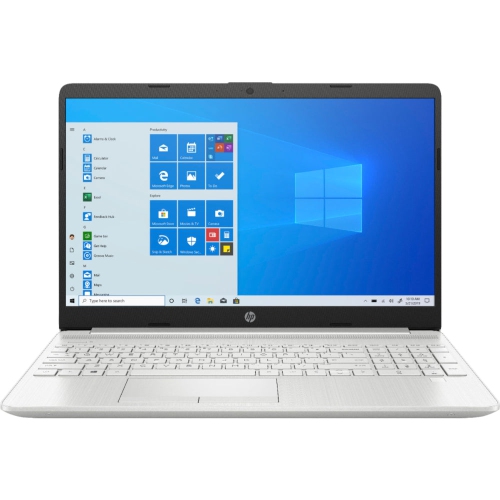 Your price for this item is $489
Discover more categories related to Laptops for College Students
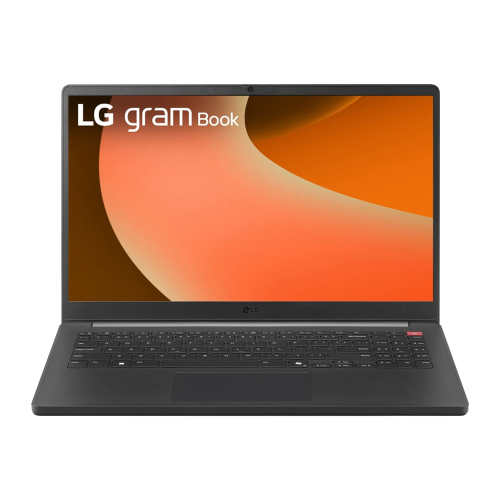
Top Collections:
Pokemon Centers, Budget 4K TVs, Best Budget Office Chairs, Kindle Devices, Canon G7X Cameras, Apple iPhones 16, iPhone 15 Apple, Laptops for Business Work, Xiaomi Phones, Flip Phones
Some products may be subject to Environmental Handling Fees
(EHF) depending on your province.
Learn more about EHFs.