Tablets With Keyboard for Students
Tablets with keyboard for students offer a flexible and efficient solution for learning, studying, and staying organized. Perfect for taking notes in class, completing assignments, or collaborating on group projects, these versatile devices combine the portability of a tablet with the convenience of a keyboard. Explore options designed to support academic success and keep up with busy student lifestyles. Find the right tablets with keyboard for students to help make every school day more productive and connected.
Sort
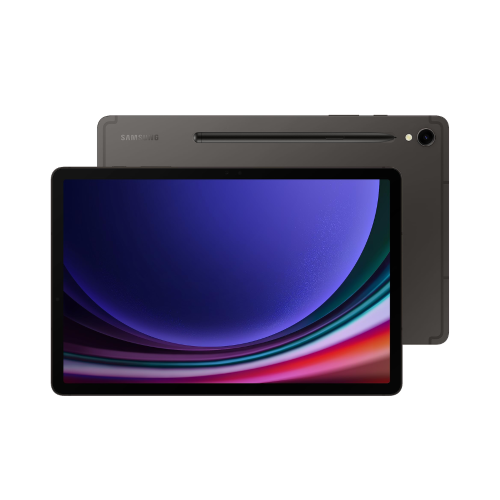
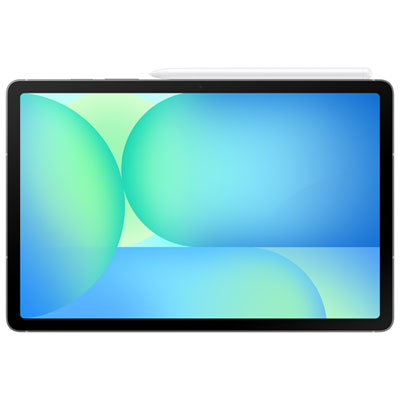
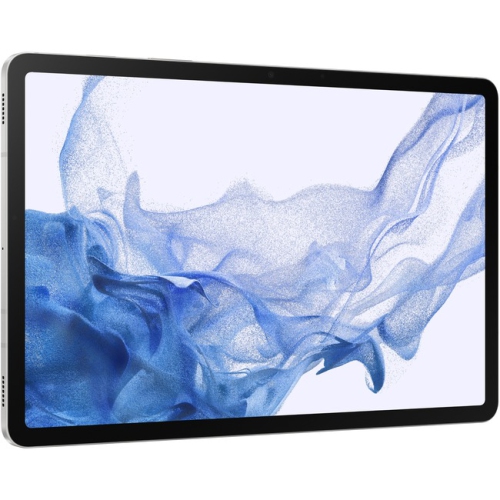
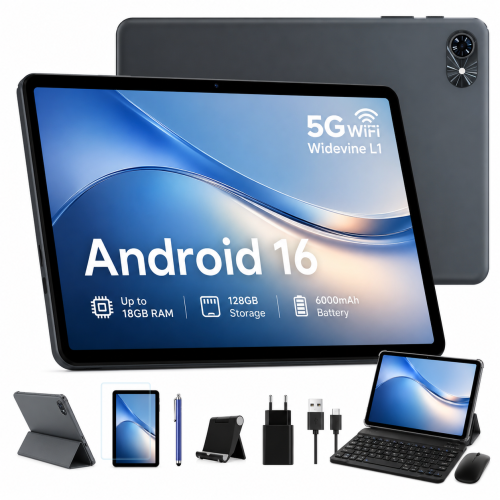
A flexible study setup for typing and learning
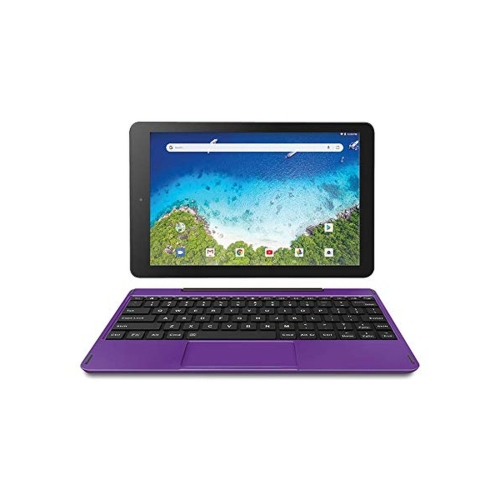
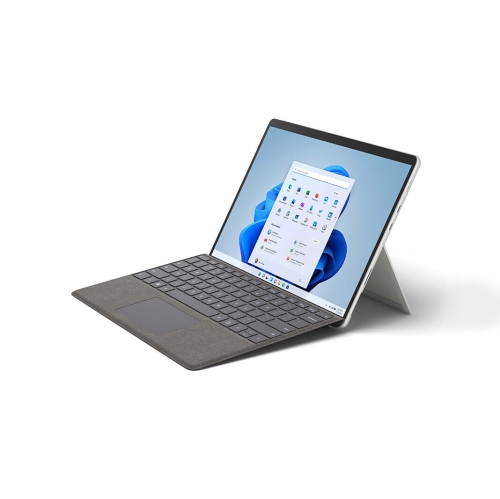
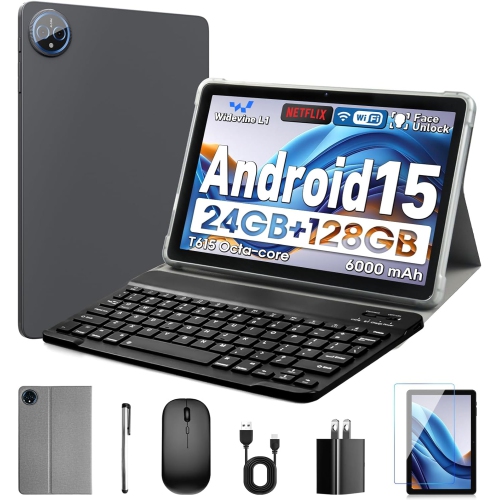
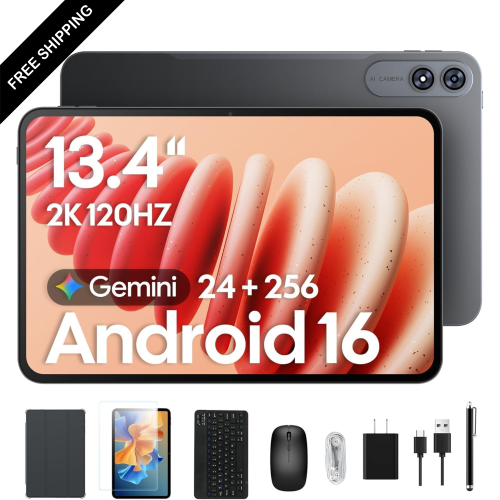
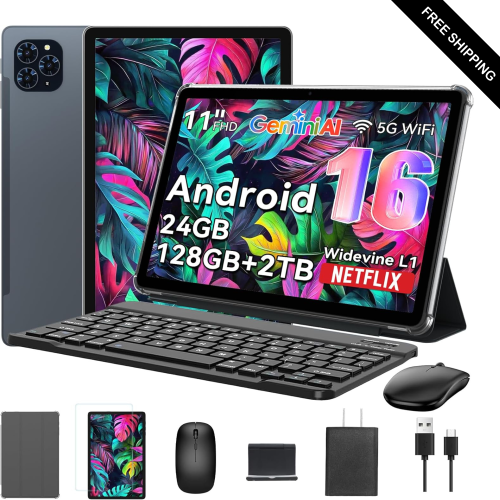
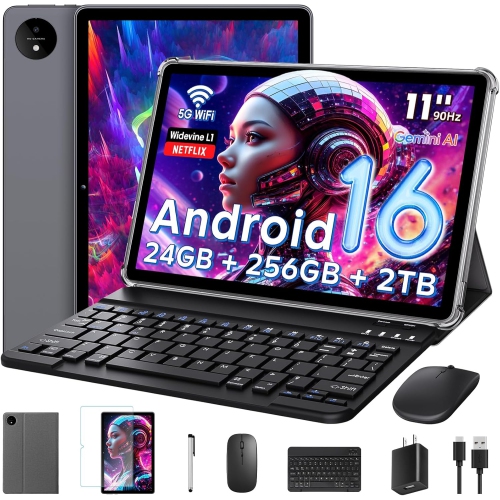
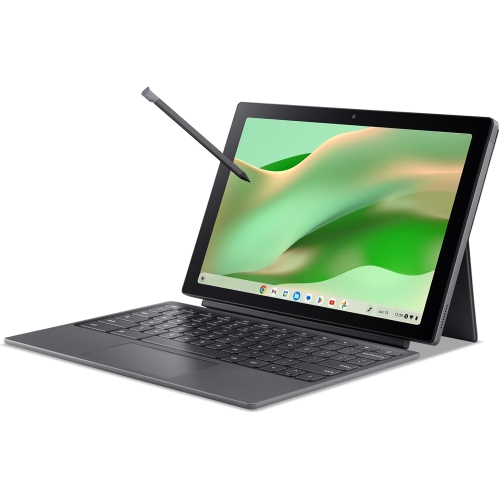
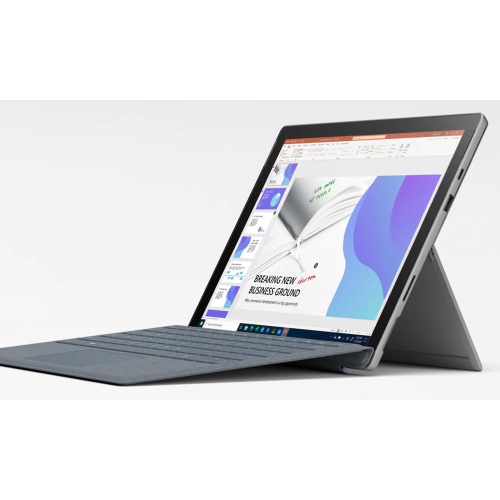
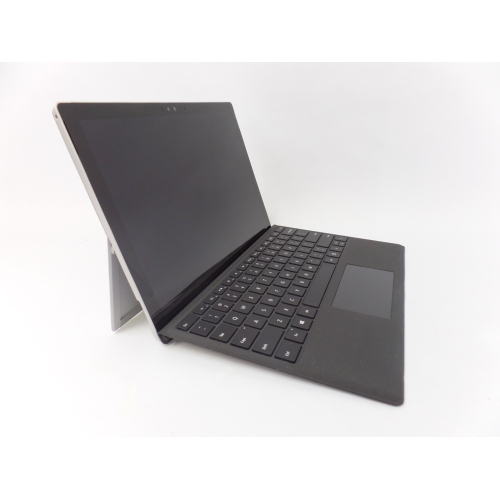
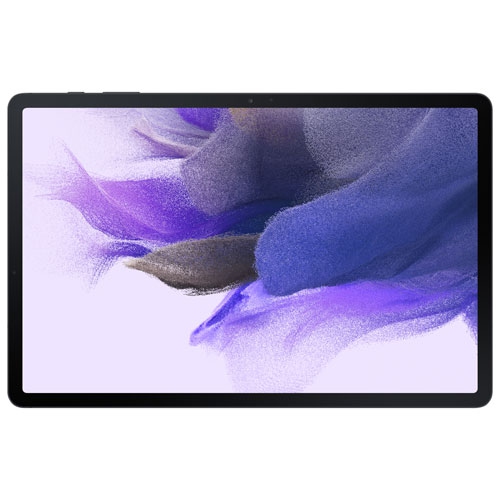
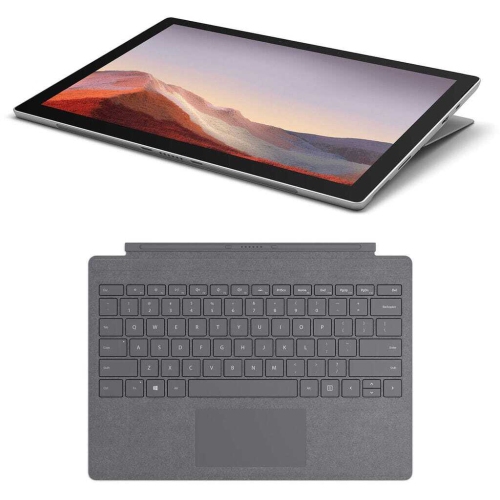
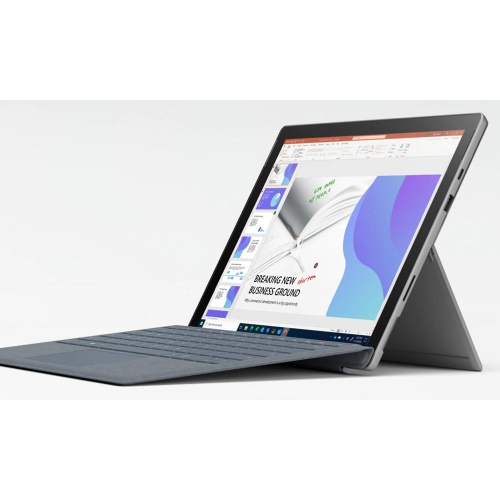
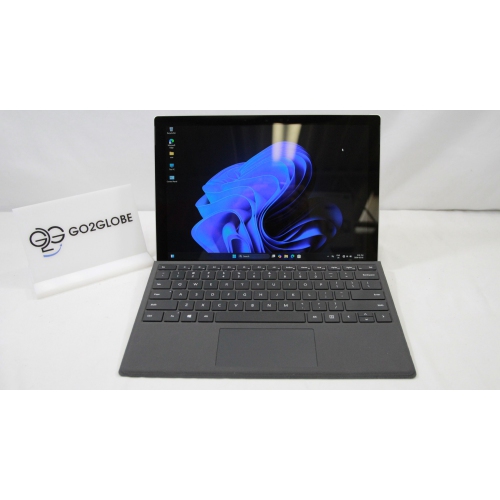
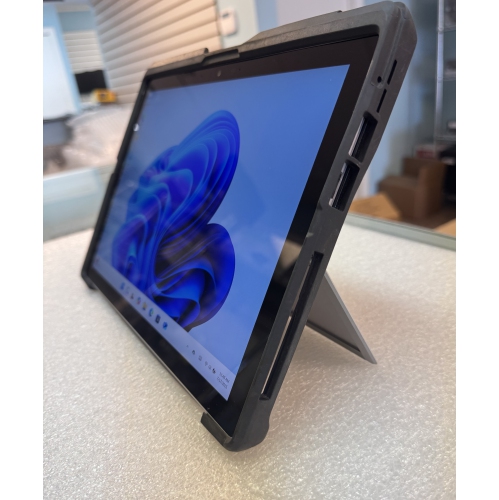
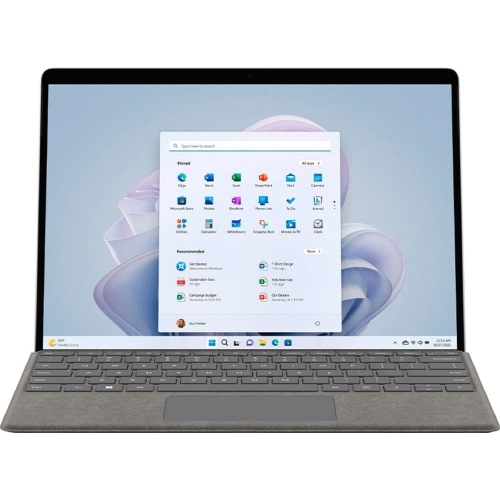
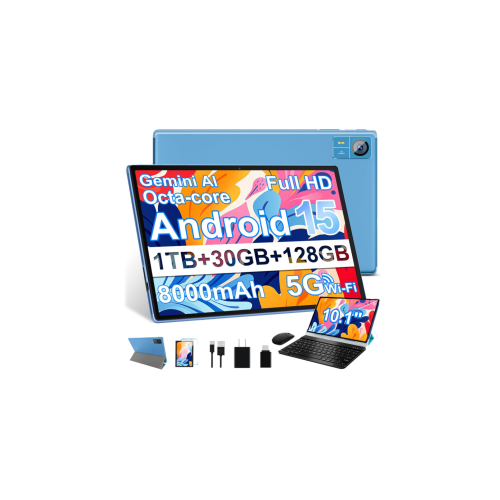
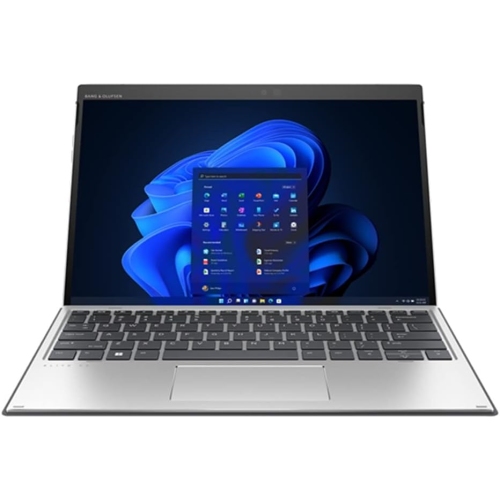
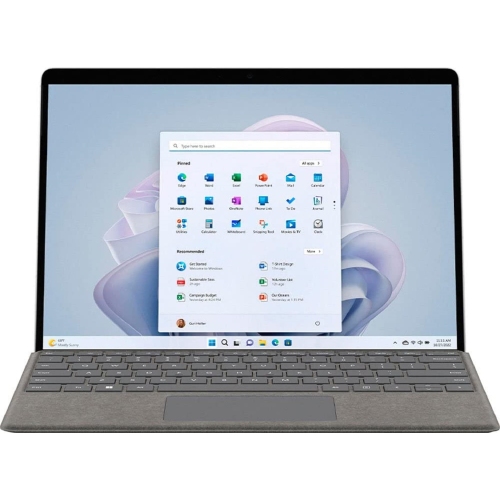
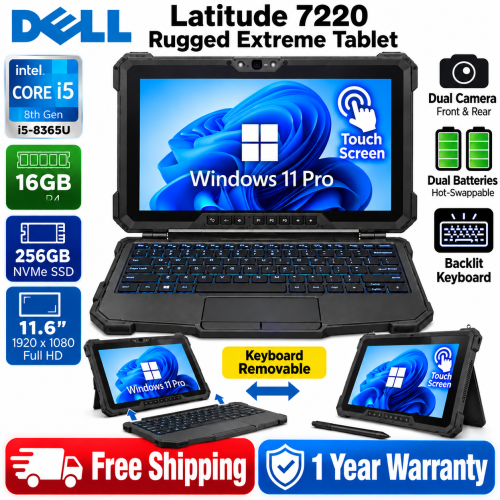
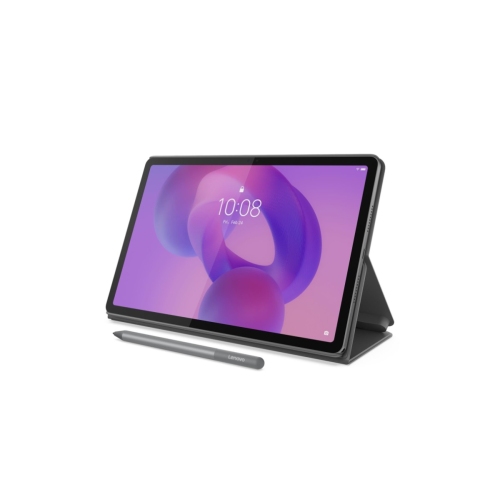
Tablets with keyboards for students combine the portability of a tablet with the familiar typing experience of a laptop, making them practical for schoolwork at a desk, in a classroom, or at a library table. A detachable keyboard can turn a lightweight touchscreen into a comfortable workspace for writing essays, completing online assignments, preparing presentations, responding to email, and joining virtual lectures. When the keyboard is removed, the same device becomes easier to carry between classes and more natural to use for reading digital textbooks, reviewing slides, watching instructional videos, or annotating documents. This flexibility is especially useful for students whose days move between handwritten notes, typed work, research, and collaboration. A tablet with a keyboard may also be a thoughtful gift for a student beginning a new school year, moving into post-secondary studies, or building a more organised home study area. It takes up little room in a backpack and can be used on a kitchen table, a residence desk, or a quiet corner of the library without the bulk of a traditional computer. For younger learners, parents and caregivers may appreciate a device that supports school platforms, video calls, reading apps, and creative projects in one place. Students who already have access to a desktop computer may find a keyboard-equipped tablet useful as a secondary device for commuting, taking notes during lectures, or working in rooms where a larger computer would be inconvenient. Those shopping for younger users can also explore Tablets With Detachable Keyboards for Middle Schoolers for options suited to a different stage of school life. Across age groups, the right choice depends on how the tablet will be used each day, how much typing is expected, and whether the student needs a simple tool for notes or a more capable device for demanding coursework.
Keyboard design is one of the most important details to consider when comparing tablets with keyboards for students. A full-size layout with well-spaced keys can make long assignments more comfortable, while a compact layout may be easier to carry but require an adjustment period. Detachable keyboards that connect through magnetic pogo-pin connectors can feel secure and responsive, and they generally avoid the pairing steps associated with Bluetooth accessories. Bluetooth keyboards can still be useful when a student wants more flexibility in positioning the screen, but they may require separate charging or occasional reconnection. Look for a keyboard cover or folio that protects the screen during transport and provides a stable viewing angle for typing, video calls, and reading. Battery life also matters when a student spends a full day moving between classrooms, study sessions, and activities. A tablet rated for at least 10 hours of use can help reduce the need to search for an available outlet, although actual battery life varies with brightness, streaming, multitasking, and wireless connectivity. Storage should accommodate school files, downloaded readings, presentations, photos, and apps; cloud storage can extend capacity, but generous built-in storage is helpful when internet access is limited. The operating system affects the available apps and the overall experience. ChromeOS can offer a familiar laptop-style interface and straightforward access to web-based school tools, Android supports a broad selection of productivity and creative apps, and iPadOS is known for a polished touch interface and strong support for note-taking and media applications. Students who plan to write by hand, solve equations, draw diagrams, or mark up PDFs should confirm stylus compatibility rather than assuming every touchscreen supports an active pen. Features such as palm rejection, low-latency ink, pressure sensitivity, and a place to store or charge the stylus can make digital handwriting feel more natural. Screen size is another balance between comfort and portability: a larger display gives documents and split-screen apps more room, while a smaller tablet is easier to hold during reading and lighter in a crowded backpack. Students who frequently work outdoors or near bright windows may benefit from a bright display with clear text, while those attending online classes should check for a front-facing camera, microphone quality, and reliable speakers. Wi-Fi support is essential for cloud-based assignments and video meetings, and cellular connectivity may be useful for students who need internet access away from home or campus networks. Finally, consider the complete setup rather than the tablet alone, including the keyboard, charger, stylus, protective case, warranty coverage, and the availability of replacement accessories. A well-matched tablet with a keyboard should feel ready for both focused typing and relaxed touchscreen use, giving students a dependable way to learn, create, communicate, and stay organised through the school year and during the cooler months.
Keyboard design is one of the most important details to consider when comparing tablets with keyboards for students. A full-size layout with well-spaced keys can make long assignments more comfortable, while a compact layout may be easier to carry but require an adjustment period. Detachable keyboards that connect through magnetic pogo-pin connectors can feel secure and responsive, and they generally avoid the pairing steps associated with Bluetooth accessories. Bluetooth keyboards can still be useful when a student wants more flexibility in positioning the screen, but they may require separate charging or occasional reconnection. Look for a keyboard cover or folio that protects the screen during transport and provides a stable viewing angle for typing, video calls, and reading. Battery life also matters when a student spends a full day moving between classrooms, study sessions, and activities. A tablet rated for at least 10 hours of use can help reduce the need to search for an available outlet, although actual battery life varies with brightness, streaming, multitasking, and wireless connectivity. Storage should accommodate school files, downloaded readings, presentations, photos, and apps; cloud storage can extend capacity, but generous built-in storage is helpful when internet access is limited. The operating system affects the available apps and the overall experience. ChromeOS can offer a familiar laptop-style interface and straightforward access to web-based school tools, Android supports a broad selection of productivity and creative apps, and iPadOS is known for a polished touch interface and strong support for note-taking and media applications. Students who plan to write by hand, solve equations, draw diagrams, or mark up PDFs should confirm stylus compatibility rather than assuming every touchscreen supports an active pen. Features such as palm rejection, low-latency ink, pressure sensitivity, and a place to store or charge the stylus can make digital handwriting feel more natural. Screen size is another balance between comfort and portability: a larger display gives documents and split-screen apps more room, while a smaller tablet is easier to hold during reading and lighter in a crowded backpack. Students who frequently work outdoors or near bright windows may benefit from a bright display with clear text, while those attending online classes should check for a front-facing camera, microphone quality, and reliable speakers. Wi-Fi support is essential for cloud-based assignments and video meetings, and cellular connectivity may be useful for students who need internet access away from home or campus networks. Finally, consider the complete setup rather than the tablet alone, including the keyboard, charger, stylus, protective case, warranty coverage, and the availability of replacement accessories. A well-matched tablet with a keyboard should feel ready for both focused typing and relaxed touchscreen use, giving students a dependable way to learn, create, communicate, and stay organised through the school year and during the cooler months.
Top selling and popular products
-
 Your price for this item is $499.99
 -
 Your price for this item is $199.95
 -
 Your price for this item is $293.94
 -
 Your price for this item is $579.99
 -
 Your price for this item is $139.99
 -
 Your price for this item is $119.99
 -
 Your price for this item is $979.99
 -
 Your price for this item is $579.99
Discover more categories related to Tablets With Keyboard for Students

Top Collections:
Pokemon Centers, Kindle Devices, Best Budget Office Chairs, Canon G7X Cameras, Apple iPhones 16, Samsung Galaxy Phones, Refurbished Apple Laptops, Laptops for Students, iPhone 15 Apple, Budget Smartphones
Some products may be subject to Environmental Handling Fees
(EHF) depending on your province.
Learn more about EHFs.