Best Tablets for Students
Find the best tablets for students, ranked by user review ratings to help you compare options with confidence. Whether you’re taking notes in class, reading digital textbooks, or working on assignments, the right tablet can make studying more convenient. Explore the list to find a tablet that suits your study habits, course needs, and budget.
What to look for in the best tablets for students
1. Performance and App Compatibility
2. Display and Portability
3. Battery Life and Connectivity
4. Storage and Study Accessories
-
1
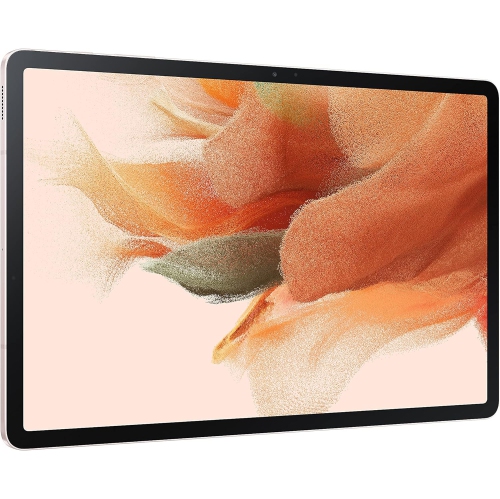
SAMSUNG Galaxy Tab S7 Fe 12.4” 256GB Wifi Android Tablet, Large Screen, S Pen Included, Multi Device Connectivity, Long Lasting Battery, Us
About this product
A versatile pink Android tablet featuring a 12.4" display, 256GB storage, S Pen, and long battery life.
What customers like
(13)$449.00 Your price for this item is $449 -
2
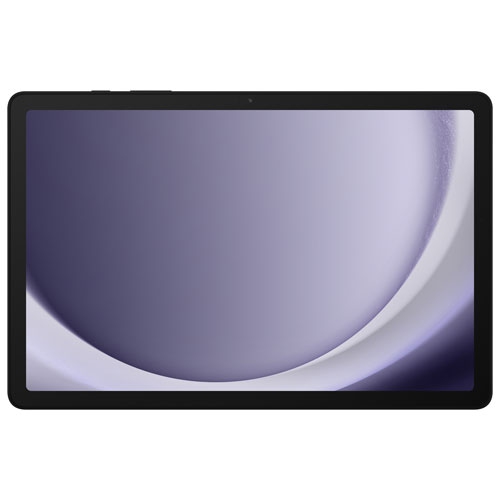
SAMSUNG - Galaxy Tab A9+ (Plus) 11" 64GB Android Tablet With Qualcomm Sm6375 Processor - Graphite
About this product
A sleek graphite tablet featuring an 11" display, Qualcomm processor, 64GB storage, and Samsung Kids app.
(7)$388.00Your price for this item is $388SAVE $101 -
3
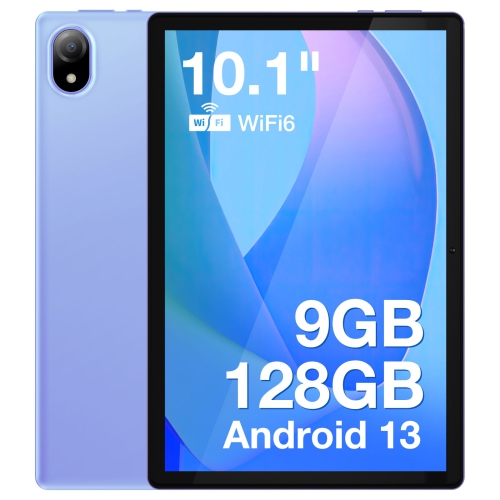
DOOGEE U10 Tablet PC- In Purple
About this product
A vibrant purple tablet featuring a 10.1" IPS HD display, WiFi 6, and 128GB storage.
(1)$184.38 Your price for this item is $184.38 -
4

Samsung Galaxy Tab S10 FE+ (Plus) 13.1" 128GB Android Tablet with Exynos 1580 Processor - Grey
About this product
A versatile grey tablet featuring a 13.1" display, Exynos 1580 processor, S Pen, and Galaxy AI.
What customers like
(652)$979.99 Your price for this item is $979.99 -
5

MICROSOFT Refurbished (Good) - Surface Pro 6 12.3" 128GB Windows 10 Tablet With 8Th Gen Intel Core I5 -Platinum
About this product
A refurbished platinum tablet featuring an 8th Gen Intel Core i5, 128GB storage, and Windows 10.
What customers like
(1,268)$699.00 Your price for this item is $699 -
6

SAMSUNG Galaxy Tab A9+ | 4GB (Ram) + 64GB | Wi-Fi | In Silver
About this product
A sleek silver tablet featuring a vibrant 11" display, 4GB RAM, and 64GB storage for smooth multitasking.
What customers like
(2,441)$499.99 Your price for this item is $499.99 -
7
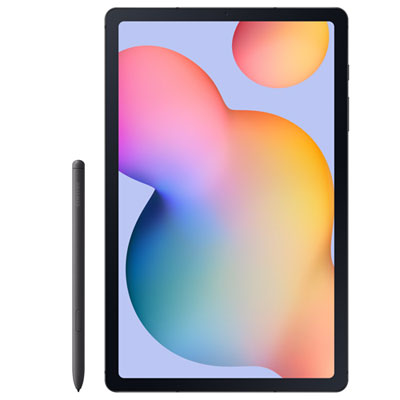
Samsung Galaxy Tab S6 Lite 10.4" 64GB Android Tablet with Exynos 1280 - Graphite
About this product
A slim graphite tablet with a 10.4" display, 64GB storage, Exynos 1280, and included S Pen.
What customers like
(74)$448.97 Your price for this item is $448.97 -
8
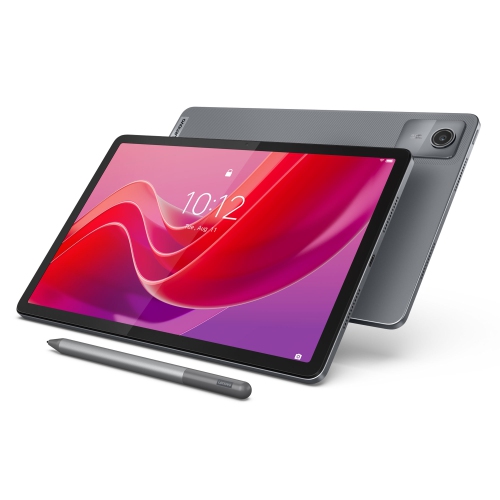
LENOVO Tab M11, 11" Ips 400 Nits, 4GB, 128GB Emmc
About this product
An 11" IPS tablet with 400 nits brightness, 4GB RAM, and 128GB eMMC storage.
What customers like
(131)$331.55Your price for this item is $331.55SAVE $17 -
9
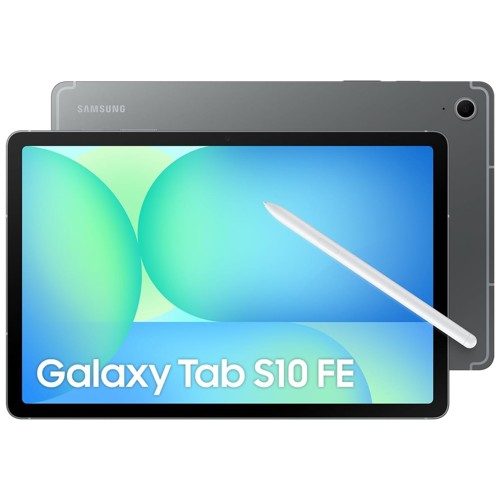
SAMSUNG Galaxy Tab S10 Fe Sm-X520 Tablet - 10.9" Wuxga+
About this product
A sleek gray tablet featuring a 10.9" WUXGA+ IPS display, 8GB RAM, and 128GB storage.
What customers like
(55)$844.99Your price for this item is $844.99SAVE $55 -
10
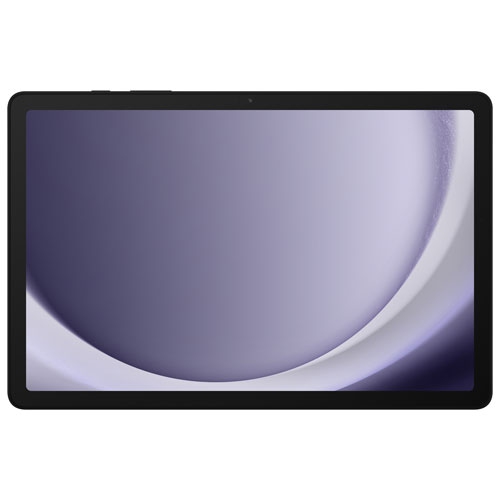
SAMSUNG - Galaxy Tab A9+ (Plus) 11" 128GB Android Tablet With Qualcomm Sm6375 Processor - Graphite
About this product
A graphite Android tablet featuring a Qualcomm SM6375 processor, 8GB RAM, and 128GB storage.
(1)$489.00 Your price for this item is $489
FAQ
Look for compatibility with required school apps, multitasking options, keyboard support and battery life suited to your class schedule. A built-in camera and microphone are useful for online classes, while stylus support lets you add handwritten notes to course materials.
Start with your school’s software requirements. Tablet operating systems differ in the apps they support, file management tools and connections to other devices. Check whether required programs offer full tablet versions or only browser access, particularly for courses that use specialised software.
Confirm that the tablet supports the exact stylus you plan to use, as compatibility varies. For handwritten coursework, look for palm rejection and support within your preferred note-taking app. Students taking art or design courses may also want pressure sensitivity and tilt support.
A compatible keyboard is useful for typing essays, while a stand provides hands-free positioning during video calls or reading. A mouse or trackpad adds another navigation option. Depending on the tablet’s ports and capabilities, an adapter or hub may connect external storage, a display or other peripherals.
Cloud storage and cross-platform note-taking apps can keep assignments and class notes accessible on both devices. Create folders by course, use clear file names and check that your apps support the file formats your school accepts. Download essential documents ahead of time if you need access without Wi-Fi.
Top selling and popular products
Discover more categories related to Best Tablets for Students

Some products may be subject to Environmental Handling Fees (EHF) depending on your province. Learn more about EHFs.