Barebones Mini PCs for Local AI
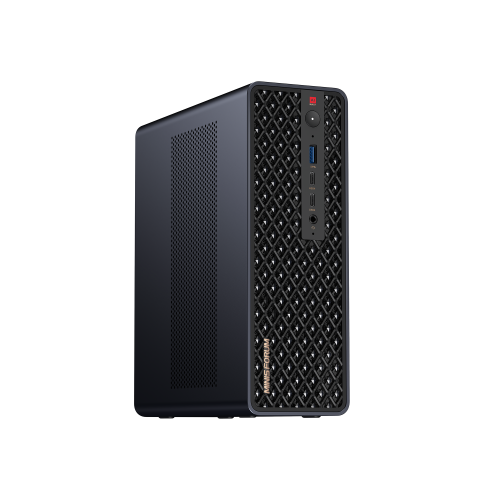
Barebones mini PCs give you a compact starting point for a build with your choice of compatible memory, storage and software. For local AI experiments, compare the processor and upgrade options against your chosen applications’ requirements. Check each kit’s included and excluded components before completing your setup: these are build platforms, not ready-to-run AI computers.





FAQ
A barebones mini PC is a partially assembled computer that leaves components for you to select and install. A preconfigured system includes a defined hardware configuration. Barebones kits commonly require separate memory, storage and software, so review the exact included and excluded components for the kit.
You can reuse components when they meet the kit’s compatibility requirements. Check the RAM generation, module form factor and supported configurations, along with the SSD interface and mounting requirements. Components from another computer are not automatically compatible simply because both systems are mini PCs.
An operating system is often excluded from a barebones kit. Check the listing, then confirm support for your intended operating system and any required drivers. You may need to prepare installation media and obtain a licence separately before installing your applications.
RAM holds data used by active applications, while an SSD stores files such as models, datasets and programs. Integrated graphics may also use system RAM. More SSD capacity gives you room for files, but it does not substitute for the working memory a model needs.
Check your AI application’s supported operating systems, processor requirements, graphics backends and drivers. GPU or NPU acceleration requires explicit software support; the presence of that hardware does not guarantee it will be used. Confirm the model format and memory requirements for your intended configuration as well.
Top selling and popular products
Discover more categories related to Barebones Mini PCs for Local AI
Some products may be subject to Environmental Handling Fees (EHF) depending on your province. Learn more about EHFs.