Rack Mountings
Looking to optimize your home or office space with efficient and organized solutions? Our selection of rack mountings offers a wide range of possibilities for securely mounting and storing your electronic equipment. Whether you're setting up a home entertainment system, organizing networking gear, or managing server components, rack mountings provide a versatile and space-saving solution. Explore our collection to find the perfect rack mounting options to suit your needs and keep your space tidy and clutter-free.
Sort

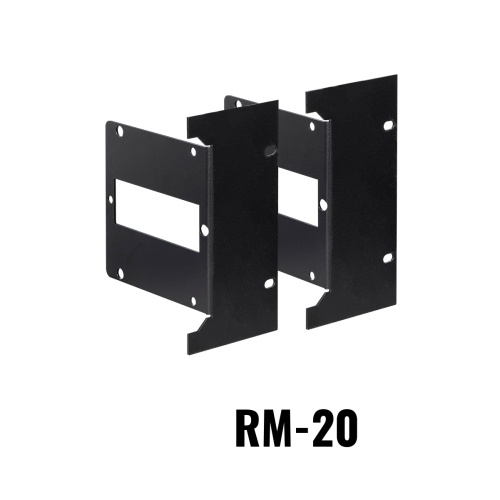
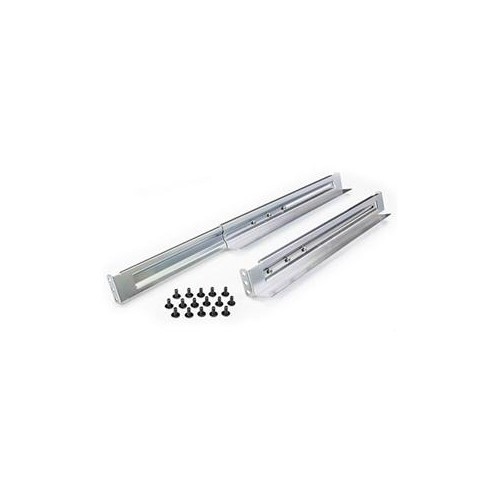

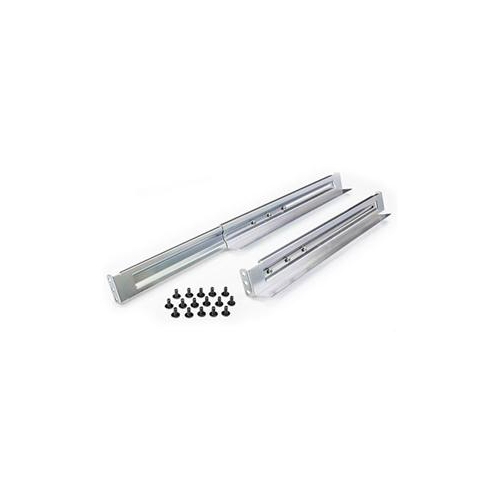


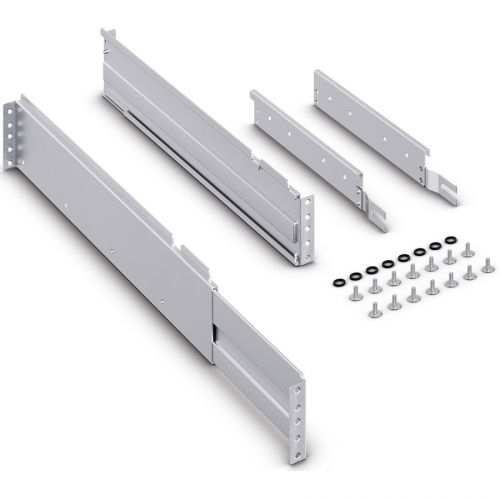












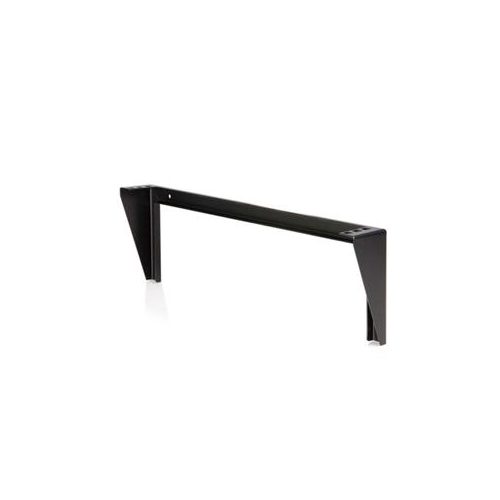
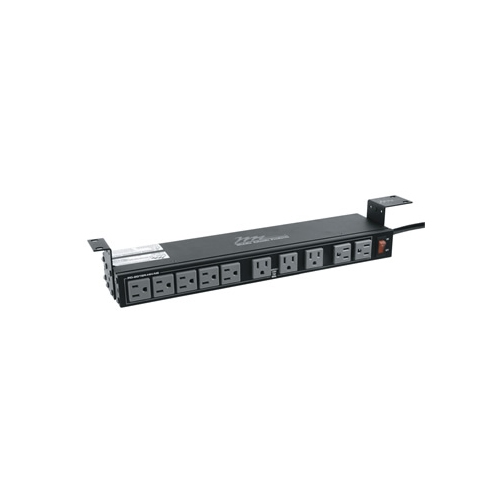
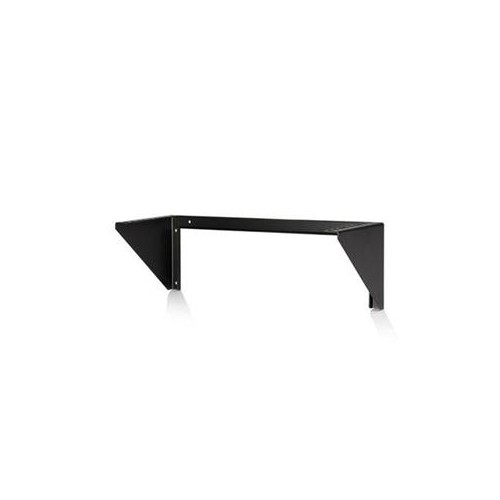
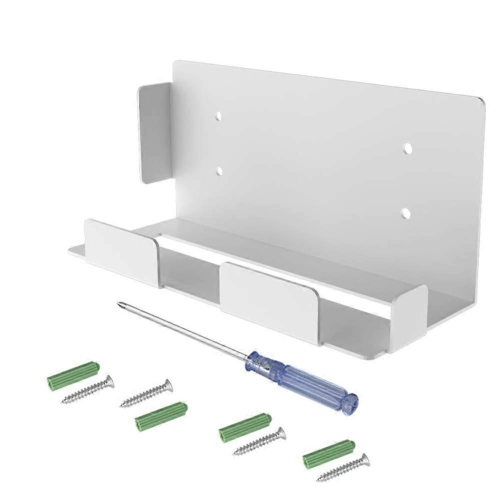
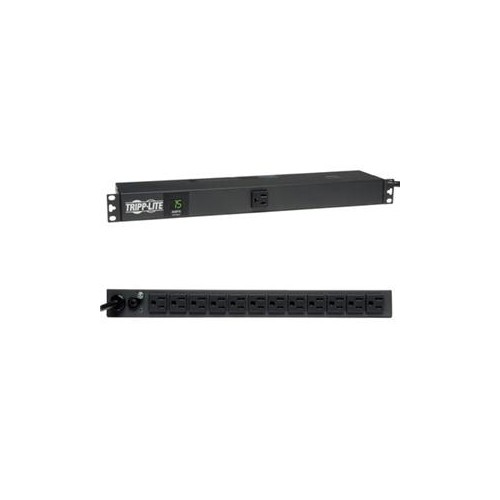
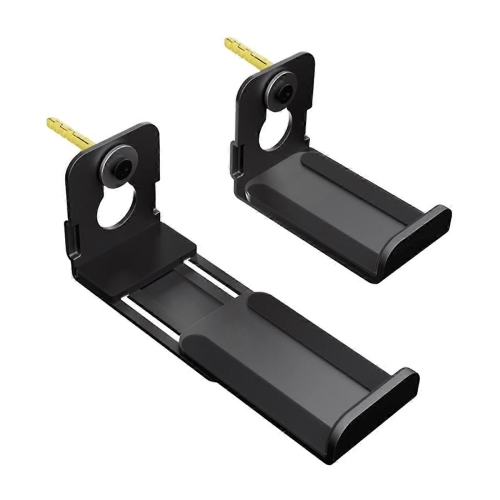
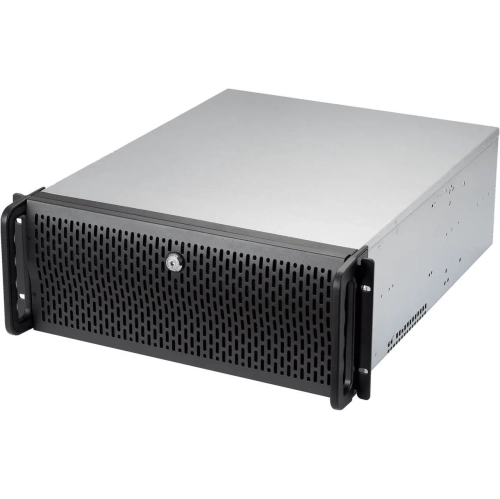
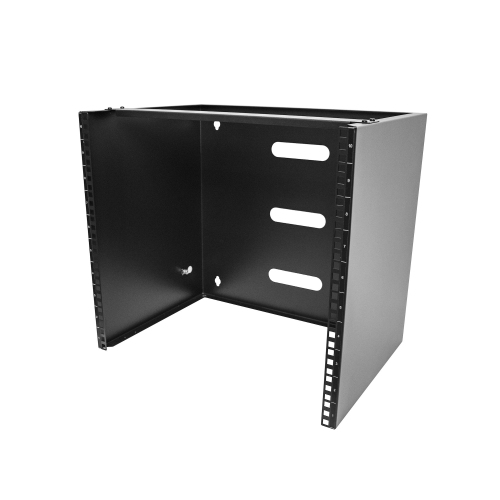
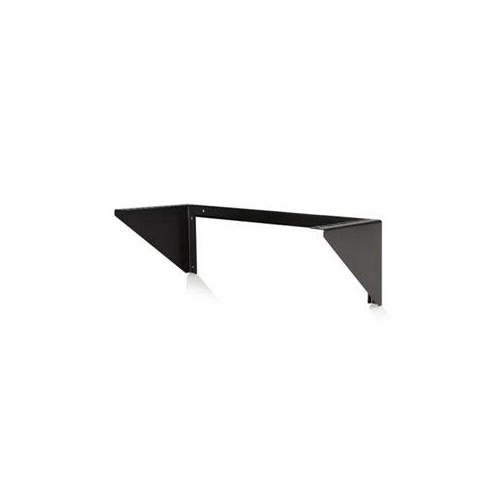
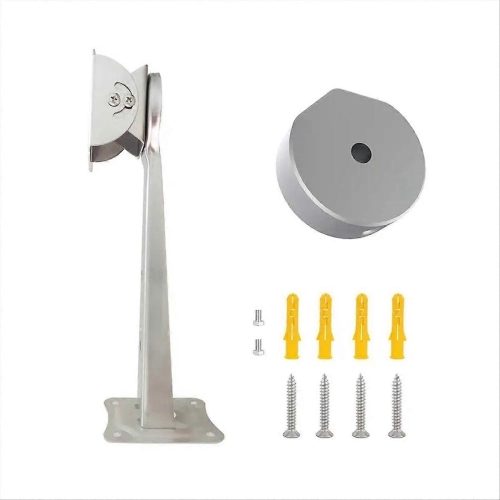


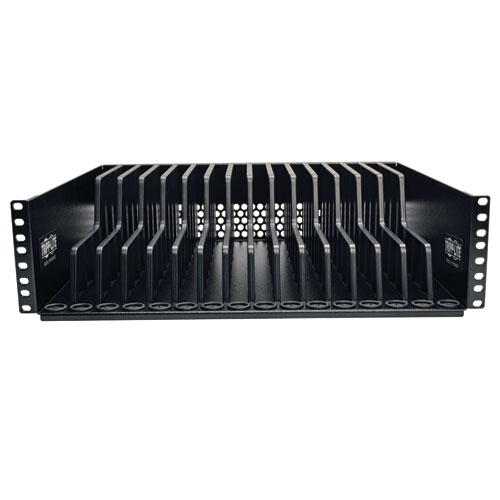
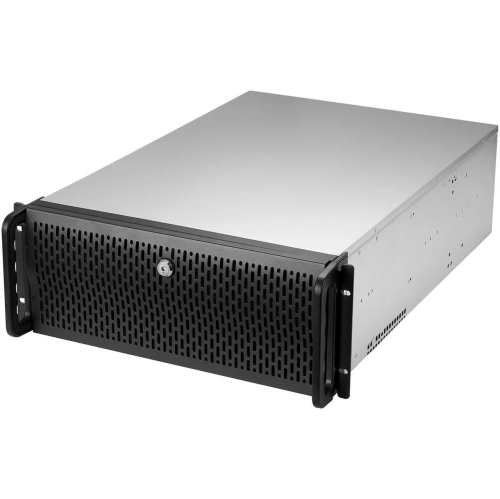
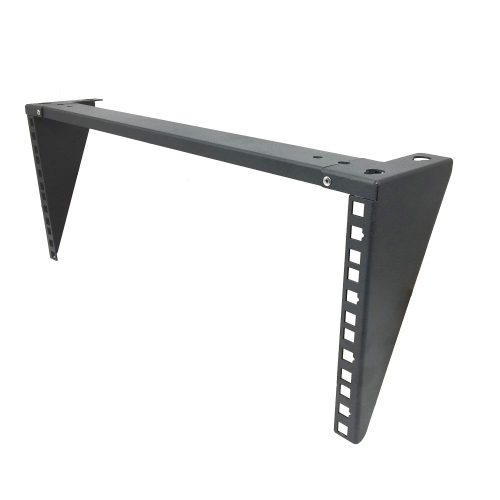
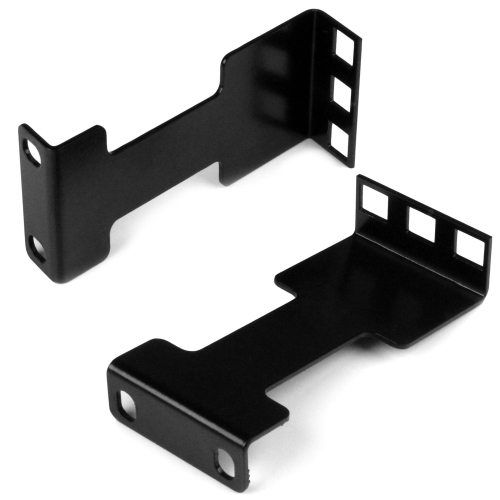



Equipment fit goes beyond standard rack dimensions
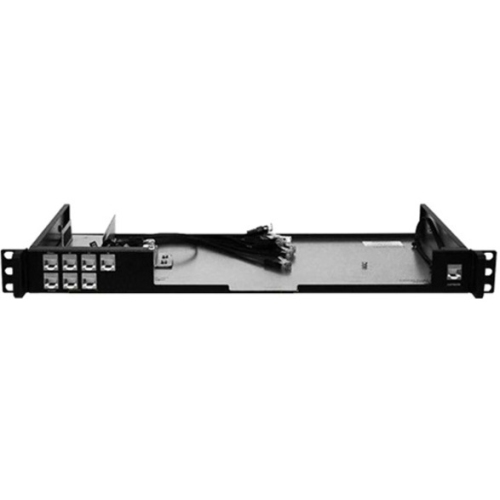
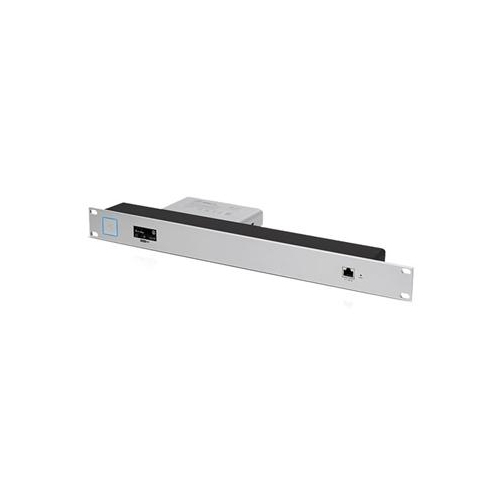
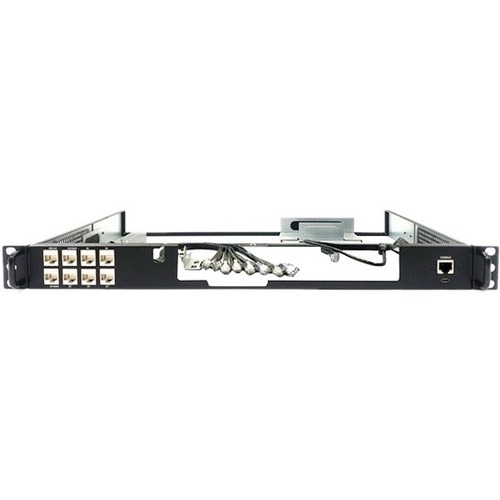
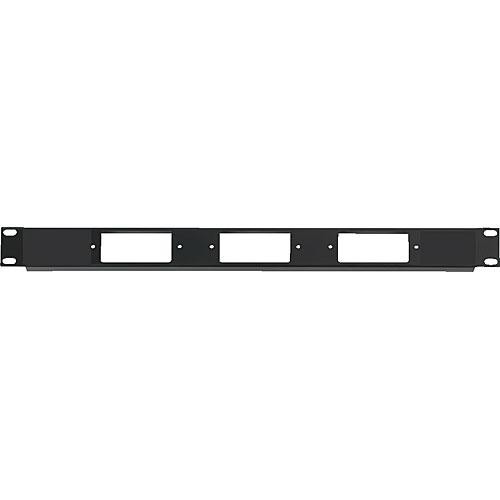
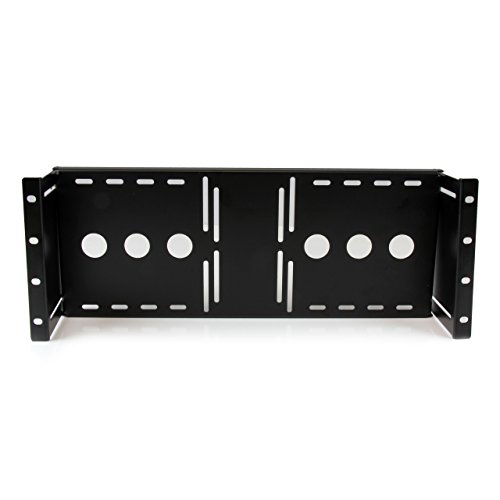
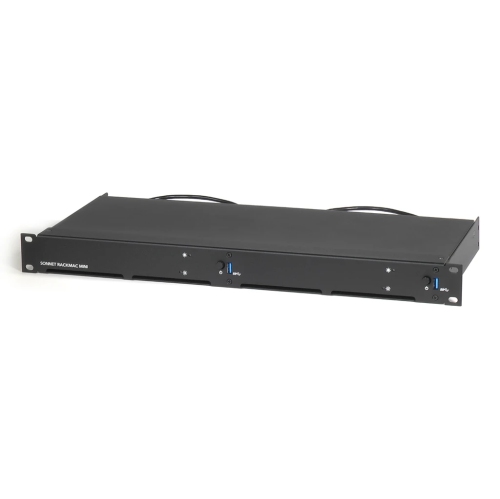
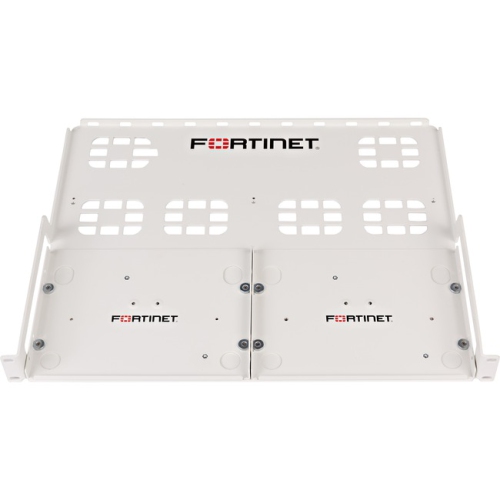
Rack mountings provide a structured way to secure servers, networking hardware, and audio equipment in a shared frame or enclosure. The term covers both the rack itself and the rails, brackets, shelves, and fasteners that hold equipment in place. These components bring order to installations that might otherwise spread across desks, cupboards, or workbenches, keeping connections accessible and giving each device a defined position. Many IT and professional audio installations use the 19-inch rack format associated with the EIA-310 standard. This measurement refers to the nominal width across an equipment mounting panel, not the overall width of the cabinet or the usable space between its posts. Vertical capacity is measured in rack units, written as U or RU, with 1U equal to 1.75 inches, or 44.45 mm. A device described as 2U occupies two rack units of mounting height, although its body may be slightly shorter to allow clearance. These shared dimensions help different types of equipment fit into a common layout, but width and height alone do not establish compatibility. Mounting depth, hole pattern, weight, and the way a device attaches to its supports also matter. A shallow patch panel and a deep server can share the same nominal mounting width while requiring very different support arrangements. For a small office, rack mountings can keep network connections and supporting hardware together in a dedicated communications area. In a recording studio, they can group audio processors and amplifiers within reach while reducing clutter around the mixing position. Home networking enthusiasts, audiovisual installers, and IT teams use the same basic mounting principles at different scales. The practical benefit is not simply a tidier installation: equipment that is properly supported, clearly arranged, and accessible is easier to inspect, connect, and service without disturbing neighbouring devices. A well-planned arrangement also leaves room for cable routing and future additions rather than filling every available position from the outset.
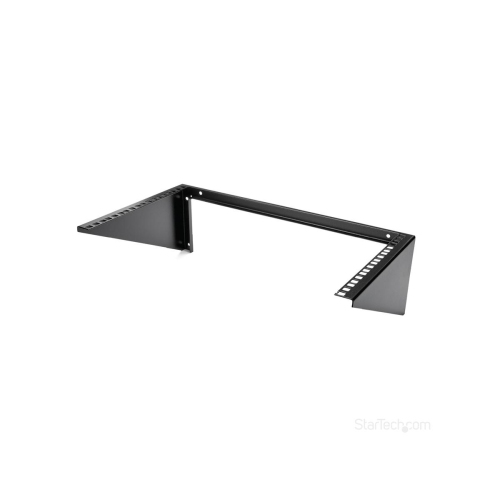
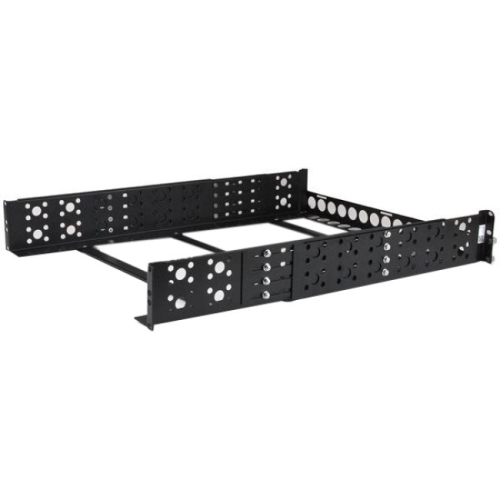
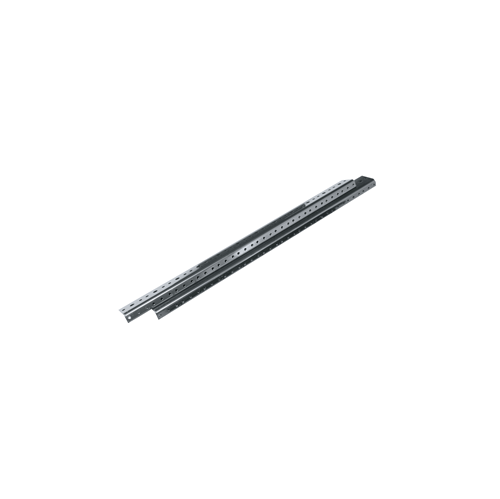
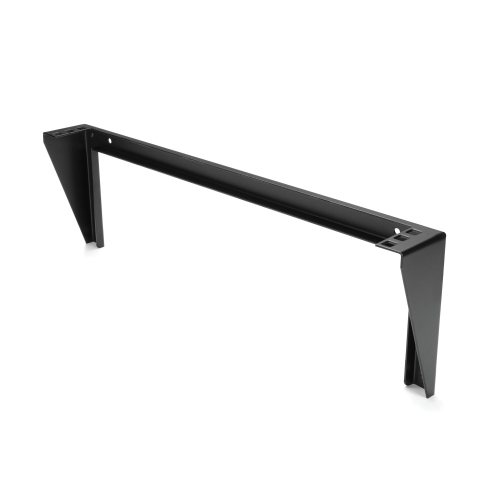
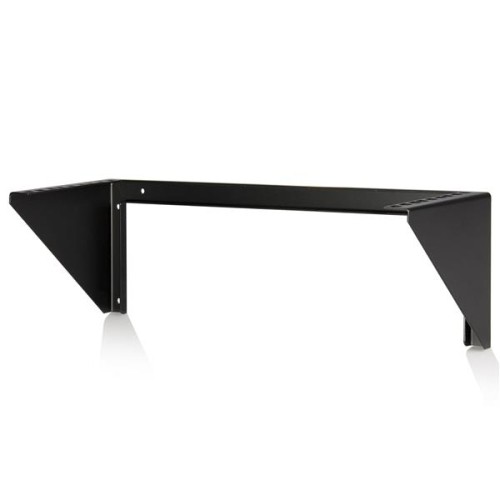
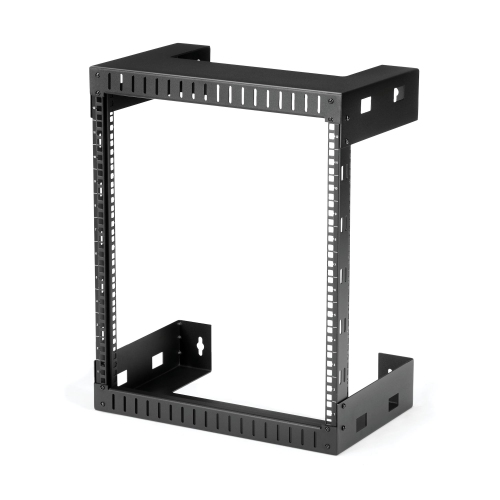
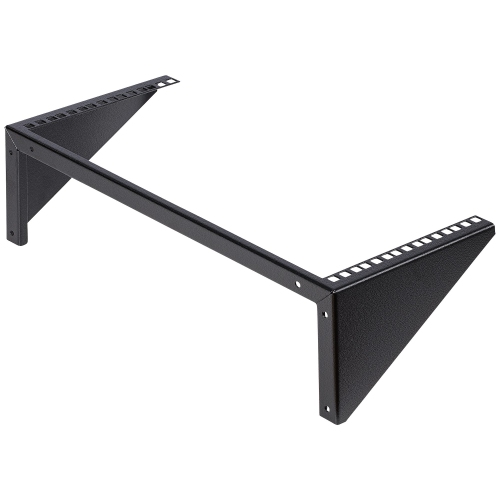
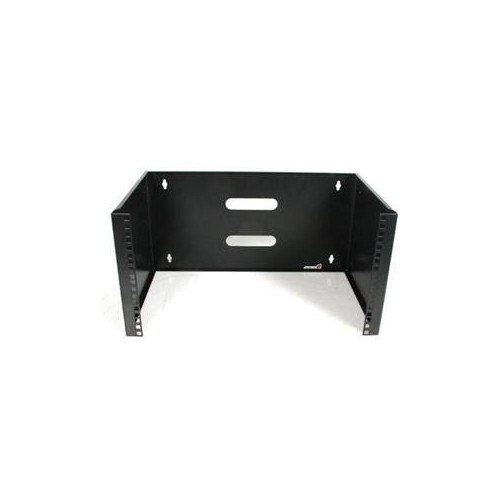
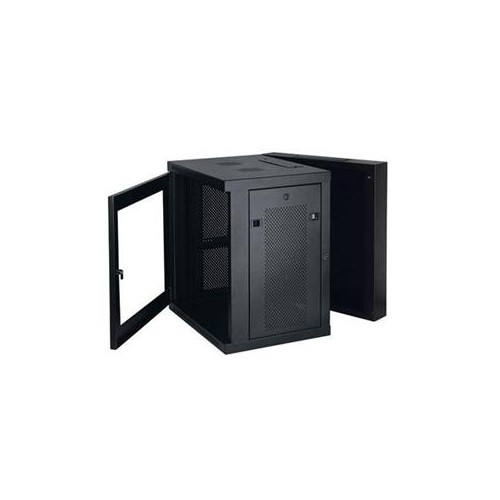
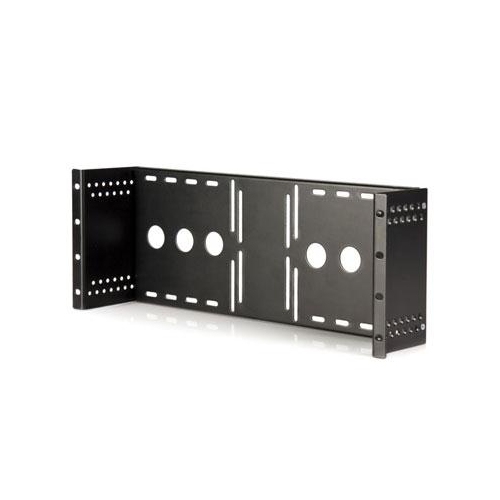
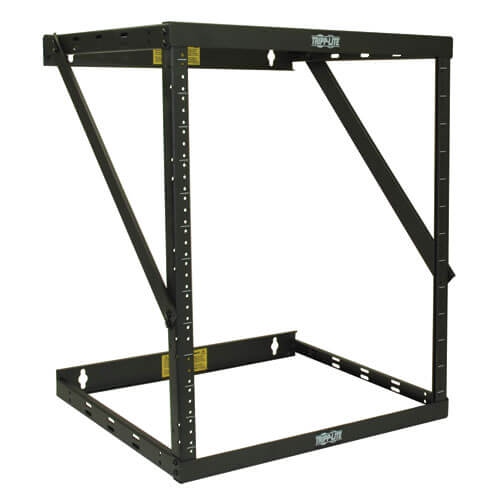
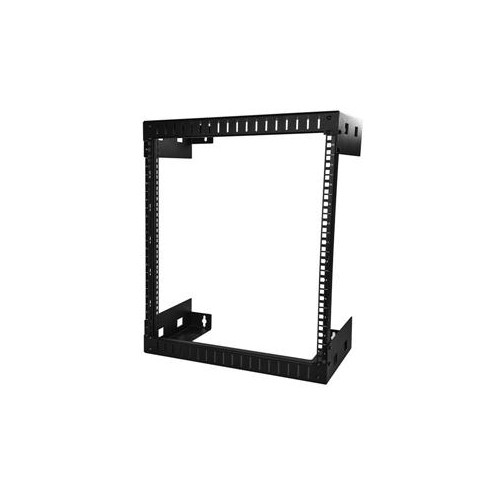
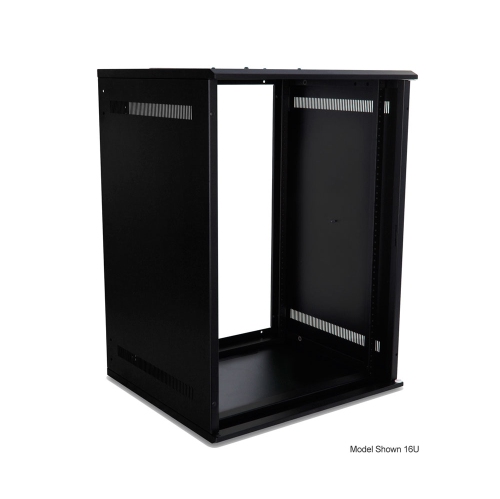
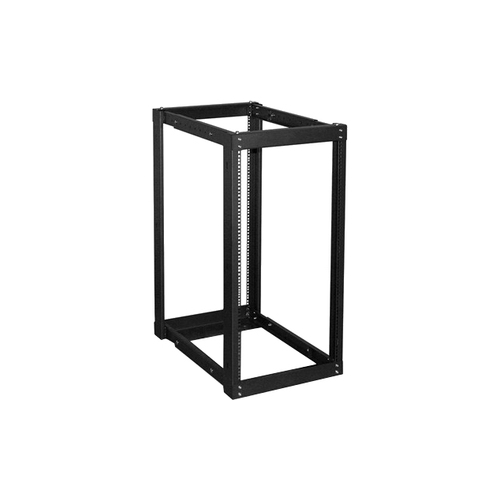
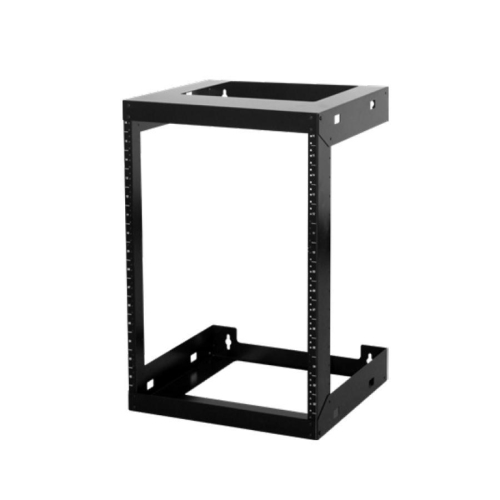
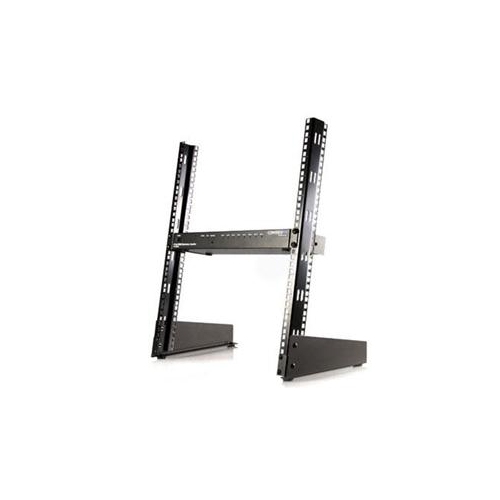
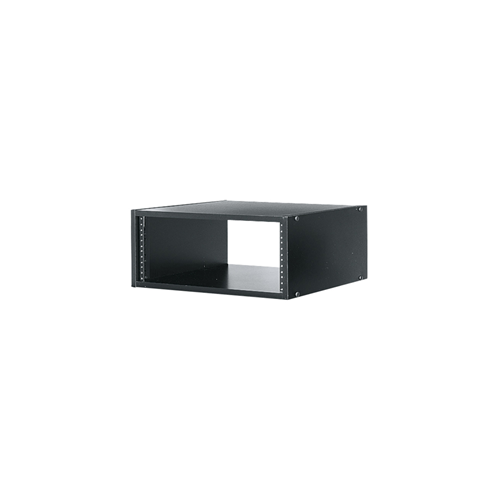
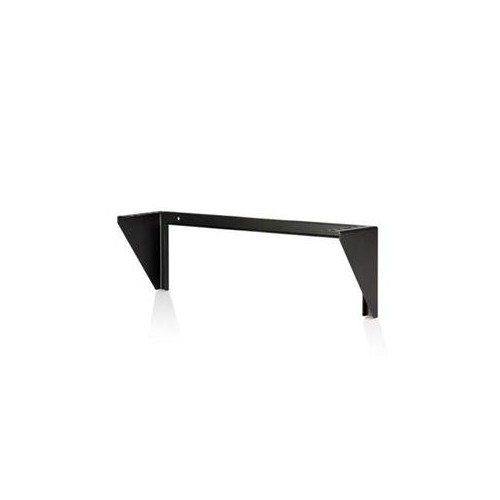
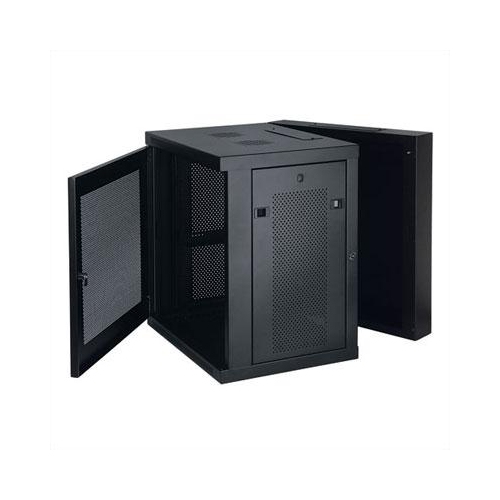
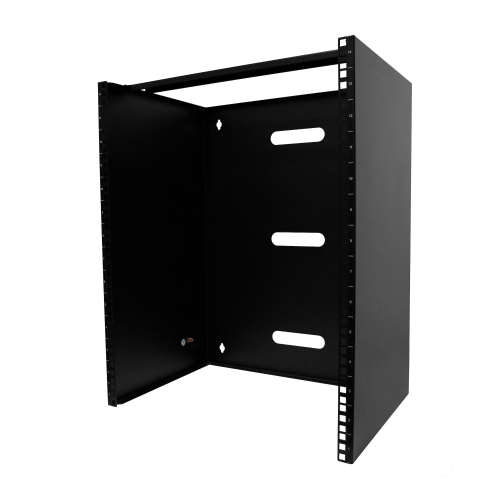
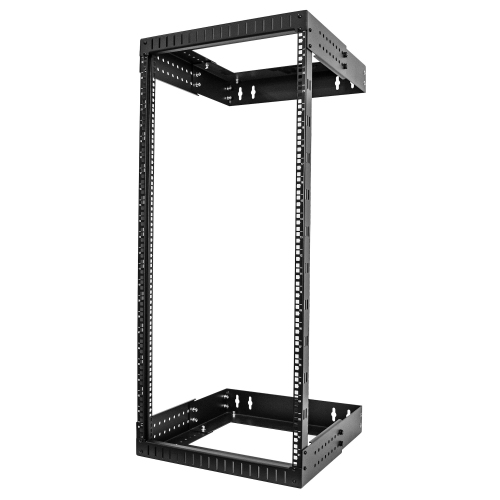
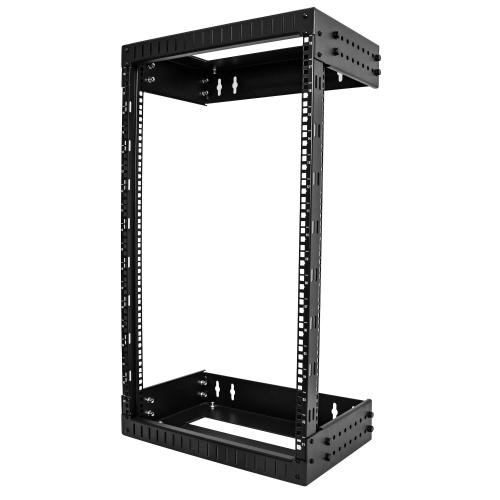
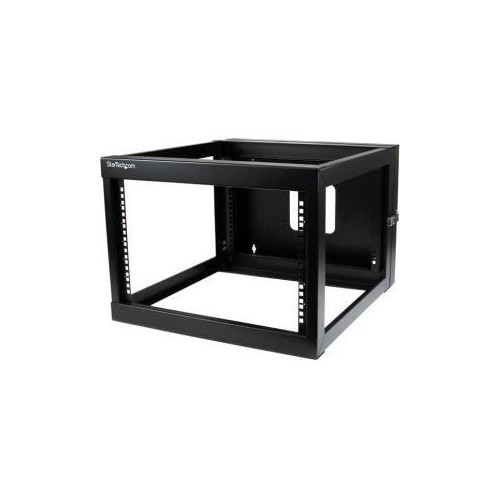
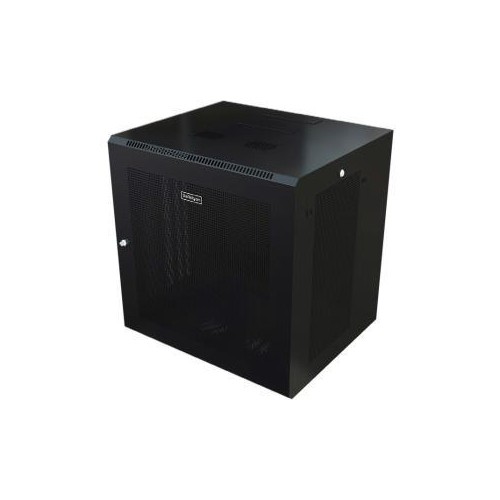
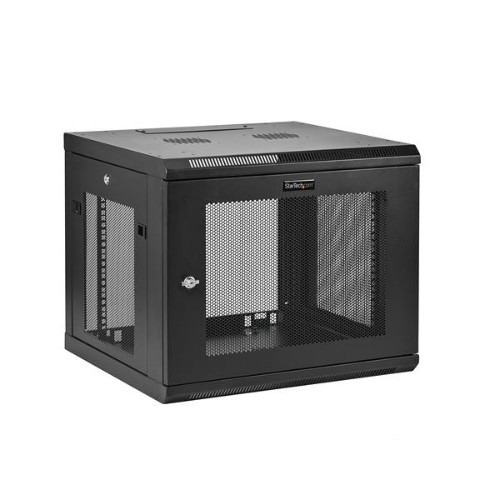
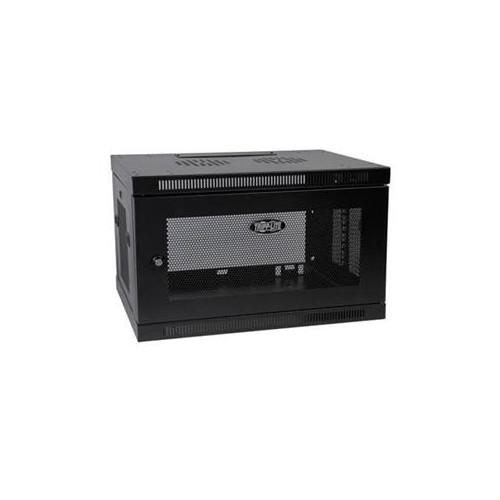
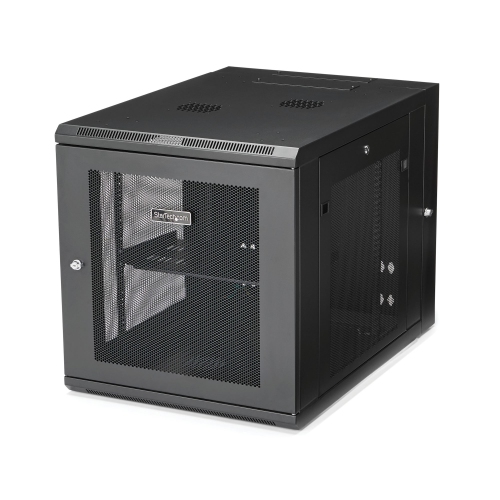
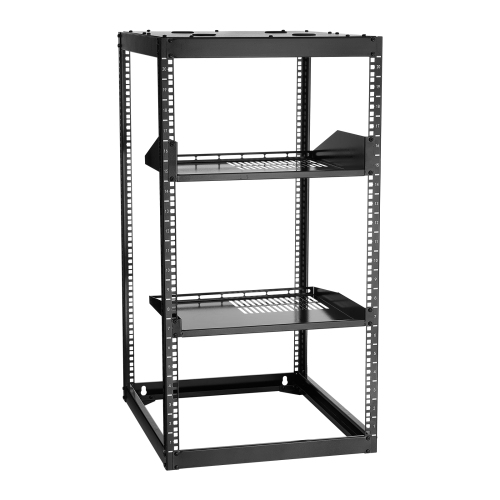
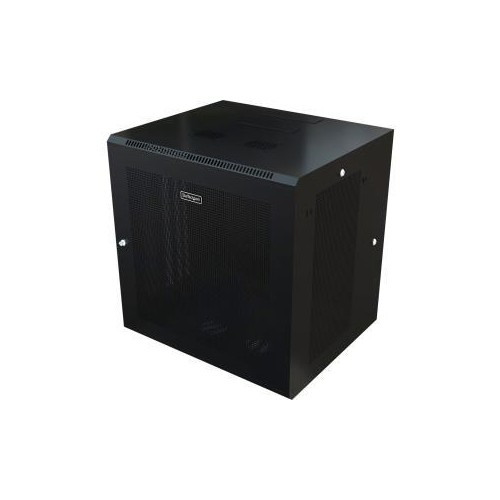
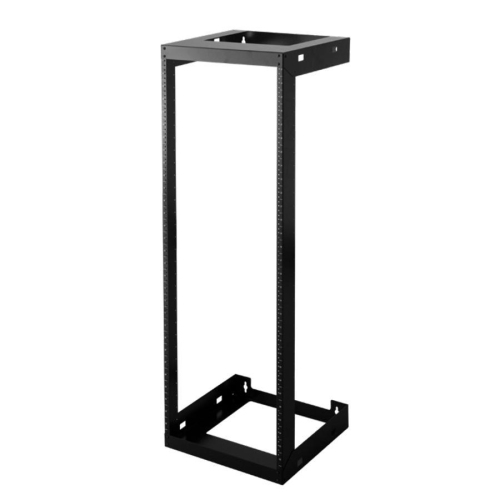
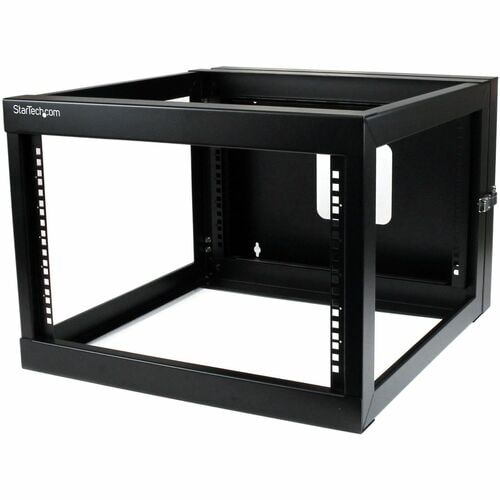
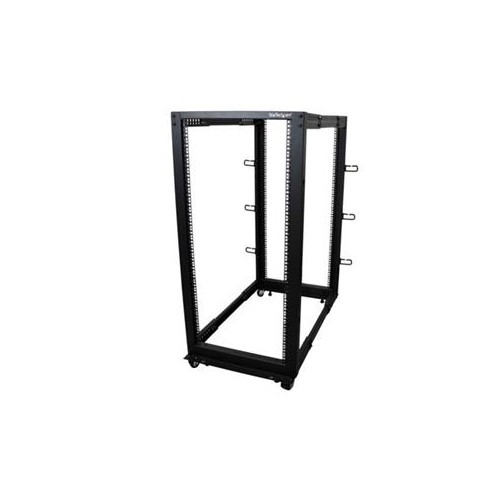
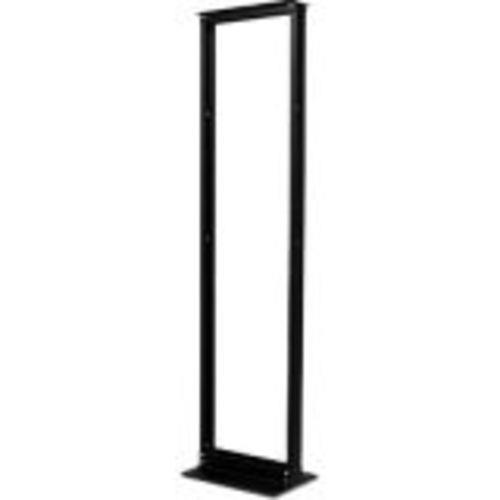
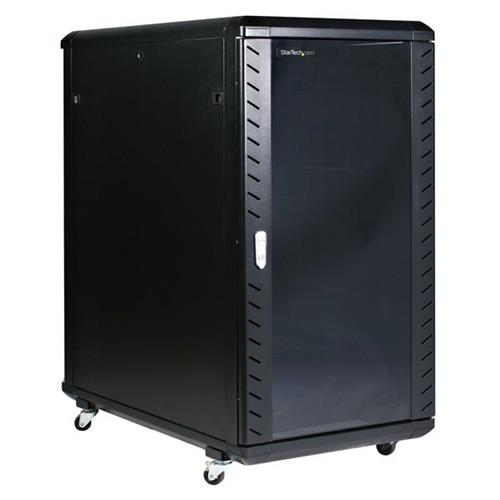
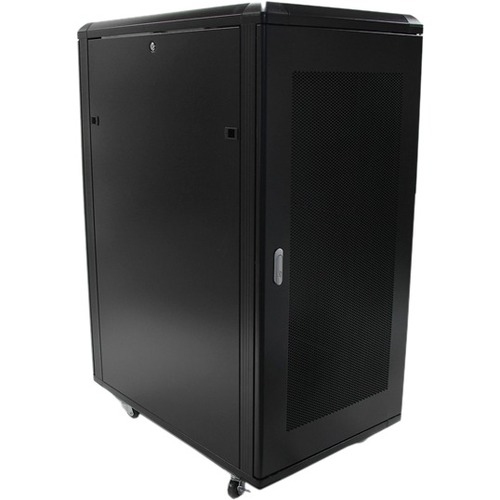
Rack construction influences access, security, and the amount of space an installation needs. Two-post open frames are often used for patch panels and suitable networking equipment, offering straightforward access to front and rear connections. Four-post racks provide front and rear mounting points for deeper or heavier equipment when paired with compatible rails or shelves. An open frame leaves hardware exposed and makes cable tracing easier, while an enclosed cabinet adds a physical barrier around the installation. For shared offices or other spaces where controlled access matters, Rack Mount Cabinets can house equipment behind doors and side panels, with locking arrangements that vary by design. Ventilation openings and cable entry points remain important because an enclosure must accommodate the equipment’s airflow and connection requirements. Wall-mount racks and brackets suit compact installations where floor space is limited, but their suitability depends on the combined load, the mounting hardware, and the supporting wall structure. A wall attachment needs to follow the rack manufacturer’s requirements rather than relying on an assumed capacity for the wall surface. Floor-standing designs offer another approach for larger assemblies, with levelling feet, anchoring provisions, or castors depending on construction. Moving a loaded rack requires particular care, since a load rating for stationary use may differ from a rating for movement. Steel is common in rack frames, rails, and shelves because it provides rigidity under load; aluminium appears in some designs where lower component weight is useful. Powder-coated and painted finishes help protect metal surfaces during ordinary handling, although scratches and damaged edges deserve attention. Weld quality, rail thickness, bracing, and the strength of attachment points all contribute to durability. External dimensions matter as much as mounting capacity when a rack must pass through a doorway, fit beneath a counter, or leave enough room for a cabinet door to open. Rear clearance is especially easy to overlook when power plugs and cable bends extend beyond the equipment body.
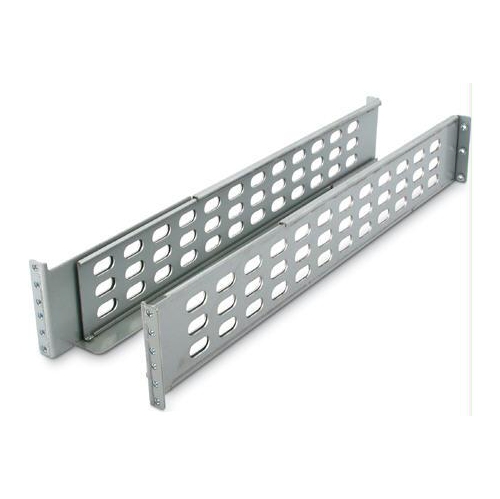
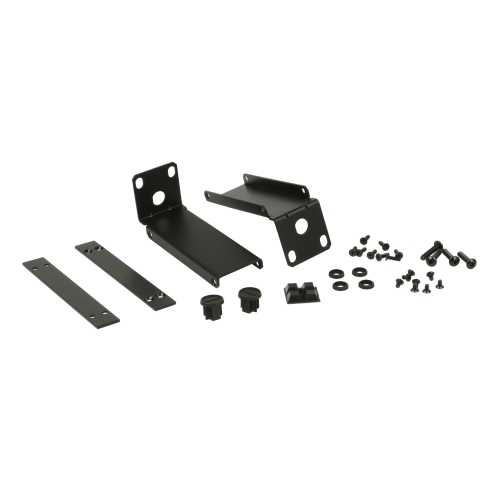
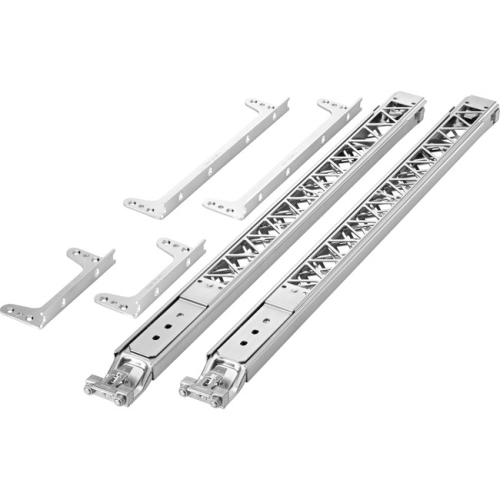
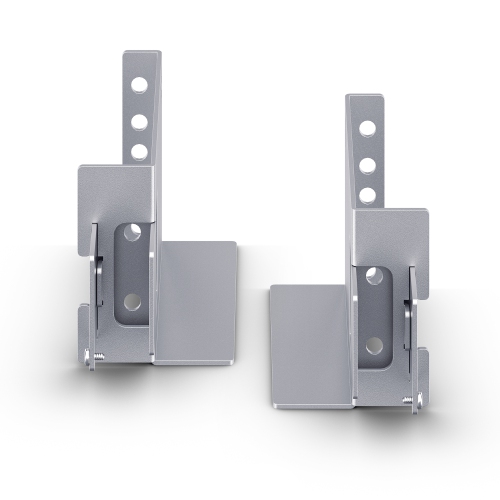
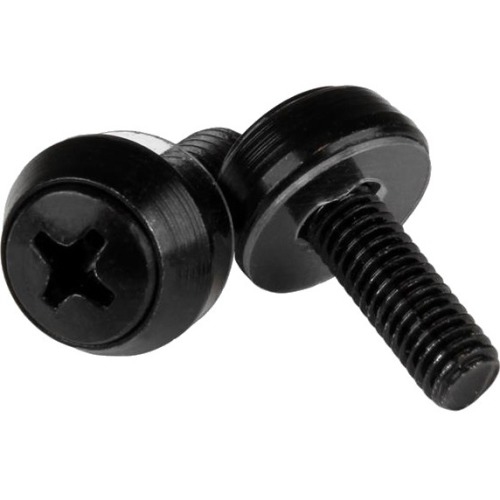
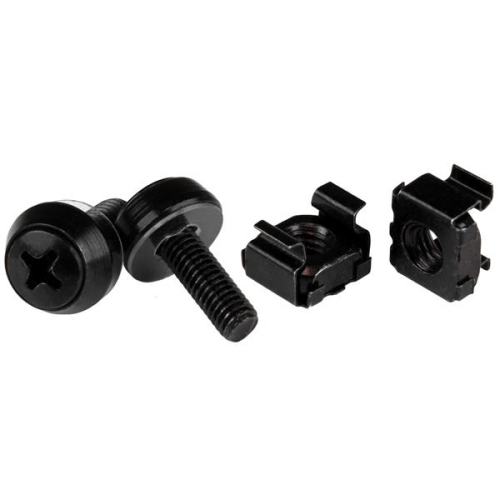
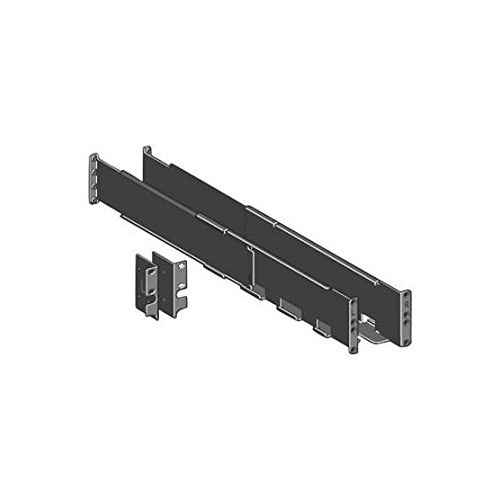
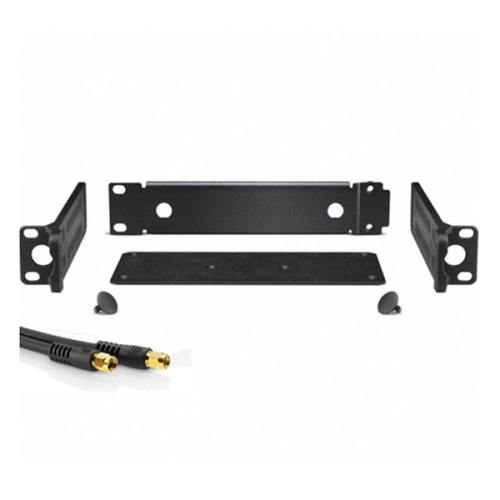
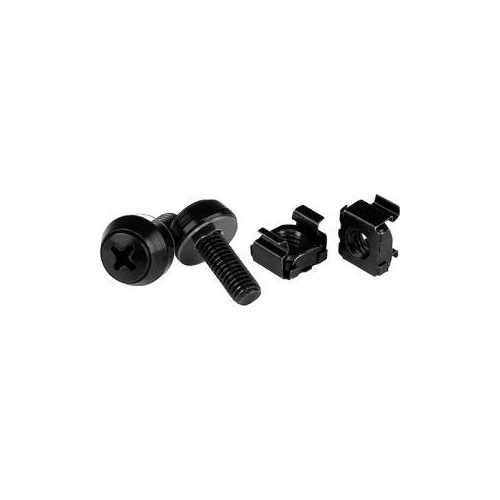
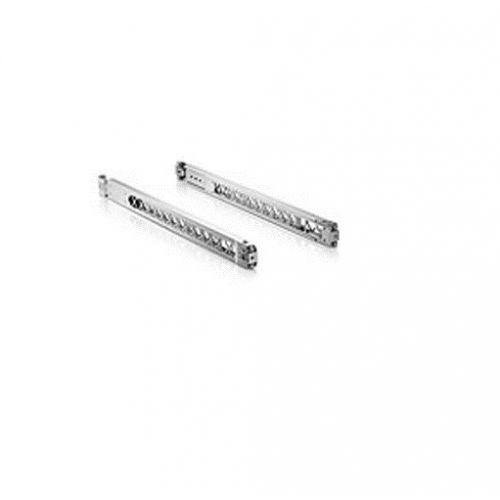
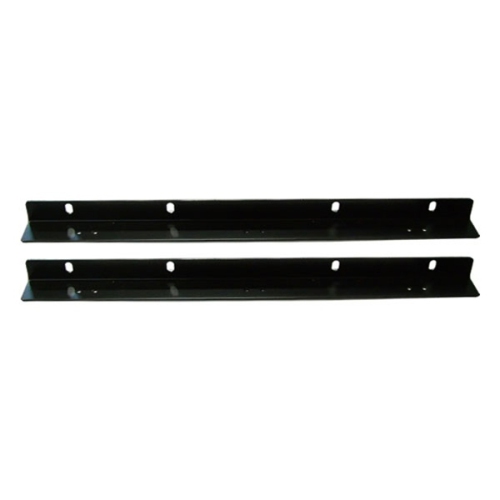
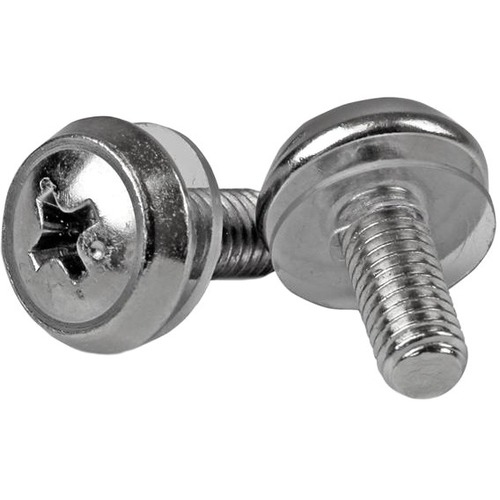
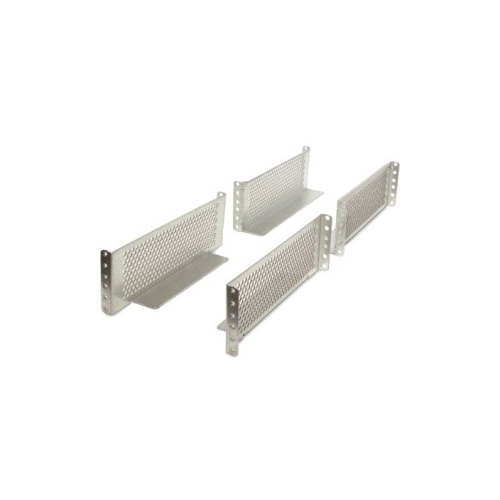
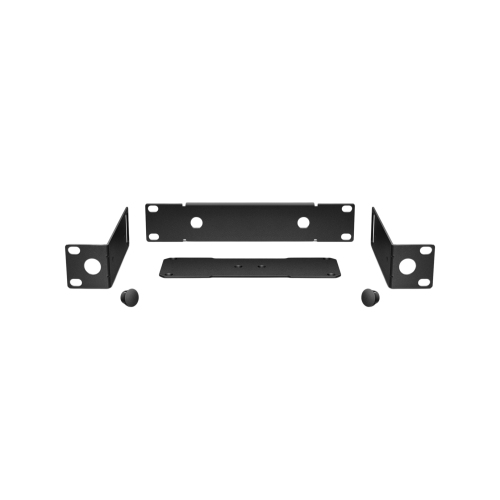
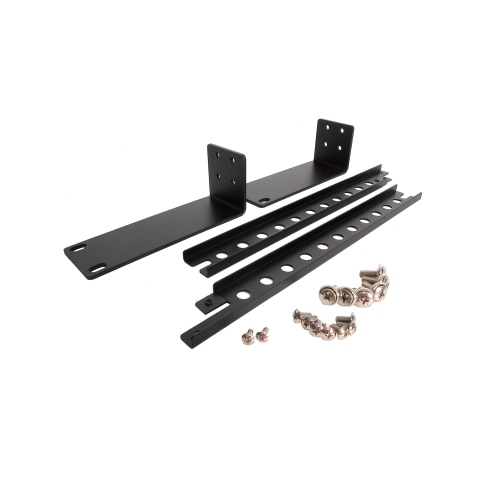
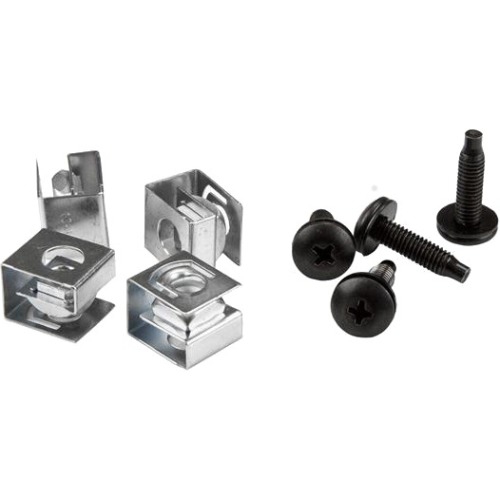
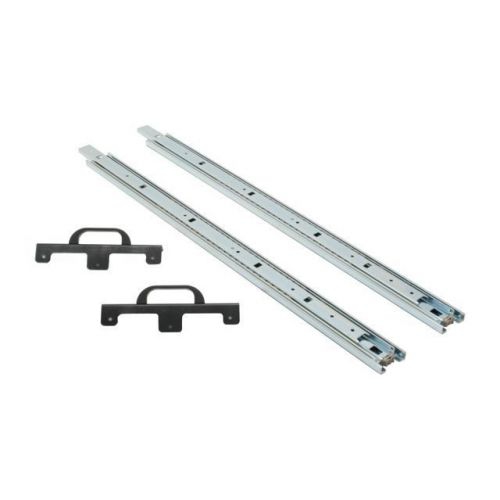
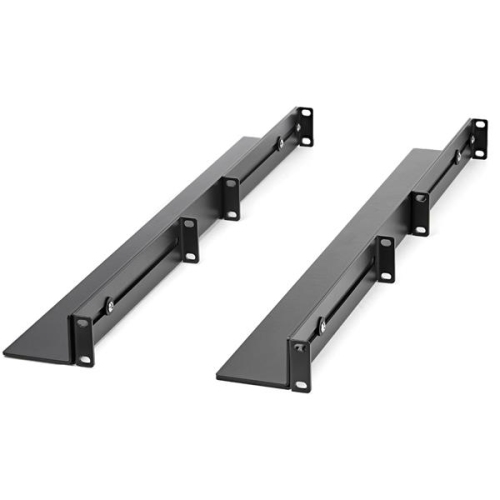
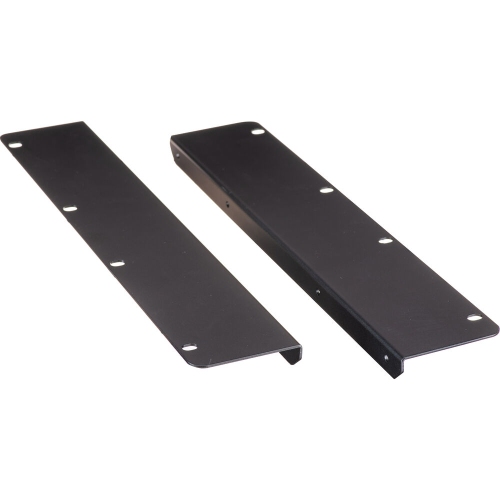
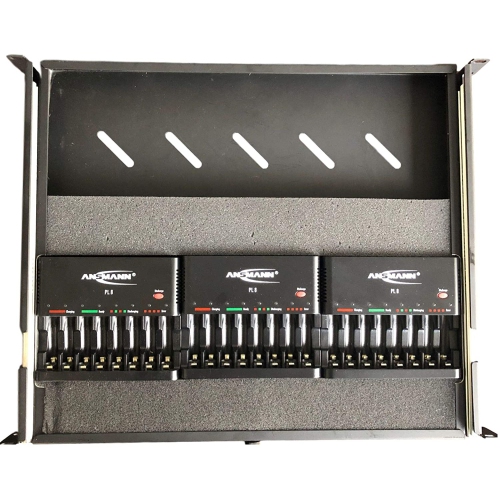
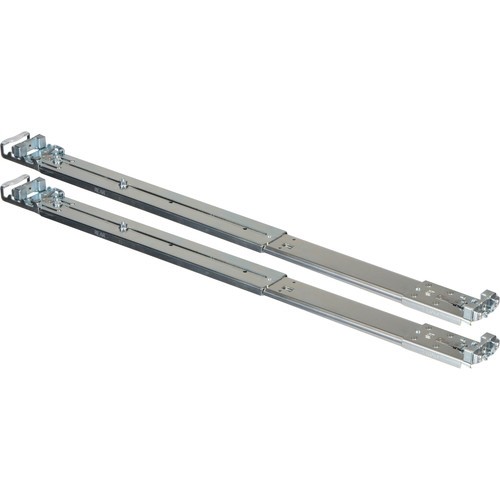
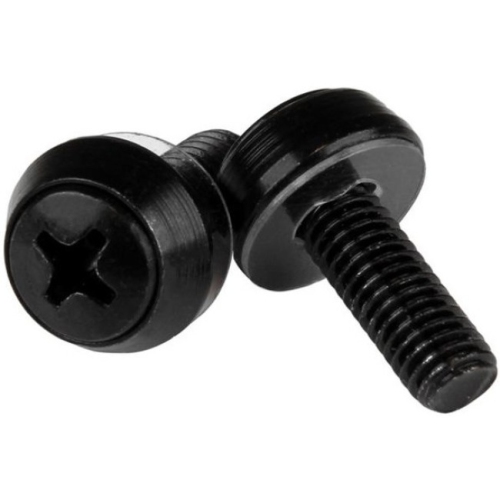
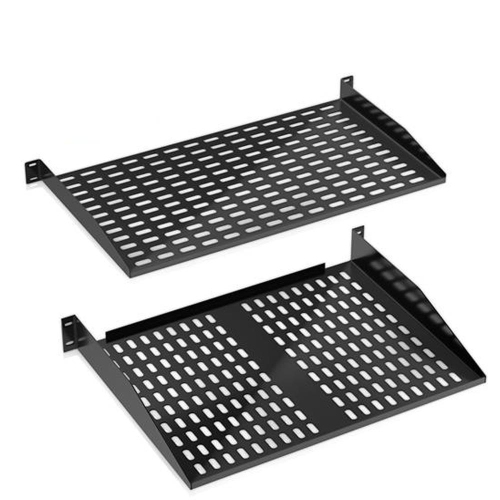
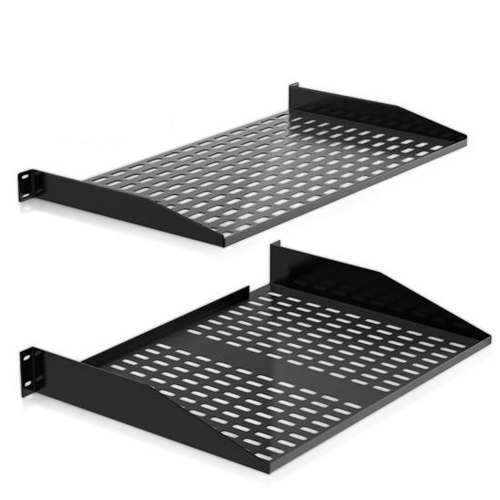
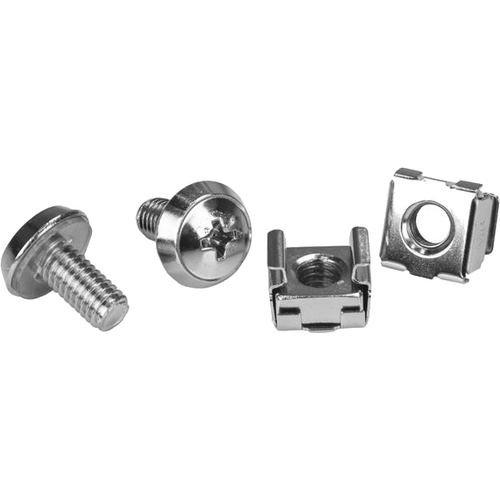
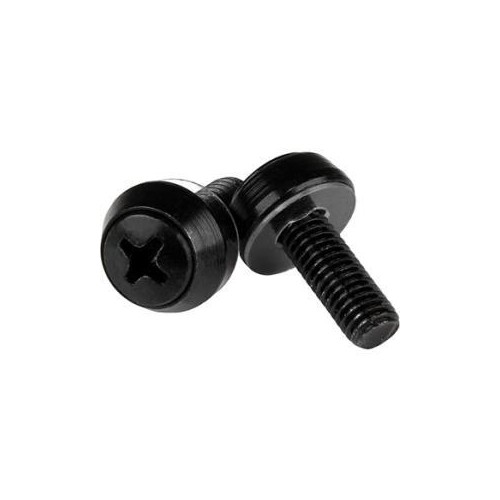
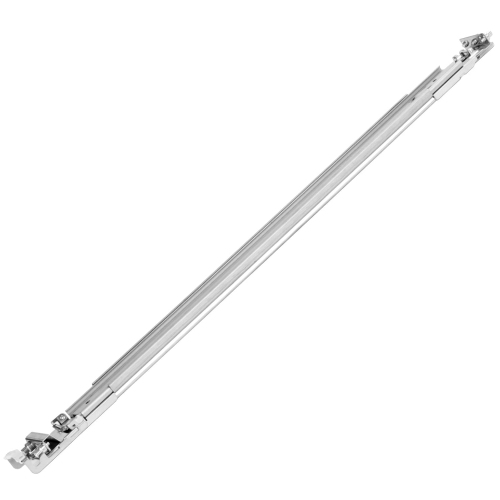
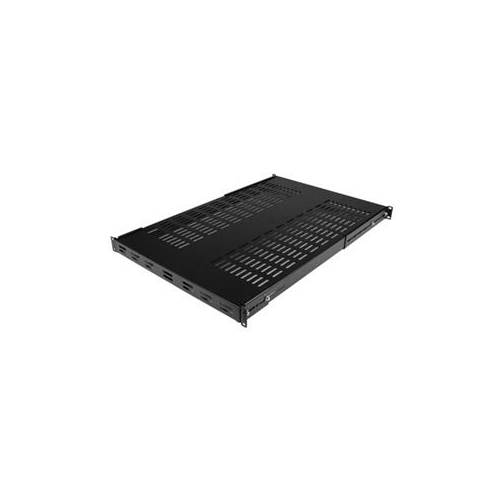
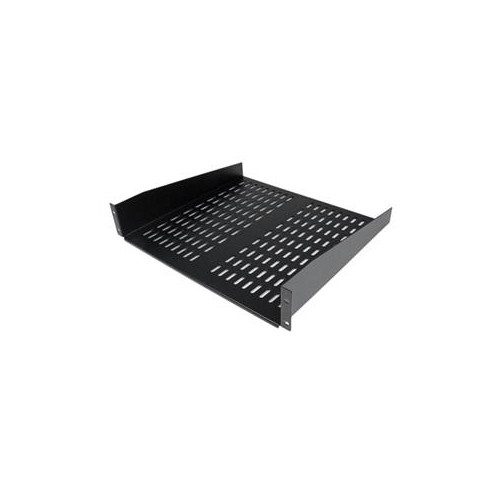
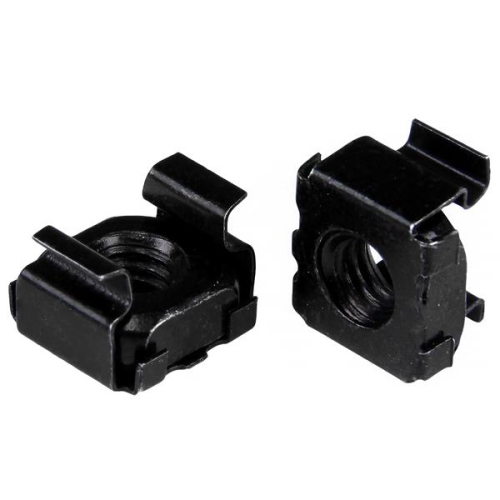
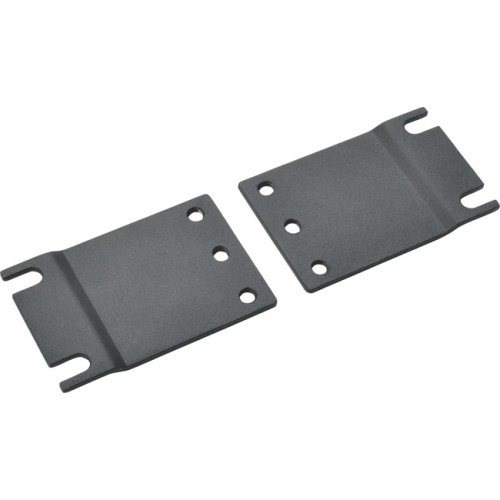
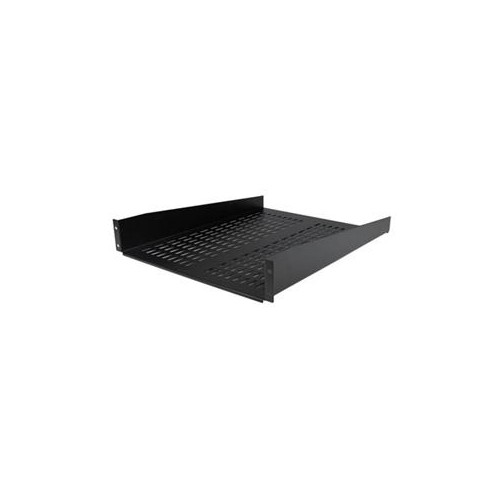
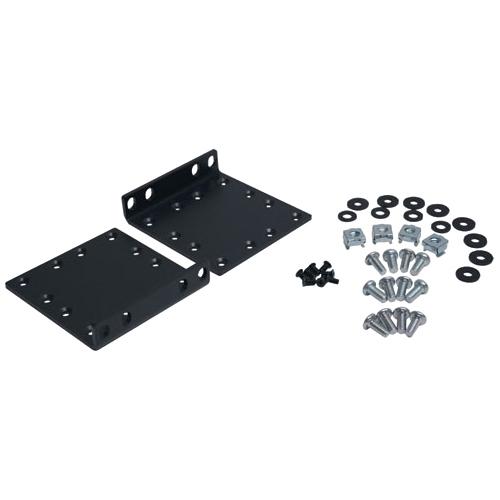
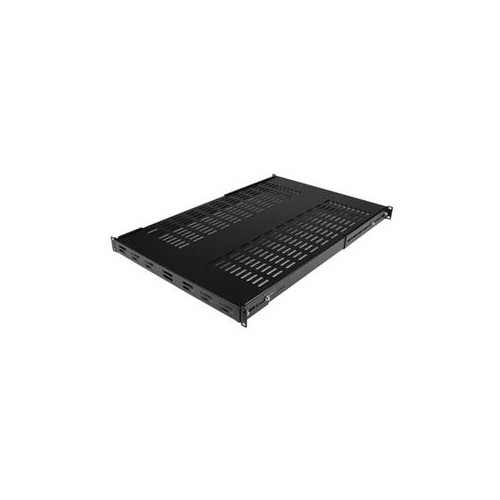
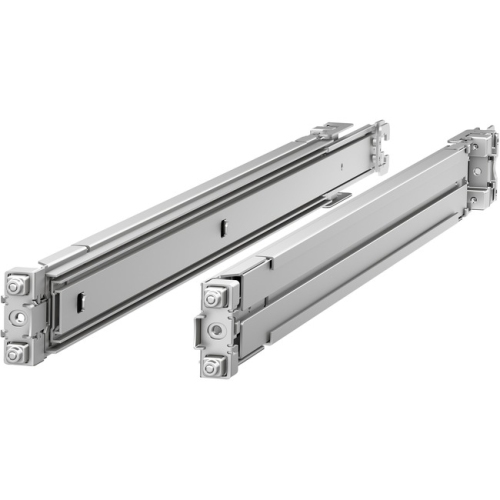
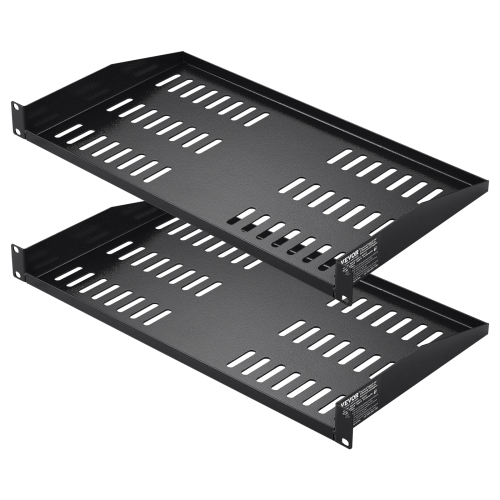
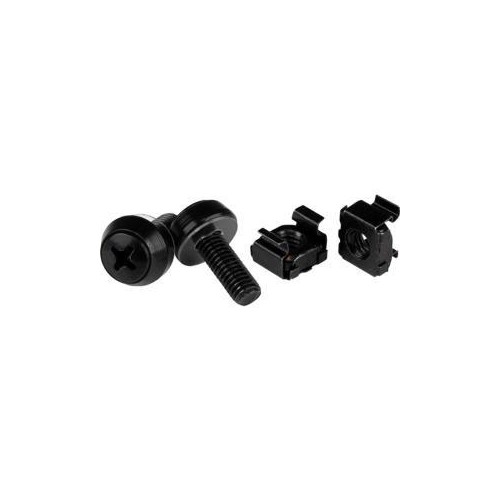
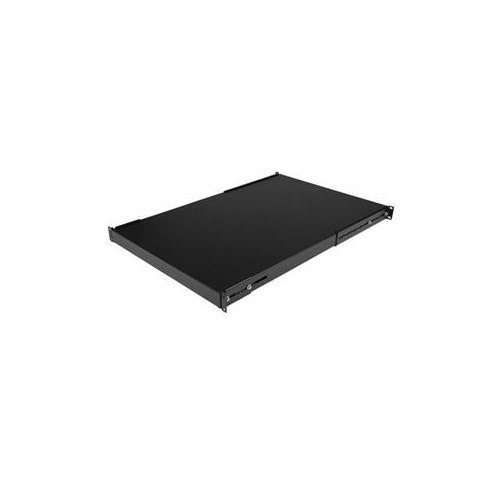
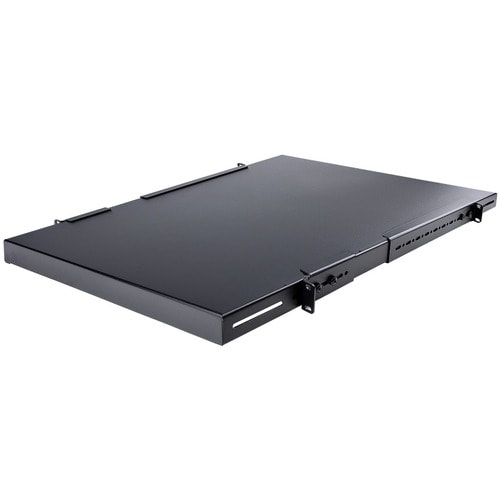
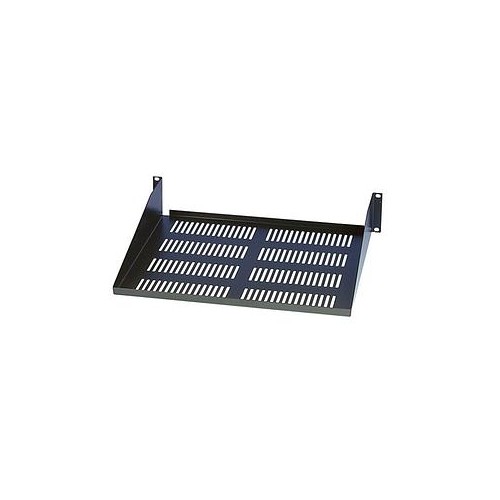
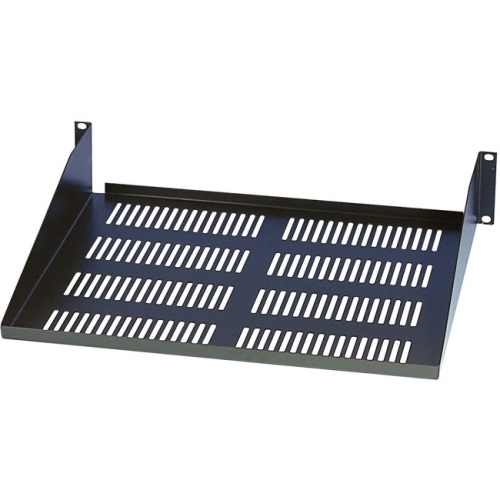
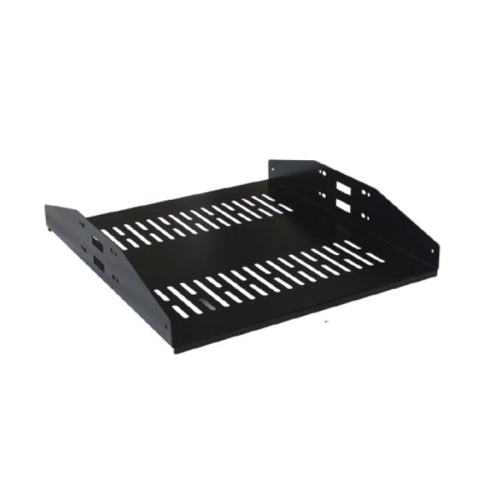
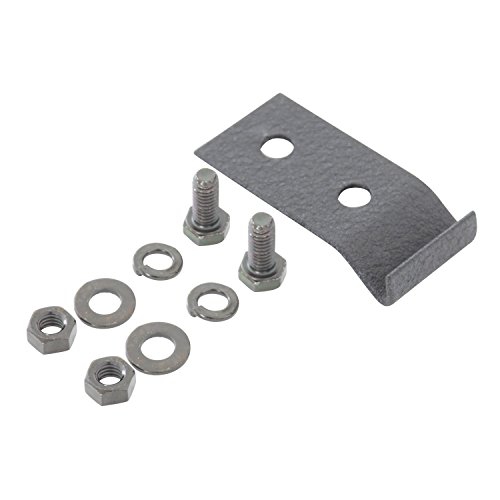
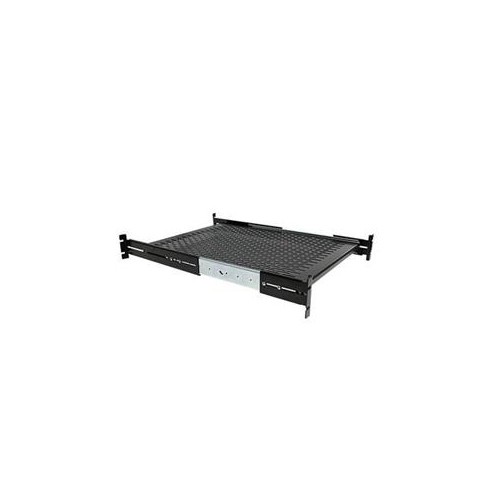
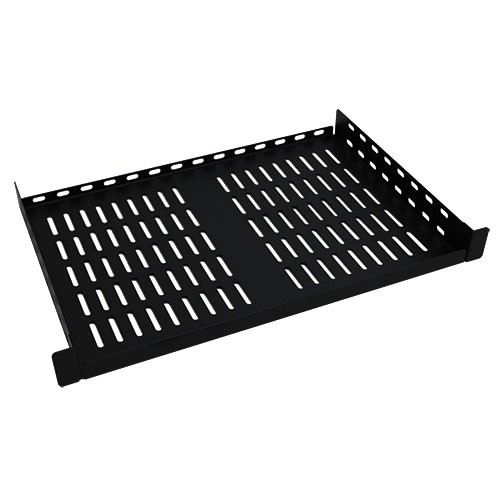
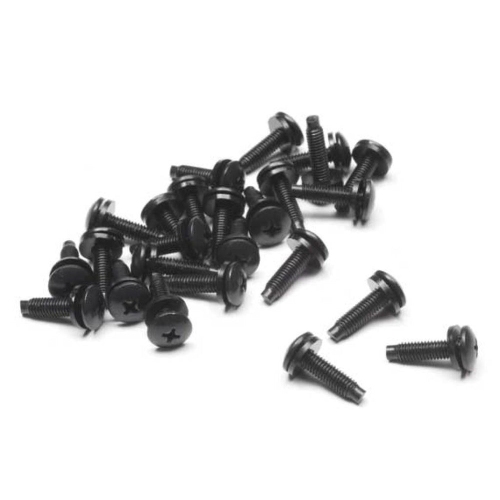
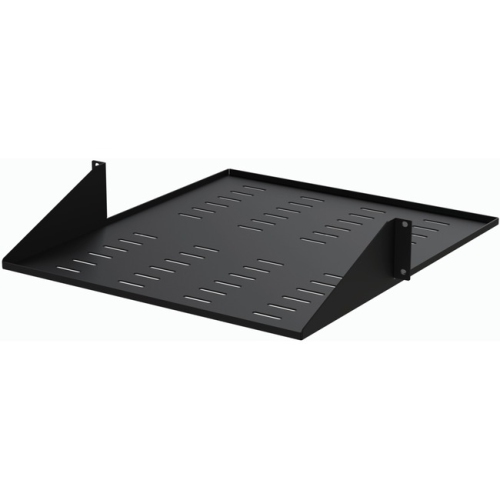
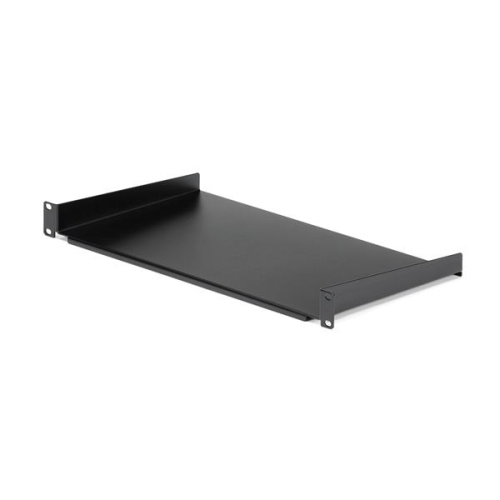
The smaller mounting components determine how securely each device fits within that structure. Square-hole rails commonly accept cage nuts and matching screws, allowing threaded attachment points to be positioned where needed. Threaded round-hole rails instead require screws that match their existing thread, with 10-32, 12-24, and M6 among the formats encountered in rack installations. Round holes may also be unthreaded, so their appearance alone does not identify the correct fastener. Matching screw diameter, thread pitch, and length helps prevent damaged threads and insecure attachments. Equipment-specific mounting ears can secure compatible devices at the front, while deeper assemblies may need rear support or a rail kit designed for their chassis and load. Fixed rails provide stationary support; sliding rails can allow service access without fully removing the device, provided the rack and equipment are designed for that arrangement. A shelf supports hardware without built-in rack attachments, with cantilever shelves attaching at one end and four-point shelves distributing support between front and rear posts. Shelf depth, usable width, ventilation, and rated capacity need to suit the equipment placed on them. Small feet beneath a device, protruding connectors, and the space needed to reach a power switch can all affect the fit. Adjustable rails and conversion brackets broaden installation options, but their specified mounting ranges and compatible post configurations still govern their use. Cable management bars and routing accessories help keep bundles away from vents and reduce strain on ports, particularly where several connections run to a single panel. Cables need enough slack for their intended movement without hanging where they can snag. Heavier equipment generally belongs lower in a floor-standing rack, subject to the manufacturer’s layout and stability requirements. Routine care includes checking for loose attachments, inspecting rails and shelves for deformation, and keeping ventilation paths clear using cleaning methods appropriate for the installed electronics. Labels that remain readable and fasteners that stay accessible make later changes less disruptive. Together, compatible supports, sensible spacing, and careful cable routing turn rack mountings into a dependable foundation for everyday operation and ongoing maintenance.
Rack construction influences access, security, and the amount of space an installation needs. Two-post open frames are often used for patch panels and suitable networking equipment, offering straightforward access to front and rear connections. Four-post racks provide front and rear mounting points for deeper or heavier equipment when paired with compatible rails or shelves. An open frame leaves hardware exposed and makes cable tracing easier, while an enclosed cabinet adds a physical barrier around the installation. For shared offices or other spaces where controlled access matters, Rack Mount Cabinets can house equipment behind doors and side panels, with locking arrangements that vary by design. Ventilation openings and cable entry points remain important because an enclosure must accommodate the equipment’s airflow and connection requirements. Wall-mount racks and brackets suit compact installations where floor space is limited, but their suitability depends on the combined load, the mounting hardware, and the supporting wall structure. A wall attachment needs to follow the rack manufacturer’s requirements rather than relying on an assumed capacity for the wall surface. Floor-standing designs offer another approach for larger assemblies, with levelling feet, anchoring provisions, or castors depending on construction. Moving a loaded rack requires particular care, since a load rating for stationary use may differ from a rating for movement. Steel is common in rack frames, rails, and shelves because it provides rigidity under load; aluminium appears in some designs where lower component weight is useful. Powder-coated and painted finishes help protect metal surfaces during ordinary handling, although scratches and damaged edges deserve attention. Weld quality, rail thickness, bracing, and the strength of attachment points all contribute to durability. External dimensions matter as much as mounting capacity when a rack must pass through a doorway, fit beneath a counter, or leave enough room for a cabinet door to open. Rear clearance is especially easy to overlook when power plugs and cable bends extend beyond the equipment body.
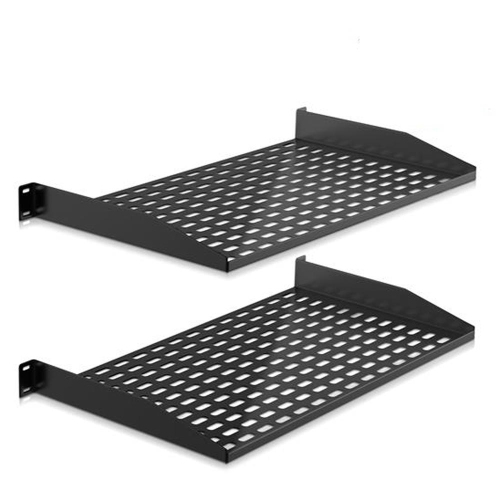
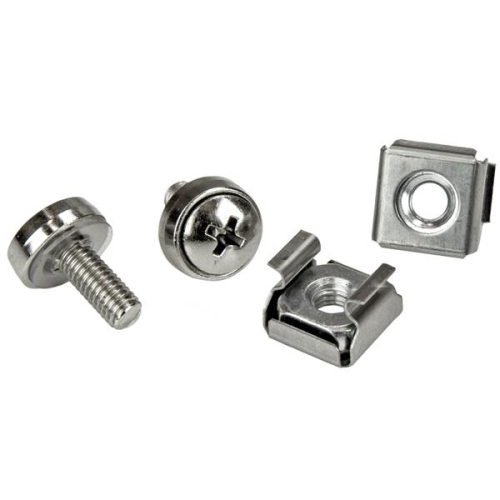
The smaller mounting components determine how securely each device fits within that structure. Square-hole rails commonly accept cage nuts and matching screws, allowing threaded attachment points to be positioned where needed. Threaded round-hole rails instead require screws that match their existing thread, with 10-32, 12-24, and M6 among the formats encountered in rack installations. Round holes may also be unthreaded, so their appearance alone does not identify the correct fastener. Matching screw diameter, thread pitch, and length helps prevent damaged threads and insecure attachments. Equipment-specific mounting ears can secure compatible devices at the front, while deeper assemblies may need rear support or a rail kit designed for their chassis and load. Fixed rails provide stationary support; sliding rails can allow service access without fully removing the device, provided the rack and equipment are designed for that arrangement. A shelf supports hardware without built-in rack attachments, with cantilever shelves attaching at one end and four-point shelves distributing support between front and rear posts. Shelf depth, usable width, ventilation, and rated capacity need to suit the equipment placed on them. Small feet beneath a device, protruding connectors, and the space needed to reach a power switch can all affect the fit. Adjustable rails and conversion brackets broaden installation options, but their specified mounting ranges and compatible post configurations still govern their use. Cable management bars and routing accessories help keep bundles away from vents and reduce strain on ports, particularly where several connections run to a single panel. Cables need enough slack for their intended movement without hanging where they can snag. Heavier equipment generally belongs lower in a floor-standing rack, subject to the manufacturer’s layout and stability requirements. Routine care includes checking for loose attachments, inspecting rails and shelves for deformation, and keeping ventilation paths clear using cleaning methods appropriate for the installed electronics. Labels that remain readable and fasteners that stay accessible make later changes less disruptive. Together, compatible supports, sensible spacing, and careful cable routing turn rack mountings into a dependable foundation for everyday operation and ongoing maintenance.
Top selling and popular products
-
 Your price for this item is $1303.99
 -
 Your price for this item is $748.99
 -
 Your price for this item is $581.68
 -
 Your price for this item is $407.99
 -
 Your price for this item is $264.99
 -
 Your price for this item is $250.68
 -
 Your price for this item is $54.99
 -
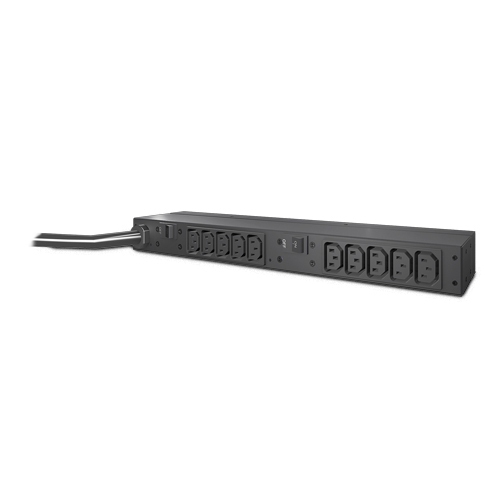 Your price for this item is $532.37
Discover more categories related to Rack Mountings
Top Collections:
Pokemon Centers, Kindle Devices, Best Budget Office Chairs, Canon G7X Cameras, Apple iPhones 16, Samsung Galaxy Phones, Refurbished Apple Laptops, Laptops for Students, iPhone 15 Apple, Budget Smartphones
Some products may be subject to Environmental Handling Fees
(EHF) depending on your province.
Learn more about EHFs.