Rack Mount Units
Our collection of rack mount units offers a range of options to streamline your equipment setup. Perfect for servers, networking gear, and audiovisual components, these units are designed to maximize space while providing easy access and protection for your valuable electronics. Explore our selection of rack mount units to find the perfect solution for your home or office setup.
Sort
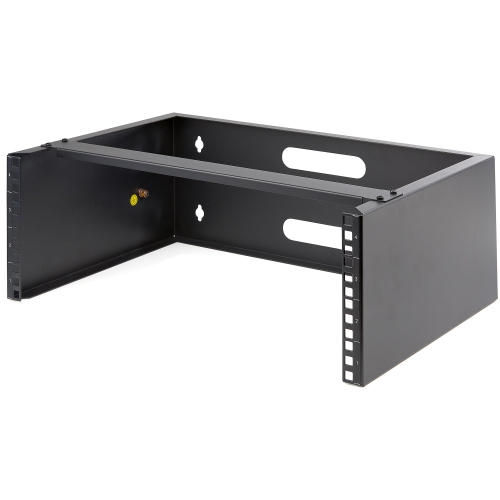
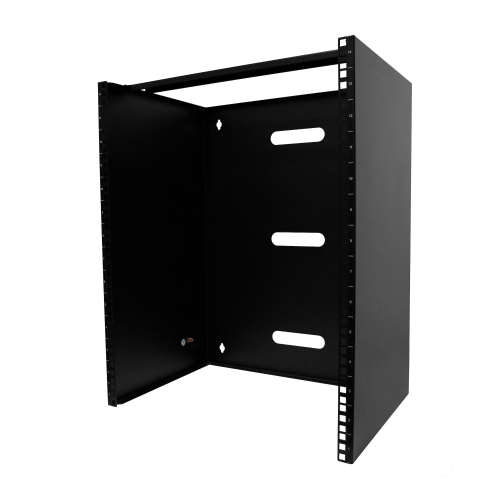
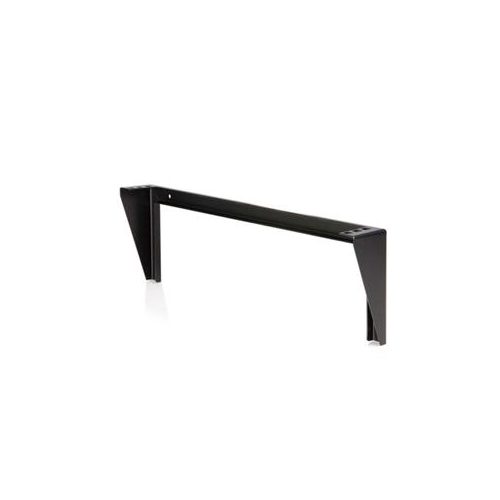
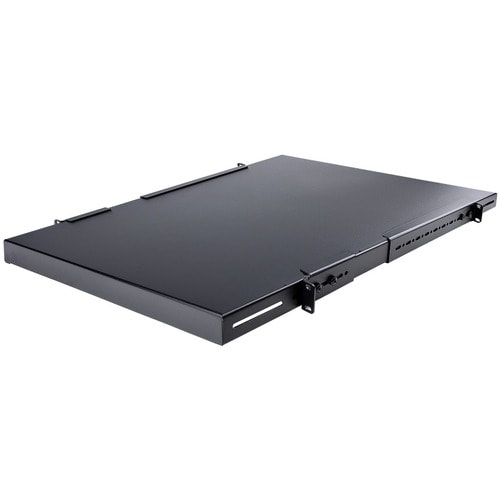





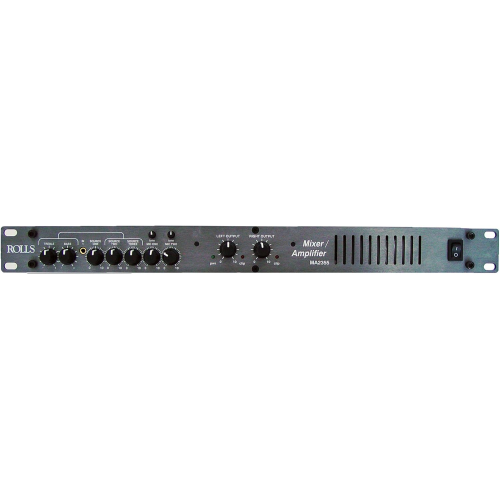
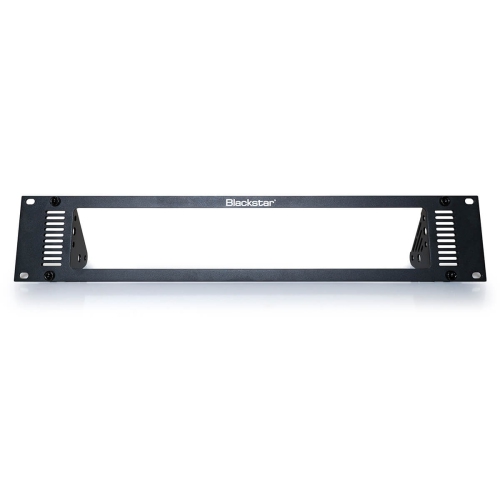
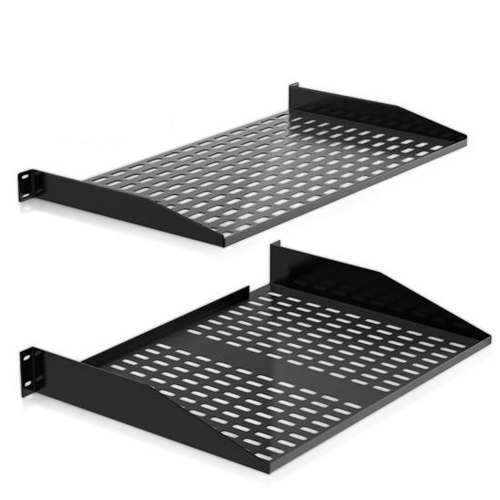
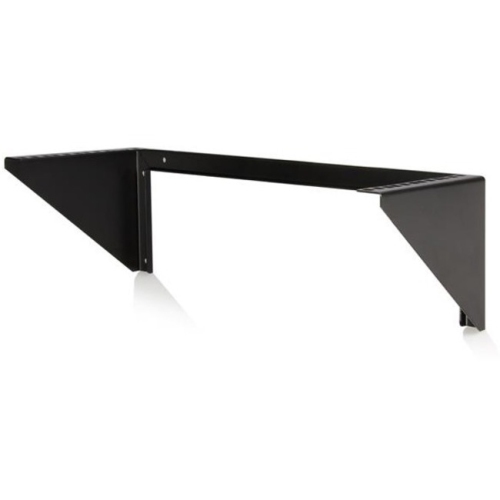
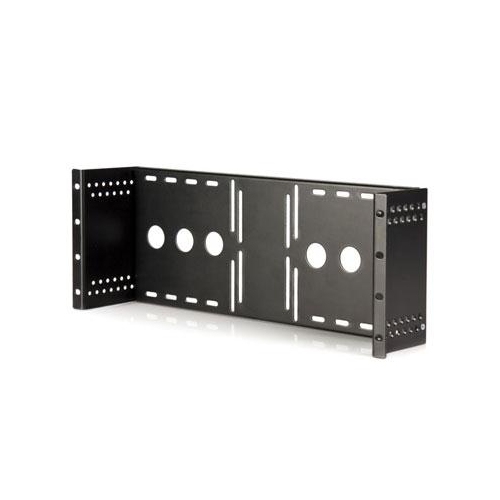
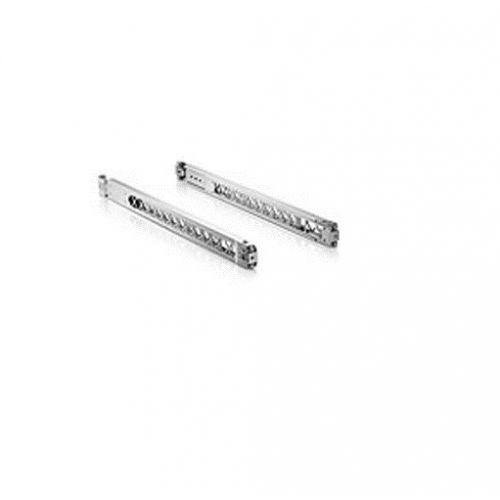

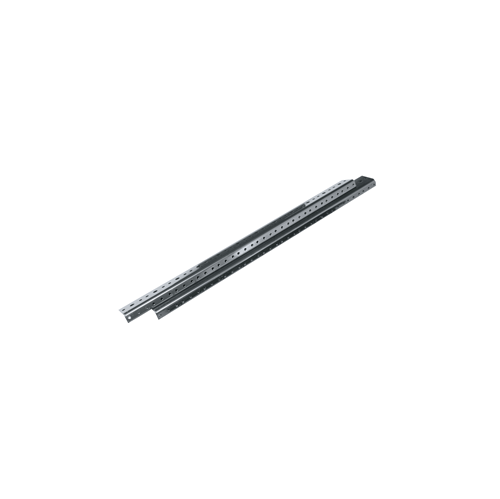
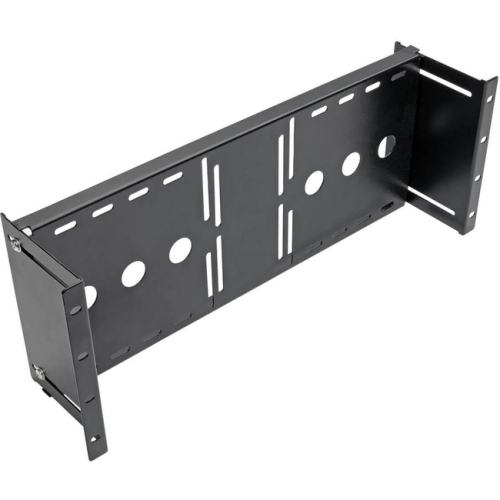

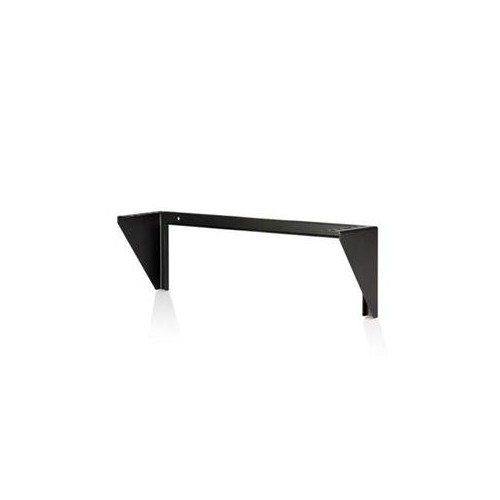
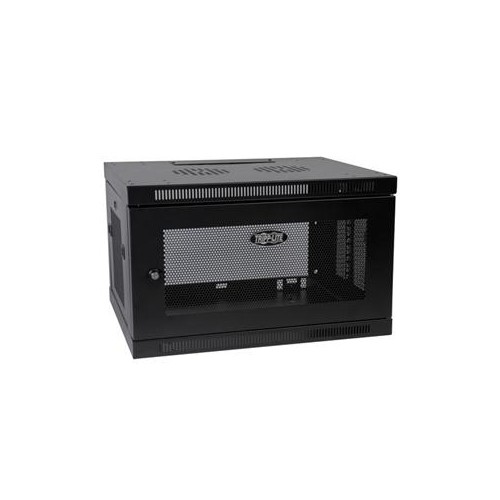

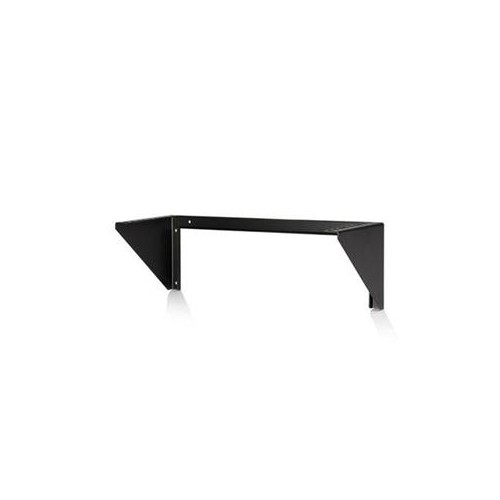
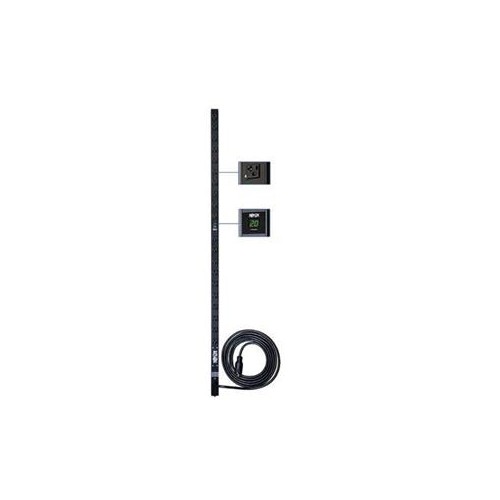




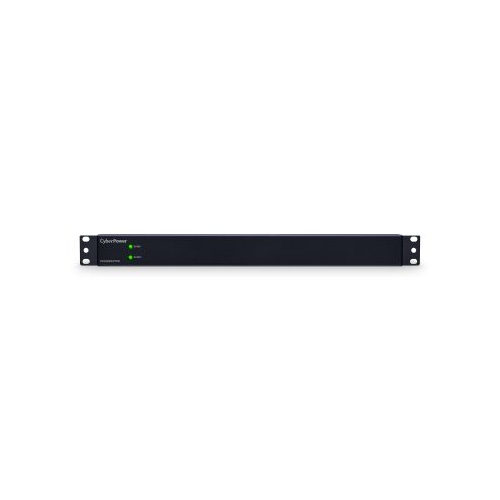
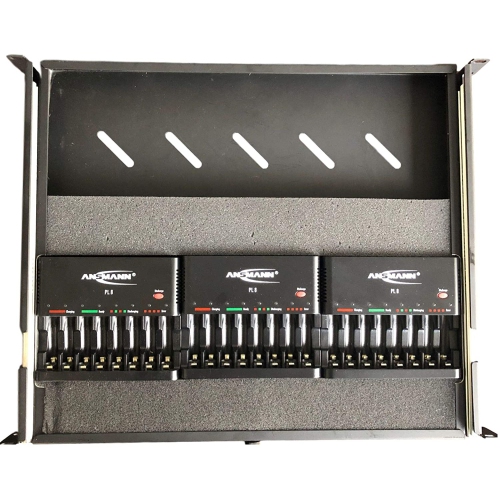


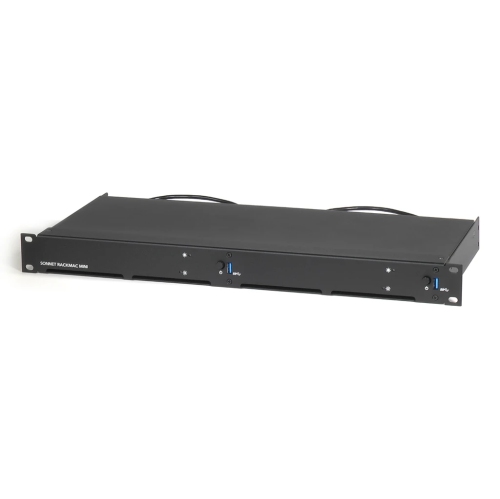
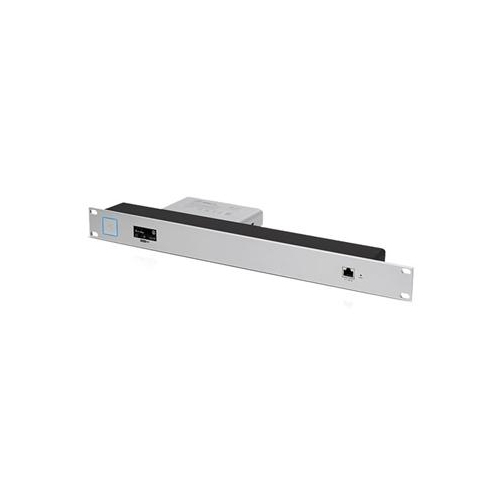


How rack sizing supports organized, expandable equipment setups
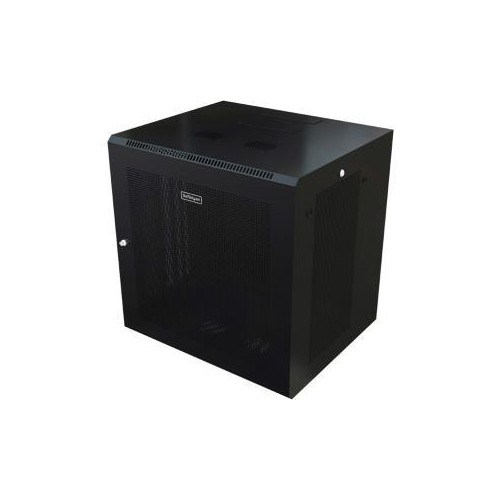
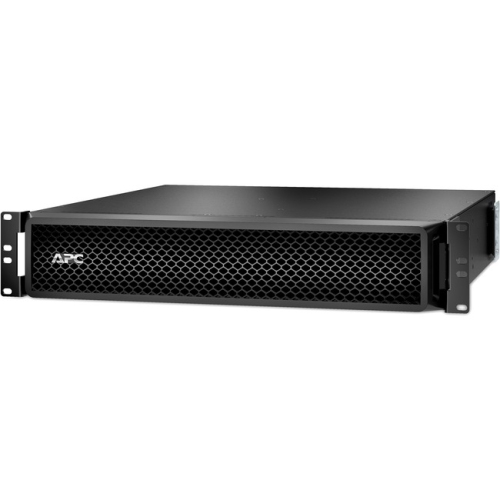
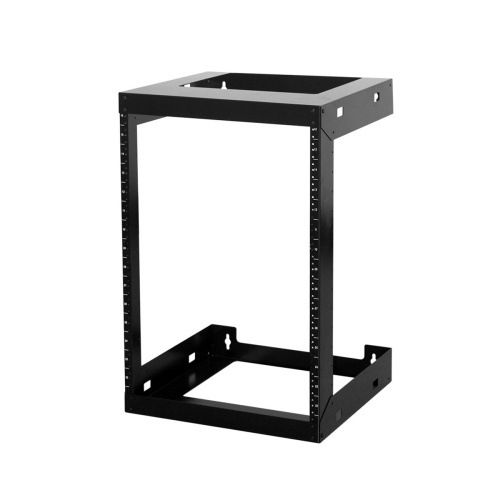
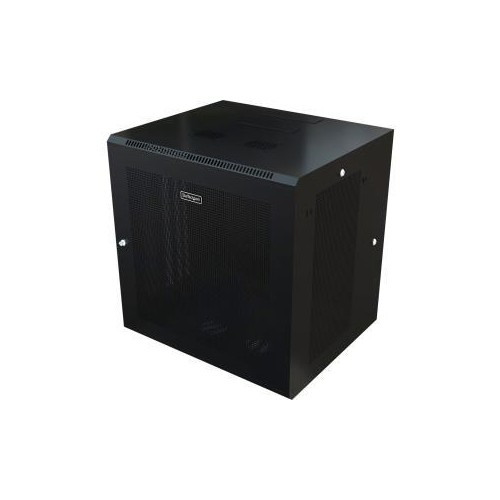
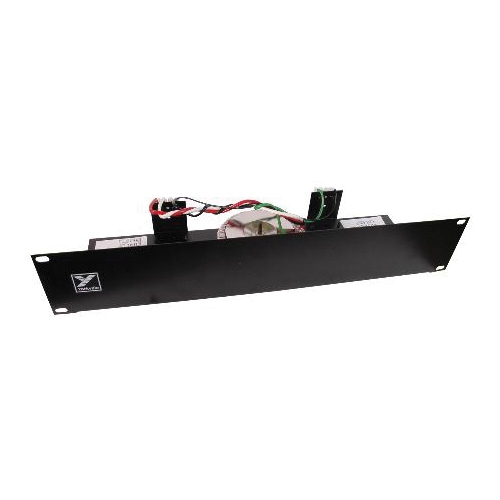
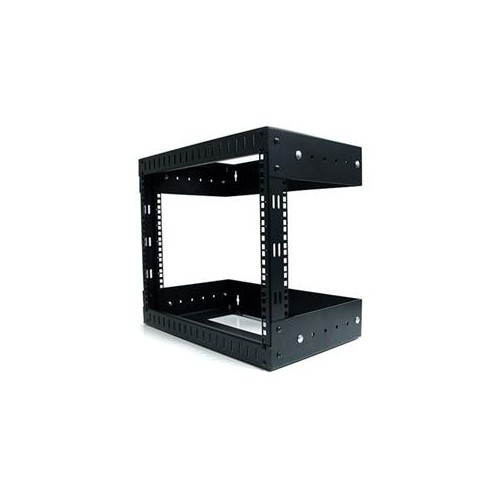
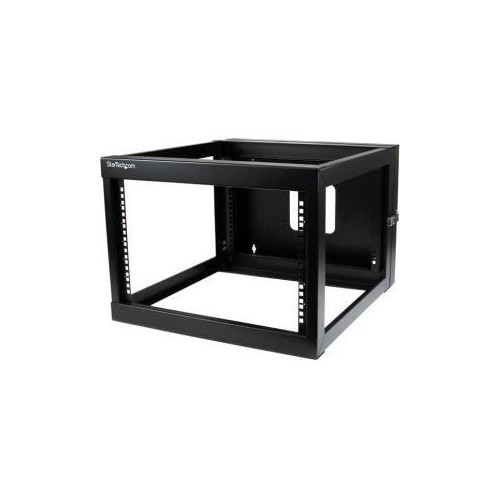
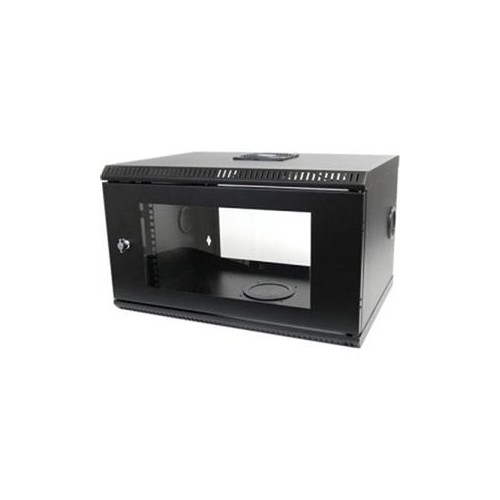
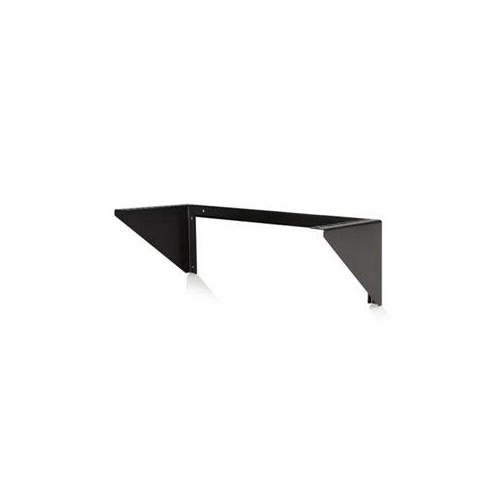
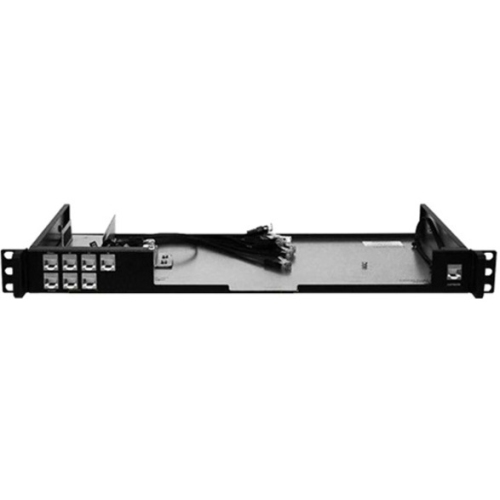
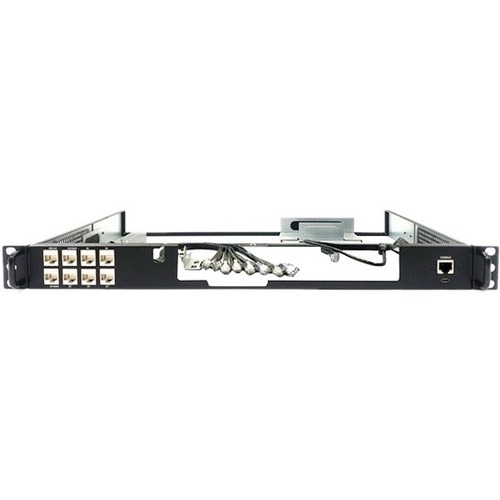
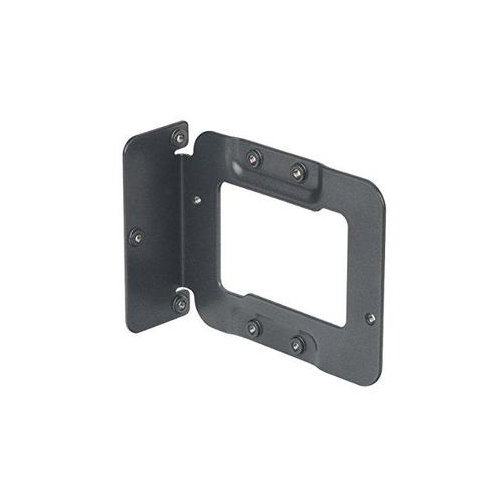
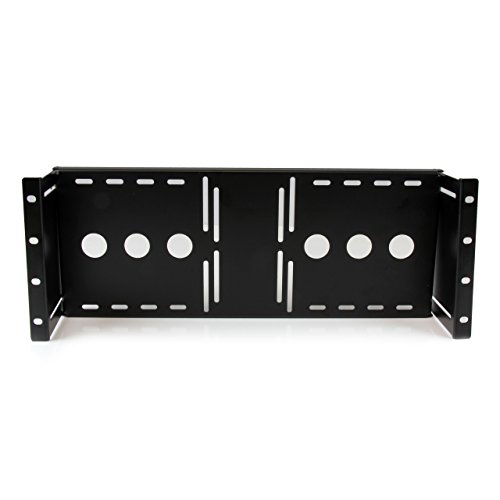
Rack mount units bring order, structure, and dependable access to equipment that might otherwise collect in a jumble of cables and stacked boxes. The term “U” or “RU” describes the vertical space used by rack equipment, with 1U measuring 1.75 inches in height. A 2U unit takes up 3.5 inches, while a 4U unit occupies 7 inches. Most server, network, and professional audio racks are designed around a standard 19-inch width, making compatibility between rack-mounted equipment and the enclosure an important first check. A rack may be used to hold network switches, patch panels, servers, power distribution equipment, audio components, storage hardware, or other compatible devices, depending on the setup. When planning a system, count the height of every component and leave room for future additions, cable routing, airflow, and maintenance. A small home office may only need a compact cabinet or wall-mounted enclosure, while a busy business, studio, classroom, workshop, or communications room may benefit from a larger floor-standing rack. Rack size is commonly described by its total number of rack units, with smaller enclosures often ranging from approximately 6U to 25U and full-size racks reaching 42U or more. The available depth matters just as much as height: short-depth equipment may fit in a compact network cabinet, whereas servers and other substantial components can require deeper rails and additional clearance at the front and rear. Before choosing a rack mount unit, measure the intended location carefully, including doorways, wall space, ceiling clearance, and the room needed to connect and service equipment. A tidy installation should feel intentional rather than squeezed into place, with enough space to see labels, reach power connections, and trace a cable without disturbing everything around it.
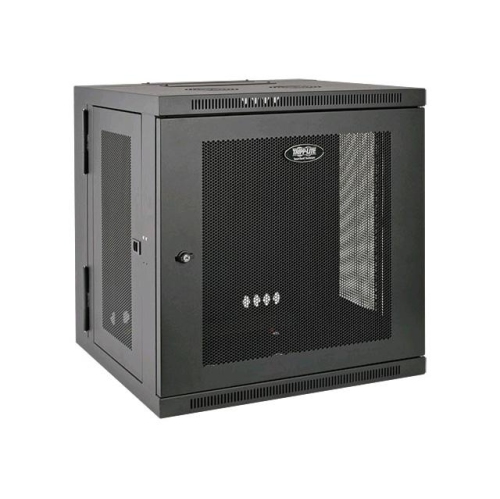
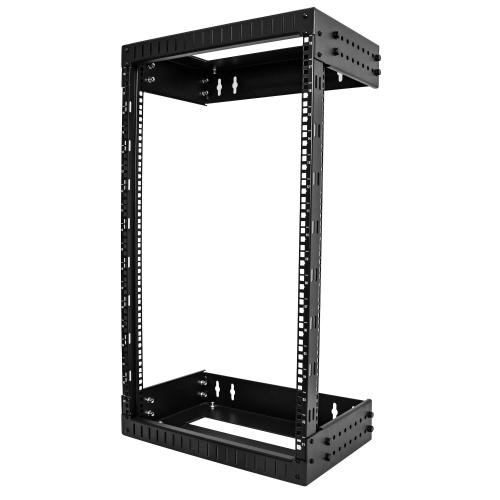
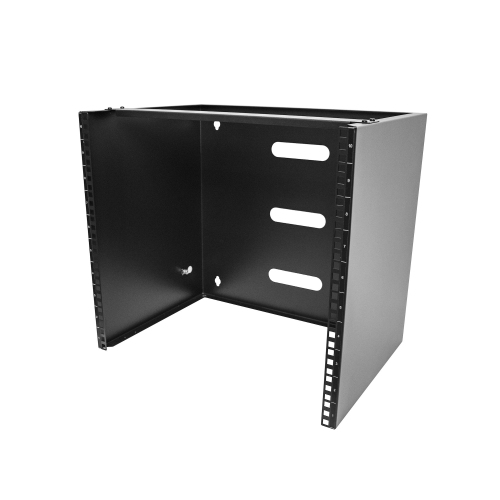
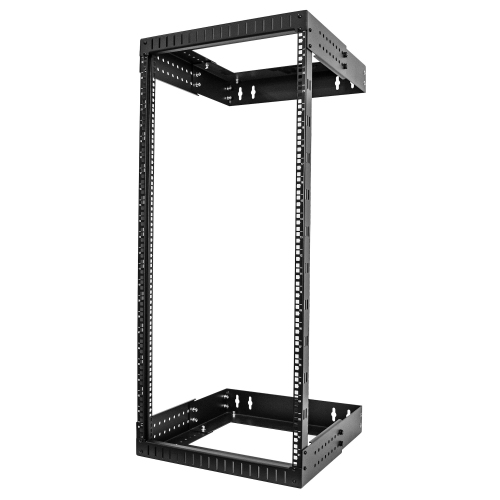
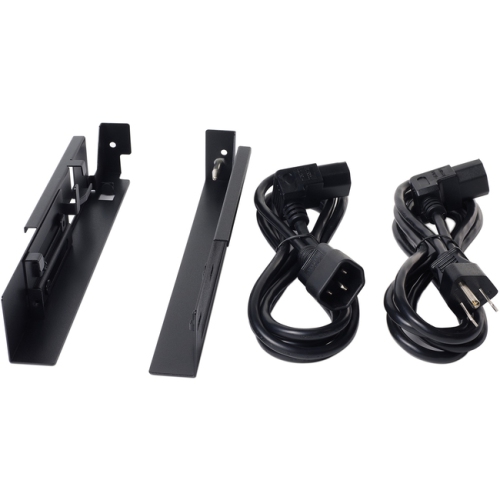
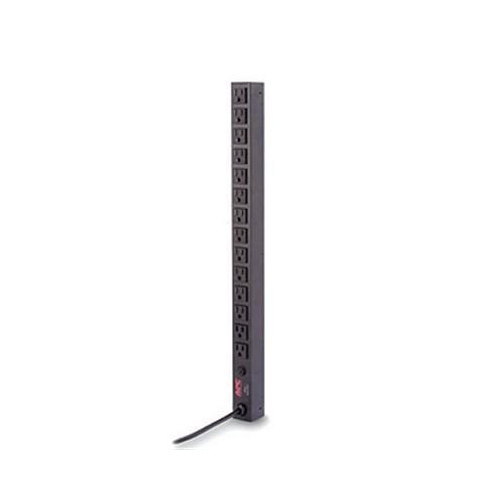
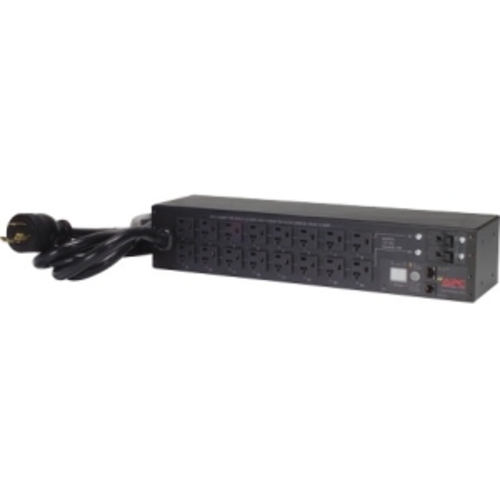
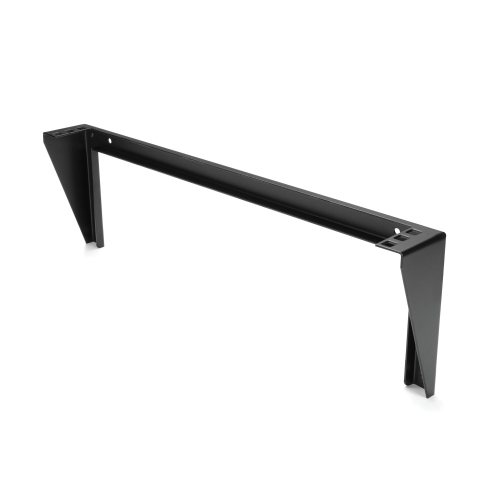
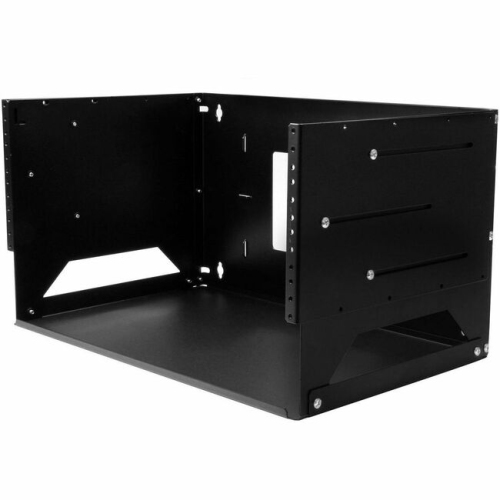
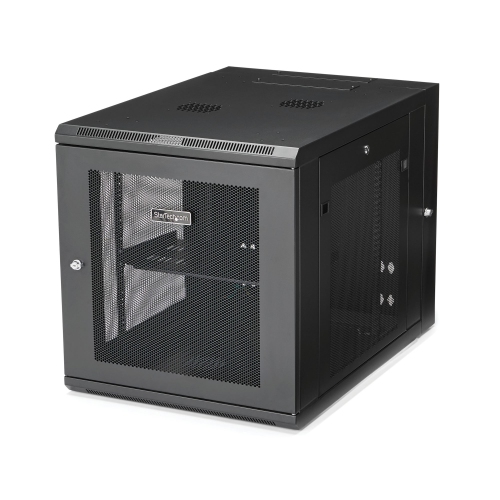
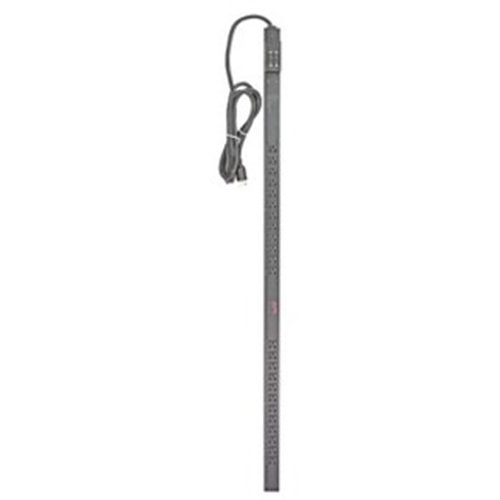
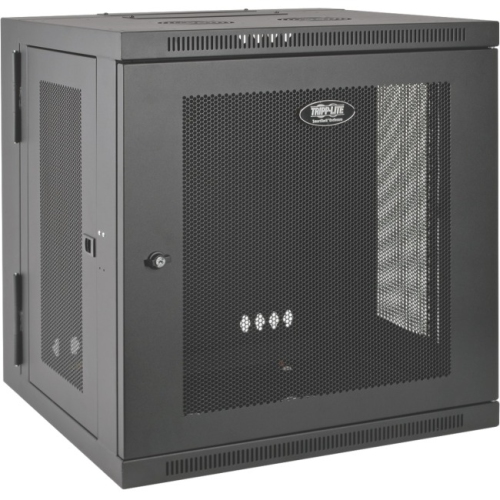
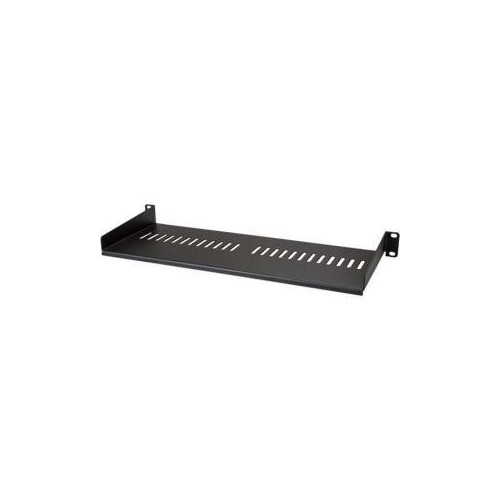
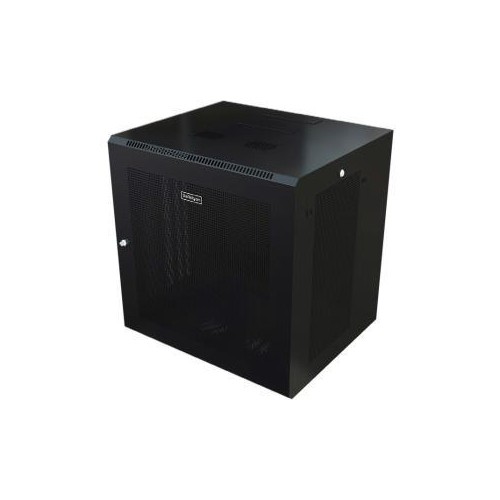
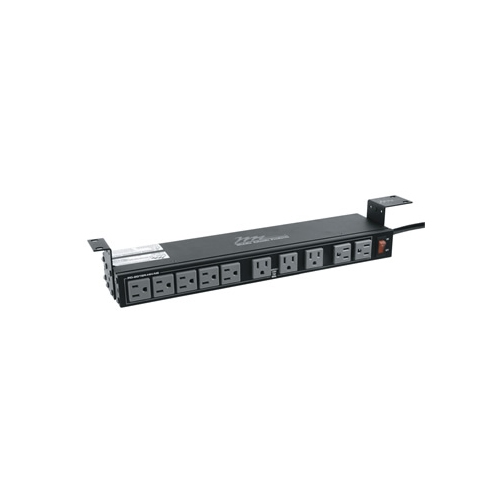
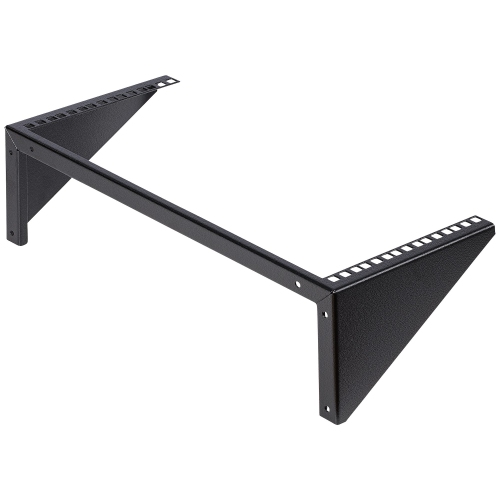
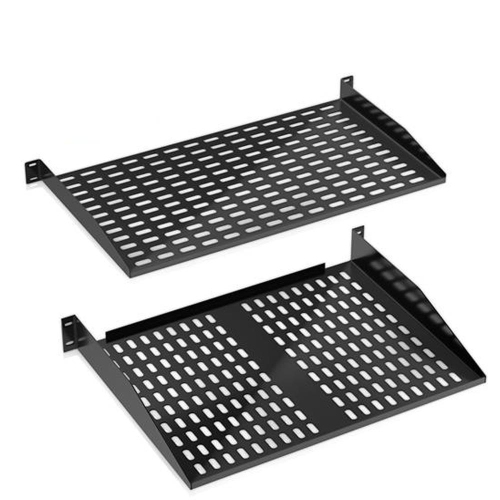
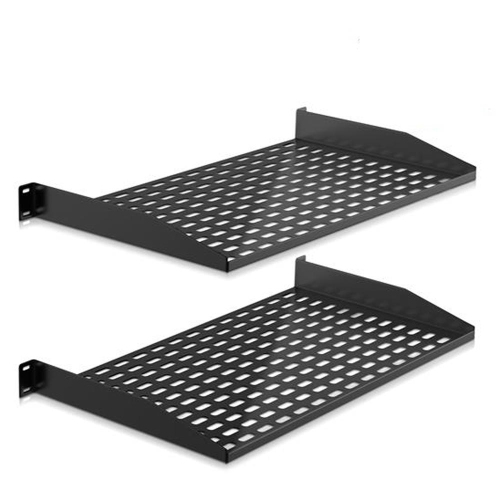
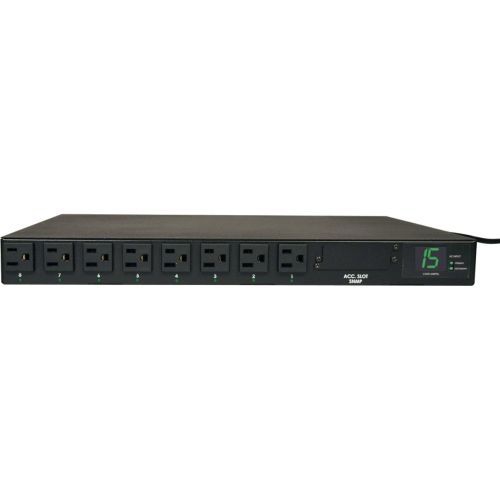
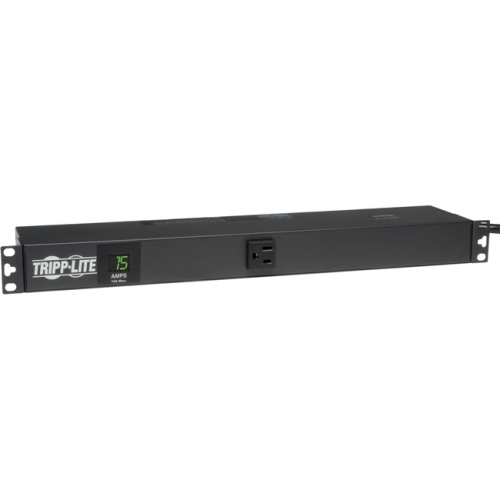
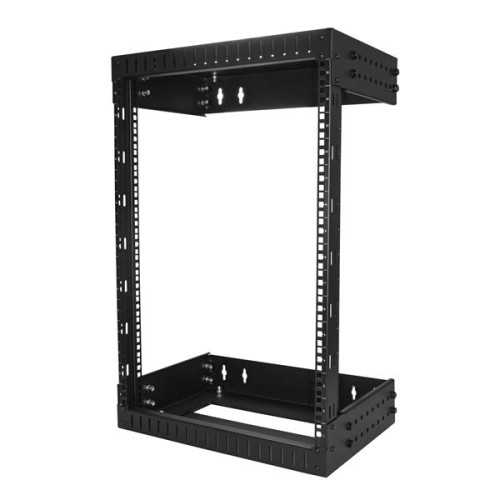
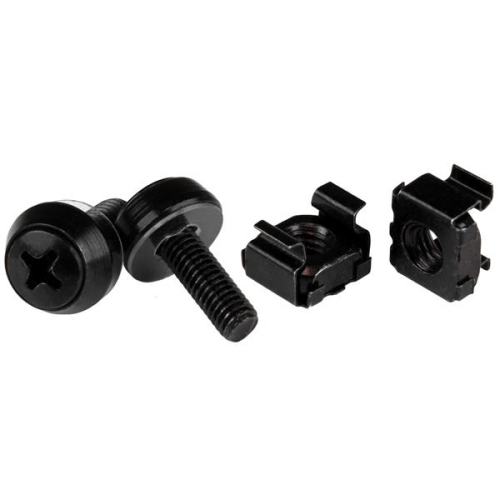
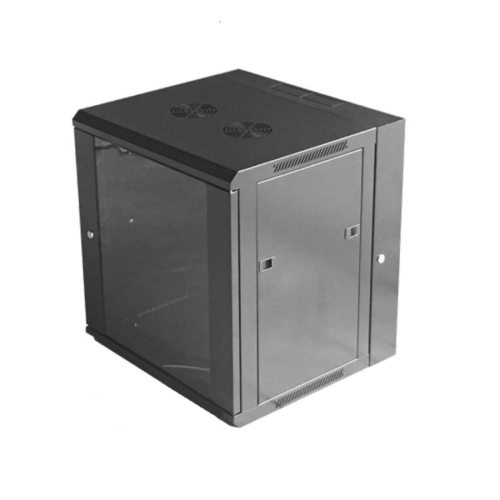
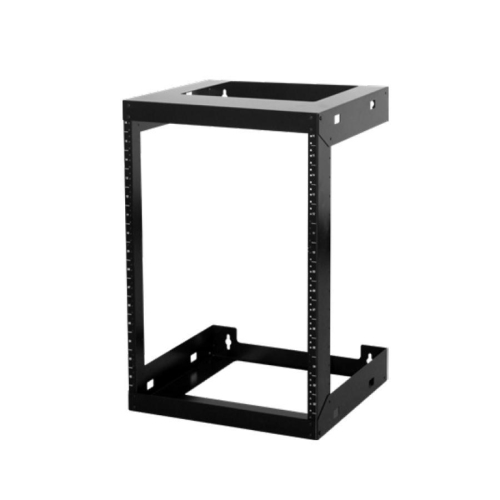
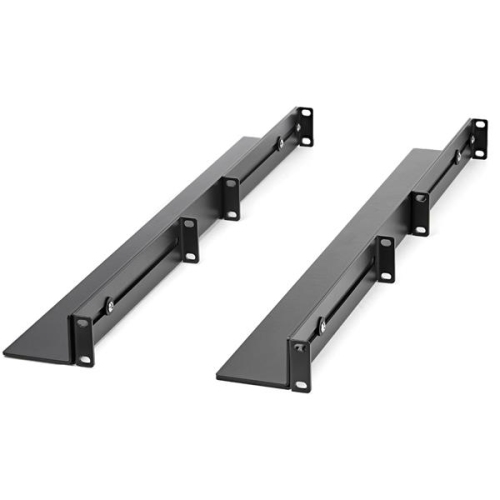
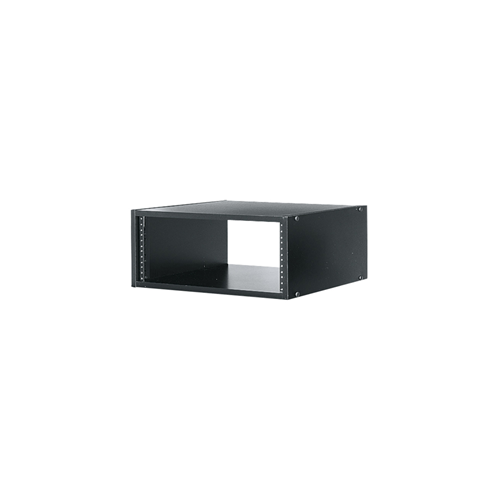
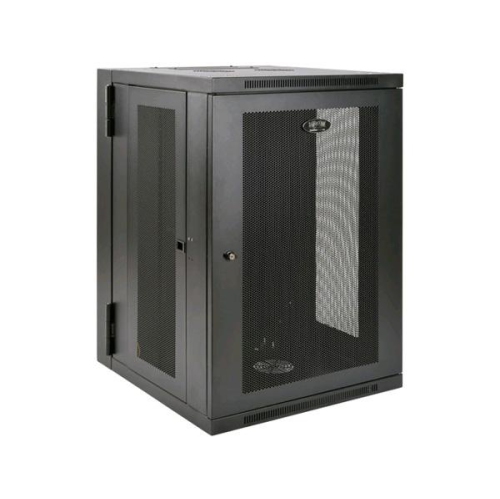
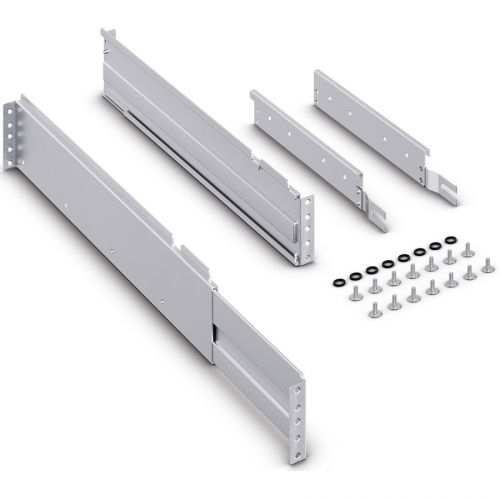
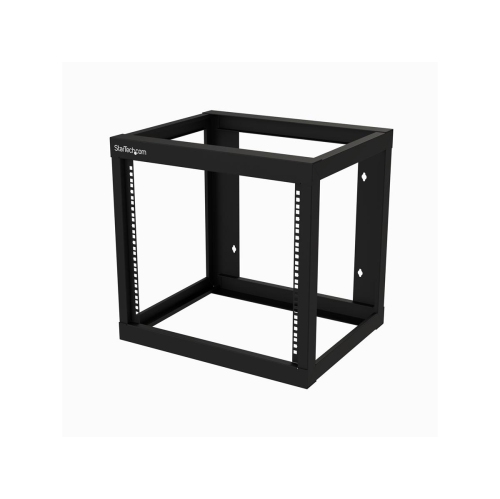
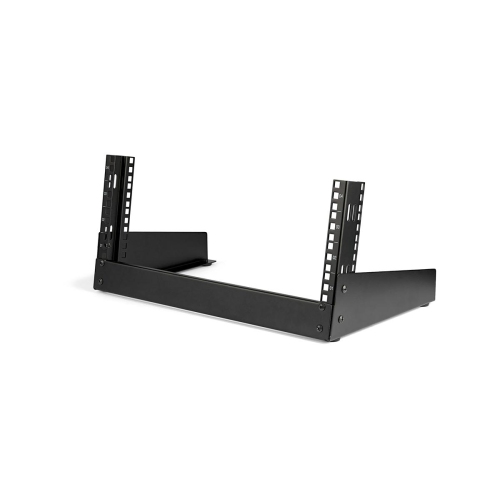
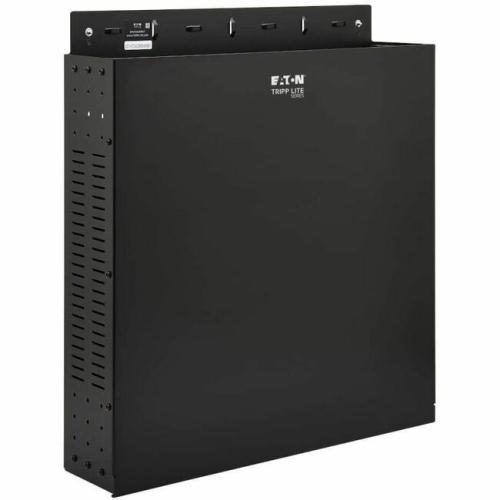
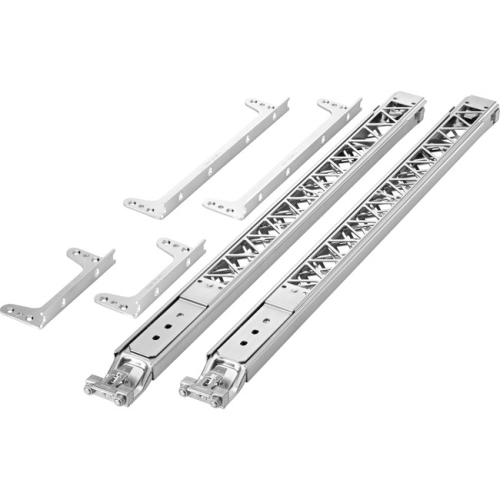
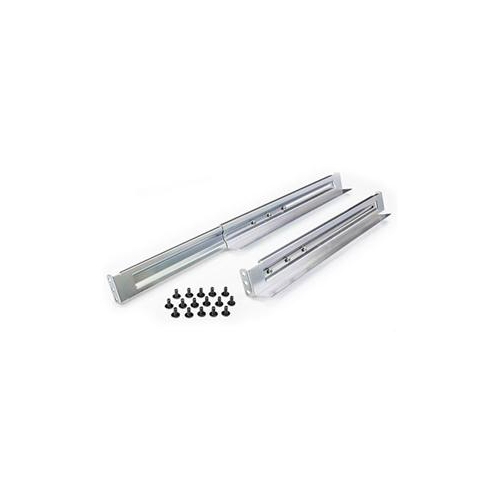
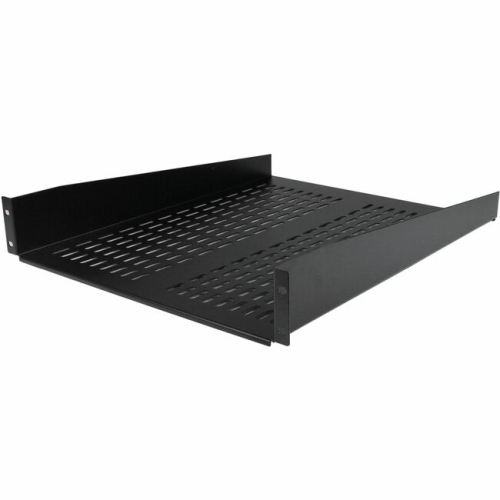
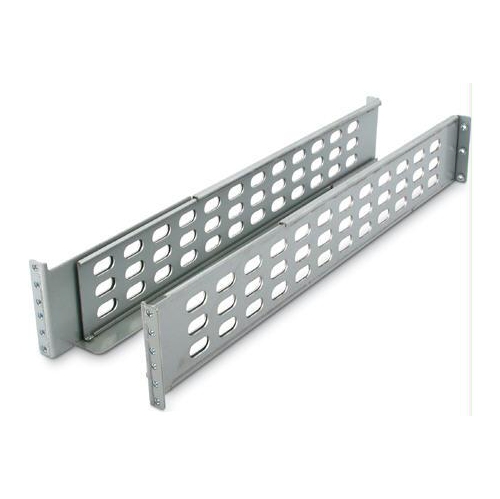
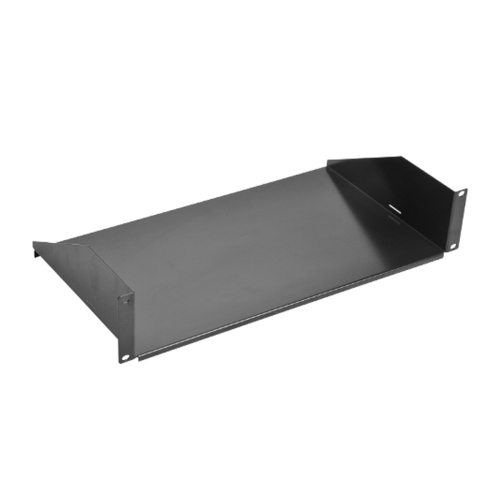
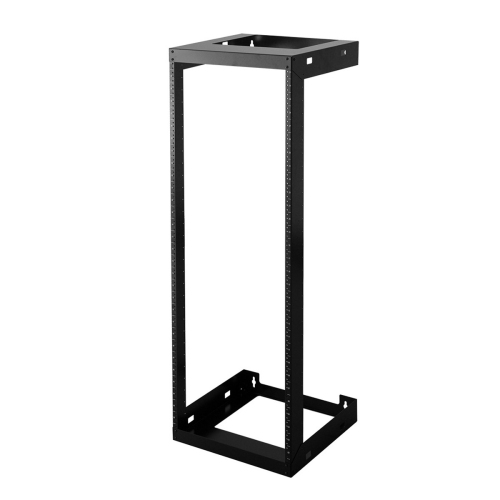
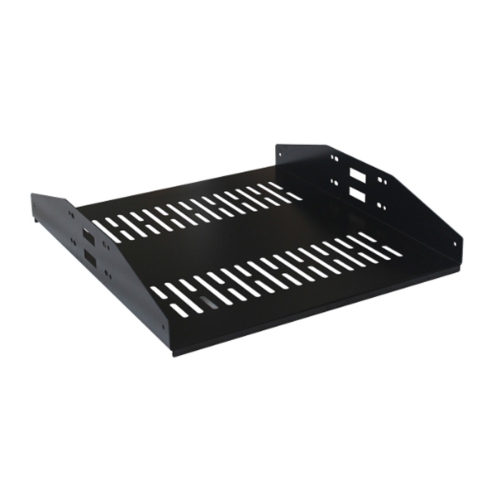
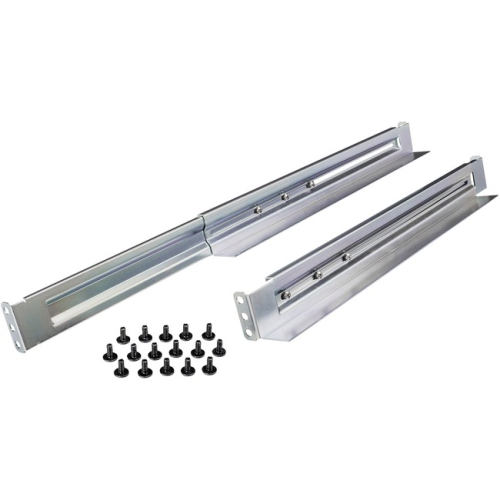
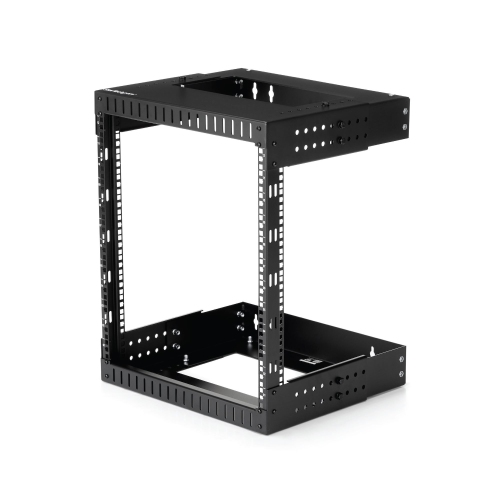
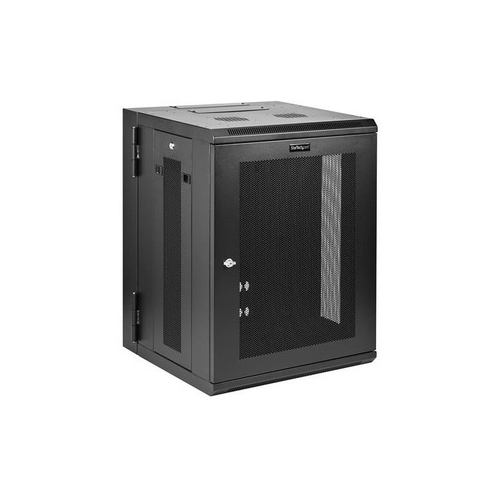
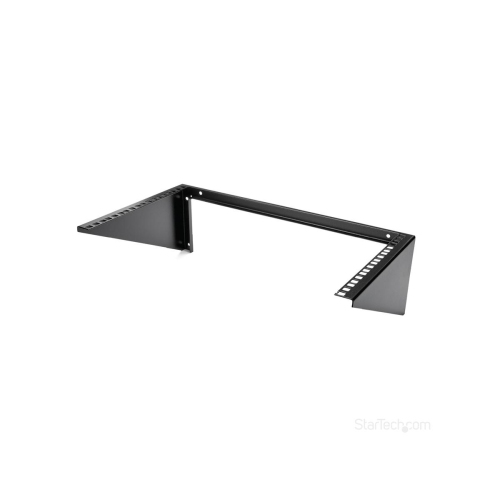
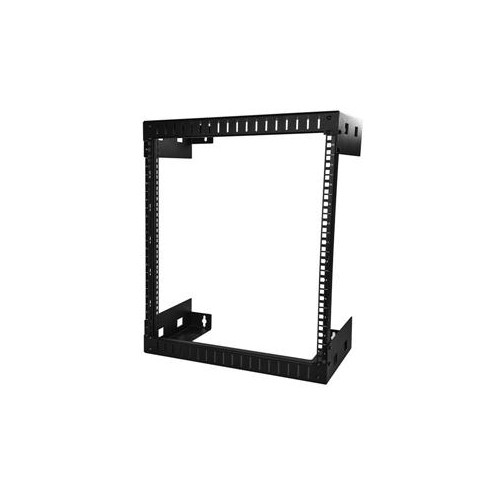
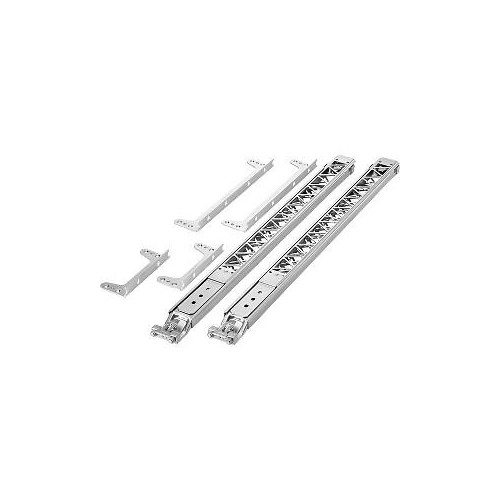
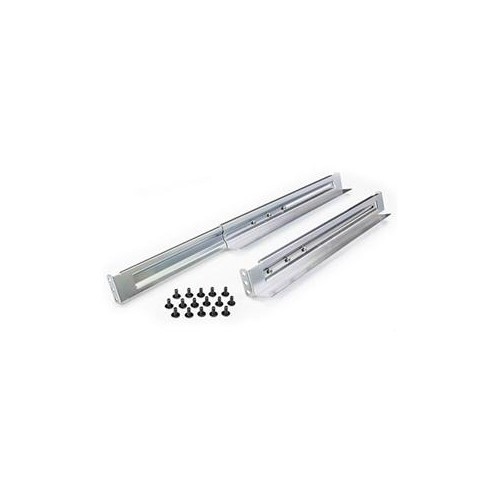
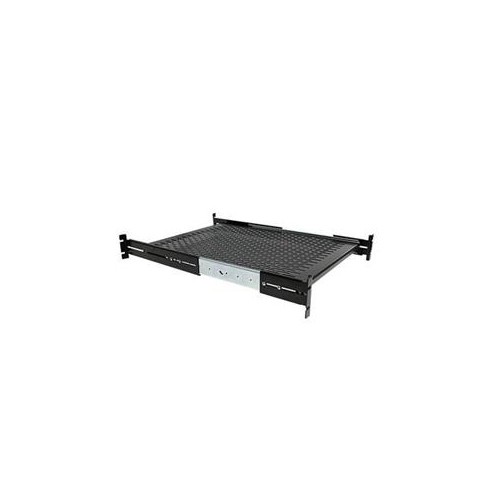
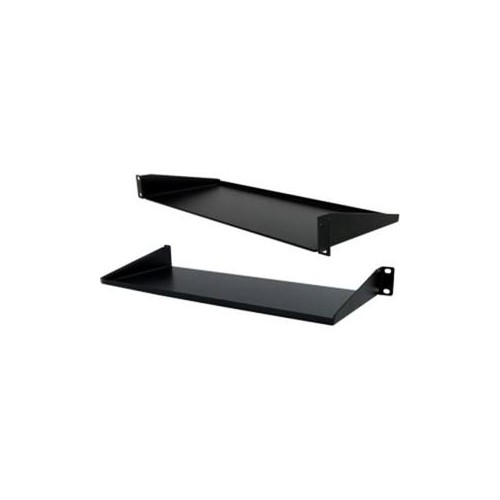
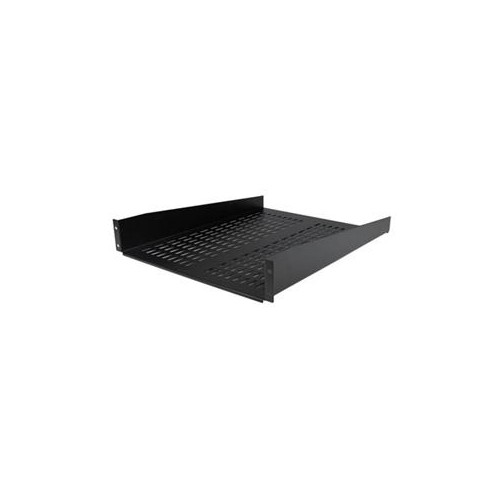
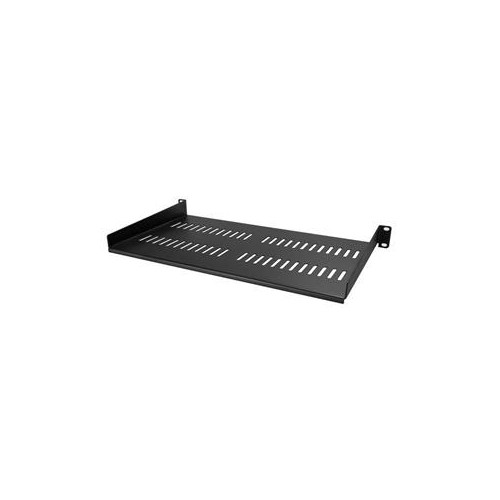
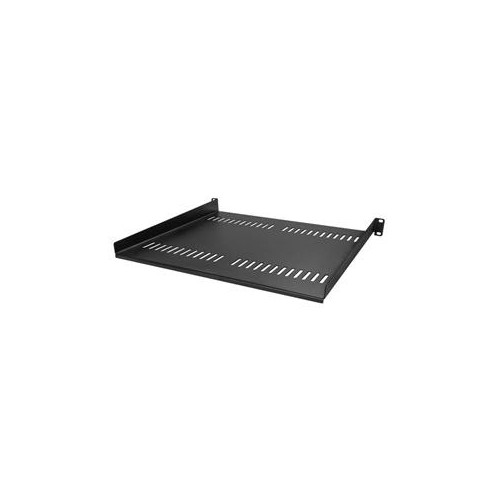
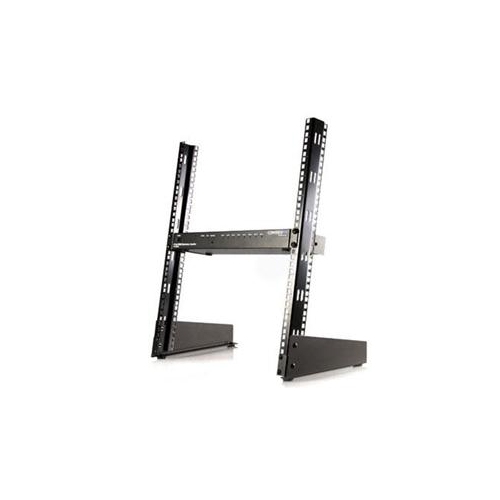
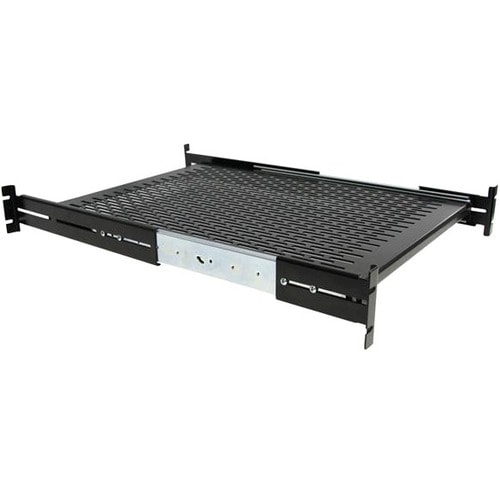
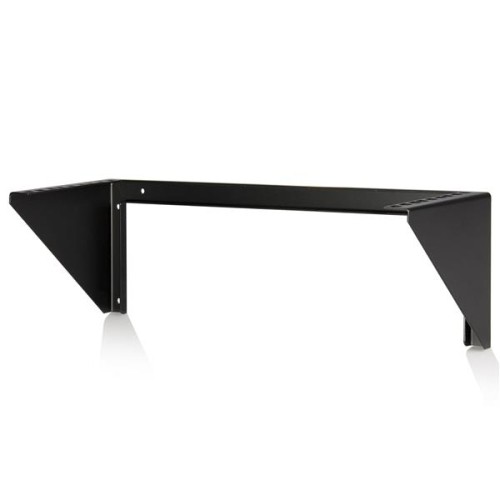
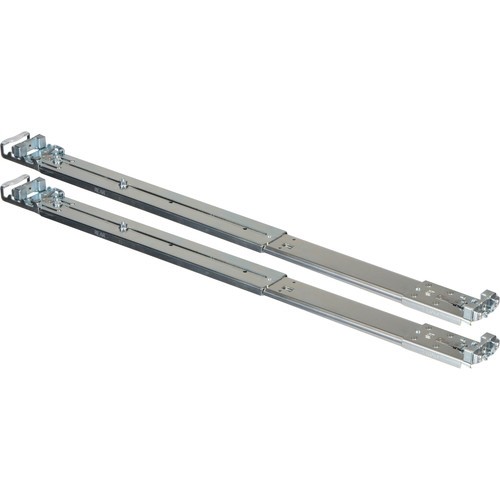
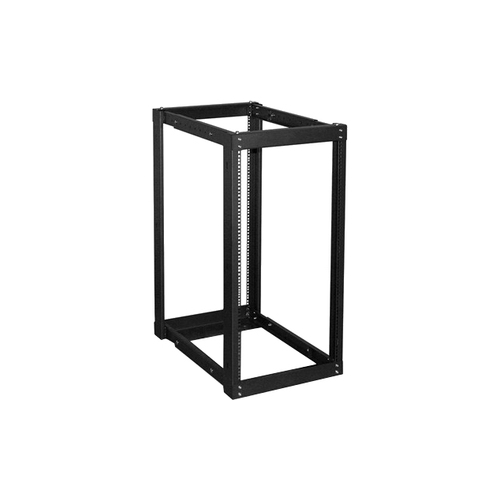
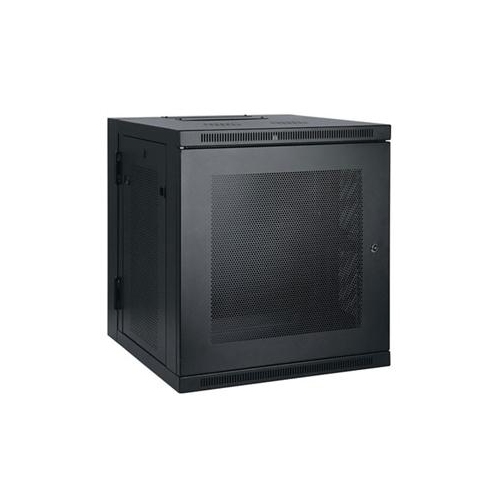
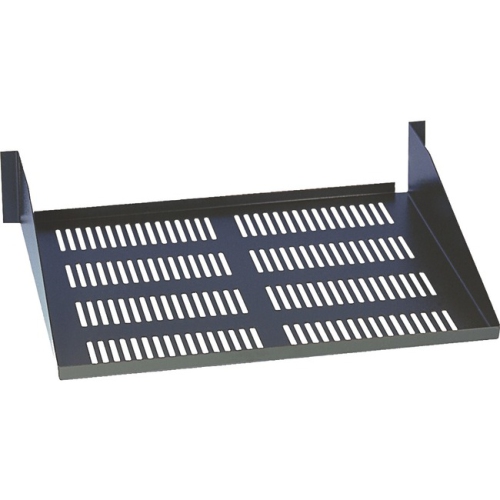
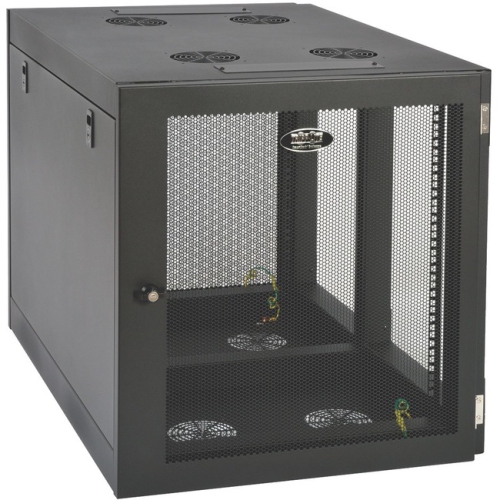
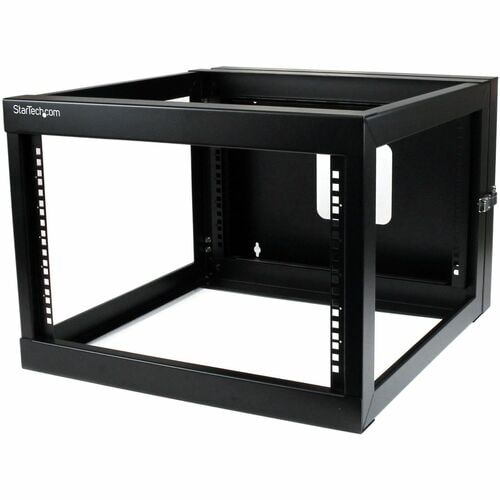
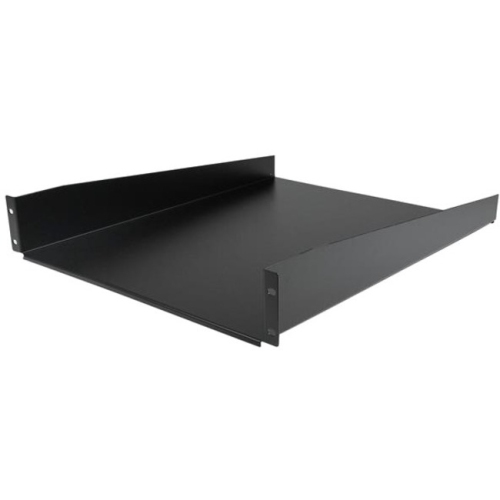
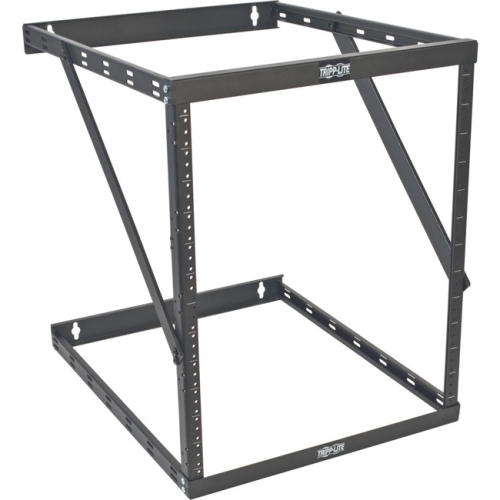
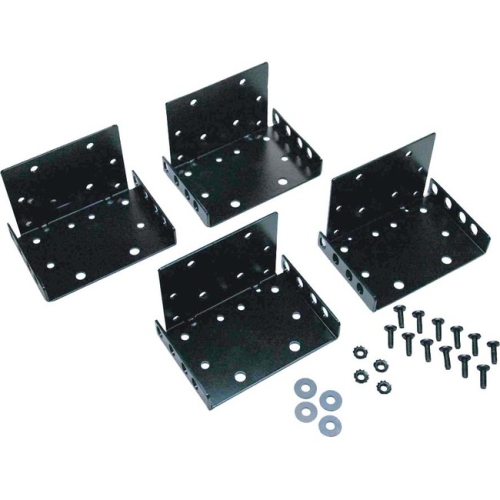
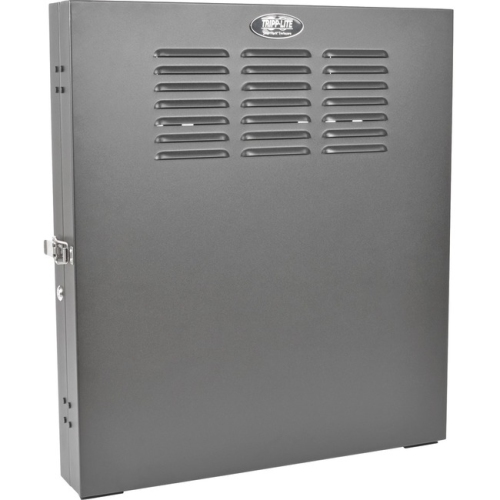
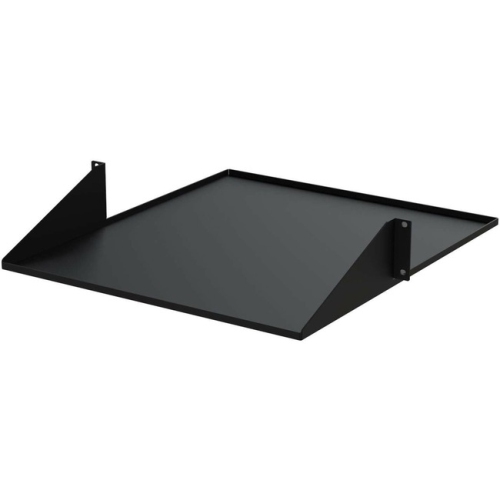
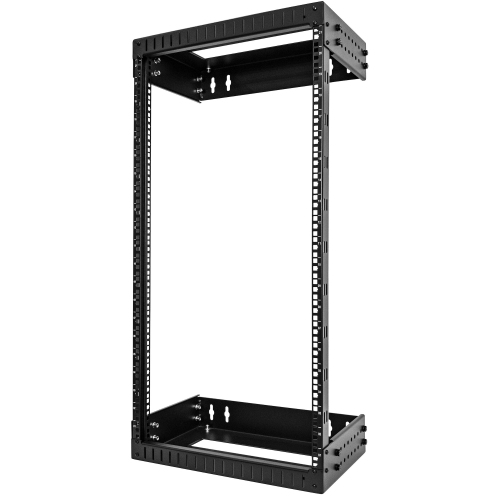
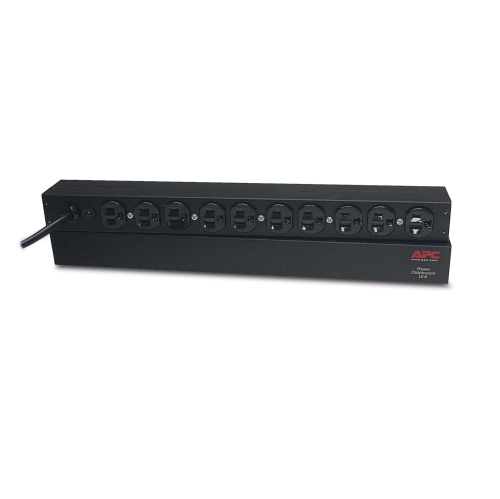
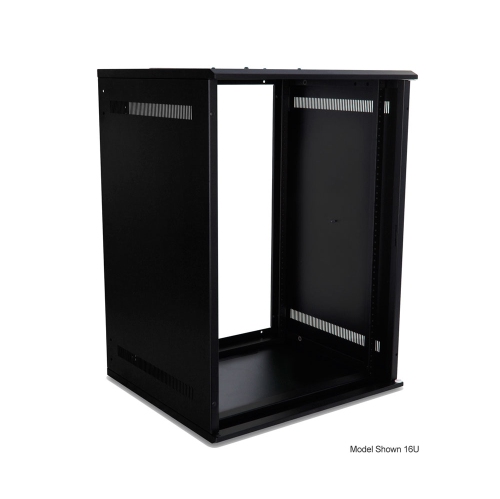
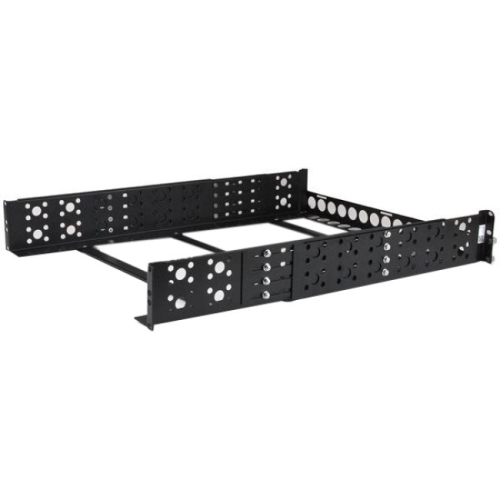
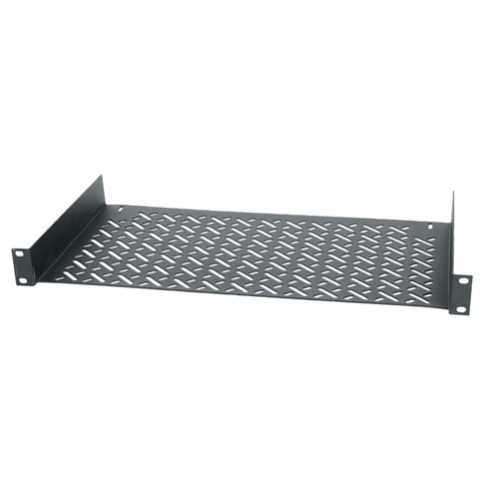
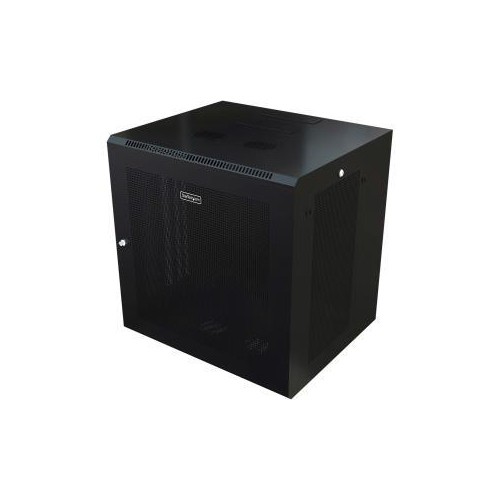
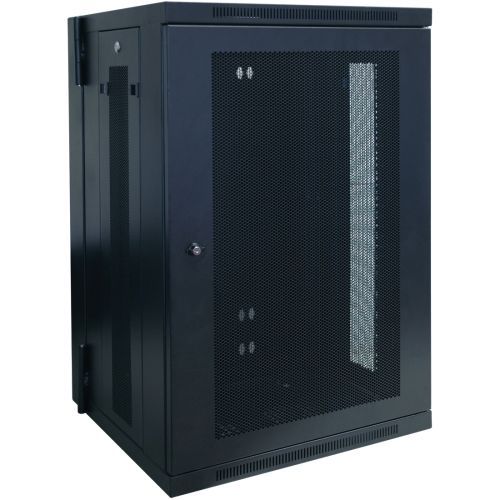
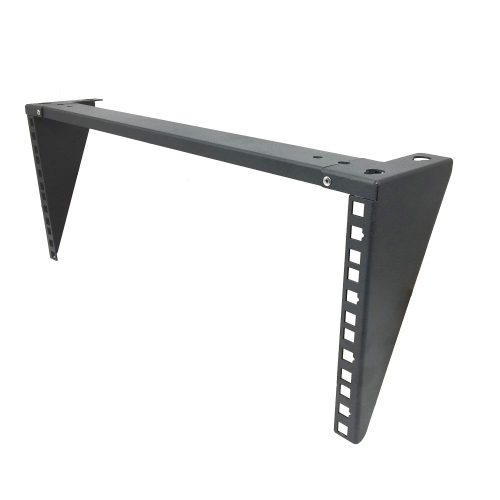
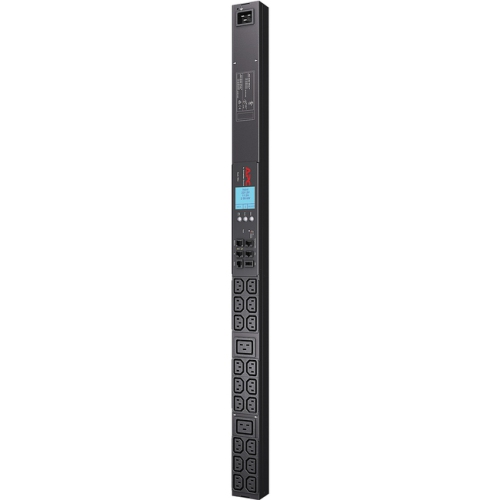
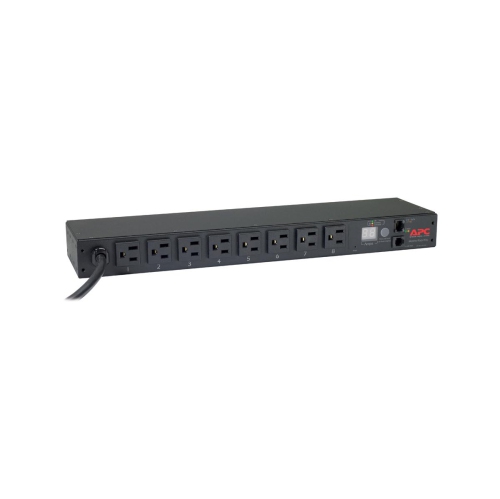
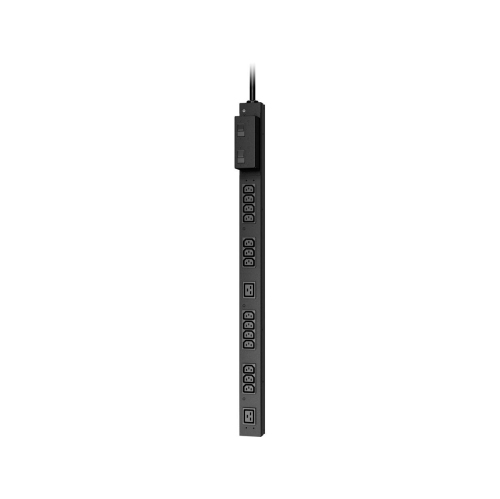
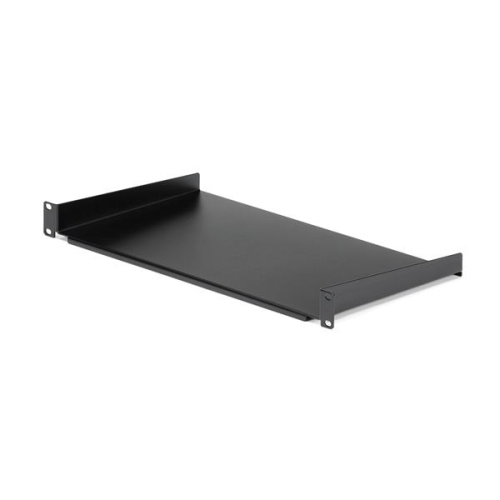
The right rack mount setup depends on where the equipment will live and how it will be used. Wall-mounted cabinets can be a practical choice for network equipment in a home office, retail space, small business, or remote site, particularly when floor space is limited. They can keep cables and hardware together at a convenient working height, though the wall and mounting hardware must be strong enough to support the fully loaded cabinet. Open-frame racks allow quick access and can make installation easier in a dedicated equipment room, studio, or workshop, while enclosed cabinets provide panels, doors, and side protection for installations that need a more finished appearance or additional security. Floor-standing racks are suited to larger collections of equipment and may offer adjustable rails, casters, removable panels, and room for expansion. Check whether the rails are adjustable to accommodate the depth of your hardware, and confirm that the mounting pattern matches your equipment before installation. Some hardware is designed for direct rack installation, while non-rack-mountable devices may need a compatible shelf, tray, or supporting platform. Shelves can also be useful for accessories, compact computers, audio devices, test equipment, or power supplies that do not have their own mounting brackets. Weight capacity is another essential consideration: add the weight of the equipment, shelves, cables, and power accessories rather than relying on the weight of the empty enclosure. Ventilation deserves attention as well. Servers, amplifiers, networking components, and other continuously operating electronics can produce noticeable heat, especially in a full cabinet. Look for ventilation openings, fan compatibility, and a layout that allows cool air to enter and warm air to leave. Keep cable bundles from blocking vents, and consider how the cabinet will connect to a power source. A rack-mounted power bar or power distribution unit can help consolidate connections, while organized cable management makes it easier to identify a device when a connection needs to be replaced or adjusted. For an overview of compatible solutions and related installation options, browse Rack Mountings.
Rack mount units can support a wide range of users, from someone building a quiet home network to an organization managing communications equipment across several work areas. A home technology enthusiast may use a compact rack to centralize a modem, router, switch, storage device, and backup power equipment, transforming a corner of a basement or office into a clean, serviceable network hub. A small business may use one to keep point-of-sale networking, security hardware, and communications equipment together instead of spreading them across desks and cupboards. In a recording space, a rack can place audio components at a consistent height, creating the familiar, orderly arrangement found in studios and performance venues. Schools, community spaces, houses of worship, event teams, and offices can also benefit from racks that simplify equipment changes and reduce the time spent searching for the right cable or connection. These products can make a thoughtful gift for a technically minded homeowner, home-studio builder, gamer, IT student, or small-business owner who is expanding a network or reorganizing a workspace, particularly when paired with practical accessories such as shelves, rails, cable-management panels, or power distribution equipment. As the weather warms and later during the cooler months, indoor projects often provide a natural opportunity to sort out a crowded office, media room, or utility area and build a more dependable equipment layout. Take an inventory before purchasing: record each device’s height in rack units, width, depth, weight, power needs, and required clearance. Then compare those measurements with the rack’s usable dimensions rather than its exterior dimensions alone. Think about access from the front and rear, whether the door must open fully, and whether the installation may grow over time. Leaving a few open rack units today can prevent an expensive rearrangement later, while careful cable planning can keep the finished installation easy to inspect and maintain. With the right combination of size, mounting style, ventilation, capacity, and access, rack mount units can turn a collection of important electronics into a structured system that is easier to use, protect, and expand.
The right rack mount setup depends on where the equipment will live and how it will be used. Wall-mounted cabinets can be a practical choice for network equipment in a home office, retail space, small business, or remote site, particularly when floor space is limited. They can keep cables and hardware together at a convenient working height, though the wall and mounting hardware must be strong enough to support the fully loaded cabinet. Open-frame racks allow quick access and can make installation easier in a dedicated equipment room, studio, or workshop, while enclosed cabinets provide panels, doors, and side protection for installations that need a more finished appearance or additional security. Floor-standing racks are suited to larger collections of equipment and may offer adjustable rails, casters, removable panels, and room for expansion. Check whether the rails are adjustable to accommodate the depth of your hardware, and confirm that the mounting pattern matches your equipment before installation. Some hardware is designed for direct rack installation, while non-rack-mountable devices may need a compatible shelf, tray, or supporting platform. Shelves can also be useful for accessories, compact computers, audio devices, test equipment, or power supplies that do not have their own mounting brackets. Weight capacity is another essential consideration: add the weight of the equipment, shelves, cables, and power accessories rather than relying on the weight of the empty enclosure. Ventilation deserves attention as well. Servers, amplifiers, networking components, and other continuously operating electronics can produce noticeable heat, especially in a full cabinet. Look for ventilation openings, fan compatibility, and a layout that allows cool air to enter and warm air to leave. Keep cable bundles from blocking vents, and consider how the cabinet will connect to a power source. A rack-mounted power bar or power distribution unit can help consolidate connections, while organized cable management makes it easier to identify a device when a connection needs to be replaced or adjusted. For an overview of compatible solutions and related installation options, browse Rack Mountings.
Rack mount units can support a wide range of users, from someone building a quiet home network to an organization managing communications equipment across several work areas. A home technology enthusiast may use a compact rack to centralize a modem, router, switch, storage device, and backup power equipment, transforming a corner of a basement or office into a clean, serviceable network hub. A small business may use one to keep point-of-sale networking, security hardware, and communications equipment together instead of spreading them across desks and cupboards. In a recording space, a rack can place audio components at a consistent height, creating the familiar, orderly arrangement found in studios and performance venues. Schools, community spaces, houses of worship, event teams, and offices can also benefit from racks that simplify equipment changes and reduce the time spent searching for the right cable or connection. These products can make a thoughtful gift for a technically minded homeowner, home-studio builder, gamer, IT student, or small-business owner who is expanding a network or reorganizing a workspace, particularly when paired with practical accessories such as shelves, rails, cable-management panels, or power distribution equipment. As the weather warms and later during the cooler months, indoor projects often provide a natural opportunity to sort out a crowded office, media room, or utility area and build a more dependable equipment layout. Take an inventory before purchasing: record each device’s height in rack units, width, depth, weight, power needs, and required clearance. Then compare those measurements with the rack’s usable dimensions rather than its exterior dimensions alone. Think about access from the front and rear, whether the door must open fully, and whether the installation may grow over time. Leaving a few open rack units today can prevent an expensive rearrangement later, while careful cable planning can keep the finished installation easy to inspect and maintain. With the right combination of size, mounting style, ventilation, capacity, and access, rack mount units can turn a collection of important electronics into a structured system that is easier to use, protect, and expand.
Top selling and popular products
-
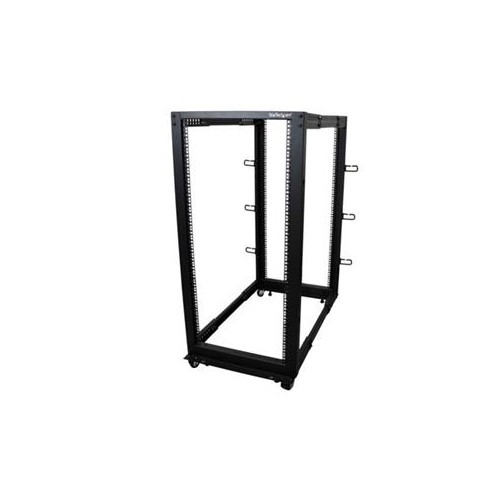 Your price for this item is $581.68
 -
 Your price for this item is $1303.99
 -
 Your price for this item is $867.99
 -
 Your price for this item is $748.99
 -
 Your price for this item is $250.68
 -
 Your price for this item is $407.99
 -
 Your price for this item is $54.99
 -
 Your price for this item is $102.99
Discover more categories related to Rack Mount Units
Top Collections:
Pokemon Centers, Kindle Devices, Best Budget Office Chairs, Apple iPhones 16, Best Laptops for Writers, iPhone 15 Apple, Canon G7X Cameras, Refurbished Apple Laptops, Alarm Clock, Motorola Razr Phones
Some products may be subject to Environmental Handling Fees
(EHF) depending on your province.
Learn more about EHFs.