Server Racks
Optimize your data center or office space with a versatile server rack, designed to keep your equipment organized and secure. Whether you're managing a small business network or a large-scale IT infrastructure, server racks offer a reliable solution for housing servers, switches, and other critical hardware. With options that cater to various sizes and configurations, you can find the ideal fit for your needs, ensuring seamless integration and efficient use of space. Keep your systems cool and accessible while maintaining a tidy and professional environment. Explore the possibilities of enhancing your tech setup with the right server rack today.
Sort
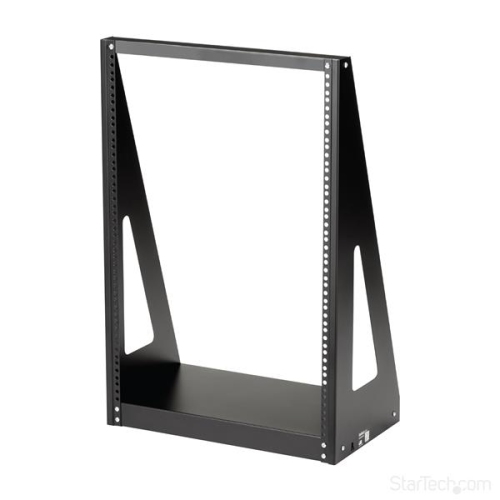
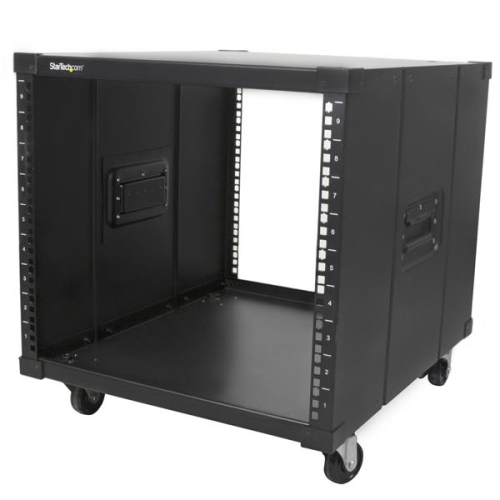
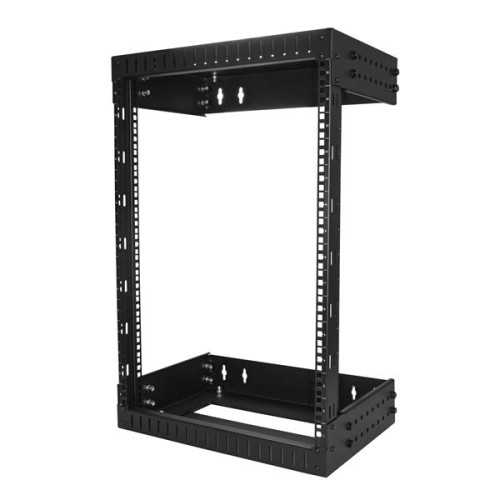
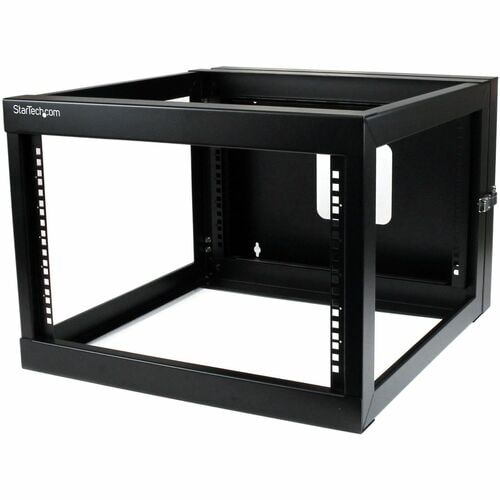

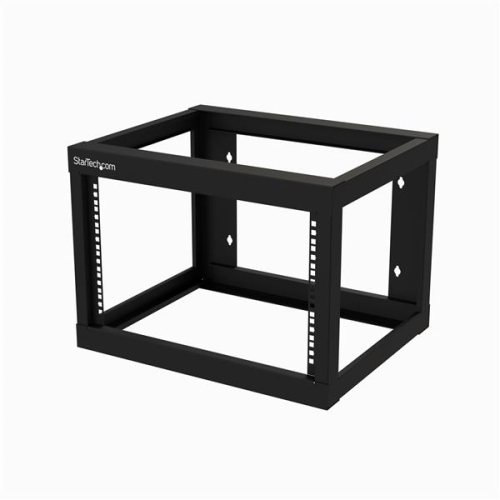
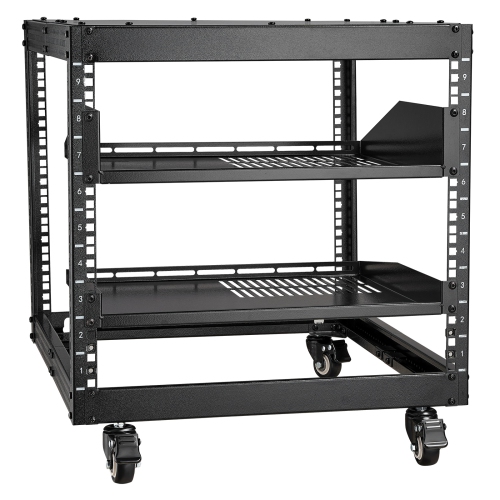
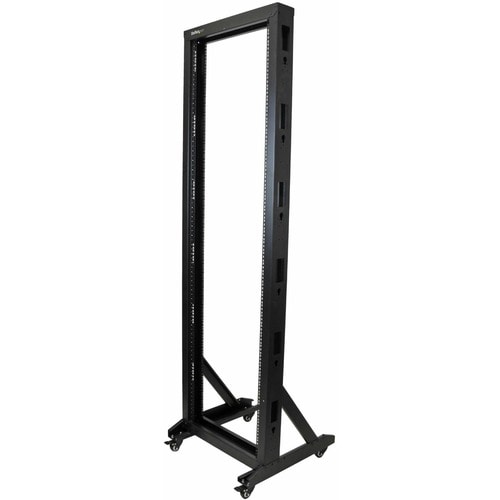
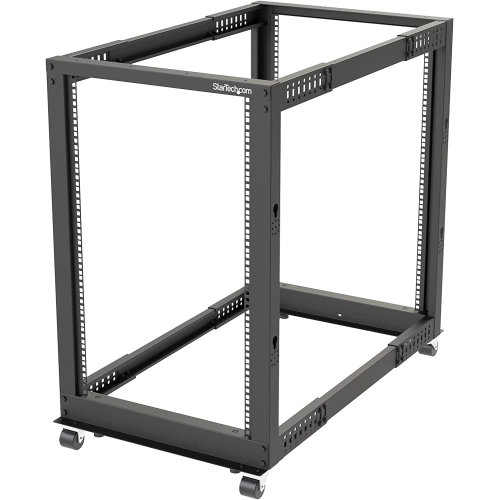

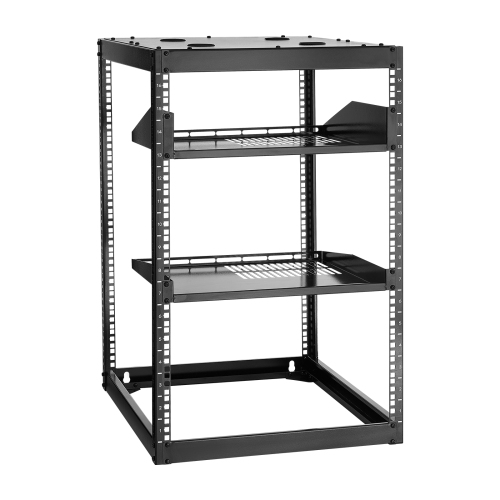
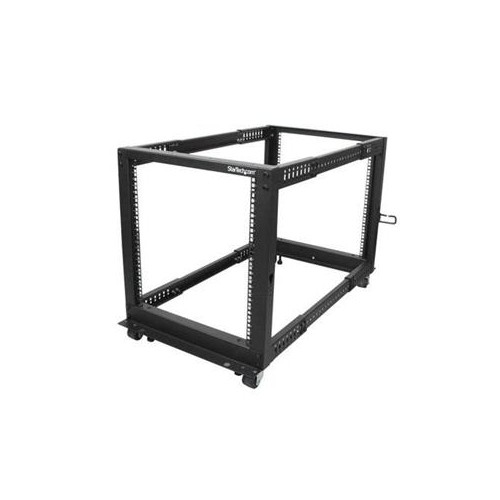
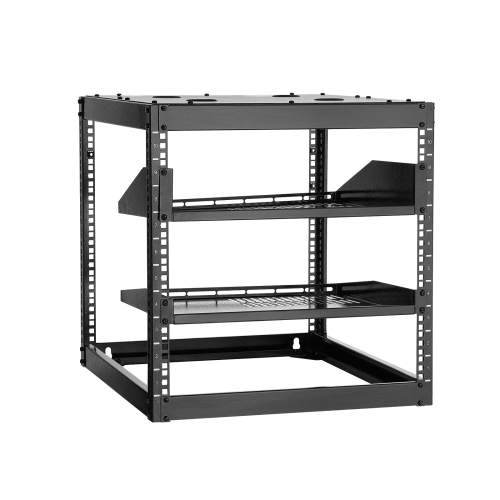
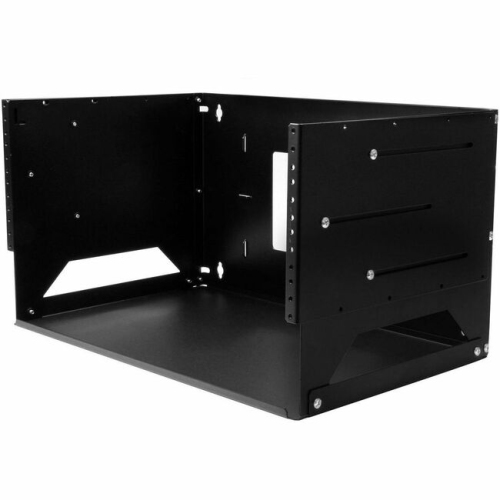
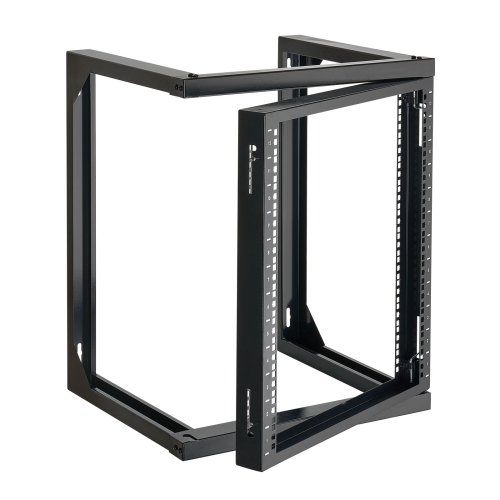
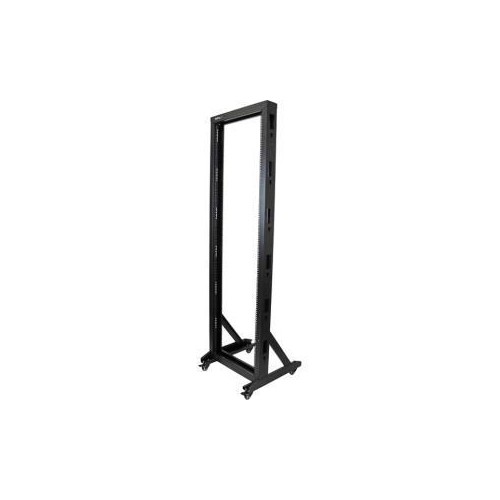
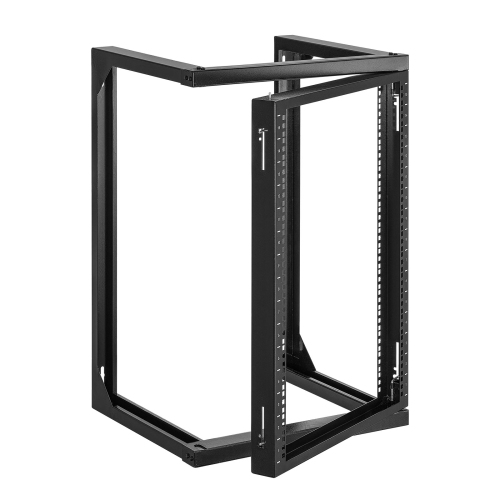
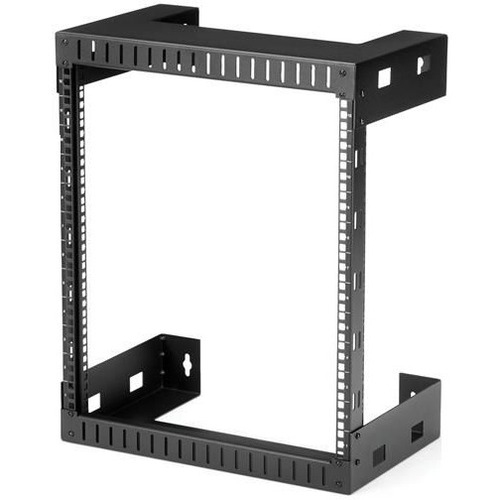
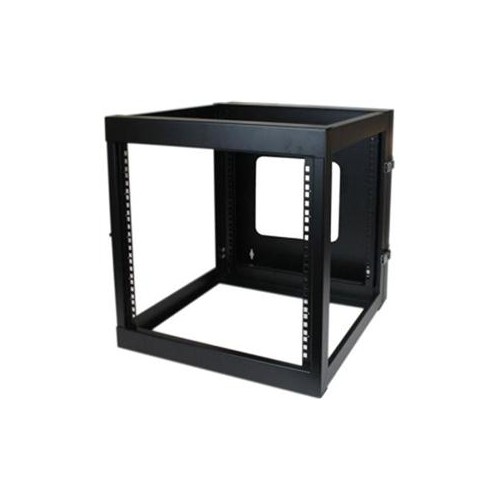
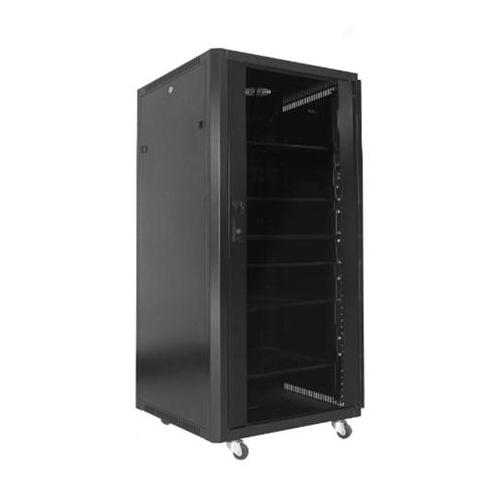

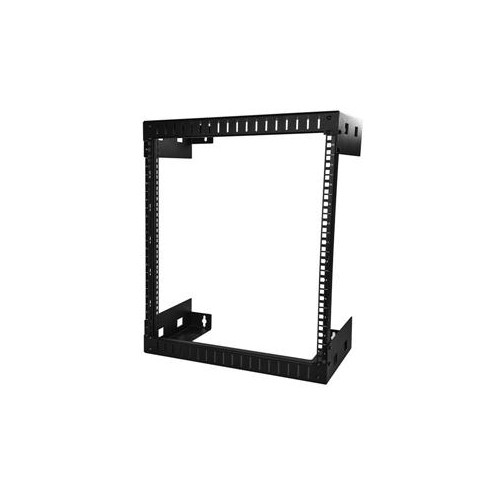
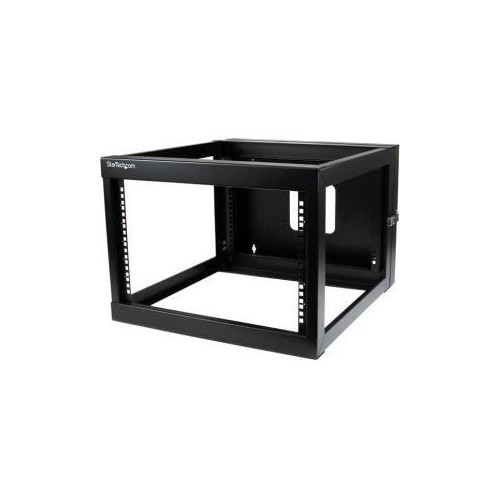
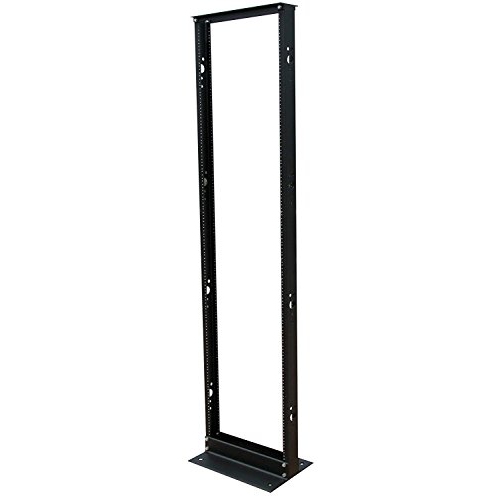
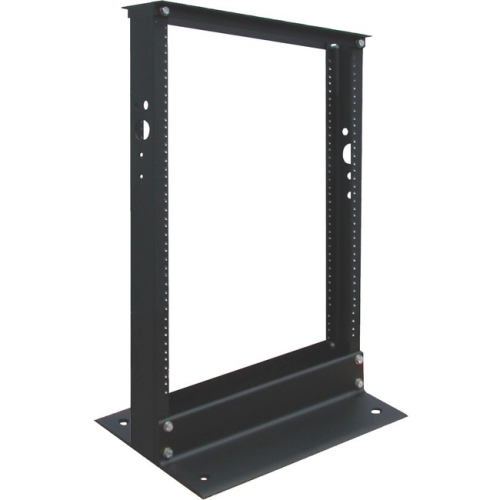
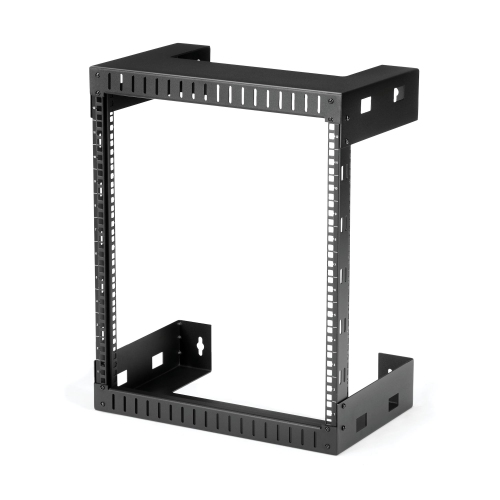
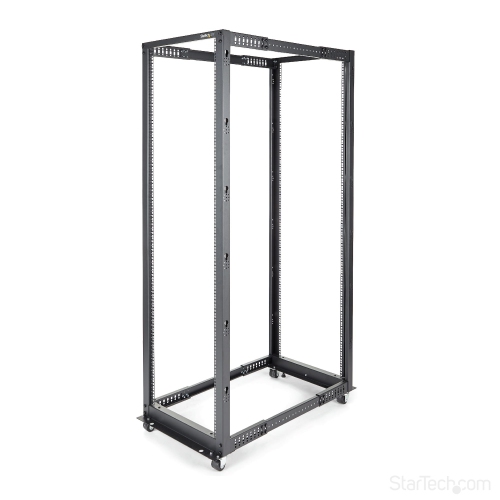
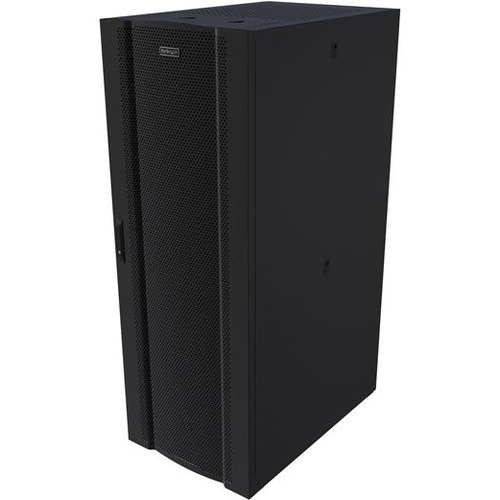
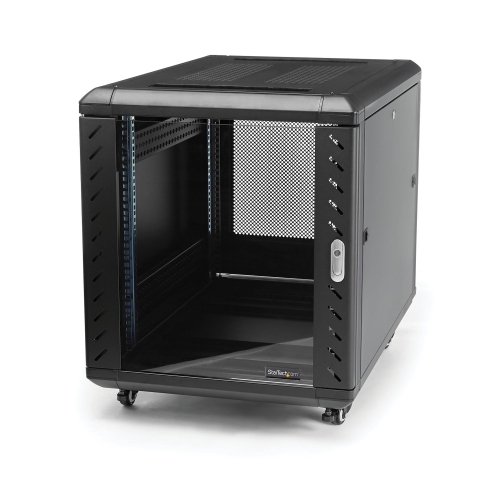
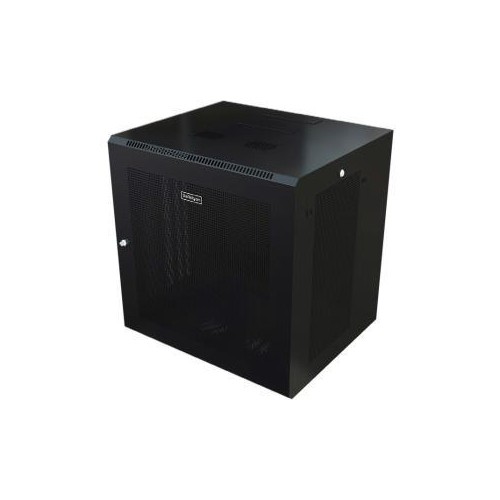
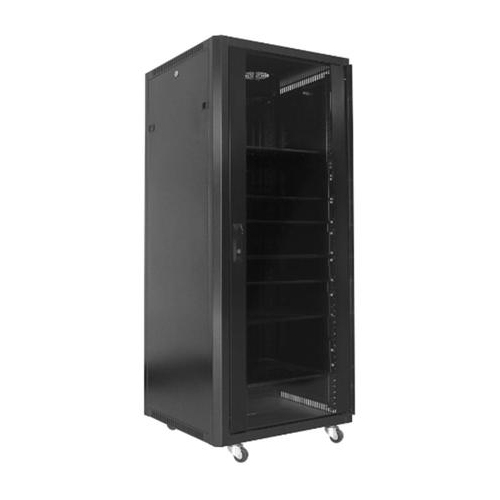
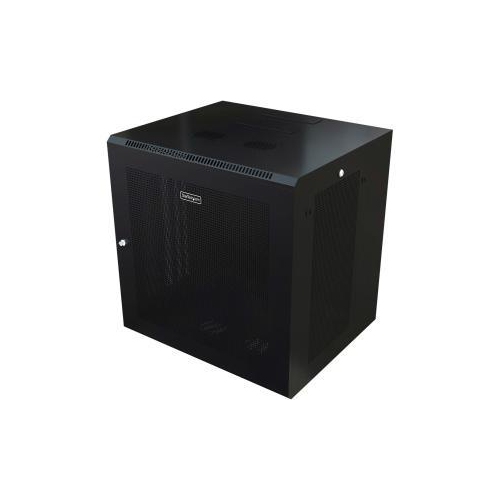
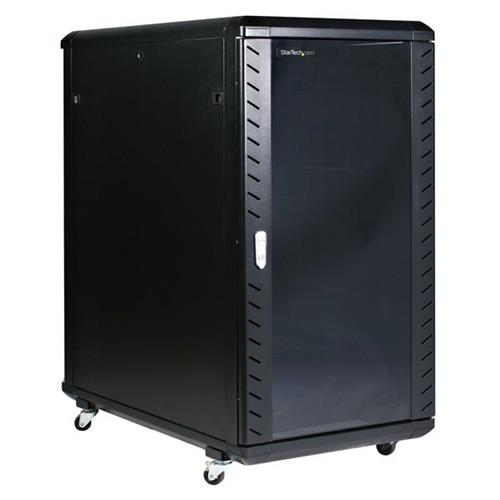
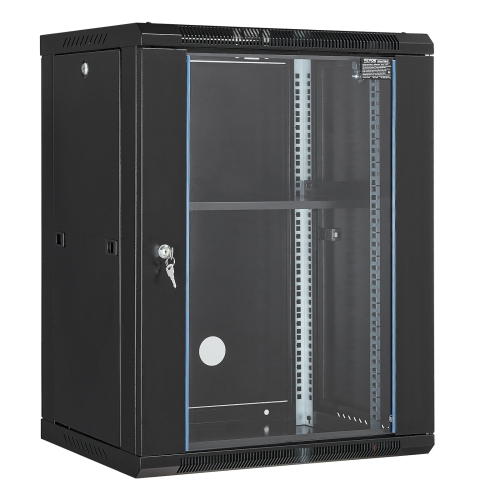
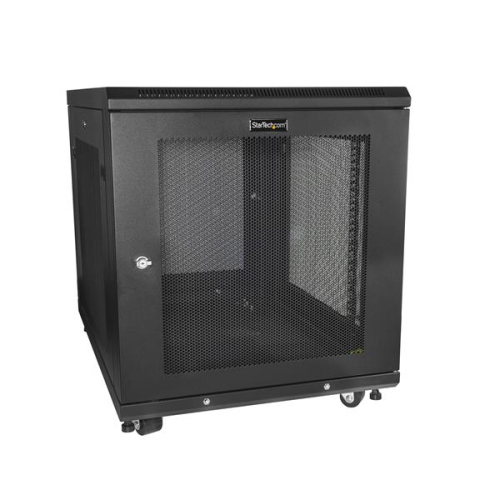
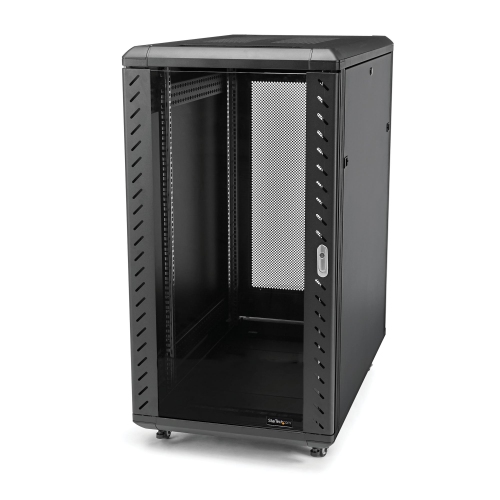
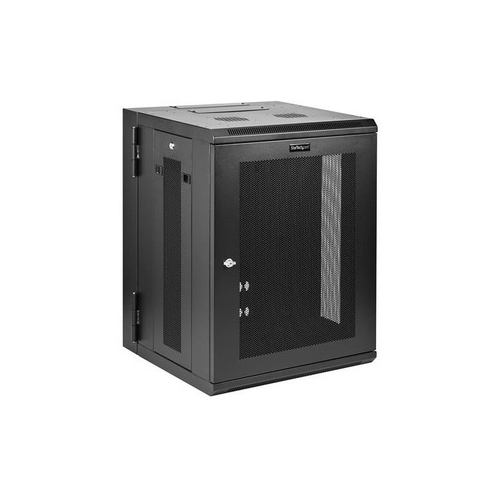
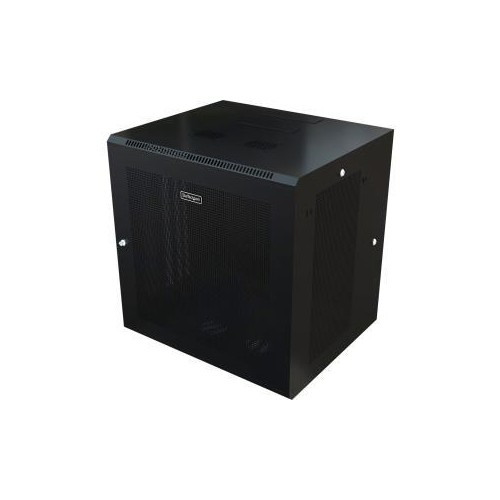
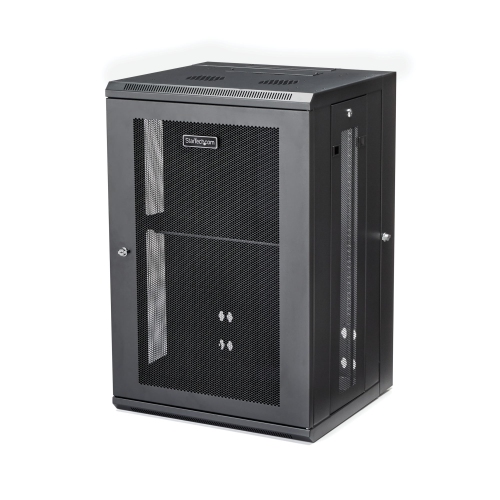
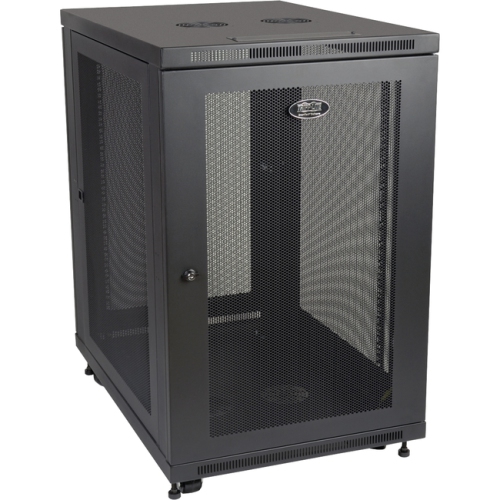
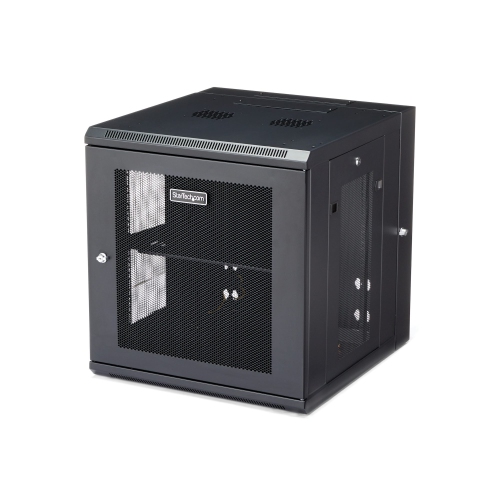
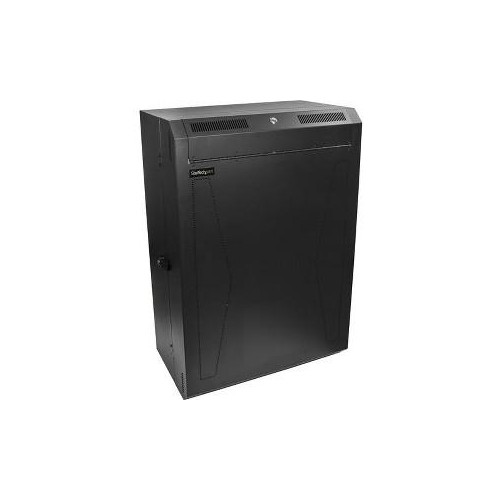
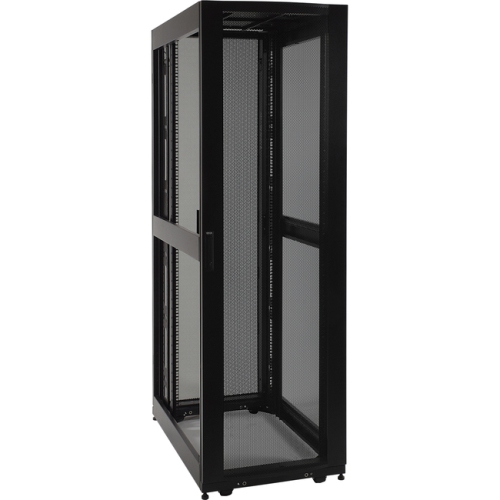
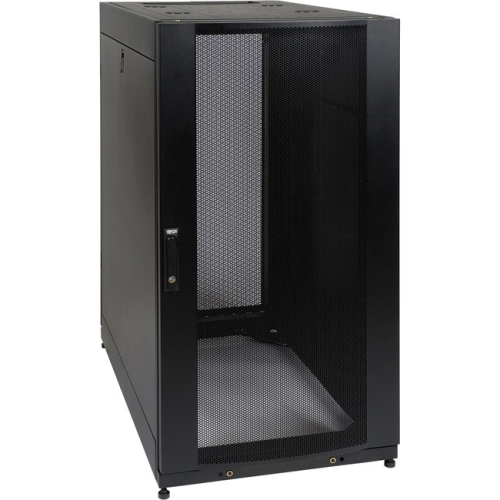
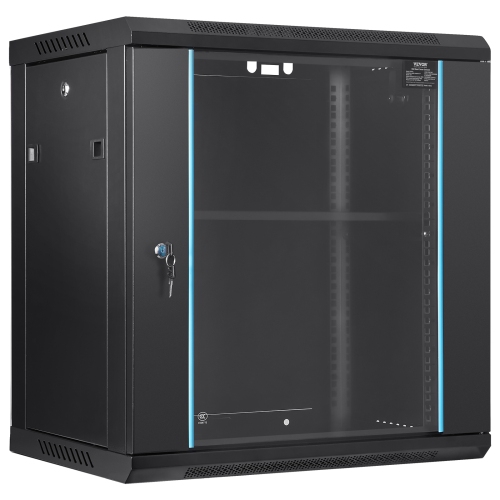
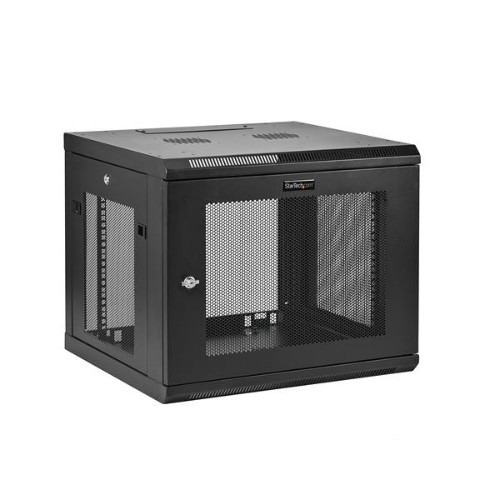
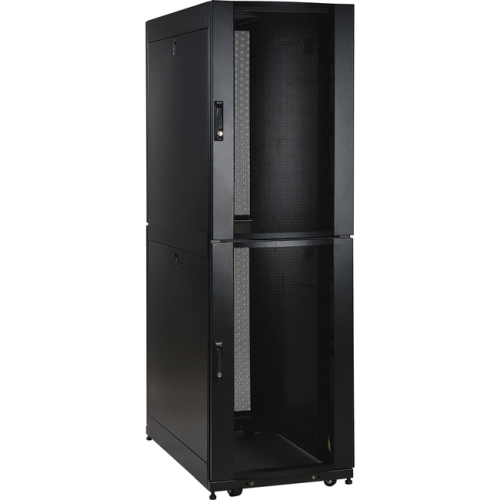


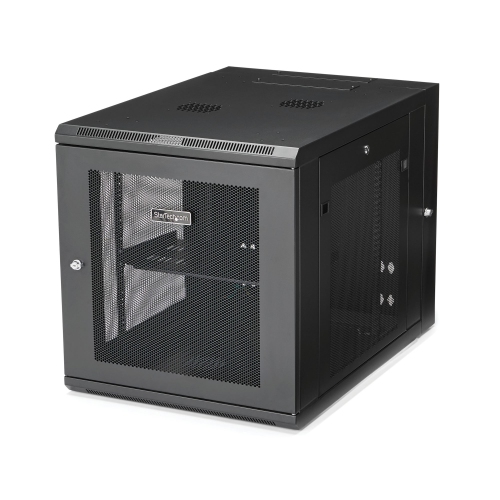
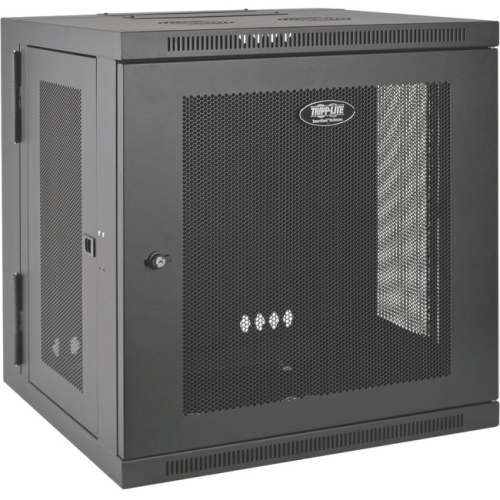
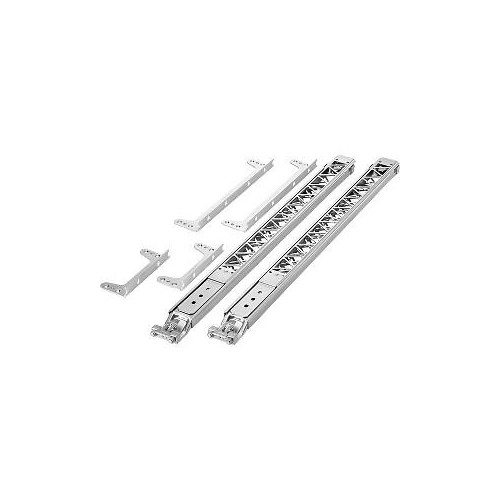
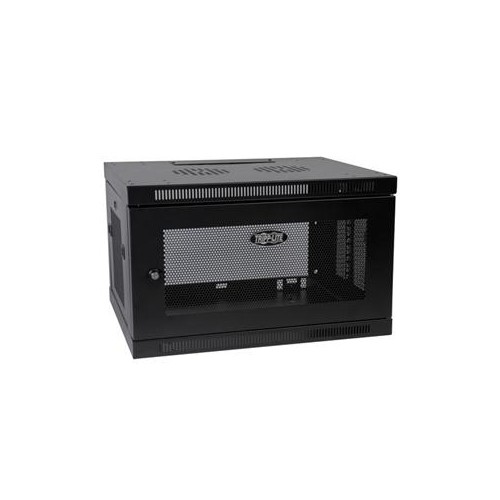
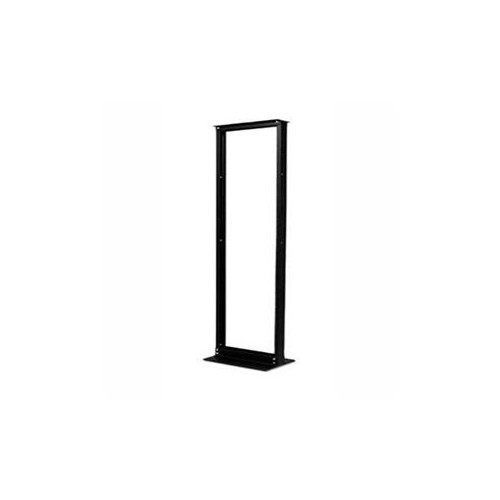
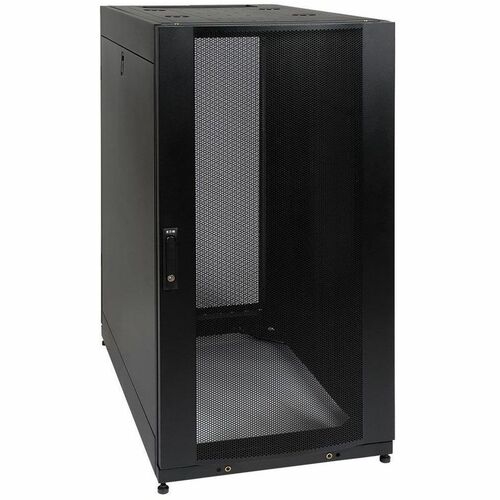
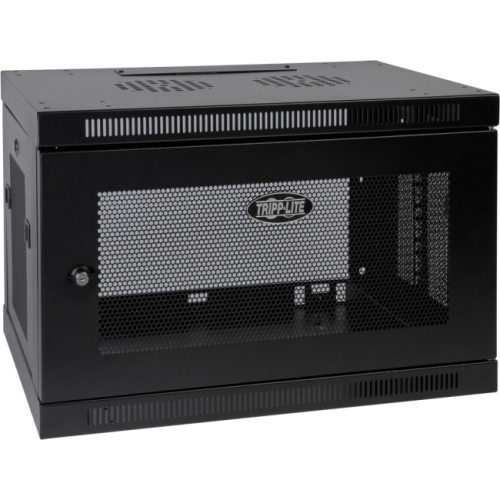
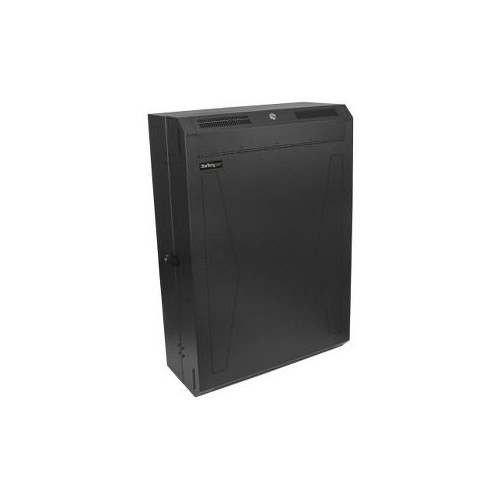
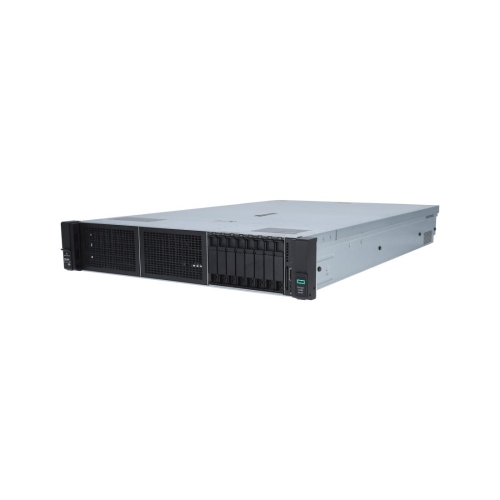
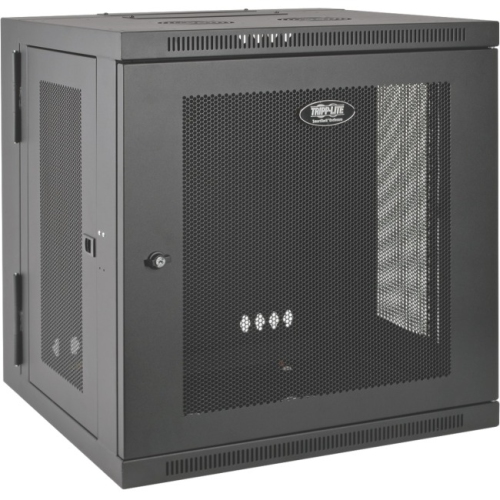
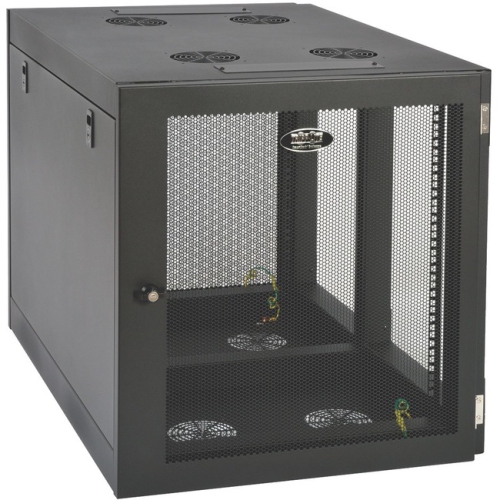
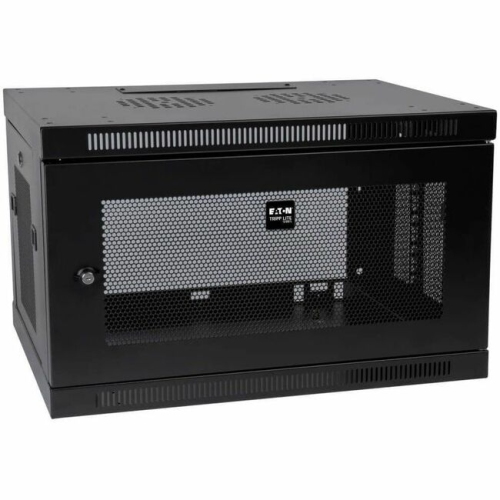



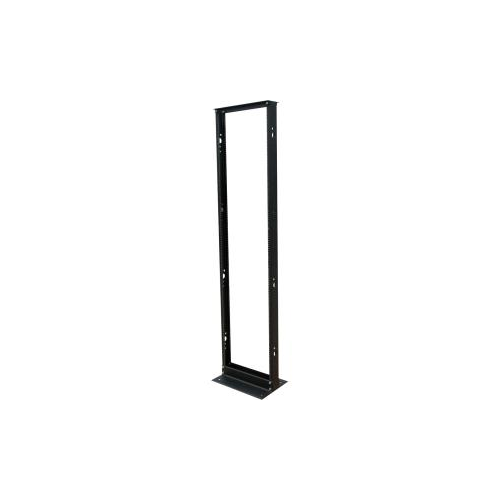
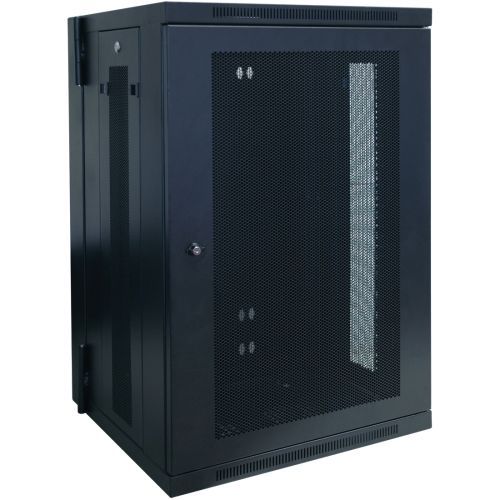
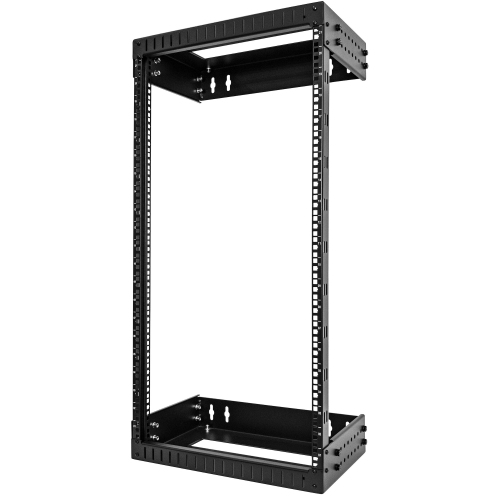
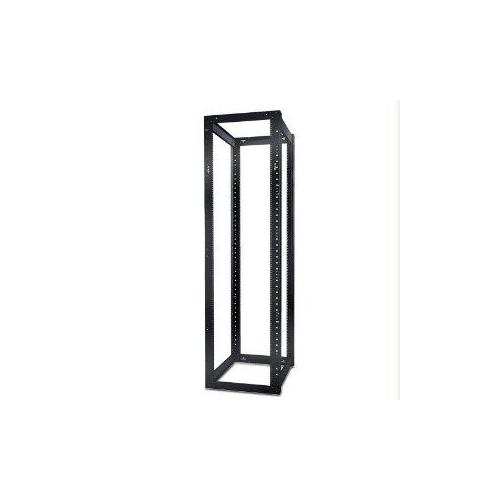
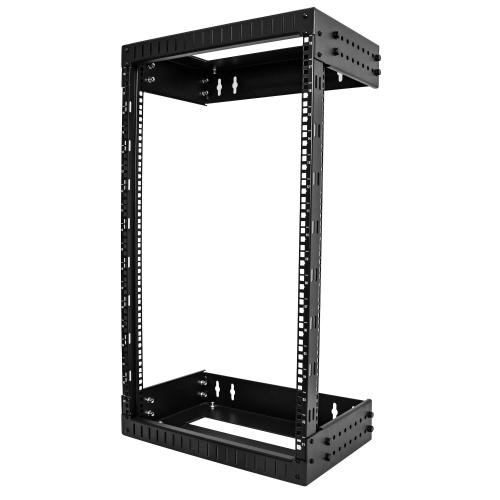
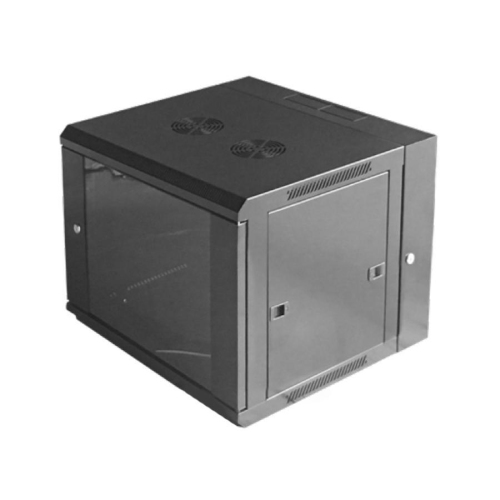
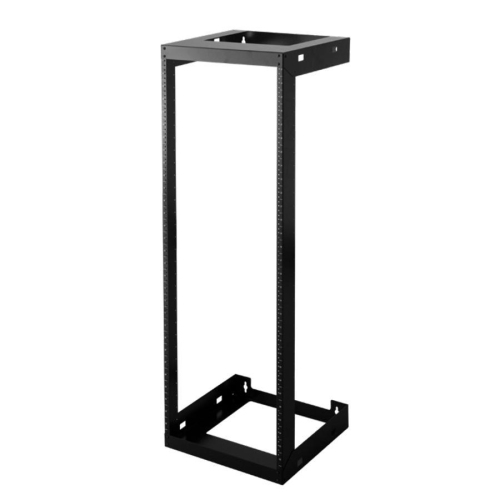
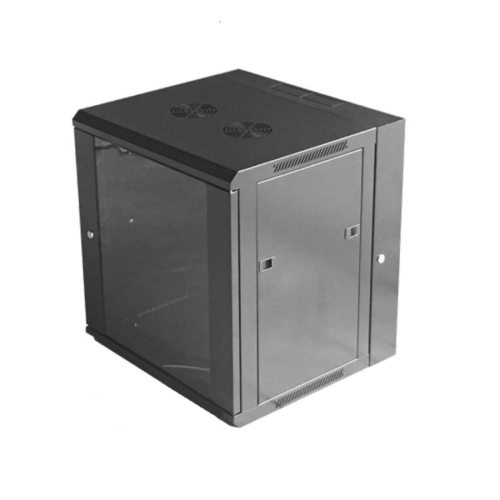

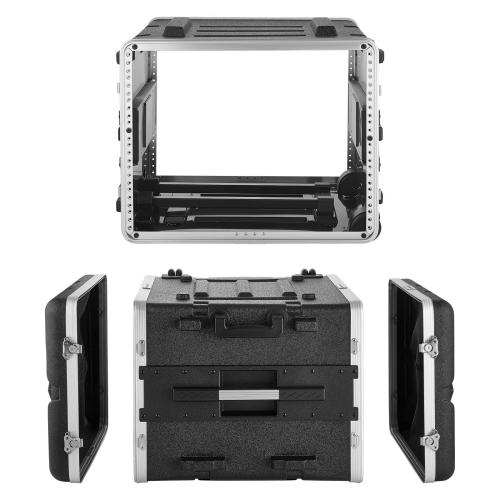
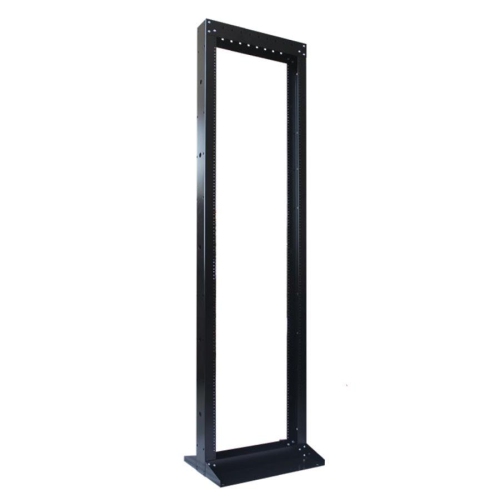
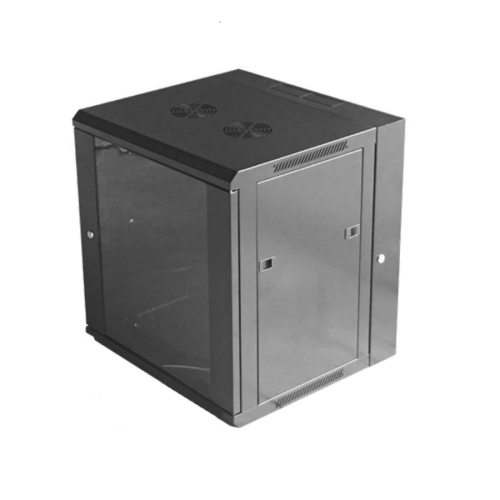
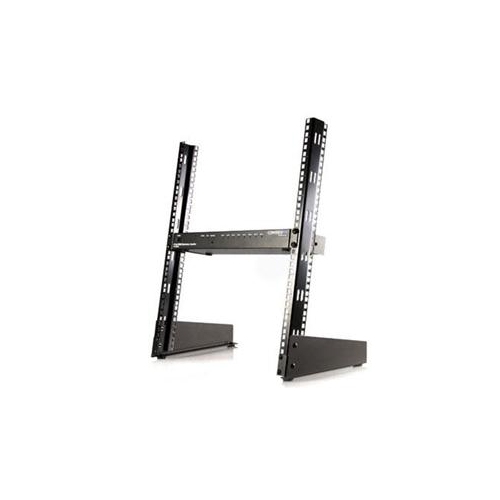


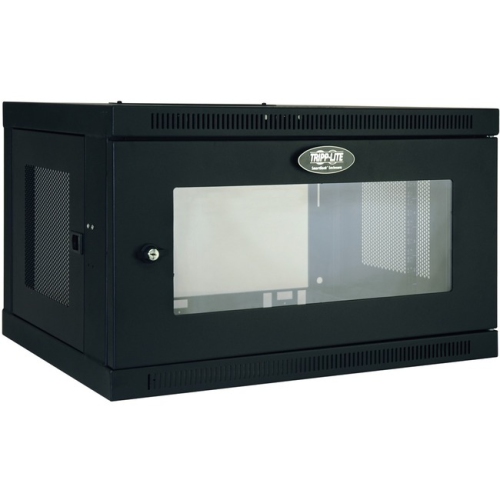
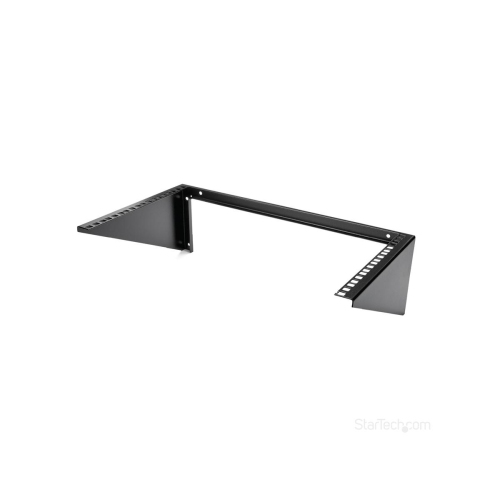
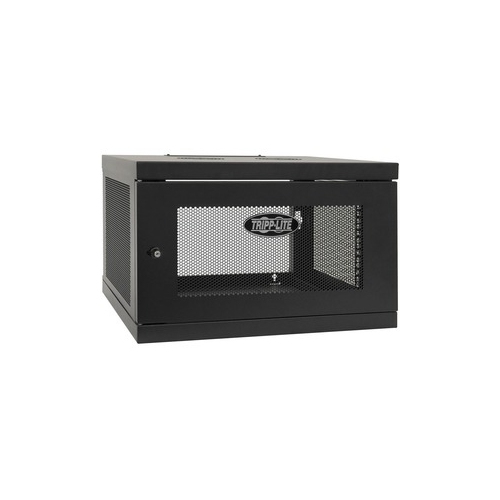
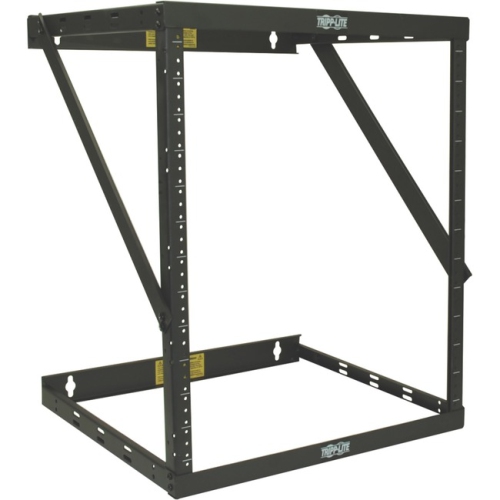
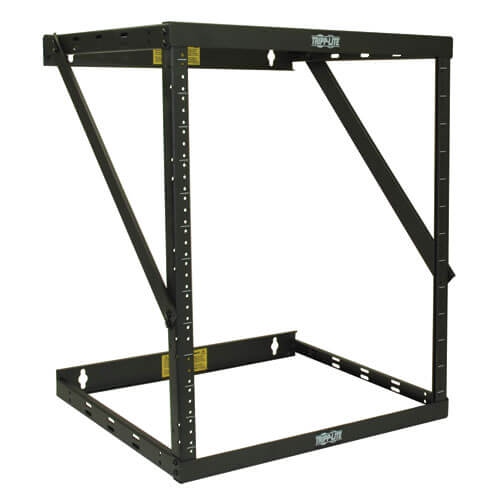


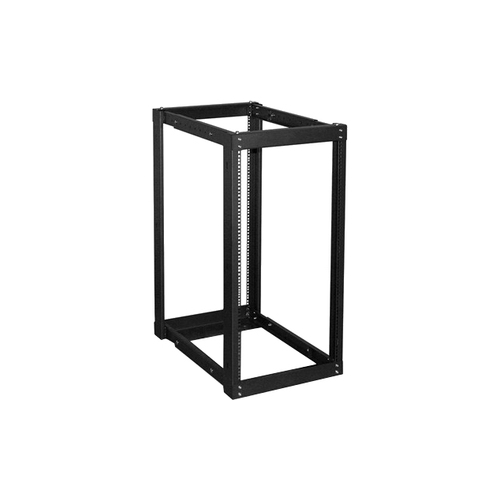
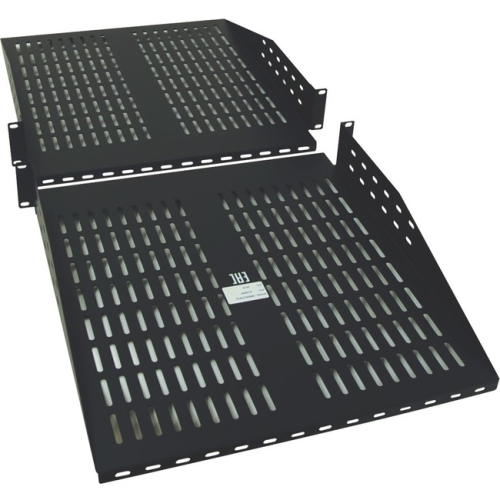
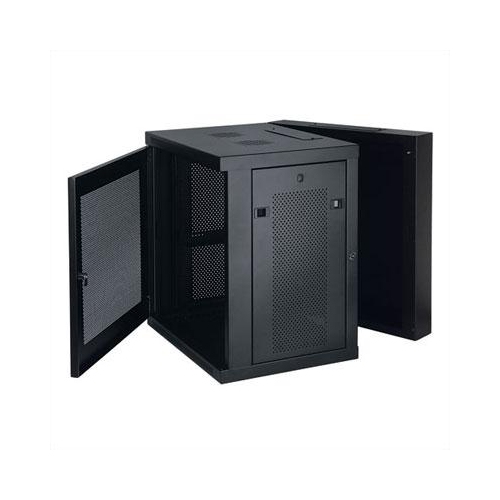
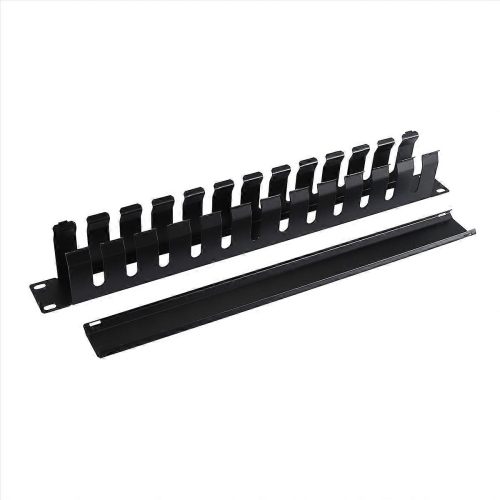
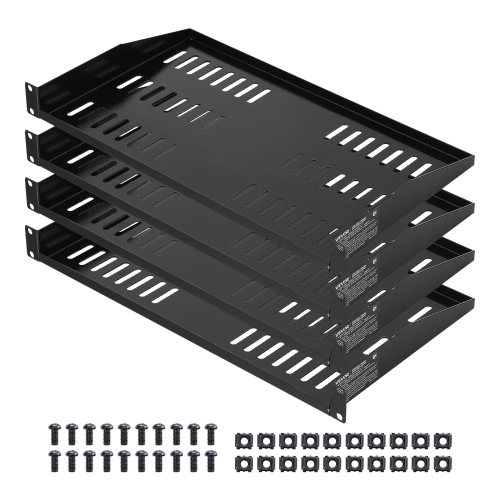
Structured storage for servers, networking gear, and power equipment
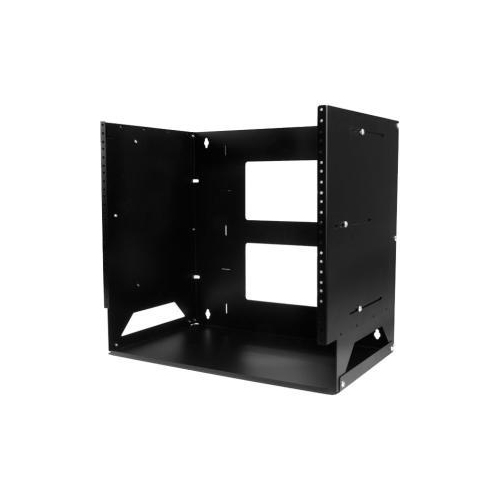
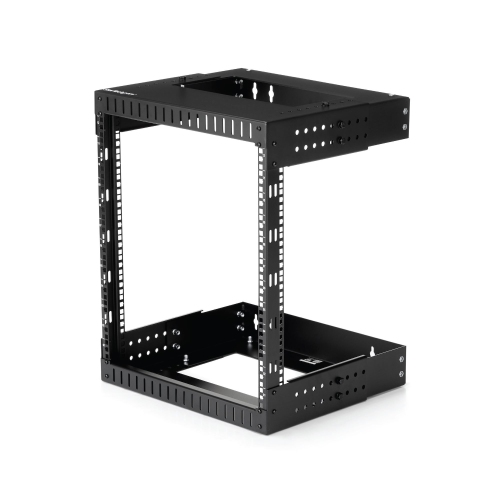
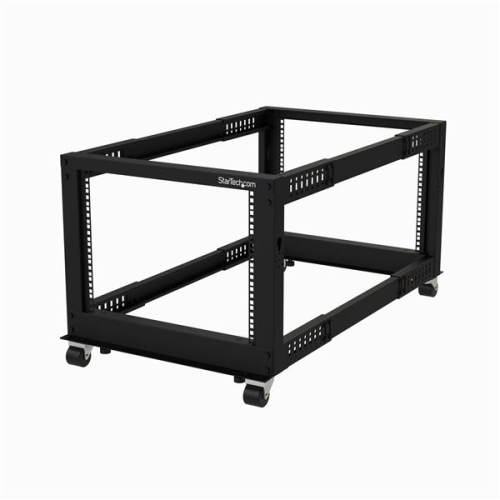
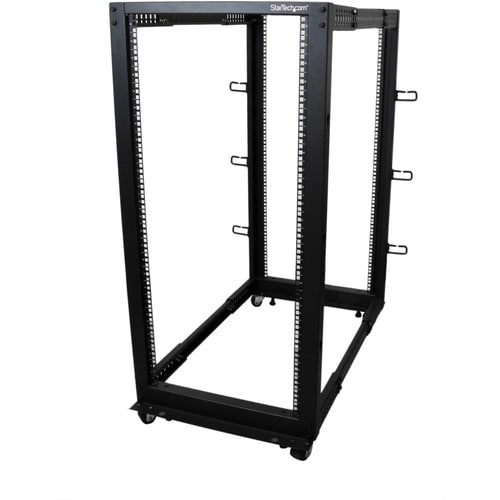
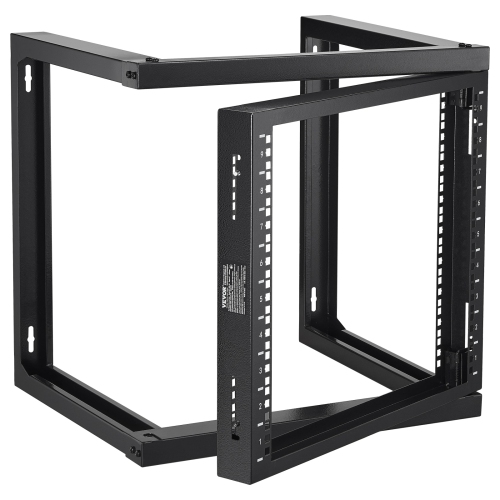
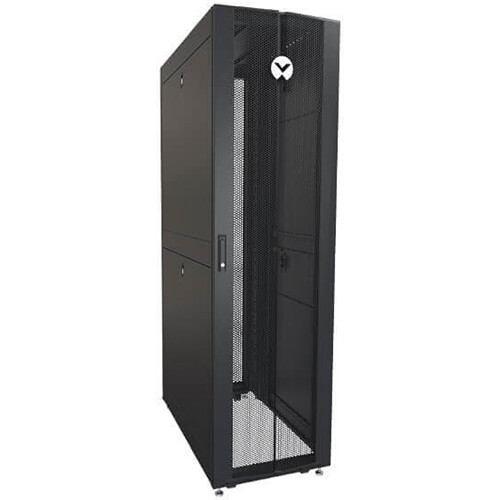
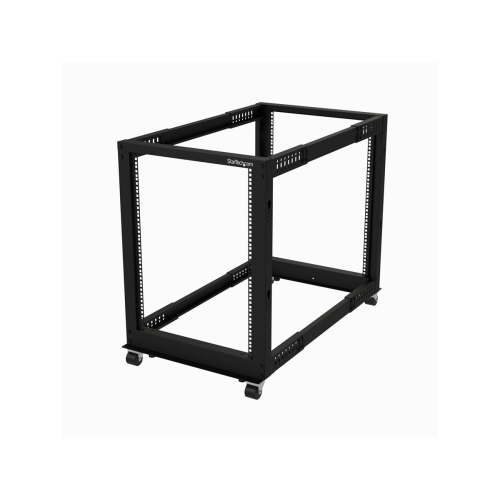
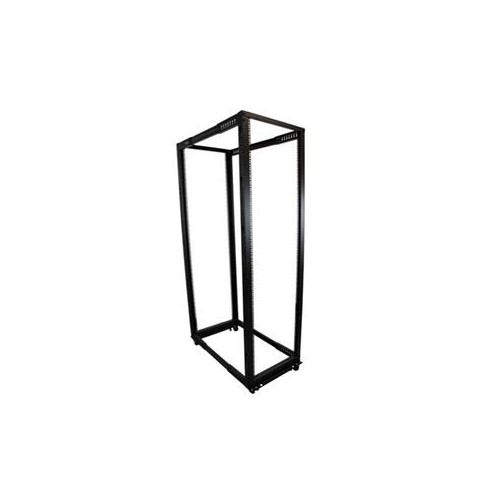
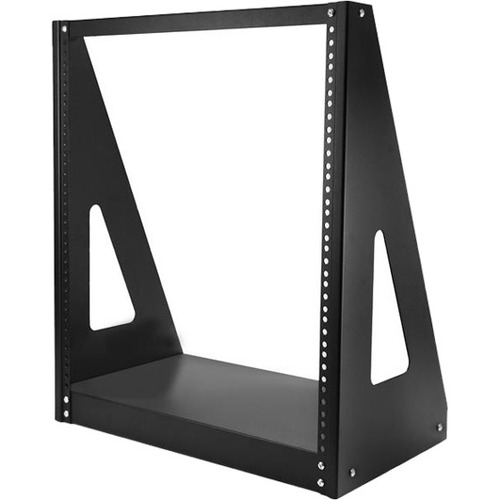
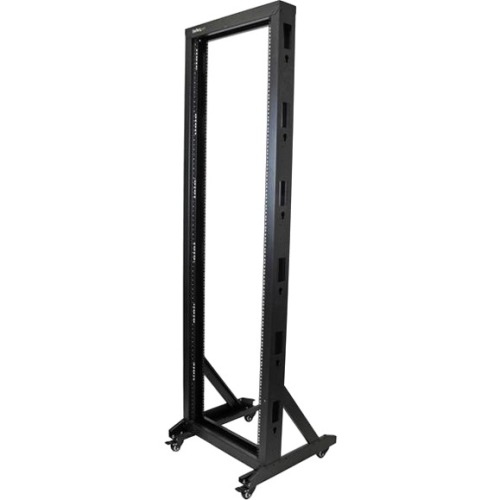
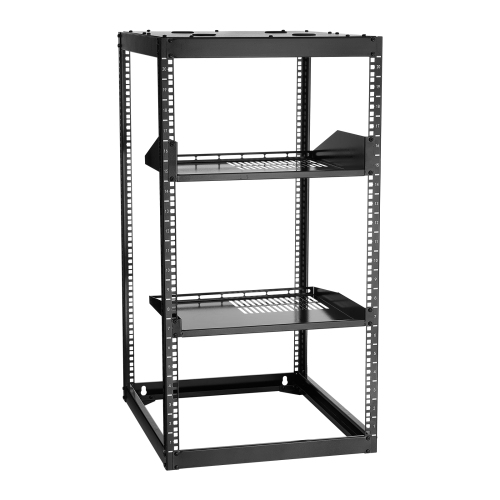
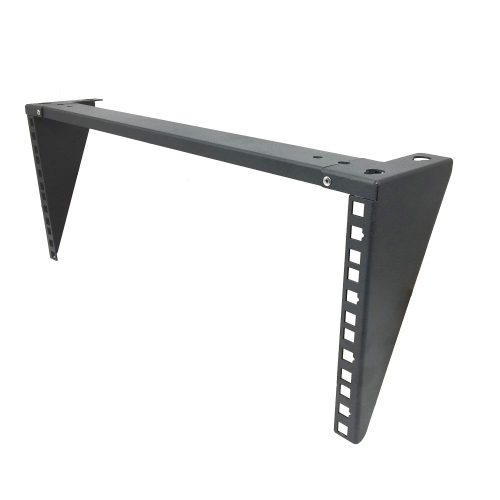
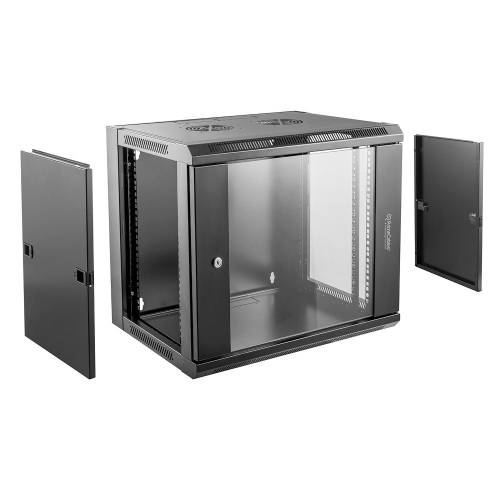
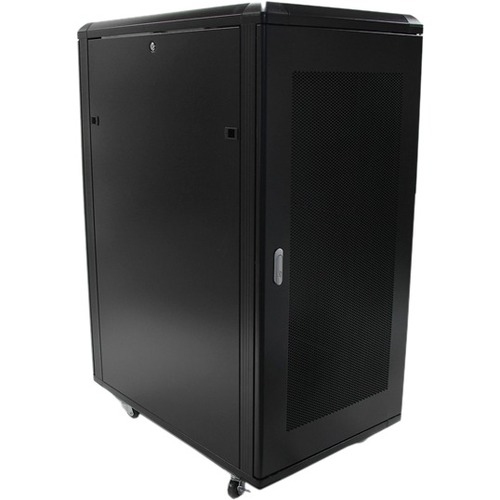
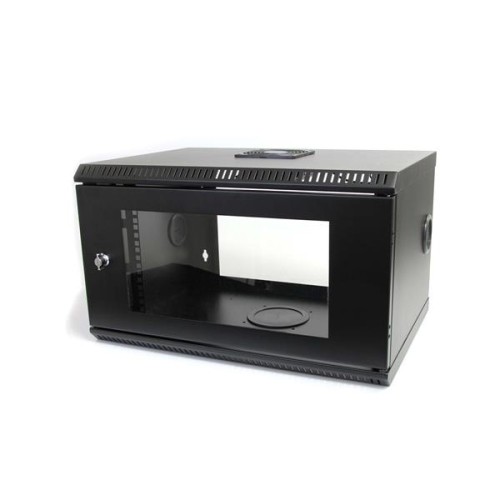
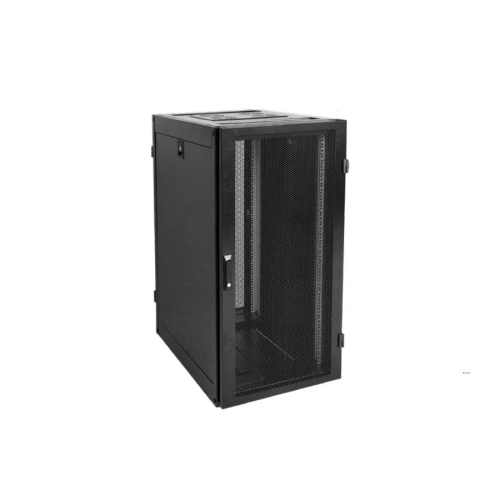
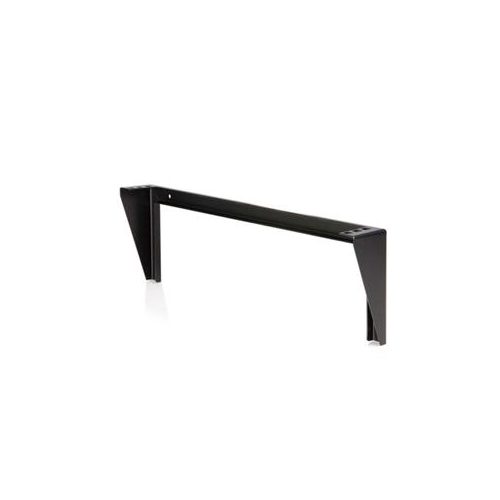
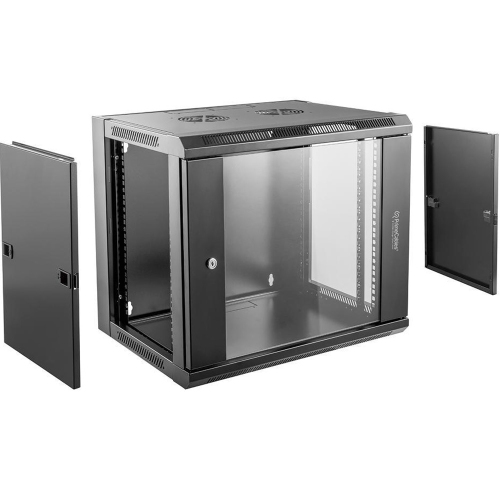
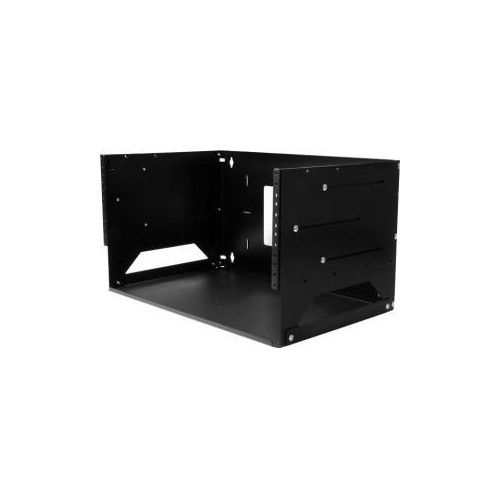
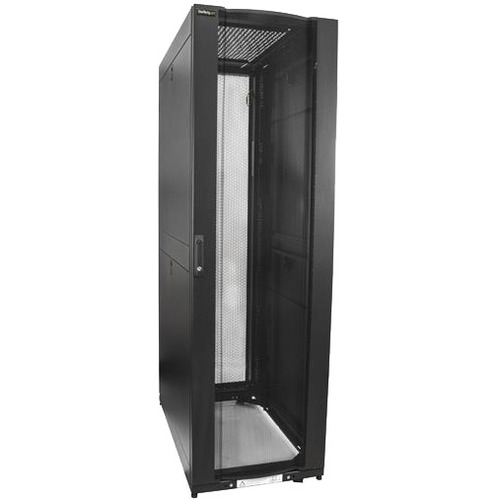
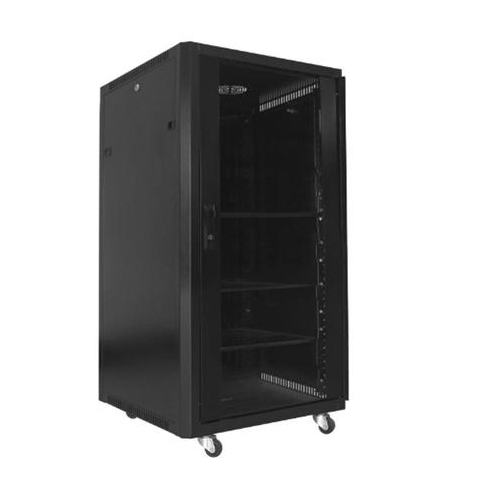
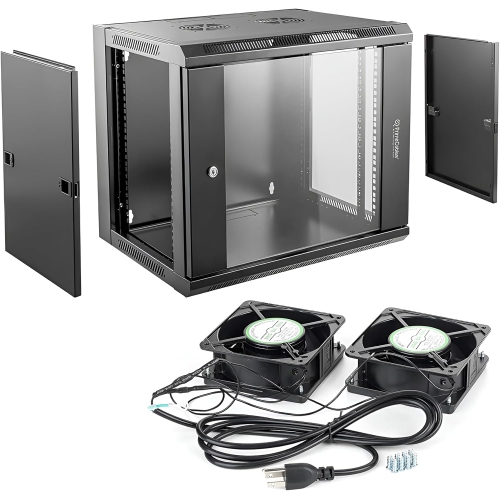
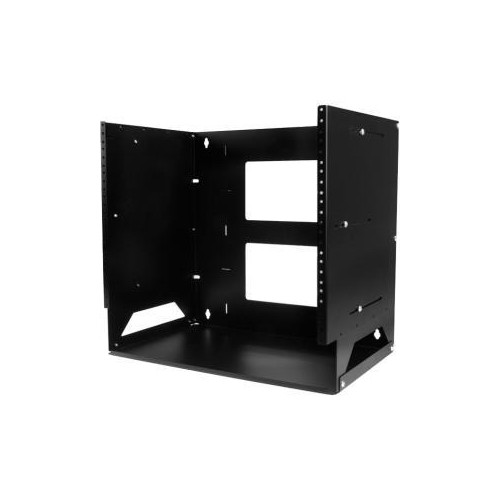
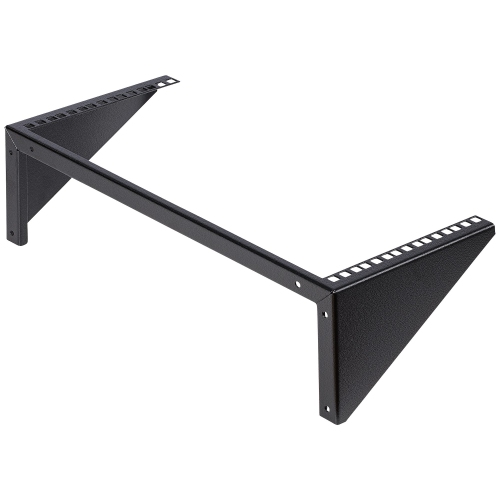
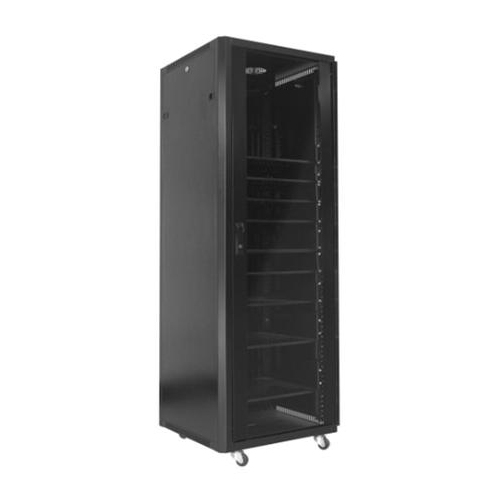
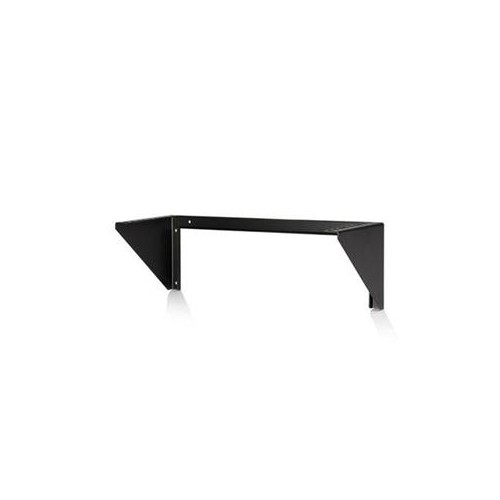
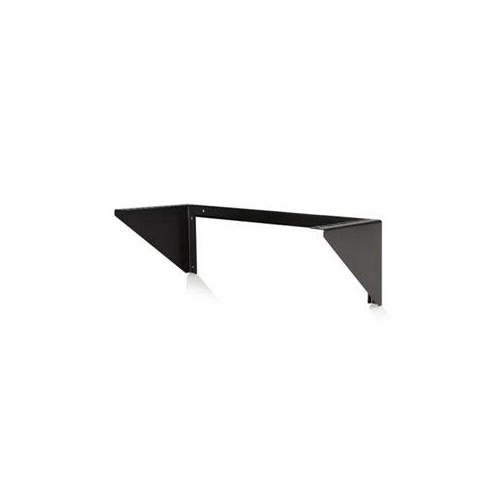
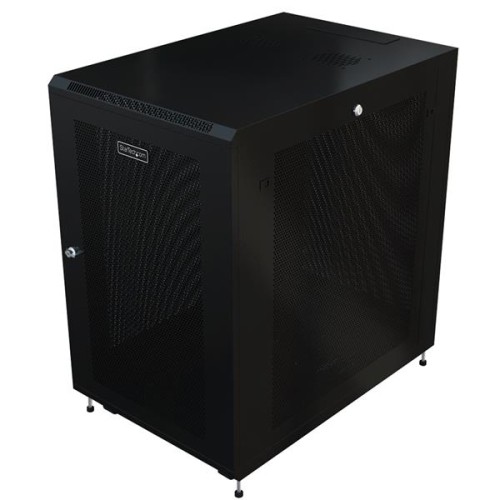
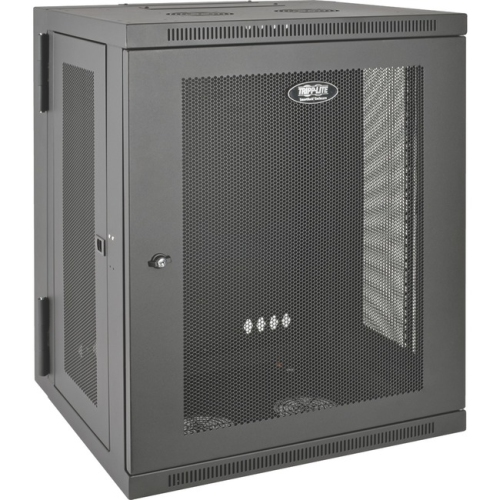
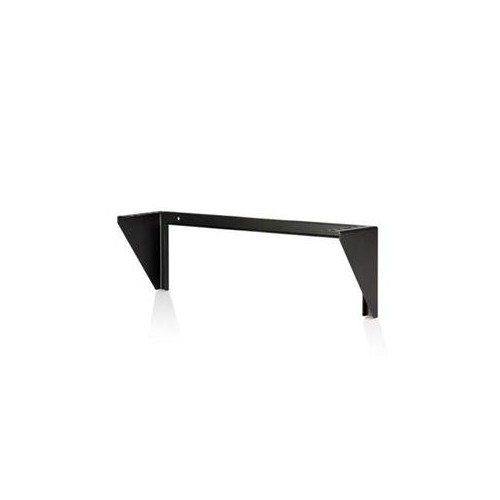
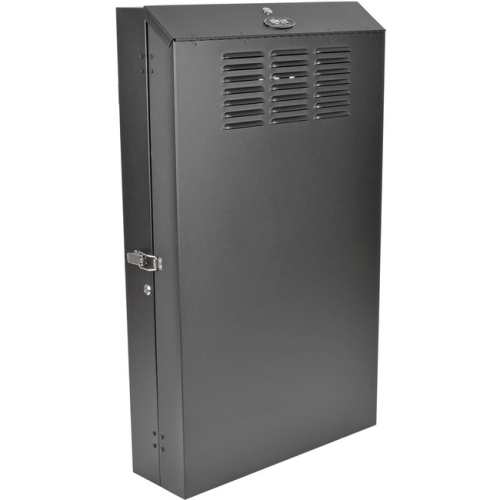
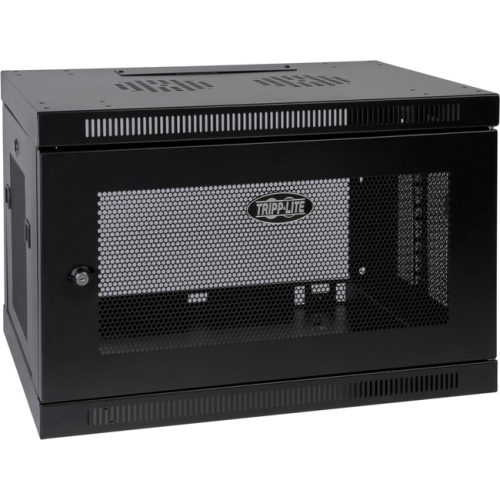
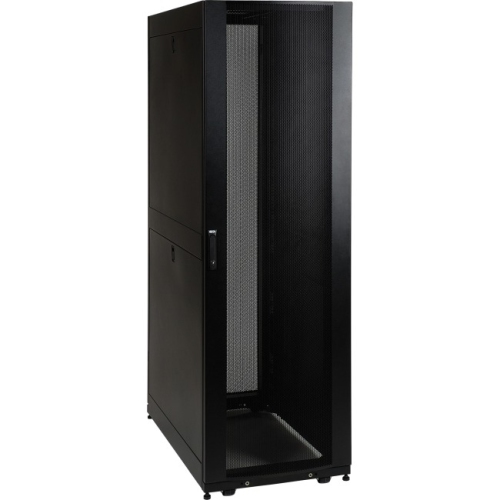
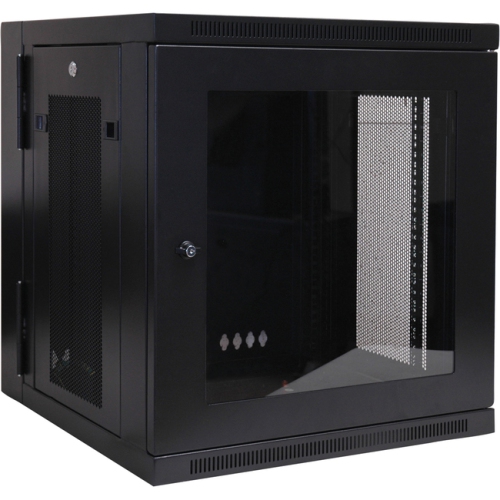
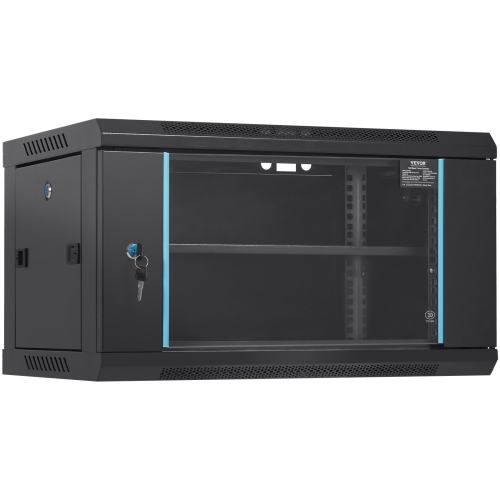
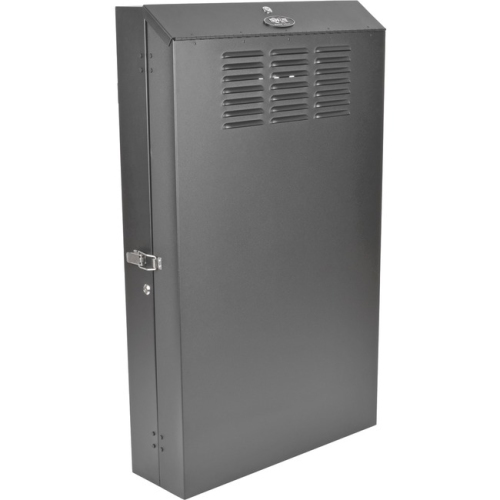
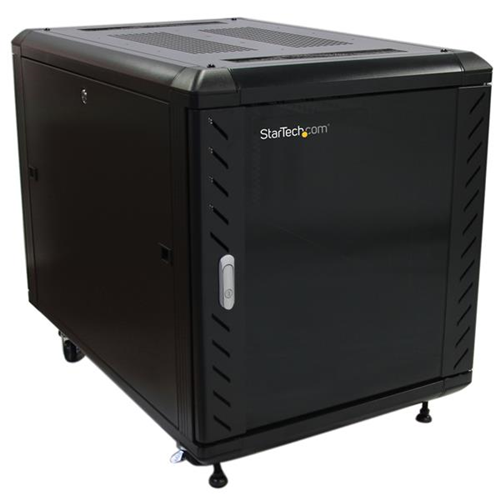
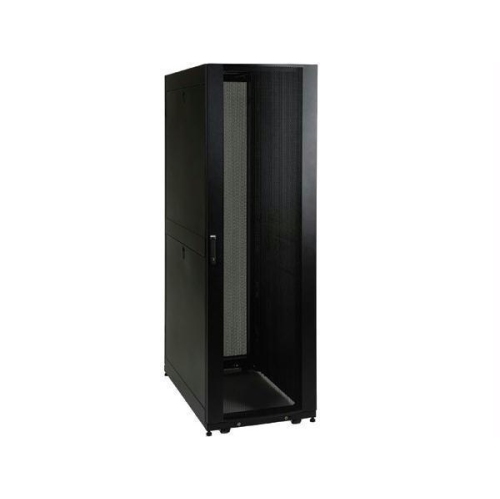
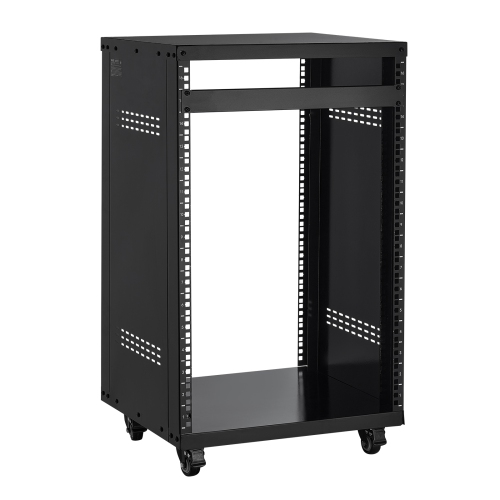
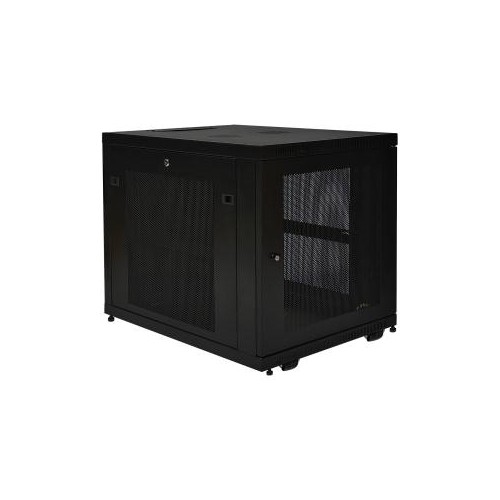
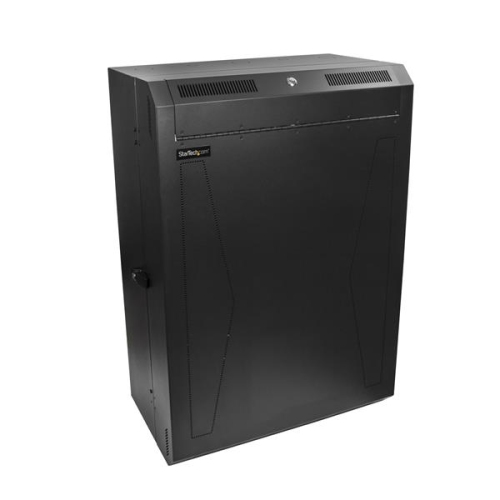
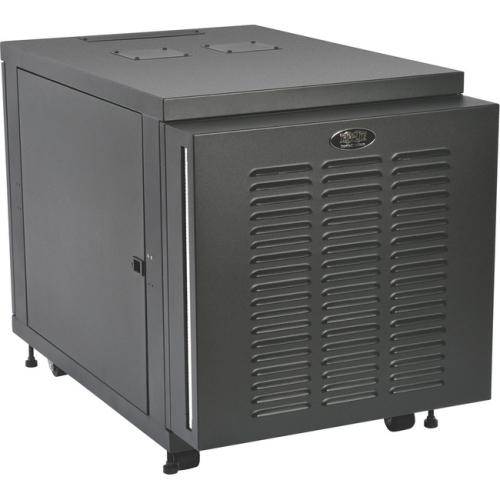
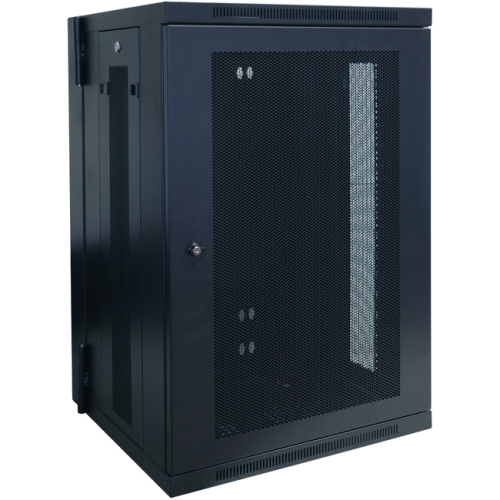
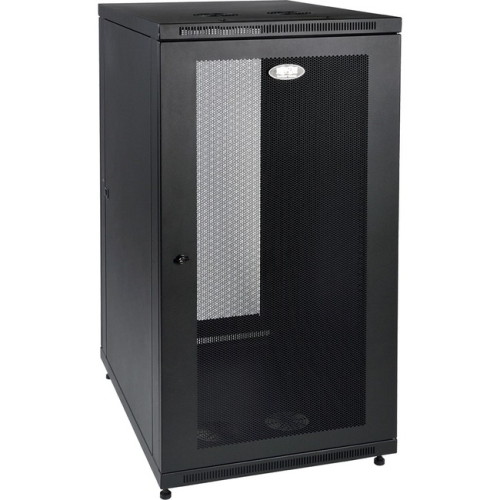
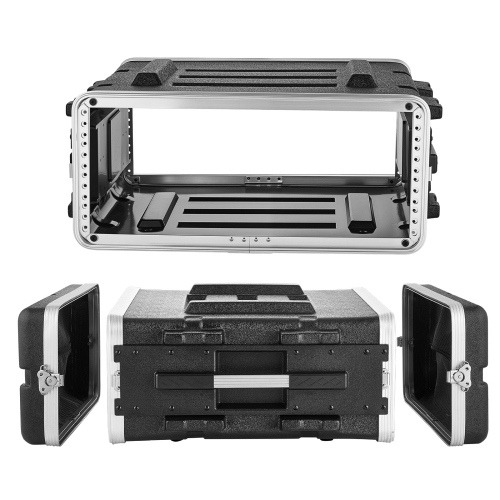
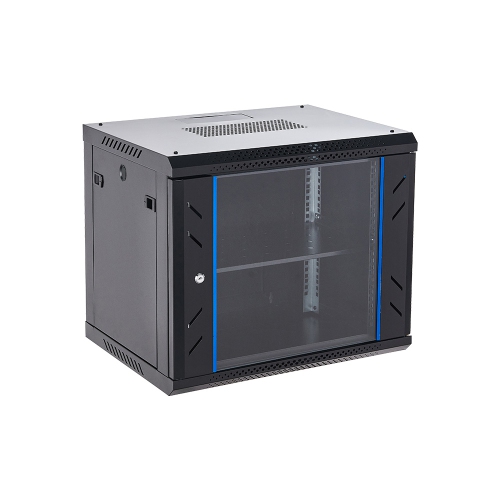
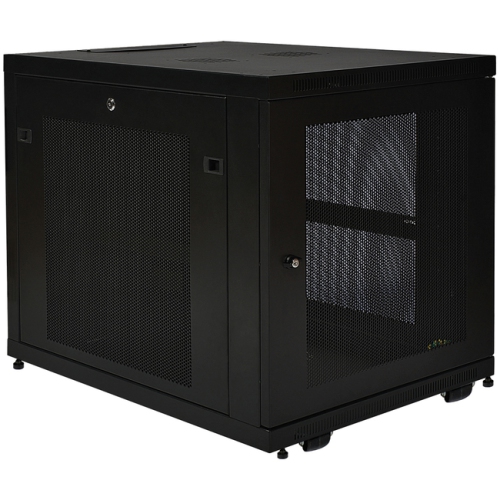
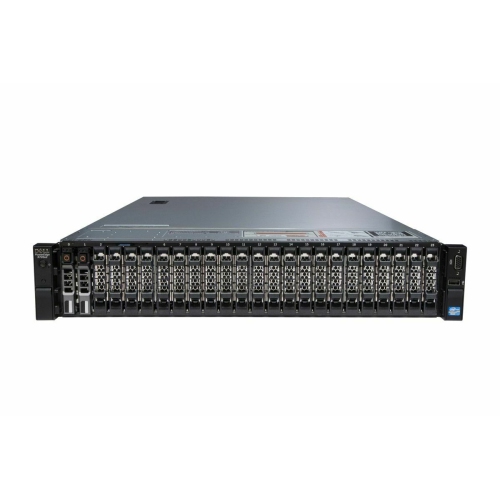
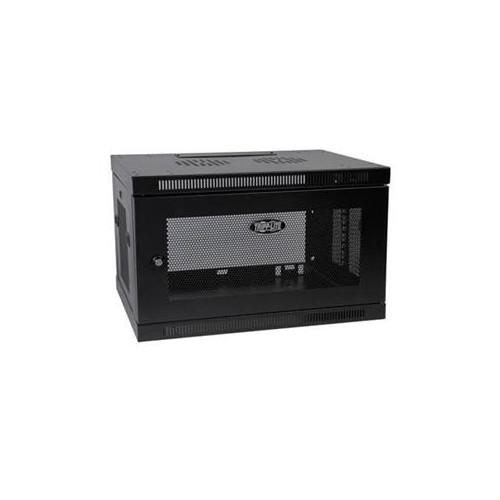
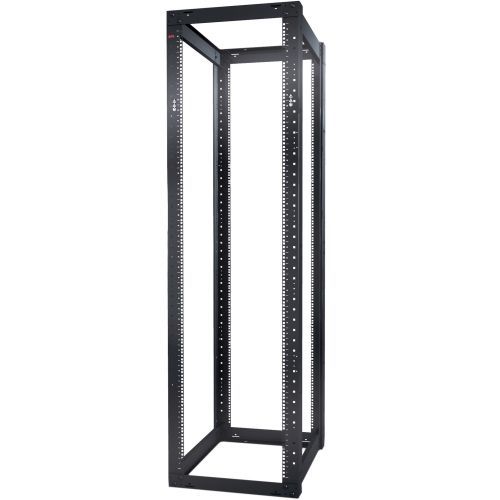
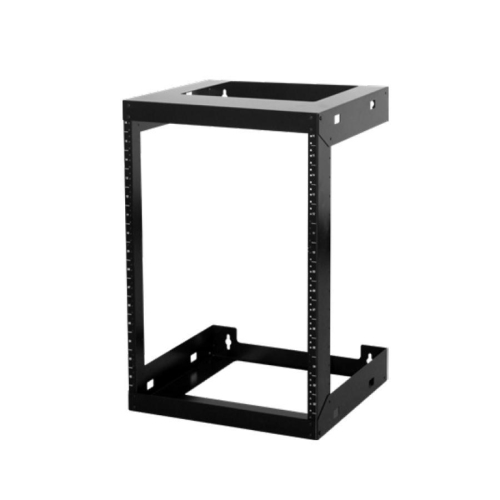
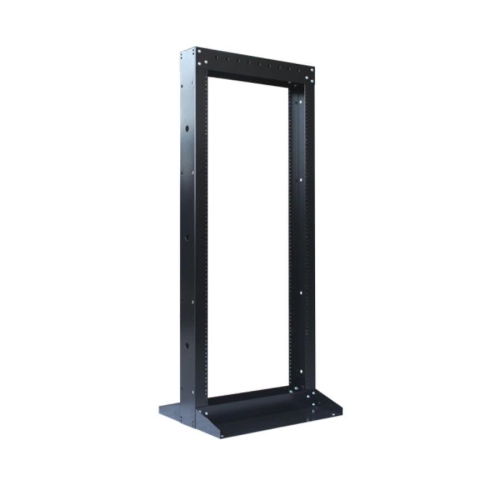
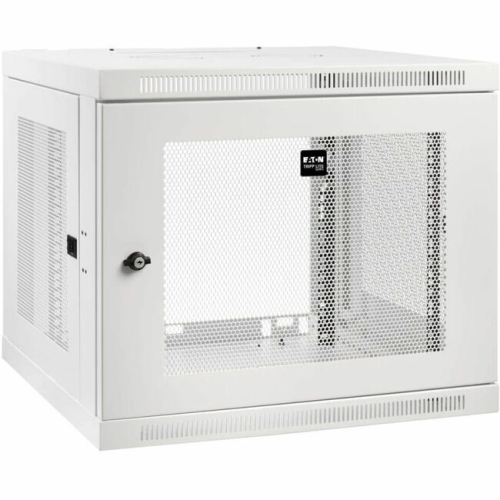
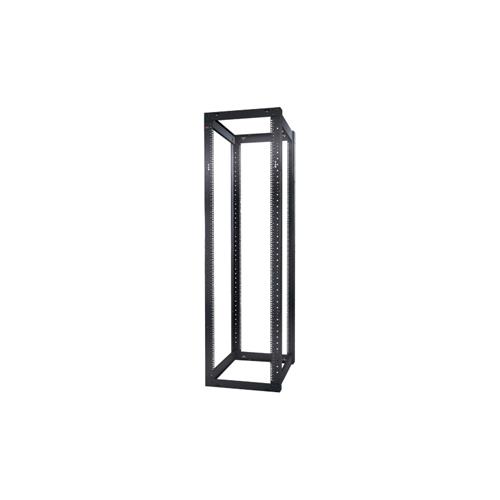
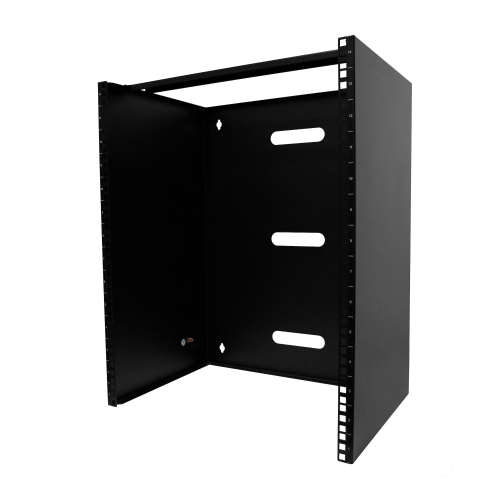
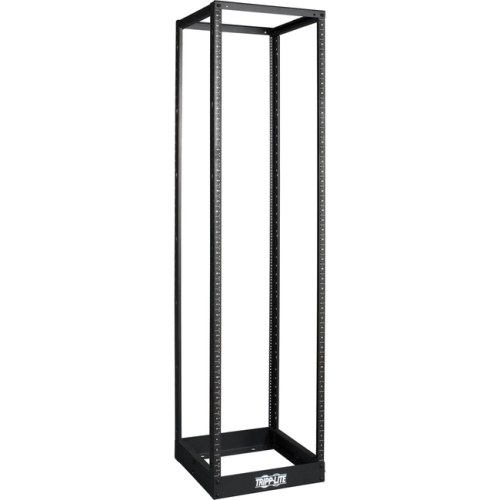
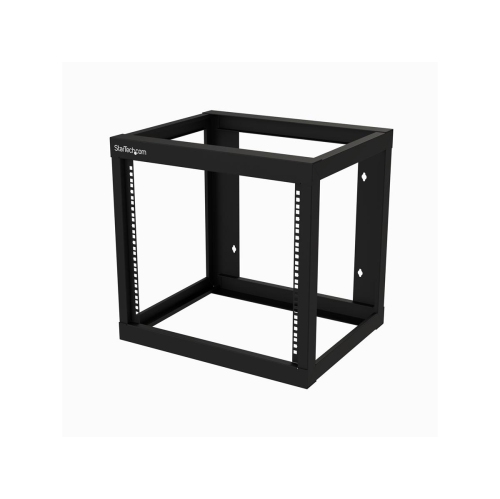
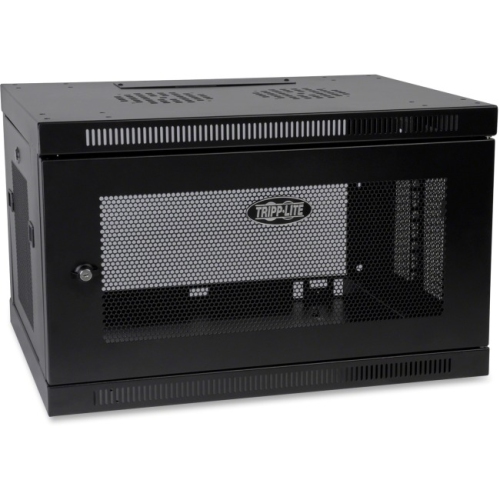
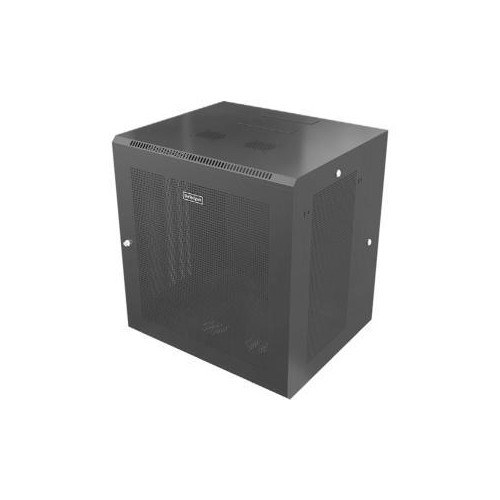
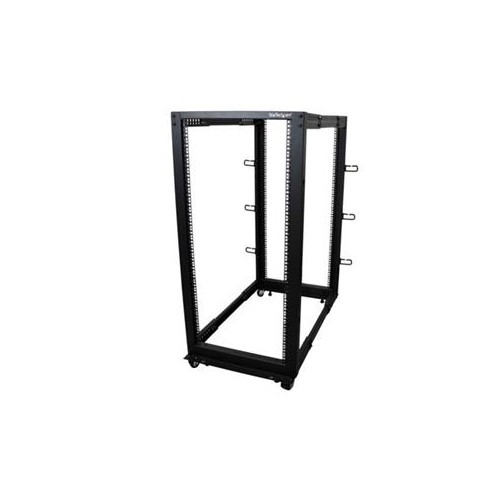
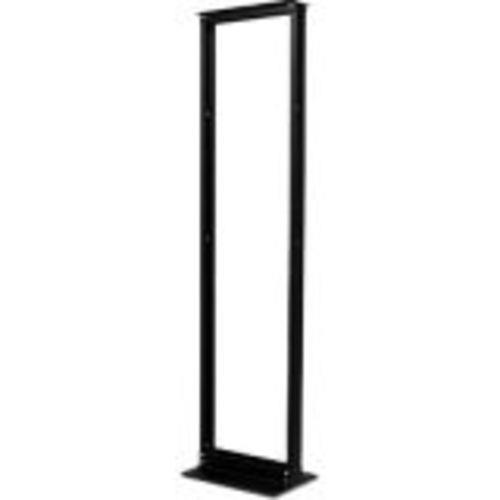
Server racks provide a structured way to house, organize, and protect networking, computing, security, and telecommunications equipment. Built around standardized dimensions, most server racks are designed for equipment that measures 19 inches wide, while vertical capacity is measured in rack units, or U. One rack unit equals 1.75 inches of vertical space, making it easier to compare the available room inside different frames and cabinets. Compact 6U or 12U racks can suit a small office, home lab, workshop, or communications closet, while larger 24U and 42U enclosures are intended for installations with multiple servers, switches, storage devices, and power-management components. A rack can make a noticeable difference in a space that has gradually accumulated loose cables, desktop equipment, and power bars. Instead of having each component occupy a separate shelf or floor area, rack-mount equipment can be positioned securely in one organized structure, with room for airflow and future expansion. When browsing server racks, consider the type of equipment being installed, the amount of vertical space it requires, and whether the rack will stand on the floor or be mounted to a wall. An open-frame rack offers convenient access from several sides and allows air to move freely, making it practical for a dedicated server room or controlled technical area. An enclosed cabinet adds doors, side panels, and often a locking mechanism, which can help limit access, reduce the spread of equipment noise, and provide a more finished appearance in an office or shared space. A wall-mount rack is useful where floor space is limited, such as beside a workbench, above a utility area, or in a small retail, studio, or home networking setup. Before choosing a cabinet or frame, measure the intended location carefully, including doorway clearance, ceiling height, and the space needed to open doors or reach rear connections. Depth is equally important: shallow network switches and patch panels may fit in compact racks, while servers, storage hardware, and battery backups can require a much deeper enclosure. Adjustable mounting rails can provide additional flexibility, but the usable mounting depth should still be compared with the dimensions of the equipment rather than relying only on the outside measurements of the rack.
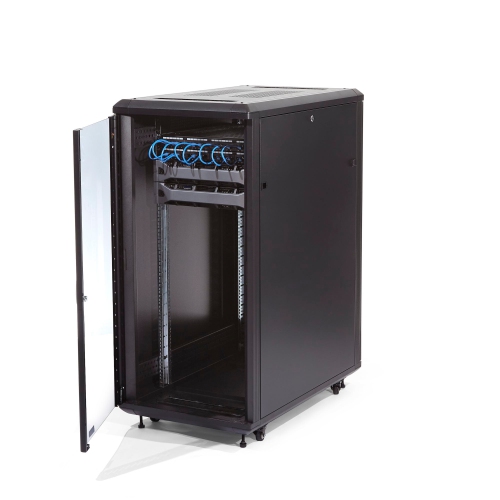
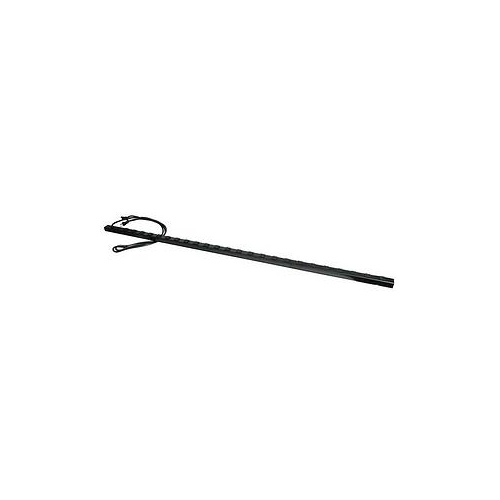
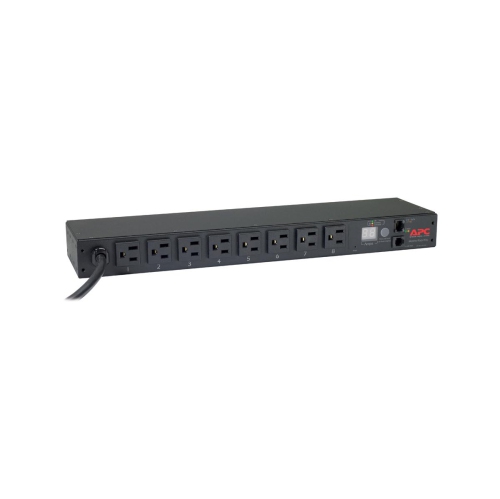
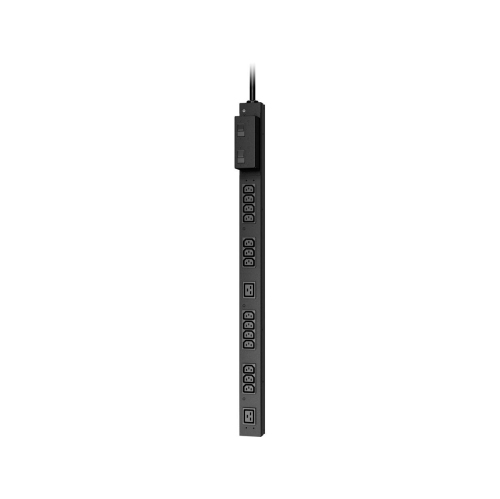
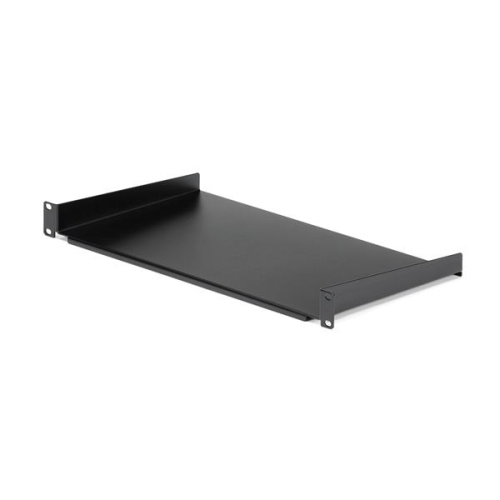
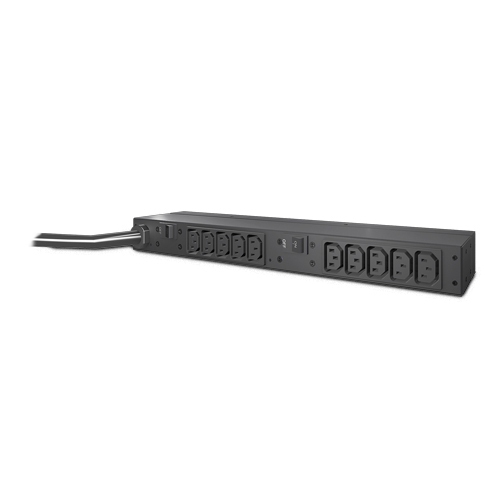
Capacity and safe support are central to a dependable server rack installation. The stated U-size indicates how much vertical equipment space is available, but it does not describe how much weight the rack can hold. Check the weight capacity before adding servers, storage arrays, battery backups, or other heavy components, especially when several pieces will be installed together. A stable, level floor is important for freestanding racks, while wall-mount models must be attached to suitable structural support using the correct hardware for the wall. Heavier equipment is commonly positioned lower in the rack to help maintain stability and make installation easier. A rack-mount uninterruptible power supply, or UPS, is often placed near the bottom because of its weight, and it can provide backup power during brief interruptions or voltage irregularities. A power distribution unit, or PDU, can then distribute power to the equipment in a cleaner, more accessible way than a collection of separate power bars. Cable managers, horizontal or vertical organizers, and patch panels help route network and telecommunications cables so they do not hang across shelves or block ventilation. Labelling both ends of each cable can save considerable time when troubleshooting a connection months later. Shelves are useful for equipment that is not designed for rack mounting, while blanking panels can cover unused spaces and help direct cool air through installed hardware instead of allowing it to pass through open gaps. Airflow should be planned from the beginning, since servers and networking equipment generate heat as they operate. Leave the clearances recommended by the equipment manufacturer, avoid blocking front and rear ventilation, and allow enough room behind the rack for cables and service access. In an enclosed cabinet, doors, fans, vents, and cable openings all affect temperature and accessibility. A rack with removable side panels may make routine maintenance more convenient, while lockable doors can be helpful in offices, classrooms, studios, and other areas where several people share the space.
Server racks are used by small businesses, IT professionals, security installers, audio-visual technicians, educators, content creators, and home technology enthusiasts who want a more dependable way to manage connected equipment. A small business might use a wall-mounted rack for a network switch, modem, patch panel, and backup power, keeping essential connections together in a tidy communications area. A growing office may choose a floor-standing cabinet to accommodate file servers, network storage, voice equipment, and additional hardware as staff and systems expand. At home, a server rack can support a personal media library, home automation controller, security recording equipment, or a hands-on networking lab where equipment needs to be changed and tested regularly. It can also be a thoughtful gift for someone who enjoys building computers, learning network administration, or creating a dedicated technology workspace, provided the rack’s dimensions match the equipment they plan to use. For installations that involve televisions, media components, amplifiers, or other home entertainment hardware, an Equipment Racks category may offer a more suitable format than a server-focused cabinet. When selecting among server racks, consider whether equipment will be added later, since choosing a little extra capacity can be more practical than replacing a crowded rack after a short time. Review the rack’s construction, mounting hardware, door style, panel access, cable-entry points, ventilation, casters or levelling feet, and included accessories. Confirm that the rack can pass through the route to its final location and that the electrical circuit can safely support the connected load. Careful planning at the selection stage helps create a setup that is easier to service, simpler to expand, and more comfortable to use during everyday maintenance. Whether the goal is to organize a compact network corner or establish a full equipment room, the right server rack brings order to complex hardware while giving each component a secure, accessible place.
Capacity and safe support are central to a dependable server rack installation. The stated U-size indicates how much vertical equipment space is available, but it does not describe how much weight the rack can hold. Check the weight capacity before adding servers, storage arrays, battery backups, or other heavy components, especially when several pieces will be installed together. A stable, level floor is important for freestanding racks, while wall-mount models must be attached to suitable structural support using the correct hardware for the wall. Heavier equipment is commonly positioned lower in the rack to help maintain stability and make installation easier. A rack-mount uninterruptible power supply, or UPS, is often placed near the bottom because of its weight, and it can provide backup power during brief interruptions or voltage irregularities. A power distribution unit, or PDU, can then distribute power to the equipment in a cleaner, more accessible way than a collection of separate power bars. Cable managers, horizontal or vertical organizers, and patch panels help route network and telecommunications cables so they do not hang across shelves or block ventilation. Labelling both ends of each cable can save considerable time when troubleshooting a connection months later. Shelves are useful for equipment that is not designed for rack mounting, while blanking panels can cover unused spaces and help direct cool air through installed hardware instead of allowing it to pass through open gaps. Airflow should be planned from the beginning, since servers and networking equipment generate heat as they operate. Leave the clearances recommended by the equipment manufacturer, avoid blocking front and rear ventilation, and allow enough room behind the rack for cables and service access. In an enclosed cabinet, doors, fans, vents, and cable openings all affect temperature and accessibility. A rack with removable side panels may make routine maintenance more convenient, while lockable doors can be helpful in offices, classrooms, studios, and other areas where several people share the space.
Server racks are used by small businesses, IT professionals, security installers, audio-visual technicians, educators, content creators, and home technology enthusiasts who want a more dependable way to manage connected equipment. A small business might use a wall-mounted rack for a network switch, modem, patch panel, and backup power, keeping essential connections together in a tidy communications area. A growing office may choose a floor-standing cabinet to accommodate file servers, network storage, voice equipment, and additional hardware as staff and systems expand. At home, a server rack can support a personal media library, home automation controller, security recording equipment, or a hands-on networking lab where equipment needs to be changed and tested regularly. It can also be a thoughtful gift for someone who enjoys building computers, learning network administration, or creating a dedicated technology workspace, provided the rack’s dimensions match the equipment they plan to use. For installations that involve televisions, media components, amplifiers, or other home entertainment hardware, an Equipment Racks category may offer a more suitable format than a server-focused cabinet. When selecting among server racks, consider whether equipment will be added later, since choosing a little extra capacity can be more practical than replacing a crowded rack after a short time. Review the rack’s construction, mounting hardware, door style, panel access, cable-entry points, ventilation, casters or levelling feet, and included accessories. Confirm that the rack can pass through the route to its final location and that the electrical circuit can safely support the connected load. Careful planning at the selection stage helps create a setup that is easier to service, simpler to expand, and more comfortable to use during everyday maintenance. Whether the goal is to organize a compact network corner or establish a full equipment room, the right server rack brings order to complex hardware while giving each component a secure, accessible place.
Top selling and popular products
-
 Your price for this item is $1303.99
 -
 Your price for this item is $748.99
 -
 Your price for this item is $581.68
 -
 Your price for this item is $407.99
 -
 Your price for this item is $264.99
 -
 Your price for this item is $250.68
 -
 Your price for this item is $54.99
 -
 Your price for this item is $532.37
Discover more categories related to Server Racks
Top Collections:
Pokemon Centers, Kindle Devices, Best Budget Office Chairs, Canon G7X Cameras, Apple iPhones 16, Samsung Galaxy Phones, Refurbished Apple Laptops, Laptops for Students, iPhone 15 Apple, Budget Smartphones
Some products may be subject to Environmental Handling Fees
(EHF) depending on your province.
Learn more about EHFs.