Equipment Racks
Organize and optimize your electronic setup with our selection of equipment racks. Perfect for keeping your devices and accessories neatly stored and easily accessible, these racks are designed to streamline your space while maintaining a sleek aesthetic. Whether you're a home entertainment enthusiast, a professional musician, or a tech-savvy individual, our range of equipment racks offers versatile solutions to meet your organizational needs. Explore our collection today and elevate the functionality of your setup with style.
Sort







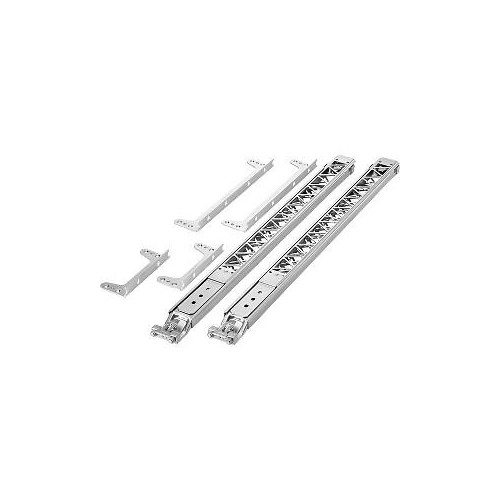
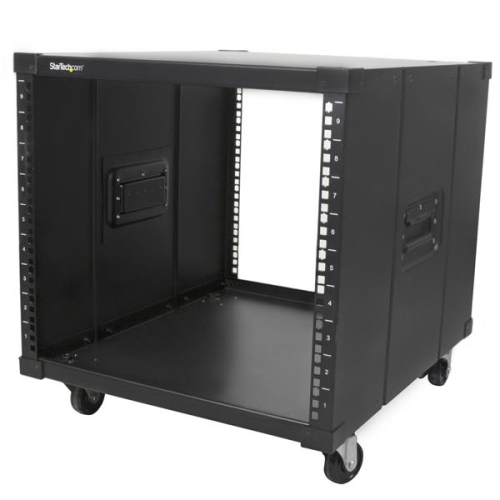
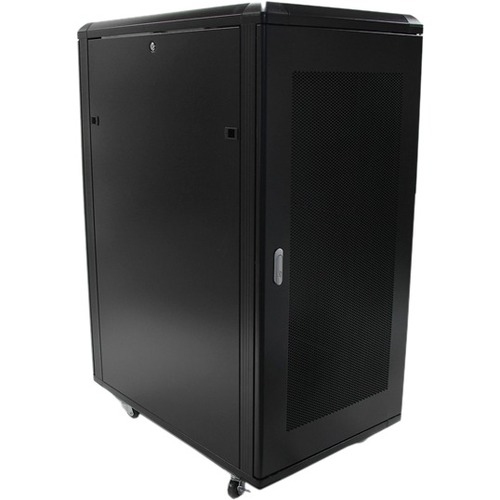
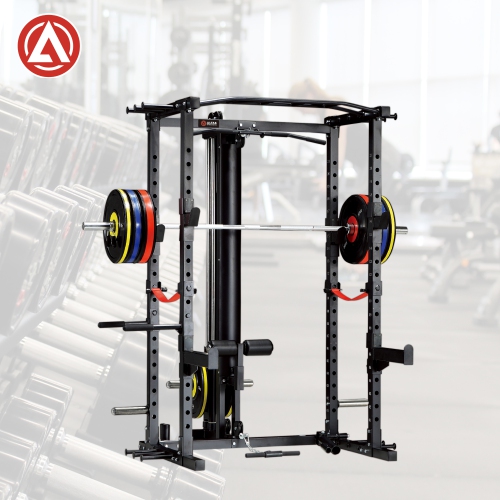






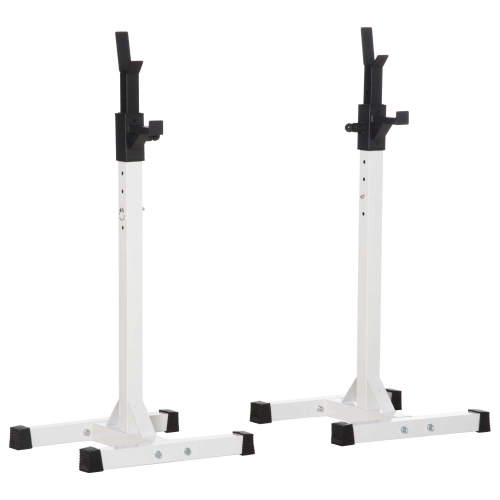
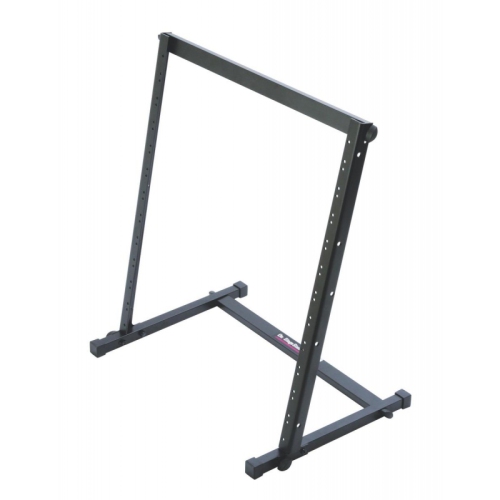
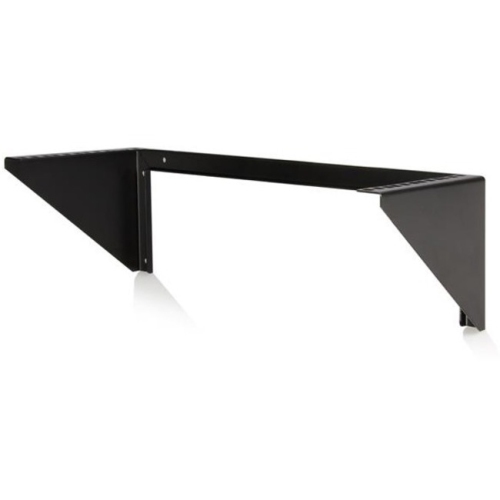
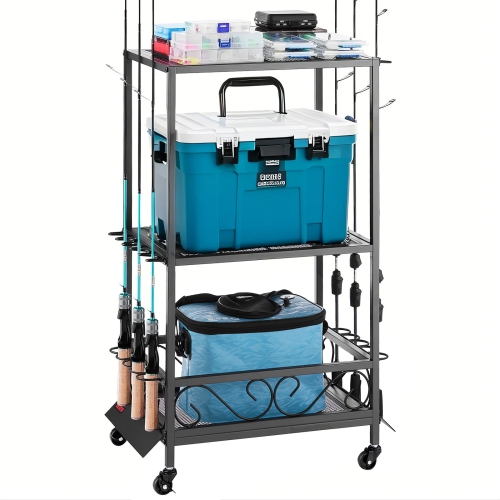
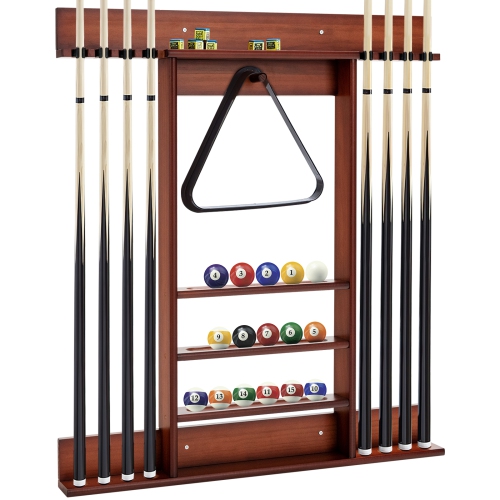
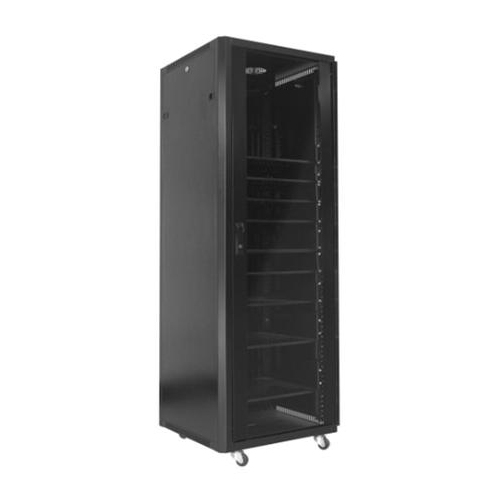
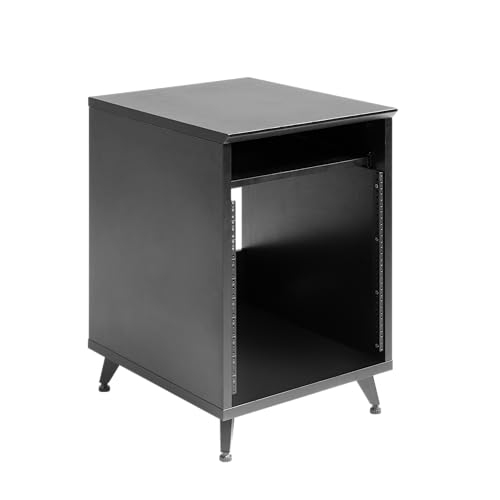
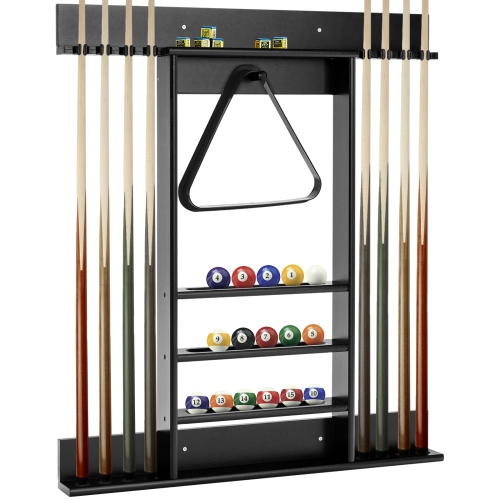
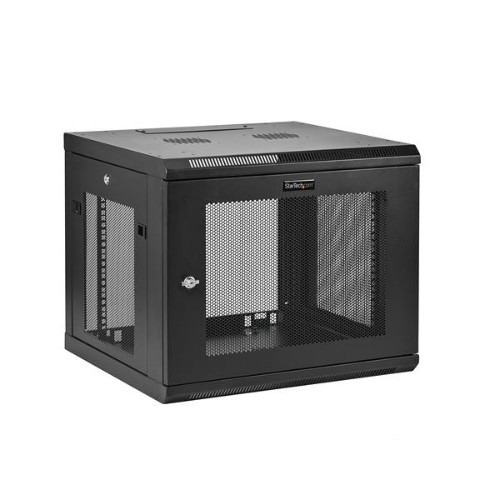

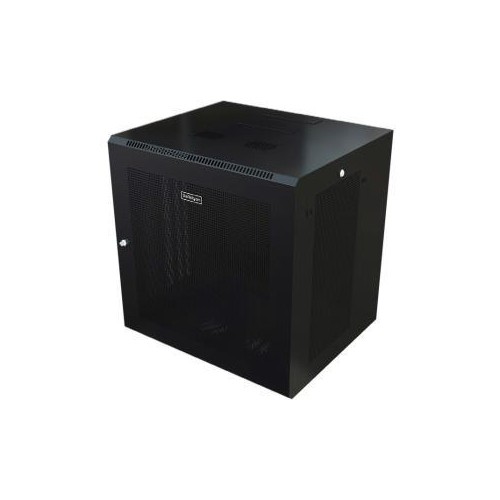

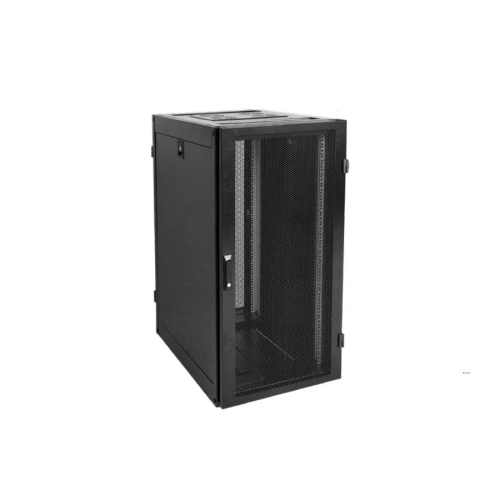





Organized hardware with room for cables and airflow
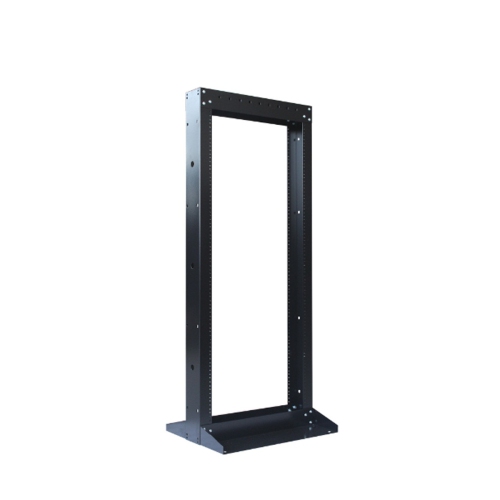
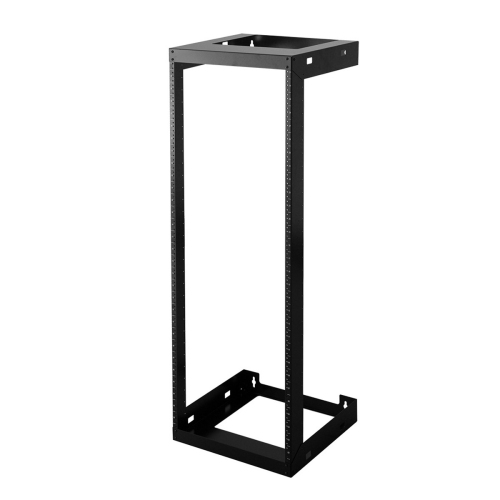
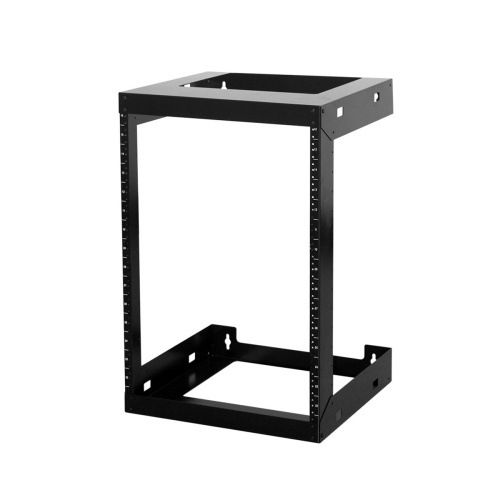
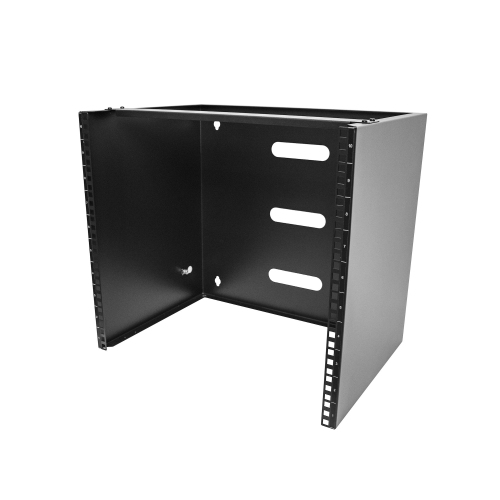
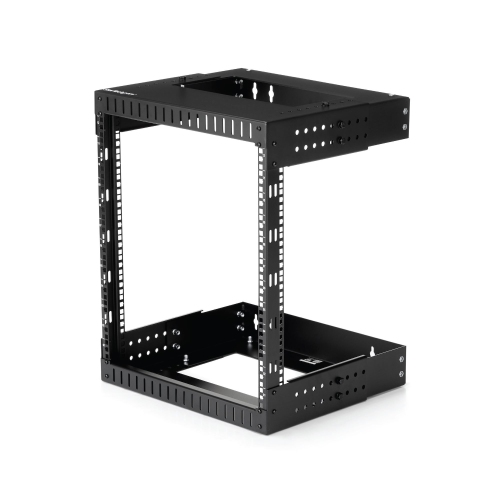
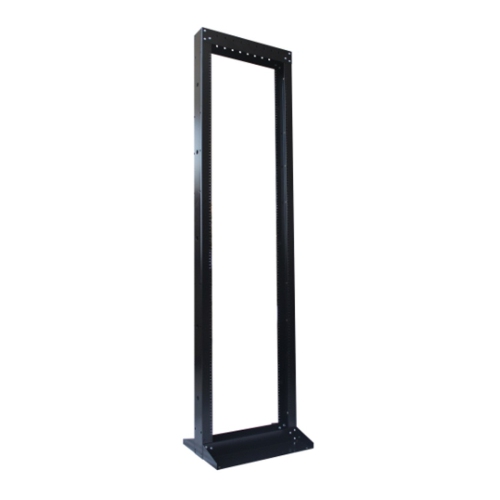
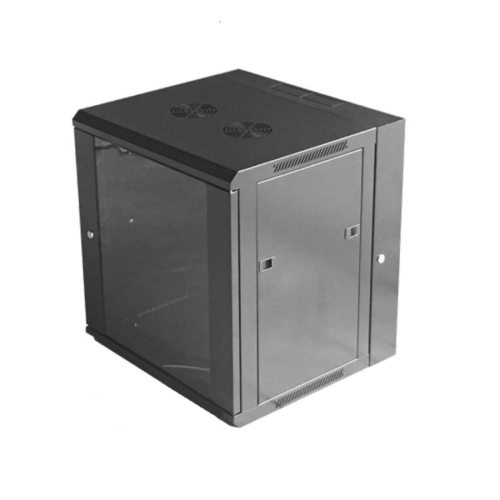
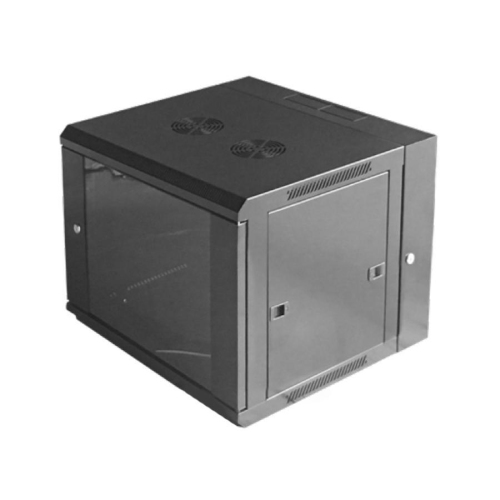
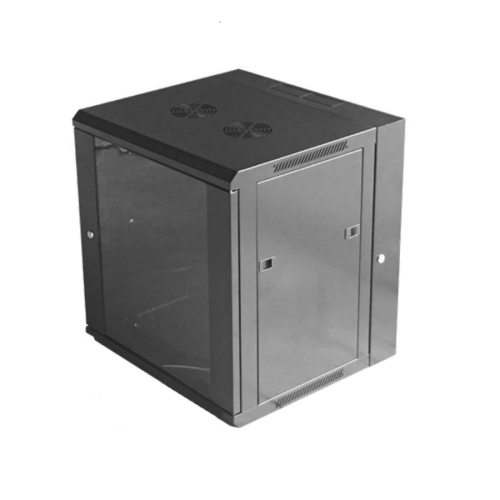
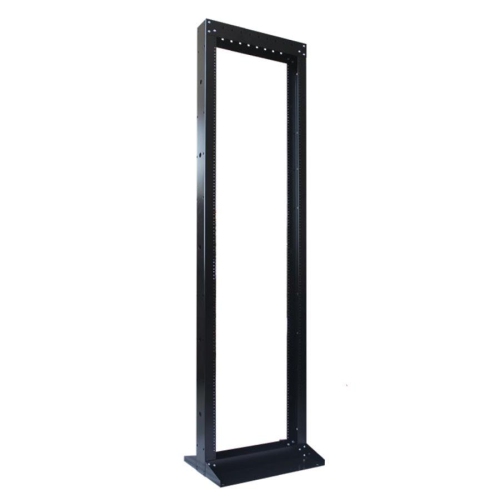
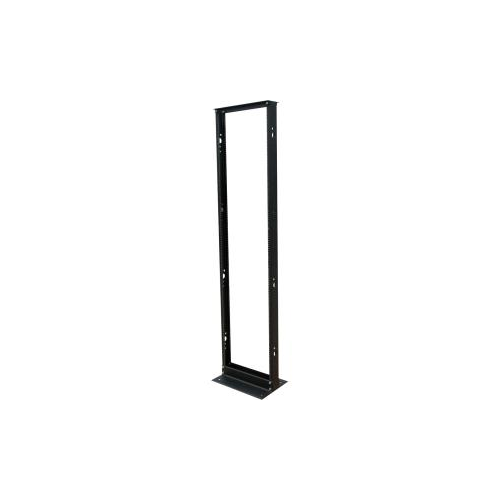
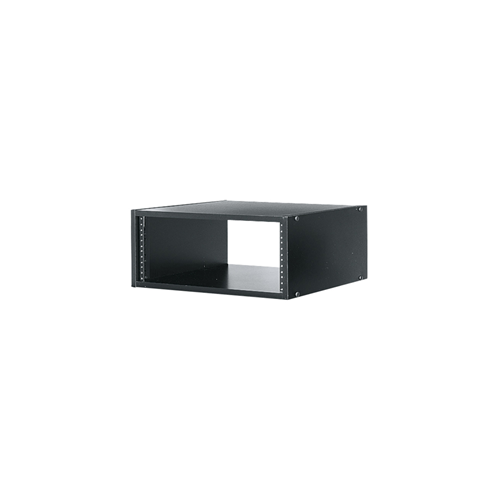
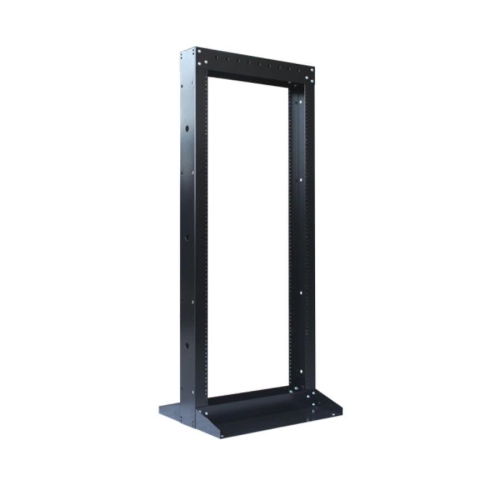
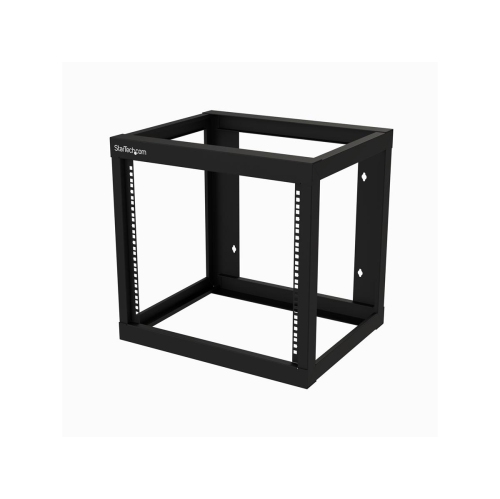
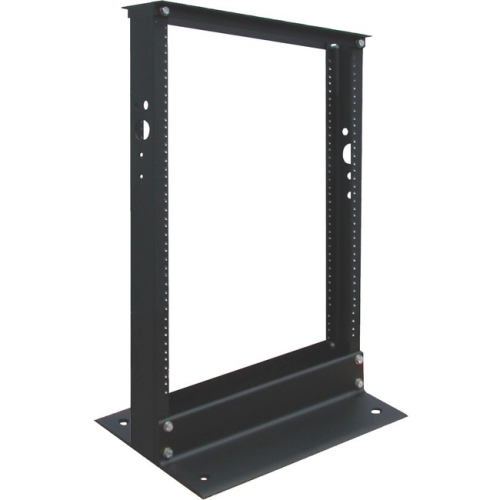
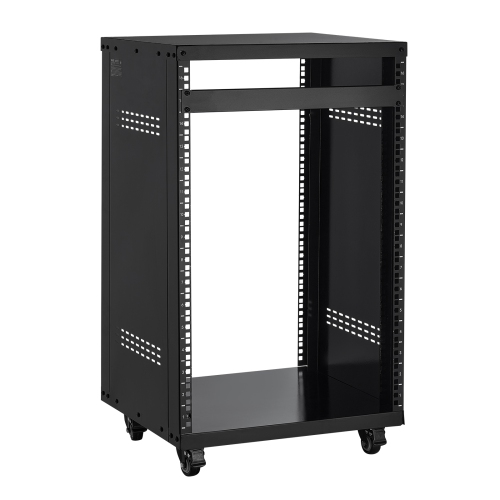
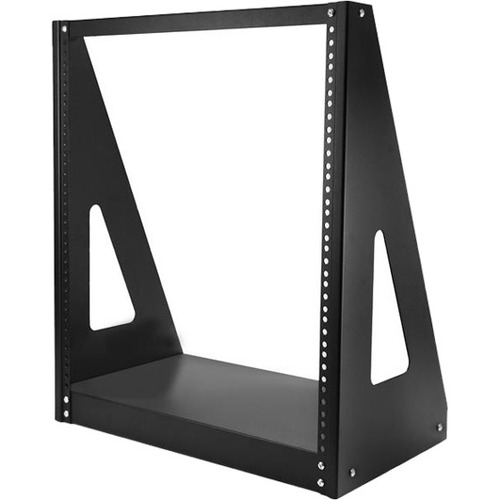
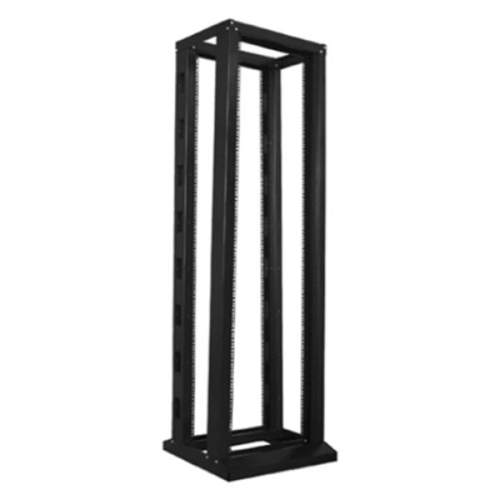
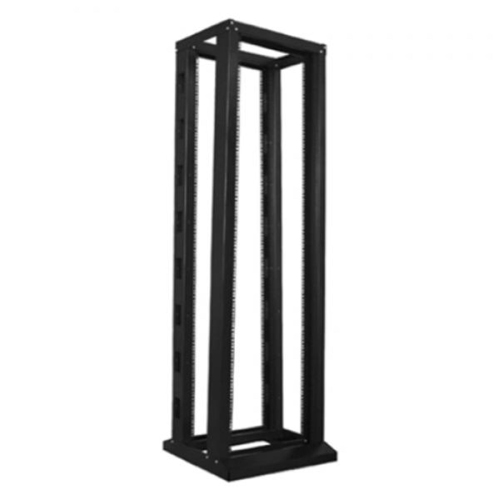
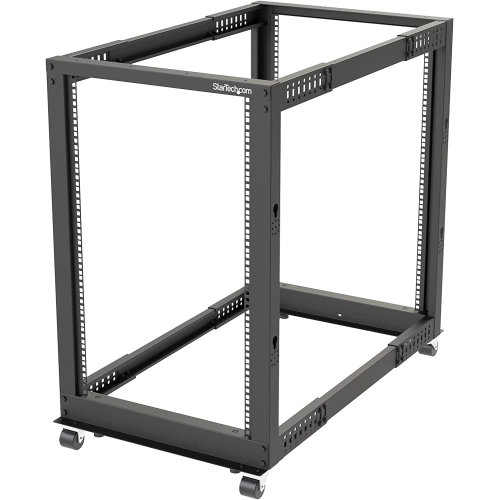
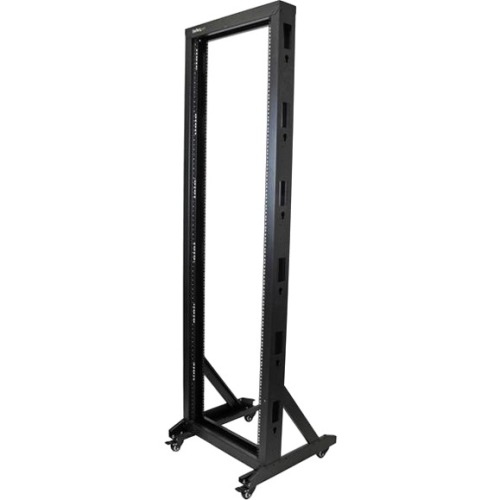
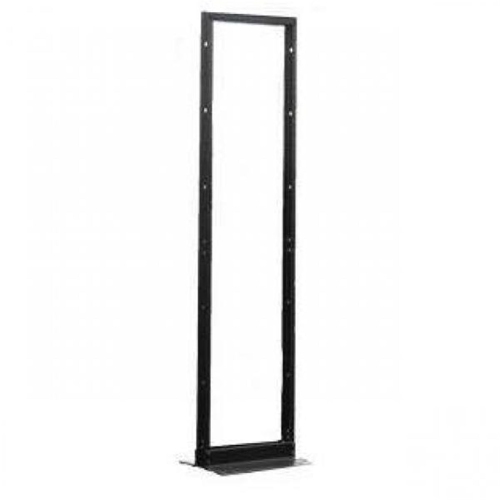
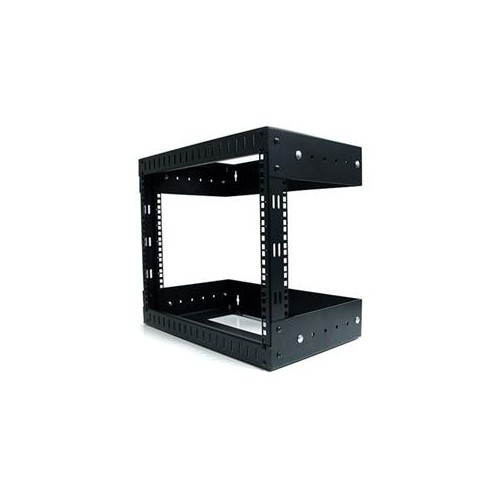
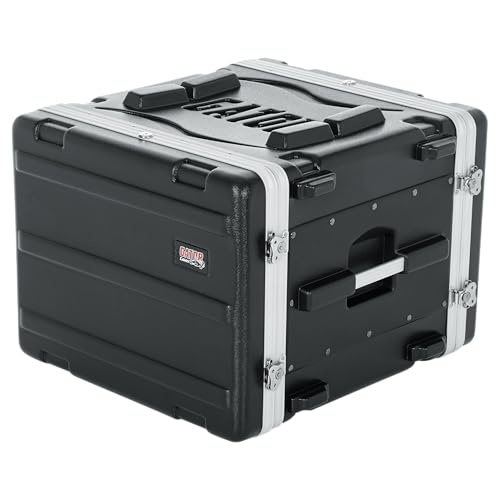
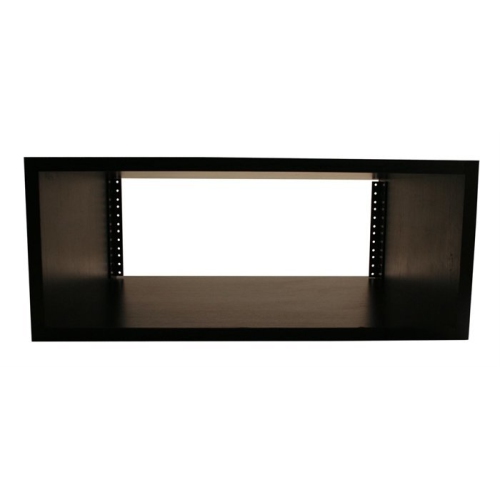
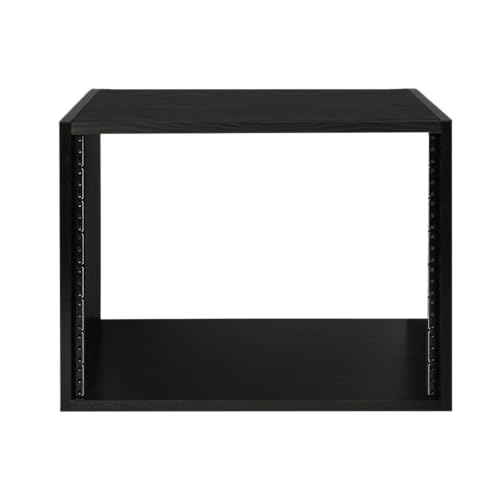
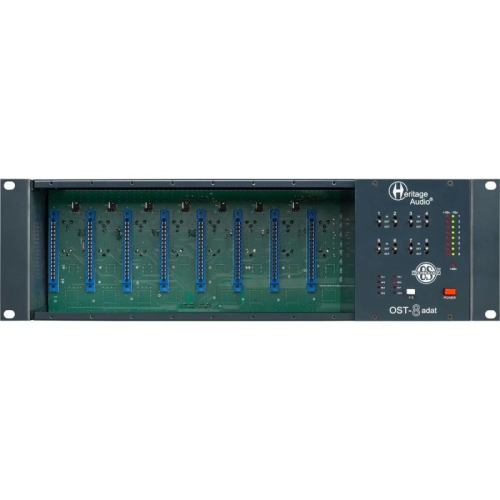
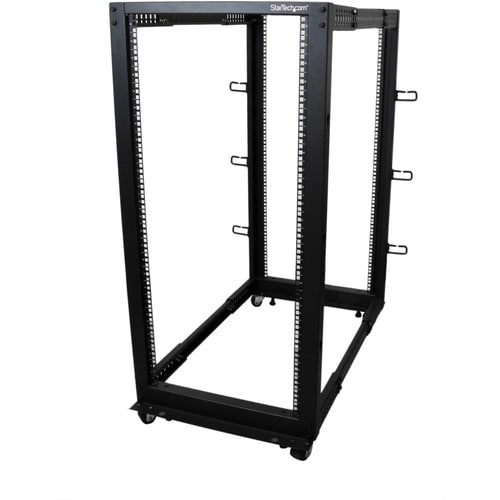
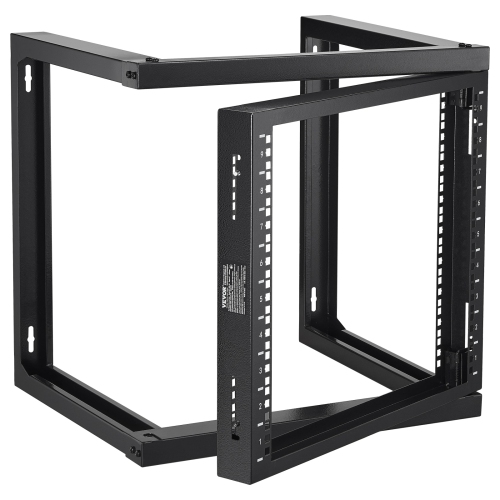
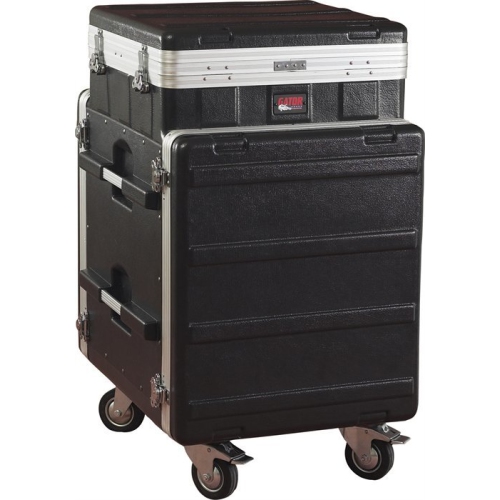
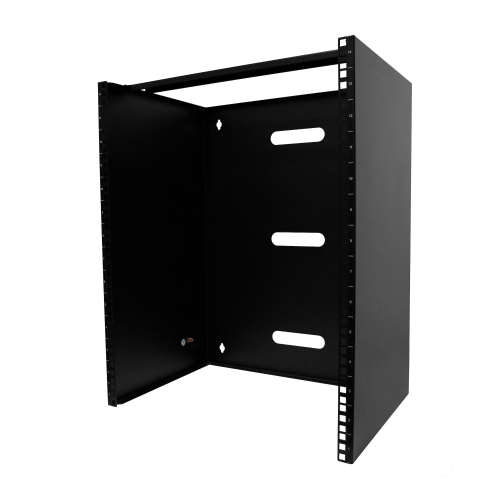
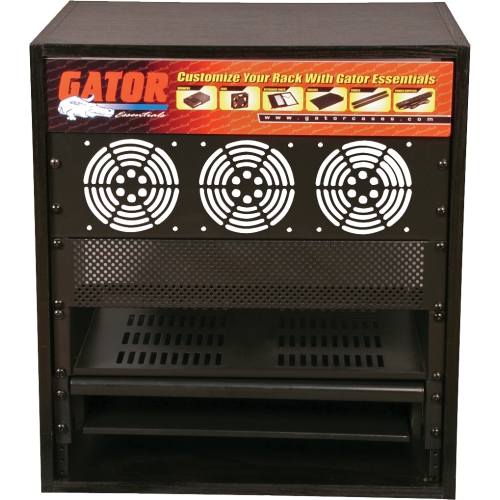
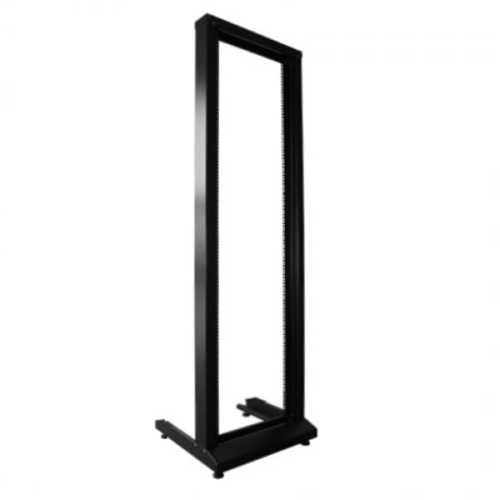
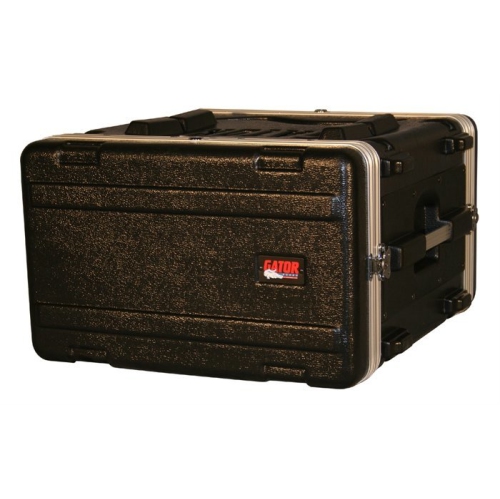
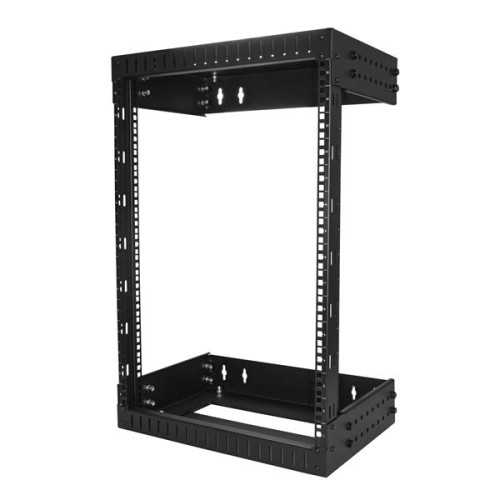
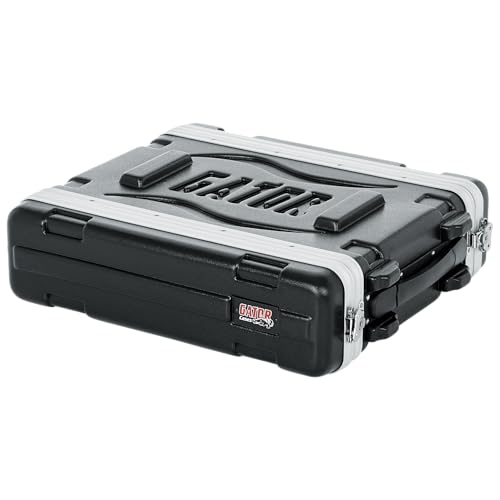
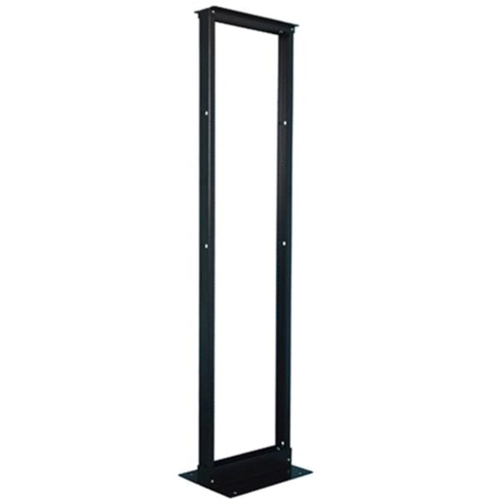
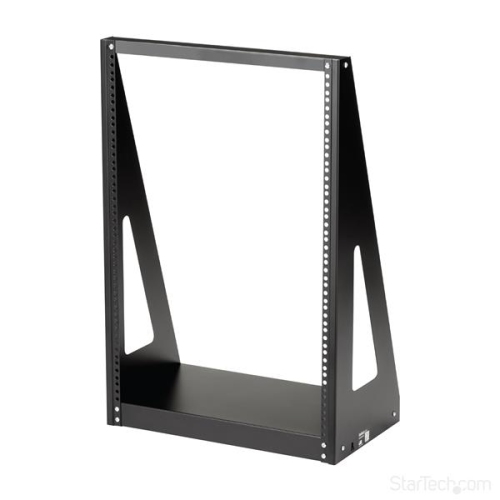
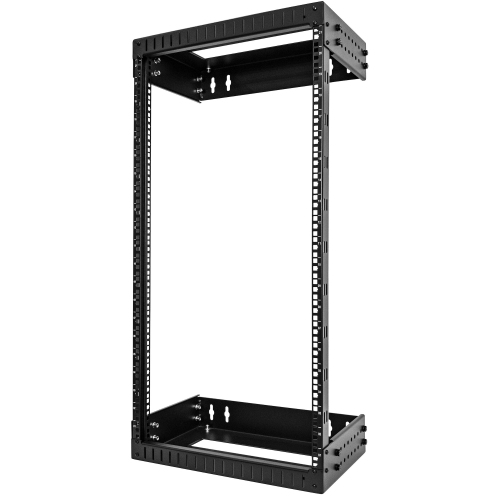
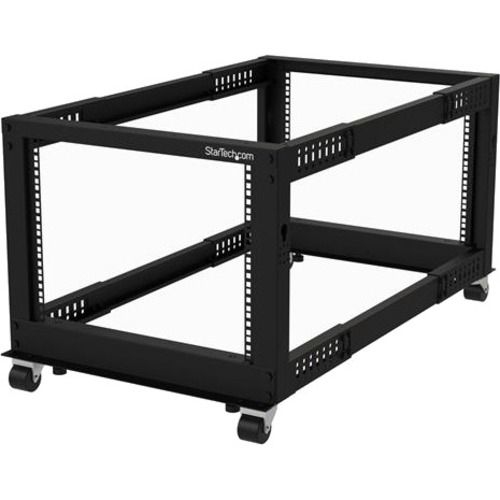
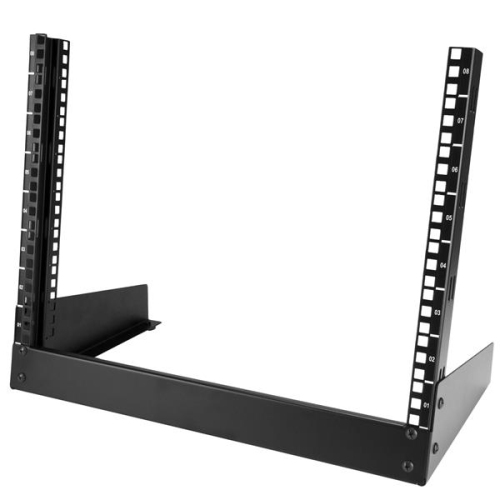
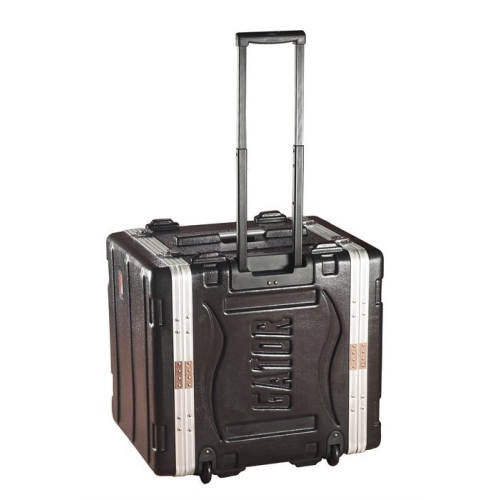
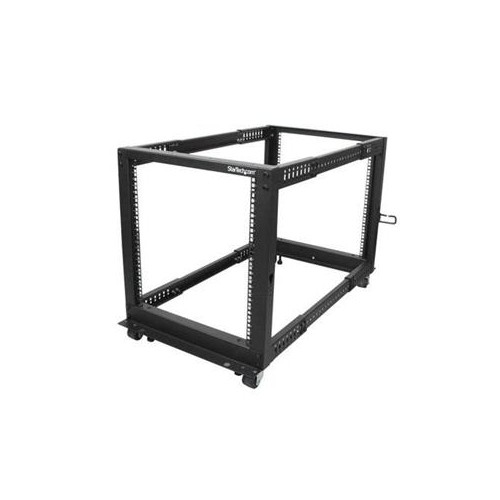
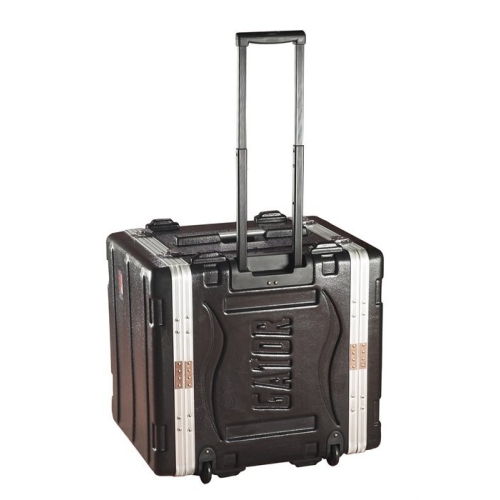
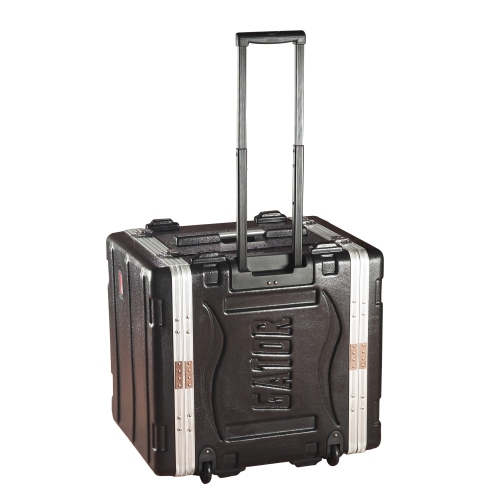
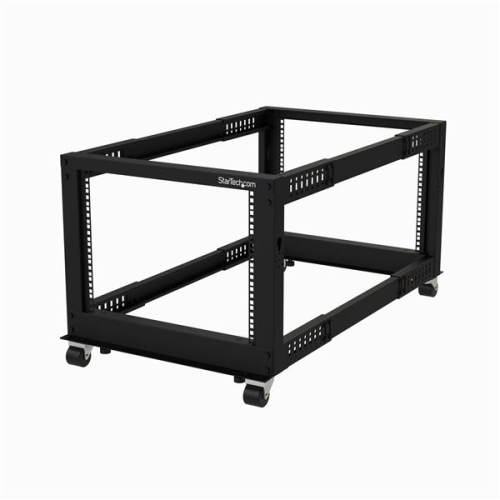
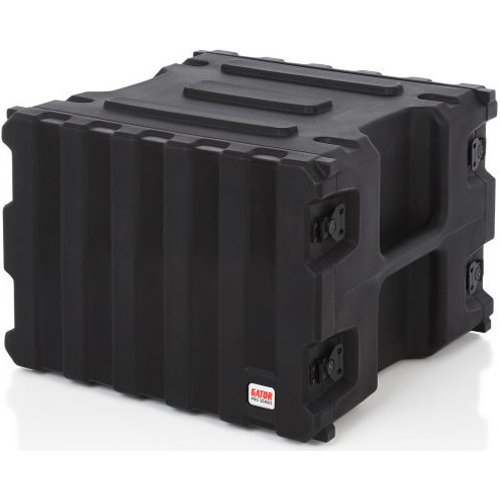
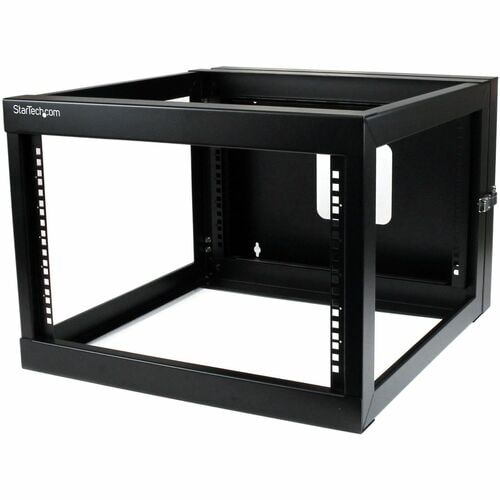
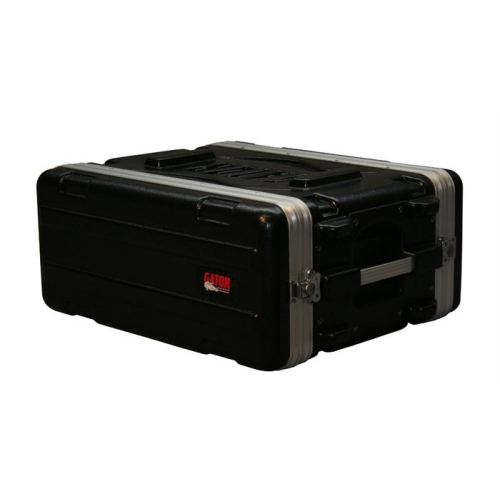
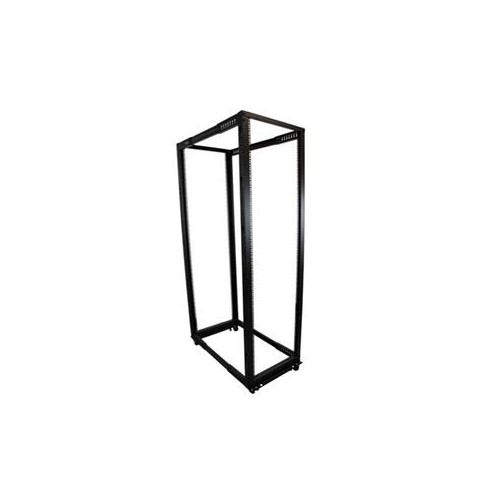
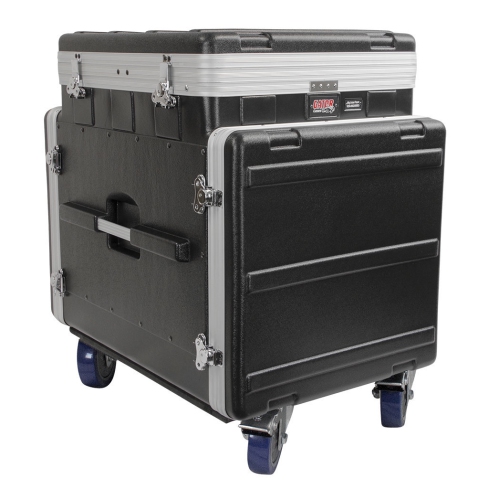
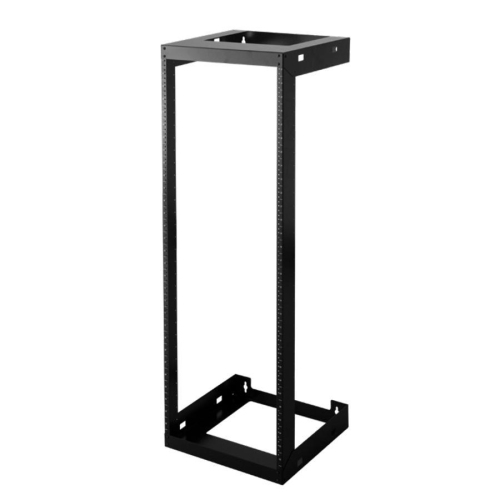
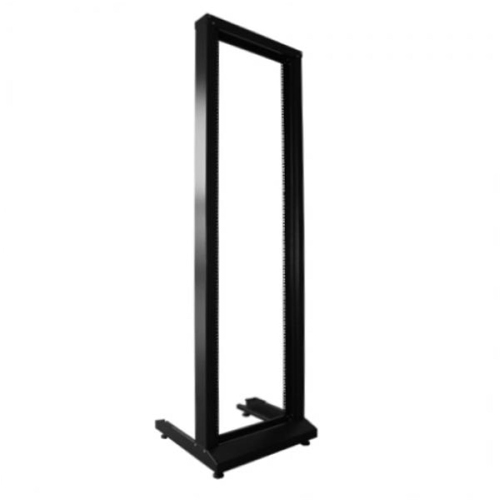
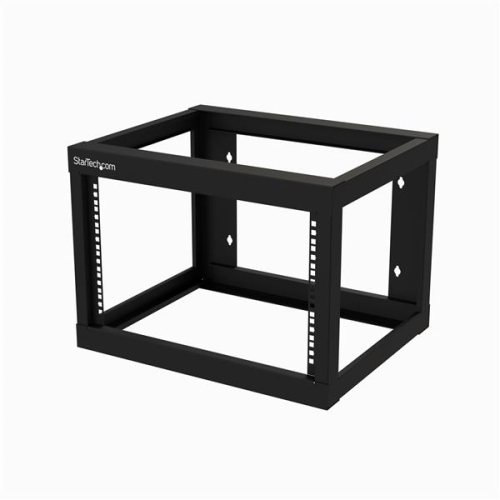
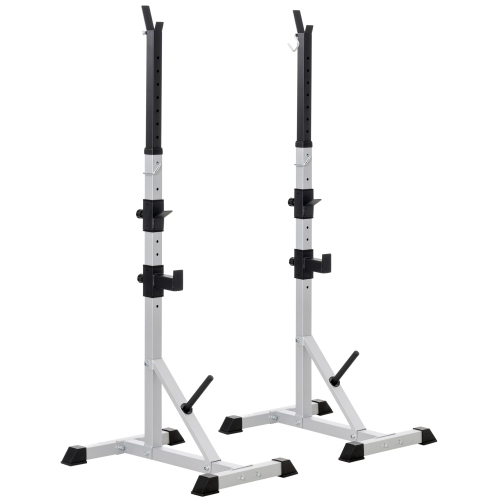
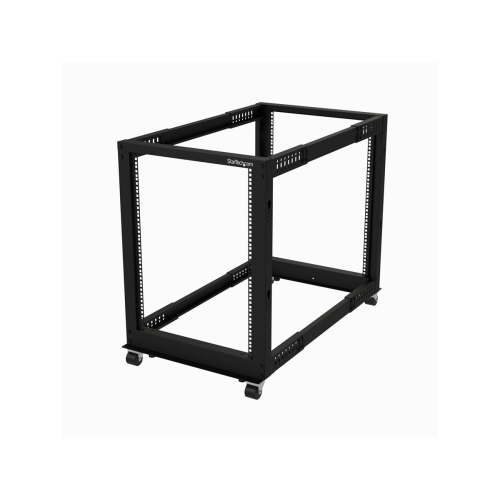
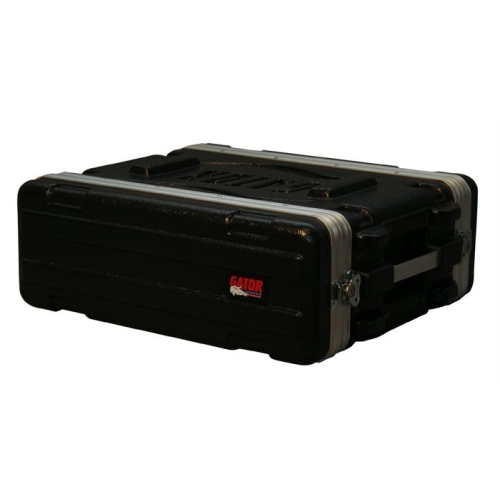
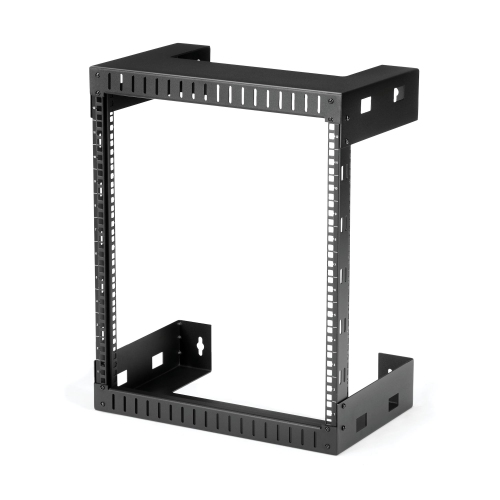
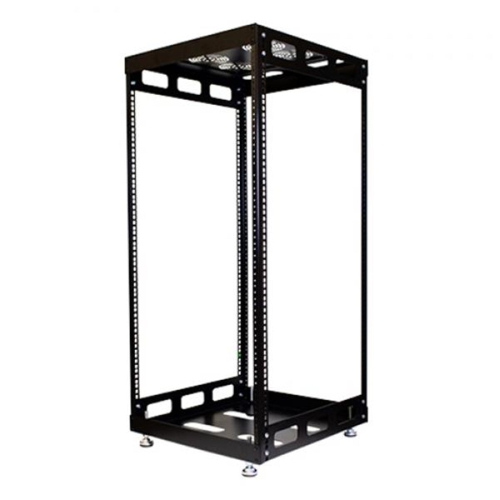
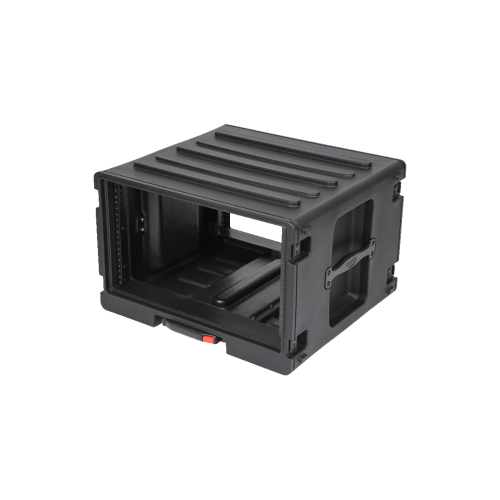
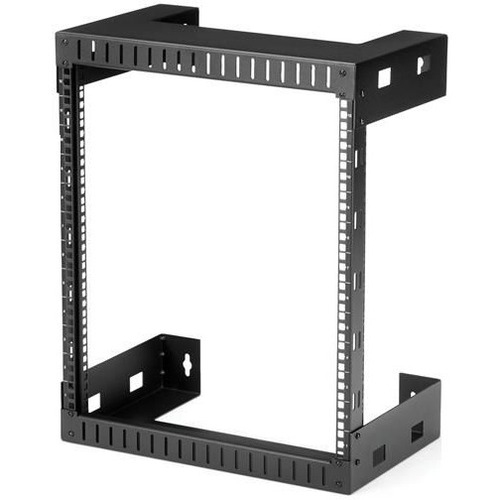
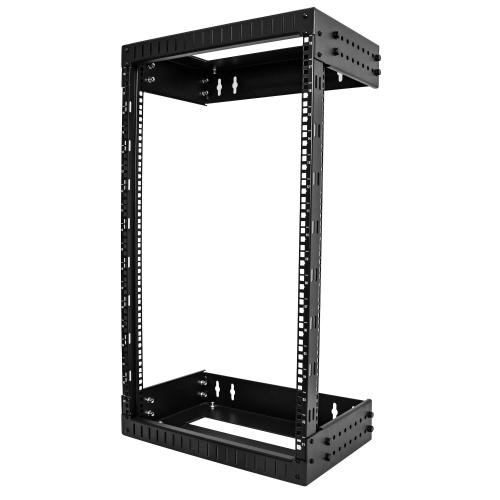
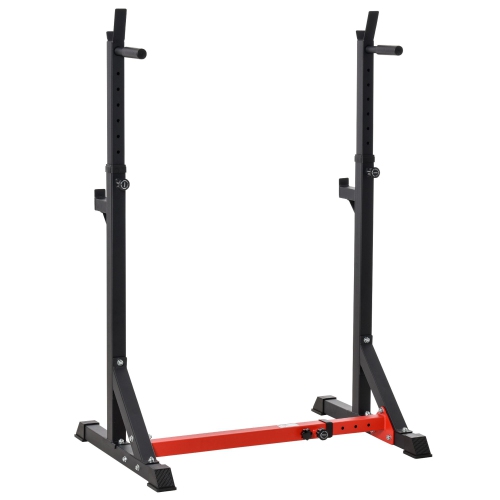
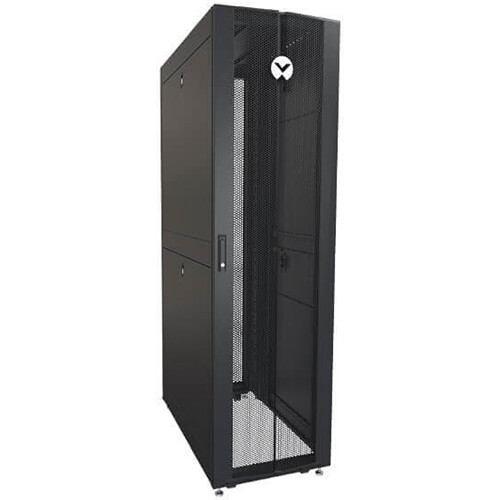
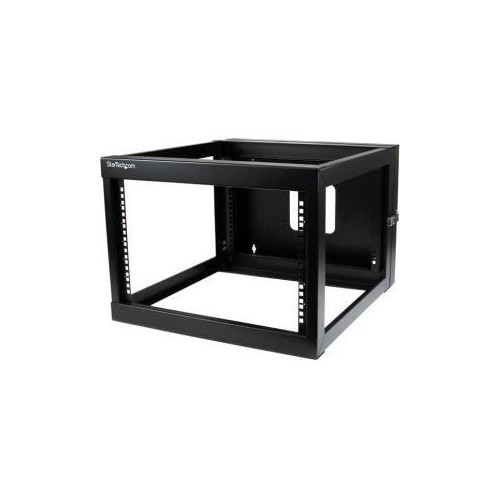
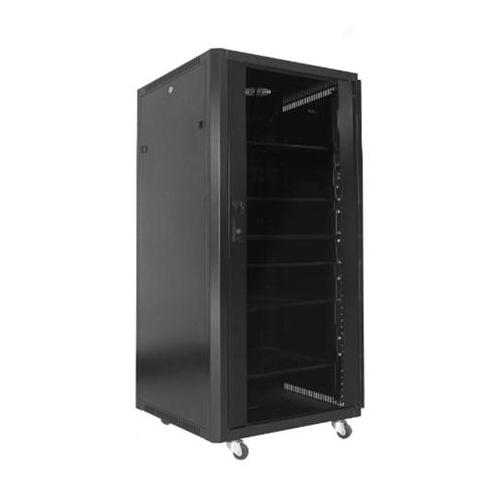
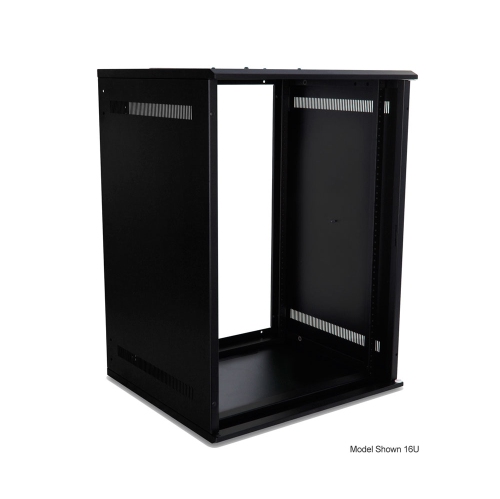
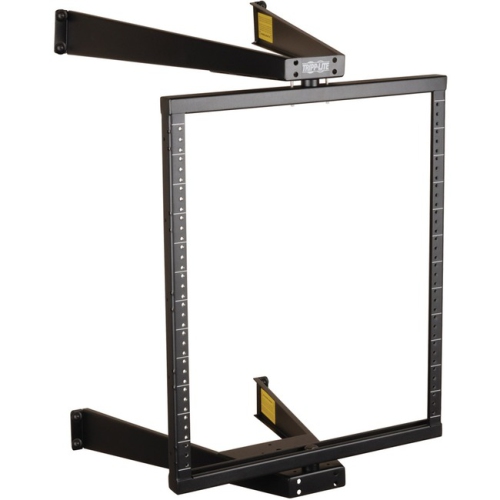
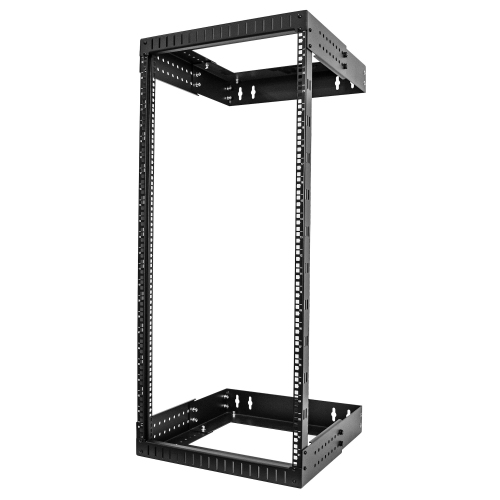
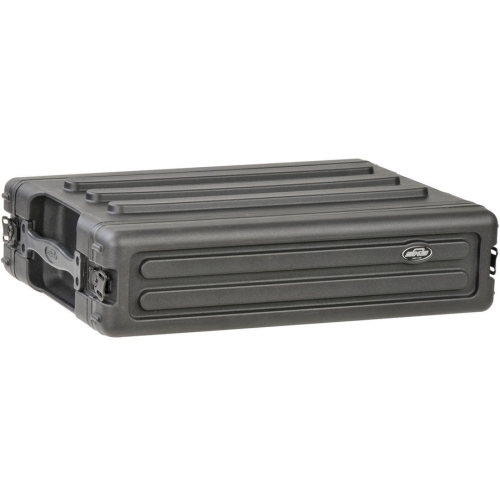
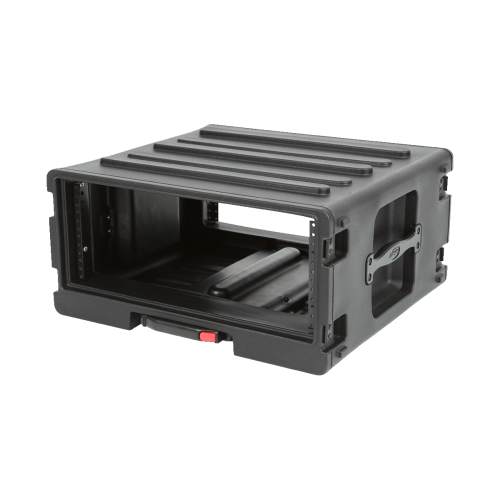
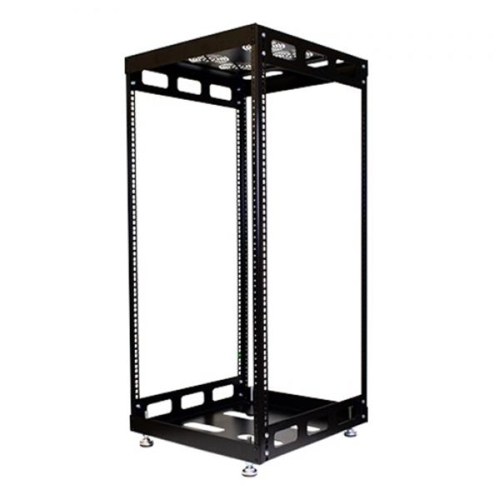
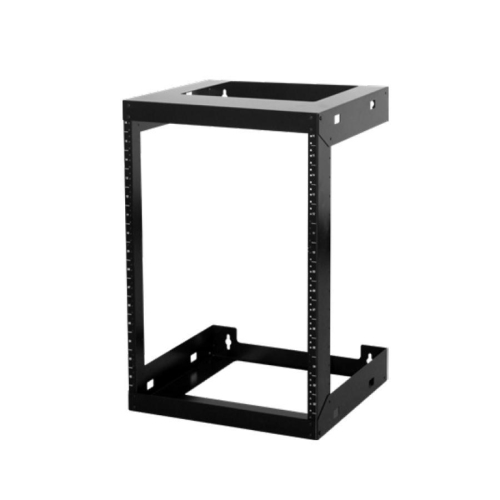
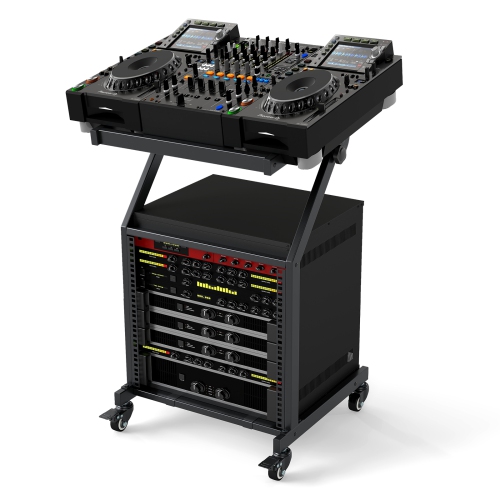
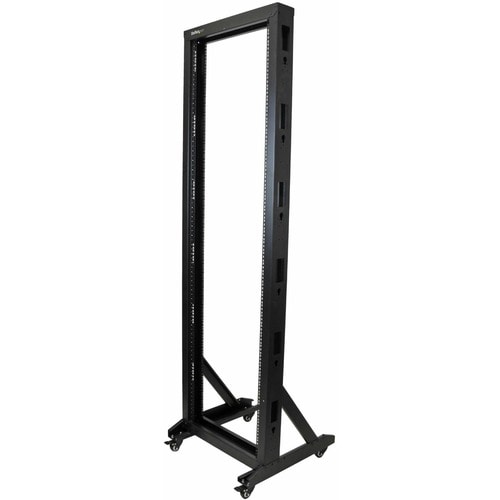
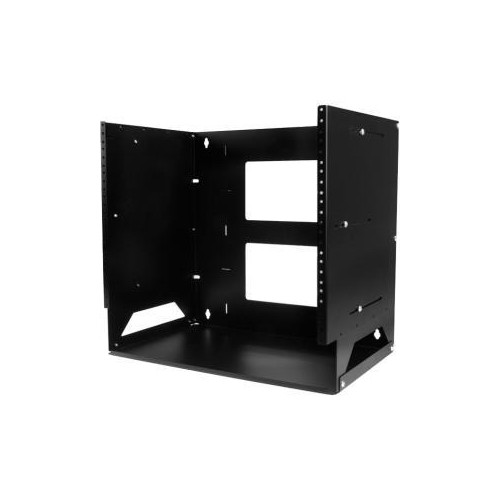
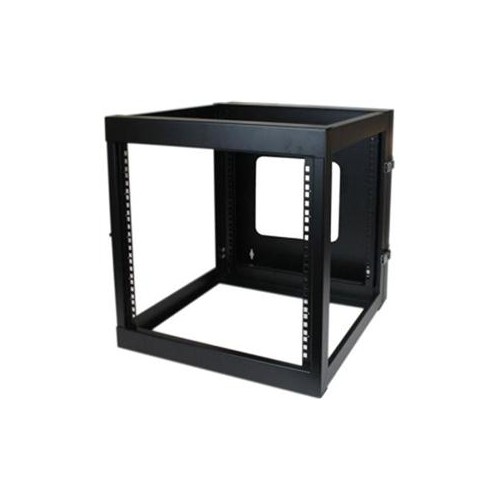
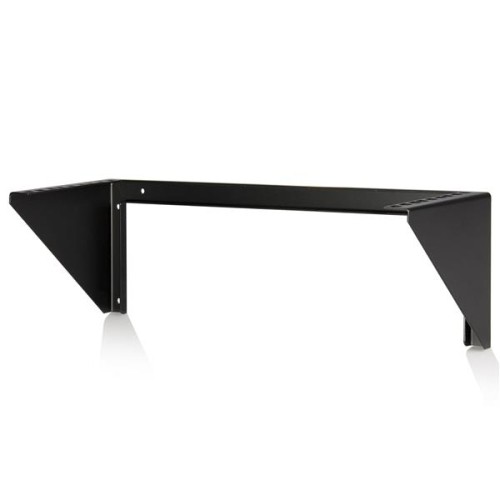
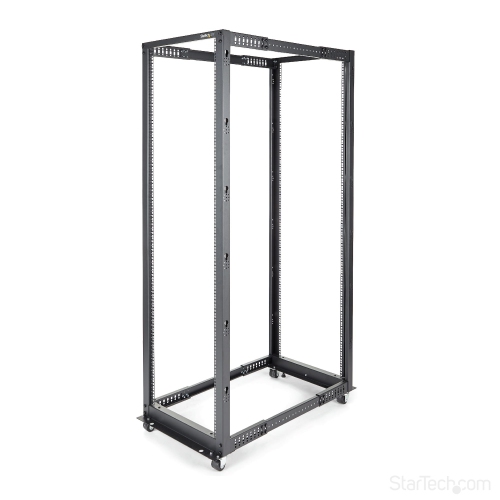
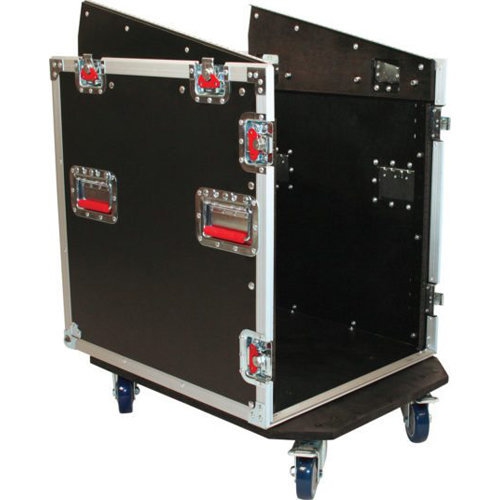
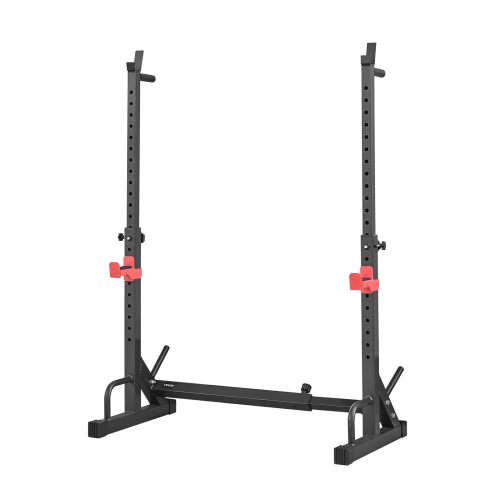
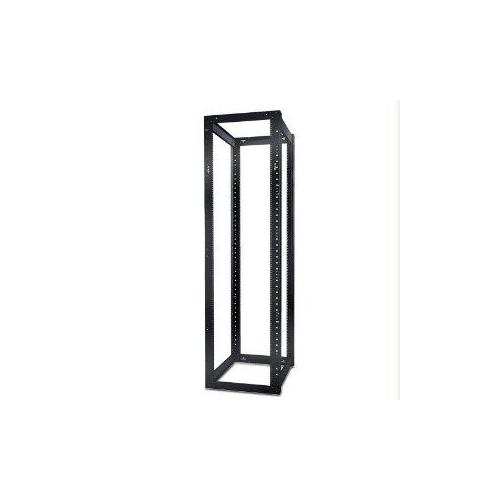
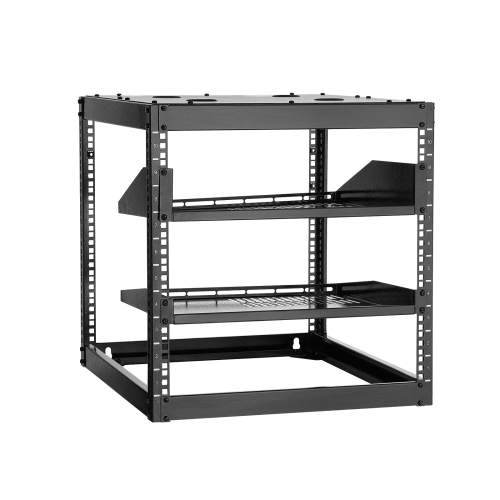
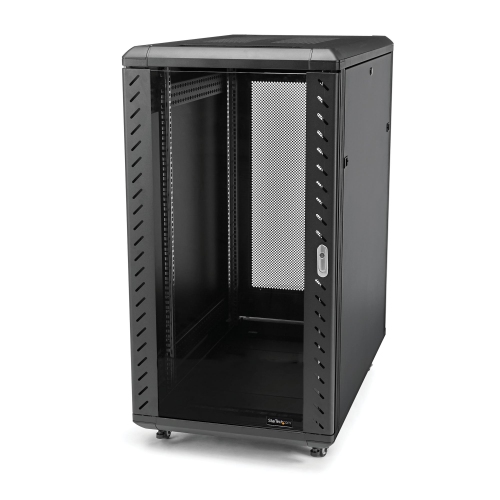
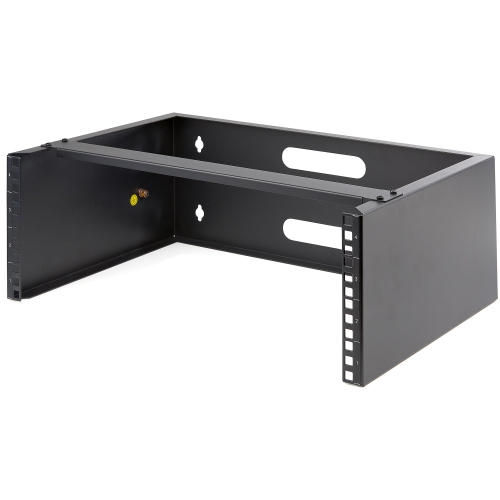
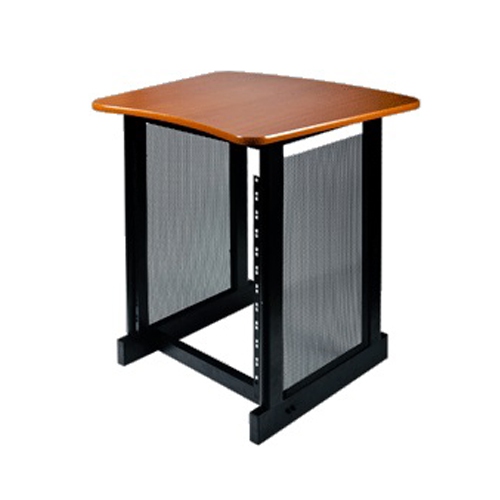
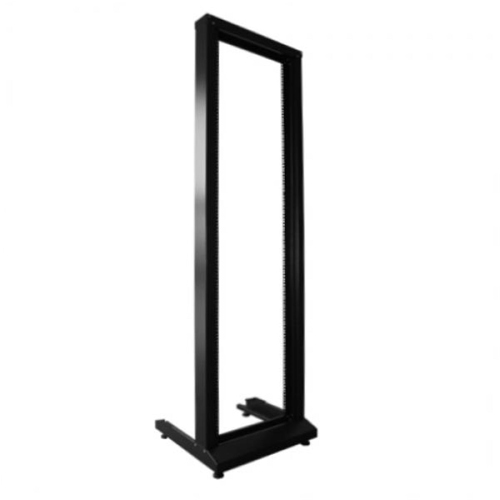
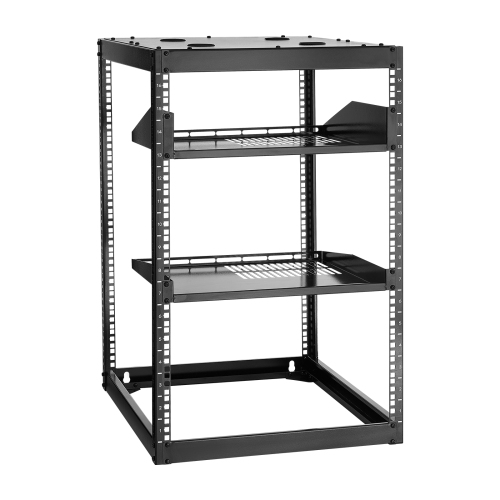
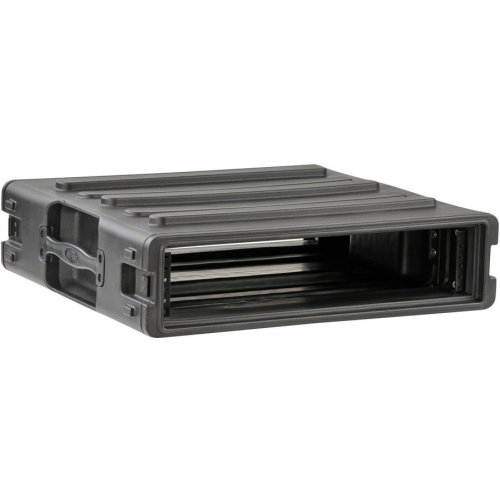
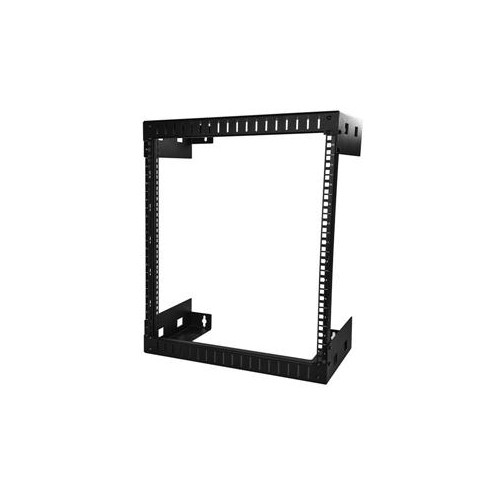
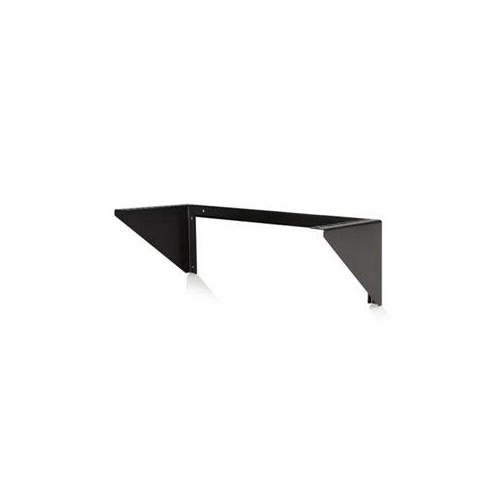
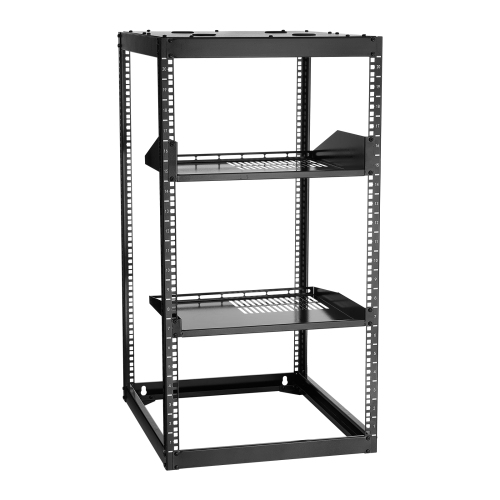
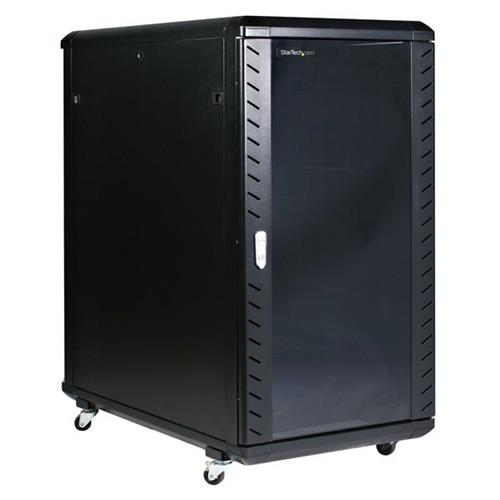
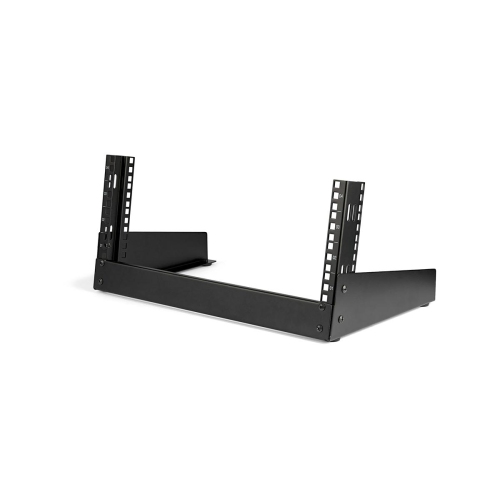
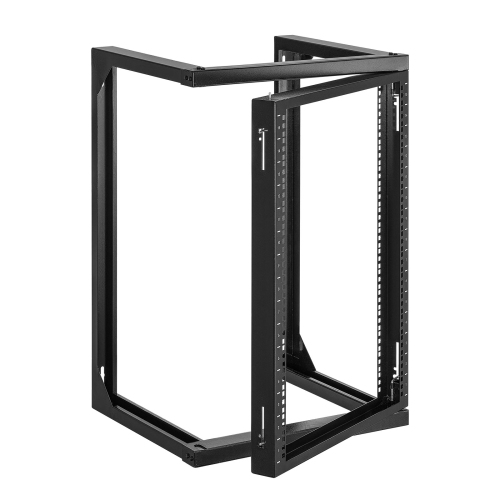
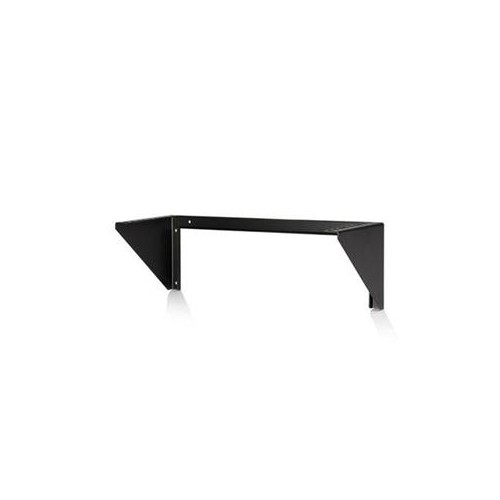
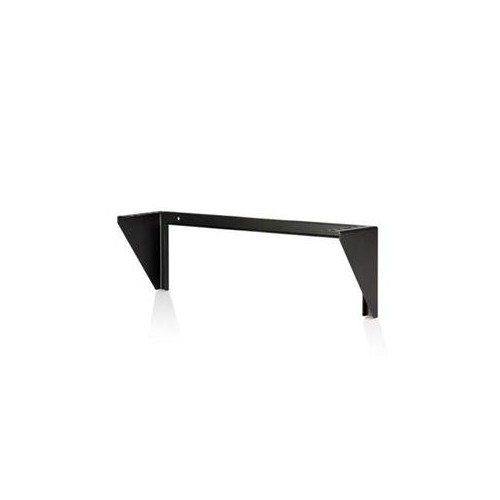
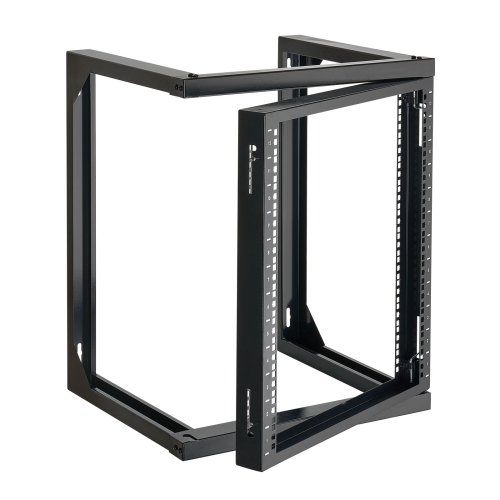
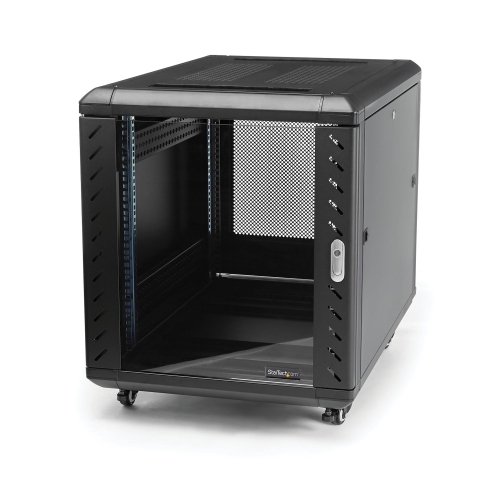
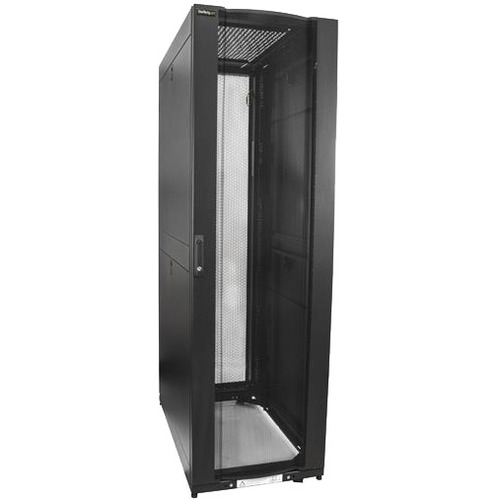
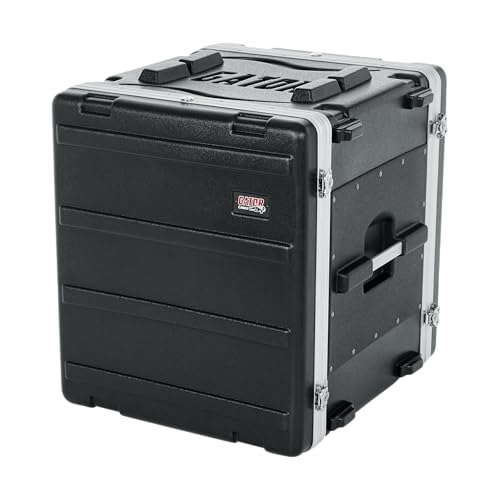
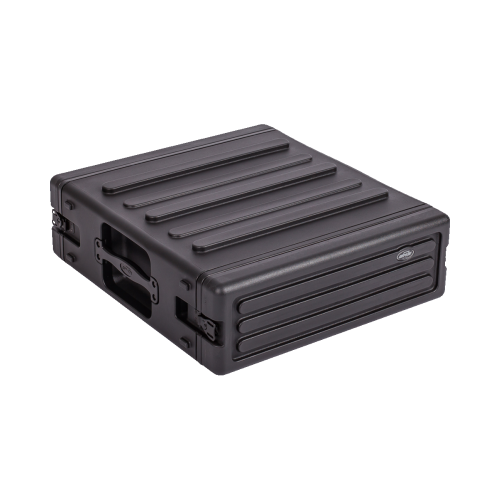
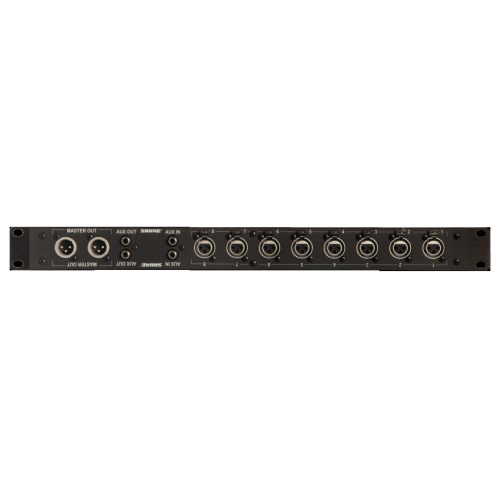
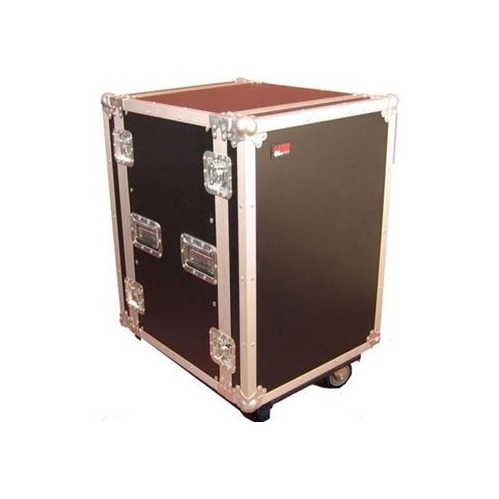
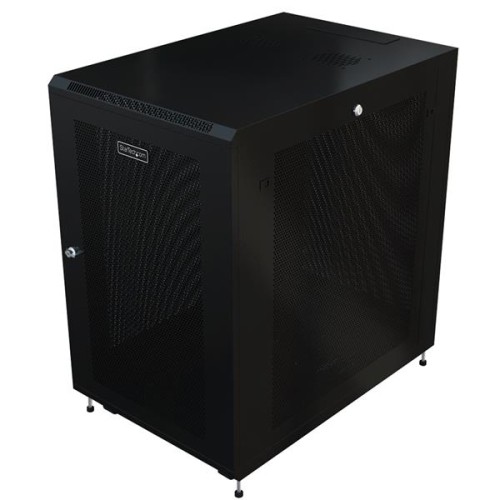
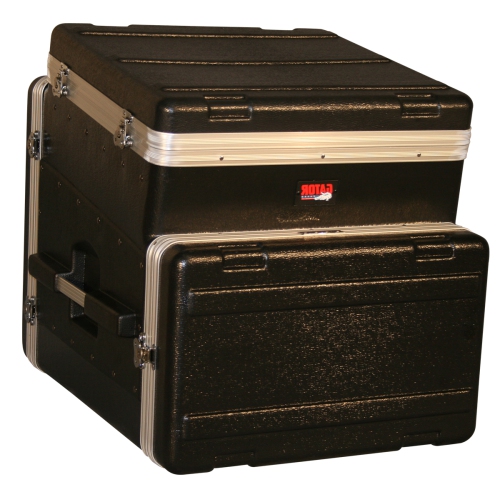
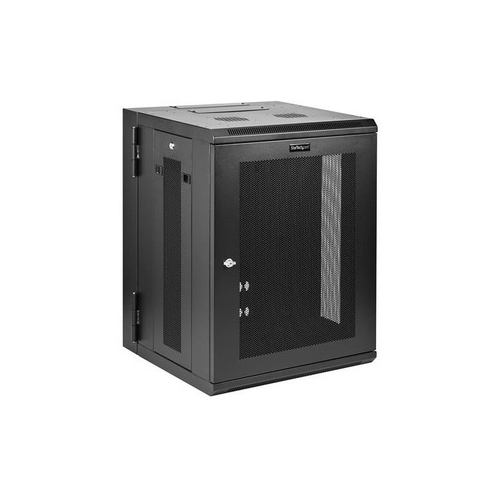
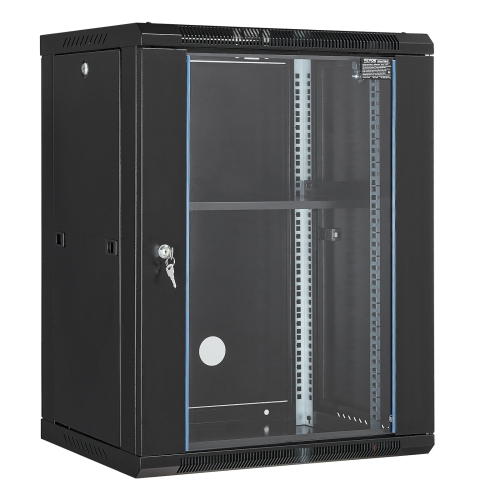
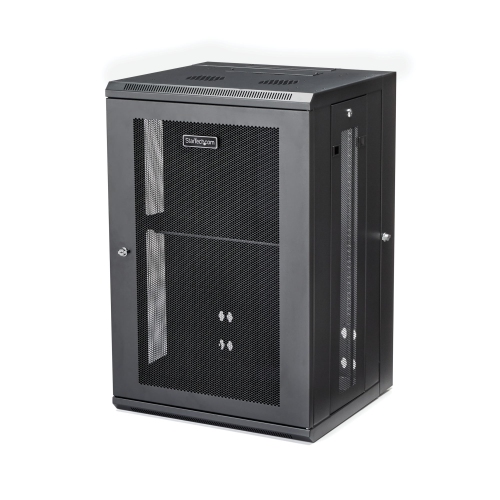
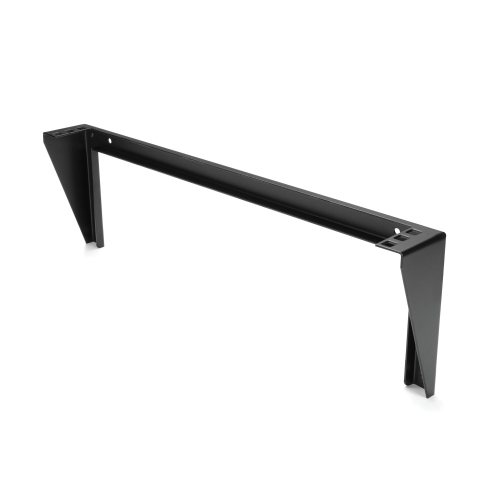
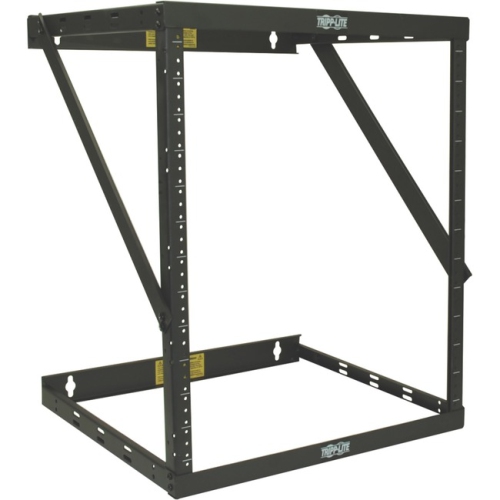
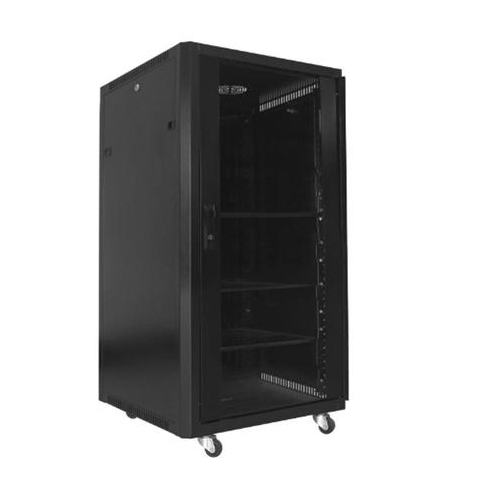
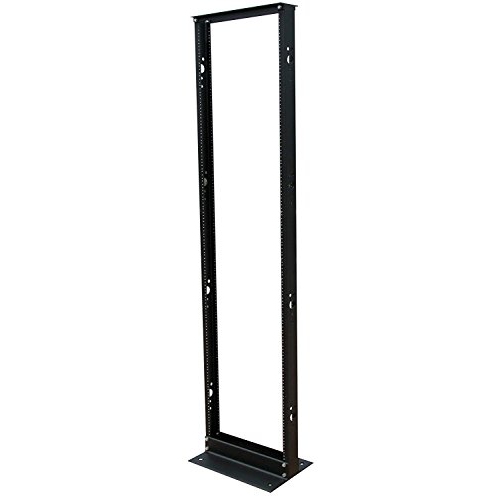
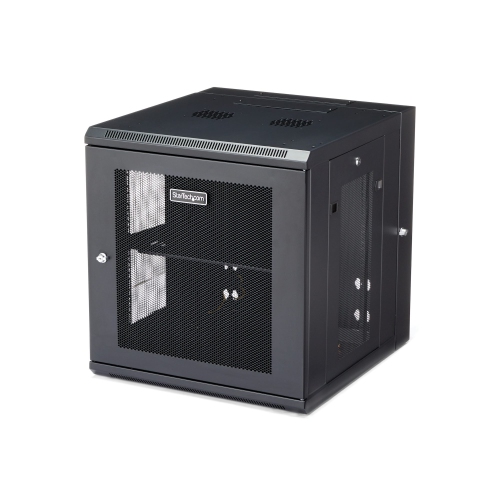
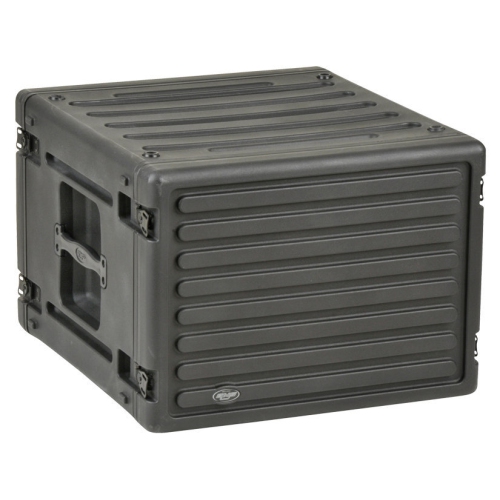
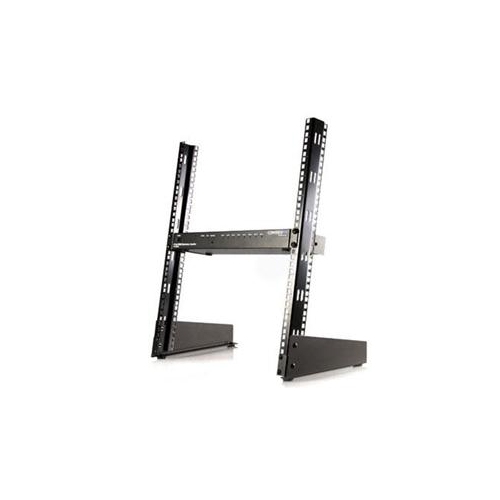
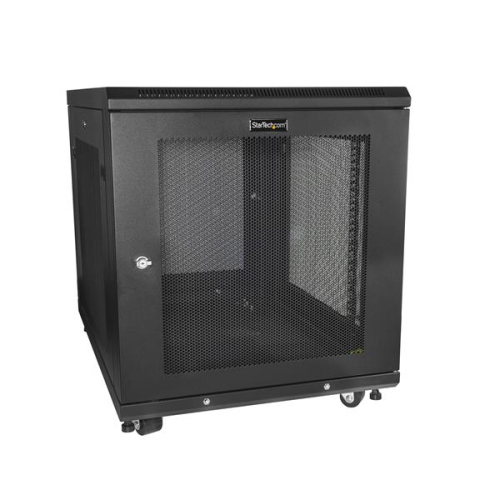
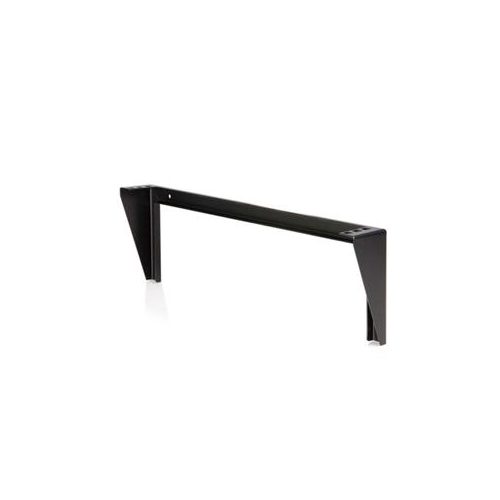
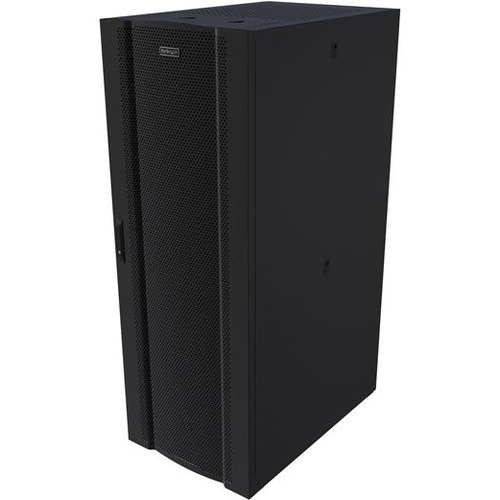
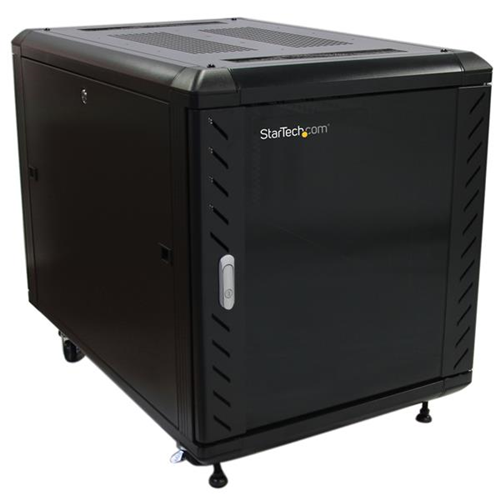
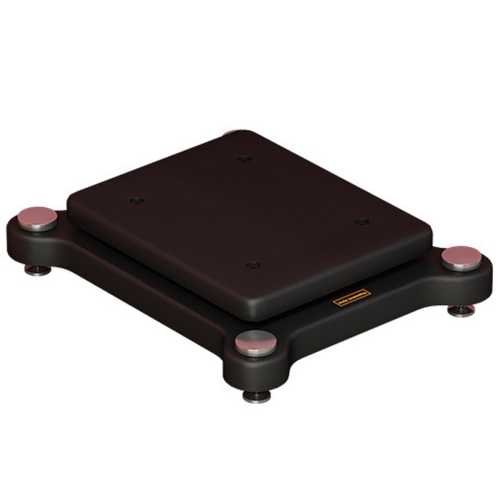
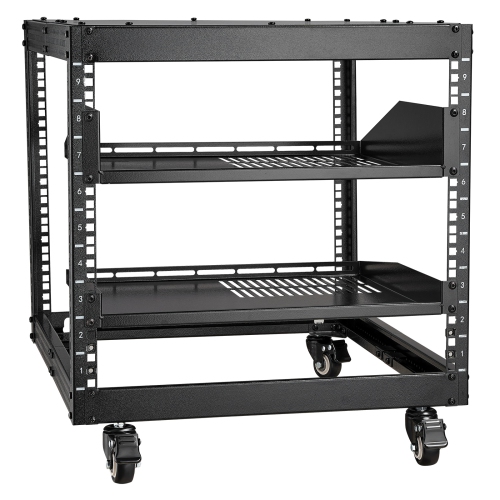
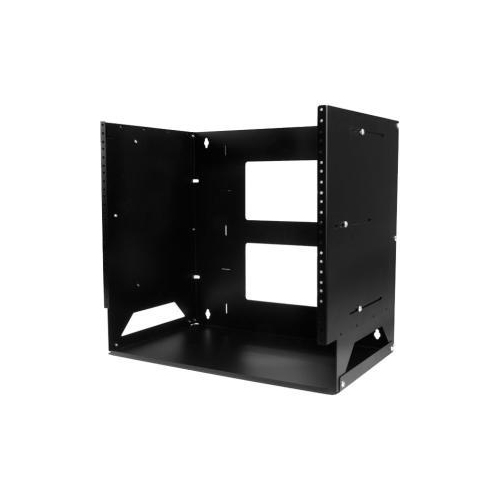
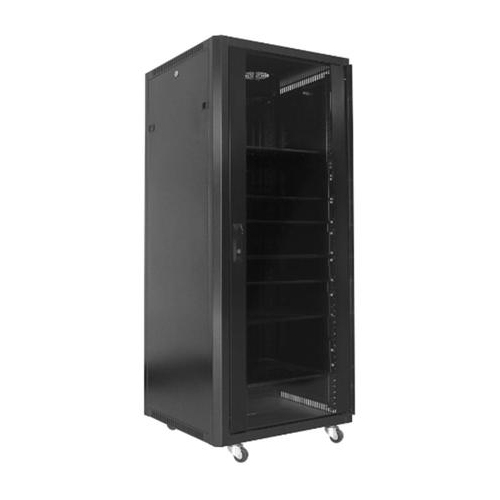
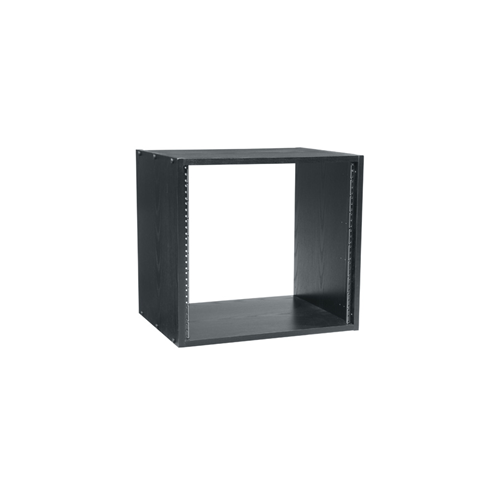
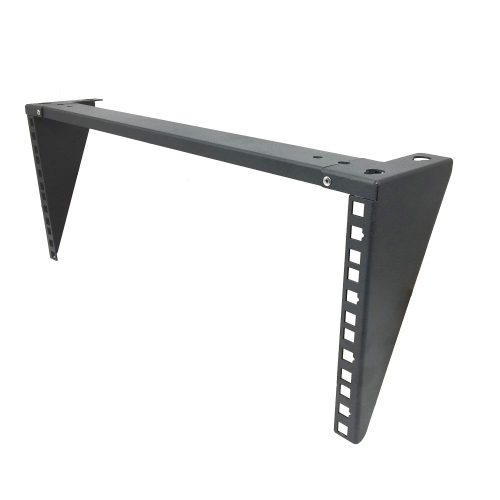
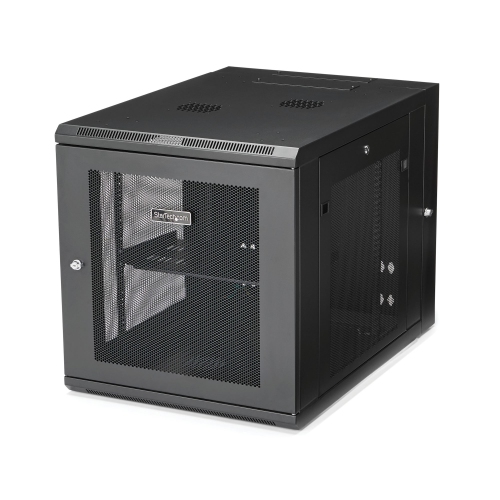
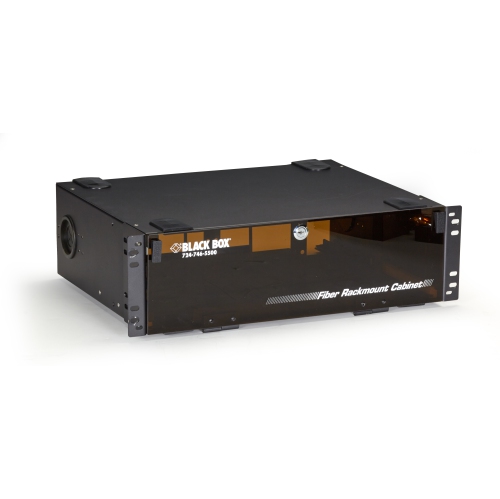
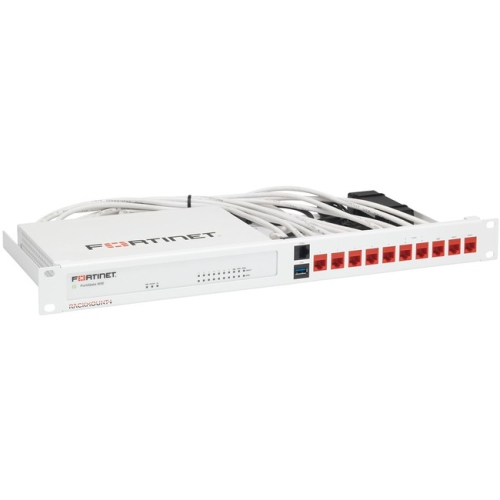
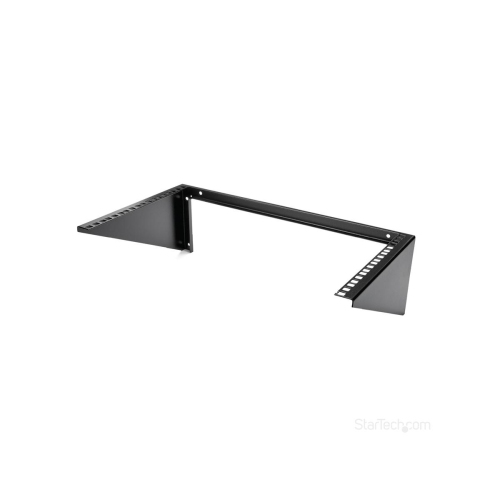
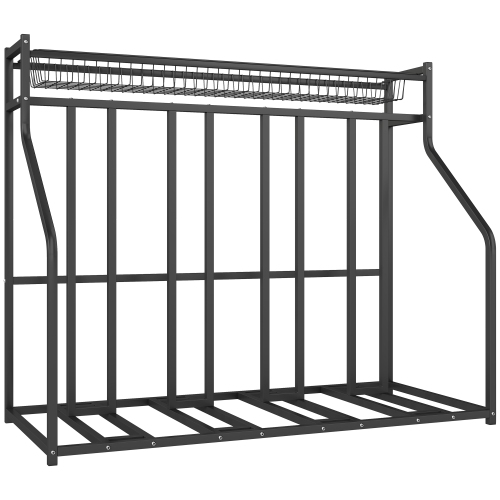
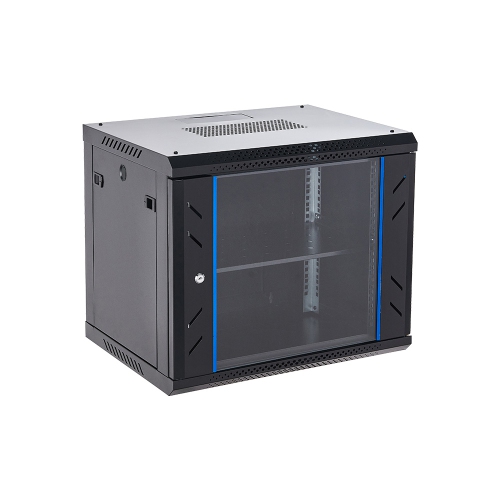
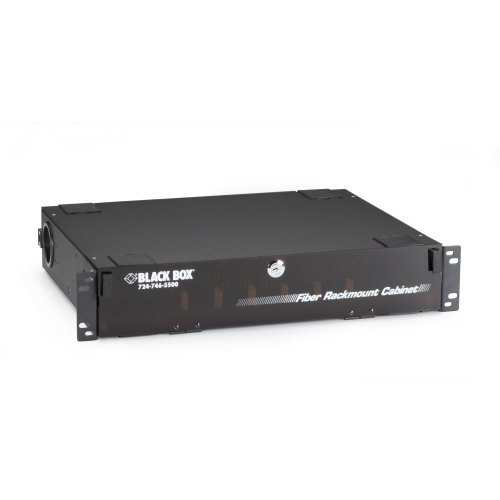
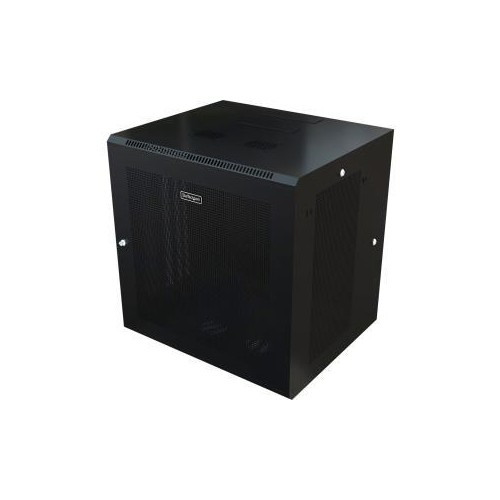
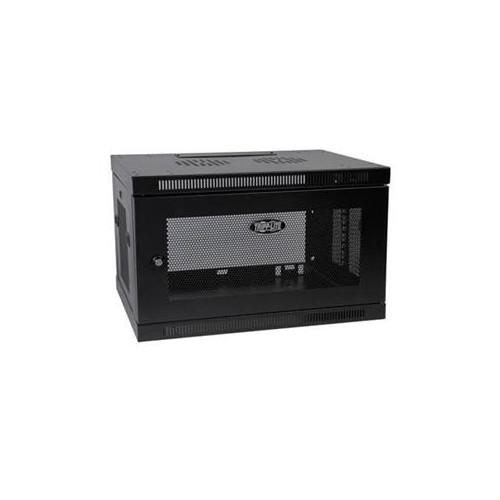
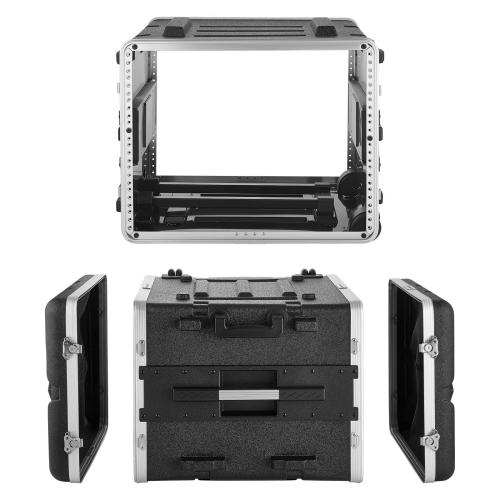
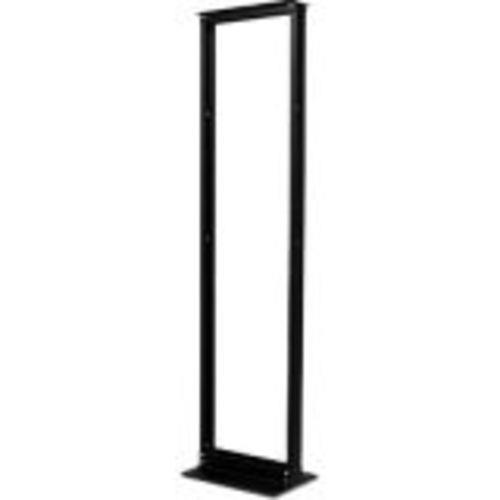
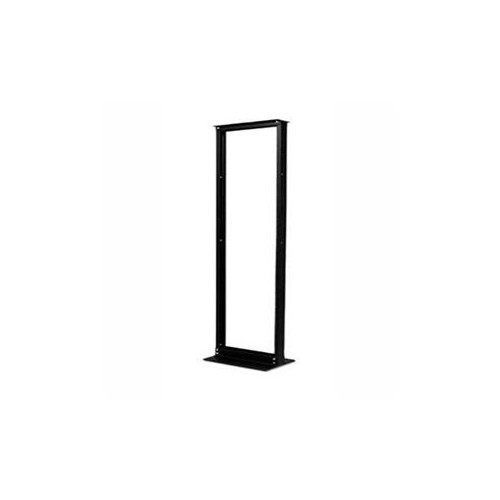
Equipment racks are frames or cabinets designed to hold, organize, and support electronic hardware, including servers, network switches, patch panels, and audio/video components. They bring equipment into a defined space, replacing scattered devices and tangled connections with an arrangement that is easier to access and maintain. In a small office, a rack might keep network connections together near the point where building cables terminate. In a recording studio or home theatre, it can group amplifiers, signal processors, and other compatible components while leaving their controls accessible. The main styles include open-frame racks, enclosed cabinets, wall-mount racks, and portable rack cases. Open-frame designs leave equipment exposed, allowing convenient access to connections and few barriers to airflow. Two-post frames often suit lighter networking equipment and patch panels, while four-post frames provide front and rear mounting points for compatible rails, shelves, and deeper hardware. Enclosed cabinets add side panels and doors, helping limit casual contact with cables and controls. Lockable doors can restrict access, although the level of protection depends on the cabinet’s construction and locking system. Perforated panels allow air movement, while solid or glass panels require particular attention to the cabinet’s ventilation design. Wall-mount racks keep suitable equipment off the floor and can make practical use of a small communications room, provided the supporting structure and mounting hardware can carry the complete installed load. Portable rack cases serve a different purpose: they help protect compatible equipment during transport between rehearsal spaces, venues, and production locations. For installations centred on computing hardware, Server Racks provide a related category to explore. The useful distinction is not simply whether a rack looks appropriate in a room, but whether its structure, mounting arrangement, and access points match the equipment and the way that space is used.
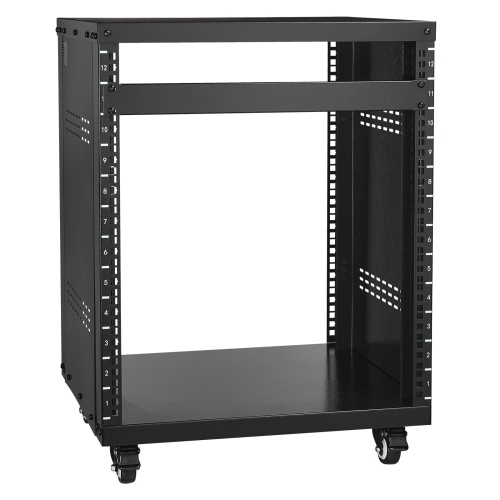
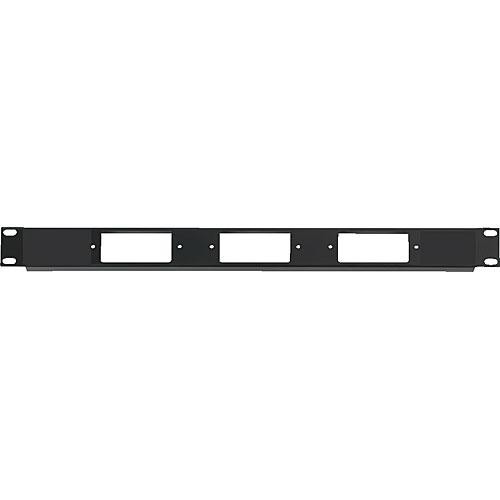
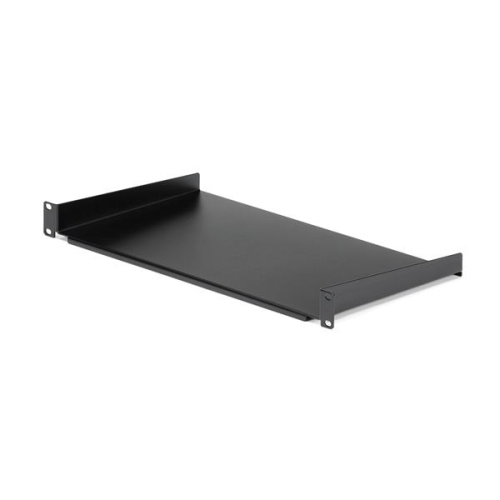
Fit involves several measurements, and the rack’s outside dimensions tell only part of the story. Much professional networking and audio/video hardware uses the standard 19-inch rack format, which refers to the nominal width of the equipment’s front mounting panel rather than the cabinet’s overall width. Vertical capacity is expressed in rack units, abbreviated as U; one rack unit is 1.75 inches, or 44.45 mm, high. A component described as 2U occupies two of those units, while shelves, cable-management panels, and other accessories may also use mounting space. A 12U rack therefore describes vertical mounting capacity, not depth or weight capacity. Usable depth is especially important when equipment extends well behind its front panel. The space required includes the chassis, compatible mounting rails, rear connectors, and enough clearance for cables to bend without being compressed against a closed door. Adjustable mounting posts can accommodate different equipment depths within the rack’s specified range, but they do not make every chassis or rail kit compatible. Mounting-hole styles also vary: some rails have threaded holes, while others use square holes with cage nuts or other specified fasteners. Rack-mount brackets, sliding rails, and shelves need to match both the hardware and the rack. Devices without rack-mount brackets may sit on a compatible shelf, provided its dimensions, ventilation, and load rating suit the intended use. Weight ratings deserve the same attention as measurements. The total includes the frame’s contents, shelves, accessories, and cabling, and ratings for stationary use may differ from those for moving a loaded rack. Heavy equipment placed lower in a properly supported rack can help with stability, while anchoring and anti-tip measures should follow the manufacturer’s requirements. Room clearance matters as well: a cabinet needs space for doors to open, rear connections to remain reachable, and equipment to slide out where its rail system allows. In a narrow office or studio corner, those working clearances can matter as much as the footprint itself.
Materials and construction influence how equipment racks handle everyday use. Steel frames are common where rigidity and load support are priorities, while aluminium can reduce the weight of some rack structures and portable designs. Powder-coated finishes help resist ordinary surface wear, but hinges, welds, fasteners, and mounting rails also contribute to long-term durability. A rack that remains in a communications room faces different demands from a case that is repeatedly loaded into a vehicle. For mobile use, protective covers, handles, latches, and the case’s transport rating become important details; wheels alone do not mean a loaded rack is suitable for frequent travel. In a fixed installation, removable side panels and accessible cable openings can make routine changes less awkward. Cable-management bars, rings, and channels help separate connections and keep cable bundles away from fans and service areas. Clear labels are useful when several similar cables run between a patch panel and a switch, or when audio connections need to be traced during a session. Airflow remains part of the arrangement rather than an afterthought. Equipment may draw air from the front, sides, or rear, so shelves, panels, and neighbouring components should not obstruct the ventilation paths specified by the equipment manufacturer. An enclosed cabinet is not automatically soundproof, and adding fans may introduce audible noise, which matters in a recording space or shared room. Routine care generally includes checking accessible fasteners, keeping ventilation openings clear, and cleaning exterior surfaces according to the manufacturer’s directions, with liquids kept away from installed electronics. For an IT administrator, studio owner, event technician, or home theatre enthusiast, a well-matched equipment rack creates an orderly place for hardware without making connections difficult to reach. Its value shows in ordinary moments: tracing a network cable, reaching an amplifier’s rear panel, or adding another compatible component without dismantling the entire setup.
Fit involves several measurements, and the rack’s outside dimensions tell only part of the story. Much professional networking and audio/video hardware uses the standard 19-inch rack format, which refers to the nominal width of the equipment’s front mounting panel rather than the cabinet’s overall width. Vertical capacity is expressed in rack units, abbreviated as U; one rack unit is 1.75 inches, or 44.45 mm, high. A component described as 2U occupies two of those units, while shelves, cable-management panels, and other accessories may also use mounting space. A 12U rack therefore describes vertical mounting capacity, not depth or weight capacity. Usable depth is especially important when equipment extends well behind its front panel. The space required includes the chassis, compatible mounting rails, rear connectors, and enough clearance for cables to bend without being compressed against a closed door. Adjustable mounting posts can accommodate different equipment depths within the rack’s specified range, but they do not make every chassis or rail kit compatible. Mounting-hole styles also vary: some rails have threaded holes, while others use square holes with cage nuts or other specified fasteners. Rack-mount brackets, sliding rails, and shelves need to match both the hardware and the rack. Devices without rack-mount brackets may sit on a compatible shelf, provided its dimensions, ventilation, and load rating suit the intended use. Weight ratings deserve the same attention as measurements. The total includes the frame’s contents, shelves, accessories, and cabling, and ratings for stationary use may differ from those for moving a loaded rack. Heavy equipment placed lower in a properly supported rack can help with stability, while anchoring and anti-tip measures should follow the manufacturer’s requirements. Room clearance matters as well: a cabinet needs space for doors to open, rear connections to remain reachable, and equipment to slide out where its rail system allows. In a narrow office or studio corner, those working clearances can matter as much as the footprint itself.
Materials and construction influence how equipment racks handle everyday use. Steel frames are common where rigidity and load support are priorities, while aluminium can reduce the weight of some rack structures and portable designs. Powder-coated finishes help resist ordinary surface wear, but hinges, welds, fasteners, and mounting rails also contribute to long-term durability. A rack that remains in a communications room faces different demands from a case that is repeatedly loaded into a vehicle. For mobile use, protective covers, handles, latches, and the case’s transport rating become important details; wheels alone do not mean a loaded rack is suitable for frequent travel. In a fixed installation, removable side panels and accessible cable openings can make routine changes less awkward. Cable-management bars, rings, and channels help separate connections and keep cable bundles away from fans and service areas. Clear labels are useful when several similar cables run between a patch panel and a switch, or when audio connections need to be traced during a session. Airflow remains part of the arrangement rather than an afterthought. Equipment may draw air from the front, sides, or rear, so shelves, panels, and neighbouring components should not obstruct the ventilation paths specified by the equipment manufacturer. An enclosed cabinet is not automatically soundproof, and adding fans may introduce audible noise, which matters in a recording space or shared room. Routine care generally includes checking accessible fasteners, keeping ventilation openings clear, and cleaning exterior surfaces according to the manufacturer’s directions, with liquids kept away from installed electronics. For an IT administrator, studio owner, event technician, or home theatre enthusiast, a well-matched equipment rack creates an orderly place for hardware without making connections difficult to reach. Its value shows in ordinary moments: tracing a network cable, reaching an amplifier’s rear panel, or adding another compatible component without dismantling the entire setup.
Top selling and popular products
-
 Your price for this item is $1303.99
 -
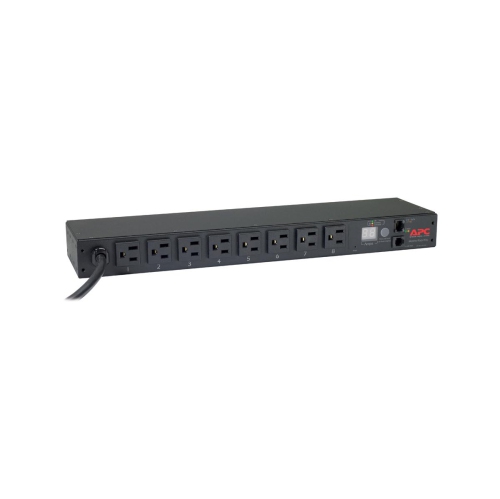 Your price for this item is $748.99
 -
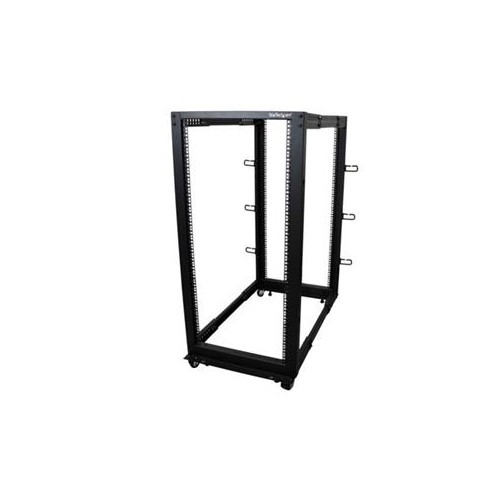 Your price for this item is $581.68
 -
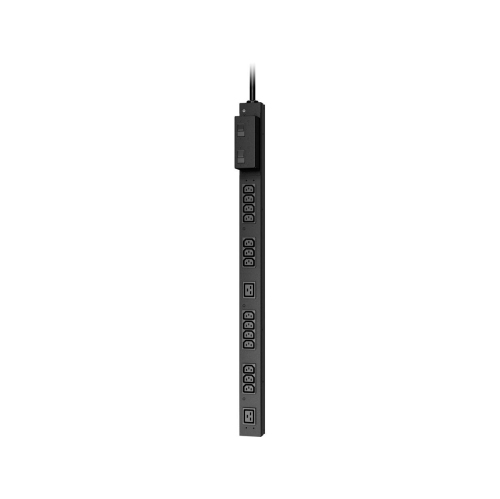 Your price for this item is $407.99
 -
 Your price for this item is $264.99
 -
 Your price for this item is $250.68
 -
 Your price for this item is $54.99
 -
 Your price for this item is $532.37
Discover more categories related to Equipment Racks
Top Collections:
Pokemon Centers, Kindle Devices, Best Budget Office Chairs, Canon G7X Cameras, Apple iPhones 16, Samsung Galaxy Phones, Refurbished Apple Laptops, Laptops for Students, iPhone 15 Apple, Budget Smartphones
Some products may be subject to Environmental Handling Fees
(EHF) depending on your province.
Learn more about EHFs.