Kids Cell Phones
Finding the right kids cell phone makes it easy to stay connected with your child while giving them a sense of independence. Whether you’re looking for simple communication options or devices designed with younger users in mind, there are a variety of choices to suit every family’s needs. Explore a range of kids cell phone models that prioritize safety and ease of use, so you can feel confident about your child’s first mobile experience.
Sort
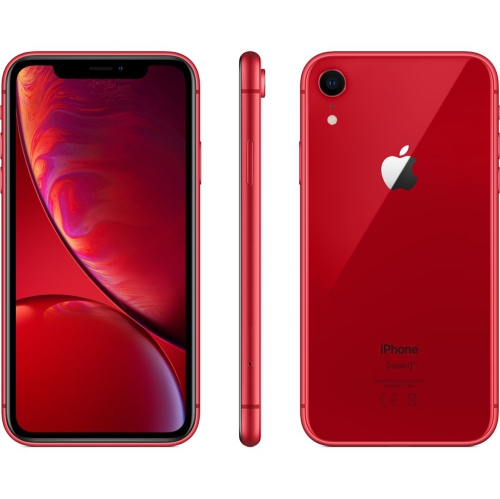
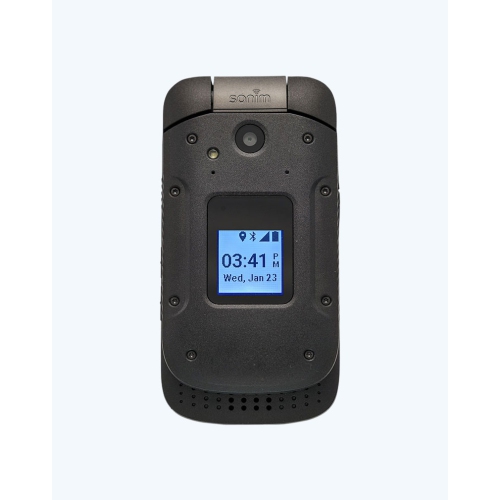
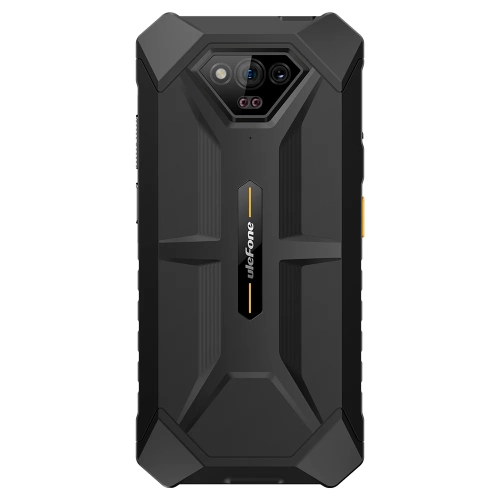
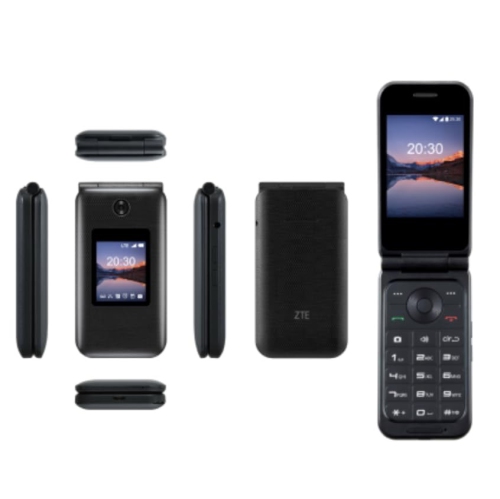
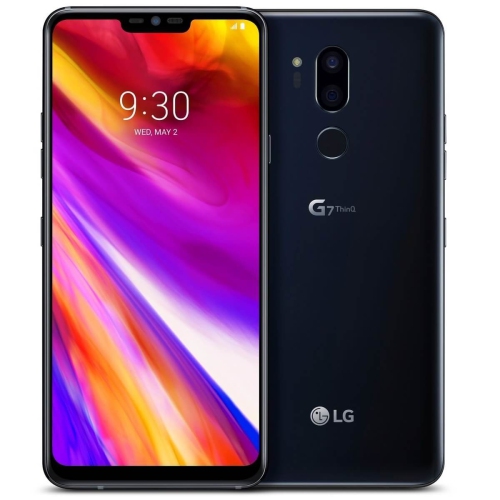
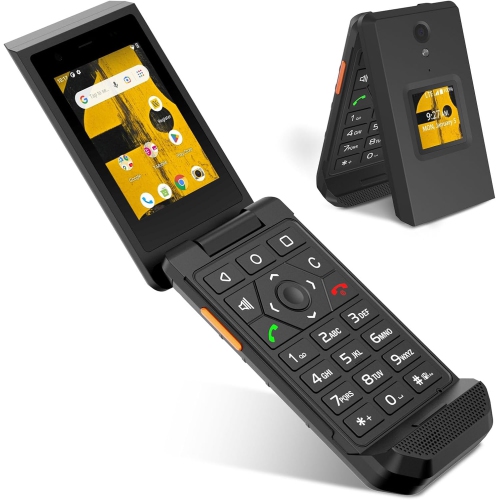
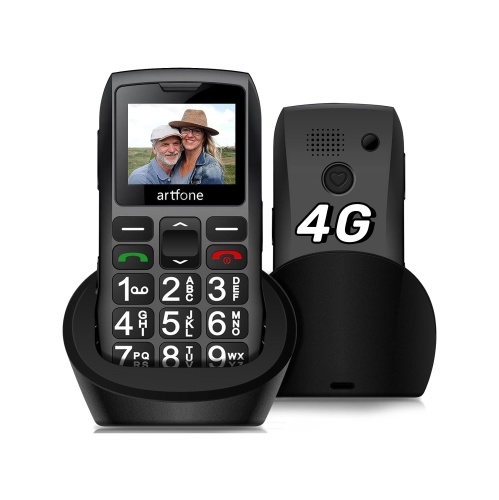
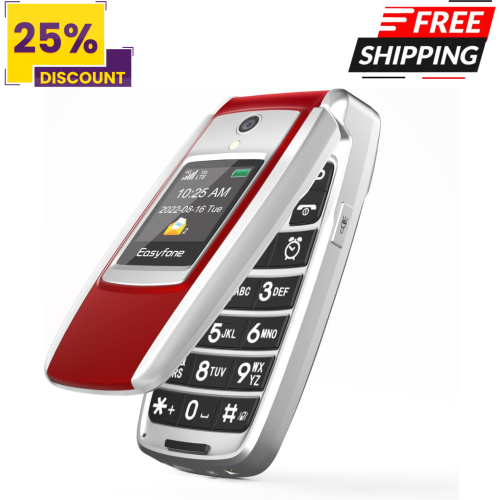
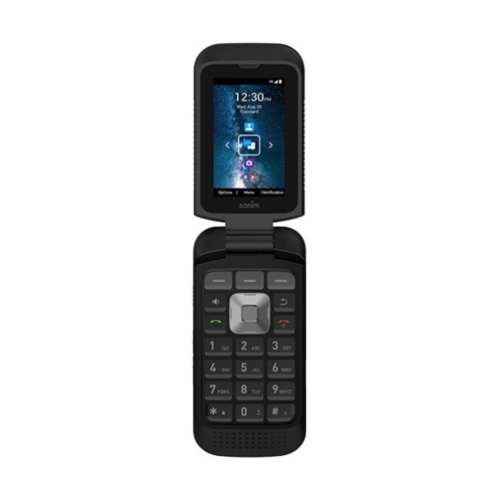
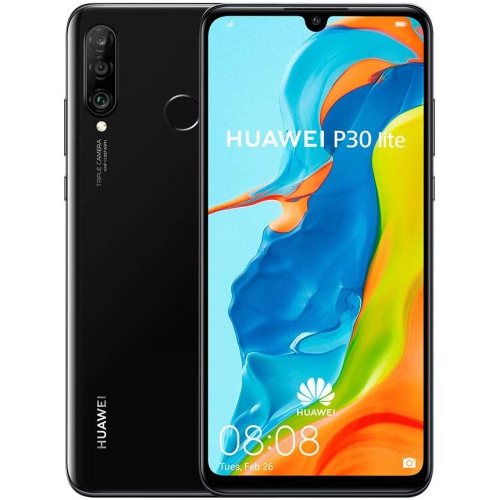
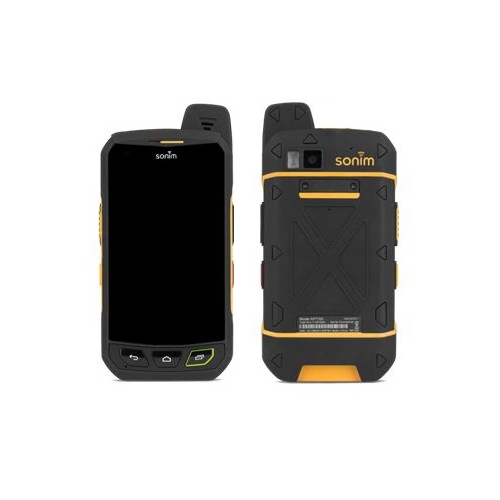
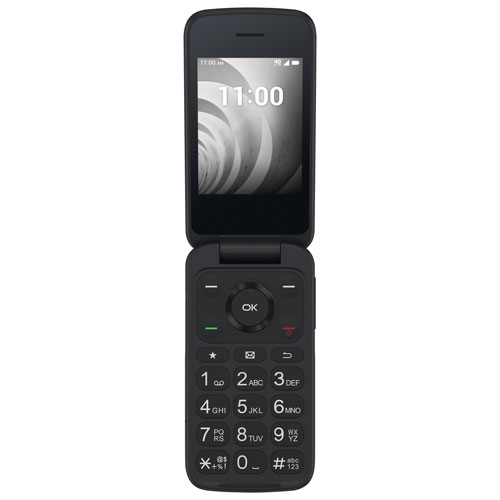
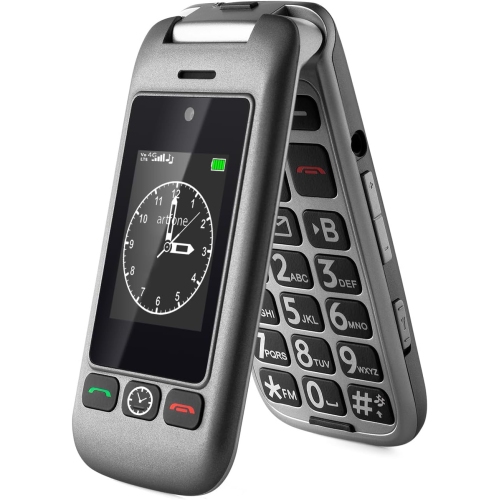

A first phone that grows with your child’s independence
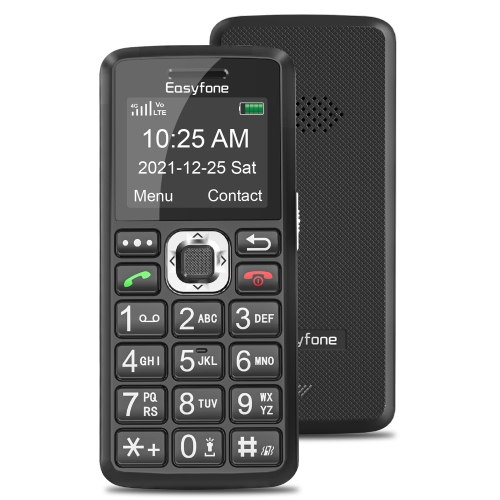
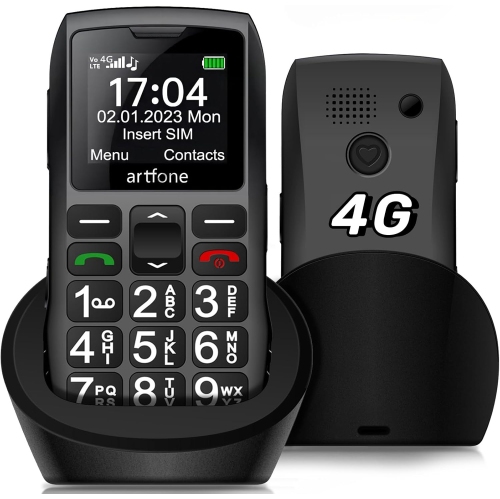
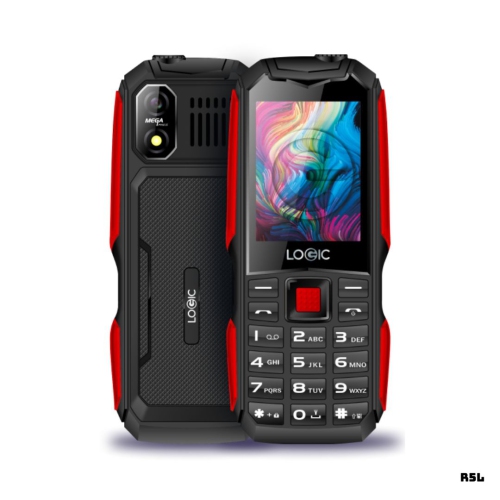
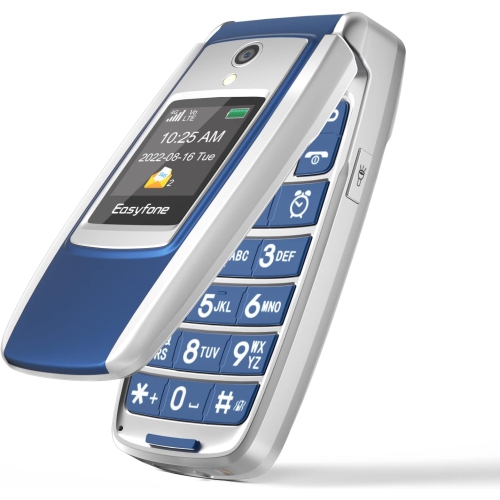
Kids cell phones can help children stay connected with parents, caregivers, siblings and trusted contacts while they build independence. The right choice depends on a child’s age, maturity, daily routine and comfort with technology. For a younger child who needs a simple way to reach home after school, at a friend’s house or during an activity, a basic phone with voice calling and text messaging may be the most practical option. These devices typically have fewer distractions than a full smartphone and can make it easier for families to establish clear expectations around communication. A flip-style phone can be a useful first phone for children who are learning to take responsibility for a personal device, while a restricted kids phone may offer additional features such as contact approval, location sharing, safety settings and message filtering. For children who are not ready for a phone but may need a way to contact family members, a cellular smartwatch can provide calling, messaging and location features in a compact wearable format. As children grow older and their routines become more independent, a smartphone with carefully configured parental controls can offer room to add useful apps, school tools and age-appropriate communication features. Kids cell phones can also be thoughtful gifts for birthdays, family milestones or the transition to a new school routine, especially when the device is paired with a conversation about responsible use, privacy and staying in touch.
When comparing kids cell phones, start with the type of communication your child actually needs. Talk-and-text phones are suited to families who want to limit internet access, social media, app downloads and gaming. Some have no web browser or app store, while others allow parents to create an approved list of contacts and applications. A standard smartphone can be a better fit for an older child who needs navigation, video calling, educational apps or access to group messages, but it should be reviewed carefully before it is handed over. Built-in parental controls may allow parents to set screen-time limits, approve or block apps, restrict purchases, filter websites, manage communication and set downtime during school, homework or overnight hours. Location sharing can provide reassurance when a child is walking home, travelling between activities or spending time with relatives, although families should discuss when location services are appropriate and who can view that information. Battery life is another important consideration, particularly for children who may forget to charge a device before leaving home. A phone with a clear display, straightforward menus and durable construction can be easier for smaller hands to manage. Check whether the device is compatible with your preferred mobile plan, whether it requires a separate data plan, how emergency calling works and whether accessories such as a protective case or screen protector are available. For practical ideas focused on school routines, explore Basic Cell Phones For Kids Returning To School.
A good first phone should support a child’s routine without creating unnecessary complexity. Think about the places where it will be used: tucked into a backpack during the school day, carried to sports practice, kept nearby during an after-school walk or used to check in while staying with grandparents. A simple device may be enough if the main purpose is calling home, confirming a pickup or sending a quick message. Children who are ready for more features may benefit from a smartphone that can handle maps, calendars, school communication and selected apps, provided the settings match their age and family rules. Before giving the phone to a child, create approved contacts, review privacy settings, enable a passcode and decide whether downloads, camera use, group chats and mobile data require permission. It is also helpful to agree on where the phone will be stored overnight, how it should be charged and what to do if it is lost. Younger children may need hands-on practice making an emergency call, answering an unfamiliar number safely and recognizing suspicious messages, while older children can gradually take on more responsibility for charging, updating and protecting the device. During the cooler months, a phone can be especially useful for coordinating pickups, checking in after activities and keeping communication open when plans change. With the right balance of features and boundaries, kids cell phones can give families a dependable line of communication while helping children develop confidence and good digital habits.
When comparing kids cell phones, start with the type of communication your child actually needs. Talk-and-text phones are suited to families who want to limit internet access, social media, app downloads and gaming. Some have no web browser or app store, while others allow parents to create an approved list of contacts and applications. A standard smartphone can be a better fit for an older child who needs navigation, video calling, educational apps or access to group messages, but it should be reviewed carefully before it is handed over. Built-in parental controls may allow parents to set screen-time limits, approve or block apps, restrict purchases, filter websites, manage communication and set downtime during school, homework or overnight hours. Location sharing can provide reassurance when a child is walking home, travelling between activities or spending time with relatives, although families should discuss when location services are appropriate and who can view that information. Battery life is another important consideration, particularly for children who may forget to charge a device before leaving home. A phone with a clear display, straightforward menus and durable construction can be easier for smaller hands to manage. Check whether the device is compatible with your preferred mobile plan, whether it requires a separate data plan, how emergency calling works and whether accessories such as a protective case or screen protector are available. For practical ideas focused on school routines, explore Basic Cell Phones For Kids Returning To School.
A good first phone should support a child’s routine without creating unnecessary complexity. Think about the places where it will be used: tucked into a backpack during the school day, carried to sports practice, kept nearby during an after-school walk or used to check in while staying with grandparents. A simple device may be enough if the main purpose is calling home, confirming a pickup or sending a quick message. Children who are ready for more features may benefit from a smartphone that can handle maps, calendars, school communication and selected apps, provided the settings match their age and family rules. Before giving the phone to a child, create approved contacts, review privacy settings, enable a passcode and decide whether downloads, camera use, group chats and mobile data require permission. It is also helpful to agree on where the phone will be stored overnight, how it should be charged and what to do if it is lost. Younger children may need hands-on practice making an emergency call, answering an unfamiliar number safely and recognizing suspicious messages, while older children can gradually take on more responsibility for charging, updating and protecting the device. During the cooler months, a phone can be especially useful for coordinating pickups, checking in after activities and keeping communication open when plans change. With the right balance of features and boundaries, kids cell phones can give families a dependable line of communication while helping children develop confidence and good digital habits.
Top selling and popular products
-
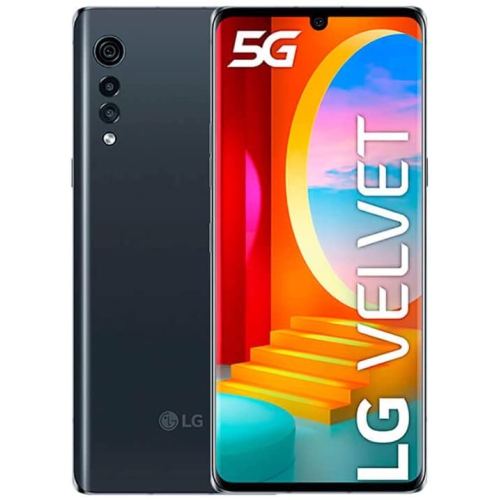 Your price for this item is $292.99
 -
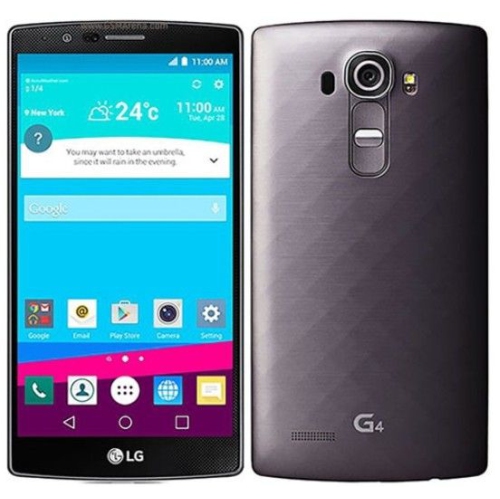 Your price for this item is $120
 -
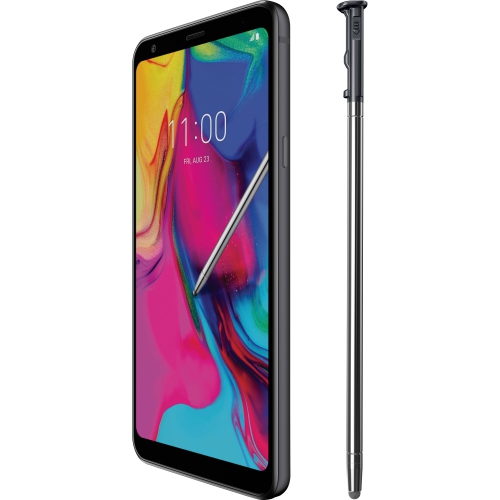 Your price for this item is $221.01
 -
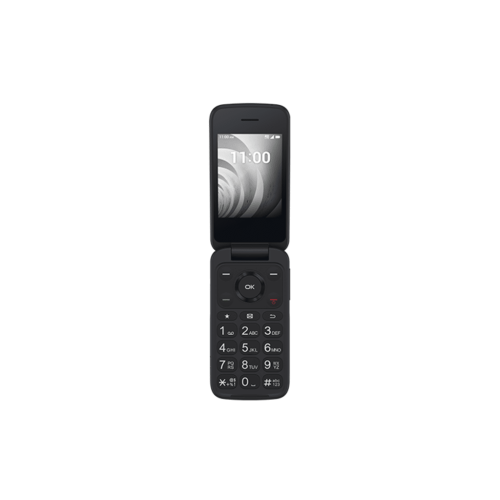 Your price for this item is $174.99
 -
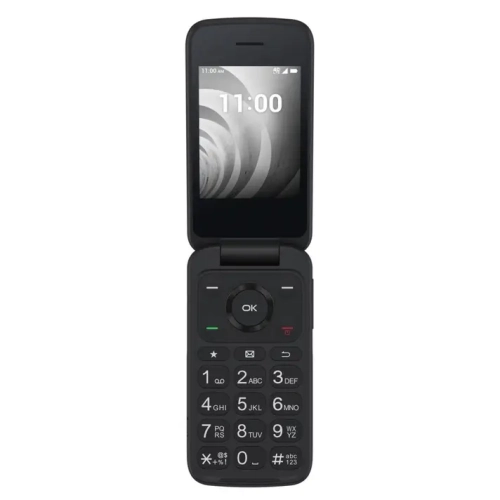 Your price for this item is $115
 -
 Your price for this item is $177.1
 -
 Your price for this item is $329.99
 -
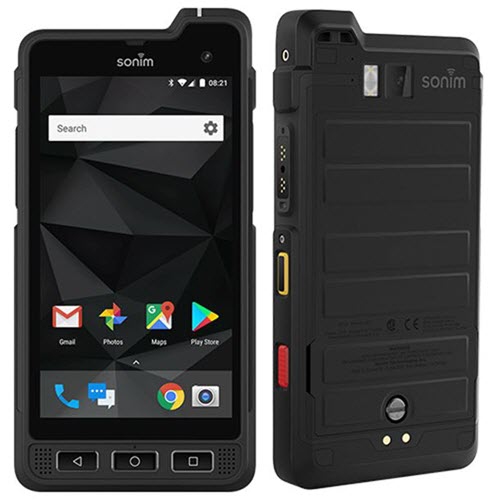 Your price for this item is $175
Discover more categories related to Kids Cell Phones
Top Collections:
Pokemon Centers, Apple iPhones 16, Budget 4K TVs, Best Laptops for Video Editing, Kindle Devices, iPhone 15 Apple, Canon G7X Cameras, Samsung Z Fold, Flip Phones, Alarm Clock
Some products may be subject to Environmental Handling Fees
(EHF) depending on your province.
Learn more about EHFs.