Types Of Charging Cables
Discovering the perfect charging cable is essential for keeping your devices powered and ready to go. With a variety of types available, each designed to meet specific needs and compatibility requirements, choosing the right one can make all the difference in your tech experience. Whether you're looking for fast charging, durability, or universal compatibility, understanding the different types of charging cables can help you find the ideal solution for your lifestyle. Explore the options to ensure seamless connectivity and efficient power delivery for all your devices.
Sort


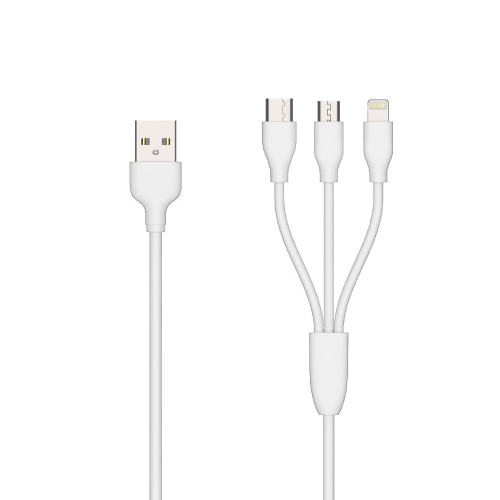
Why cable type, wattage, speed, and length matter
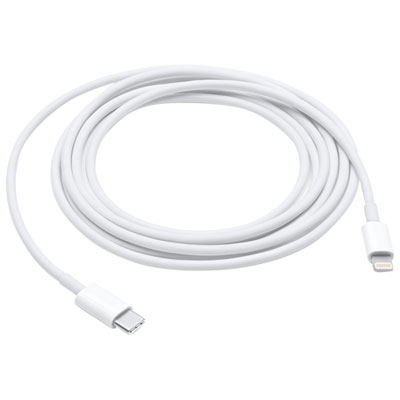
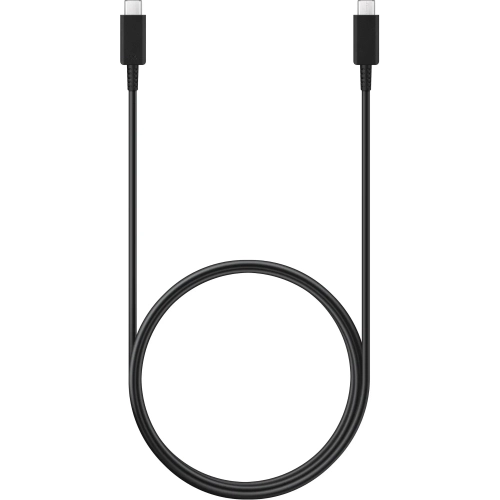
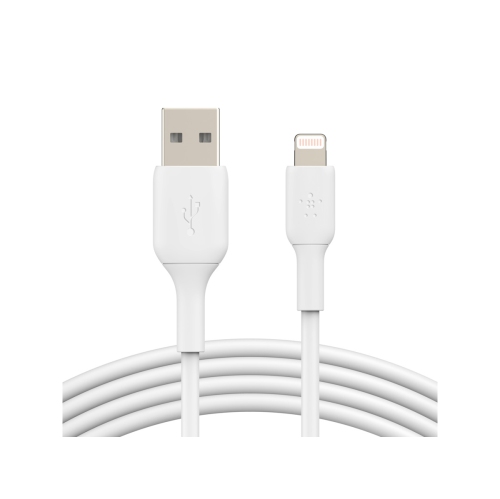
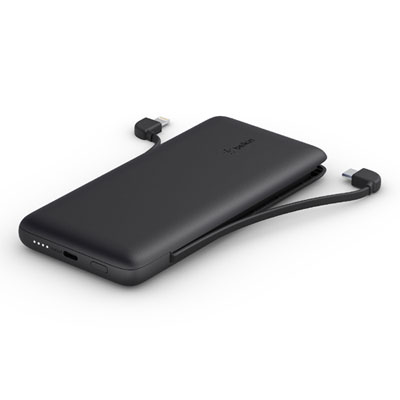
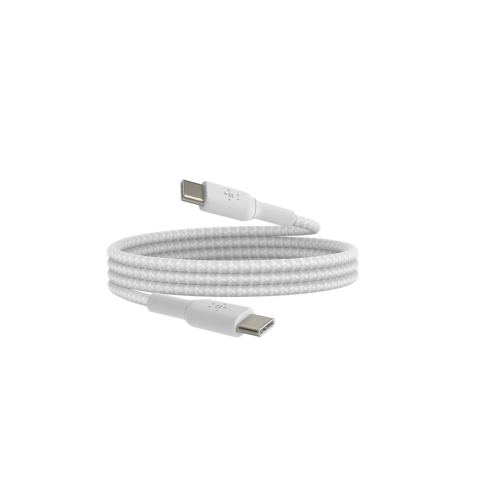
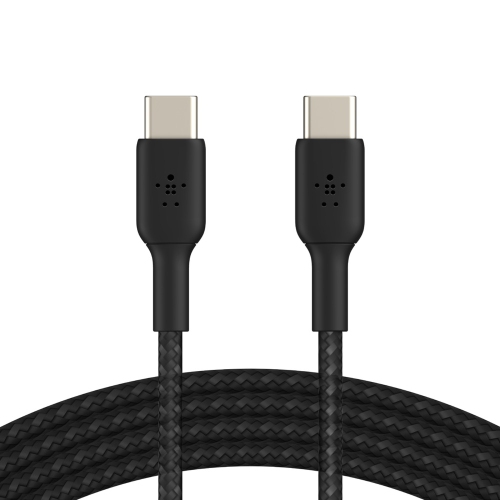
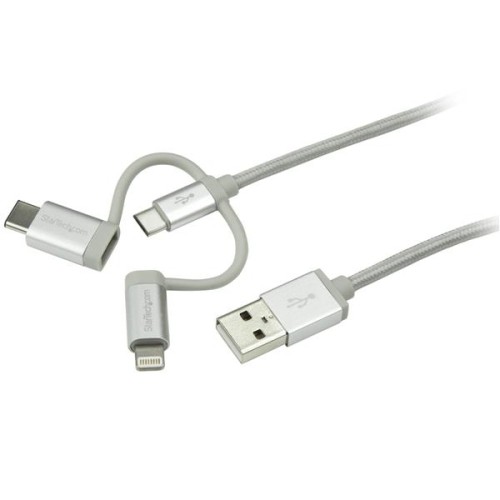
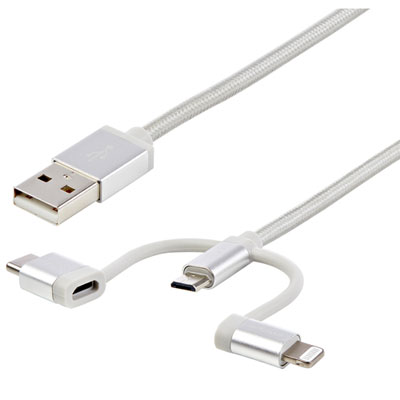
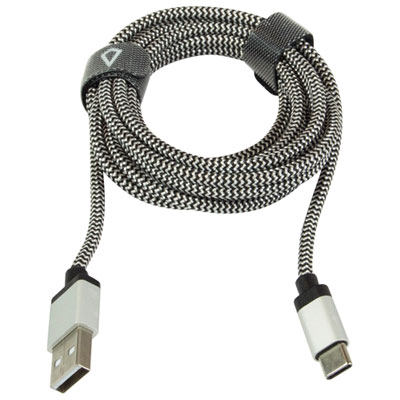
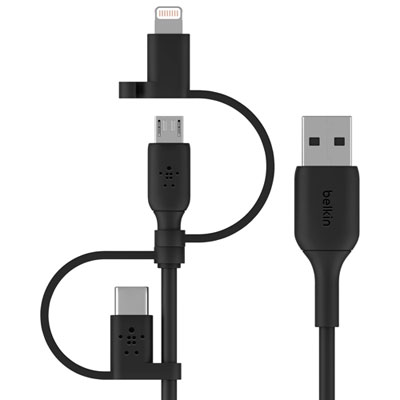
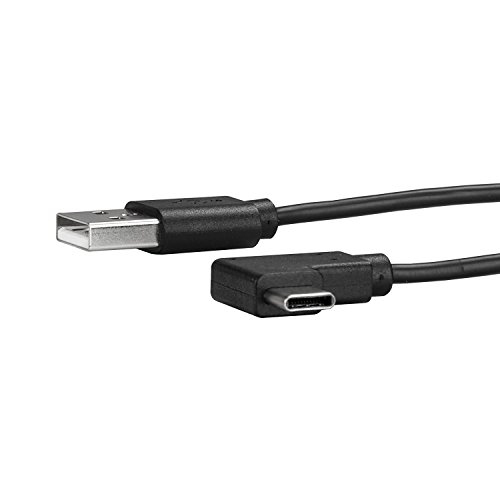
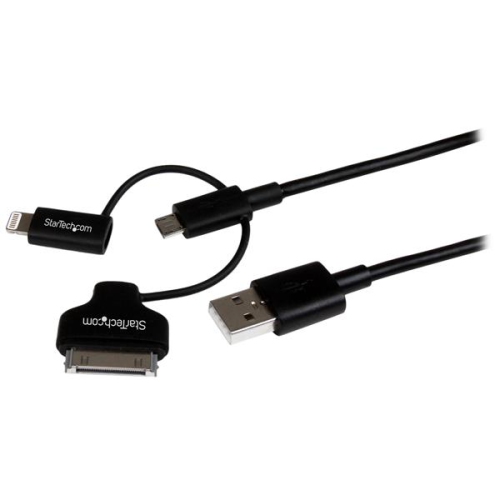
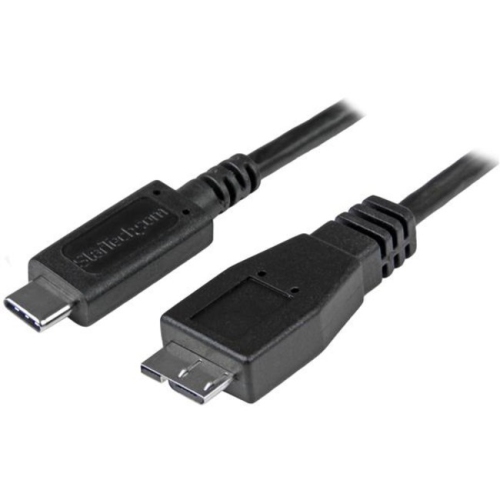
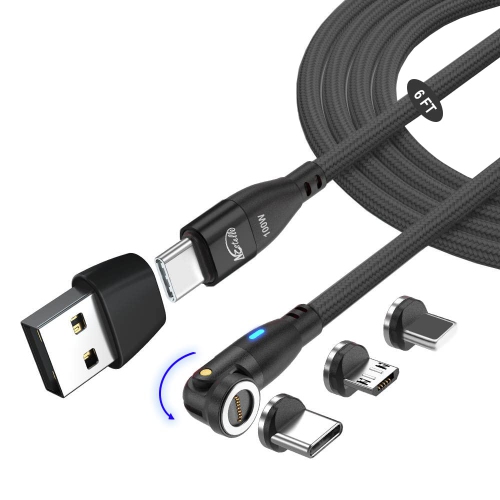
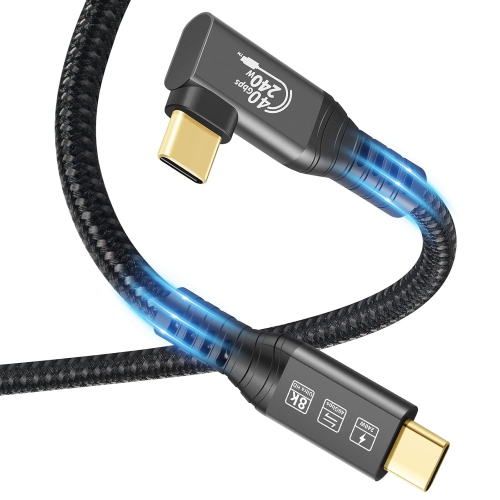
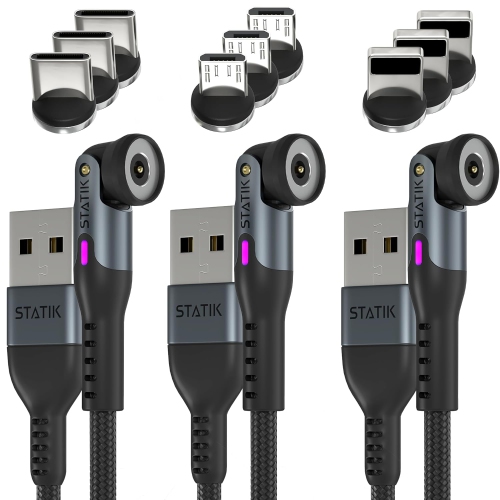
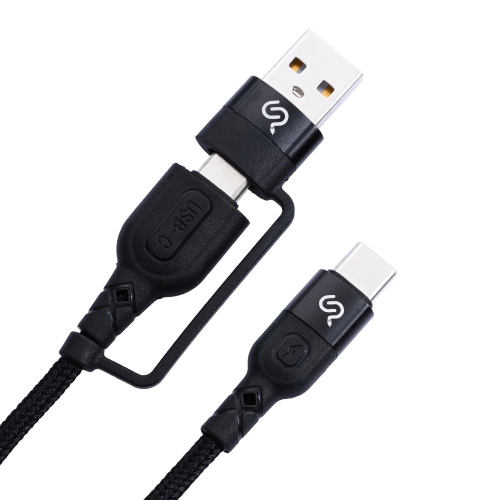
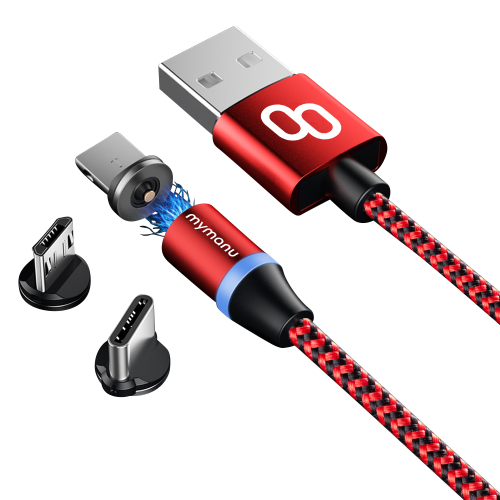
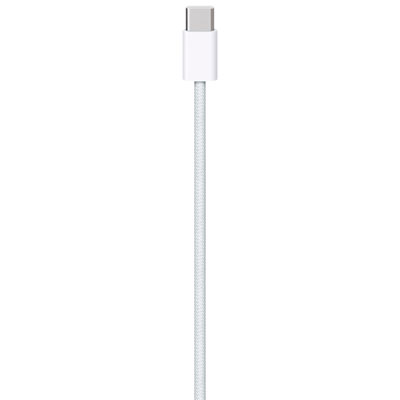
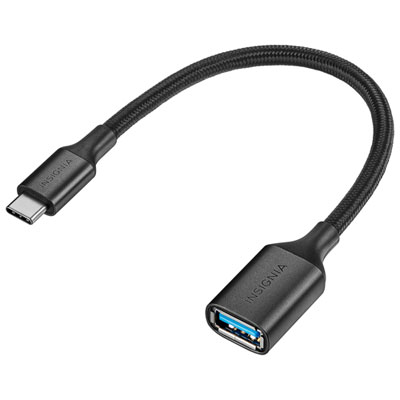
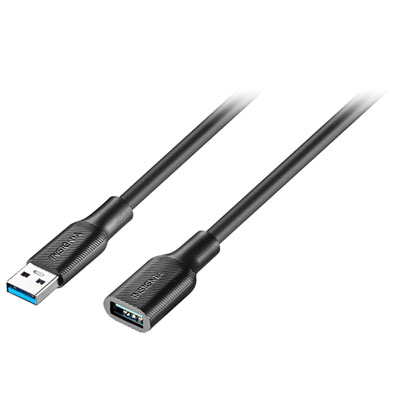
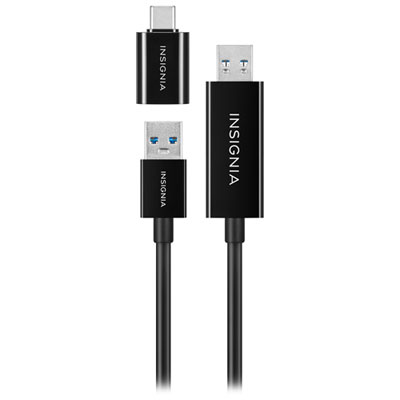
Charging cables are not all interchangeable, and choosing the right type can make everyday charging more convenient, reliable, and efficient. USB-C is the most versatile option for many newer phones, tablets, laptops, handheld gaming devices, headphones, speakers, cameras, and other electronics. Its small, oval connector is reversible, so it can be plugged in either way, which is especially handy when connecting a device beside the bed or in a dimly lit vehicle. USB-C to USB-C cables are commonly used with newer wall chargers and portable power banks, while USB-A to USB-C cables remain useful when connecting a device to an older charger, computer, vehicle port, or power bank with the traditional rectangular USB-A port. Many USB-C cables support USB Power Delivery, often shortened to USB PD, which allows compatible chargers and devices to negotiate the appropriate power level. A cable rated for higher wattage can be important for charging larger devices such as laptops, while a basic cable may be perfectly suitable for a phone, wireless earbuds, or a small speaker. Cable specifications also affect data transfer. Some cables are designed mainly for charging and offer USB 2.0 speeds, while others support faster USB 3.x or USB4 transfers for moving photos, video files, documents, and other data. Checking both the charging standard and data speed helps prevent disappointment when a cable looks suitable but does not support the performance expected. For households with a mix of older and newer electronics, a selection of Universal Charging Cables can simplify shared charging spaces, travel bags, workstations, and family rooms.
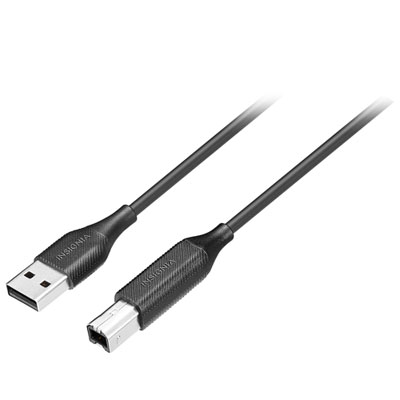
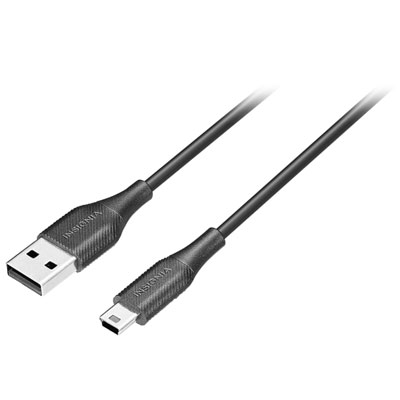
Other common charging cable types continue to serve specific devices and setups. Lightning cables use a slim, reversible connector found on older phones, tablets, media players, and accessories from a familiar mobile device ecosystem. Micro-USB cables have a smaller trapezoidal connector and are still used with some Bluetooth speakers, headphones, cameras, e-readers, game controllers, and other compact electronics. Unlike USB-C and Lightning connectors, Micro-USB plugs are directional, so the correct orientation matters when connecting them. USB-A remains widely used on wall chargers, desktop computers, car chargers, hubs, and power banks, making USB-A to Micro-USB, USB-A to USB-C, and USB-A to Lightning cables practical choices for older charging equipment. USB-B has a squarer shape and is most often associated with printers, scanners, some external hard drives, and other larger peripherals rather than mobile devices. Length is another important consideration. A 3-foot or 1-metre cable can keep a nightstand or desk tidy, while a 6-foot or 2-metre cable offers more flexibility when the nearest outlet is behind furniture or across a room. Longer cables are also useful in hotel rooms, airports, classrooms, and shared workspaces, although extra length can add weight and storage bulk. Look for reinforced connector housings, strain relief, and braided or otherwise durable outer jackets if the cable will be packed frequently, bent around a laptop, or used by children. A right-angle connector may be comfortable for gaming or watching video while charging, whereas a standard straight connector can suit a compact travel pouch. Charging cables make practical gifts for students moving into a residence, commuters preparing a work bag, travellers organizing carry-on essentials, or anyone who has experienced the familiar frustration of discovering a nearly empty battery away from home. Keeping one cable at a desk, one near the bed, and one in a travel bag can make daily routines smoother, while labelling cables by connector type or intended device helps prevent mix-ups in a busy household.
Other common charging cable types continue to serve specific devices and setups. Lightning cables use a slim, reversible connector found on older phones, tablets, media players, and accessories from a familiar mobile device ecosystem. Micro-USB cables have a smaller trapezoidal connector and are still used with some Bluetooth speakers, headphones, cameras, e-readers, game controllers, and other compact electronics. Unlike USB-C and Lightning connectors, Micro-USB plugs are directional, so the correct orientation matters when connecting them. USB-A remains widely used on wall chargers, desktop computers, car chargers, hubs, and power banks, making USB-A to Micro-USB, USB-A to USB-C, and USB-A to Lightning cables practical choices for older charging equipment. USB-B has a squarer shape and is most often associated with printers, scanners, some external hard drives, and other larger peripherals rather than mobile devices. Length is another important consideration. A 3-foot or 1-metre cable can keep a nightstand or desk tidy, while a 6-foot or 2-metre cable offers more flexibility when the nearest outlet is behind furniture or across a room. Longer cables are also useful in hotel rooms, airports, classrooms, and shared workspaces, although extra length can add weight and storage bulk. Look for reinforced connector housings, strain relief, and braided or otherwise durable outer jackets if the cable will be packed frequently, bent around a laptop, or used by children. A right-angle connector may be comfortable for gaming or watching video while charging, whereas a standard straight connector can suit a compact travel pouch. Charging cables make practical gifts for students moving into a residence, commuters preparing a work bag, travellers organizing carry-on essentials, or anyone who has experienced the familiar frustration of discovering a nearly empty battery away from home. Keeping one cable at a desk, one near the bed, and one in a travel bag can make daily routines smoother, while labelling cables by connector type or intended device helps prevent mix-ups in a busy household.
Top selling and popular products
-
 Your price for this item is $39.99
 -
 Your price for this item is $24.99
 -
 Your price for this item is $19.99
 -
 Your price for this item is $29.99
 -
 Your price for this item is $29.99
 -
 Your price for this item is $19.99
 -
 Your price for this item is $24.99
 -
 Your price for this item is $44.97
Discover more categories related to Types Of Charging Cables
Top Collections:
Pokemon Centers, Kindle Devices, Best Budget Office Chairs, Apple iPhones 16, Best Laptops for Writers, iPhone 15 Apple, Canon G7X Cameras, Refurbished Apple Laptops, Alarm Clock, Motorola Razr Phones
Some products may be subject to Environmental Handling Fees
(EHF) depending on your province.
Learn more about EHFs.