Best 1TB SSDs
Upgrade your storage with the best 1TB SSDs, ranked by customer review ratings to help you shop with confidence. Whether you need space for games, work files, or everyday essentials, a 1TB solid-state drive offers generous capacity and fast access to your data. Compare highly rated options and find the right fit for your device, performance needs, and budget.
What to look for in the best 1TB SSDs
1. Compatibility and Form Factor
2. Speed and Everyday Performance
3. Usable Capacity
4. Endurance and Warranty
-
1
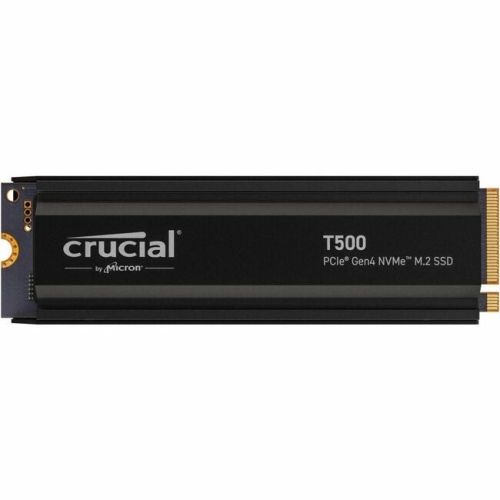
CRUCIAL Solid State Drive (Ct1000T500SSD5)
About this product
A high-speed 1TB M.2 NVMe PCIe 4.0 internal SSD designed for notebook compatibility.
What customers like
(30)$430.68 Your price for this item is $430.68 -
2
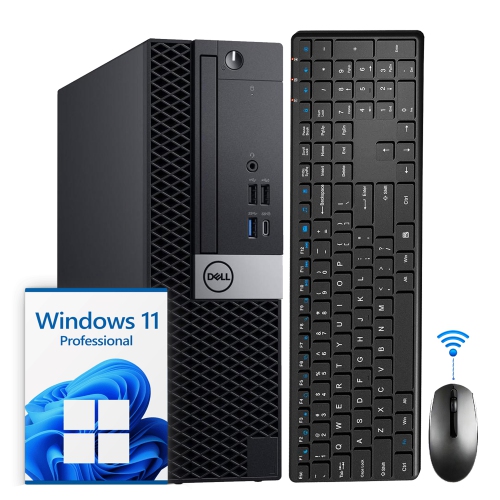
DELL Refurbished (Good) - Optiplex Small Form Factor Desktop - Intel Core I5-8500, 16GB Memory, 1Tb SSD, Win 11 Pro + Wi-Fi, Bluetooth
About this product
A refurbished black desktop PC featuring an Intel i5-8500, 16GB DDR4 RAM, and 1TB SSD.
(3)$467.99Your price for this item is $467.99SAVE $32 -
3
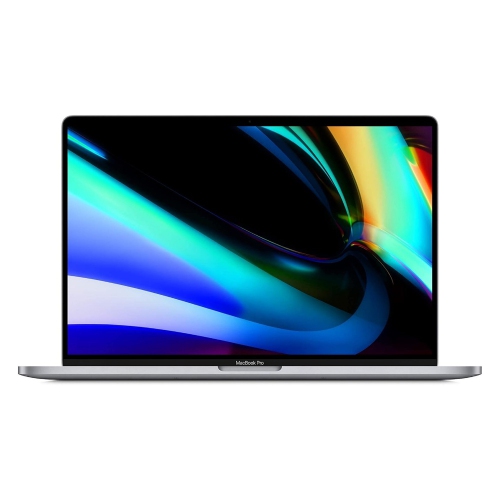
APPLE Refurbished (Excellent) - Macbook Pro (16-Inch, 2019) Space Intel Core I9-9980H 16GB 1Tb SSD 16In 3072 X 1920 Radeon Pro 5500 Macos In Gray
About this product
A refurbished gray laptop featuring Intel Core i9, 16GB RAM, 1TB SSD, and Radeon Pro 5500M graphics.
(2)$849.77Your price for this item is $849.77SAVE $449 -
4
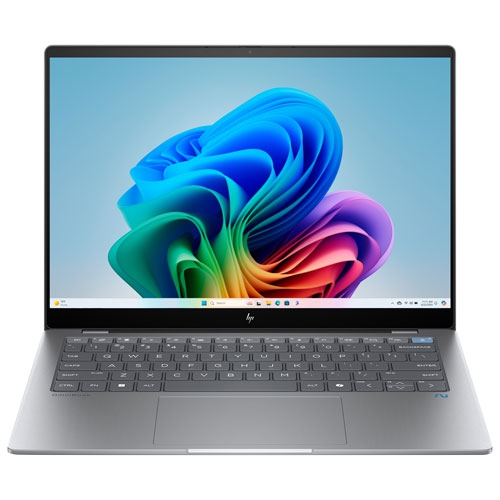
HP Refurbished (Excellent) - Omnibook X 14" Touchscreen Copilot+ PC Laptop - Snapdragon X Elite - 16GB Lpddr5X - 1Tb SSD - Windows 11 Home - Meteor
About this product
An AI-powered touchscreen laptop with Snapdragon X Elite, 16GB RAM, 1TB SSD, and a 5MP camera.
$854.97Your price for this item is $854.97SAVE $445 -
5
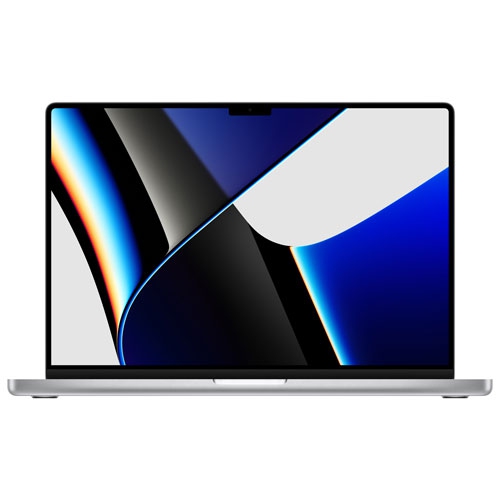
APPLE - Macbook Pro 16" (2021) - ( M1 Pro Chip / 1Tb SSD / 16GB Ram) - English In Silver
About this product
A powerful silver laptop featuring the M1 Pro chip, 1TB SSD, and 16GB RAM for pro-level performance.
$2,564.97Your price for this item is $2564.97SAVE $235 -
6
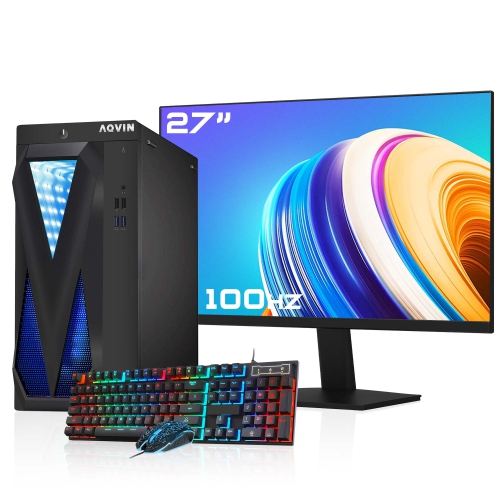
AQVIN Refurbished (Excellent) - Gaming PC - Rx 550, Intel Core I7, 32GB Memory, 1Tb SSD, Win 10 Pro, RGB + 27" Monitor
About this product
An RGB desktop computer featuring AMD Radeon RX 550 graphics, Intel Core i7 CPU, 32GB RAM, and 1TB SSD.
$999.99 Your price for this item is $999.99 -
7
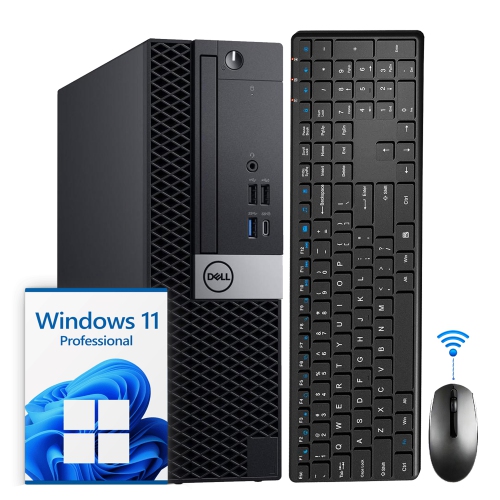
DELL Refurbished (Good) - Optiplex Small Form Factor Desktop - Intel Core I5-8500, 32GB Memory, 1Tb SSD, Win 11 Pro + Wi-Fi, Bluetooth
About this product
A powerful and compact Dell OptiPlex SFF desktop computer with an Intel i5 processor and 32GB RAM.
$599.00Your price for this item is $599SAVE $251 -
8
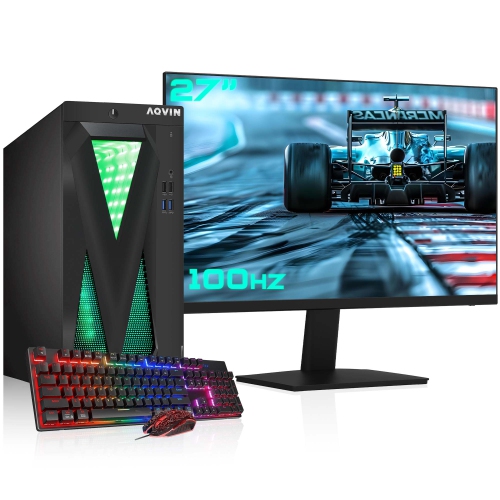
AQVIN Refurbished (Excellent) - Gaming PC - Gtx 1650 4GB, Intel Core I7, 32GB Memory, 1Tb SSD, Win 10 Pro, RGB + 27" Monitor
About this product
An RGB desktop computer with Intel Core i7, 32GB RAM, 1TB SSD, and Nvidia GTX 1650 graphics.
$1,099.99 Your price for this item is $1099.99 -
9
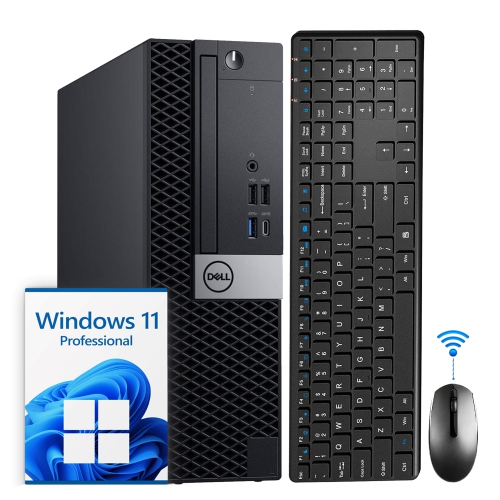
DELL Refurbished (Good) - Optiplex Small Form Factor Desktop - Intel Core I5-8500, 8GB Memory, 1Tb SSD, Win 11 Pro + Wi-Fi, Bluetooth
About this product
A powerful and compact Dell OptiPlex SFF desktop computer with an Intel i5 Hexa-Core processor and 1TB SSD.
$629.99 Your price for this item is $629.99 -
10
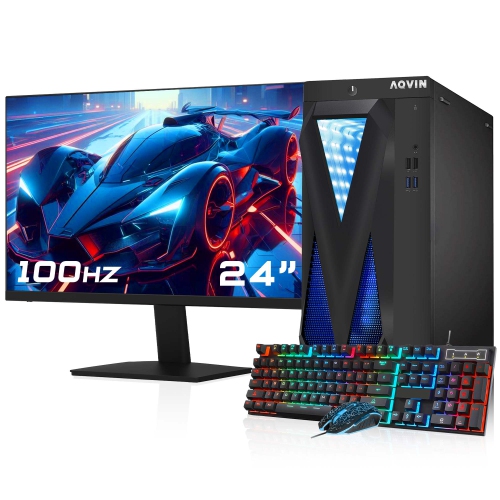
AQVIN Refurbished (Excellent) - Gaming PC - Gtx 1650 4GB, Intel Core I7, 32GB Memory, 1Tb SSD, Win 10 Pro, RGB + 24" Monitor
About this product
An RGB gaming PC combo with Intel Core i7, GTX 1650 4GB, 1TB SSD, and 24" FHD monitor.
$1,059.99 Your price for this item is $1059.99
FAQ
SATA SSDs use the SATA interface, while NVMe SSDs communicate through PCIe using the NVMe protocol. M.2 describes a physical connector and form factor, not the storage protocol: an M.2 SSD may use SATA or NVMe. Check which interface and protocol your computer supports before choosing a drive.
Consult your computer or motherboard documentation for supported storage interfaces, available connectors and installation requirements. For an NVMe SSD, confirm that the intended slot supports PCIe storage. If you plan to install your operating system on the drive, also check that your computer supports booting from it.
An internal SSD connects inside a computer and can serve as its main drive or additional storage. An external SSD connects through a port such as USB or Thunderbolt and is convenient for moving files between compatible devices. Some internal SSDs can also be used externally with an enclosure that supports their interface.
Not necessarily. Compatible cloning software can transfer your existing operating system, applications and files to the new SSD. A clean installation is another option if you prefer a fresh setup. If you are adding the SSD as a secondary drive, you generally only need to initialize and format it.
For an SSD used to transfer files between Windows and macOS, exFAT is a common choice because both systems support reading and writing to it. NTFS is typically used for Windows system drives, while APFS is used for modern Mac system drives. Dedicated backup tools may require a particular file system, so check their requirements before formatting.
Top selling and popular products
Discover more categories related to Best 1TB SSDs
Some products may be subject to Environmental Handling Fees (EHF) depending on your province. Learn more about EHFs.