Best 2tb SSDs
The best 2TB SSDs offer plenty of storage for games, creative projects, and everyday files, with fast performance to help keep things moving. Ranked by user review ratings, this selection highlights highly rated options to help you narrow your search. Compare compatibility, read and write speeds, and form factors to find a 2TB SSD that fits your setup.
What to look for in the best 2TB SSDs
1. Compatibility and Form Factor
2. Read and Write Performance
3. Endurance and Warranty
4. Cooling and Installation
-
1
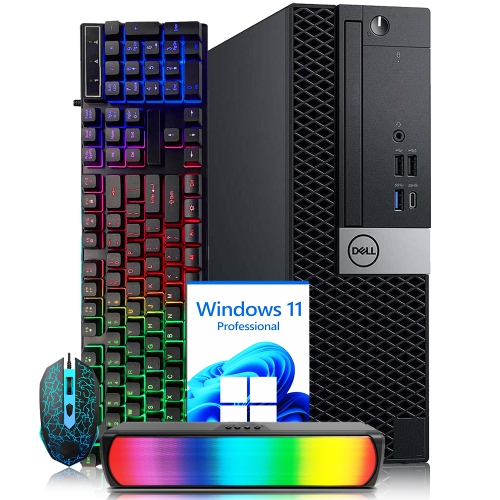
DELL Refurbished (Good) - Optiplex Small Form Factor Business Desktop - Intel Core I7, 32GB Memory, 2Tb SSD, Win 11 Pro + Wi-Fi, Keyboard & Mouse
About this product
A compact desktop PC featuring an Intel i7 processor, 32GB DDR4 RAM, and 2TB NVMe SSD.
(3)$799.99Your price for this item is $799.99SAVE $50 -
2
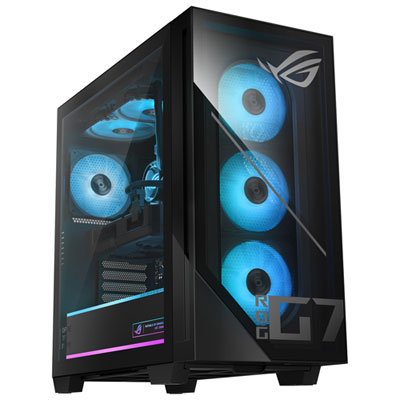
ASUS G700 Gaming PC - RTX 5060, Intel Core Ultra 7 265F, 32GB Memory, 2TB SSD, Win 11
About this product
A powerful black desktop featuring Intel Core Ultra 7, 32GB RAM, 2TB SSD, and RTX 5060 graphics.
(4)$2,799.99 Your price for this item is $2799.99 -
3
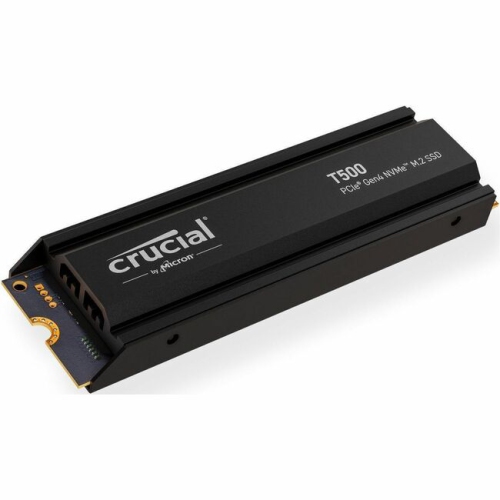
CRUCIAL T500 Solid State Drive (Ct2000T500SSD5)
About this product
A high-speed 2TB M.2 internal SSD with PCIe NVMe 4.0 interface for rapid data transfer.
What customers like
(78)$599.99 Your price for this item is $599.99 -
4
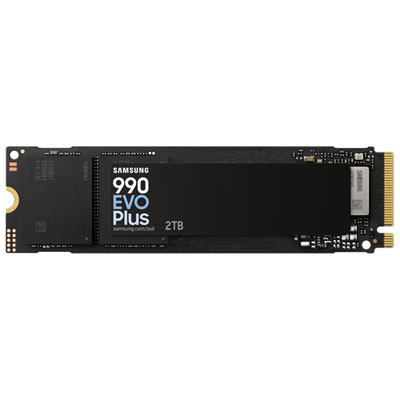
Samsung 990 EVO Plus 2TB PCI-e Internal Solid State Drive (MZ-V9S2T0B/AM)
About this product
A 2TB internal SSD offering exceptional read/write speeds and optimized efficiency for seamless performance.
What customers like
(1,299)$789.99 Your price for this item is $789.99 -
5
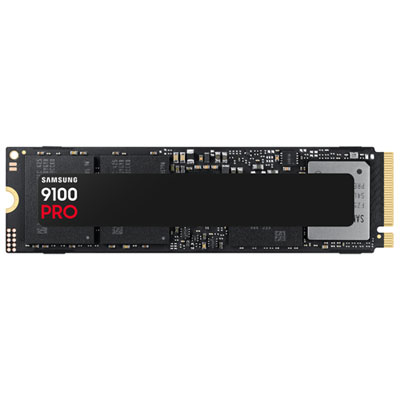
Samsung 9100 Pro 2TB NVMe PCI-e Internal Solid State Drive (MZ-VAP2T0B/AM) - Black
About this product
A black NVMe PCI-e SSD offering lightning-fast read and write speeds with PCIe 5.0 interface.
What customers like
(1,072)$924.99 Your price for this item is $924.99 -
6
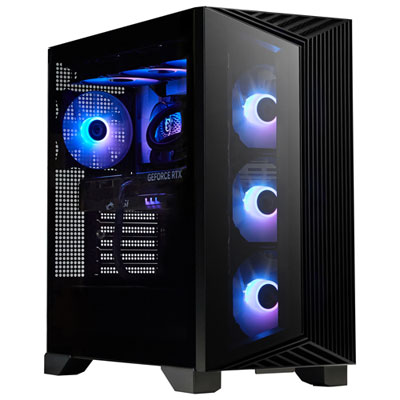
MSI Aegis Gaming PC - RTX 5070, AMD Ryzen 9 9900X, 32GB Memory, 2TB SSD, Win 11
About this product
A powerful black desktop featuring AMD Ryzen R9-9900X, 32GB RAM, RTX 5070, and 2TB SSD.
What customers like
(158)$3,999.99 Your price for this item is $3999.99 -
7
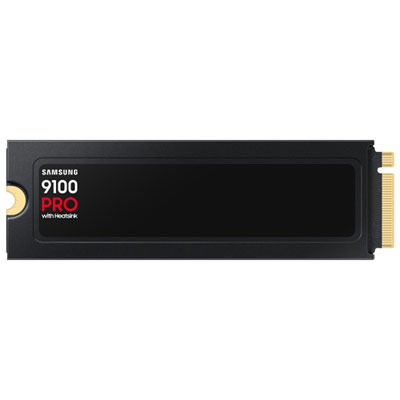
Samsung 9100 Pro 2TB NVMe PCI-e Internal Hard Drive with Heatsink (MZ-VAP2T0CW)
About this product
A high-speed black NVMe PCIe 5.0 internal drive with heatsink, offering advanced power efficiency.
What customers like
(365)$969.99 Your price for this item is $969.99 -
8
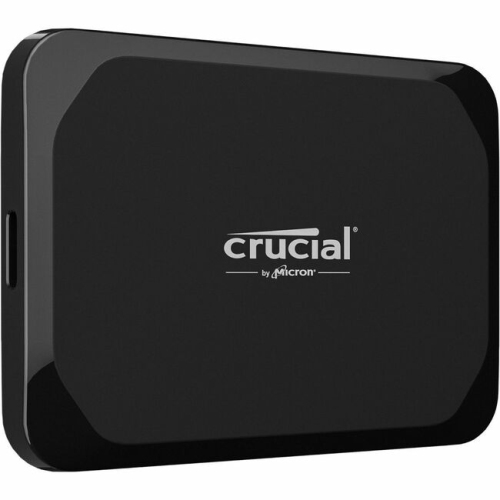
CRUCIAL X9 2Tb Portable SSD (Ct2000X9SSD9)
About this product
A portable SSD offering 2TB storage, USB 3.2 Gen 2 connectivity, and up to 1050MB/s read speeds.
What customers like
(290)$470.99Your price for this item is $470.99SAVE $89 -
9
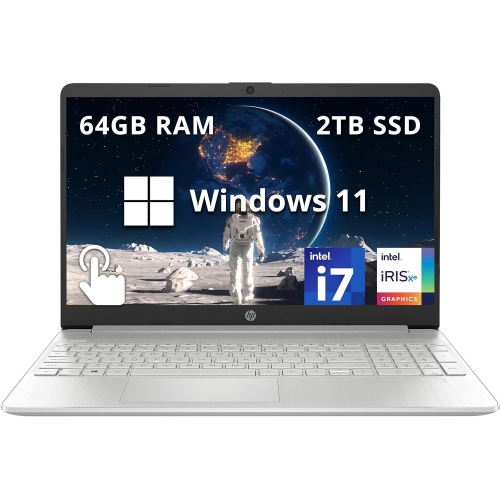
HP - 15.6" Fhd Touchscreen Laptop - Intel Core I7-1255U - 64GB Ddr4 - 2Tb SSD - Intel Iris Xe - Windows 11 - In Silver
About this product
An open box 15.6" FHD touchscreen laptop with Intel i7, 2TB SSD, and 64GB RAM in silver.
What customers like
(0)$1,699.00Your price for this item is $1699SAVE $300 -
10
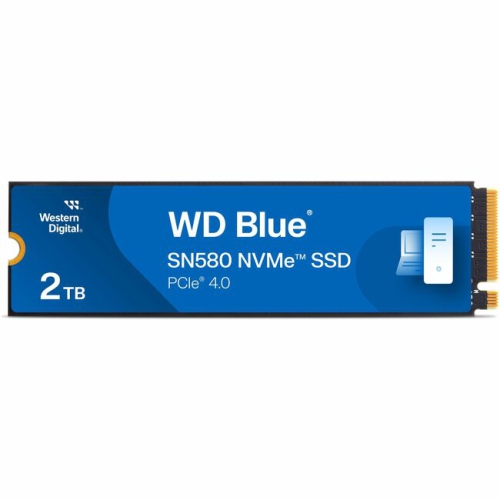
WESTERN DIGITAL Wds200T3B0E Sn580 Nvme SSD (Wds200T3B0E) In Blue
About this product
A high-speed blue NVMe SSD offering 2TB storage and up to 4150MB/s read transfer rate.
(3)$349.99Your price for this item is $349.99SAVE $450
FAQ
SATA SSDs use the SATA interface, while NVMe SSDs communicate through PCIe. M.2 describes a connector and physical format, not the interface itself: an M.2 SSD may use SATA or NVMe. Check which interface your computer supports before choosing a drive.
Consult your computer or motherboard documentation for supported storage interfaces, available connectors and operating system requirements. For an M.2 drive, confirm whether the slot supports SATA, PCIe NVMe or both. Some computers have storage that cannot be replaced, so check their upgrade options first.
An internal SSD connects inside a computer and can serve as its main drive or additional storage. An external SSD connects through a port such as USB or Thunderbolt and is convenient for moving files between compatible devices. Your choice depends on whether you want an installed drive or portable storage.
Yes. Disk-cloning software can copy an existing drive, including its operating system, applications and files, to a compatible SSD. Alternatively, you can install the operating system fresh and transfer your personal files separately. Cloning may require an adapter or enclosure to connect both drives during the transfer.
A new internal SSD may need to be initialised, partitioned and formatted before it appears as usable storage. An operating system installer can usually handle these steps for a main drive. External SSDs may arrive preformatted; check whether their file system supports the devices you plan to use.
Top selling and popular products
Discover more categories related to Best 2tb SSDs
Some products may be subject to Environmental Handling Fees (EHF) depending on your province. Learn more about EHFs.