Best 34 Inch Curved Monitors
Find the best 34-inch curved monitors for work, gaming, and entertainment, ranked by user review ratings. A spacious, curved screen offers room to multitask and a more immersive viewing experience. Explore customer favourites and compare resolution, refresh rate, and connectivity to find the right fit for your setup.
What to look for in 34-inch curved monitors
1. Resolution and Aspect Ratio
2. Screen Curvature and Panel Type
3. Refresh Rate and Response Time
4. Connectivity and Ergonomics
-
1
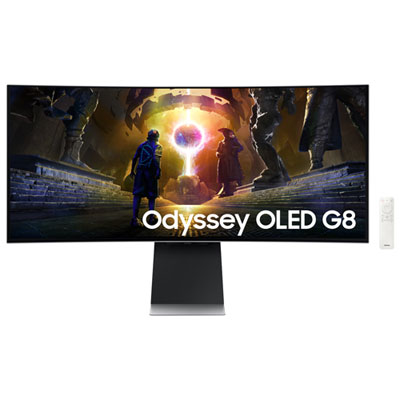
Samsung Odyssey G8 34" Ultrawide Curved UWQHD OLED Gaming Monitor (LS34DG850SNXZA) - G-Sync/FreeSync - 0.03ms GTG - 175Hz - Silver
About this product
A silver curved OLED gaming monitor with 175Hz refresh rate, 0.03ms response, and glare-free technology.
What customers like
(436)$899.99Your price for this item is $899.99SAVE $500 -
2
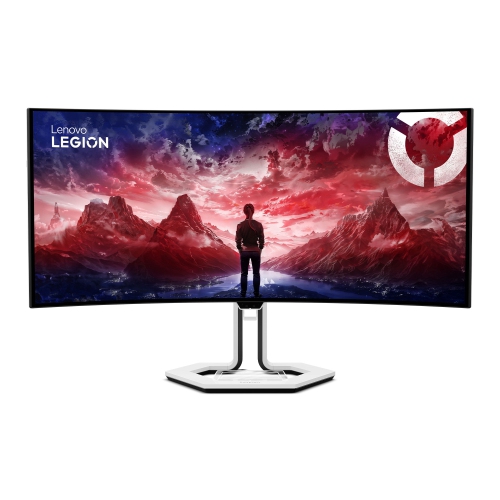
LENOVO Legion Pro 34" Ultrawide Curved Uwqhd Oled Gaming Monitor (34Wd-10) - Freesync Premium Pro - 0.03Ms Gtg - 240Hz
About this product
An immersive curved OLED gaming monitor with WQHD resolution, 240Hz refresh rate, and USB-C docking support.
(11)$1,199.99Your price for this item is $1199.99SAVE $480 -
3
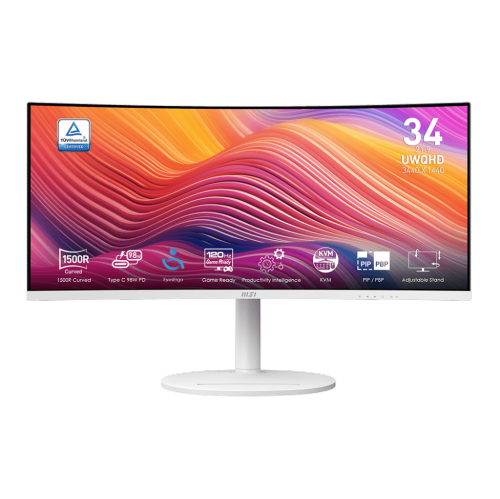
MSI Modern 34" Ultrawide Curved Uwqhd Va Led Monitor (Md342Cqpw) - 120Hz - HDr Ready - Freesync Premium - In White
About this product
A white curved UWQHD monitor with 120Hz refresh rate, 1ms response, USB-C 98W power delivery, and speakers.
(5)$399.99Your price for this item is $399.99SAVE $90 -
4
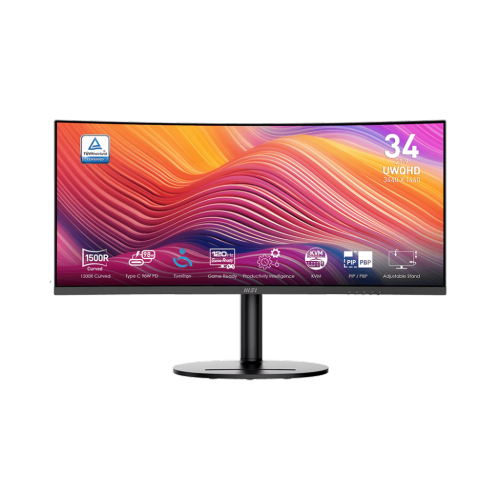
MSI Modern 34" Ultrawide Curved Uwqhd Va Led Monitor (Md342Cqp) - 120Hz - HDr Ready - Freesync Premium
About this product
A black curved UWQHD monitor with 120Hz refresh rate, 1ms response, Adaptive-Sync, and USB-C power delivery.
(3)$389.99Your price for this item is $389.99SAVE $90 -
5
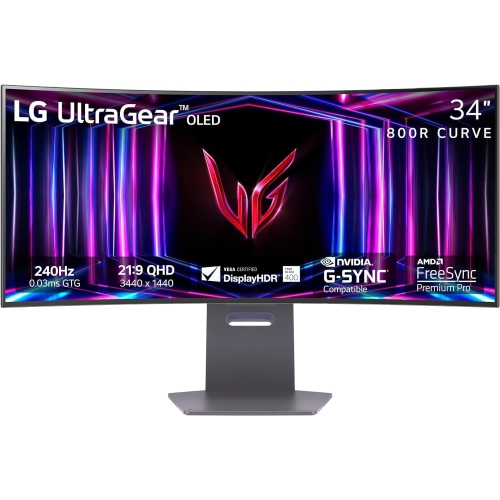
LG Refurbished (Good) - Ultragear 34" Ultrawide Curved Uwqhd Oled Gaming Monitor (34Gs95Qe-B) - Gsync/freesync - 0.03Ms Gtg - 240Hz
About this product
A curved black OLED gaming monitor with 240Hz refresh rate, 0.03ms response, G-Sync, and FreeSync support.
$699.99Your price for this item is $699.99SAVE $1000 -
6
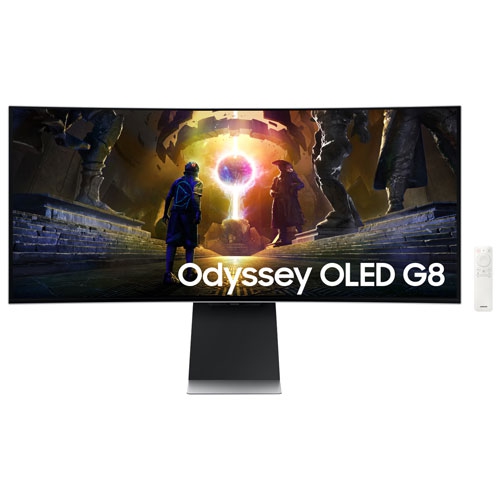
SAMSUNG - Odyssey G8 34" Curved Uwqhd Oled Gaming Monitor (Ls34Dg850Snxza) - G-Sync/freesync - 0.03Ms Gtg - 175Hz - In Silver
About this product
A silver curved OLED gaming monitor with 175Hz refresh rate, 0.03ms response, and G-Sync/Freesync support.
$1,008.00Your price for this item is $1008SAVE $391 -
7
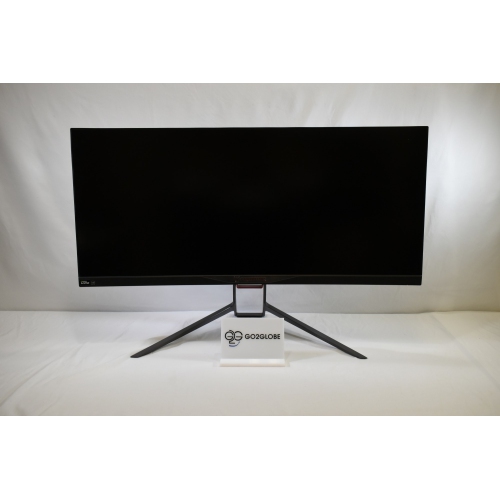
ACER Refurbished (Good) - Predator X34 34" Ultrawide Curved Uwqhd Ips Gaming Monitor (Sbmiiphzx) - G-Sync Compatible - 1Ms Gtg - 180Hz
About this product
A refurbished curved gaming monitor featuring a 180Hz refresh rate for smooth, immersive gameplay.
$669.00 Your price for this item is $669 -
8
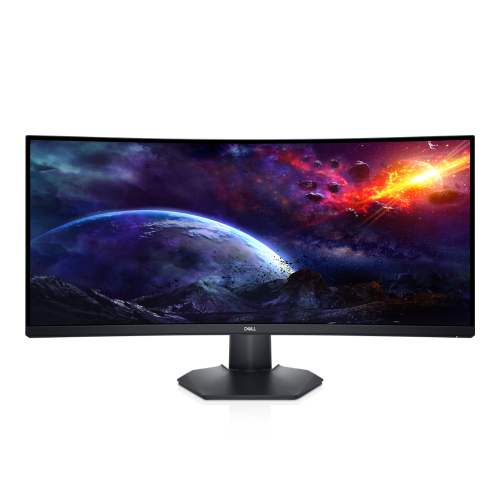
DELL Refurbished (Excellent) - 34" Curved 1440P Wqhd Va Lcd Gaming Monitor (S3422Dwg) - 144Hz
About this product
A refurbished 34-inch curved gaming monitor with WQHD resolution and 144Hz refresh rate in black.
$649.99 Your price for this item is $649.99 -
9

LG - Ultragear 34" Curved 1440P Uwqhd Oled Gaming Monitor - G-Sync/freesync - 0.03Ms Gtg - 240Hz - Purple-Grey
About this product
A 240Hz gaming monitor with UWQHD picture quality and a borderless design, backed by a 1-year warranty.
$1,229.97Your price for this item is $1229.97SAVE $170 -
10
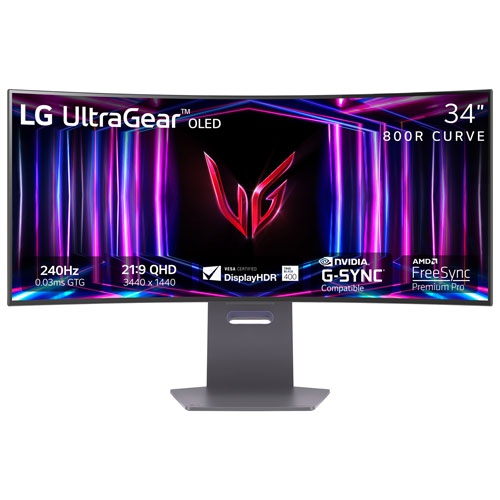
LG Refurbished (Fair) - Ultragear 34" Curved 1440P Oled Gaming Monitor (34Gs95Qe-B) - Gsync/freesync - 0.03Ms Gtg - 240Hz - Purple-Grey
About this product
A curved OLED gaming monitor in purple-grey with 240Hz refresh rate, 0.03ms response, and G-Sync support.
$984.97Your price for this item is $984.97SAVE $415
FAQ
Consider resolution, panel type, refresh rate, response time and connectivity. For office work, prioritize clear text, an adjustable stand and ports that suit your computer. For gaming, look for a high refresh rate and adaptive sync support. For creative work, check colour accuracy and colour gamut coverage.
Curvature ratings such as 1000R, 1500R and 1800R describe the arc of the screen. A lower number indicates a more pronounced curve, while a higher number indicates a gentler curve. The right choice depends on your preferred viewing experience and desk setup.
VA panels typically offer strong contrast and deep blacks, while IPS panels generally provide consistent colours across wide viewing angles. OLED panels use individually lit pixels to deliver deep blacks and fast pixel response times. Compare individual specifications, as colour accuracy, brightness and motion handling vary by model.
HDMI and DisplayPort are common options for video input. USB-C may support video, data and laptop charging through one cable, but capabilities vary by monitor and computer. If you connect peripherals, look for a built-in USB hub. Check that your chosen connection supports the resolution and refresh rate you plan to use.
Many curved monitors have multiple video inputs so you can connect more than one computer and switch between them. Some also offer Picture-by-Picture to display two sources side by side, or Picture-in-Picture to show one source within another. A built-in KVM switch, when included, lets you share a keyboard and mouse between compatible connected computers.
Top selling and popular products
Discover more categories related to Best 34 Inch Curved Monitors

Some products may be subject to Environmental Handling Fees (EHF) depending on your province. Learn more about EHFs.