Best Curved Monitors

Find the best curved monitors for work, gaming, and entertainment, ranked by customer review ratings. A curved screen can help draw you into the action and keep a wide workspace comfortably in view. Compare screen sizes, resolutions, and refresh rates to find the right fit for your desk and daily routine.

Read More

What to look for in the best curved monitors

1. Screen Size and Aspect Ratio

Choose a screen size that suits your desk space and viewing distance. Ultrawide curved monitors offer extra room for multitasking and compatible games, while a standard 16:9 model can be easier to fit into a smaller setup.

2. Screen Curvature

Curvature ratings such as 1000R and 1800R describe how tightly the screen curves, with lower numbers indicating a more pronounced curve. Consider your viewing distance and whether you prefer a wraparound feel or a gentler curve for everyday use.

3. Resolution and Display Performance

Higher resolutions can make text and images look sharper, especially on larger screens. For gaming, compare refresh rates, response times, and adaptive sync support; for creative work, look at colour accuracy and colour gamut coverage.

4. Connectivity and Adjustability

Check that the monitor has HDMI, DisplayPort, or USB-C connections suited to your devices and desired resolution and refresh rate. USB-C power delivery on compatible models can simplify a laptop setup, while height adjustment, tilt, and VESA mounting support help you position the screen comfortably.
Citrus catapult arrow
  1. 1

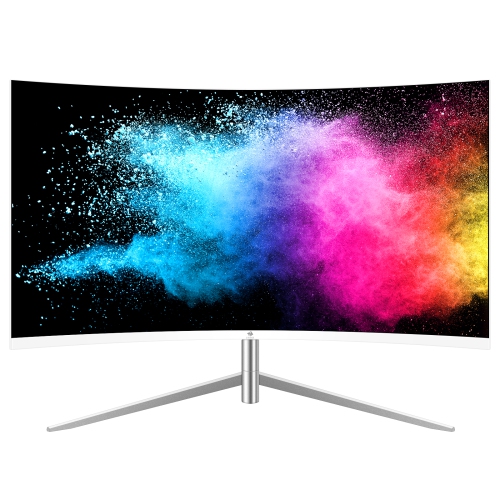
    Z-EDGE 24" Curved 1080P HD Va Led Monitor (U24C) - 100Hz

    About this product

    A sleek white curved monitor featuring 1080P Full HD resolution, 75Hz refresh rate, and Eye-Care Technology.

    $139.99
    SAVE $20
    Your price for this item is $139.99
  2. 2

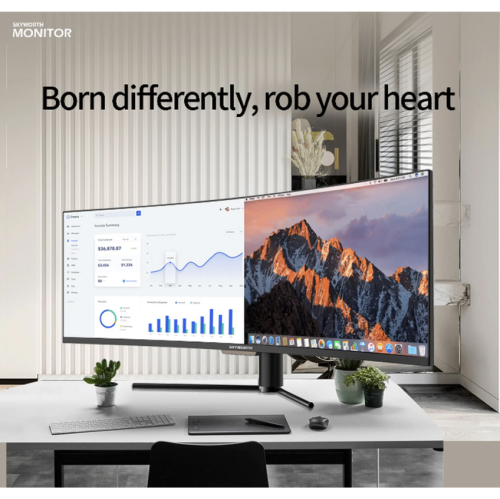
    SKYWORTH 49" Ultrawide Curved 1080P HD Va Lcd Gaming Monitor (49G1H) - 144Hz - HDr400

    About this product

    An ultra-wide curved gaming monitor with 144Hz refresh rate, HDR400, VA panel, and eye-care technology.

    $749.99
    SAVE $150
    Your price for this item is $749.99
  3. 3

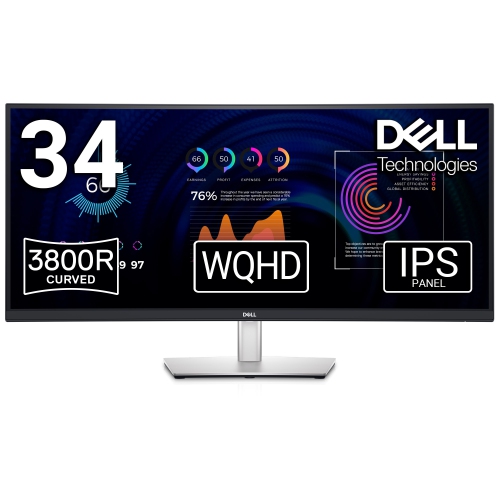
    DELL 34" Ultrawide Curved 1440P Wqhd Ips Lcd Video Conferencing Monitor (P3424Web)

    About this product

    A curved monitor designed for seamless video conferencing with immersive visuals and advanced connectivity options.

    (1)
    $1,084.61
    SAVE $108
    Your price for this item is $1084.61
  4. 4

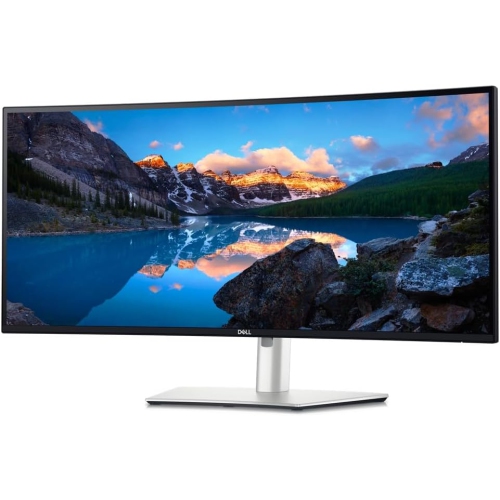
    DELL Refurbished (Excellent) - Ultrasharp 34 Curved Thunderbolt Hub Monitor - U3425We

    About this product

    A curved 34-inch Thunderbolt hub monitor with 120Hz refresh rate and advanced eye comfort features.

    $1,399.99 Your price for this item is $1399.99
  5. 5

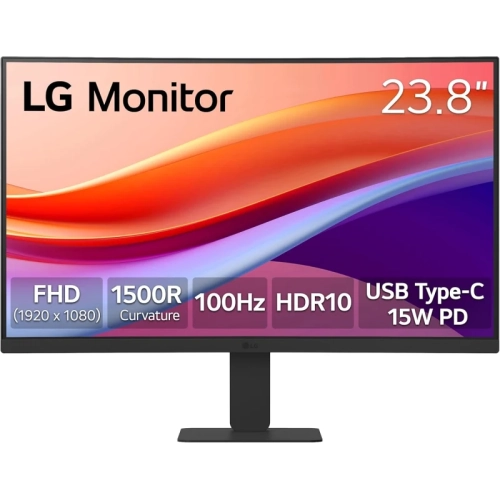
    LG 23.8" Curved 1080P HD Monitor (24U421A) - Flicker Safe - 100Hz - USB-C

    About this product

    A curved Full HD monitor with 100Hz refresh rate, sRGB 99% colour, USB-C, and Flicker Safe technology.

    $219.99
    SAVE $30
    Your price for this item is $219.99
  6. 6

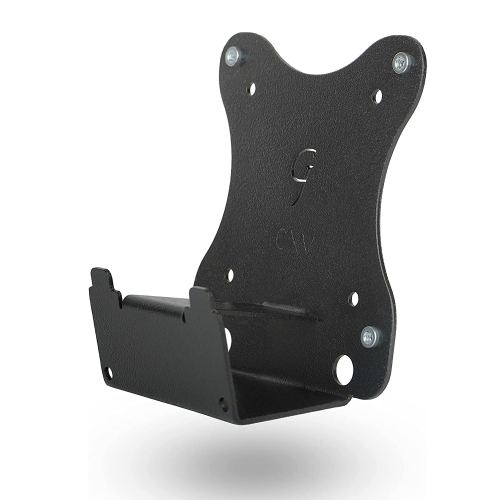
    GLADAITOR JOE Gladiator Joe Monitor Arm/mount Vesa Bracket Adapter Compatible With Samsung U32R590, U32R590C, U32R592, U32R591 Curved Monitor |

    About this product

    A sturdy black VESA bracket adapter enabling secure monitor arm mounting for select Samsung curved monitors.

    $40.99 Your price for this item is $40.99
  7. 7

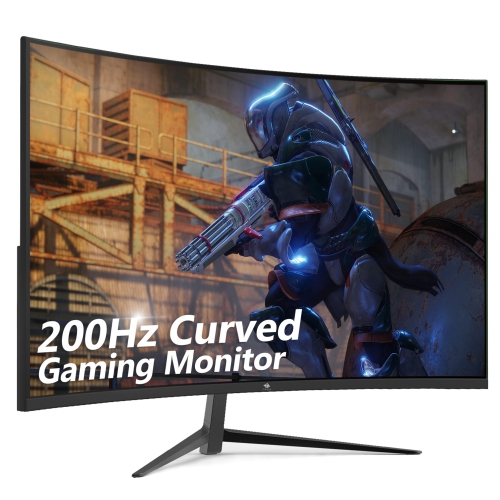
    Z-EDGE 27" 1080P HD Curved Va Led Gaming Monitor (Ug27) - Freesync - 200Hz - HDr10

    About this product

    A 27-inch curved gaming monitor with 200Hz refresh rate, 1ms response time, FreeSync, and HDR10 support.

    $179.99
    SAVE $30
    Your price for this item is $179.99
  8. 8

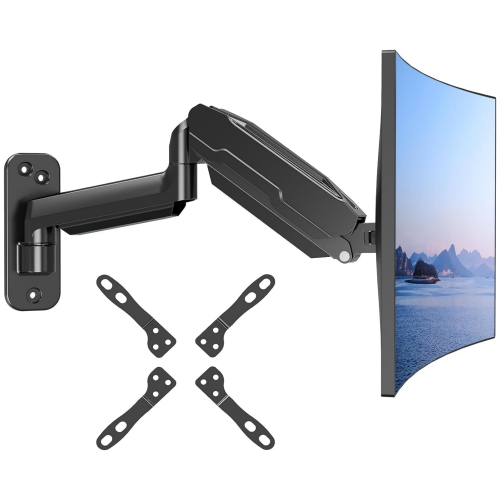
    NIERBO Monitor Wall Mount for Max 35 Inch/26.4Lbs Flat Curved Screens, Premium Heavy Duty Single Monitor Arm, Full Motion Ultrawide Wall Monitor

    About this product

    A heavy-duty, full-motion wall mount arm offering ergonomic adjustment for flat or curved monitors up to 35 inches.

    $89.99
    SAVE $39
    Your price for this item is $89.99
  9. 9

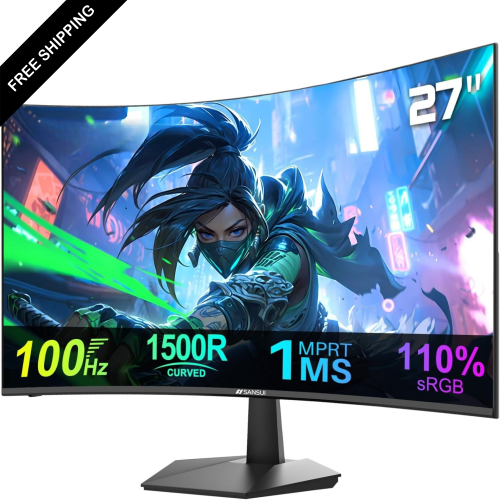
    LDAS ELECTRONICS 27" Curved 1080P HD Va Led Gaming Monitor - Adaptivesync - 100Hz - HDr

    About this product

    A curved 27" monitor with 100Hz refresh rate, 1ms response time, FHD 1080p, and HDMI connectivity.

    $229.99
    SAVE $100
    Your price for this item is $229.99
  10. 10

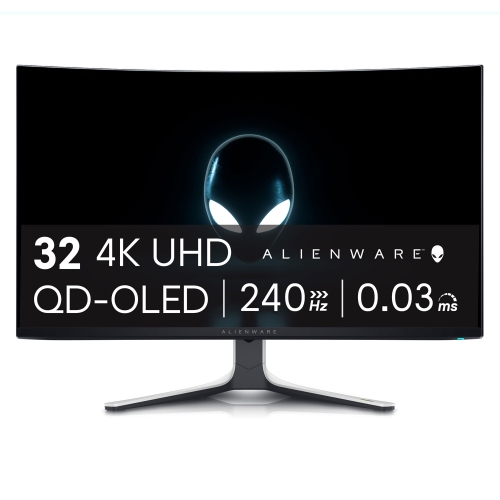
    DELL Alienware 31.6" 4K Uhd Curved Qd Oled Gaming Monitor (Aw3225Qf) - 240Hz

    About this product

    A curved QD-OLED gaming monitor with 4K UHD resolution and a blazing-fast 240Hz refresh rate.

    $1,699.99
    SAVE $188
    Your price for this item is $1699.99

How screen curvature shapes work and play

The best curved monitors bring together a comfortable screen shape, clear detail, and the right amount of workspace for the way they will be used. For gaming, that often means smooth motion and responsive performance; for work, it may mean enough room to keep a spreadsheet, a document, and a video call visible without constantly switching windows. A curved display bends its edges towards the viewer, creating a more enveloping view when seated near the centre of the screen. The effect becomes particularly noticeable on wider displays, where content stretches farther into peripheral vision. Curvature is commonly expressed with a radius rating such as 1000R, 1500R, or 1800R: a lower number indicates a tighter curve, while a higher number describes a gentler arc. Neither is automatically better, since the fit depends on screen width, seating distance, and personal preference. A pronounced curve can feel engaging from a centred gaming position, while a subtler curve may suit a desk shared between everyday office tasks and entertainment. Screen shape matters just as much as size. A standard 16:9 display provides a familiar layout for documents, streaming video, and console play, whereas a 21:9 ultrawide creates additional horizontal space for timelines, side-by-side windows, and games that support the format. A 32:9 super ultrawide can offer workspace similar to two 16:9 screens placed together, without a bezel down the middle, although its width calls for careful desk planning. For a more contained setup, best 32 inch curved monitors offer a useful starting point for comparing a generous screen size without necessarily moving to an ultrawide format. Diagonal measurements alone do not reveal how a monitor will fit: two displays with the same diagonal can differ considerably in width and height. Resolution also needs to match the screen area. Higher pixel density can make small text and interface elements look sharper, especially when reading lengthy reports or arranging several applications across one display.

Picture quality and motion performance give curved monitors distinct strengths for different activities. VA panels commonly offer strong native contrast, which helps darker scenes retain depth, though some can show trailing behind dark moving objects. IPS panels generally provide consistent colour across viewing angles, with contrast that varies by model. OLED displays deliver deep blacks and very fast pixel response, making them appealing for atmospheric games and films, but prolonged static content can carry a risk of permanent image retention. For a workday filled with fixed menus, taskbars, and spreadsheets, panel care features and warranty terms deserve attention alongside image quality. Text rendering can also vary by panel structure, particularly on some OLED displays, so sharp-looking game footage does not always indicate equally crisp office text. Refresh rate describes how often the screen updates each second, while response time describes how quickly pixels change; these measurements are related to motion clarity but are not interchangeable. Higher refresh rates can make fast movement and everyday scrolling look smoother when the connected computer can deliver suitable frame rates. Adaptive sync can help reduce screen tearing by matching display updates to compatible graphics output within a supported range. Actual motion clarity also depends on pixel transitions and tuning, rather than a single advertised response-time figure. For HDR entertainment, useful differences include peak brightness, black levels, local dimming where present, and colour capability; HDR signal support alone does not guarantee dramatic highlights or detailed shadows. Players navigating a racing circuit may value a wide field of view, while those enjoying slower, story-driven games may place more weight on contrast and colour. Game and console support still matters: some titles do not fill an ultrawide screen, and many consoles use a 16:9 output that can leave bars at the sides. Photographers, designers, and video editors may appreciate the room for tools and previews, although accurate colour, calibration options, and the effect of a curve on judging straight lines remain important considerations.

A curved monitor also needs to work as a physical part of the desk, not simply as a display specification. Enough depth allows the screen to sit at a comfortable distance while leaving space for a keyboard, mouse, and forearms. Wide stands can occupy more surface area than expected, particularly on shallow desks where a laptop or speakers already share the workspace. Height adjustment, tilt, and swivel help position the display around the seated user rather than requiring an awkward posture to see it clearly. A compatible monitor arm can free up desk space, provided its mounting pattern, weight capacity, and support for the display’s depth and curved shape are suitable. Stable construction matters on a desk that moves during typing or gaming; reinforced mounting points, a sturdy stand, and sound adjustment mechanisms contribute to a reassuring everyday feel. Slim plastic bezels and metal stand components are common, but material descriptions alone do not establish durability. Connections determine how easily the monitor fits into a home office or gaming setup. HDMI and DisplayPort capabilities vary, and reaching a display’s highest resolution and refresh rate depends on compatible ports, cables, and source hardware. USB-C can simplify a laptop setup when the monitor supports video input and adequate power delivery, although not every USB-C port provides those functions. A built-in USB hub offers a convenient place for peripherals, while a KVM switch on supported displays lets a keyboard and mouse serve more than one connected computer. Picture-by-picture can show two sources at once, but supported resolutions and refresh rates may change in that mode. These features can be especially useful for someone moving between a work laptop and a personal desktop. Curved monitors can also make thoughtful gifts for students, home-office users, or gaming enthusiasts when desk dimensions and device compatibility are known. For everyday care, switch off the display and use a clean, soft microfibre cloth, following the manufacturer’s cleaning directions and avoiding pressure on the panel. Keeping vents clear, supporting the screen properly when moving it, and keeping liquids away help protect a display that may handle work, study, and entertainment throughout the day.
Read More

FAQ

Some products may be subject to Environmental Handling Fees (EHF) depending on your province. Learn more about EHFs.