Best 3D Printers
Bring your ideas to life with the best 3D printers, ranked by user review ratings. From detailed models to custom parts and creative projects, explore options for beginners and experienced makers alike. Compare print quality, build size, and ease of use to find the right fit for your projects and budget.
What to look for in 3D printers
1. Printing Technology
2. Build Volume
3. Material Compatibility
4. Print Quality and Ease of Use
-
1
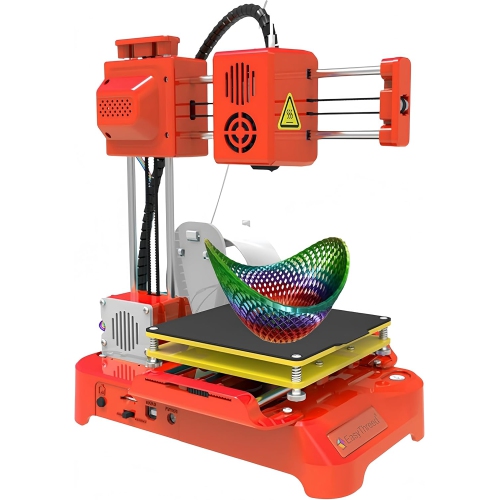
MYACUC Mini 3D Printer, Portable 3D Printer for Kids & Beginners-Compact Desktop Printer for Steam Education With Quiet Operation
About this product
A compact, quiet desktop 3D printer designed for kids and beginners to inspire creativity and learning.
$286.99 Your price for this item is $286.99 -
2
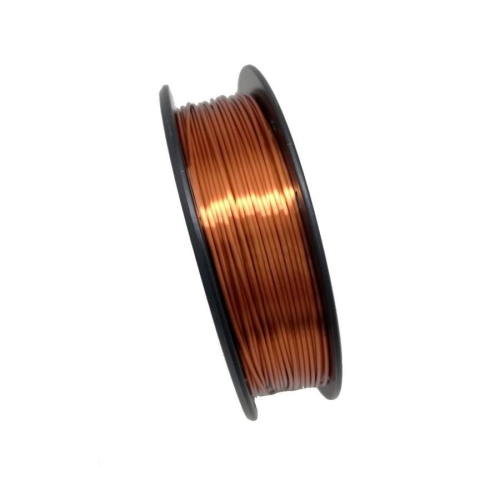
CLONEBOX - Filament Silk Pla 3D Printer 1.75MM Prev. +/- 0.05MM 1Kg Light Copper
About this product
A light copper silk PLA filament with 1.75mm diameter and ±0.05mm precision for 3D printing.
$39.97Your price for this item is $39.97SAVE $30 -
3
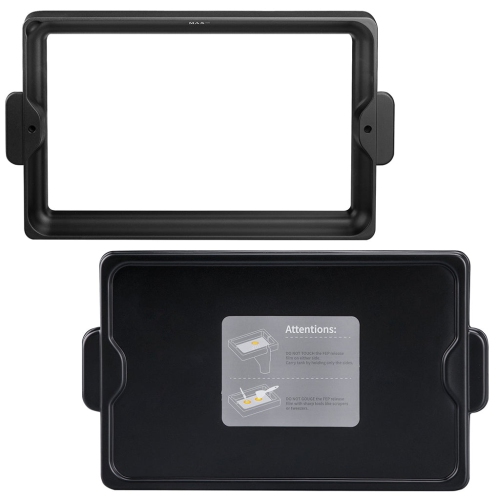
ELEGOO Metal Resin Tank for Saturn 2 3D Printer
About this product
A durable metal resin tank designed specifically for use with the Saturn 2 3D printer.
$49.99Your price for this item is $49.99SAVE $15 -
4
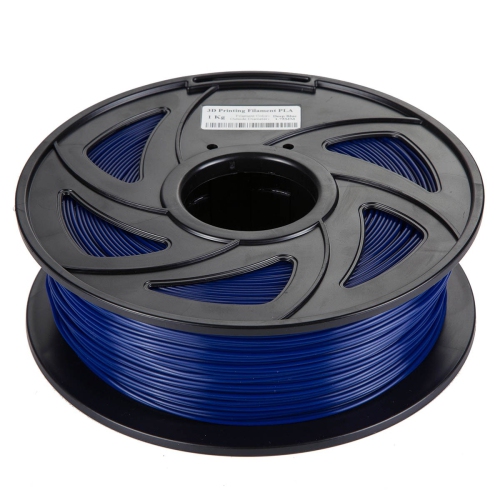
CLONEBOX 03437 Pla 3D Printer Filament 1.75MM Accuracy +/- 0.01MM 1Kg Deep In Blue
About this product
A deep blue PLA 3D printer filament with 1.75mm diameter and ±0.01mm accuracy for precise printing.
$27.97Your price for this item is $27.97SAVE $7 -
5
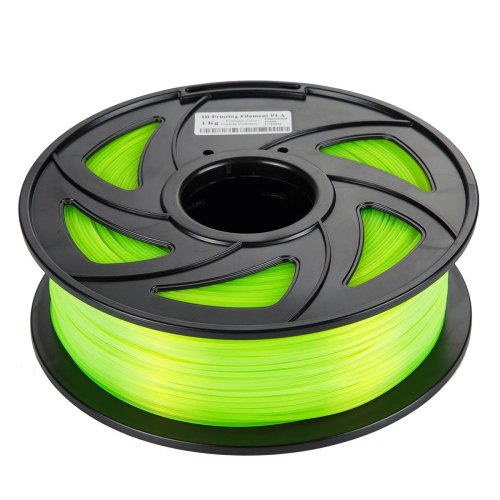
CLONEBOX 03445 Pla 3D Printer Filament 1.75MM Accuracy +/- 0.01MM 1Kg Fluo In Green
About this product
A fluorescent green PLA filament offering 1.75mm diameter and precise +/- 0.01mm accuracy for 3D printing.
$27.97Your price for this item is $27.97SAVE $7
FAQ
Two common types are filament and resin 3D printers. Filament printers, often called FDM or FFF printers, build objects by depositing melted plastic in layers. Resin printers, including SLA and MSLA models, use light to cure liquid resin one layer at a time.
Common 3D model formats include STL, 3MF, and OBJ. These files are typically opened in slicing software, which converts the model into instructions compatible with your printer. Many filament printers use G-code, while resin printers often require a printer-specific sliced file format.
Slicing software prepares a digital model for printing by dividing it into layers and generating printer instructions. It lets you choose settings such as infill patterns, supports, and model orientation. Some 3D printers include dedicated software, while others work with compatible third-party slicers.
Depending on the model, you can transfer a prepared print file using a memory card, USB drive, USB cable, Wi-Fi, or Ethernet. Some printers also support file transfers through an app or cloud service. Check the printer’s supported connections and software requirements when comparing options.
Some 3D printers support multiple colours through multiple extruders or an automatic filament-switching system. Certain single-extruder printers also let you pause a print and manually change filament between layers. The available method depends on the printer, its accessories, and the slicing software.
Top selling and popular products
Discover more categories related to Best 3D Printers
Some products may be subject to Environmental Handling Fees (EHF) depending on your province. Learn more about EHFs.