Best Budget Wi-Fi Routers

Upgrade your home network for less with the best budget Wi-Fi routers, ranked by customer review ratings. Whether you’re streaming, browsing, or working from home, explore affordable options and compare speed, coverage, and features to find a router that fits your needs and budget.

Read More

What to look for in budget Wi-Fi routers

1. Wi-Fi Standard and Speed

Compare the router’s capabilities with your internet plan and connected devices. Wi-Fi 6 can offer good value for busy households, but advertised maximum speeds are theoretical and actual performance will vary.

2. Coverage and Home Layout

Consider your home’s size, layout and wall materials when comparing coverage claims. A single router may suit a smaller space, while a mesh-compatible model gives you the option to expand coverage later with compatible equipment.

3. Device Capacity and Connections

Look for a dual-band router that supports both 2.4 GHz and 5 GHz to help distribute connected devices. Check the number and speed of Ethernet ports if you want wired connections for computers, gaming consoles or TVs.

4. Security and Overall Value

Prioritize WPA3 security support, straightforward setup and ongoing firmware updates. Check whether features such as advanced parental controls require a paid subscription, as these fees can add to the overall cost.
  1. 1

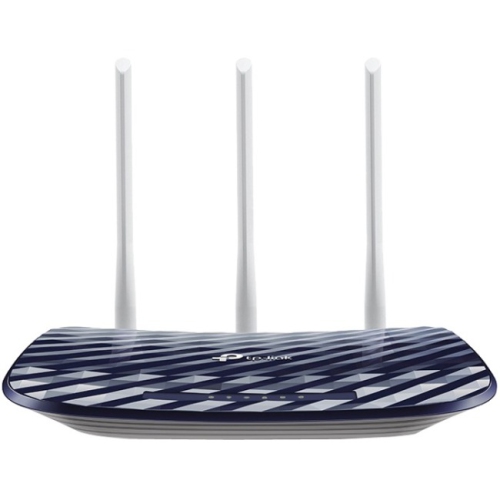
    TP LINK Tp-Link Archer C20 Ieee 802.11Ac Ethernet Wireless Router

    About this product

    A dual-band wireless router offering fast 802.11ac Wi-Fi and Ethernet connectivity for reliable home networking.

    What customers like

    • Easy setup and installation
    • Dual band Wi-Fi capability
    • Strong and reliable signal coverage
    • Excellent value for the price
    • Fast speeds and good performance
    (80)
    $79.00 Your price for this item is $79
  2. 2

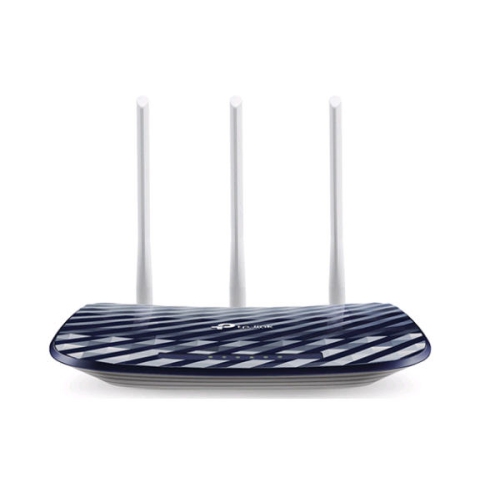
    TP LINK Tp-Link Archer C20 Ieee 802.11Ac Ethernet Wireless Router

    About this product

    A dual-band wireless router offering 433Mbps at 5GHz and 300Mbps at 2.4GHz speeds.

    What customers like

    • Fast internet speeds and performance
    • Dual band connectivity for flexibility
    • Easy setup and installation
    • Strong and reliable signal coverage
    • Excellent value and budget-friendly
    (42)
    $59.00 Your price for this item is $59
  3. 3

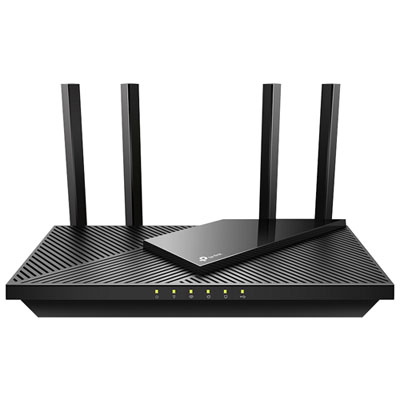
    TP-Link Archer AX55 Wireless AX3000 Dual-Band Wi-Fi 6 Router

    About this product

    A black dual-band Wi-Fi 6 router delivering up to 3000 Mbps and Alexa voice compatibility.

    What customers like

    • Good value for the price
    • Easy setup and installation
    • Fast and reliable Wi-Fi speeds
    • Strong signal quality and range
    • Advanced features and control panel
    (40)
    $99.99 Your price for this item is $99.99
  4. 4

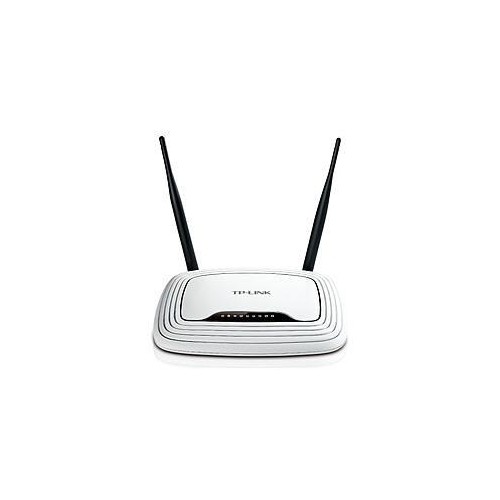
    TP LINK Tp-Link Tl-Wr841N Wireless N300 Home Router

    About this product

    A 300Mbps router with dual antennas for stable HD video streaming and easy security encryption.

    (2)
    $39.99
    SAVE $5
    Your price for this item is $39.99
  5. 5

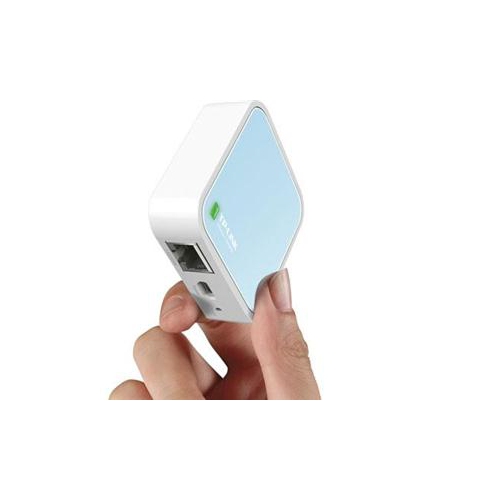
    TP LINK Tp-Link 300Mbps Wireless N Mini Pocket Ap Router Qcom 2T2R 2.4Ghz 802.11B/g/n 1 Ethernet Port 1 Micro USB Port Internal

    About this product

    A compact wireless N mini router offering 300Mbps speed, 2.4GHz band, Ethernet, and micro USB ports.

    $50.68 Your price for this item is $50.68
  6. 6

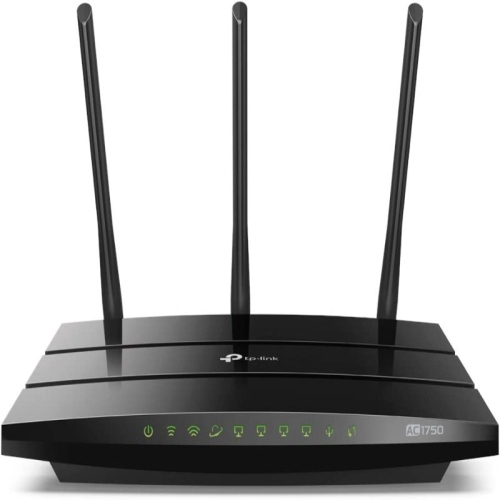
    TP-LINK Refurbished (Excellent) Ac1750 Smart Wifi Router (Archer A7) -Dual Band Gigabit Wireless Internet Router

    About this product

    A dual band gigabit wireless router in black, offering fast and reliable Wi-Fi connectivity.

    $65.99 Your price for this item is $65.99
  7. 7

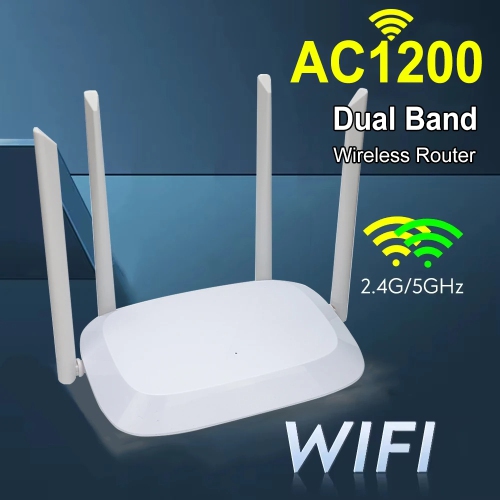
    TASNIM 1200M Wireless Wifi Repeater Router Dual Band 2.4G 5G Wifi Signal Extender Wifi Router Wifi Amplifier Long Range Signal Booster Router

    About this product

    A dual-band wireless repeater with four high-gain antennas for strong, long-range Wi-Fi coverage.

    $34.99
    SAVE $15
    Your price for this item is $34.99
  8. 8

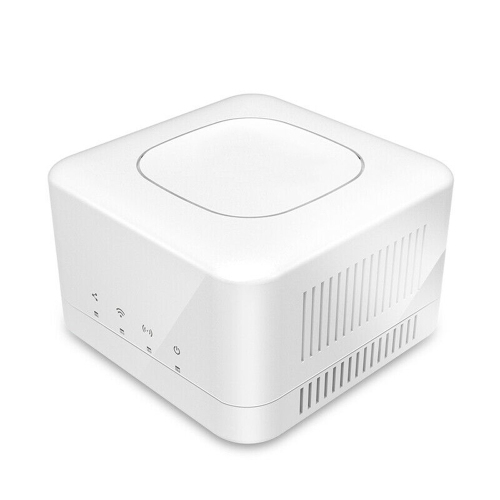
    AXGEAR Mesh Router 1300Mbps Dual Band Wifi Mediatek Signal Amplifiers -

    About this product

    A dual band mesh router with 1300Mbps speed, Mediatek amplifiers, and advanced WPA2-PSK security.

    $58.99
    SAVE $56
    Your price for this item is $58.99
  9. 9

    TP LINK Tp-Link Wifi Router Archer C80 Wireless Mu-Mimo

    About this product

    A dual-band wireless router featuring MU-MIMO technology and speeds up to 1300 Mbps on 5 GHz.

    $87.58 Your price for this item is $87.58
  10. 10

    AMPED WIRELESS - Wireless-Ac1900 Dual-Band Wi-Fi Router - (B1900Rt-Ca) In Black

    About this product

    A dual-band wireless router in black delivering fast AC1900 Wi-Fi speeds for reliable home networking.

    $53.68 Your price for this item is $53.68

Reliable home Wi-Fi takes more than impressive speed ratings

The best budget Wi-Fi routers bring together reliable coverage, straightforward setup, and enough capacity for the devices a household uses every day. For a student working from a small apartment, that might mean a laptop, a phone, and a streaming device sharing one connection. For a family, it could mean a video call at the kitchen table while someone watches a film in the living room and a game console downloads an update. A router manages traffic between those devices and the internet connection supplied through a modem or other service-provider equipment. It does not increase the speed of an internet plan, but a suitable router can help devices make better use of that connection. Within the Budget Routers category, the most useful differences are often the Wi-Fi generation, Ethernet port speeds, coverage capabilities, and network management features rather than the largest number printed on the packaging. Wi-Fi 6 is a practical option for many households because it supports technologies designed to share wireless capacity more efficiently among compatible devices. Wi-Fi 5 can still support ordinary browsing and streaming, while Wi-Fi 7 introduces newer capabilities whose benefits depend on the router, connected devices, and internet service. A newer generation alone does not guarantee stronger coverage through walls. Dual-band routers provide both 2.4 GHz and 5 GHz connections: the 2.4 GHz band generally reaches farther, while 5 GHz typically provides greater throughput at shorter distances. That flexibility suits a mix of connected plugs, phones, laptops, and televisions. Some routers combine both bands under one network name and steer devices between them, while others also allow separate names for more direct control. For everyday use, a well-matched router is one that keeps routine connections dependable without requiring frequent adjustments. Students, renters, remote workers, and households replacing an older router can all benefit from features tailored to their actual space and usage, rather than capabilities that their devices cannot use.

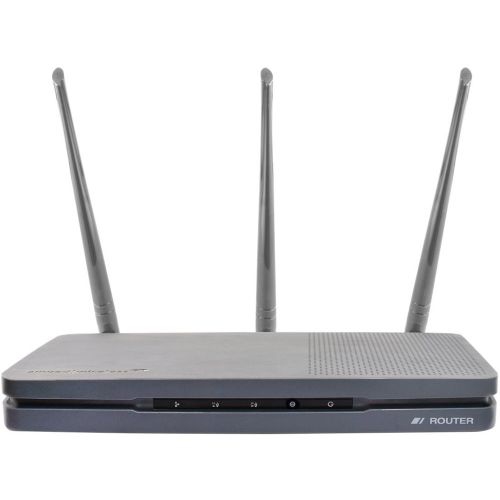
Coverage depends as much on the home as it does on the router. An open-plan apartment presents a different challenge from a narrow townhouse with several floors, and a bedroom beyond a concrete wall may receive a weaker signal than a room farther away across an open hallway. Advertised coverage figures are estimates rather than promises for every floor plan. A central, unobstructed position on a shelf usually gives a router a better starting point than the floor behind a television or the inside of a closed cabinet. Metal furniture, large appliances, masonry, and neighbouring networks can all affect wireless performance. External antennas may offer positioning flexibility, but their number or size is not a reliable measure of how well a router will cover a particular home. In apartment buildings, where many networks share the airwaves, automatic channel selection can help a router find a less congested channel. Support for additional 5 GHz channels, including DFS channels, may provide more options, although compatibility and local conditions affect their usefulness, and radar detection can require the router to change channels. Larger or awkwardly shaped homes may benefit from a router that supports compatible mesh expansion, allowing additional units to extend the network. Mesh compatibility is not universal, so the supported system matters when planning an expansion. Wired connections are another practical consideration, especially for a desktop computer, a television beside the router, or a game console used for online play. Gigabit Ethernet ports can prevent the bottleneck associated with older 100 Mbps ports, while faster ports are most relevant when the internet plan or local network equipment can use them. The WAN port connects to the modem or service-provider equipment; LAN ports connect local wired devices. Port counts therefore deserve a closer look when several devices need cables. Wireless speed ratings typically add together theoretical maximum speeds across bands, rather than describing the speed one laptop will receive. Actual results depend on distance, interference, device capabilities, and the connection feeding the router.

Everyday ownership also comes down to how comfortably a router fits into the household routine. Clear app-based setup can make it easier to name a network, create a strong password, and check which devices are connected, while a browser-based interface may offer more detailed settings. Some apps require an account or rely on remote services, so the setup method is worth considering alongside the hardware. Compatibility with service-provider equipment matters too: a separate router generally still needs a modem or another suitable internet handoff. When an existing gateway already performs routing functions, supported bridge or access point modes can help avoid the complications of two routers managing the same connection. Security features are particularly useful when they are easy to maintain. WPA3 provides newer wireless security for compatible devices, and mixed WPA2/WPA3 modes can help accommodate older equipment where supported. Automatic firmware updates, a clear update process, and an established support policy help keep the router maintained over time. A guest network can give visitors internet access without sharing the main network password, with isolation options varying by model. Parental controls may include schedules or content filters, but their scope differs, and they do not replace device-level settings or supervision. Traffic-prioritization features can help manage competing activities during a busy connection, though they cannot create extra internet capacity. Physical construction is usually lightweight plastic with ventilation openings, making placement and basic care more relevant than decorative finishes. A stable shelf, accessible cable connections, and space around the vents help the router sit neatly among other electronics. Dust can be removed from the exterior with a soft, dry cloth according to the manufacturer’s instructions; liquids and blocked vents should be avoided. For a shared apartment, a home office, or a household with several connected screens, the strongest fit balances usable coverage, sufficient wired connections, sensible security controls, and dependable software support. Those qualities make a router easier to live with long after the initial setup, whether the daily routine centres on coursework, video meetings, streaming, or staying in touch with family.
Read More

FAQ

Some products may be subject to Environmental Handling Fees (EHF) depending on your province. Learn more about EHFs.