Best Cooling for Gaming PC
Keep your gaming PC running cool during intense sessions with cooling options designed to manage heat and support consistent performance. From air coolers to liquid cooling systems, find solutions that suit your setup, case size, and noise preferences. Explore the top-rated options below, ranked by user review ratings, to help you choose the best cooling for your gaming PC.
What to look for in cooling systems for gaming PCs
1. Cooling Type
2. Component Compatibility
3. Noise Levels
4. Case Airflow
-
1
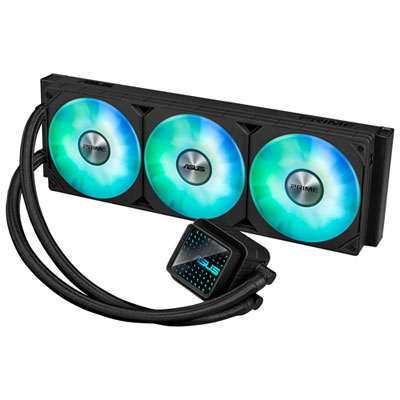
ASUS PRIME LC 360 ARGB 360mm CPU Cooling Fan - Black
About this product
A powerful black CPU cooling fan featuring ARGB lighting, reinforced sleeved tubing, and a futuristic infinity mirror.
(4)$159.99 Your price for this item is $159.99 -
2
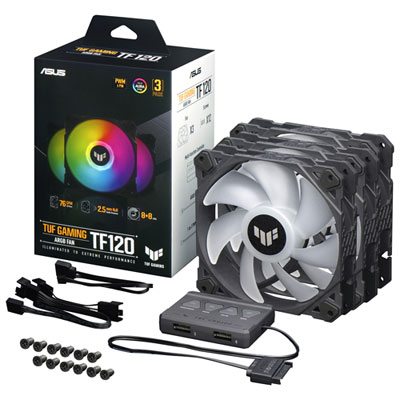
ASUS TUF Gaming TF120 ARGB 120mm CPU Cooling Fan - Black
About this product
A high-performance black cooling fan with ARGB lighting, fluid dynamic bearing, and Aura Sync compatibility.
(3)$89.99 Your price for this item is $89.99 -
3
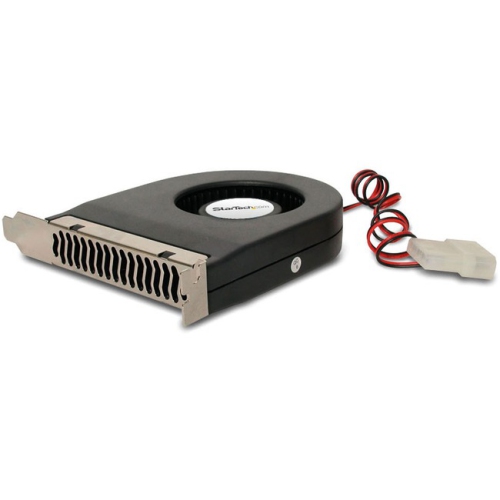
STARTECH Exhaust Cooling Fan - - (Fancase) In Black
About this product
A black exhaust cooling fan designed to prevent overheating in PCI, ISA, or AGP computer slots.
(1)$22.99 Your price for this item is $22.99 -
4
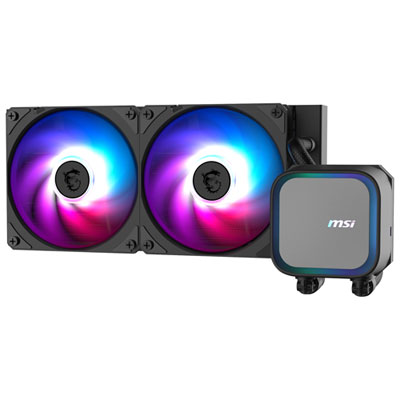
MSI MAG CoreLiquid A13 240 ARGB Liquid CPU Cooling System - Black
About this product
A black liquid CPU cooler with dual 120mm ARGB fans, rifle bearings, and customizable lighting effects.
(1)$129.99 Your price for this item is $129.99 -
5
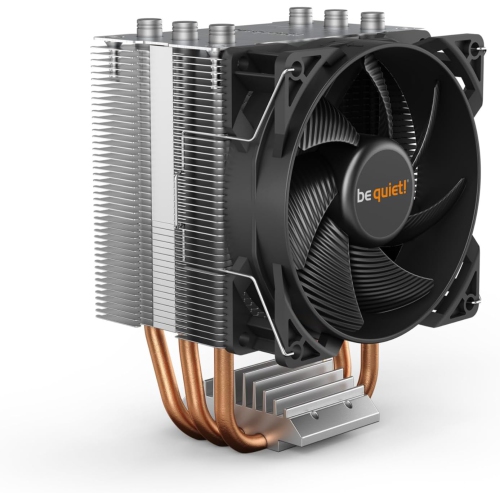
BEQ Be Quiet Bk030 Pure Rock Slim 2, 130W Tdp, Cpu Cooler
About this product
A slim CPU cooler with a quiet 92mm fan and 130W TDP for compact PC builds.
(1)$60.68 Your price for this item is $60.68 -
6
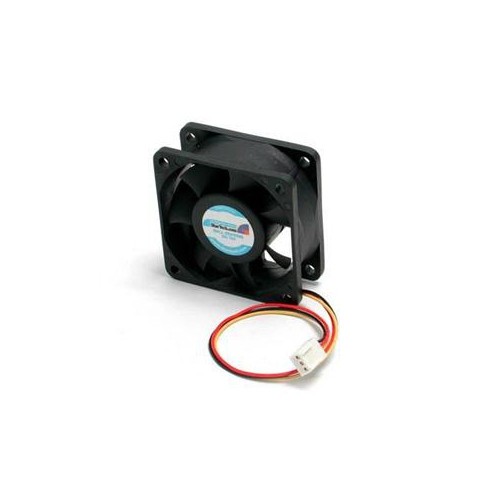
STARTECH Add Additional Chassis Cooling With A 60MM High Flow Case Fan PC Fan Computer Case Fan 60MM Fan Tx3 Fan 3 Pin C
About this product
A high-flow 60mm case fan with a 3-pin connector for enhanced PC chassis cooling.
(1)$21.68 Your price for this item is $21.68 -
7
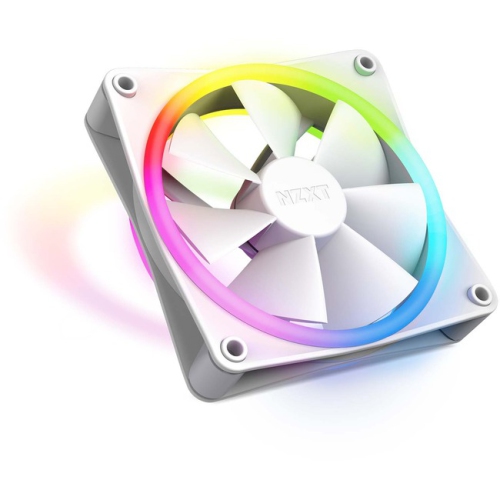
NZXT Rf-D12Sf-W1 F120 RGB Duo Rf-D12Sf-W1 Cooling Fan (Rf-D12Sf-W1)
About this product
A dual-sided RGB cooling fan delivering vibrant lighting and efficient airflow for PC builds.
(1)$58.68 Your price for this item is $58.68 -
8
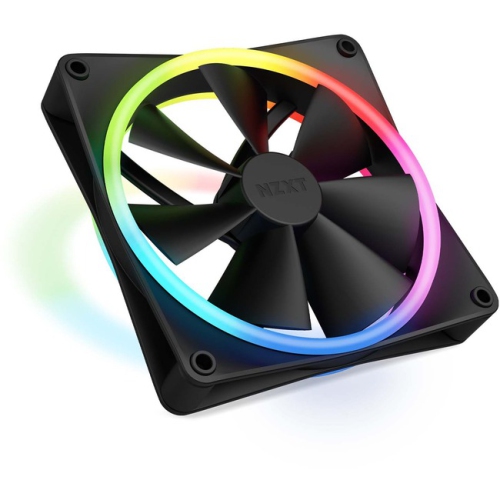
NZXT Rf-D14Sf-B1 F140 RGB Duo Rf-D14Sf-B1 Cooling Fan (Rf-D14Sf-B1)
About this product
A dual-sided RGB cooling fan delivering vibrant lighting and efficient airflow for PC builds.
(1)$49.99Your price for this item is $49.99SAVE $10 -
9
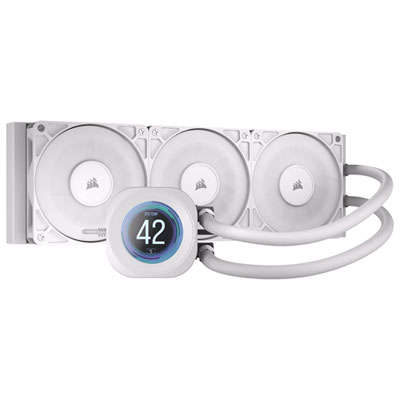
Corsair Nautilus 360 RS LCD Liquid CPU Cooling System - White
About this product
A white liquid CPU cooler featuring three RS120 fans, a quiet pump, and a customizable 2.1" LCD screen.
(5)$224.99 Your price for this item is $224.99 -
10
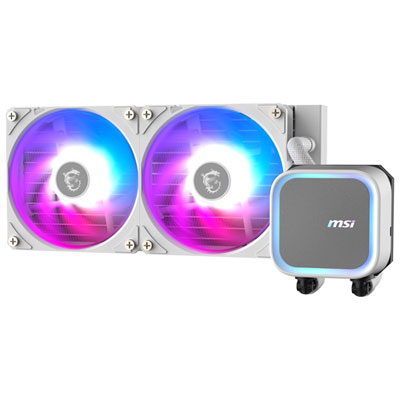
MSI MAG CoreLiquid A13 240 ARGB Liquid CPU Cooling System - White
About this product
A sleek white liquid cooling system with ARGB fans and EPDM tubing for optimal CPU performance.
(1)$129.99 Your price for this item is $129.99
FAQ
Common options include air coolers, all-in-one (AIO) liquid coolers and custom liquid cooling loops. Air coolers use a heatsink and fan, while AIO coolers combine a pump, tubing, radiator and fans in a sealed assembly. Custom loops use separately selected parts and require more planning and assembly.
A CPU cooler mounts directly over the processor to transfer heat away from it. Case fans move air into or out of the chassis. They serve different roles, so a gaming PC build typically includes both a CPU cooler and case fans.
Identify your processor’s socket and compare it with the cooler’s supported socket list. Check that the required mounting bracket and hardware are included, as some coolers need a separate mounting kit for certain Intel or AMD platforms.
PWM stands for pulse-width modulation. A PWM fan typically uses a four-pin connector that lets a compatible motherboard or fan controller adjust its speed through a control signal. Fan curves can usually be configured in the motherboard’s BIOS or supported software.
Standard RGB lighting generally displays one colour across the connected LEDs at a time, while addressable RGB (ARGB) can control individual LEDs for multi-colour patterns. Standard motherboard connections are typically four-pin 12 V for RGB and three-pin 5 V for ARGB. Some cooling components use proprietary controllers, so check the listed lighting connections before choosing parts.
Top selling and popular products
Discover more categories related to Best Cooling for Gaming PC

Some products may be subject to Environmental Handling Fees (EHF) depending on your province. Learn more about EHFs.