Gaming Pc Liquid Cooling
Looking to take your gaming experience to the next level? Look no further than gaming PC liquid cooling systems. Designed to keep your system running at optimal temperatures, liquid cooling systems are game-changers when it comes to performance and longevity. Say goodbye to noisy fans and overheating issues and say hello to smoother gameplay and enhanced graphics.
Sort
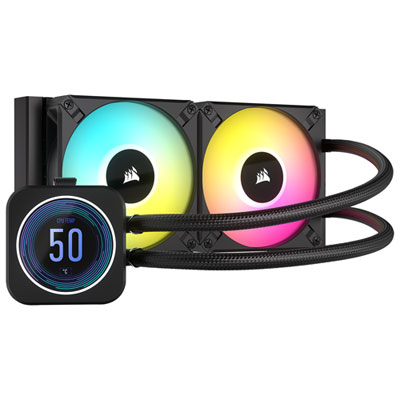
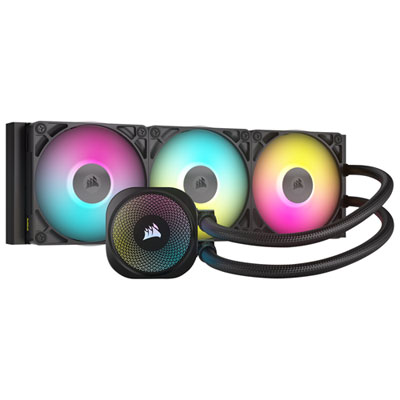
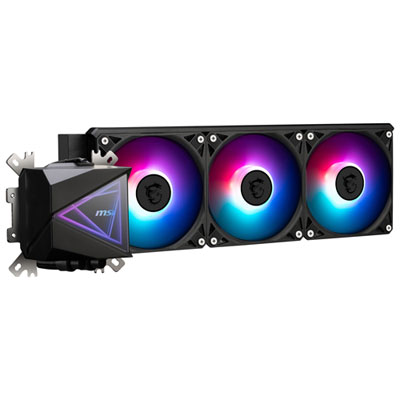
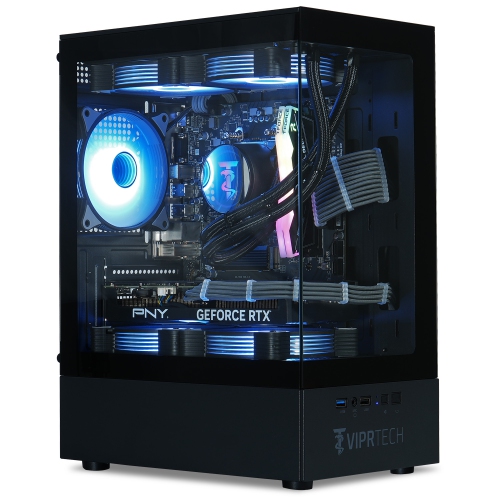
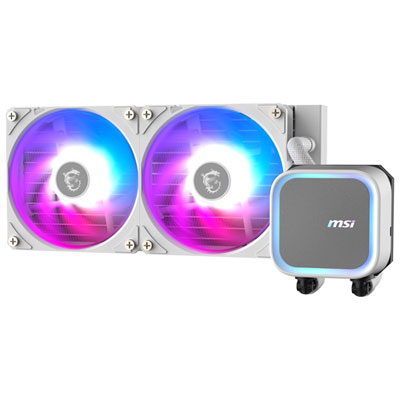
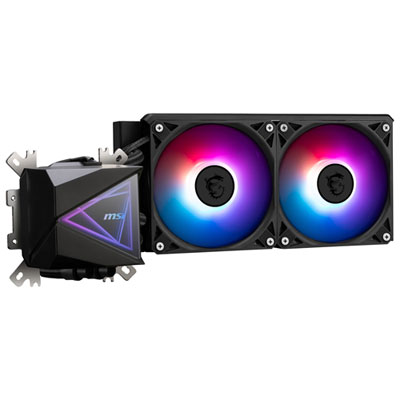
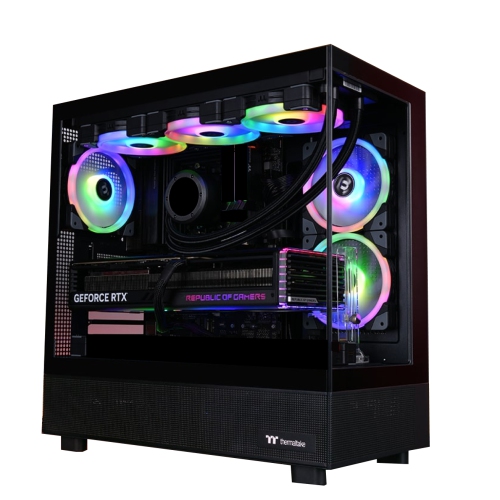
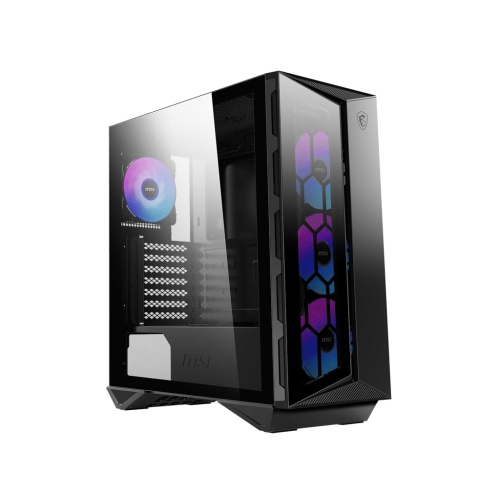
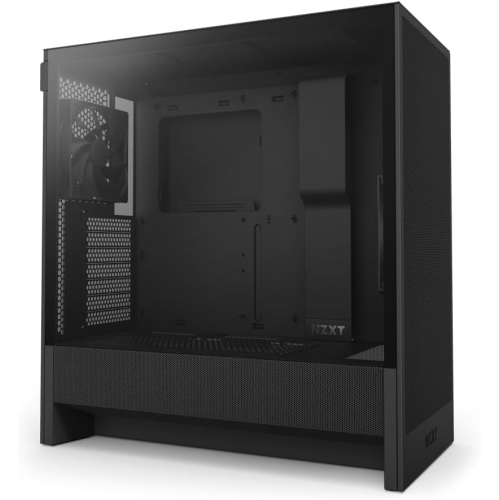
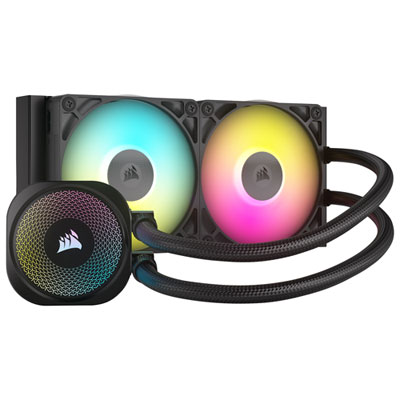
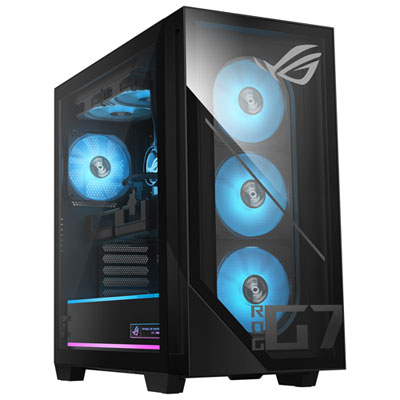
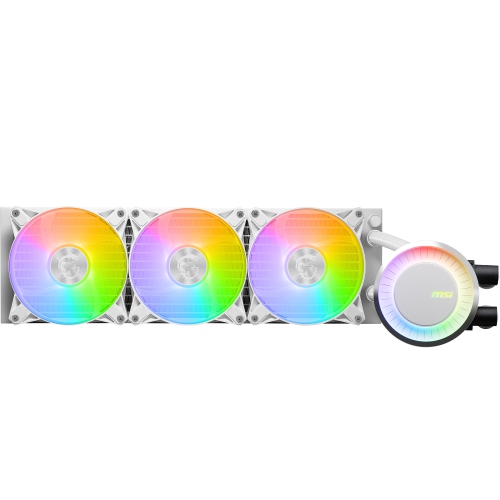
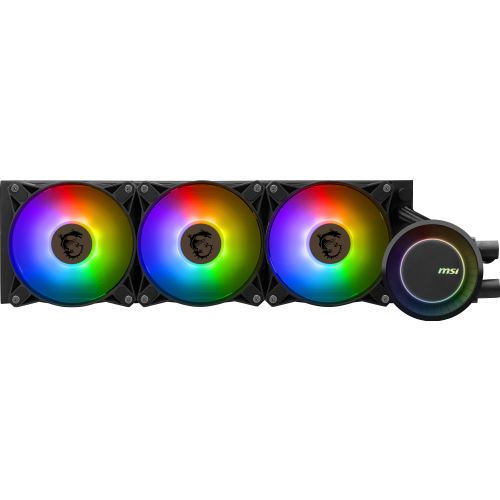
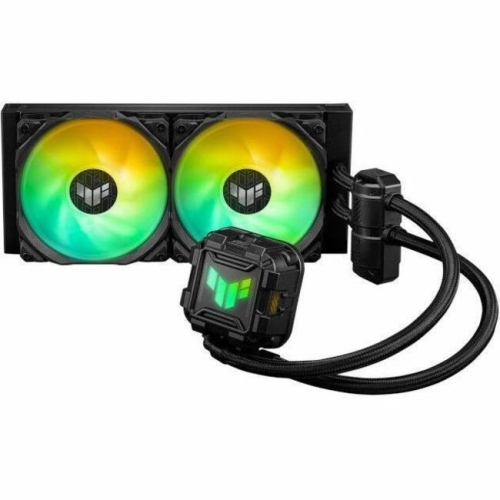
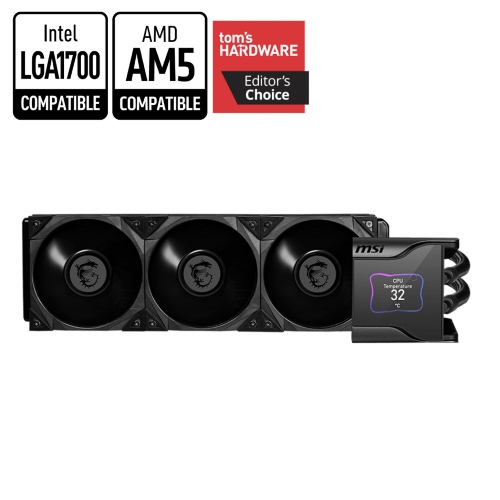
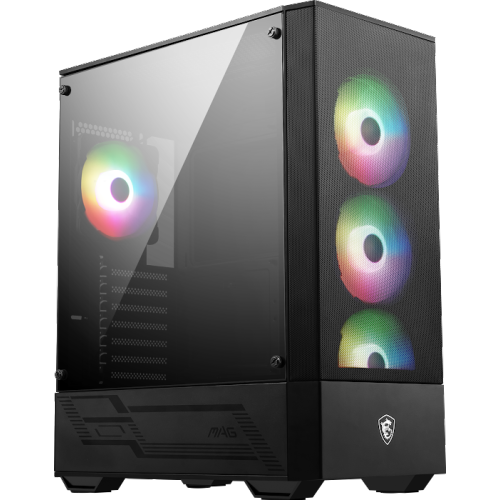
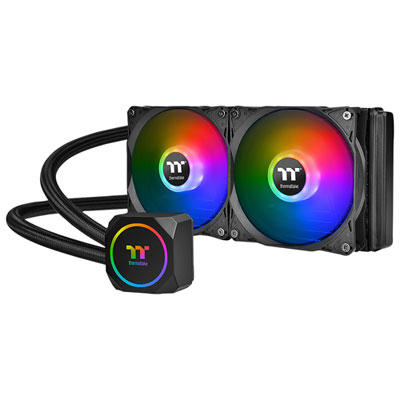
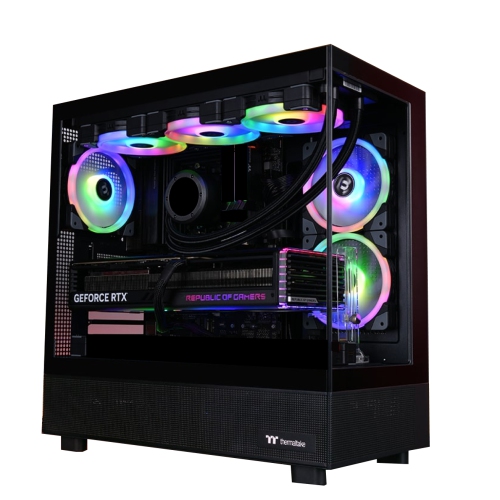
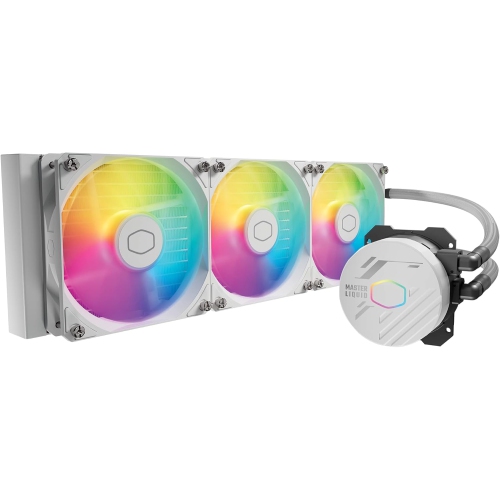
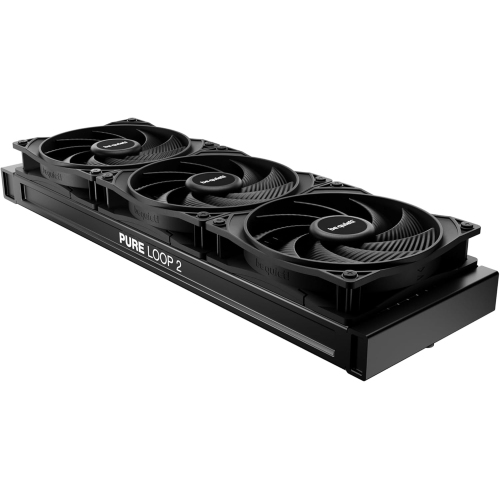
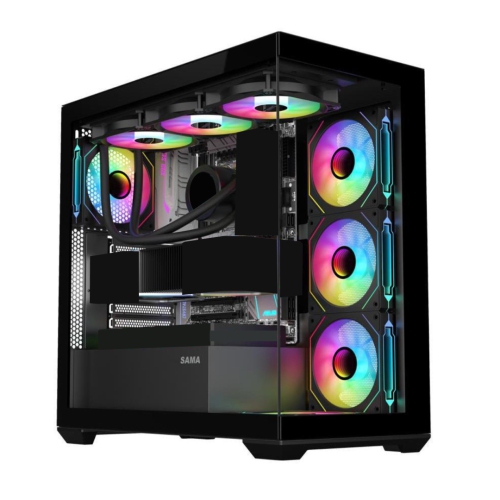
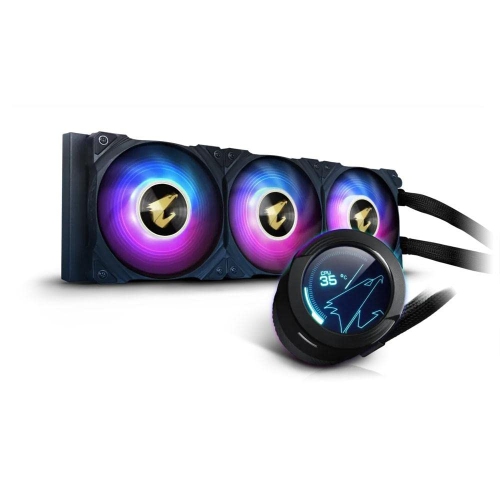
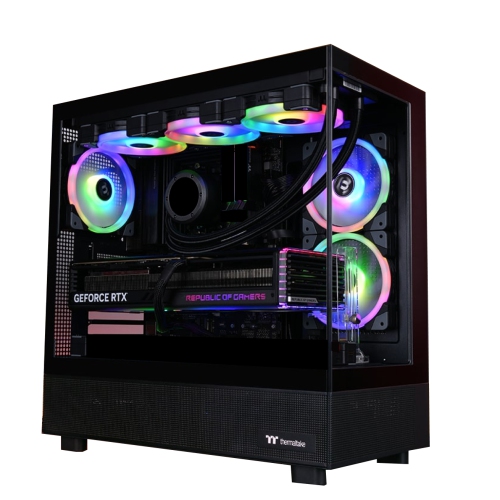
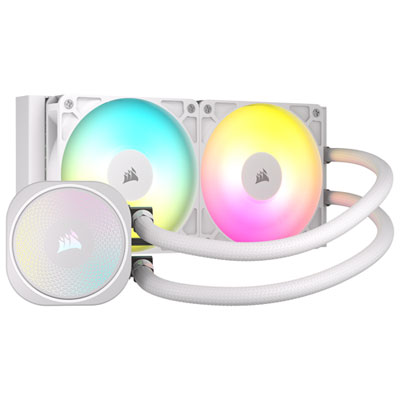

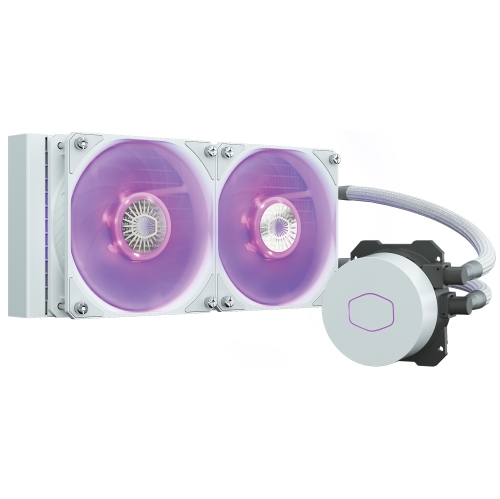
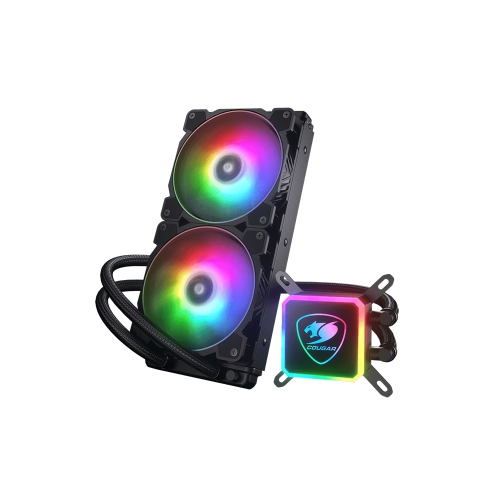
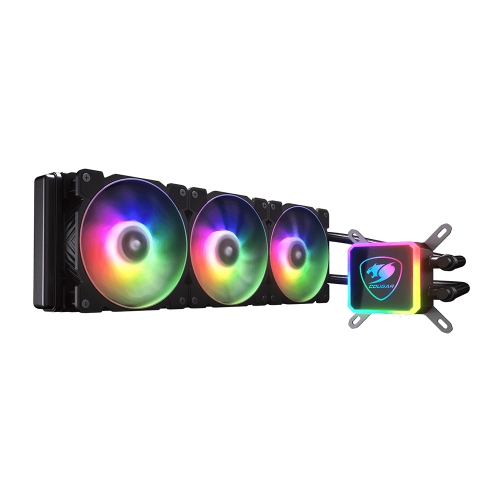
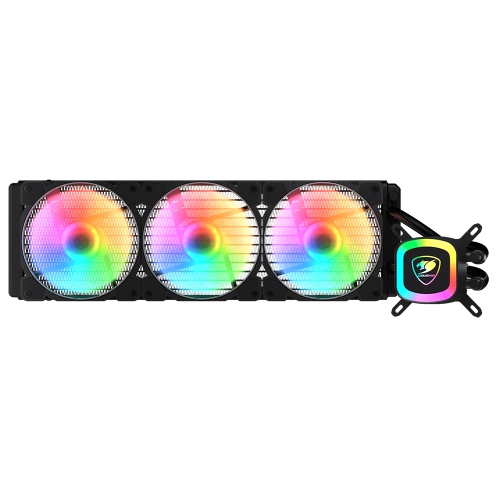
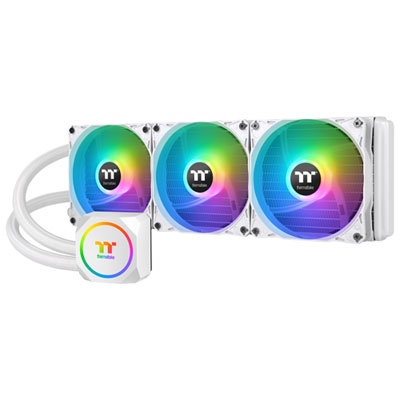
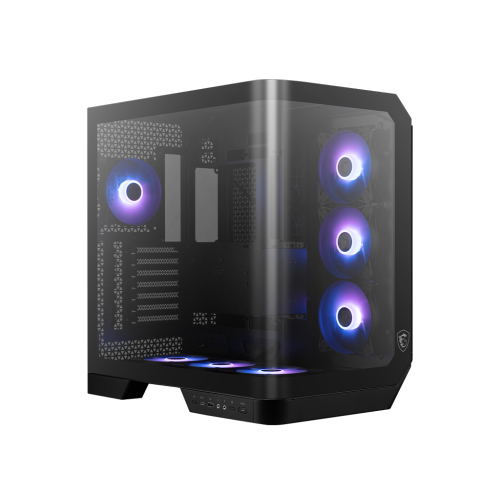
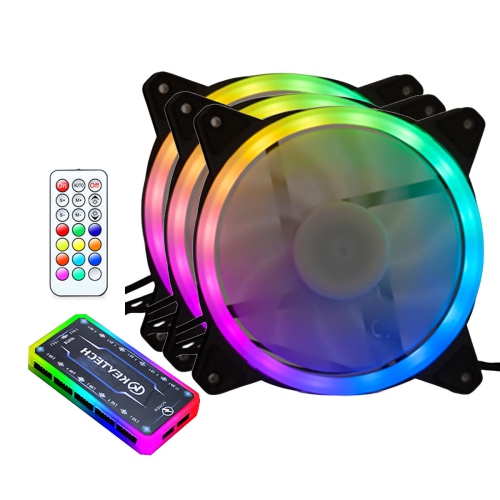
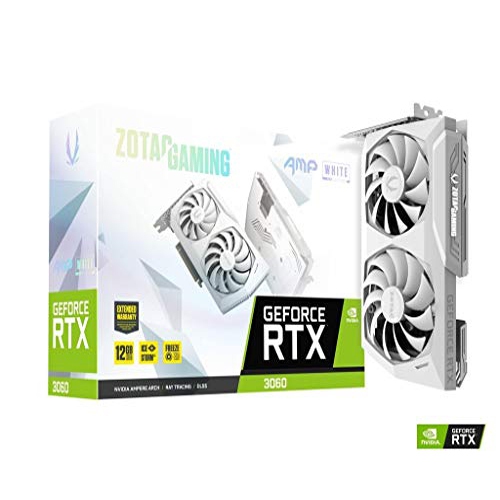
Cooler performance for demanding gaming and creative workloads
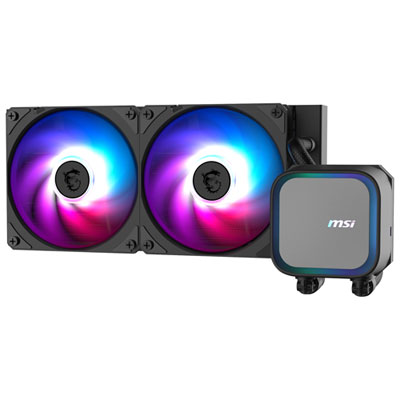
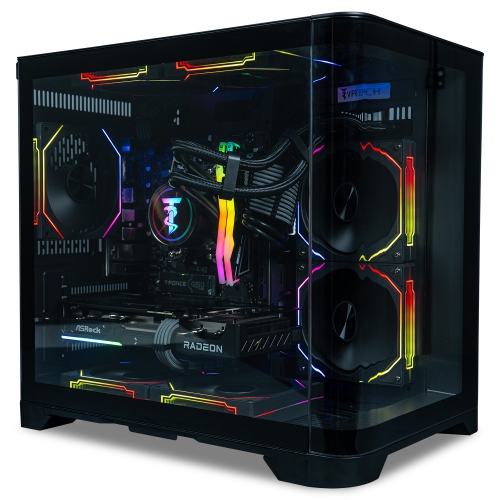
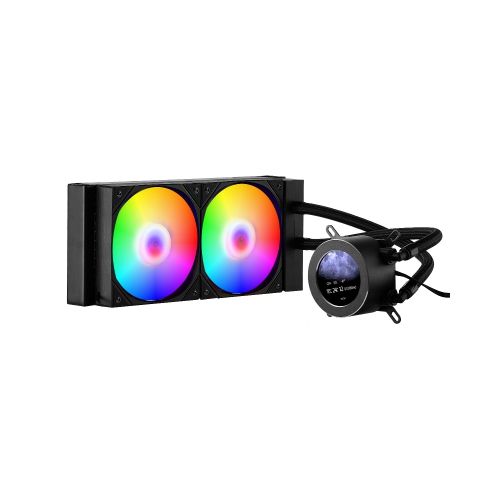
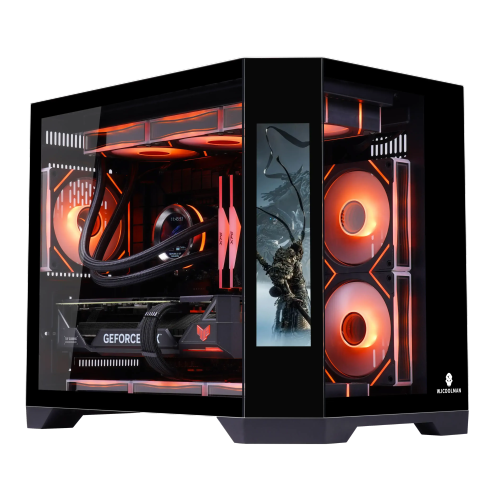
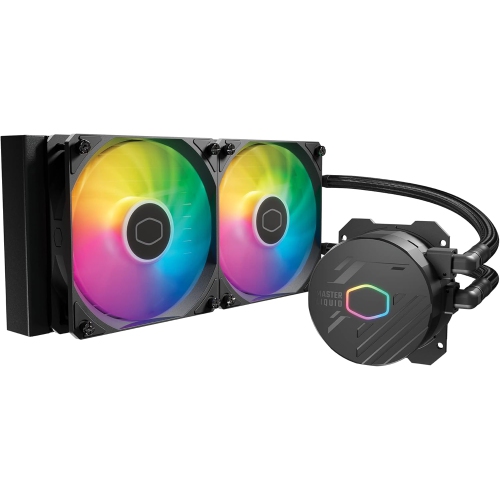
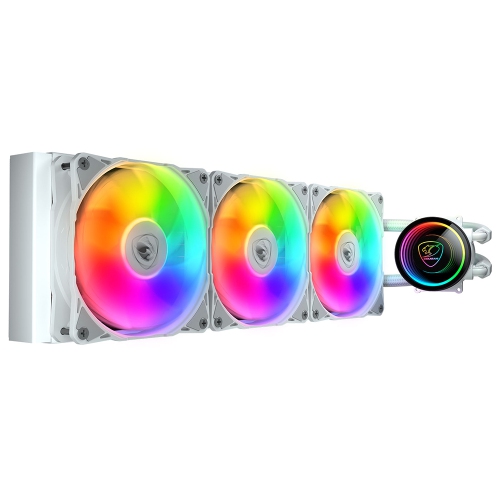
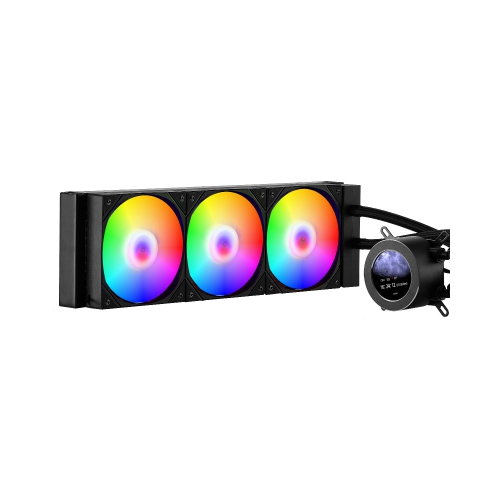
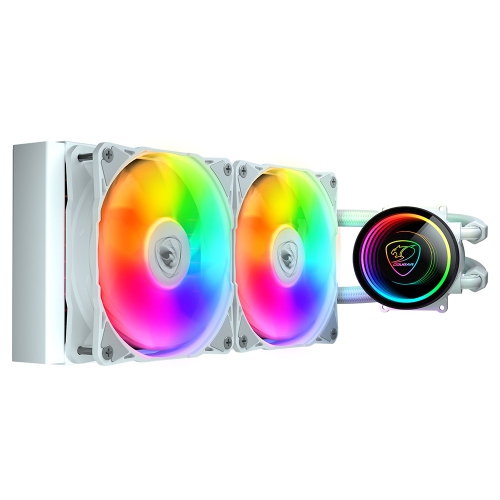
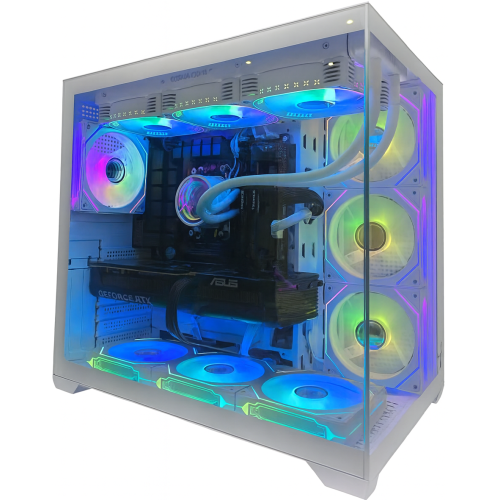
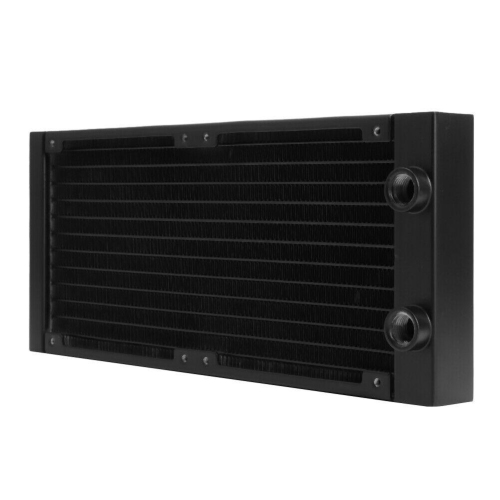
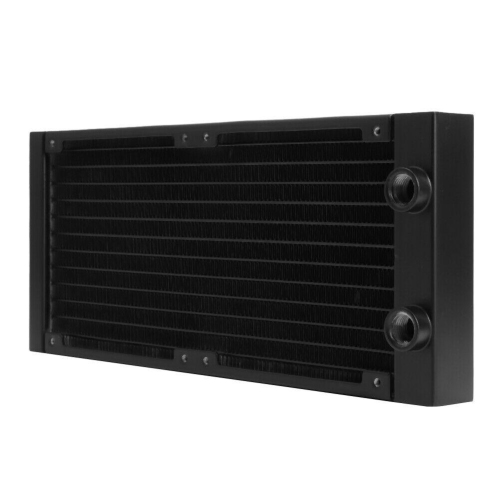
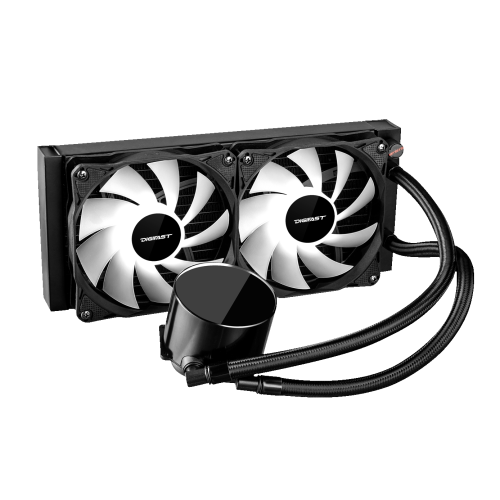
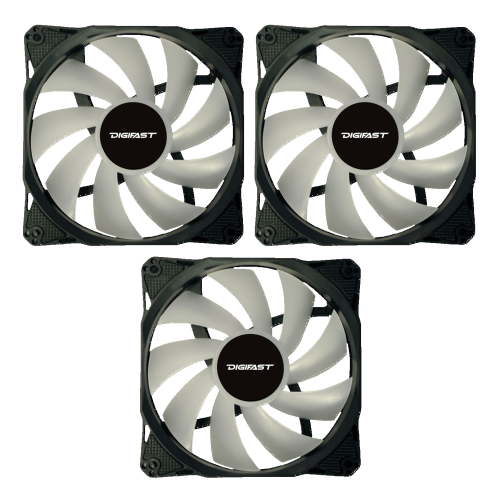
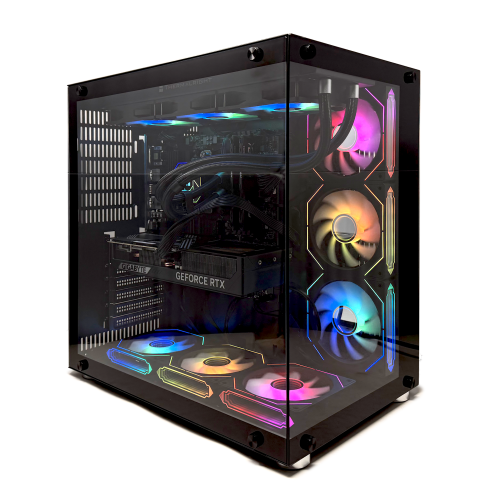
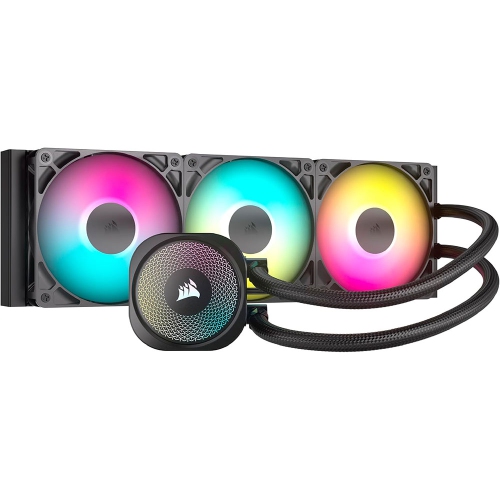
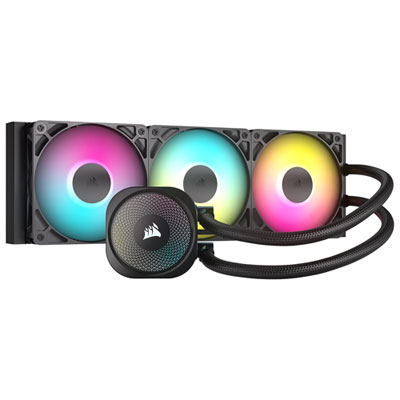
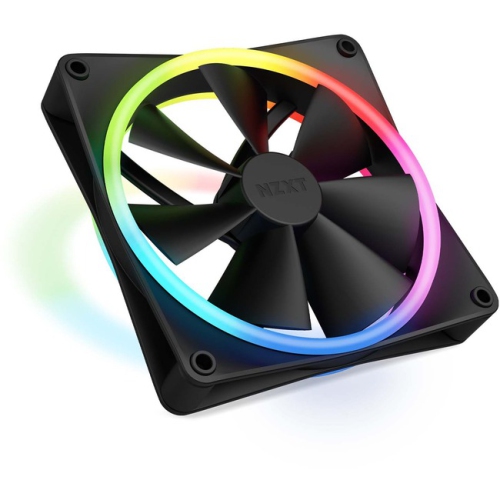
Gaming PC liquid cooling is designed to move heat away from hardworking components and help a gaming system maintain consistent performance during demanding play. Instead of relying only on a metal heatsink and air fan, a liquid cooling system uses coolant to absorb heat at the processor or graphics card, then carries that heat to a radiator where fans release it into the surrounding air. This approach is especially useful in gaming PCs with powerful processors, high-performance graphics, compact internal layouts, or workloads that keep the system under load for long periods. During an extended gaming session, video rendering project, livestream, or other intensive task, effective cooling can help reduce thermal throttling and keep performance steadier. It can also create a more comfortable setup by allowing radiator fans to operate at moderate speeds rather than constantly ramping up. Liquid cooling systems are available in several formats, including sealed all-in-one CPU coolers, liquid-cooled gaming PCs, and components for custom cooling loops. An all-in-one cooler generally combines a pump, cold plate, pre-filled tubing, radiator, and fans in one enclosed unit, making it a practical choice for many builders who want the advantages of liquid cooling without planning an entire loop. Custom systems use separate parts such as a pump, reservoir, water blocks, tubing, fittings, and coolant, and can be configured to cool both the CPU and graphics card. For an overview of complete systems built around this approach, explore Liquid Cooled Gaming.
Choosing the right gaming PC liquid cooling products starts with matching the system to the computer’s components and case. Check the processor socket, supported thermal design requirements, radiator size, mounting positions, and available clearance before making a purchase. A larger radiator can offer more surface area for heat dissipation, but it also needs enough room at the top, front, or rear of the case, with space for the fans and tubing. It is worth checking whether the radiator and pump orientation will leave room for memory modules, graphics cards, storage drives, and other internal hardware. For an all-in-one CPU cooler, confirm that the included mounting hardware supports the motherboard platform and that the pump connects to an appropriate pump or fan header. The length and flexibility of the tubing matter as well, particularly in a compact case where sharp bends can make installation awkward. Buyers building a custom loop should plan the route before assembling anything, measure each run carefully, and select compatible fittings, tubing sizes, blocks, reservoirs, and coolant. Soft tubing is often easier for a first custom build, while hard tubing can create clean, precise lines for experienced builders who are comfortable with cutting, bending, and leak testing. Cooling capacity should be considered alongside noise, lighting, appearance, and maintenance. Some systems have illuminated pump blocks, fans, or tubing for a coordinated look, while others favour a more understated interior. Keep in mind that lighting is an aesthetic feature, not an indication of cooling performance. A well-matched cooler, sensible fan curve, unobstructed airflow path, and properly applied thermal compound will have a greater effect on day-to-day operation.
Liquid cooling can be a thoughtful gift for a PC gaming enthusiast, a first-time builder, or someone upgrading a system for competitive gaming and content creation. It can also be a useful addition to a home office where the same computer handles games, schoolwork, design applications, and other demanding programs. For a new builder, a sealed all-in-one cooler may provide an approachable introduction because the coolant circuit is filled and closed at the factory, with no need to measure or pour coolant during installation. It still requires careful mounting and cable management, but the installation is usually more straightforward than assembling a custom loop. A custom loop is better suited to an experienced hobbyist who enjoys the building process as much as the finished computer. It offers greater flexibility and can be tailored to cool multiple components, though it involves more planning and ongoing attention. Before installing any liquid cooling product, shut down and unplug the computer, work on a clean, stable surface, and follow the manufacturer’s instructions for mounting pressure, connector placement, coolant handling, and leak testing. A custom loop should be tested for leaks before the rest of the system is powered on, and connections should be inspected periodically. Sealed systems generally need little routine care beyond keeping radiator fins and fans free of dust, while custom loops may require coolant checks, flushing, and replacement at recommended intervals. During the warmer season or in a room that becomes heated during long gaming sessions, good case airflow becomes even more important; during cooler months, it remains valuable for keeping performance consistent in enclosed spaces. With the right compatibility checks and realistic expectations about installation and upkeep, gaming PC liquid cooling can help create a quieter, cooler, and more capable setup for immersive play, creative work, and everyday use.
Choosing the right gaming PC liquid cooling products starts with matching the system to the computer’s components and case. Check the processor socket, supported thermal design requirements, radiator size, mounting positions, and available clearance before making a purchase. A larger radiator can offer more surface area for heat dissipation, but it also needs enough room at the top, front, or rear of the case, with space for the fans and tubing. It is worth checking whether the radiator and pump orientation will leave room for memory modules, graphics cards, storage drives, and other internal hardware. For an all-in-one CPU cooler, confirm that the included mounting hardware supports the motherboard platform and that the pump connects to an appropriate pump or fan header. The length and flexibility of the tubing matter as well, particularly in a compact case where sharp bends can make installation awkward. Buyers building a custom loop should plan the route before assembling anything, measure each run carefully, and select compatible fittings, tubing sizes, blocks, reservoirs, and coolant. Soft tubing is often easier for a first custom build, while hard tubing can create clean, precise lines for experienced builders who are comfortable with cutting, bending, and leak testing. Cooling capacity should be considered alongside noise, lighting, appearance, and maintenance. Some systems have illuminated pump blocks, fans, or tubing for a coordinated look, while others favour a more understated interior. Keep in mind that lighting is an aesthetic feature, not an indication of cooling performance. A well-matched cooler, sensible fan curve, unobstructed airflow path, and properly applied thermal compound will have a greater effect on day-to-day operation.
Liquid cooling can be a thoughtful gift for a PC gaming enthusiast, a first-time builder, or someone upgrading a system for competitive gaming and content creation. It can also be a useful addition to a home office where the same computer handles games, schoolwork, design applications, and other demanding programs. For a new builder, a sealed all-in-one cooler may provide an approachable introduction because the coolant circuit is filled and closed at the factory, with no need to measure or pour coolant during installation. It still requires careful mounting and cable management, but the installation is usually more straightforward than assembling a custom loop. A custom loop is better suited to an experienced hobbyist who enjoys the building process as much as the finished computer. It offers greater flexibility and can be tailored to cool multiple components, though it involves more planning and ongoing attention. Before installing any liquid cooling product, shut down and unplug the computer, work on a clean, stable surface, and follow the manufacturer’s instructions for mounting pressure, connector placement, coolant handling, and leak testing. A custom loop should be tested for leaks before the rest of the system is powered on, and connections should be inspected periodically. Sealed systems generally need little routine care beyond keeping radiator fins and fans free of dust, while custom loops may require coolant checks, flushing, and replacement at recommended intervals. During the warmer season or in a room that becomes heated during long gaming sessions, good case airflow becomes even more important; during cooler months, it remains valuable for keeping performance consistent in enclosed spaces. With the right compatibility checks and realistic expectations about installation and upkeep, gaming PC liquid cooling can help create a quieter, cooler, and more capable setup for immersive play, creative work, and everyday use.
Top selling and popular products
-
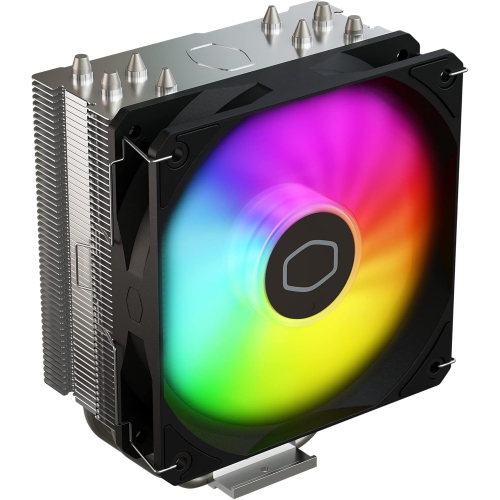 Your price for this item is $29.27
 -
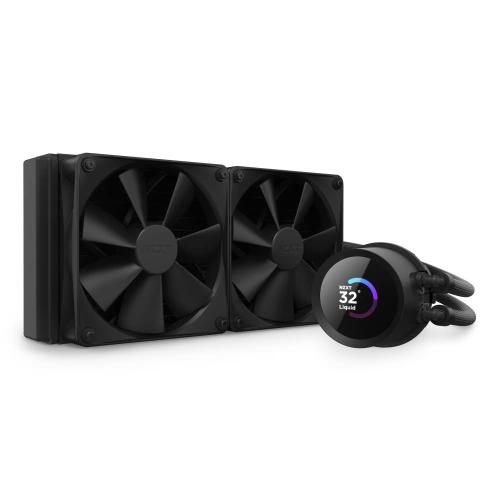 Your price for this item is $419.68
 -
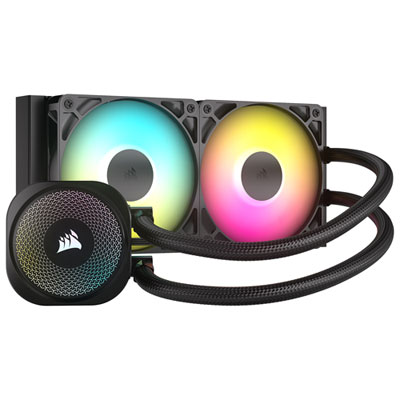 Your price for this item is $114.99
 -
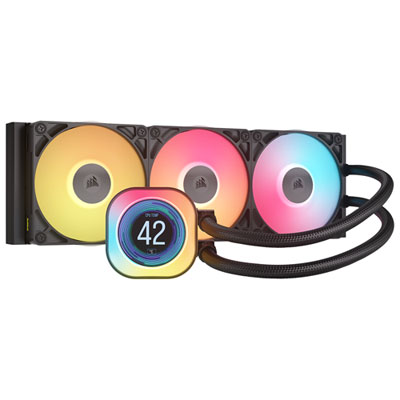 Your price for this item is $244.99
 -
 Your price for this item is $179
 -
 Your price for this item is $134.99
 -
 Your price for this item is $60.68
 -
 Your price for this item is $151.8
Discover more categories related to Gaming Pc Liquid Cooling
Top Collections:
Pokemon Centers, Kindle Devices, Best Budget Office Chairs, Apple iPhones 16, Best Laptops for Writers, iPhone 15 Apple, Canon G7X Cameras, Refurbished Apple Laptops, Alarm Clock, Motorola Razr Phones
Some products may be subject to Environmental Handling Fees
(EHF) depending on your province.
Learn more about EHFs.