Best Dual Monitor Arm
Free up desk space and position your screens comfortably with the best dual monitor arms, ranked by user review ratings. Whether you’re working, gaming, or multitasking, a dual monitor arm can help you adjust screen height, tilt, and viewing angles to suit your setup. Compare options with your monitors’ size, weight, and mounting compatibility in mind to find the right fit for your desk.
What to look for in the best dual monitor arms
1. Monitor Compatibility
2. Desk Mounting Options
3. Height and Position Adjustments
4. Stability and Cable Management
-
1
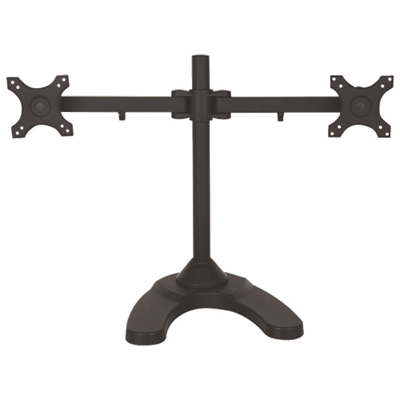
TygerClaw 13" - 24" Full Motion Monitor Desk Dual-Arm Mount - Black
About this product
A durable black desk mount for 13"-24" monitors with 90-degree swivel and easy installation.
(1)$155.99 Your price for this item is $155.99 -
2
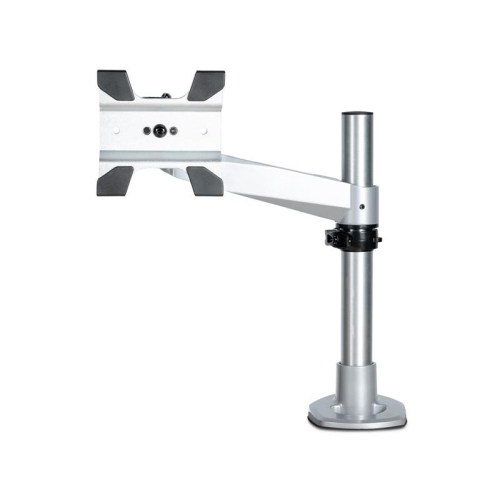
STARTECH Monitor Arm - for Up to 34 Monitors (Armpivotb2)
About this product
A height-adjustable monitor arm with tilt, pan, and rotate functions, featuring tool-less assembly and versatile mounting.
(1)$195.99Your price for this item is $195.99SAVE $34 -
3
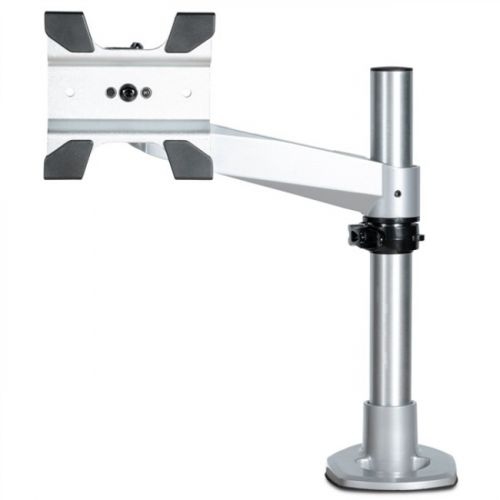
STARTECH Desk Mount Monitor Arm - Articulating - Premium - for Up to 30" Vesa, Imac, Apple Cinema And Thunderbolt Display
About this product
An articulating desk mount arm supporting up to 30" displays with VESA compatibility for flexible positioning.
(1)$240.17Your price for this item is $240.17SAVE $72 -
4
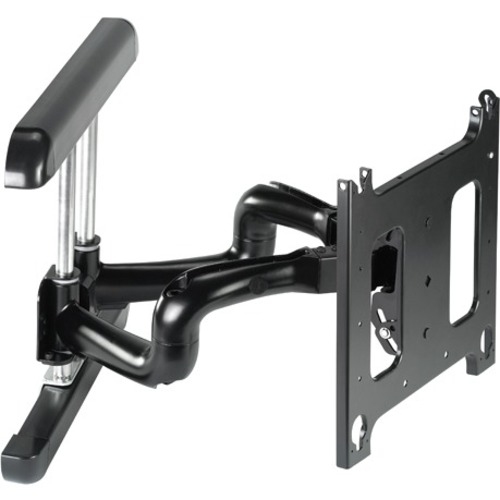
CHIEF Lfp Four Arm Dual Universal (Pnrub)
About this product
A universal four-arm mount for electronics, featuring a dual design and durable construction.
(1)$1,096.99Your price for this item is $1096.99SAVE $191 -
5
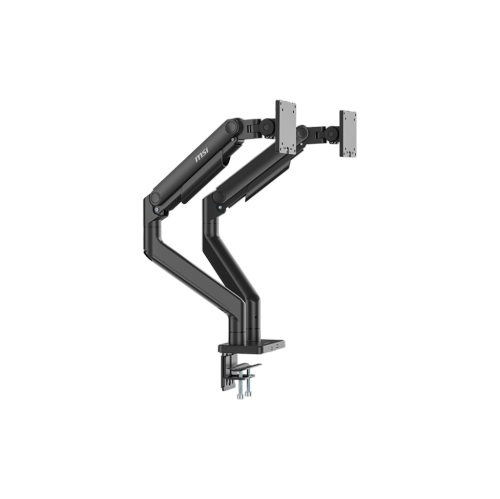
MSI Mpg Mt201D - Premium Heavy Duty Dual Monitor Stand Arms, 17-45" Support, Vesa Compatible, Adjustable Spring Assisted Mount - In Black
About this product
A heavy-duty black dual monitor stand with adjustable spring-assisted arms, VESA compatibility, and quick release plates.
(16)$189.99 Your price for this item is $189.99 -
6
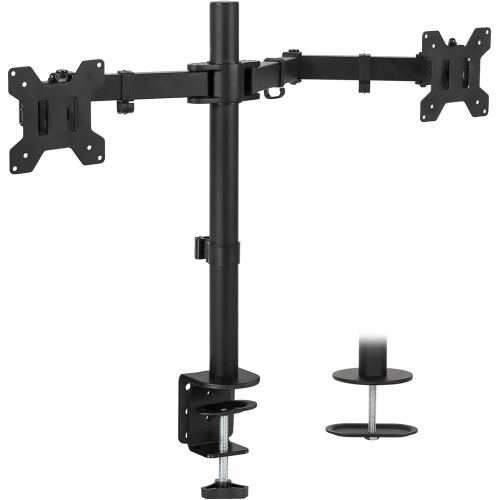
MOUNT-IT! Mount-It Dual Monitor Adjustable Desk Mount - - (Mi-2752) In Black
About this product
A dual monitor mount with adjustable arms that fits 2 computer screens 17-27 inches.
(17)$83.99Your price for this item is $83.99SAVE $16 -
7
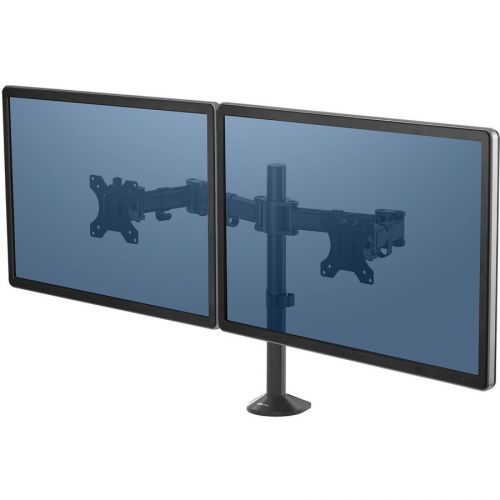
FELLOWES Reflex Dual Monitor Arm
About this product
A dual monitor arm supporting two displays up to 48 lb, ideal for organized and ergonomic workspaces.
(15)$145.37Your price for this item is $145.37SAVE $14 -
8
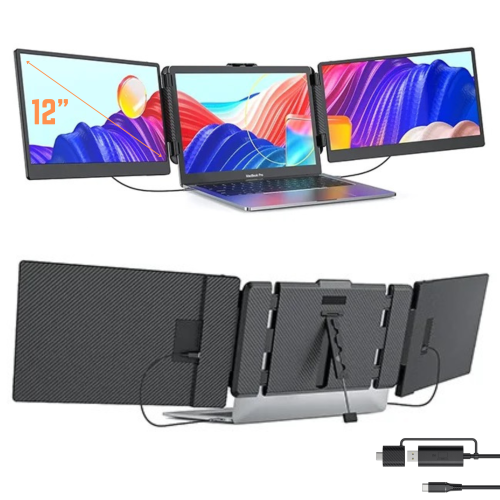
TUTT S8 Dual 14" 1080P HD Ips Led Portable Laptop Screen Extender Monitor - USB-C - HDMI
About this product
A portable triple screen extender with built-in stand and speakers, compatible with all devices.
(12)$269.90Your price for this item is $269.90SAVE $70 -
9

MOUNT-IT! Mount-It Dual Monitor Stand for Desk - 2 Screen Mount for Two Computer Screens
About this product
A dual monitor stand designed to securely hold two computer screens on your desk.
What customers like
(64)$163.68 Your price for this item is $163.68 -
10
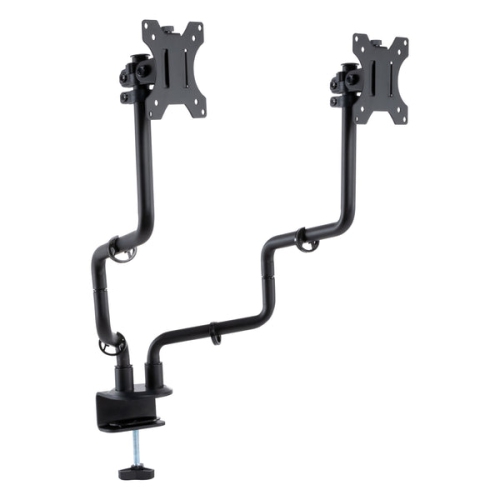
ALLSOP Metal Art Dual Monitor Arms - In Black
About this product
A sleek black dual monitor arm set offering superior stability, full adjustability, and ergonomic desk organization.
(2)$94.99 Your price for this item is $94.99
FAQ
Common types include gas-spring arms, mechanical-spring arms and post-mounted arms. Spring-assisted arms allow frequent repositioning, while post-mounted designs typically use joints and collars for manual adjustment. Some models combine a central post with two articulated arms.
A clamp mount attaches to the edge of a desk, while a grommet mount attaches through a hole in the desktop. Some dual monitor arms include both mounting options; others support only one.
VESA compatibility refers to a standardized mounting-hole pattern on the back of a monitor. The monitor and arm must support the same pattern to attach directly. Monitors without a compatible pattern may require an adapter designed for that display.
Many dual monitor arms have independently rotating mounting plates, allowing one display to sit in portrait orientation and the other in landscape. Rotation support varies by arm, and each screen’s orientation is configured separately in the computer’s display settings.
Many models include clips, channels or removable covers that route power and display cables along the arms. Some also provide cable guides on the central post. These features organize cables but do not replace the connections between your monitors and computer.
Top selling and popular products
Discover more categories related to Best Dual Monitor Arm

Some products may be subject to Environmental Handling Fees (EHF) depending on your province. Learn more about EHFs.