Best Dual Monitor Stands
Create a more comfortable, organized workspace with the best dual monitor stands, ranked by user review ratings. Whether you’re working, studying, or gaming, a dual monitor stand can help free up desk space and position your screens for easier viewing. Explore options with adjustable height, tilt, and swivel, and compare monitor size and weight compatibility to find the right fit for your setup.
What to look for in dual monitor stands
1. Monitor Compatibility
2. Desk Fit and Mounting
3. Height and Position Adjustment
4. Stability and Cable Management
-
1
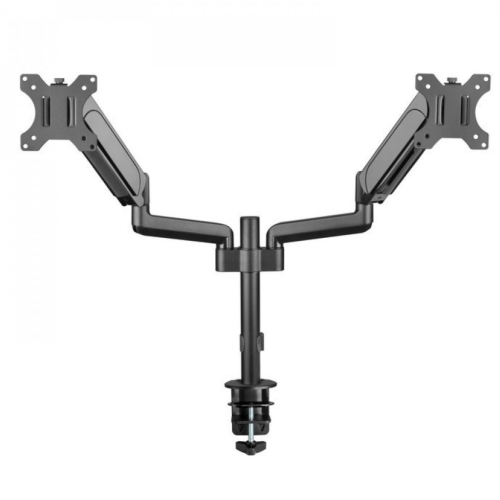
ANTHRODESK Dual Monitor Stand, Heavy Duty Deluxe Gas Spring Mount Arms With for Two 10"-32' Led/lcd/pdp Computer Monitor
About this product
A heavy-duty gas spring mount with adjustable arms for ergonomic dual monitor setup and integrated cable management.
(2)$99.99Your price for this item is $99.99SAVE $30 -
2
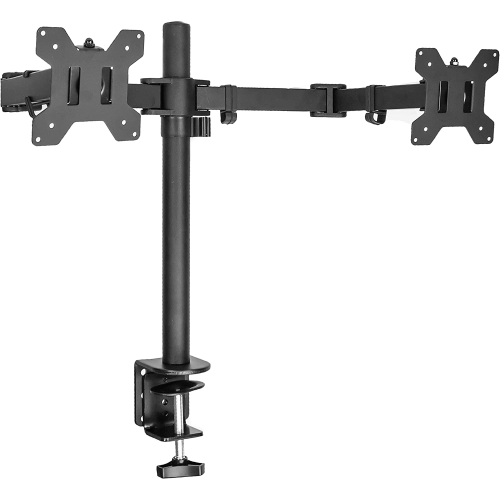
ANTHRODESK Dual Monitor Stand Mount, Oversized for 2 (Two) Led/lcd/pdp Computer Monitor Screens Up to 32"
About this product
An adjustable dual monitor stand mount that promotes ergonomic viewing and reduces eye, back, and neck strain.
(5)$39.99Your price for this item is $39.99SAVE $80 -
3
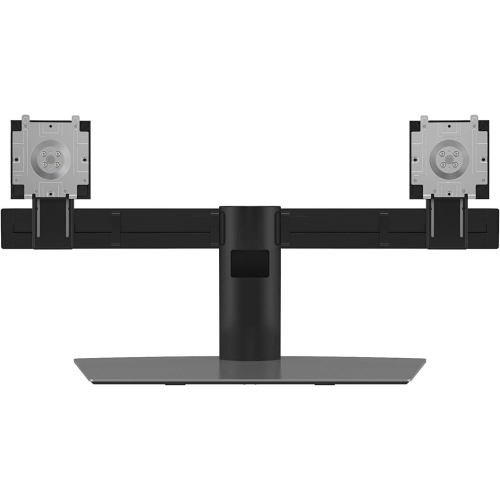
DELL Monitor Stand (Mds19)
About this product
A dual monitor stand with VESA mount kits, perfect for organizing and optimizing your workspace.
What customers like
(1)$171.47Your price for this item is $171.47SAVE $17 -
4
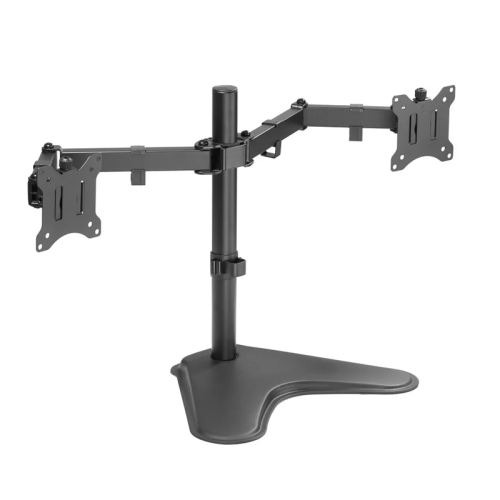
AMER NETWORKS Dual Monitor Desk Stand | Heavy Duty Fully Adjustable Arms Holds 2 Vesa Screens Up to 32" (2Ezstand)
About this product
A heavy-duty desk stand with fully adjustable arms for two VESA monitors, offering tilt, swivel, and rotation.
(2)$34.99Your price for this item is $34.99SAVE $25 -
5

MOUNT-IT! Mount-It Dual Monitor Articulating Spring Arm Desk Mount Stand for Two Lcd Screens (Up to 27" Size), Vesa 75 And 100, Capacity 17.6 Lbs Each Arm
About this product
An articulating spring arm desk mount that supports two LCD screens up to 27" with VESA compatibility.
What customers like
(141)$124.00Your price for this item is $124SAVE $20 -
6
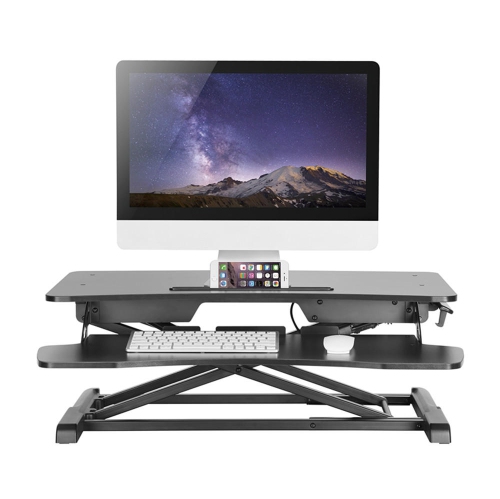
PRIMECABLES 32 Inch Height Adjustable Sit Standing Desk Converter Dual Computer Monitor And Laptop Riser Workstation (Black, Manual)
About this product
A black manual desk converter that easily transitions between sitting and standing for dual monitors and laptops.
$119.99 Your price for this item is $119.99 -
7

HLD Dual Monitor Stand, Free Standing Height Adjustable 2 Arm Monitor Mount for 13 to 32 Inch Lcd Screens With Swivel And Tilt
About this product
A free-standing dual monitor mount with height adjustment, swivel, and tilt for 13 to 32 inch screens.
$93.96Your price for this item is $93.96SAVE $28 -
8
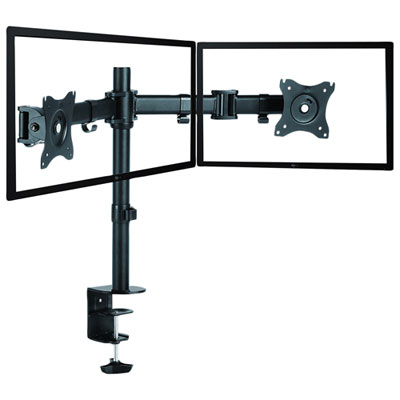
Rocelco DM2 Dual Monitor Desk Mount - Black
About this product
A black dual monitor desk mount with adjustable, articulated arms for customizable viewing angles and orientations.
$90.98 Your price for this item is $90.98 -
9
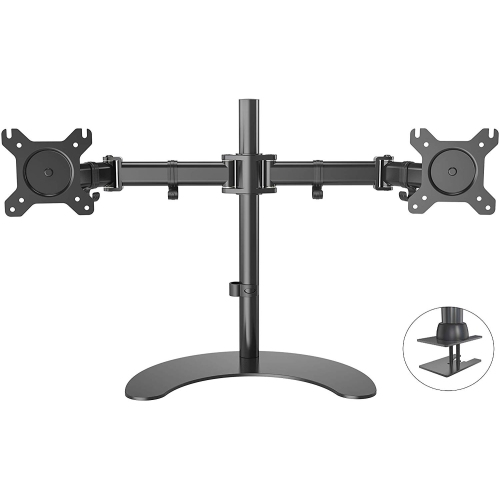
HLD Dual Lcd Led Monitor Desk Mount Stand Heavy Duty Fully Adjustable Holds Two Screen 13" to 32" With 3 Installation Options
About this product
A heavy-duty, fully adjustable desk mount that securely holds two monitors with three versatile installation options.
$98.96Your price for this item is $98.96SAVE $30 -
10
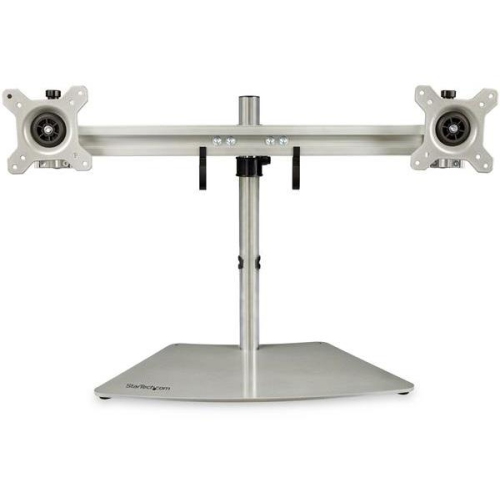
STARTECH Dual-Monitor Stand - Horizontal - (Armduoss) In Silver
About this product
A sleek silver stand that mounts two monitors horizontally with adjustable height, tilt, and sturdy steel-aluminum construction.
$167.99Your price for this item is $167.99SAVE $29
FAQ
Common types include freestanding stands, desk-clamp mounts and grommet mounts. Freestanding models rest on a desktop base, desk-clamp models attach to the edge of a desk, and grommet models attach through a hole in the desktop.
A dual monitor stand typically uses a central post or crossbar to hold two displays. A dual monitor arm uses articulated joints to adjust each display’s position. Some designs combine a central post with movable arms, so the terms can overlap.
Many dual monitor stands have rotating mounting heads that allow a mix of portrait and landscape orientations. This setup requires independent rotation for each display, and the screen orientation is selected separately in your computer’s display settings.
Depending on the design, adjustments may include tilt, swivel, rotation and height positioning. Some stands move both displays together along a central post, while others allow each screen to be positioned independently. Articulated arms may also let you move screens forwards and backwards.
Many dual monitor stands include clips, channels or covers that route power and display cables along the arms or central post. Some designs conceal cables inside the structure, while others group them along the outside.
Top selling and popular products
Discover more categories related to Best Dual Monitor Stands
Some products may be subject to Environmental Handling Fees (EHF) depending on your province. Learn more about EHFs.