Best Ergonomic Mice for Small Hands
Find a comfortable fit for your workspace with the best ergonomic mice for small hands, ranked by user review ratings. A smaller, contoured mouse can help you reach buttons easily and maintain a more relaxed grip while you work or browse. Explore the top-rated options to find the right balance of size, comfort, and everyday control.
What to look for in ergonomic mice for small hands
1. Size and Fit
2. Shape and Grip Style
3. Weight and Controls
4. Connectivity and Compatibility
-
1
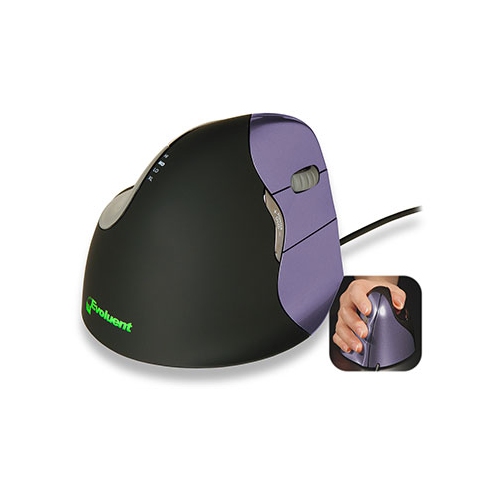
EVOLUENT Vertical Mouse 4 Small With Adjustable Optical Sensor (Vm4S)
About this product
An ergonomic mouse with an adjustable optical sensor designed to support a natural hand posture.
What customers like
(27)$139.99Your price for this item is $139.99SAVE $25 -
2
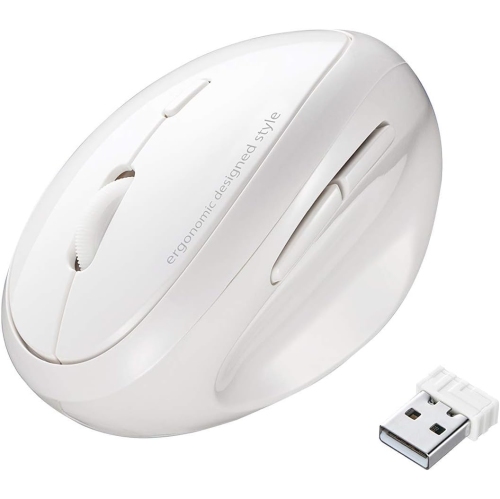
DOLAER Ertical Ergonomic Mouse, 2.4G Wireless Ergo Mouse for Small Medium Hands, 5 Buttons, 800/1200/1600 Dpi, Cordless Mice for Wrist Pain
About this product
An ergonomic wireless mouse with five buttons, adjustable DPI, and a comfortable handshake design for small hands.
$33.99Your price for this item is $33.99SAVE $31 -
3
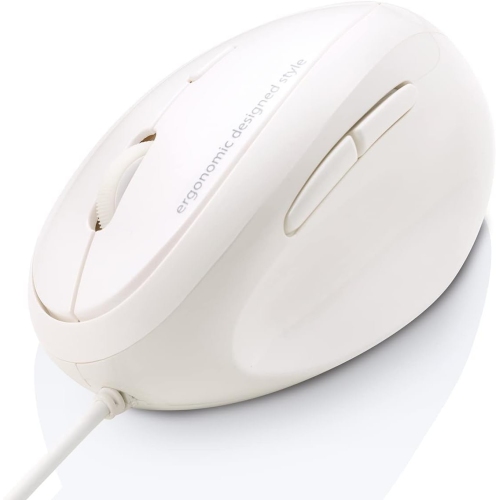
DOLAER Wired Ergonomic Mouse, Optical Vertical Ergo Mouse for Small Medium Hands, 1000/1600 Dpi, 5 Buttons, Reduce Wrist Strain, Compatible w Mac
About this product
An ergonomic white wired mouse with vertical design, 1000/1600 DPI, and five buttons for reduced wrist strain.
$29.99Your price for this item is $29.99SAVE $26 -
4
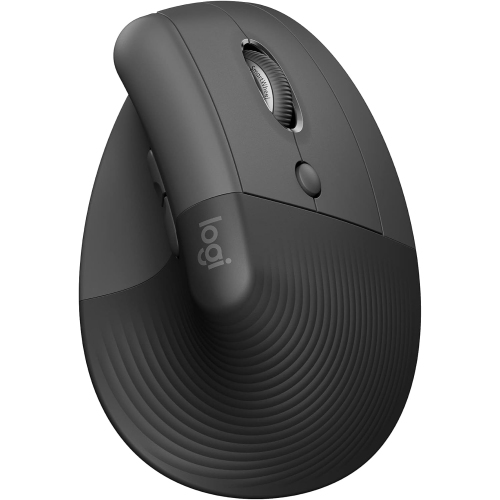
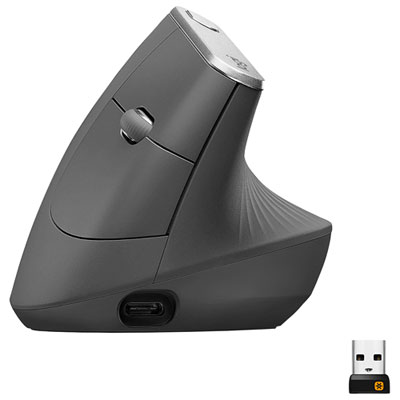
LOGITECH Lift Vertical Wireless Ergonomic Mouse - Graphite (910-006466)
About this product
A wireless ergonomic mouse in graphite designed for comfortable use with small to medium right hands.
$79.99Your price for this item is $79.99SAVE $20 -
5

EVOLUENT LLC Evoluent Verticalmouse 4 Small Wireless - Optical
About this product
A wireless optical mouse designed for ergonomic comfort and precision, ideal for small hands.
$193.68 Your price for this item is $193.68 -
6
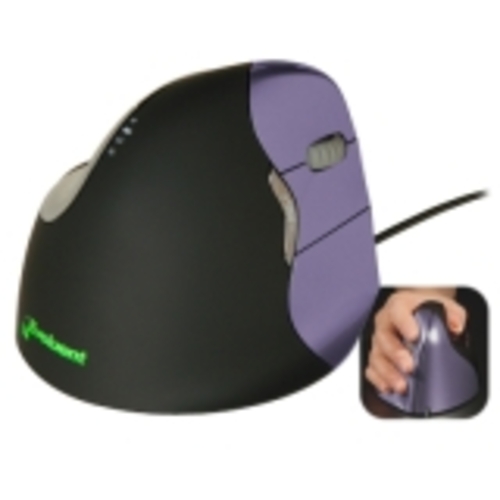
EVOLUENT LLC Evoluent Verticalmouse 4 Small Mouse - Laser - Cable - USB
About this product
A wired ergonomic laser mouse designed for small hands, promoting comfort and reducing wrist strain.
$163.95 Your price for this item is $163.95 -
7
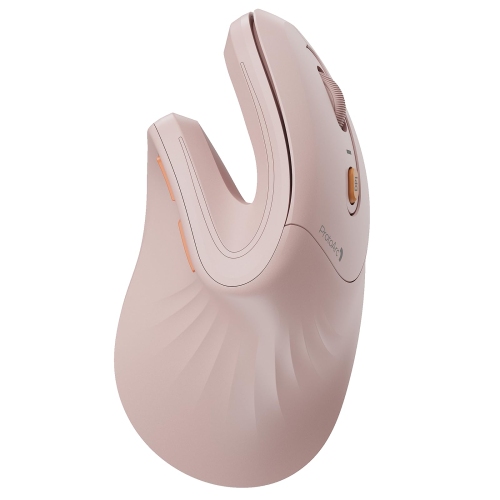
PROTOARC Em11 Nl Wireless Ergonomic Vertical Mouse, Rechargeable In Pink
About this product
A pink rechargeable wireless vertical mouse with an ergonomic design supporting connections to three devices.
$128.99 Your price for this item is $128.99 -
8
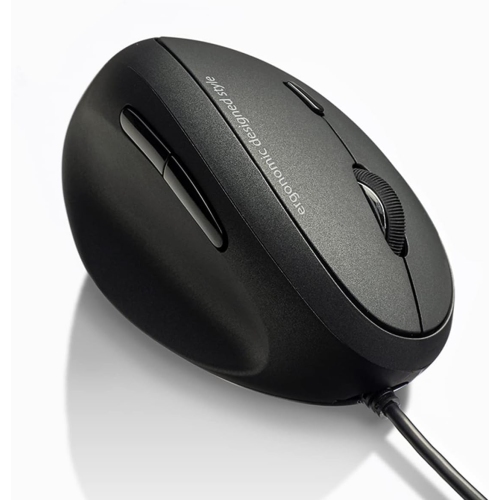
DOLAER Eft Handed Wired Ergonomic Mouse, Optical Lefty Ergo Vertical Mouse for Small Medium Hands, 1000/1600 Dpi, Wrist Pain Relief, 5 Buttons
About this product
An ergonomic wired vertical mouse with 5 buttons, designed for left-handed users to reduce wrist strain.
$30.99Your price for this item is $30.99SAVE $28 -
9
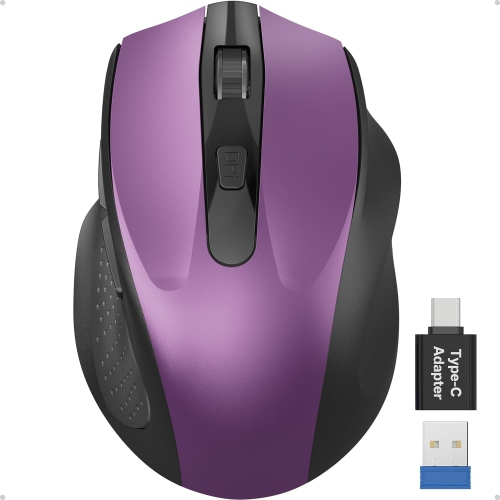
DOLAER 21 Wireless Mouse for Laptop, 2.4Ghz Computer Mouse w USB-A&c Receiver, Office Cordless Mice w 6 Buttons & 3 Level Dpi for Small to Medium
About this product
An ergonomic wireless mouse with 6 buttons, USB-A/C receiver, and adjustable DPI for comfortable right-hand use.
$17.99Your price for this item is $17.99SAVE $17 -
10
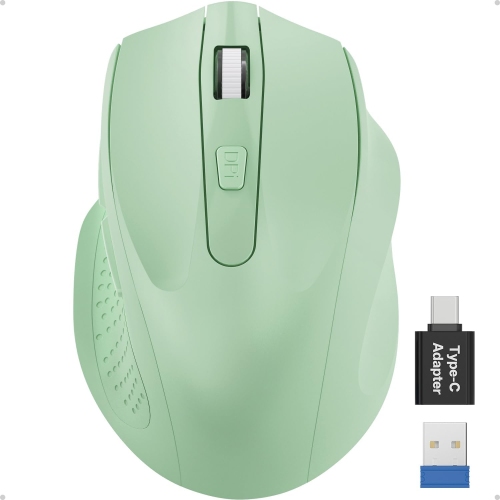
DOLAER 21 Wireless Mouse for Laptop, 2.4Ghz Computer Mouse w USB-A Port &USB-C Adapter, Office Cordless Mice w 6 Buttons & 3 Level Dpi for Small To
About this product
An ergonomic wireless mouse with 6 buttons, USB-A and USB-C adapters, and three adjustable DPI levels.
$18.99Your price for this item is $18.99SAVE $18
FAQ
Vertical ergonomic mice place the buttons and scroll wheel on an angled surface for a handshake-style grip. Traditional ergonomic mice keep the palm facing downward and may feature sculpted contours, a thumb rest, or textured grip areas.
Ergonomic mice can connect through a USB cable, Bluetooth, or a wireless USB receiver. Some models offer both Bluetooth and receiver-based connections, along with a switch for moving between paired devices. Check which connection types your computer supports.
Programmable buttons let you assign actions such as copying and pasting, navigating browser tabs, or opening applications. Customization typically requires the manufacturer's software, and available functions can vary by operating system.
Many ergonomic mice support both Windows and macOS for basic pointing, clicking, and scrolling. Advanced features, such as custom button assignments or application-specific profiles, may depend on software compatibility. Check the listed operating system requirements and connection options.
Wireless ergonomic mice generally use replaceable batteries or a built-in rechargeable battery. Rechargeable models typically charge through a USB cable, while battery-powered models require the battery type specified by the manufacturer. Some rechargeable mice support use while charging.
Top selling and popular products
Discover more categories related to Best Ergonomic Mice for Small Hands
Some products may be subject to Environmental Handling Fees (EHF) depending on your province. Learn more about EHFs.