Best Freesync Monitors
Find the best FreeSync monitors for smoother gameplay and crisp visuals. FreeSync technology helps reduce screen tearing and stuttering when paired with a compatible graphics card, keeping you focused on the action. Ranked by user review ratings, this selection makes it easy to compare screen sizes, resolutions, and refresh rates to find the right fit for your gaming setup and budget.
What to look for in the best FreeSync monitors
1. FreeSync Support and Compatibility
2. Refresh Rate and Response Time
3. Screen Size and Resolution
4. Panel Type and Picture Quality
-
1
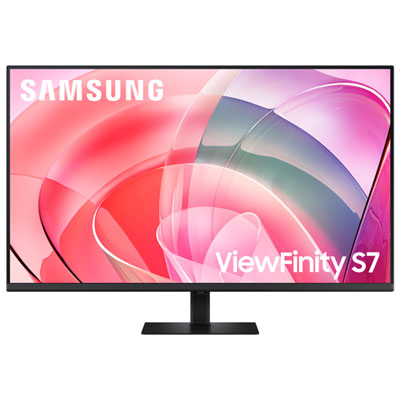
Samsung 37" 4K UHD VA LED Gaming Monitor (LS37D702EANXZA) - FreeSync Premium
About this product
A black 37-inch 4K Ultra HD monitor with FreeSync, 60Hz refresh rate, and 5ms response time.
(15)$649.99 Your price for this item is $649.99 -
2
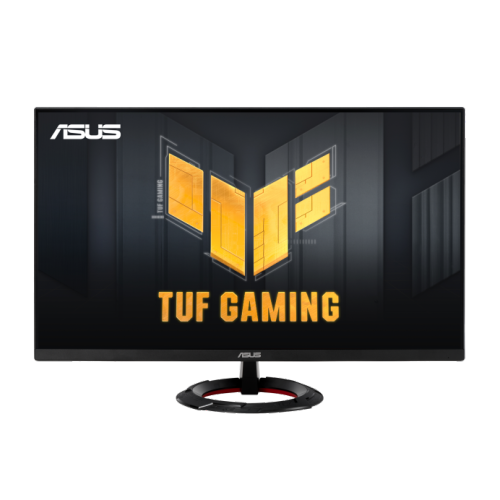
ASUS Tuf Gaming 27" 1080P HD Fast Ips Gaming Monitor (Vg279Q3R) - Freesync Premium - 1Ms Gtg - 180Hz
About this product
A 27-inch Full HD gaming monitor with 180Hz refresh rate, Fast IPS panel, and FreeSync support.
(1)$227.68 Your price for this item is $227.68 -
3
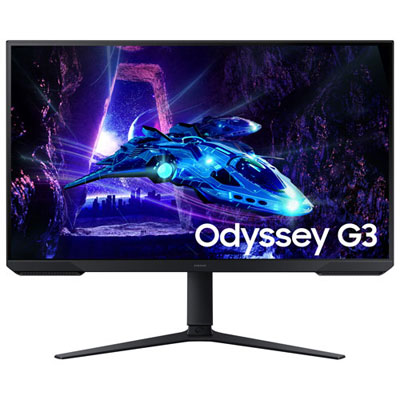
Open Box - Samsung 32" FHD 180Hz 1ms VA LED FreeSync Gaming Monitor (LS32DG302ENXZA) - Black
About this product
An immersive 32-inch gaming monitor with 180Hz refresh rate and 1ms response time in sleek black.
(1)$229.99 Your price for this item is $229.99 -
4
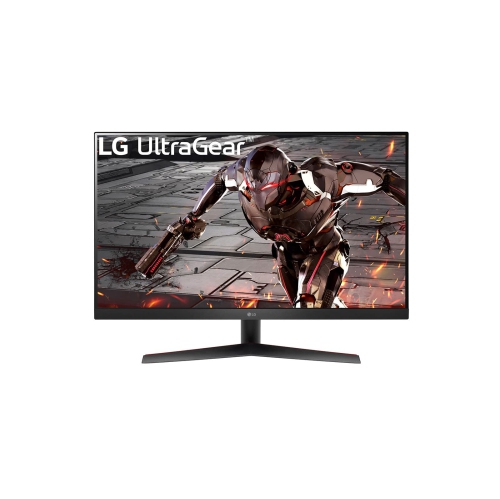
LG Ultragear 32" 1440P Qhd Va Gaming Monitor (32Gk60W-B) - Freesync Premium - 1Ms Mbr - 165Hz - HDr10
About this product
A 31.5-inch QHD gaming monitor with a 165Hz refresh rate, 1ms MBR, and AMD FreeSync Premium.
(1)$329.00Your price for this item is $329SAVE $70 -
5
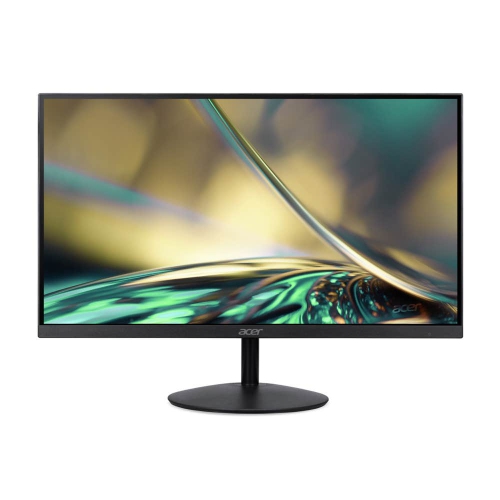
ACER 23.8" 1080P HD Ips Lcd Gaming Monitor (Sa242Y) - Amd Freesync - 75Hz
About this product
A frameless Full HD IPS monitor with 75Hz refresh rate, AMD FreeSync, and eye care technology.
(1)$125.99Your price for this item is $125.99SAVE $74 -
6
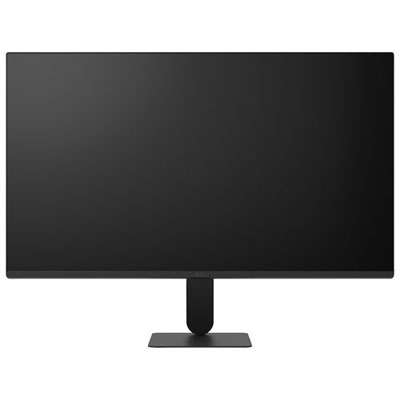
Open Box - LG 27" 1080p HD IPS LED Gaming Monitor (27U411A-B) - FreeSync - 120Hz - HDR10
About this product
A black IPS LED gaming monitor offering 1080p resolution, 120Hz refresh rate, and AMD FreeSync support.
(1)$114.97 Your price for this item is $114.97 -
7
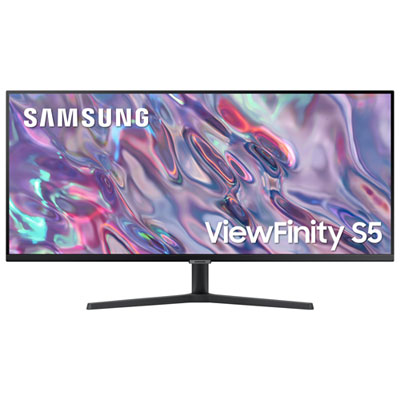
Samsung 34" Ultrawide UWQHD VA LED Monitor (LS34C50DGANXZA) - 100Hz - HDR10 - FreeSync
About this product
A black WQHD LED monitor featuring 100Hz refresh rate, 5ms response time, and FreeSync technology.
(6)$349.97 Your price for this item is $349.97 -
8

VIEWSONIC 22" 1080P HD Mva Lcd Freesync Gaming Monitor (Vx2267-Mhd) - 75Hz
About this product
A black Full HD gaming monitor featuring 75Hz refresh rate, 4ms response time, and AMD FreeSync technology.
(3)$161.42Your price for this item is $161.42SAVE $16 -
9
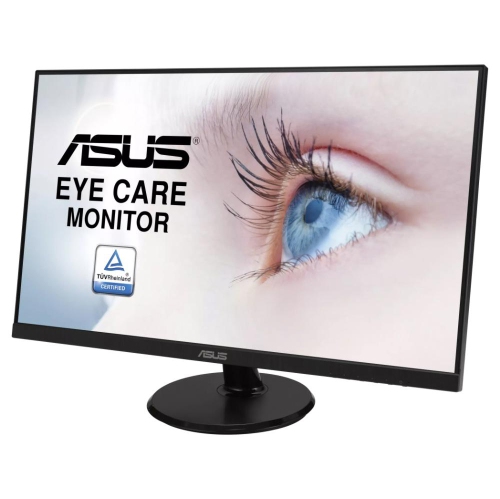
ASUS 27" 1080P HD Ips Lcd Freesync Gaming Monitor (Va27Dq) - 75Hz
About this product
A 27" FHD IPS LCD gaming monitor with 75Hz refresh rate and Freesync technology.
(8)$209.99Your price for this item is $209.99SAVE $36 -
10
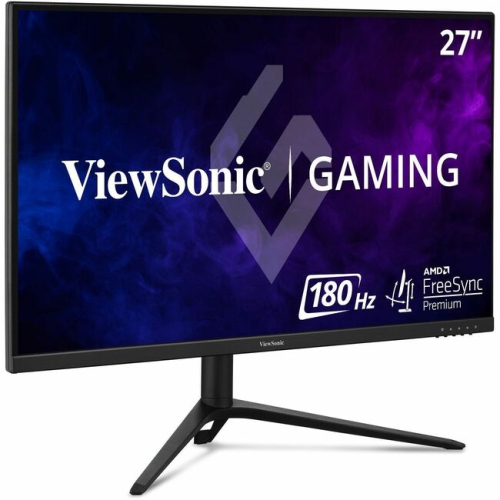
VIEWSONIC Omni Vx 27" 1080P HD Ips Led Gaming Monitor (Vx2728J) - Freesync Premium - 165Hz
About this product
A 27-inch IPS gaming monitor with 165Hz refresh rate, 0.5ms response time, and FreeSync Premium.
(5)$299.99 Your price for this item is $299.99
FAQ
AMD FreeSync is an adaptive-sync technology that lets a monitor adjust its refresh rate to match the frame output of a compatible graphics source. It operates within a supported refresh-rate range, which varies by monitor.
FreeSync provides variable refresh rate support. FreeSync Premium adds requirements for higher refresh rates and low framerate compensation, which repeats frames when frame rates fall below the monitor’s supported range. FreeSync Premium Pro also includes requirements for HDR capabilities and HDR gaming support.
Compatible AMD Radeon graphics cards support FreeSync. Some FreeSync monitors can also use variable refresh rates with compatible NVIDIA GeForce cards, particularly models certified as G-SYNC Compatible. Support depends on the graphics card, monitor, connection and driver, so check compatibility details for both devices.
FreeSync can work through HDMI or DisplayPort, but supported connections vary by monitor and graphics source. A monitor may support different refresh-rate ranges through different inputs. Check its specifications for the ports, cables and display modes required for FreeSync.
Enable FreeSync or Adaptive-Sync in the monitor’s on-screen menu, then check the variable refresh rate setting in your graphics software. You may also need to select a supported refresh rate in your operating system’s display settings. Menu names and setup steps vary by monitor and graphics card.
Top selling and popular products
Discover more categories related to Best Freesync Monitors

Some products may be subject to Environmental Handling Fees (EHF) depending on your province. Learn more about EHFs.