Free Sync Compatible Monitors
Experience smoother gameplay and enhanced visuals with free sync compatible monitors, designed to deliver seamless performance for work, play, and entertainment. Whether you're upgrading your home office or building the ultimate gaming setup, these monitors offer a variety of sizes, resolutions, and designs to suit your needs. Explore our selection to find the perfect display that keeps up with every task and elevates your viewing experience.
Sort


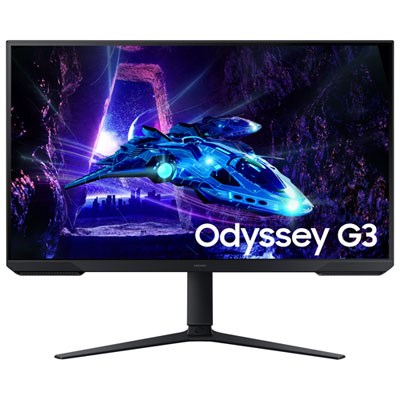


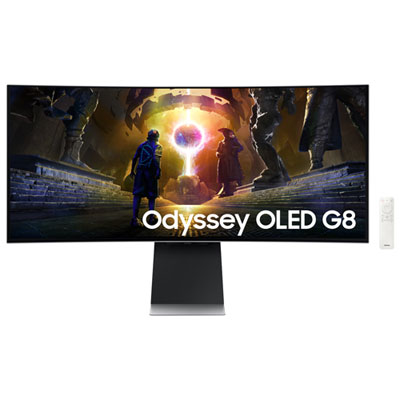
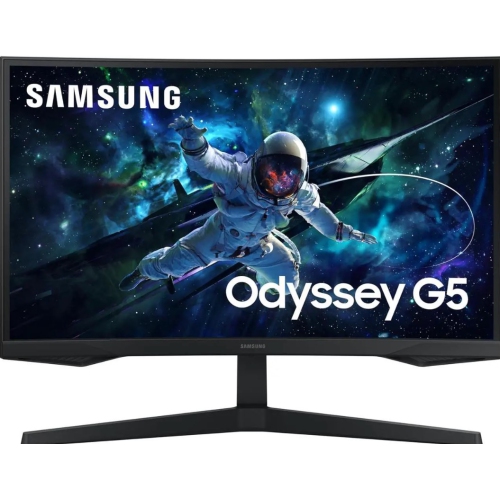
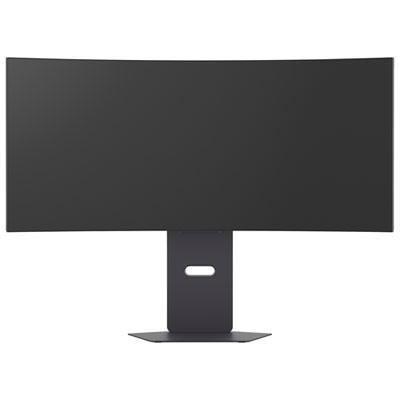
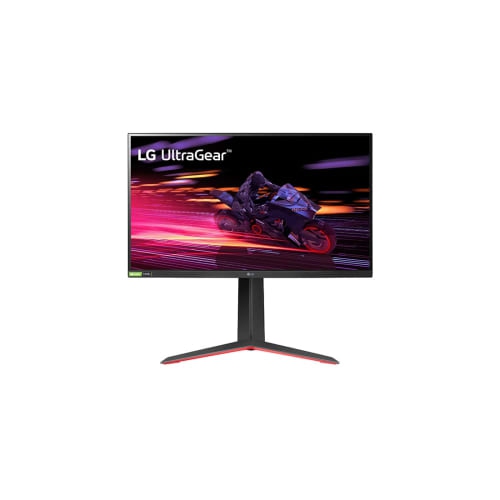
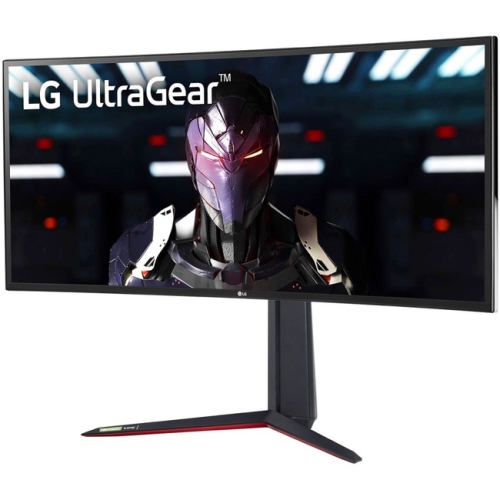
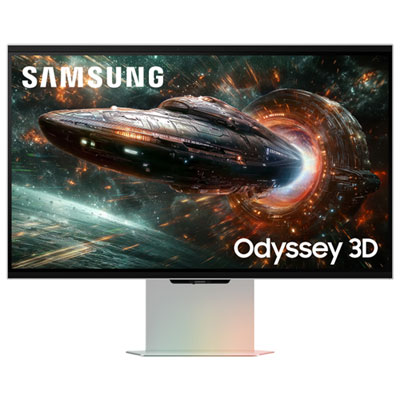
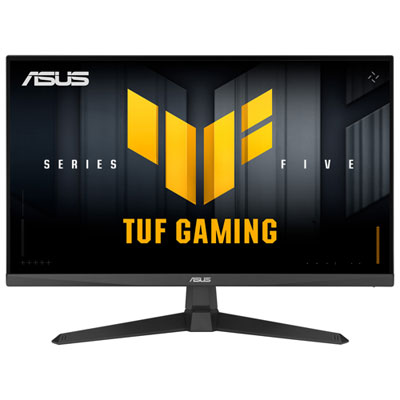

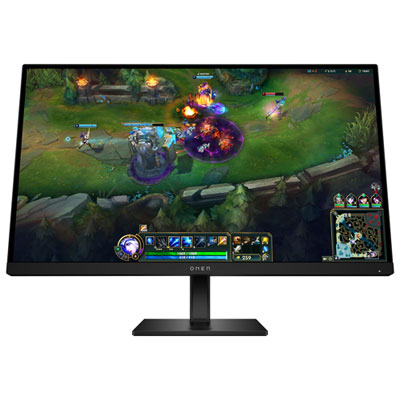
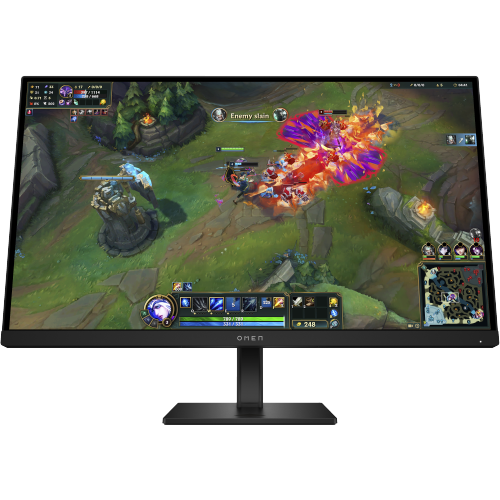
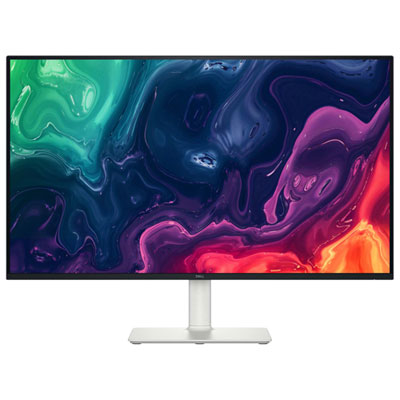
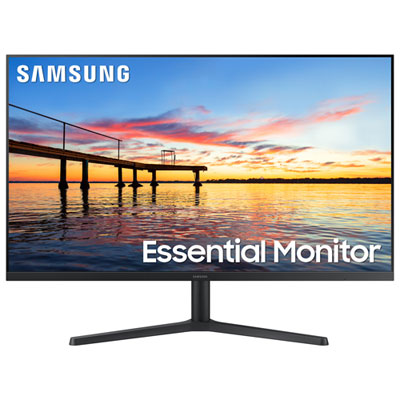
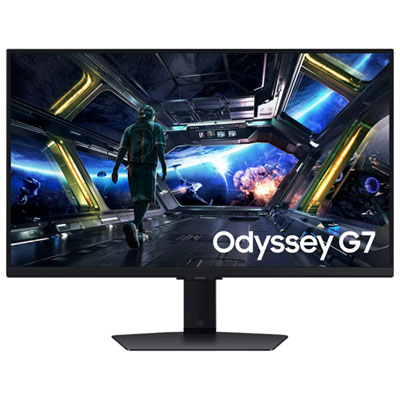
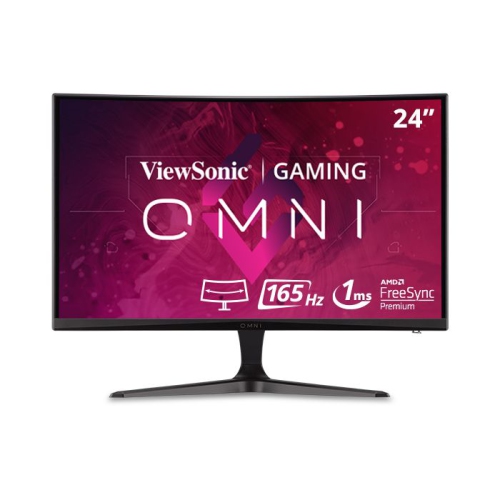
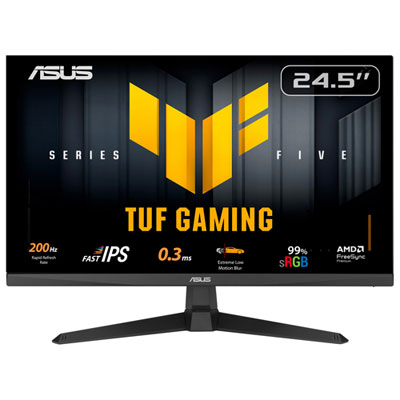
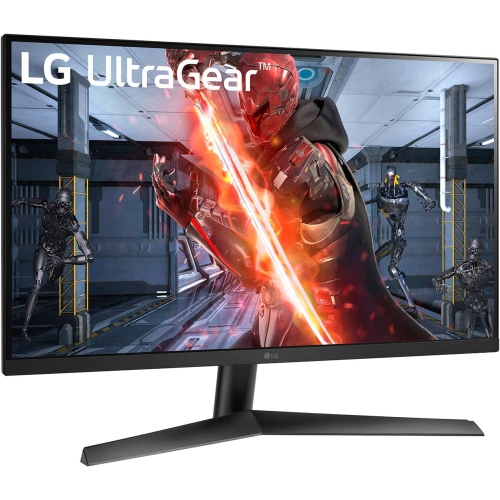
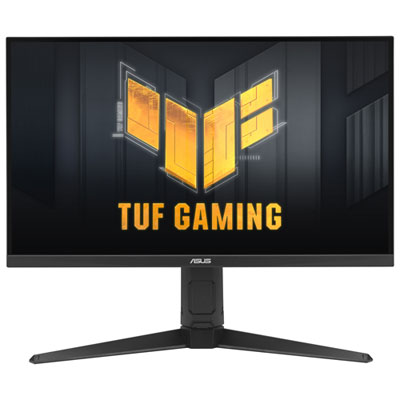
Smoother gameplay when frame rates rise and fall
FreeSync compatible monitors are designed to make on-screen motion look smoother by matching the display’s refresh rate to the frame rate supplied by a compatible graphics processor. This variable refresh rate technology helps reduce screen tearing, where portions of different frames appear together, and the uneven movement that can occur when a game’s frame rate changes. The difference is especially noticeable when panning across a wide landscape, following a fast-moving opponent, or steering through a tight corner in a racing game. Rather than making a computer generate more frames, FreeSync allows the monitor to display those frames with more consistent timing within its supported variable refresh rate range. That range matters alongside the maximum refresh rate: a display rated for 165Hz, for example, does not necessarily support variable refresh rates all the way down to very low frame rates. Some monitors include low frame rate compensation, which repeats frames to help maintain smooth presentation when performance falls below the display’s minimum supported range. Support depends on the monitor and its feature level, so it is worth distinguishing basic adaptive sync capability from additional gaming features. A higher refresh rate can also make scrolling and desktop movement feel more fluid, though the strongest reason to choose FreeSync is smoother gameplay when frame rates fluctuate. These monitors suit everyone from occasional players sharing a home office desk to enthusiasts building a dedicated gaming space. They can also be a thoughtful gift for someone whose existing display no longer matches the capabilities of their computer, provided the connections, desk space, and graphics compatibility are known. The related selection of Monitors With FreeSync offers another way to explore displays built around this feature. Across the category, the most useful combination is not simply the largest screen or highest refresh rate, but a balance of motion clarity, image detail, and comfortable everyday use.
Screen size and resolution shape how a FreeSync compatible monitor fits into a room and how demanding games will be on the connected computer. A 24-inch Full HD display can feel comfortably proportioned on a compact desk, with enough room beside it for speakers, a keyboard, and a notebook. A 27-inch monitor with a 2560 × 1440 resolution provides more detail and workspace, making it a versatile format for gaming, documents, and side-by-side windows. Larger 4K displays can render fine textures and small text with greater definition, but running games at their native resolution generally requires more graphics processing power to maintain high frame rates. Ultrawide screens create a broader view in supported games and more horizontal space for multitasking, although not every game or console supports their aspect ratio. Curved panels can make the edges of a wide display feel more evenly positioned around a seated viewer, while flat screens are often easier to share with someone sitting nearby. Panel technology adds another layer to the picture. IPS panels generally offer consistent colour and wide viewing angles, while VA panels often deliver stronger contrast for dark scenes. OLED panels offer deep blacks and very fast pixel response, with panel-care considerations for prolonged static content. Refresh rate and response time describe different things: refresh rate is how often the image can update, while response time concerns how quickly pixels change. Neither specification alone guarantees clear motion, and aggressive response-time settings can sometimes introduce visible bright or dark trails. HDR support also varies substantially; accepting an HDR signal does not by itself guarantee bright highlights or detailed shadows. For a desk used for both evening games and daytime work, readable text, manageable reflections, and colour consistency may matter as much as headline gaming specifications. Matte screen finishes can soften distracting reflections, but positioning the display away from a bright window remains helpful. People who edit photos or create visual content may also value documented colour coverage and calibration features, since FreeSync itself does not determine colour accuracy.
Connections, physical fit, and daily care help determine whether a monitor will remain comfortable and dependable beyond the first gaming session. FreeSync requires support from the display and graphics hardware, and its operation can vary by input. DisplayPort is a common connection for desktop gaming, while HDMI can also support FreeSync on compatible equipment; the port version, cable capability, and supported display modes all affect the resolution and refresh rate available. A USB-C connection may carry video on some monitors, but its presence alone does not confirm adaptive sync support or enough charging power for a laptop. Compatibility with another graphics platform’s variable refresh rate mode is not universal, so the monitor’s documented support matters more than assuming that every adaptive sync display behaves identically. Console players also need to check support for their console’s particular variable refresh rate format and desired resolution over HDMI. On compatible systems, FreeSync may need to be enabled in both the monitor’s on-screen menu and the graphics software, with the preferred refresh rate selected in the operating system. A suitable cable and a direct connection can help avoid limitations introduced by an adapter or dock. Beyond connectivity, stand design makes a noticeable difference during long sessions. Height adjustment, tilt, and swivel allow a more relaxed viewing position, while a compatible monitor arm can free up desk space when the mounting pattern and weight limits match. Screen dimensions alone do not describe the full footprint: a deep stand may bring a large panel too close on a narrow desk. Sturdy plastic housings, metal supports, and a stable base can help a display withstand routine adjustment, while accessible controls make switching inputs less awkward. For shared work and gaming spaces, a headphone output, built-in speakers, or a USB hub may reduce cable clutter, depending on the setup. Routine care is straightforward: a soft, clean microfibre cloth, gentle pressure, and the manufacturer’s approved cleaning method help protect the screen’s surface coating. Liquids should never be sprayed directly onto the panel, and ventilation openings should remain clear. These practical details make a FreeSync compatible monitor easier to live with, whether it is used for a quick match after work, a long weekend adventure, or a full day that moves between spreadsheets and play.
Screen size and resolution shape how a FreeSync compatible monitor fits into a room and how demanding games will be on the connected computer. A 24-inch Full HD display can feel comfortably proportioned on a compact desk, with enough room beside it for speakers, a keyboard, and a notebook. A 27-inch monitor with a 2560 × 1440 resolution provides more detail and workspace, making it a versatile format for gaming, documents, and side-by-side windows. Larger 4K displays can render fine textures and small text with greater definition, but running games at their native resolution generally requires more graphics processing power to maintain high frame rates. Ultrawide screens create a broader view in supported games and more horizontal space for multitasking, although not every game or console supports their aspect ratio. Curved panels can make the edges of a wide display feel more evenly positioned around a seated viewer, while flat screens are often easier to share with someone sitting nearby. Panel technology adds another layer to the picture. IPS panels generally offer consistent colour and wide viewing angles, while VA panels often deliver stronger contrast for dark scenes. OLED panels offer deep blacks and very fast pixel response, with panel-care considerations for prolonged static content. Refresh rate and response time describe different things: refresh rate is how often the image can update, while response time concerns how quickly pixels change. Neither specification alone guarantees clear motion, and aggressive response-time settings can sometimes introduce visible bright or dark trails. HDR support also varies substantially; accepting an HDR signal does not by itself guarantee bright highlights or detailed shadows. For a desk used for both evening games and daytime work, readable text, manageable reflections, and colour consistency may matter as much as headline gaming specifications. Matte screen finishes can soften distracting reflections, but positioning the display away from a bright window remains helpful. People who edit photos or create visual content may also value documented colour coverage and calibration features, since FreeSync itself does not determine colour accuracy.
Connections, physical fit, and daily care help determine whether a monitor will remain comfortable and dependable beyond the first gaming session. FreeSync requires support from the display and graphics hardware, and its operation can vary by input. DisplayPort is a common connection for desktop gaming, while HDMI can also support FreeSync on compatible equipment; the port version, cable capability, and supported display modes all affect the resolution and refresh rate available. A USB-C connection may carry video on some monitors, but its presence alone does not confirm adaptive sync support or enough charging power for a laptop. Compatibility with another graphics platform’s variable refresh rate mode is not universal, so the monitor’s documented support matters more than assuming that every adaptive sync display behaves identically. Console players also need to check support for their console’s particular variable refresh rate format and desired resolution over HDMI. On compatible systems, FreeSync may need to be enabled in both the monitor’s on-screen menu and the graphics software, with the preferred refresh rate selected in the operating system. A suitable cable and a direct connection can help avoid limitations introduced by an adapter or dock. Beyond connectivity, stand design makes a noticeable difference during long sessions. Height adjustment, tilt, and swivel allow a more relaxed viewing position, while a compatible monitor arm can free up desk space when the mounting pattern and weight limits match. Screen dimensions alone do not describe the full footprint: a deep stand may bring a large panel too close on a narrow desk. Sturdy plastic housings, metal supports, and a stable base can help a display withstand routine adjustment, while accessible controls make switching inputs less awkward. For shared work and gaming spaces, a headphone output, built-in speakers, or a USB hub may reduce cable clutter, depending on the setup. Routine care is straightforward: a soft, clean microfibre cloth, gentle pressure, and the manufacturer’s approved cleaning method help protect the screen’s surface coating. Liquids should never be sprayed directly onto the panel, and ventilation openings should remain clear. These practical details make a FreeSync compatible monitor easier to live with, whether it is used for a quick match after work, a long weekend adventure, or a full day that moves between spreadsheets and play.
Top selling and popular products
-
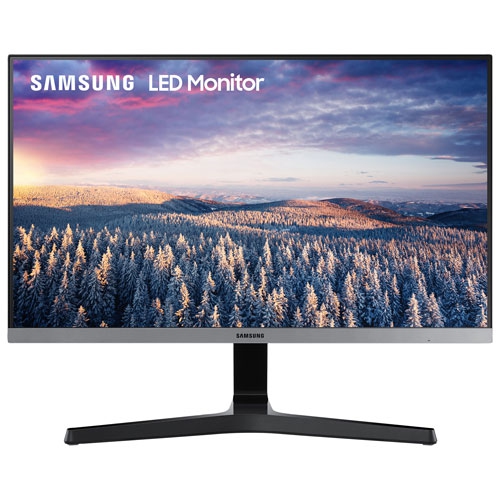 Your price for this item is $279.97
 -
 Your price for this item is $275
 -
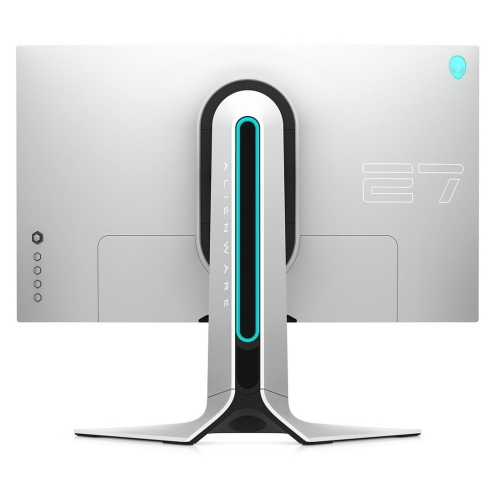 Your price for this item is $299
 -
 Your price for this item is $559.68
 -
 Your price for this item is $209.99
 -
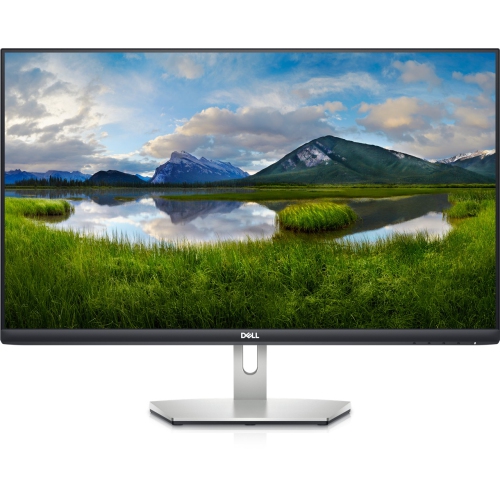 Your price for this item is $239.99
 -
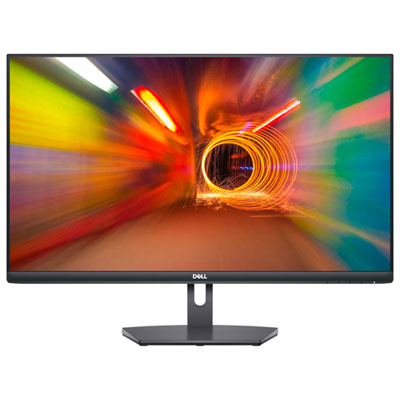 Your price for this item is $179.95
 -
 Your price for this item is $3299.99
Discover more categories related to Free Sync Compatible Monitors
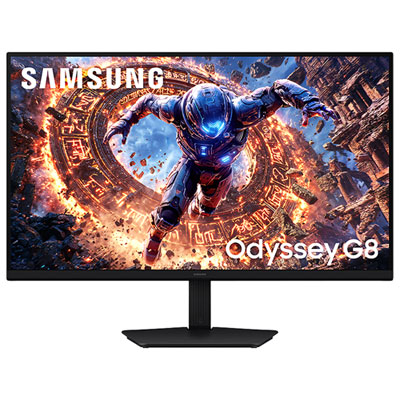
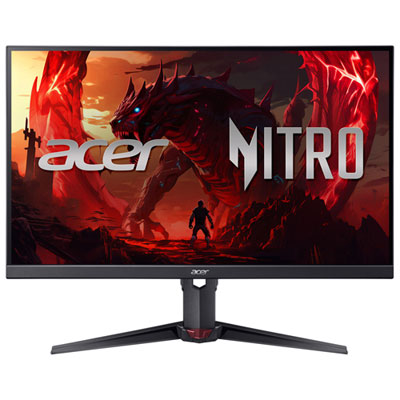
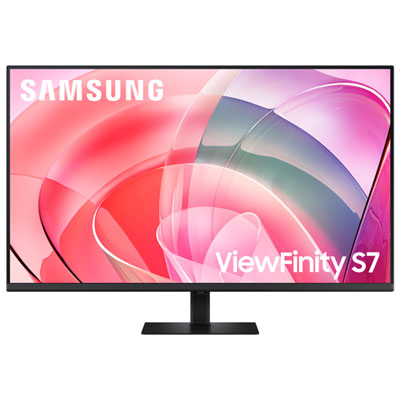
Top Collections:
Pokemon Centers, Kindle Devices, Best Budget Office Chairs, Apple iPhones 16, Best Laptops for Writers, iPhone 15 Apple, Canon G7X Cameras, Refurbished Apple Laptops, Alarm Clock, Motorola Razr Phones
Some products may be subject to Environmental Handling Fees
(EHF) depending on your province.
Learn more about EHFs.