Best Gaming Mice for Fortnite
Find the best gaming mice for Fortnite with a selection ranked by user review ratings. Whether you’re lining up a shot or building under pressure, features like precise tracking, responsive buttons, and a comfortable grip can help you stay in control. Compare options to find a gaming mouse that suits your play style and setup.
What to look for in gaming mice for Fortnite
1. Sensor Accuracy and Sensitivity
2. Weight and Grip Comfort
3. Programmable Buttons
4. Connection and Polling Rate
-
1
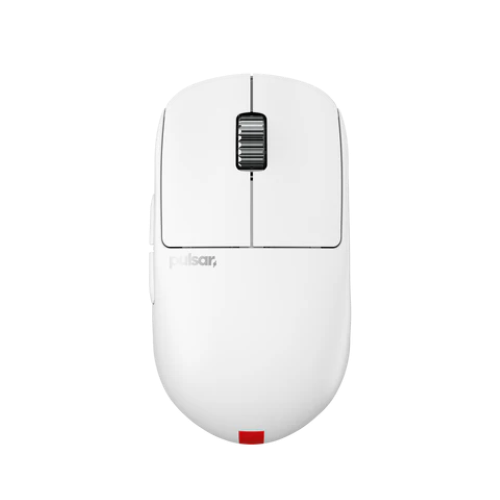
PULSAR GAMING GEARS Pulsar X2H Es Wireless Gaming Mouse Lightweight 65G, 8K/4K Polling Rate, Symmetrical Design for Esports, Oled Display Includes 4K
About this product
A lightweight white wireless gaming mouse featuring an OLED display, 4K dongle, and customizable polling rates.
(2)$179.99 Your price for this item is $179.99 -
2
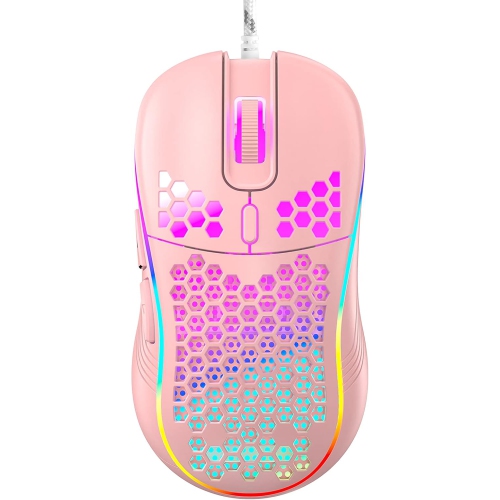
RISOKEYS Risophy Honeycomb Wired Gaming Mouse, RGB Backlight And 7200 Adjustable Dpi, Ergonomic And Lightweight USB Computer Mouse w High Precision
About this product
An ergonomic, lightweight wired gaming mouse with RGB backlight, 7200 adjustable DPI, and high-precision sensor.
$42.99Your price for this item is $42.99SAVE $34 -
3
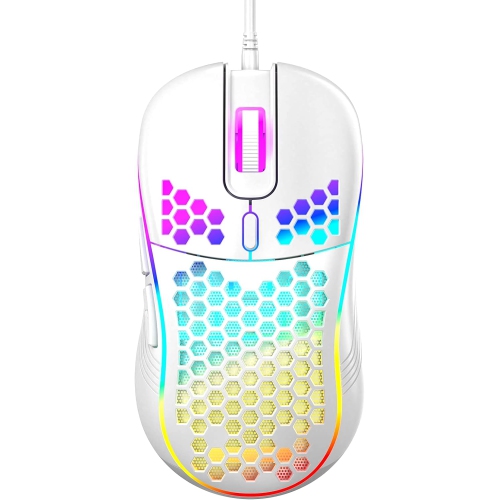
RISOKEYS Risophy Honeycomb Wired Gaming Mouse, RGB Backlight And 7200 Adjustable Dpi, Ergonomic And Lightweight USB Computer Mouse w High Precision
About this product
An ergonomic, lightweight wired gaming mouse featuring RGB backlight, 7200 adjustable DPI, and high-precision sensor.
$32.99Your price for this item is $32.99SAVE $44 -
4

RISOKEYS Wireless Lightweight Gaming Mouse Honeycomb w 7 Button Multi RGB Backlit Perforated Ergonomic Shell Optical Sensor Adjustable Dpi
About this product
A black wireless gaming mouse featuring a lightweight perforated shell, 7 buttons, RGB backlighting, and adjustable DPI.
$48.99Your price for this item is $48.99SAVE $39 -
5
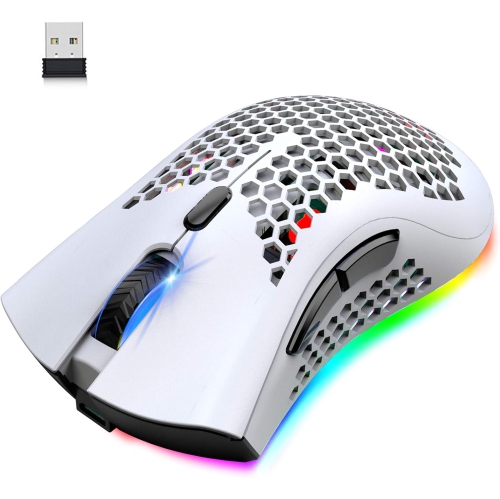
RISOKEYS Risophy Wireless Lightweight Gaming Mouse Honeycomb w 7 Button Multi RGB Backlit Perforated Ergonomic Shell Optical Sensor Adjustable Dpi
About this product
A white wireless gaming mouse featuring a perforated ergonomic shell, 7 buttons, RGB backlighting, and adjustable DPI.
$48.99Your price for this item is $48.99SAVE $39 -
6
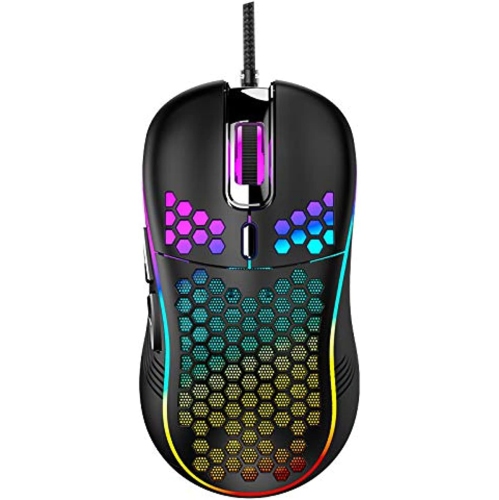
RISOKEYS Risophy Wired Gaming Mouse, RGB Backlight And 7200 Adjustable Dpi, Ergonomic And Lightweight USB Computer Mouse w High Precision Sensor For
About this product
An ergonomic wired gaming mouse featuring RGB backlight, 7200 adjustable DPI, and a high-precision sensor.
$47.99Your price for this item is $47.99SAVE $37 -
7
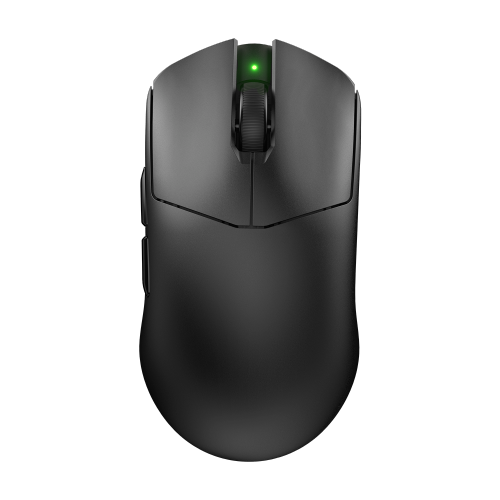
COUGAR Revenger Pro 4K Wireless Gaming Mouse, 55G Ultralight, Symmetrical Design, 3395 Sensor, 2.4Ghz, 4000Hz Polling Rate, Windows Compatible
About this product
An ultralight wireless gaming mouse with a 26000 DPI sensor and 4000Hz polling rate for peak performance.
$99.99 Your price for this item is $99.99 -
8
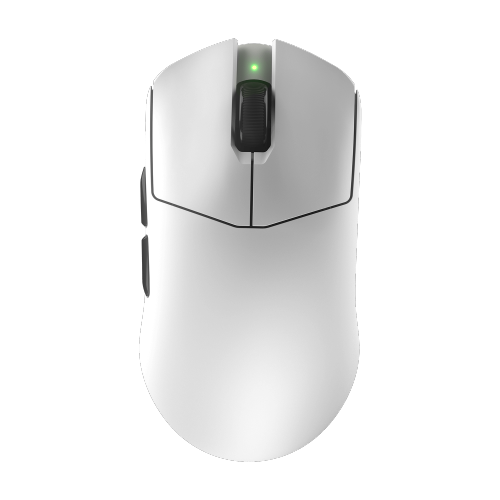
COUGAR Revenger Pro 4K Wireless Gaming Mouse, 55G Ultralight, Symmetrical Design, 3395 Sensor, 2.4Ghz, 4000Hz Polling Rate, Windows Compatible
About this product
An ultralight white wireless gaming mouse featuring a 3395 sensor, 4000Hz polling rate, and symmetrical design.
$99.99 Your price for this item is $99.99 -
9
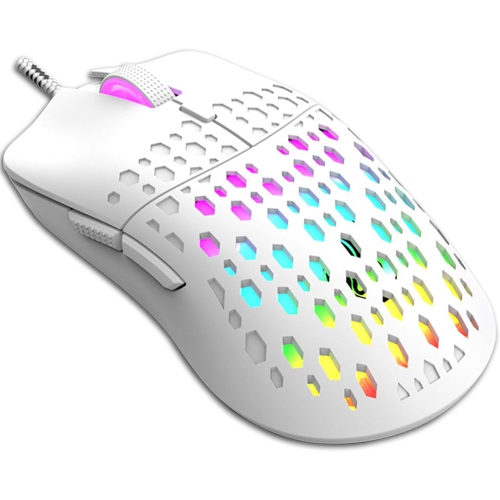
RISOKEYS Gaming Mouse Wired, Lightweight RGB Gaming Mouse, 4 Adjustable Dpi Up to 3600, 6 Programmable Buttons, Ergonomic Computer Mouse For
About this product
A lightweight white wired mouse with RGB lighting, 4 adjustable DPI settings, and 6 programmable buttons.
$27.99Your price for this item is $27.99SAVE $43 -
10
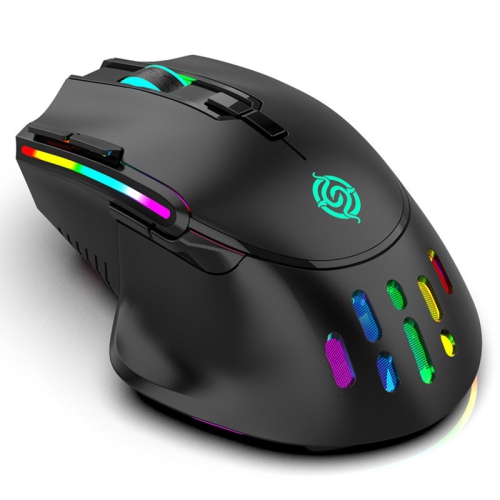
RISOKEYS RGB Rechargeable Wireless Gaming Mouse Esports Colorful Desktop Computer Notebook Office Gaming Accesories Mouse(Black)
About this product
A rechargeable wireless gaming mouse in black featuring vibrant RGB lighting for desktop and notebook use.
$42.99Your price for this item is $42.99SAVE $42
FAQ
Look for adjustable DPI, programmable buttons, an optical sensor and a connection type that suits your setup. Companion software and onboard memory are also worth considering if you want to customize button assignments and save settings. Check compatibility with your gaming platform, as customization options can vary.
Fortnite lets you assign supported mouse buttons to actions through its control settings. Common assignments include building commands, editing and switching weapons. Some mice also offer button customization through companion software. Use individual action bindings rather than automated sequences, and check the rules for any competitive events you enter.
Wired gaming mice connect through a USB cable and do not need separate charging. Wireless models use batteries or rechargeable power and may connect through a USB receiver, Bluetooth or both. Some wireless mice also support wired use, but connection options and platform compatibility vary by model.
DPI stands for dots per inch and describes the mouse’s sensitivity setting. At a higher DPI, the same physical movement generally produces more cursor or camera movement. Fortnite also has its own sensitivity controls, so mouse DPI and in-game settings work together to determine how movement feels.
Onboard memory stores supported settings directly on the mouse, such as DPI levels, button assignments and lighting preferences. This lets you retain certain customizations when connecting to another compatible computer. The settings that can be saved vary, and some features still require companion software.
Top selling and popular products
Discover more categories related to Best Gaming Mice for Fortnite

Some products may be subject to Environmental Handling Fees (EHF) depending on your province. Learn more about EHFs.