Best Keyboards for Fortnite
Find the best keyboards for Fortnite, ranked by user review ratings to help you compare player favourites. Whether you’re building, editing, or lining up your next shot, look for responsive keys, a comfortable layout, and customizable controls that suit your play style. Explore the top-rated options to find the right fit for your gaming setup.
What to look for in keyboards for Fortnite
1. Switch Type and Feel
2. Input Responsiveness
3. Keyboard Size and Layout
4. Customization and Compatibility
-
1

SteelSeries Apex 3 Backlit Gaming Keyboard
About this product
A black backlit keyboard featuring whisper-quiet switches and IP32 water resistance for distraction-free gaming.
What customers like
(2,103)$76.98 Your price for this item is $76.98 -
2
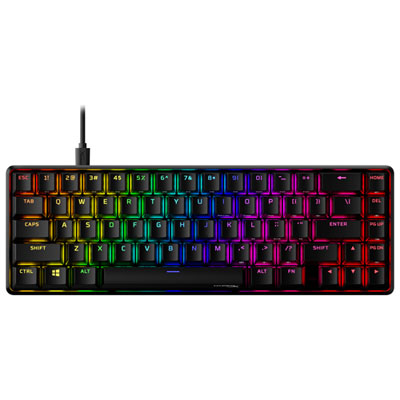
HyperX Alloy Origins 65 Backlit Mechanical Red Gaming Keyboard
About this product
A compact mechanical keyboard with durable aluminum build, RGB backlit keys, and responsive HyperX switches.
What customers like
(369)$79.99Your price for this item is $79.99SAVE $28 -
3
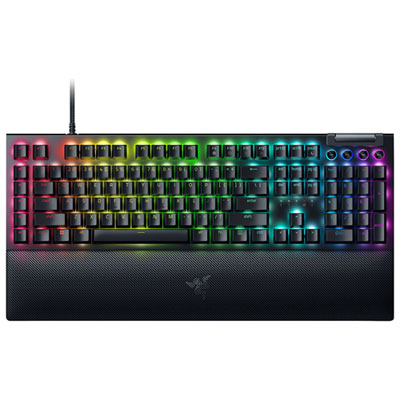
Razer BlackWidow V4 Mechanical Gaming Keyboard with Chroma RGB
About this product
A precision-enhancing gaming keyboard with macro switches and customizable Chroma RGB lighting.
What customers like
(337)$244.99 Your price for this item is $244.99 -
4

HyperX Alloy Origins 60 Backlit Mechanical Red-Linear Gaming Keyboard
About this product
A compact black and red mechanical keyboard with RGB backlighting, aluminum frame, and responsive linear switches.
What customers like
(313)$88.98Your price for this item is $88.98SAVE $11 -
5
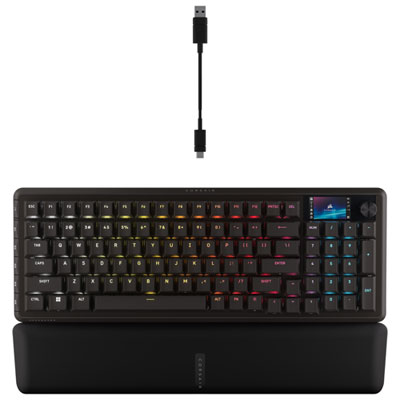
Corsair Vanguard Pro 96 Backlit Hall Effect MGX linear Pre-Lubricated Gaming Keyboard - English
About this product
A black gaming keyboard featuring ultra-responsive Hall Effect switches, RGB backlighting, and programmable G-keys.
What customers like
(182)$259.99Your price for this item is $259.99SAVE $75 -
6
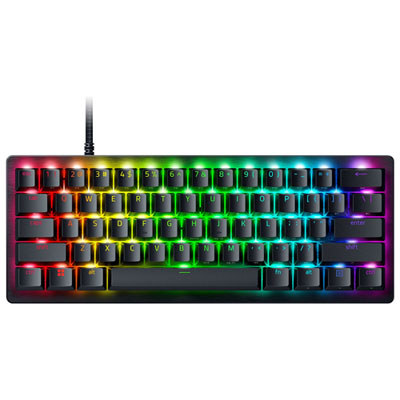
Razer Huntsman V3 Pro Mini Backlit Mechnical Analog Optical Gaming Keyboard
About this product
A compact 60% gaming keyboard featuring Gen-2 analog optical switches, adjustable actuation, and brushed aluminum top.
What customers like
(179)$194.99Your price for this item is $194.99SAVE $25 -
7
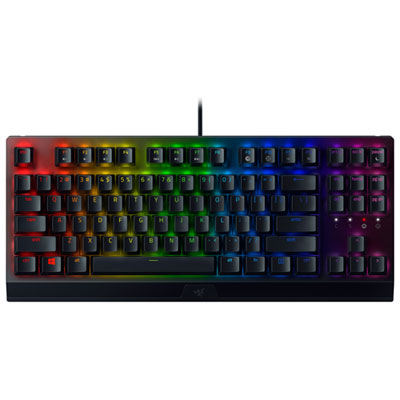
Razer BlackWidow V3 Tenkeyless Backlit Mechanical Green Switch Gaming Keyboard
About this product
A compact black and green mechanical keyboard with green switches and backlighting for responsive, lag-free gaming.
What customers like
(96)$119.98Your price for this item is $119.98SAVE $10 -
8
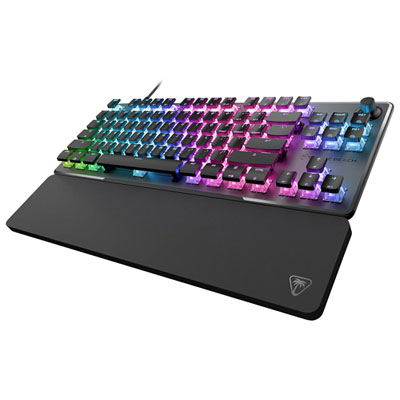
Turtle Beach Vulcan II Pro Tenkeyless Backlit Magnetic Mechanical Gaming Keyboard - Only at Best Buy
About this product
A black wired gaming keyboard featuring Hall-Effect magnetic switches and customizable per-key sensitivity for precision.
What customers like
(80)$69.99Your price for this item is $69.99SAVE $130 -
9
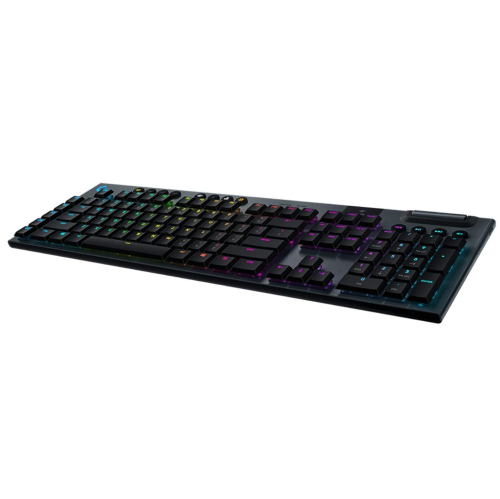
LOGITECH G915 Lightspeed RGB Mechanical Gaming Keyboard With Low Profile Gl Tactile Key Switch - (920-008902) In Black
About this product
A sleek black wireless gaming keyboard featuring low-profile tactile switches, customizable RGB lighting, and durable aluminum construction.
What customers like
(66)$260.00Your price for this item is $260SAVE $56 -
10
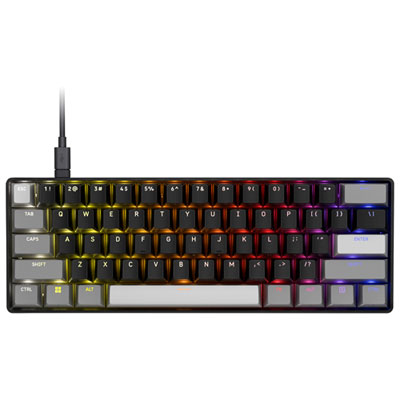
Corsair Clipper Pro Mini 60 Hall Effect Linear Backlit Gaming Keyboard - English
About this product
A compact black gaming keyboard featuring Hall Effect linear switches and 8,000Hz hyper-polling for rapid response.
What customers like
(47)$139.99Your price for this item is $139.99SAVE $20
FAQ
Mechanical keyboards commonly offer linear, tactile or clicky switches. Linear switches have a smooth keypress, tactile switches have a noticeable bump, and clicky switches add an audible click. Membrane keyboards use a different mechanism, typically with a softer keypress. The choice comes down to your preferred feel and sound.
Gaming keyboards can connect through a wired USB connection, a USB wireless receiver or Bluetooth. Some models support multiple connection modes. Check which connections your gaming platform supports, as keyboard compatibility can vary between computers and consoles.
Fortnite includes keyboard binding settings for actions such as movement, building, editing and selecting weapons. Some gaming keyboards also offer key remapping through companion software. Game settings and keyboard software provide separate customization options, and software availability varies by operating system.
Common options include single-colour backlighting, zoned RGB lighting and per-key RGB lighting. Depending on the keyboard, you may be able to adjust brightness, choose colours or create lighting patterns using built-in controls or companion software. Some models also let you turn the lighting off.
Onboard profiles store supported settings in the keyboard’s internal memory rather than only in computer software. Depending on the model, these may include remapped keys, lighting preferences and actuation settings. Software-based profiles are stored on the computer and may require the companion app to be running.
Top selling and popular products
Discover more categories related to Best Keyboards for Fortnite


Some products may be subject to Environmental Handling Fees (EHF) depending on your province. Learn more about EHFs.