Best i7 Laptops for College Students

Find the best i7 laptops for college students, ranked by user review ratings to help you compare options for campus life. Whether you’re researching assignments, joining online classes or multitasking between projects, a laptop with an Intel Core i7 processor can help you keep up. Explore options with the memory, storage, battery life and portability you need for your coursework and daily routine.

Read More

What to look for in i7 laptops for college students

1. Processor and Software Requirements

Check your program’s software requirements before choosing a laptop, as engineering, design and other specialized courses may need dedicated graphics. Compare the exact Intel Core i7 processor models and generations, since the i7 name alone does not indicate performance.

2. Memory and Storage

Look for at least 16 GB of RAM for multitasking across research tabs, video calls and coursework. A 512 GB SSD offers a practical starting point for applications and assignments, while larger project files may call for more storage.

3. Portability and Battery Life

Consider the laptop’s weight, dimensions and charger size if you will carry it between classes. Compare battery-life estimates carefully, as demanding software and higher screen brightness can reduce time between charges.

4. Display and Everyday Usability

A 14-inch display can balance workspace and portability, while a larger screen may suit spreadsheets or side-by-side documents. Look for a comfortable keyboard, a clear webcam and the ports you need for accessories or classroom displays.
Citrus catapult arrow
  1. 1

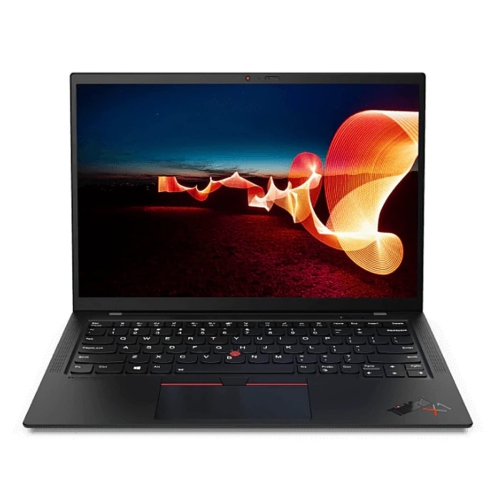
    LENOVO Refurbished (Good) - Thinkpad X1 Carbon Gen 9 14" Wuxga Touchscreen Business Laptop - Core I7-1185G7 - 16GB Lpddr4X - 1Tb SSD - Windows 11

    About this product

    A refurbished laptop featuring a 14" WUXGA touchscreen, Intel Core i7, 16GB RAM, and 1TB SSD.

    (19)
    $999.99
    SAVE $2000
    Your price for this item is $999.99
  2. 2

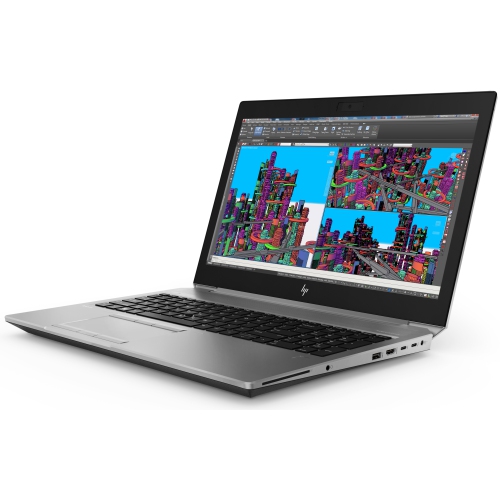
    HP Refurbished (Good) - Zbook Studio G5 15.6" Workstation Laptop - Intel Core I7-8850H - 32GB Ram - 256GB SSD - Windows 10 Pro

    About this product

    A refurbished workstation laptop featuring an Intel Core i7 processor, 32GB RAM, 256GB SSD, and Windows 10 Pro.

    (1)
    $699.00 Your price for this item is $699
  3. 3

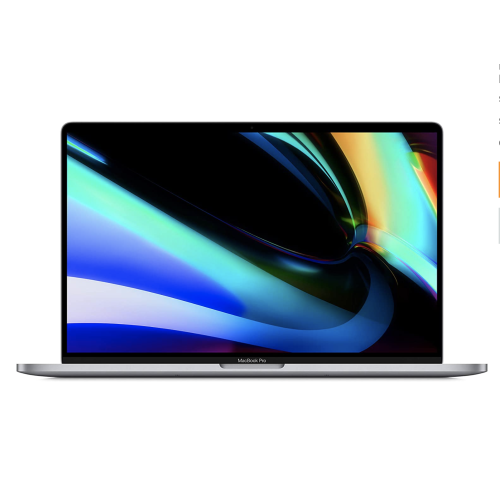
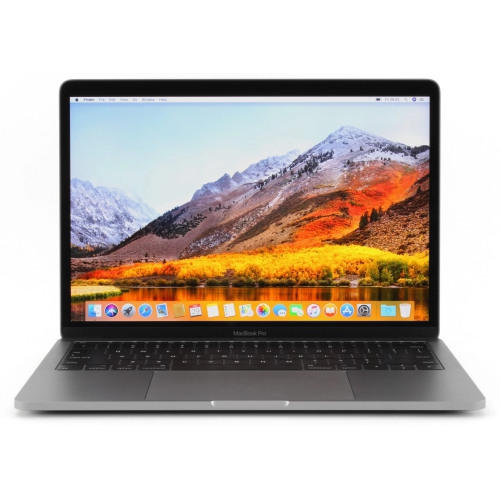
    APPLE Refurbished (Excellent) - Macbook Pro W/ Touch Bar 16"(2019 Model) - Space (Intel Core I7 2.6Ghz/512GB SSD/32GB Ram) - En In Grey

    About this product

    A refurbished grey laptop featuring an Intel Core i7, 32GB RAM, 512GB SSD, and Touch Bar.

    (1)
    $699.00
    SAVE $200
    Your price for this item is $699
  4. 4

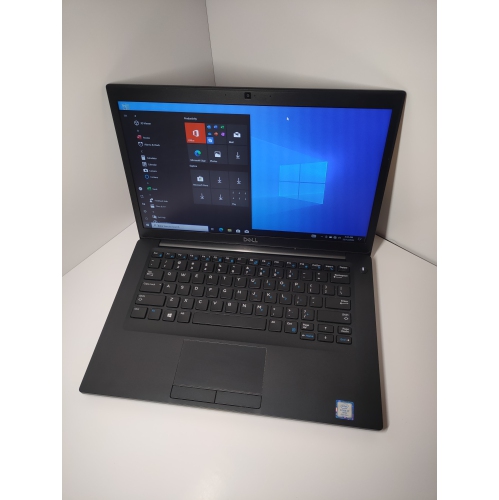
    DELL Refurbished (Good) - Latitude 7490 14" Fhd Laptop - Intel Core I7-8650U - 16GB Ddr4 - 512GB SSD - Windows 11 Pro - In Black

    About this product

    A refurbished laptop featuring an Intel i7 processor, 16GB RAM, 512GB SSD, and Windows 11 Pro.

    (1)
    $600.00 Your price for this item is $600
  5. 5

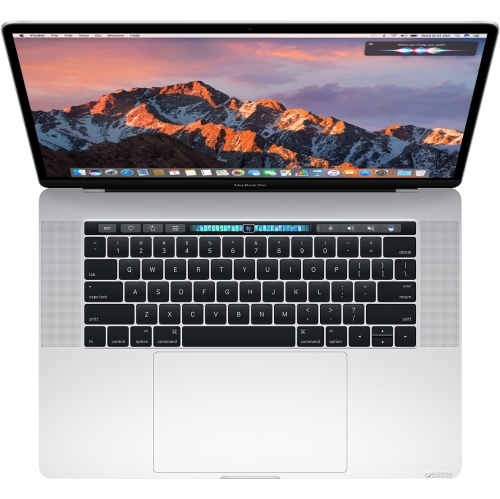
    APPLE Refurbished (Good) - Macbook Pro 15" Touch Bar - Intel Core I7 2.7Ghz - 16GB Ram - 1Tb SSD - Late 2016 - Mlh42Ll/a (A1707) - (Grade A)

    About this product

    A refurbished laptop featuring a Touch Bar, Intel Core i7, 16GB RAM, and 1TB SSD storage.

    (1)
    $599.77
    SAVE $899
    Your price for this item is $599.77
  6. 6

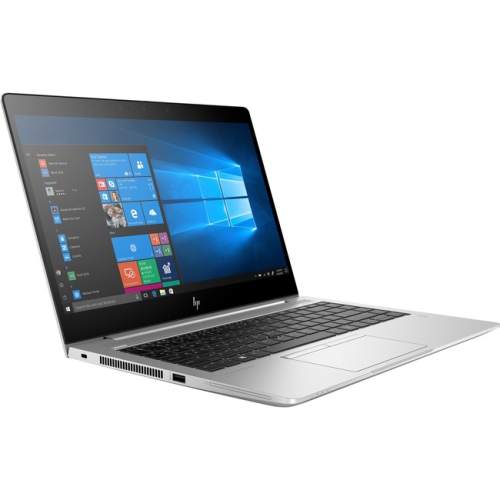
    HP Elitebook 840 G6 14" Touchscreen Laptop - Intel Core I7-8565U - 16GB Ddr4 - 512GB HDD - Windows 10 Pro

    About this product

    A powerful laptop featuring an Intel i7 processor, 16GB RAM, and a 14" FHD anti-glare touchscreen.

    (0)
    $1,546.68 Your price for this item is $1546.68
  7. 7

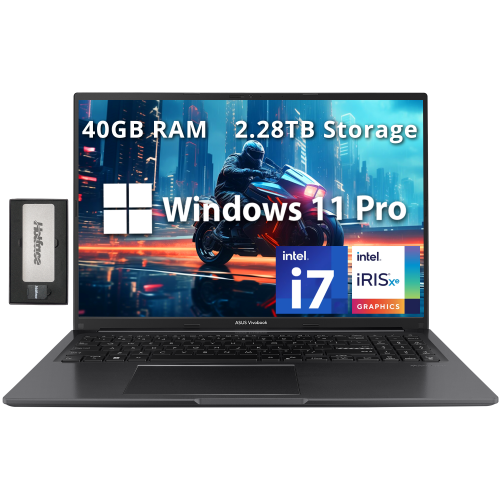
    ASUS Vivobook 16" Wuxga Laptop - Intel I7-1355U - 40GB Ram - 2Tb SSD + 288GB Docking Set - Intel Iris Xe - Windows 11 Pro - In Black

    About this product

    A powerful black laptop with Intel i7, 40GB RAM, 2.28TB storage, and Intel Iris Xe graphics.

    (2)
    $1,859.00
    SAVE $460
    Your price for this item is $1859
  8. 8

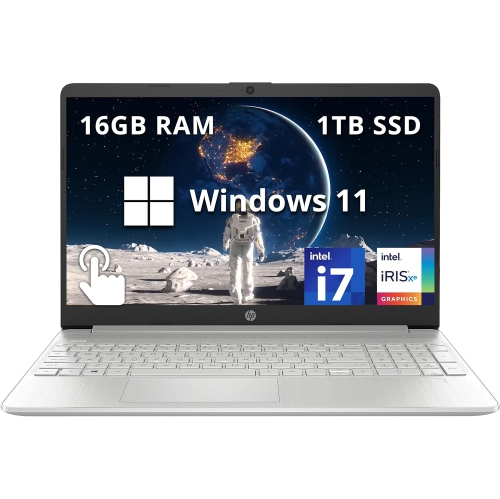
    HP - 15.6" Fhd Touchscreen Laptop - Intel Core I7-1255U - 16GB Ddr4 - 1Tb SSD - Intel Iris Xe - Windows 11 - In Silver

    About this product

    A sleek silver laptop with a 15.6" FHD touchscreen, Intel i7 processor, and 1TB SSD storage.

    What customers like

    • Crisp, high-resolution touchscreen display
    • Ample storage and memory capacity
    • Long battery life and fast charging
    • Fast performance and quick startup
    • Lightweight and portable
    (0)
    $999.00
    SAVE $190
    Your price for this item is $999
  9. 9

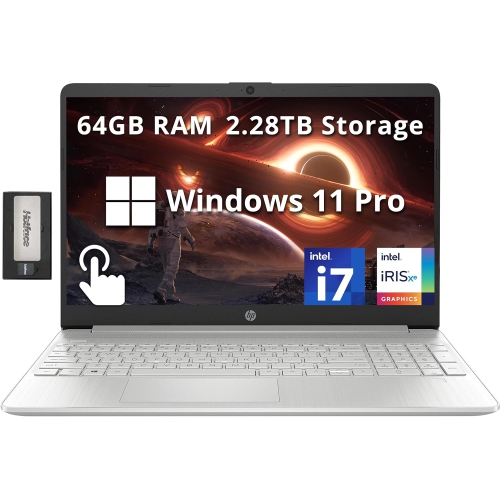
    HP 15.6" Fhd Touchscreen Laptop - Intel Core I7-1255U - 64GB Ddr4 - 2Tb SSD + 288GB Docking Set - Windows 11 Pro - In Silver

    About this product

    A powerful silver touchscreen laptop with Intel i7, 64GB RAM, 2.28TB storage, and Iris Xe graphics.

    What customers like

    • Fast performance and booting speed
    • Good value for money and quality build
    • Large SSD storage and ample RAM
    • Lightweight and portable design
    • Easy to use with smooth trackpad and numeric keypad
    (0)
    $2,769.00
    SAVE $1190
    Your price for this item is $2769
  10. 10

    DELL Refurbished (Excellent) - Latitude 5411 14" Fhd Business Laptop - Intel Core I7-10850H - 16GB Ddr4 - 512GB SSD - Windows 11 Pro - - 3 In 1

    About this product

    A silver laptop featuring an Intel Core i7, 16GB RAM, 512GB SSD, and Windows 11.

    (1)
    $469.98
    SAVE $129
    Your price for this item is $469.98

Why an i7 processor is only the starting point

The best i7 laptops for college students balance processing performance with a comfortable screen, practical battery life, and a size that suits everyday campus travel. An i7 laptop can be a useful fit for students who move between research, presentations, spreadsheets, coding projects, and creative assignments, often with several applications open at once. That extra processing capacity is particularly relevant when compiling software, analysing large datasets, or editing video for a class project. However, the i7 designation alone does not determine how quickly a laptop will work. Processor generation, power requirements, cooling design, memory, and storage all contribute to the experience. A thinner laptop designed for portability may behave differently under a long workload than a larger machine built for sustained performance, even when both carry an i7 processor. For many students, 16GB of RAM provides useful room for multitasking, while 32GB can be worth considering for virtual machines, large creative projects, or more demanding technical coursework. These are starting points rather than universal requirements; the software specified by a college program is the more important reference. A solid-state drive helps applications launch promptly and makes opening project folders feel responsive. A 512GB drive can accommodate a mix of coursework and applications, while 1TB offers more room for footage, image libraries, and substantial project files. Storage needs also depend on whether assignments stay on the laptop or are moved to external drives and school-provided online storage. Students in engineering, architecture, animation, and related programs may need dedicated graphics for particular applications, but not every i7 laptop includes them. Integrated graphics can suit writing, research, presentations, and many everyday computing tasks without the additional size and power demands often associated with dedicated graphics. Matching the complete configuration to actual course requirements helps distinguish a capable study companion from a machine whose strengths are less relevant to the work at hand. Department specifications are especially useful when they identify required operating systems, graphics capabilities, or software versions before classes begin.

For a laptop that travels from a lecture hall to a library desk and then home again, physical fit matters almost as much as performance. A 13-inch or 14-inch display generally lends itself to a more compact setup, while a 15-inch or 16-inch screen provides additional space for comparing documents, arranging editing tools, or viewing a spreadsheet beside lecture notes. Screen dimensions do not tell the whole story: the laptop’s overall footprint, thickness, and weight determine how easily it fits into a backpack or onto a small classroom desk. A taller display shape can show more lines of code or more of a reading assignment without scrolling. Clear text, comfortable brightness adjustment, and an anti-glare finish can make lengthy reading sessions easier to manage, particularly under overhead lighting. Students working with photography, illustration, or video may also need to consider colour accuracy and the display specifications required by their coursework. Keyboard layout deserves similar attention. Well-spaced keys, a responsive touchpad, and a backlit keyboard can make a difference during extended writing sessions, while a number pad may appeal to students entering figures regularly. For online seminars and group meetings, webcam clarity and microphone quality contribute to communication without requiring a desk full of accessories. Connection options influence how smoothly the laptop fits into campus routines. A display output can simplify connecting to a presentation screen, USB ports accommodate familiar accessories, and a headphone connection supports private listening. USB-C capabilities vary, so charging, video output, and docking support should be confirmed for the particular laptop rather than assumed from the connector’s shape. Wi-Fi performance also depends on the campus network and signal strength, not just the laptop. Battery-life claims are another point of comparison rather than a promise of identical results: screen brightness, video calls, background applications, and demanding software all affect running time. The weight of the charger matters, too, especially for students who carry their full setup between buildings. A compact laptop with a bulky power adapter may be less convenient to transport than its listed laptop weight suggests.

Daily student use places practical demands on the construction and care of an i7 laptop. Aluminium housings can offer a firm feel, while well-built plastic designs can also provide dependable service; material alone is not a complete measure of durability. Hinge stability, keyboard-deck rigidity, and the quality of the overall assembly matter when a laptop is opened, packed away, and carried repeatedly. A padded sleeve that fits the laptop’s actual dimensions helps protect it from scratches and everyday knocks inside a bag. Keeping pens, charging plugs, and other hard objects away from the display reduces the chance of damage during transport. At a desk, a firm, flat surface leaves ventilation openings unobstructed, which is particularly important during a lengthy export or calculation. Bedding and soft cushions can block airflow, and a slim laptop may become more audible when its fans respond to sustained work. Routine care is straightforward: power the laptop down before cleaning, use a soft microfibre cloth, and follow the manufacturer’s directions for suitable cleaning methods. Liquids should not be sprayed directly onto the screen or keyboard. Regular backups help protect essays, lab results, and collaborative projects from accidental deletion or hardware problems, while software updates and secure sign-in options support everyday account protection. For students planning to use the same laptop throughout a program, memory and storage upgrade options may be relevant, although some thin designs have fixed components that cannot be expanded later. Repair and warranty terms also deserve attention before a laptop becomes central to daily coursework. An i7 laptop can make a thoughtful gift for a student beginning college, provided its operating system, portability, and specifications match the recipient’s program and preferences. Students whose work centres on documents, web research, streaming lectures, and routine spreadsheets may also find a suitable balance among Best i5 Laptops for Students. For those handling heavier assignments, the appeal of an i7 laptop is the combination of capable hardware and everyday usability: enough room to work, connections that suit the classroom, and a design that remains comfortable to carry and use.
Read More

FAQ

Some products may be subject to Environmental Handling Fees (EHF) depending on your province. Learn more about EHFs.