Best Inkjet Printers for Mac

Find the best inkjet printers for Mac, ranked by user review ratings to help you compare customer favourites. Whether you’re printing crisp documents, colourful school projects, or detailed photos, explore options that suit your needs and budget. Consider macOS compatibility, Wi-Fi connectivity, and ink costs to find the right fit for your home or office.

Read More

What to look for in inkjet printers for Mac

1. Mac Compatibility and Connectivity

Check that the printer supports your version of macOS and offers Apple AirPrint for printing without installing additional drivers. Wi-Fi enables wireless printing, while a USB connection may require a compatible cable or adapter for your Mac.

2. Print Quality and Speed

Choose an inkjet printer that suits what you print most, whether that is crisp text, colourful graphics, or detailed photos. Compare print speeds for documents and look for borderless printing and photo paper support if you plan to print pictures.

3. Ink Costs and Capacity

Compare replacement ink prices and estimated page yields to get a sense of ongoing costs. Refillable ink tank models can suit frequent printing, while cartridge-based models may have a lower purchase price.

4. Paper Handling and All-in-One Features

Look for automatic two-sided printing, a suitable paper tray capacity, and support for the paper sizes you use. If you need scanning or copying, choose an all-in-one model and check that its scanning features work with your Mac.
Citrus catapult arrow
  1. 1

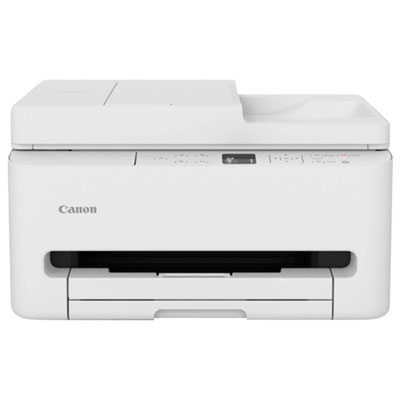
    Canon PIXMA TR7120 All-In-One Inkjet Printer

    About this product

    An all-in-one white inkjet printer with wireless connectivity, OLED display, and automatic document feeder.

    (3)
    $129.99
    SAVE $50
    Your price for this item is $129.99
  2. 2

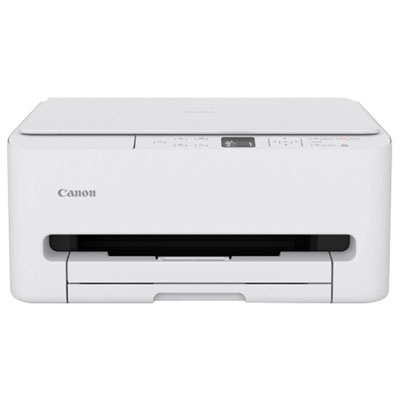
    Canon PIXMA TS6520 All-In-One Inkjet Printer

    About this product

    A compact white all-in-one inkjet printer offering vivid printing, scanning, copying, and wireless connectivity.

    (16)
    $119.99
    SAVE $10
    Your price for this item is $119.99
  3. 3

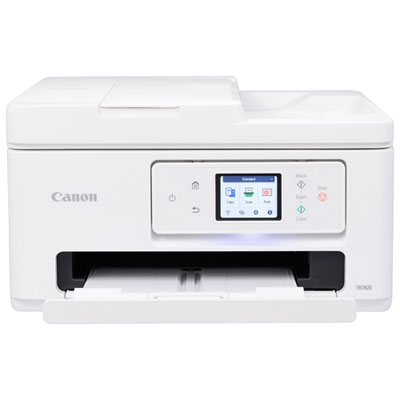
    Canon PIXMA TR7820 Wireless All-In-One Inkjet Printer

    About this product

    An all-in-one wireless inkjet printer with a 2.7" touch LCD and easy two-cartridge system.

    What customers like

    • Easy and quick setup
    • Compact and efficient design
    • Good print and scan quality
    • Affordable price
    • Reliable wireless connectivity
    (115)
    $149.99
    SAVE $110
    Your price for this item is $149.99
  4. 4

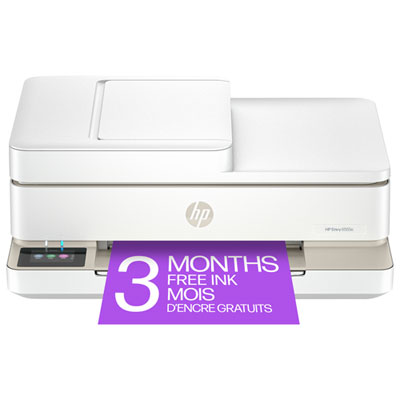
    HP 6555e All-In-One Inkjet Printer - HP Instant Ink 3-Month Free Trial Included*

    About this product

    An all-in-one white inkjet printer offering print, copy, and scan functions plus a 3-month Instant Ink trial.

    What customers like

    • Compact and sleek design
    • User-friendly touchscreen interface
    • Easy setup process
    • High print and scan quality
    • Cost-effective ink program
    (3,218)
    $99.95
    SAVE $50
    Your price for this item is $99.95
  5. 5

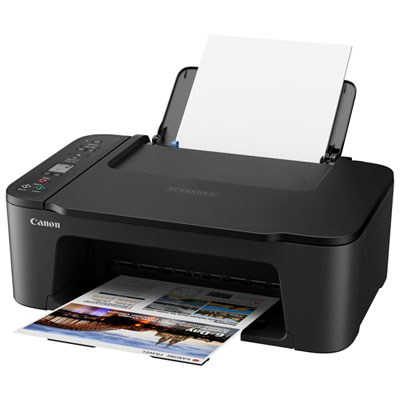
    Canon PIXMA TS3729 Wireless All-In-One Inkjet Printer - Only at Best Buy

    About this product

    An easy-to-use wireless inkjet printer with mobile printing, flatbed scanner, and quick rear paper tray reloading.

    What customers like

    • Compact and practical design
    • Affordable and good value for money
    • Easy setup and use
    • Reliable wireless connectivity
    • Good print quality for black and color
    (106)
    $59.99 Your price for this item is $59.99
  6. 6

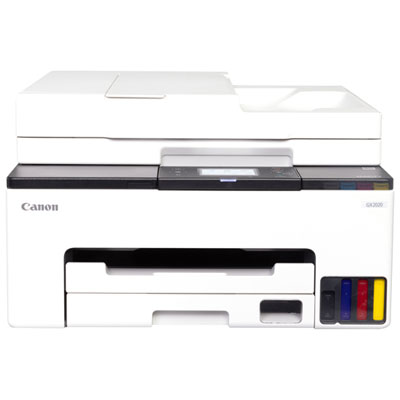
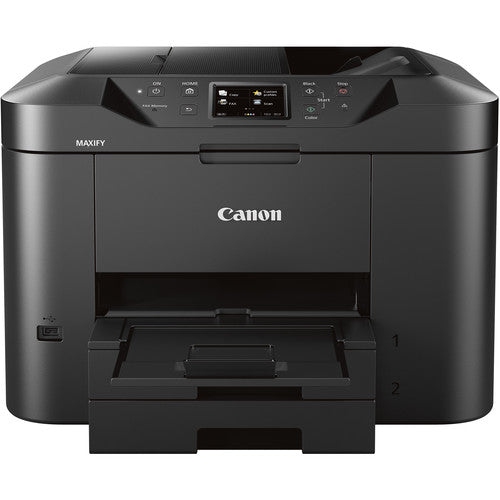
    Canon MAXIFY GX2020 Wireless All-In-One Inkjet Printer

    About this product

    An all-in-one wireless inkjet printer with auto document feeder and fax for efficient home office tasks.

    (6)
    $349.99
    SAVE $150
    Your price for this item is $349.99
  7. 7

    Canon PIXMA TR4720 Wireless All-In-One Inkjet Printer - White

    About this product

    A versatile white wireless inkjet printer offering fast, high-quality printing and easy operation for any task.

    What customers like

    • Easy setup and installation
    • Affordable price and good value
    • Versatile all-in-one features
    • Good print and photo quality
    • Compact size and small footprint
    (127)
    $79.99 Your price for this item is $79.99
  8. 8

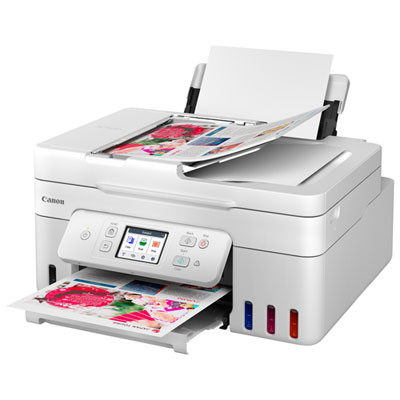
    Canon PIXMA MegaTank G4280 All-In-One Inkjet Printer

    About this product

    An all-in-one white inkjet printer with wireless printing, touch LCD, and integrated ink tanks for efficiency.

    What customers like

    • Great for double-sided colour printing
    • Easy wireless and direct connection
    • High print quality
    • Reliable performance
    • No paper jams
    (39)
    $299.99
    SAVE $80
    Your price for this item is $299.99
  9. 9

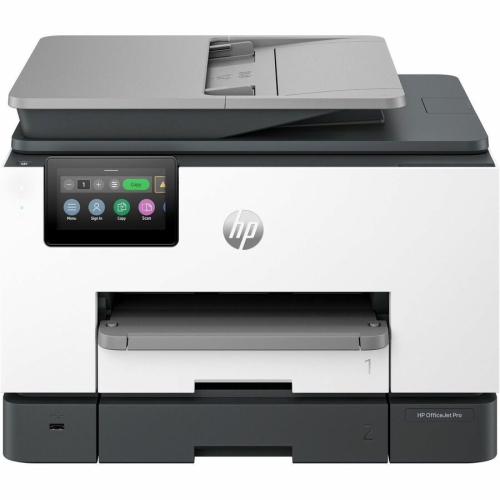
    HP Officejet Pro 9130B Wired & Wireless All-In-One Inkjet Printer - (4U555A#b1H)

    About this product

    An all-in-one inkjet printer offering wired and wireless connectivity for efficient, professional-quality color printing.

    What customers like

    • Easy and quick setup
    • Fast and high-quality printing
    • User-friendly touchscreen and app features
    • Reliable wireless and multi-device connectivity
    • Versatile all-in-one functionality
    (299)
    $516.99
    SAVE $96
    Your price for this item is $516.99
  10. 10

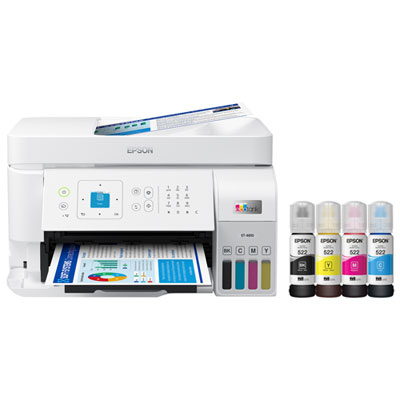
    Epson EcoTank ET-4810 Wireless All-In-One Inkjet Printer - Only at Best Buy

    About this product

    An all-in-one wireless inkjet printer with cartridge-free, high-capacity ink tanks and vibrant colour output.

    (14)
    $369.99
    SAVE $60
    Your price for this item is $369.99

Why AirPrint is only part of Mac printer compatibility

The best inkjet printers for Mac combine reliable compatibility with print quality and features that suit the work being done, whether that means crisp lecture notes, colourful presentations, or photographs worth framing. For most households, useful starting points include support for the Mac’s operating system, straightforward wireless printing, and an ink system matched to how often the printer will run. AirPrint support allows compatible printers to receive print jobs from macOS without installing a separate printer driver, making it particularly convenient for a shared home office or a family with several devices. Both the computer and printer generally need to be on the same local network, and network settings can affect whether the printer appears in the print dialogue. Scanning is a separate capability: an all-in-one printer may support scanning through macOS, the manufacturer’s software, or a mobile app, so its scanning requirements deserve attention alongside its printing compatibility. A USB connection can also be useful at a permanent workstation, provided the printer supports the connection and the computer has a suitable port or adapter. Wireless connectivity offers more freedom to place the printer on a side cabinet rather than beside the keyboard, although a dependable Wi-Fi signal remains important. In a small apartment, a compact inkjet can handle shipping labels, application forms, and school assignments without taking over the desk. In a busier household, a larger paper tray and automatic two-sided printing help keep longer document jobs moving with fewer interruptions. Students, remote workers, family historians, and hobby photographers may all use the same basic technology, but their priorities differ considerably. Someone printing annotated drafts needs readable text and tidy page handling; someone assembling a photo album needs convincing skin tones and smooth colour transitions. The Inkjet Printer Compatible With Mac collection offers another way to explore this category, with operating-system support and the individual printer’s specifications remaining the clearest measures of suitability for a particular setup.

Inkjet printers create images by placing tiny droplets of ink onto paper, and the combination of ink formulation, paper surface, and print settings has a substantial effect on the finished page. Plain-paper documents benefit from sharp lettering, consistent black coverage, and colour graphics that remain easy to read. Pigment-based black ink is often used for document printing because it can produce well-defined text, while dye-based colour inks are common in photo-oriented applications. Some printers use different combinations, including additional inks intended to improve tonal transitions or black-and-white photographs. A higher resolution specification alone does not guarantee better-looking output; accurate colour, paper compatibility, and the quality of the original image matter too. For a family portrait, glossy paper can give colours a vivid appearance, while matte paper produces a softer finish with less glare under a reading lamp. Borderless printing is useful for photographs and creative projects, but supported sizes vary, and the process may crop a little from the image edges. Standard letter-size printing suits many everyday tasks, whereas larger artwork, layouts, or presentation sheets need a printer explicitly designed for wider media. Paper weight and feed-path specifications are especially relevant for greeting cards, envelopes, and printable adhesive sheets. These materials must be suitable for inkjet use and fall within the printer’s stated limits; thick cardstock cannot be assumed to work in every tray. Ink delivery is another practical distinction. Cartridge-based printers use replaceable ink cartridges, with some allowing individual colours to be changed separately. Refillable-tank printers hold bottled ink in built-in reservoirs and can suit frequent printing with longer intervals between refills, depending on coverage and usage. Neither system removes the need for routine care, and published page yields are usually based on defined test conditions rather than full-page photographs. For mixed household use, the most useful balance is often a printer that handles clear text, occasional images, and the preferred paper sizes without requiring a complicated change of settings for every job.

The physical fit of a Mac-compatible inkjet printer matters as much as its feature list, particularly when the workspace doubles as a dining area, bedroom, or study corner. Closed dimensions do not tell the whole story: an extended output tray, raised scanner lid, rear paper support, and access to ink compartments all require additional clearance. A flat, stable surface helps paper feed properly, while accessible controls make copying a signed form or checking an ink warning less awkward. All-in-one models add scanning and copying for tasks such as saving handwritten notes, submitting paperwork, or keeping digital copies of household documents. A flatbed scanner is useful for photographs, bound material, and individual sheets; an automatic document feeder is more convenient for a stack of loose pages. Automatic two-sided printing and two-sided scanning are distinct features, so a printer that turns pages during printing may still require manual handling when scanning both sides. Print-speed figures also need context, since a page of black text and a high-quality photograph place very different demands on an inkjet. For regular use, durable paper-handling mechanisms, a workload suited to the household, and straightforward maintenance can matter more than a long list of extras. Inkjet printheads can develop clogged nozzles after extended periods of inactivity, making periodic use and the manufacturer’s prescribed care routine worthwhile. A nozzle check can help identify missing lines before an important print job, while cleaning cycles should be used as directed because they consume ink. Paper kept flat and dry is less likely to curl or feed unevenly, and matching the selected paper type to the loaded sheets helps control ink application. Fresh photo prints should be handled by the edges and allowed to dry according to the paper and ink guidance before stacking or framing. For a student settling into a study space, a relative preserving family pictures, or someone building a home office, an inkjet printer can be a thoughtful gift when its size, compatibility, and intended workload are known. The strongest match is a printer that fits naturally into those everyday routines, from a quick form before leaving home to a carefully finished set of photographs.
Read More

FAQ

Some products may be subject to Environmental Handling Fees (EHF) depending on your province. Learn more about EHFs.