Best Printers for Mac
Find the best printers for Mac, ranked by user review ratings to help you compare options with confidence. Whether you’re printing work documents, school assignments or family photos, explore choices for your home or office and check compatibility with your macOS version before you buy.
What to look for in printers for Mac
1. Mac Compatibility
2. Connectivity Options
3. Print Quality and Features
4. Running Costs and Capacity
-
1
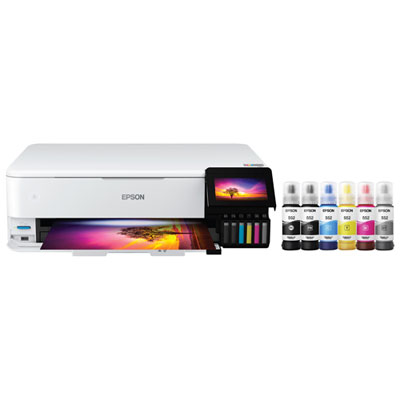
Epson EcoTank Photo ET-8550 Wireless All-In-One Supertank Inkjet Printer - Only at Best Buy
About this product
An all-in-one wireless inkjet printer with 6-colour cartridge-free ink system for vibrant photos and documents.
What customers like
(1,667)$1,099.99 Your price for this item is $1099.99 -
2
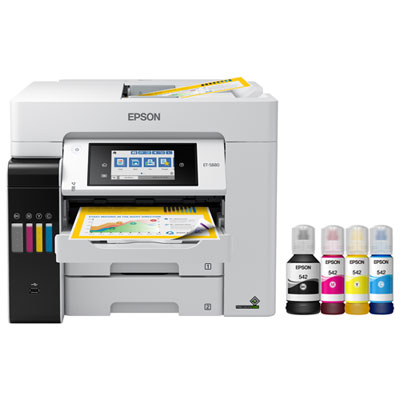
Epson EcoTank Pro ET-5880 Wireless All-In-One Supertank Inkjet Printer
About this product
An all-in-one wireless inkjet printer offering print, scan, copy, and fax with high-resolution colour output.
What customers like
(106)$1,259.99 Your price for this item is $1259.99 -
3
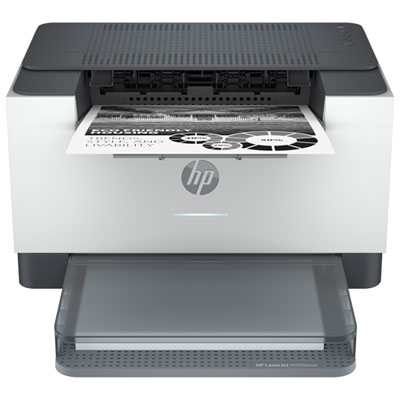
HP LaserJet M209DW Monochrome Wireless Laser Printer
About this product
A fast wireless monochrome laser printer delivering up to 30ppm with versatile connectivity for home or office use.
What customers like
(193)$129.99Your price for this item is $129.99SAVE $20 -
4
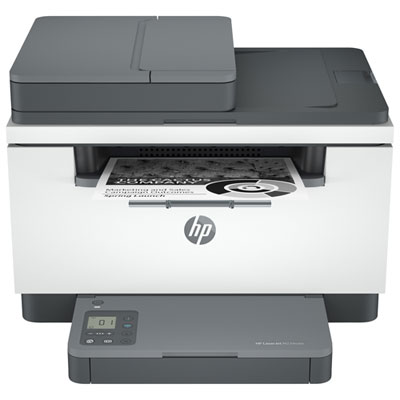
HP LaserJet MFP M234SDW Monochrome Wireless All-In-One Laser Printer
About this product
An all-in-one monochrome laser printer offering wireless printing, scanning, and copying with crisp, clear results.
What customers like
(901)$199.99Your price for this item is $199.99SAVE $100 -
5
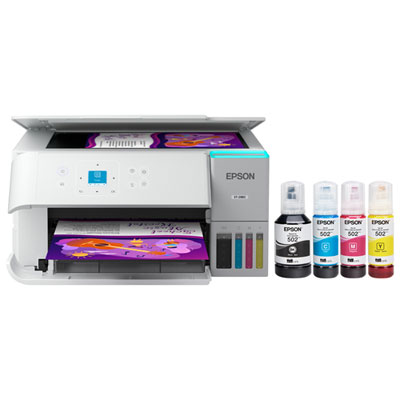
Epson EcoTank ET-2980 Wireless All-In-One Supertank Inkjet Printer - White
About this product
A wireless all-in-one inkjet printer in white with supertank technology for hassle-free, high-quality printing.
What customers like
(596)$399.99 Your price for this item is $399.99 -
6

Canon PIXMA TR4720 Wireless All-In-One Inkjet Printer - White
About this product
A versatile white wireless inkjet printer offering fast, high-quality printing and easy operation for any task.
What customers like
(127)$79.99 Your price for this item is $79.99 -
7
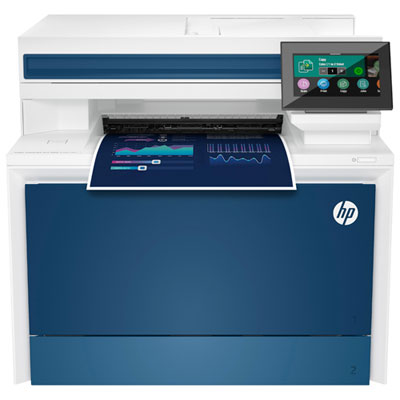
HP LaserJet Pro 4301DW Colour Wireless All-In-One Laser Printer
About this product
A wireless all-in-one laser printer offering high-speed, double-sided printing, scanning, and copying with touchscreen controls.
What customers like
(455)$599.99Your price for this item is $599.99SAVE $270 -
8
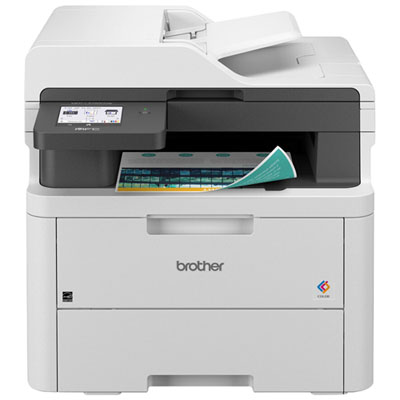
Brother Wireless Digital Colour All-in-One Laser Printer (MFCL3720CDW)
About this product
A fast, wireless all-in-one laser printer with copy, scan, fax, and a 3.5" touchscreen interface.
What customers like
(259)$629.99 Your price for this item is $629.99 -
9
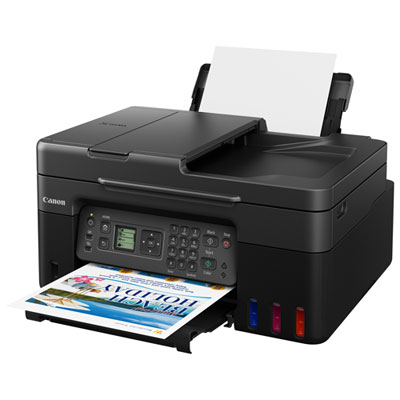
Canon PIXMA G4270 Wireless Megatank All-In-One Supertank Inkjet Printer - Only at Best Buy
About this product
A wireless all-in-one inkjet printer in black with high-yield megatanks for efficient mobile printing.
What customers like
(91)$199.99Your price for this item is $199.99SAVE $50 -
10
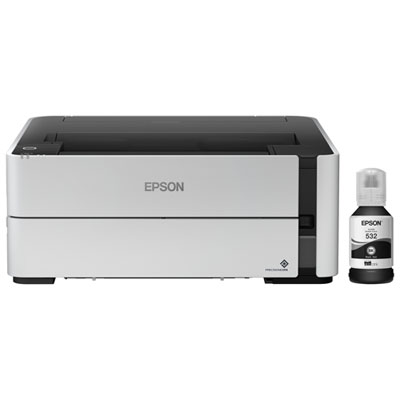
Epson EcoTank ET-M1170 Monochrome Wireless All-In-One Supertank Inkjet Printer
About this product
A wireless inkjet printer that produces high-resolution monochrome prints without the need to heat up.
What customers like
(90)$379.99 Your price for this item is $379.99
FAQ
Look for a printer that supports your macOS version and preferred connection method, such as Wi-Fi, Ethernet or USB. Apple AirPrint support lets you print without installing separate printer drivers. Other features to consider include automatic double-sided printing, scanning and copying.
Apple AirPrint is built into macOS and lets your Mac print to compatible printers without additional printer drivers. For network printing, connect your Mac and printer to the same local network, then select the printer from the print dialogue. You can also add it through Printers & Scanners in System Settings.
Inkjet printers use liquid ink and are commonly used for documents, graphics and photos. Laser printers use toner and are commonly chosen for text-heavy documents and routine office printing. Both types can work with a Mac, but compatibility depends on the printer’s AirPrint support or available macOS drivers.
Many all-in-one printers support scanning to a Mac through Image Capture, Preview or the printer manufacturer’s software. Check that the scanning features support your macOS version, as printing compatibility alone does not confirm support for every scanner function. An automatic document feeder can help with scanning multi-page documents.
Many Mac-compatible printers with AirPrint also accept print jobs from an iPhone or iPad. Connect the device and printer to the same local network, open an app that supports printing, and choose Print from its sharing or action menu. Some manufacturers also offer iOS and iPadOS apps with additional printing options.
Top selling and popular products
Discover more categories related to Best Printers for Mac

Some products may be subject to Environmental Handling Fees (EHF) depending on your province. Learn more about EHFs.