Best iPads

Find the best tablets for everyday browsing, creative projects, and entertainment, ranked based on customer review ratings. Compare top-rated options to find the screen size, storage capacity, and features that suit your needs, whether you’re studying, working, or streaming your favourite shows.

Read More

What to look for in the best iPads

1. Performance

Choose an iPad with processing power that suits your everyday tasks. Browsing, streaming and taking notes are less demanding than editing high-resolution video, playing graphics-intensive games or working with complex creative apps.

2. Screen Size and Display

A smaller iPad is easier to carry and hold, while a larger screen gives you more room for drawing, multitasking and watching videos. Compare brightness, refresh rate and display technology if smooth motion or detailed visuals are priorities.

3. Storage and Connectivity

Choose enough storage for your apps, photos, games and downloaded videos, since built-in storage cannot be expanded later. Wi-Fi models suit use at home, school or work, while Wi-Fi + Cellular models can connect on the go with a compatible mobile data plan.

4. Accessory Compatibility

Check which Apple Pencil and keyboard options work with the exact iPad model you’re considering. Compatible accessories can make drawing, note-taking and typing more comfortable, but may be sold separately.
Citrus catapult arrow
  1. 1

    APPLE Ipad 11-Inch: A16 Chip, 11-Inch Model, Liquid Retina Display, 128GB, Wi-Fi 6, 12Mp Front/12Mp Back Camera, Touch Id, All-Day Battery Life -

    About this product

    A pink tablet featuring an A16 chip, Liquid Retina display, 128GB storage, Wi-Fi 6, and Touch ID.

    What customers like

    • Long battery life
    • High-quality display
    • Attractive color options
    • Fast performance and smooth operation
    • Lightweight and portable
    (4,884)
    $639.99
    SAVE $59
    Your price for this item is $639.99
  2. 2

    APPLE Ipad 11-Inch: A16 Chip, 11-Inch Model, Liquid Retina Display, 128GB, Wi-Fi 6, 12Mp Front/12Mp Back Camera, Touch Id, All-Day Battery Life -

    About this product

    An advanced blue tablet featuring an A16 chip, Liquid Retina display, 128GB storage, and all-day battery life.

    What customers like

    • User-friendly and easy to set up
    • Great value for price
    • Vibrant and sharp display
    • Fast and powerful performance
    • Excellent battery life
    (6,821)
    $629.95
    SAVE $170
    Your price for this item is $629.95
  3. 3

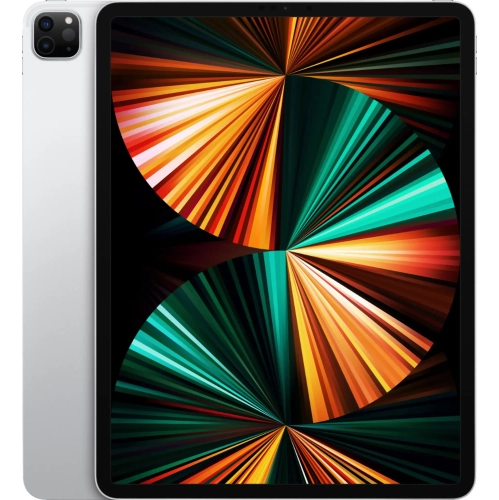
    APPLE - 12.9-Inch Ipad Pro With Wi-Fi - 2Tb - In Silver

    About this product

    A powerful tablet in silver featuring the M1 chip, 2TB storage, and a stunning Liquid Retina XDR display.

    What customers like

    • Large storage capacity
    • Great for creative and professional work
    • Powerful performance
    • Stunning display and resolution
    • Lightweight and portable
    (20)
    $3,299.99 Your price for this item is $3299.99
  4. 4

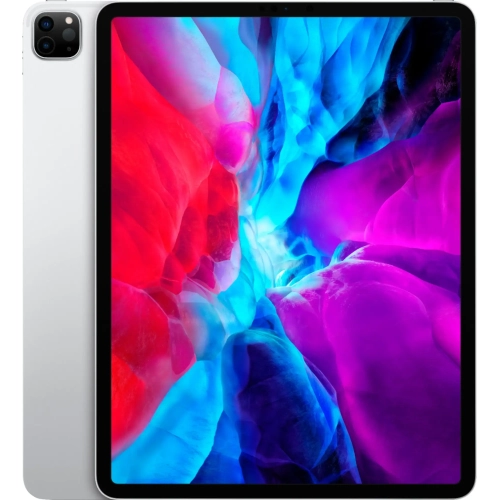
    APPLE - 12.9-Inch Ipad Pro (4Th Generation) With Wi-Fi - 1Tb-Silver

    About this product

    A silver tablet featuring a 12.9-inch Liquid Retina display, 1TB storage, and advanced pro cameras.

    What customers like

    • Ample 1TB storage capacity
    • Large and vibrant screen
    • Fast performance and quick response
    • Excellent for drawing and note-taking
    • Versatile and easy to use
    (59)
    $2,429.99 Your price for this item is $2429.99
  5. 5

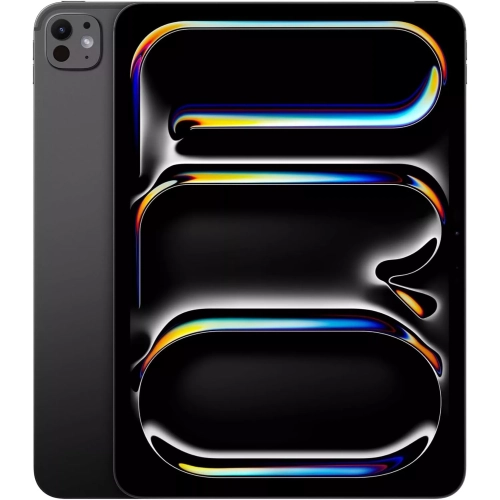
    APPLE - Ipad Pro 13" (M4) 256GB With Wi-Fi (7Th Generation) - Space In Black

    About this product

    A powerful silver tablet featuring the M1 chip, 2TB storage, dual cameras, and a vivid Liquid Retina display.

    (6)
    $1,749.00
    SAVE $350
    Your price for this item is $1749
  6. 6

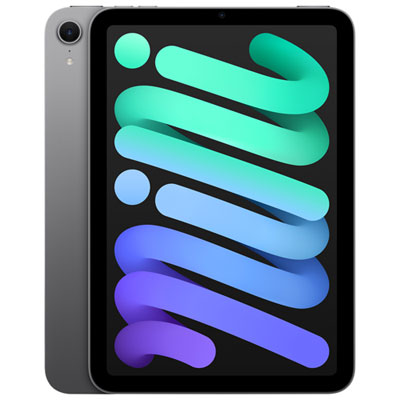
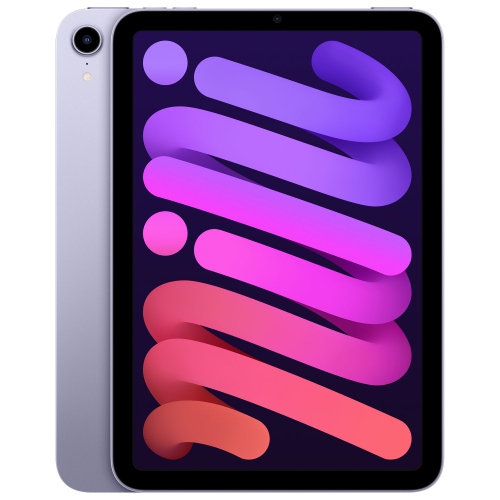
    Apple iPad mini 8.3" 128GB with Wi-Fi (7th Generation) - Space Grey

    About this product

    A compact tablet in space grey with 128GB storage, Wi-Fi connectivity, and a recycled aluminum enclosure.

    (19)
    $699.99 Your price for this item is $699.99
  7. 7

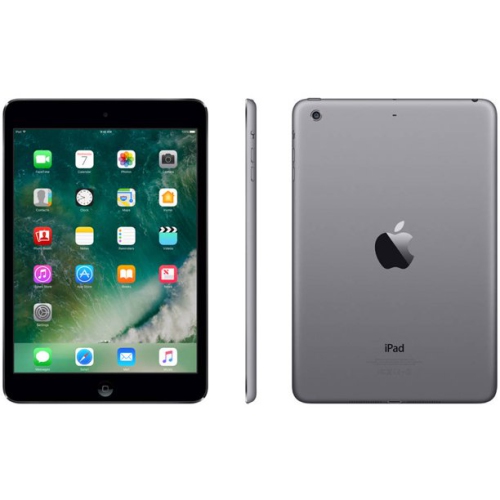
    APPLE Refurbished (Good) - Ipad Mini 2 16GB Space Wi-Fi Only In Gray

    About this product

    A refurbished tablet in gray with 16GB storage and Wi-Fi connectivity, includes charger.

    (4)
    $99.00
    SAVE $100
    Your price for this item is $99
  8. 8

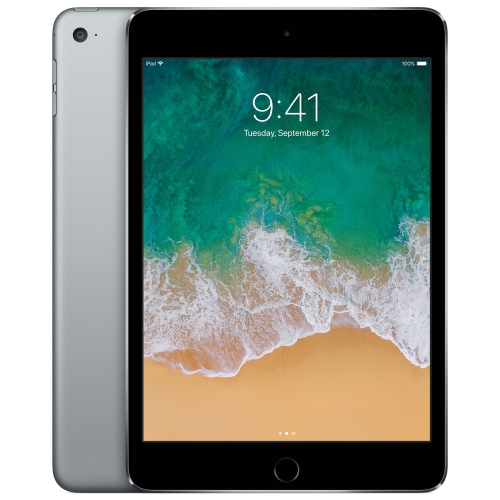
    APPLE Refurbished (Fair) - Ipad Mini 4 128GB With Wi-Fi - Space In Grey

    About this product

    A refurbished tablet in space grey with 128GB storage and Wi-Fi connectivity for everyday use.

    (5)
    $149.99
    SAVE $450
    Your price for this item is $149.99

Why everyday comfort matters as much as tablet power

The best tablets make everyday tasks feel comfortable, whether that means reading a novel on the train, marking up lecture notes, sketching at the kitchen table, or joining a video call from a home office. There is no single ideal size or specification for everyone: the right balance depends on how often the device travels, which apps it needs to run, and how much screen space feels useful. Compact tablets are easier to hold while reading and take up less room in a shoulder bag, while larger screens give documents, illustrations, and side-by-side apps more breathing room. A mid-sized device can suit a mix of entertainment, schoolwork, and personal organization without feeling cumbersome on the sofa. For shoppers exploring Top iPads, these differences in everyday comfort can matter as much as processing power. Screen dimensions describe only part of the experience; weight, thickness, bezel shape, and the added bulk of a protective case also influence how a tablet feels in the hand. A device that rests comfortably on a desk may feel quite different when held through a long chapter. Display sharpness helps small text and detailed diagrams stay readable, while brightness and reflection handling affect visibility near a window or under overhead lighting. Colour accuracy is particularly useful for illustration and photo work, and a higher refresh rate can make scrolling and supported pen input look smoother. For films and video calls, speaker placement and camera position also deserve attention, especially when the tablet sits horizontally in a stand. A landscape-oriented front camera can make desk-based conversations feel more natural, although placement varies between devices. The most satisfying fit is often the one that handles ordinary routines gracefully: a clear recipe beside a mixing bowl, a readable textbook on a small desk, or an easy-to-carry screen for a long journey. Those practical details help distinguish a tablet that simply has impressive specifications from one that feels useful every day.

Performance becomes more important as tasks grow beyond browsing, streaming, and email. Everyday apps generally need less processing power than multilayer artwork, complex games, large photo libraries, or high-resolution video projects. A faster processor can provide more room for demanding work, but the software has to support the features that work requires. Tablet versions of desktop applications may have different tools, file-handling options, or accessory support, so a familiar app name does not necessarily mean an identical workflow. For students, comfortable note-taking might involve switching between a course document and a handwritten page; for a designer, it could mean keeping several large illustrations open and exporting files to shared storage. Multitasking features vary by hardware and operating system, making the ability to arrange windows or use an external display worth checking for desk-based use. Storage is another practical distinction. Downloaded films, games, scanned documents, and creative files can occupy substantial space, especially when the device needs to work without an internet connection. Online storage can help keep files accessible across devices, but it depends on connectivity and does not remove every need for local capacity. Wireless connections matter in different ways: Wi-Fi supports use at home, school, and connected public spaces, while cellular-capable tablets can access mobile data with a compatible plan and network coverage. Battery life also changes with screen brightness, video calls, gaming, and other demanding activities, so published estimates are not a promise for every routine. Charging connections, supported cables, and the power adapter required for efficient charging can affect how easily a tablet fits into an existing setup. For handwritten notes or drawing, a compatible stylus can add precision that a fingertip cannot provide, but pen features and charging methods differ. Keyboard cases can make longer writing sessions more comfortable, while a separate stand may offer a steadier viewing angle. Accessory compatibility depends on the exact device and generation, not simply on a similar screen size or appearance.

Materials, protection, and upkeep contribute to how well a tablet handles regular use. Glass displays provide a smooth surface for touch input, and metal enclosures can give a device a solid feel, but neither makes it immune to scratches, dents, or damage from a fall. A well-fitting case with protected corners can help cushion everyday knocks, while a cover keeps the screen from rubbing against other objects in a bag. Raised edges may reduce contact with flat surfaces, though no case guarantees protection in every situation. For a child carrying a tablet between rooms, a grippy case and a stable stand can be more useful than a thin decorative cover. For someone who draws, a case that stays steady at a low angle may make longer sessions more comfortable. Screen protectors can add a replaceable layer against surface wear, although some finishes change clarity, reflections, or the feel of a stylus. Cleaning is usually straightforward with a soft, lint-free cloth and the device maker’s approved method; liquid should not be sprayed directly onto the screen or allowed into openings. Keeping crumbs, grit, and loose objects out of a carrying sleeve also helps prevent avoidable wear. Tablets can make thoughtful gifts for students, frequent travellers, readers, creative hobbyists, or relatives who enjoy staying in touch through video calls. The strongest match reflects the recipient’s habits rather than assuming that everyone needs the largest display or the most advanced hardware. Adjustable text size, captions, voice controls, and other accessibility features may be especially valuable, depending on individual needs and software support. In a family setting, parental controls, account settings, and app permissions help shape an age-appropriate experience, while a passcode and regular backups protect personal information and important files. Software compatibility and security updates are worth considering alongside physical condition when assessing long-term usefulness. A tablet that suits its owner’s hands, favourite activities, accessories, and daily surroundings is more likely to remain a welcome part of the routine.
Read More

FAQ

Some products may be subject to Environmental Handling Fees (EHF) depending on your province. Learn more about EHFs.