Best IPS Gaming Monitors
Find the best IPS gaming monitors ranked by user review ratings to help guide your next upgrade. Known for vibrant colours and wide viewing angles, IPS displays can bring your favourite games to life. Compare refresh rates, response times, and resolutions to find a monitor that suits your gaming style, desk space, and budget.
What to look for in IPS gaming monitors
1. Screen Size and Resolution
2. Refresh Rate and Adaptive Sync
3. Response Time and Image Quality
4. Connectivity and Adjustability
-
1
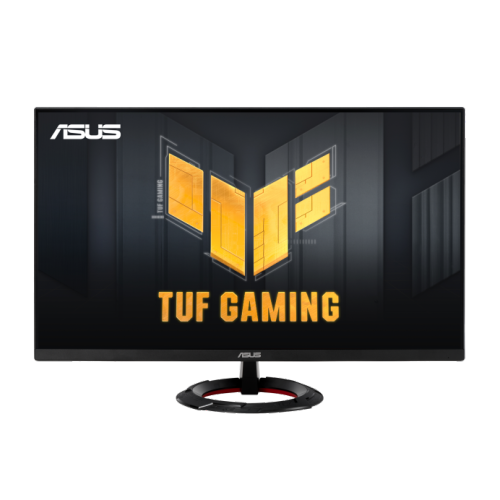
ASUS Tuf Gaming 27" 1080P HD Fast Ips Gaming Monitor (Vg279Q3R) - Freesync Premium - 1Ms Gtg - 180Hz
About this product
A 27-inch Full HD gaming monitor with 180Hz refresh rate, Fast IPS panel, and FreeSync support.
(1)$227.68 Your price for this item is $227.68 -
2
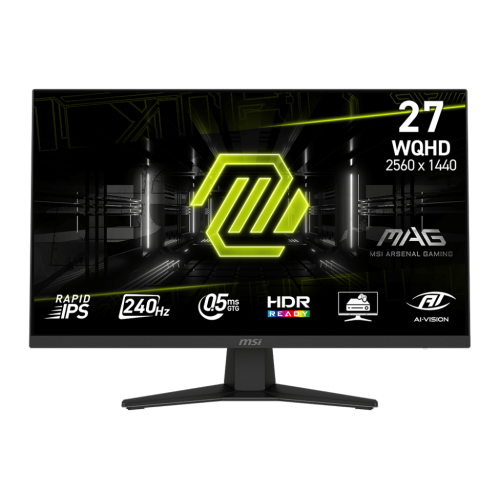
MSI MAG 27" 1440p QHD Rapid IPS Gaming Monitor (MAG 274QF X24) - FreeSync Premium - 0.5ms GTG - 240Hz - HDR Ready
About this product
A rapid IPS gaming monitor with QHD resolution, 240Hz refresh rate, 0.5ms response, and tilt adjustment.
(7)$229.99 Your price for this item is $229.99 -
3
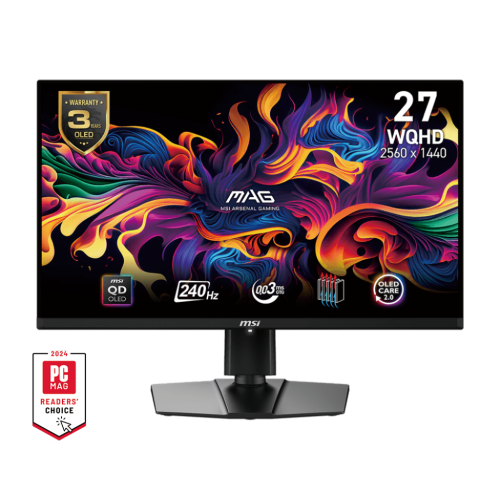
MSI 27" 2560 X 1440 (Qhd) 240Hz 0.03Ms (Gtg) Qd-Oled Gaming Monitor Tilt Swivel Height Adjustable USB Type-C X1 (Dp Alternative) (Mag 271Qpx Qd-Oled
About this product
A 27" gaming monitor with QHD resolution, 240Hz refresh rate, and adjustable tilt, swivel, and height.
What customers like
(72)$1,123.68 Your price for this item is $1123.68 -
4

Alienware 32" Curved 4K UHD QD-OLED Gaming Monitor (AW3225QF) - 0.03ms - 240Hz - HDR - Lunar Light
About this product
A curved QD-OLED display delivering 4K UHD visuals, 240Hz refresh rate, and ultra-fast 0.03ms response time.
What customers like
(905)$1,199.99Your price for this item is $1199.99SAVE $150 -
5
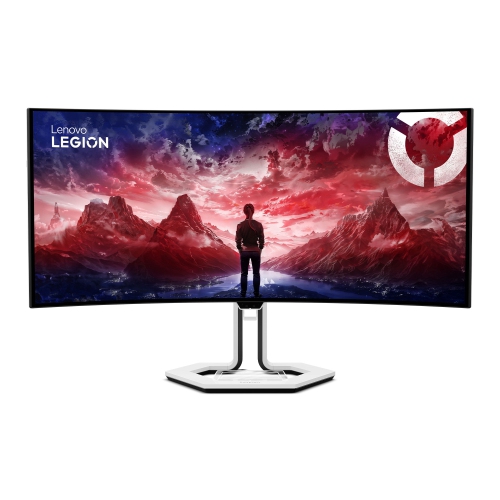
LENOVO Legion Pro 34" Ultrawide Curved Uwqhd Oled Gaming Monitor (34Wd-10) - Freesync Premium Pro - 0.03Ms Gtg - 240Hz
About this product
An immersive curved OLED gaming monitor with WQHD resolution, 240Hz refresh rate, and USB-C docking support.
(11)$1,199.99Your price for this item is $1199.99SAVE $480 -
6
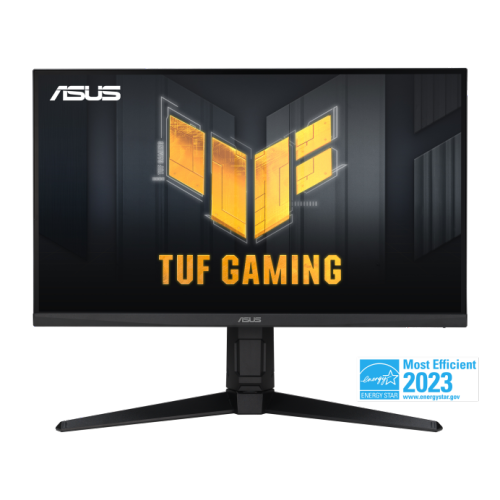
ASUS Tuf Gaming 27" 1440P Qhd Ips HDr10 Gaming Monitor (Vg27Aqml1A) - Freesync Premium/g-Sync Compatible - 1Ms Gtg - 260Hz Oc
About this product
A QHD gaming monitor with 260Hz overclocked refresh rate, 1ms response, and DisplayHDR 400 support.
(5)$499.00 Your price for this item is $499 -
7
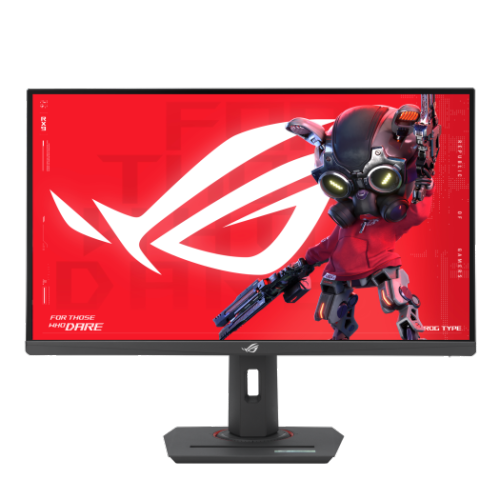
ASUS Rog Strix Xg27Acs 27″ Qhd 180 Hz Fast Ips HDr Gaming Monitor
About this product
A 27-inch QHD gaming monitor with 180Hz refresh rate, 1ms response, Fast IPS, and USB Type-C connectivity.
What customers like
(22)$399.00 Your price for this item is $399 -
8
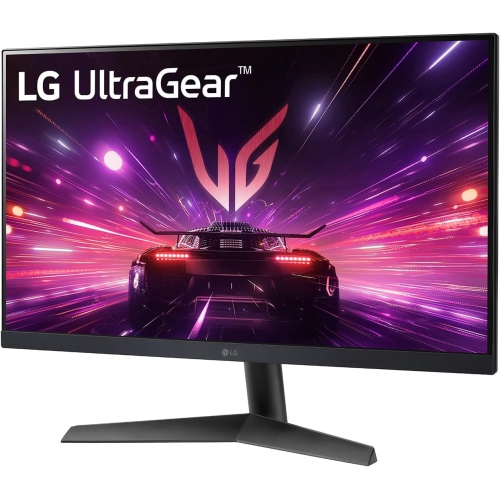
LG Ultragear 27" 1080P HD Ips Lcd Gaming Monitor (27Gn60R-B) - Freesync Premium/g-Sync Compatible - 144Hz - HDr10
About this product
A fast-response black IPS gaming monitor with 144Hz refresh rate, HDR10, FreeSync Premium, and G-Sync compatibility.
(2)$219.99Your price for this item is $219.99SAVE $20 -
9
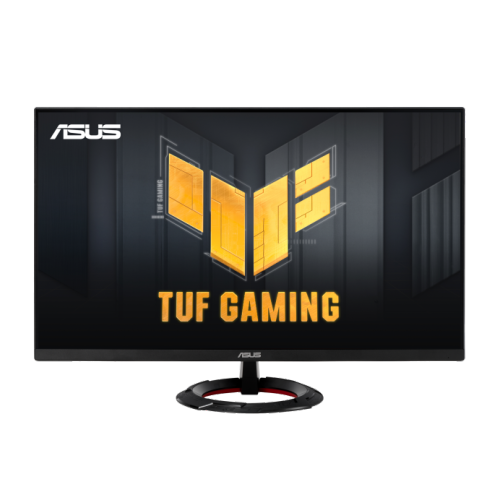
ASUS Tuf Gaming 23.8" 1080P HD Fast Ips Gaming Monitor (Vg249Q3R) - Freesync - 1Ms Gtg - 180Hz
About this product
A 23.8-inch Full HD gaming monitor with 180Hz refresh rate, Fast IPS panel, and FreeSync support.
(4)$189.00 Your price for this item is $189 -
10
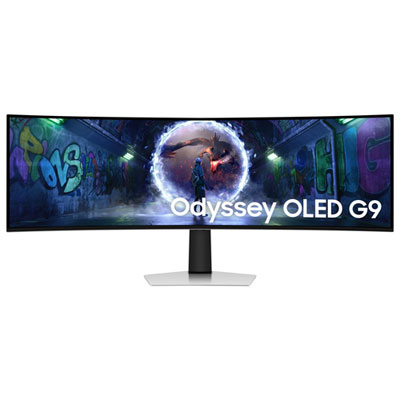
Samsung Odyssey G9 49" Ultrawide Curved 1440p WQHD OLED Gaming Monitor (LS49DG936SNXGO) - G-Sync/FreeSync - 0.03ms GTG - 240Hz - Silver - Only at Best Buy
About this product
An ultra-wide curved OLED gaming monitor in silver with 240Hz refresh rate and G-Sync/FreeSync support.
(10)$1,399.99Your price for this item is $1399.99SAVE $700
FAQ
IPS stands for in-plane switching, a type of LCD panel technology. Its liquid crystals rotate parallel to the panel surface to control how light passes through. IPS gaming monitors use a separate backlight to illuminate the display.
IPS monitors use an LCD panel with a separate backlight, while OLED monitors use pixels that emit their own light. These are distinct display technologies, so an OLED monitor is not an IPS monitor. Both types are available with gaming features such as variable refresh rates.
Refresh rate, measured in hertz (Hz), describes how many times the display updates its image each second. Response time, usually measured in milliseconds (ms), describes how long a pixel takes to transition between specified colour or brightness values. They are separate specifications, and response-time figures can use different measurement methods.
Common connections include HDMI and DisplayPort for video and audio. Some models also offer USB-C with video input, USB hubs for peripherals, and headphone outputs. Supported resolutions and refresh rates depend on the monitor input, cable, and connected device, so check compatibility across all three.
Adaptive-Sync is a variable refresh rate technology that lets a monitor adjust its refresh rate to match frames supplied by a compatible graphics source. IPS gaming monitors may list support for AMD FreeSync, NVIDIA G-SYNC compatibility, or other variable refresh rate formats. Support can vary by connection type and connected device.
Top selling and popular products
Discover more categories related to Best IPS Gaming Monitors

Some products may be subject to Environmental Handling Fees (EHF) depending on your province. Learn more about EHFs.