Best Laptops for Photography
Find the best laptops for photography, ranked by customer review ratings to help you compare options with confidence. Whether you’re editing portraits, organizing a growing photo library, or fine-tuning colours, look for a sharp display, responsive performance, and ample storage to support your workflow. Explore the top-rated choices below to find a laptop that fits your photography needs and budget.
What to look for in laptops for photography
1. Display Quality
2. Processor and Graphics
3. Memory and Storage
4. Portability and Connectivity
-
1

DELL Inspiron 15.6" Fhd Touchscreen Laptop - Intel Core I5-1334U - 8GB Ddr4 - 512GB SSD - Intel Uhd - Windows 11 Home - In Black
About this product
A black touchscreen laptop featuring Intel i5-1334U, 8GB RAM, 672GB storage, and UHD graphics.
What customers like
(513)$949.00Your price for this item is $949SAVE $130 -
2

DELL 17" Inspiron 17-7791 17.3" Fhd 2-In-1 Touchscreen, Light Gaming Laptop, Core I7 10Th Gen, Nvidia Geforce Mx250 (2GB Gddr5), 16GB Ram, 512GB
About this product
A versatile 2-in-1 laptop with a 17.3" FHD touchscreen, Core i7, 16GB RAM, and 1TB SSD.
What customers like
(1,064)$999.95Your price for this item is $999.95SAVE $100 -
3
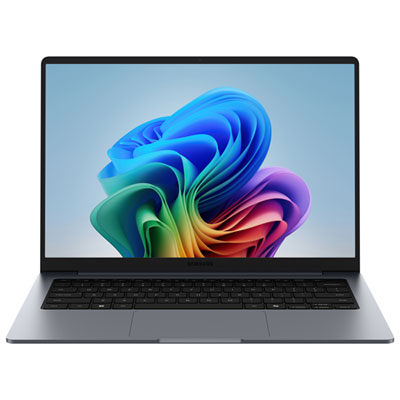
Samsung Galaxy Book6 16" Touchscreen Copilot+ PC Laptop - Intel Core Ultra 7 - 16GB LPDDR5X - 1TB SSD - Windows 11 Home - Grey
About this product
A sleek grey touchscreen laptop featuring Intel Core Ultra 7, 16GB RAM, 1TB SSD, and Windows 11 Home.
What customers like
(158)$2,349.99 Your price for this item is $2349.99 -
4
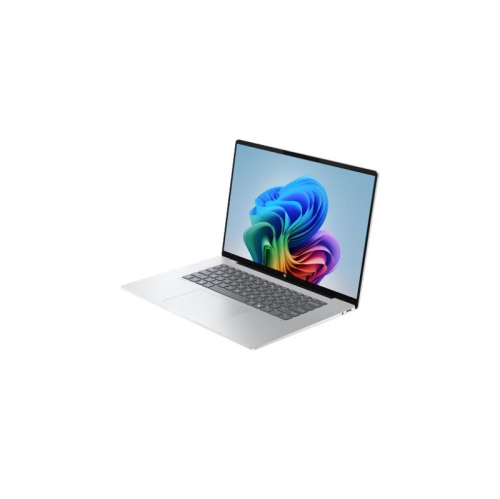
HP Omnibook 5 16" 2K Ai Laptop - Snapdragon X X1-26-100 - 16GB Ram - 1Tb SSD - Qualcomm Adreno Gpu - Windows 11 Home
About this product
A powerful laptop featuring a Snapdragon X processor, 16GB RAM, 1TB SSD, and a 2K OLED display.
What customers like
(118)$2,044.55Your price for this item is $2044.55SAVE $204 -
5

MICROSOFT Refurbished (Good) - Surface Laptop 3 15" Touchscreen - Amd Ryzen 7 Surface Edition - 32GB - 1Tb SSD - Windows 10 Home
About this product
A refurbished laptop featuring a 15" touch screen, 1TB SSD, AMD Ryzen 7, and 32GB memory.
What customers like
(2,498)$3,099.00Your price for this item is $3099SAVE $501 -
6
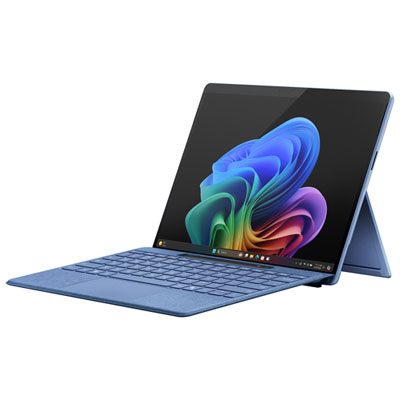
Microsoft Surface Pro (OLED) Copilot+ PC 13" 512GB Tablet with Snapdragon X Elite/16GB RAM (2024) - Sapphire - Device Only - Exclusive Retail Partner
About this product
A sapphire ultra-portable tablet featuring Snapdragon X Elite, 16GB RAM, OLED display, and advanced AI capabilities.
What customers like
(162)$2,599.99 Your price for this item is $2599.99 -
7
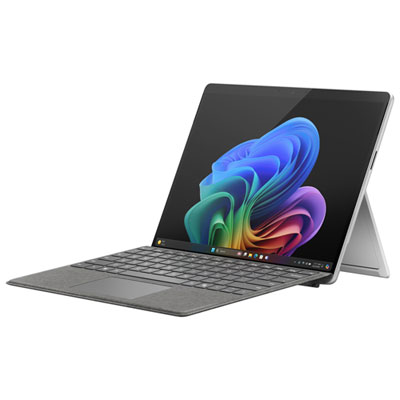
Microsoft Surface Pro (OLED) Copilot+ PC 13" 1TB Tablet with Snapdragon X Elite/32GB RAM (2024) - Platinum - Device Only
About this product
A platinum ultra-portable tablet featuring a 13" OLED display, Snapdragon X Elite, and 32GB RAM.
What customers like
(98)$3,199.98 Your price for this item is $3199.98 -
8
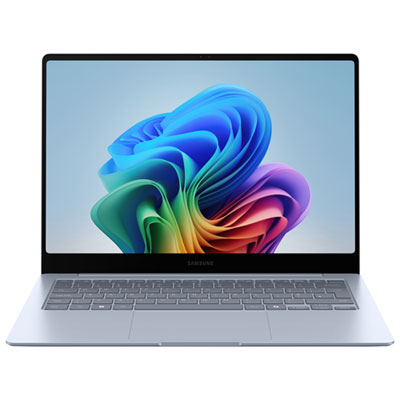
Samsung Galaxy Book4 Edge 14" Touchscreen Copilot+ PC Laptop - Snapdragon X Elite - 16GB LPDDR5X - 512GB SSD - Windows 11 Home
About this product
A sleek touchscreen laptop featuring Snapdragon X Elite, 16GB RAM, 512GB SSD, and AI-powered productivity.
What customers like
(463)$2,149.99 Your price for this item is $2149.99 -
9
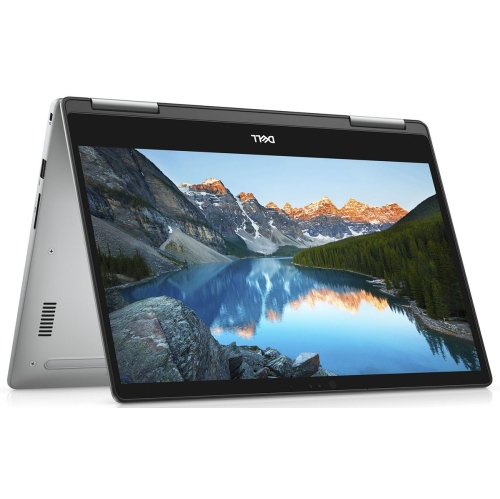
DELL (Refurbished - Good) - Inspiron 7573 15.6" Fhd Touchscreen 2-In-1 Laptop - Intel Core I5 8Th Gen - 12GB Ram - 256GB SSD - Windows 11
About this product
A versatile 2-in-1 laptop featuring a 1080p touchscreen, Core i7 processor, 16GB RAM, and 512GB SSD.
What customers like
(152)$499.95Your price for this item is $499.95SAVE $22
FAQ
Look for a laptop with a colour-accurate display, a solid-state drive (SSD), and a processor and memory configuration that meet your photo-editing software’s requirements. A dedicated graphics card is worth considering if your applications use GPU acceleration. An SD card reader can also simplify importing photos from your camera.
Check colour gamut coverage, colour accuracy, resolution, and calibration options. sRGB is commonly used for photos shared online, while Adobe RGB may be relevant to print workflows. An IPS or OLED panel is worth considering, but review the display’s stated colour specifications rather than relying on panel type alone.
An internal SSD provides storage for your operating system, editing applications, and working photo library. External drives offer a separate place for archived projects and backup copies. Check whether the laptop supports internal storage upgrades and has suitable connections for any external drives you plan to use.
An SD card reader is convenient for importing images from compatible camera cards. USB-A and USB-C ports can connect card readers, external drives, and camera cables. HDMI or a USB-C port with video output support can connect an external monitor. Check each port’s capabilities, as not all USB-C ports support the same functions.
Start by checking compatibility with your preferred editing applications, plug-ins, camera utilities, and accessories. Many popular photo-editing applications are available on both platforms, but some tools are platform-specific. Also consider how the laptop will fit with your existing devices, file-sharing habits, and backup setup.
Top selling and popular products
Discover more categories related to Best Laptops for Photography
Some products may be subject to Environmental Handling Fees (EHF) depending on your province. Learn more about EHFs.