Laptops for Photo Editing
Whether you're a professional photographer or just like to take pictures, chances are you've come across a photo that needs some special attention. Maybe the image is too dark or too bright, or maybe there's something wrong with the color or composition. In any case, you may want to try to fix it yourself before sending it out for professional editing. Here are some of the best laptops for photo editing.
Sort





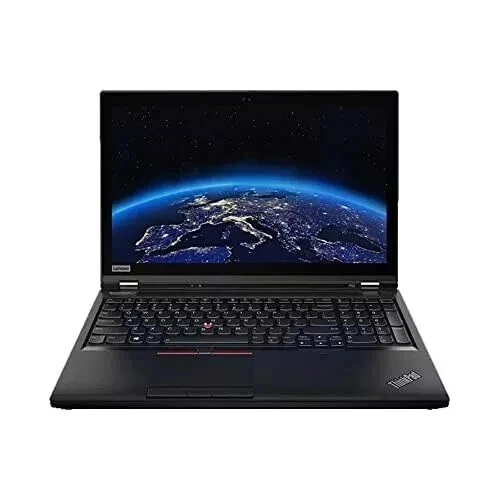
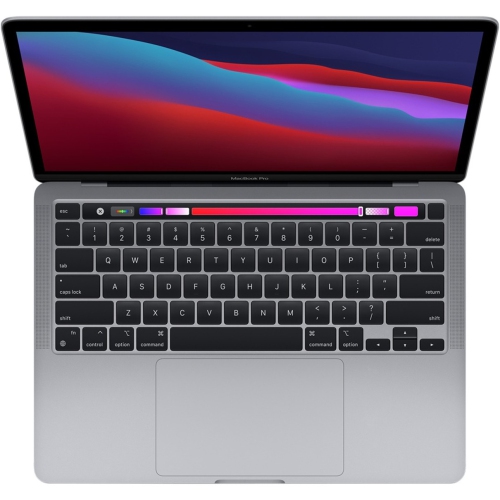
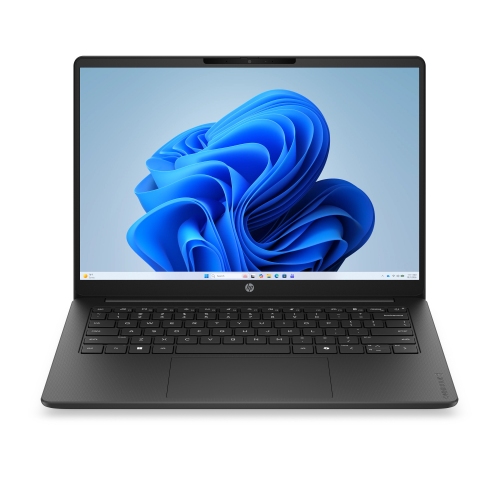
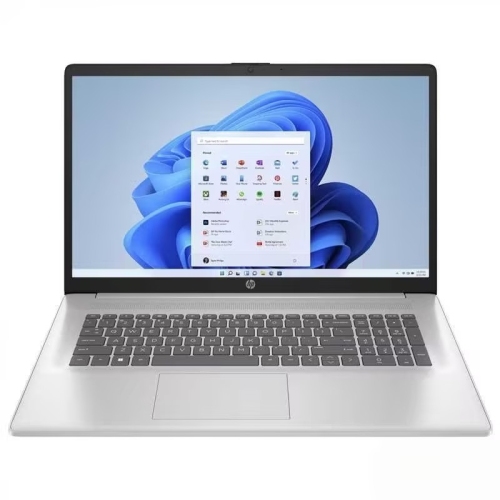



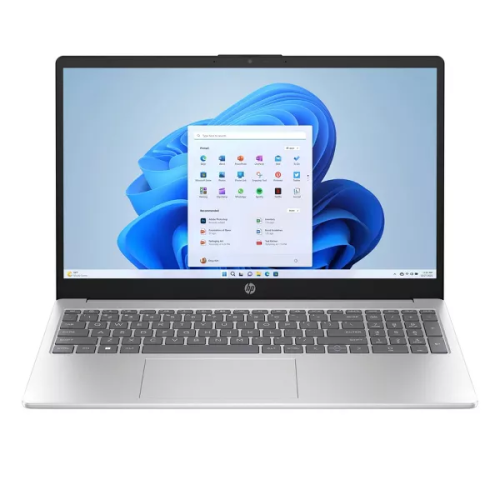
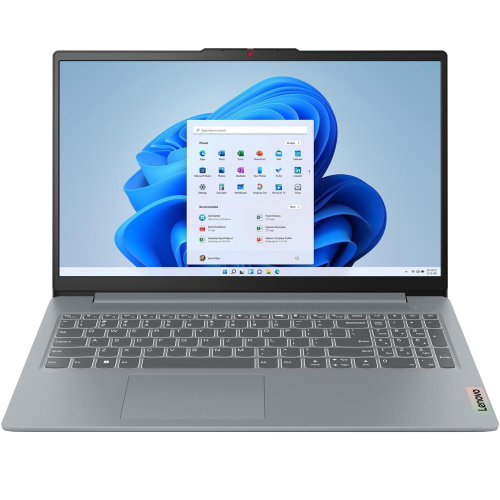
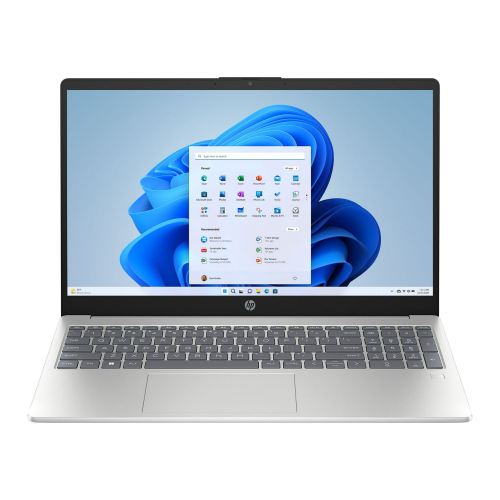
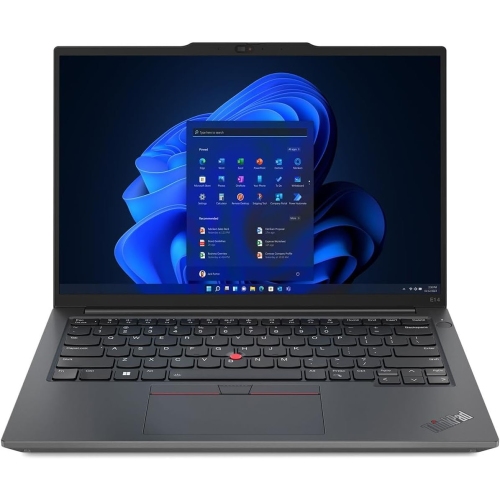








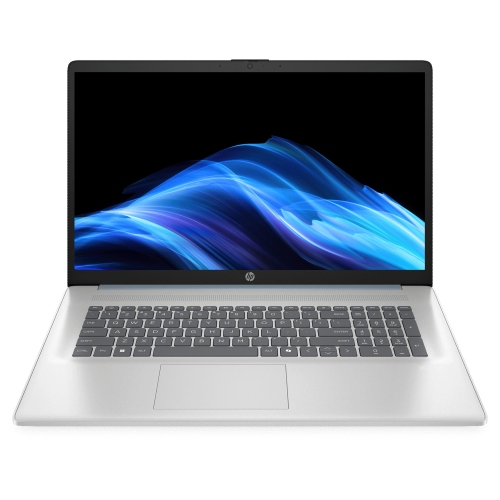

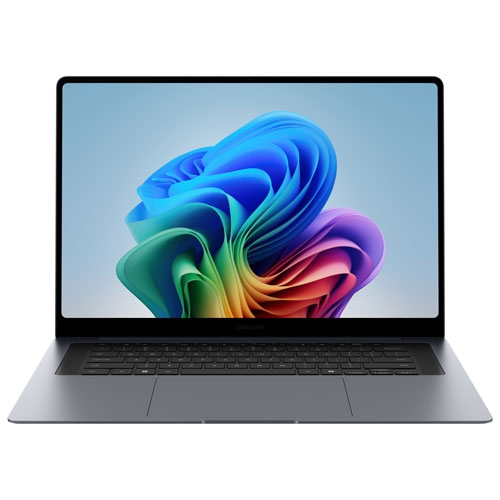
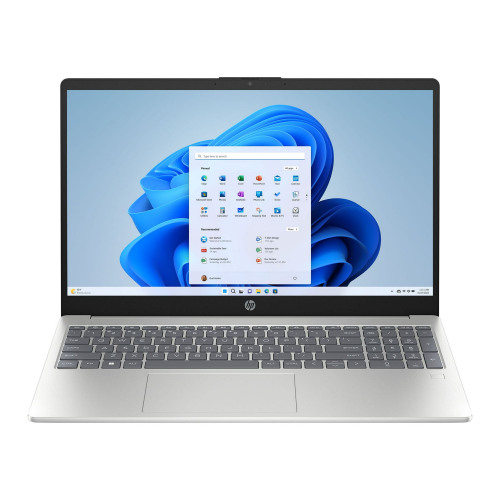


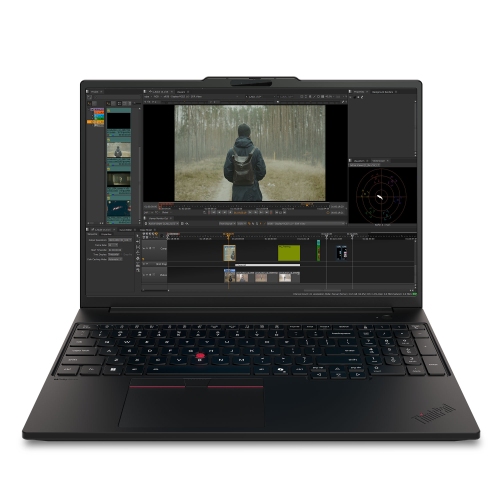
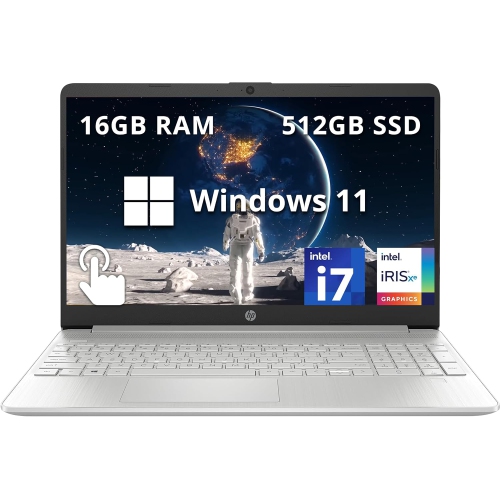
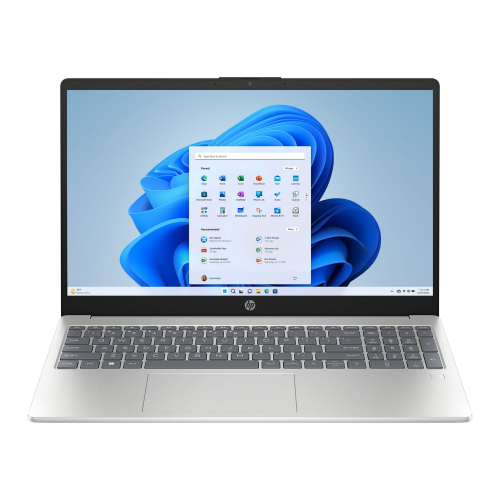
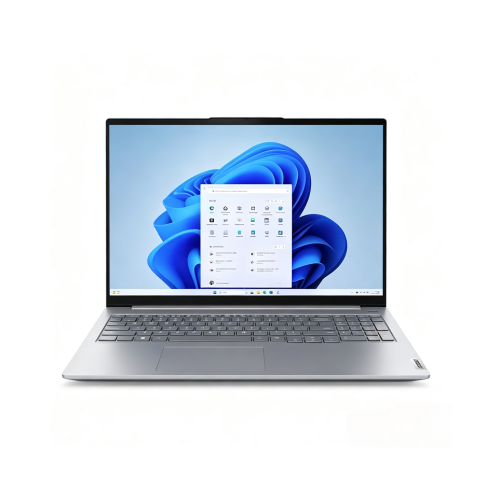



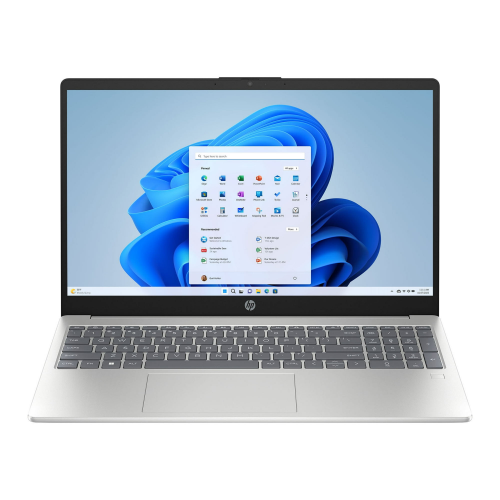

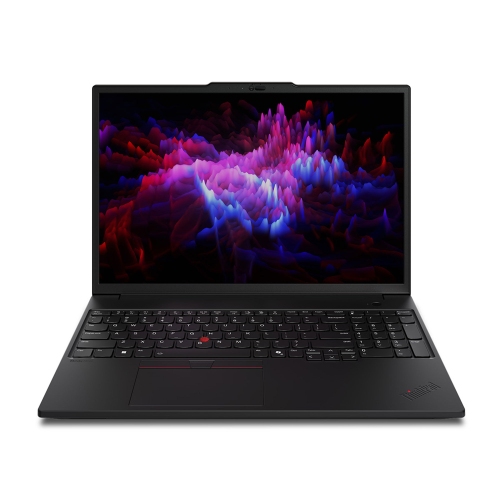
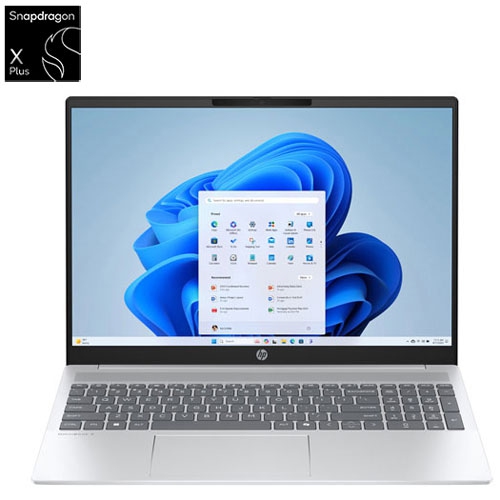
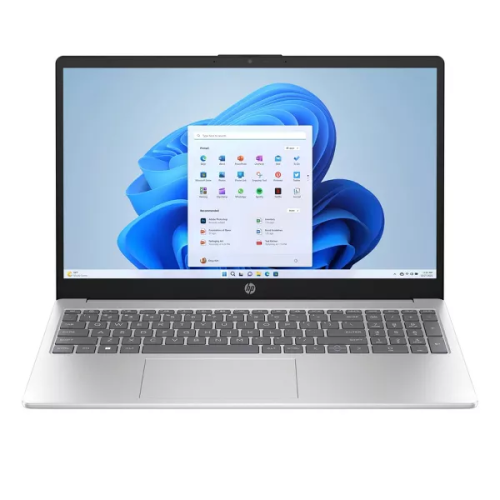

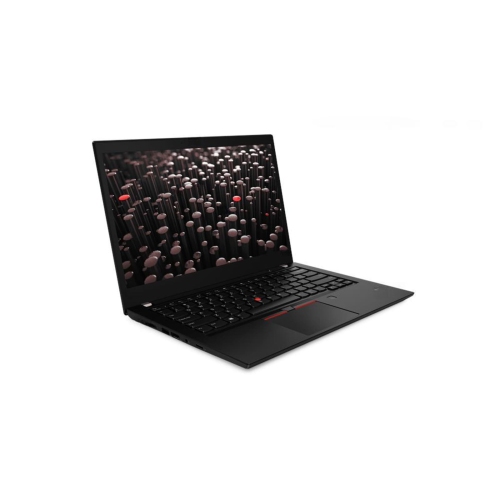
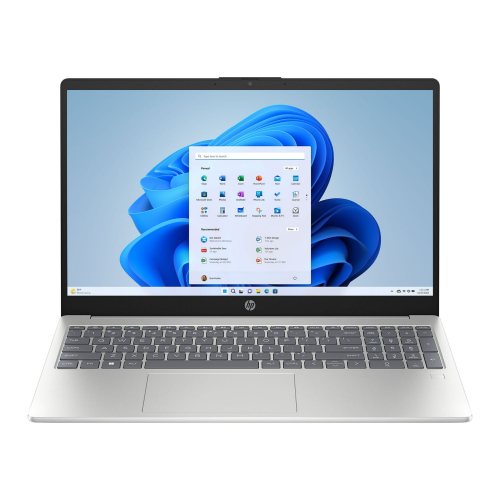


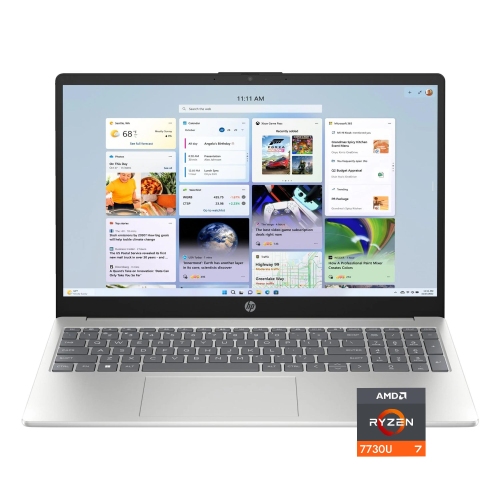
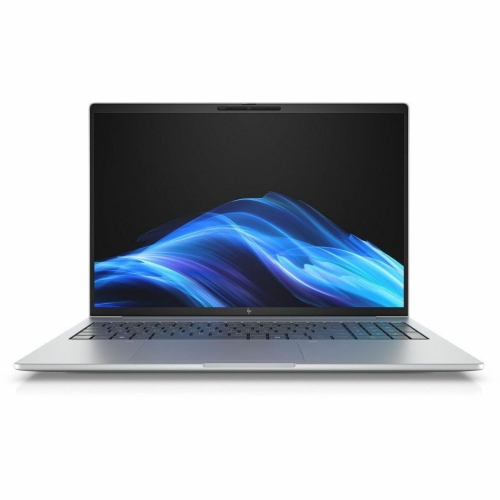
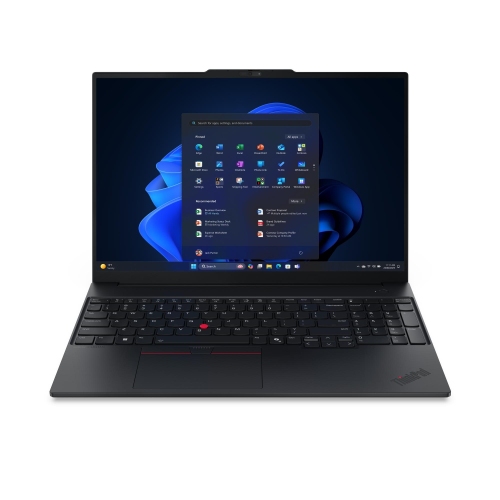
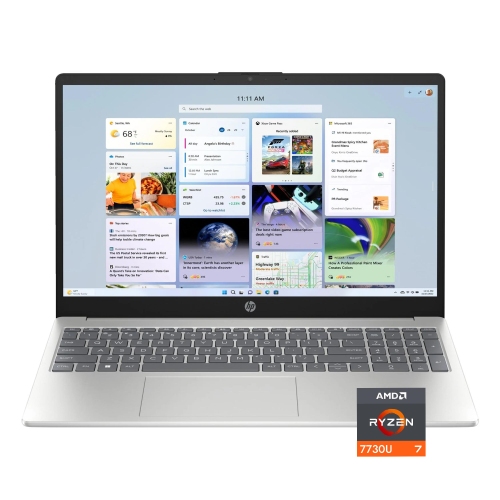


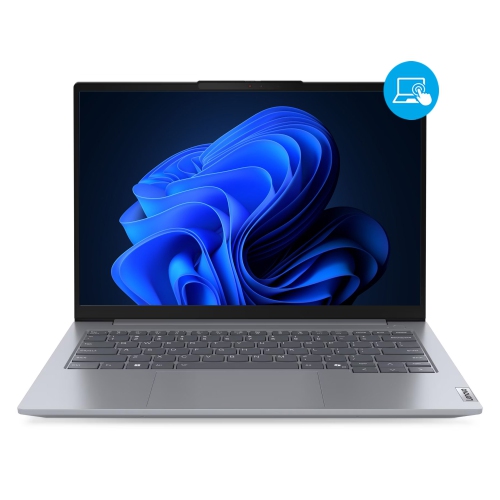

Why colour accuracy matters as much as speed
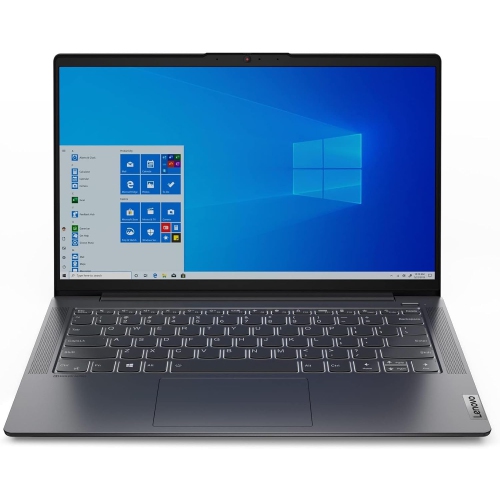
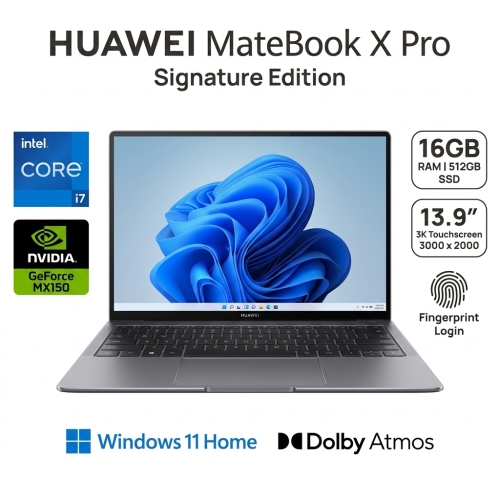
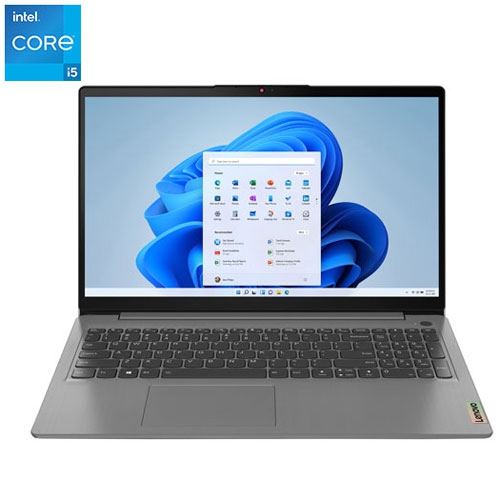
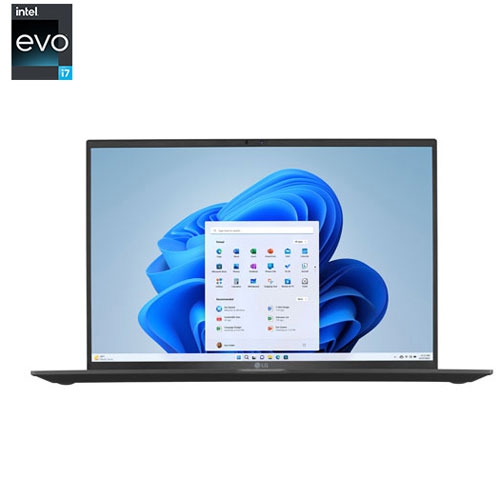
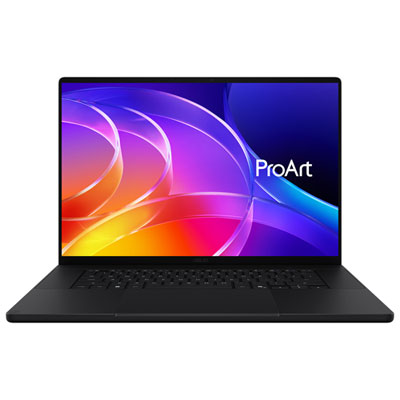
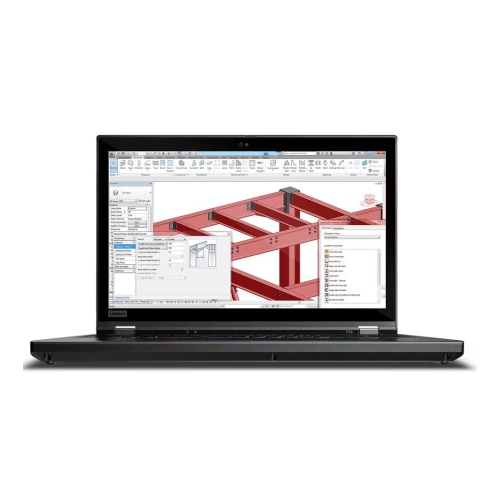
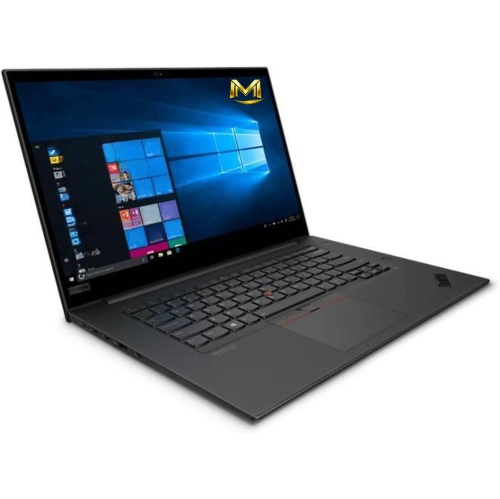
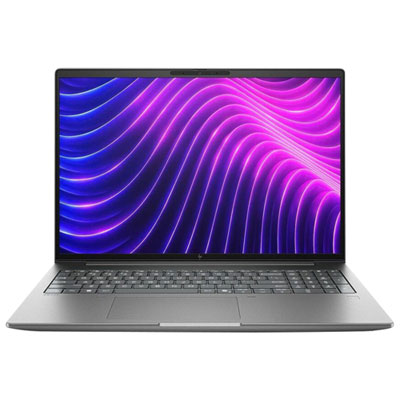
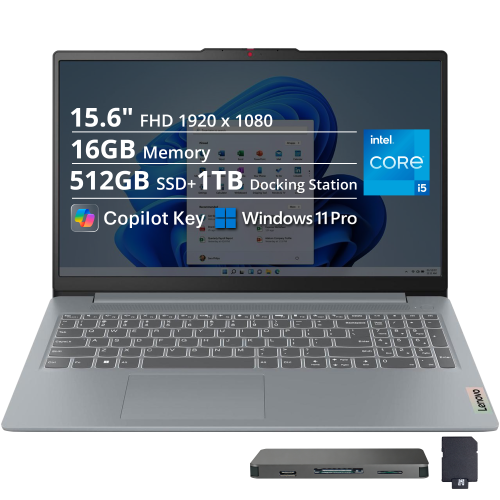
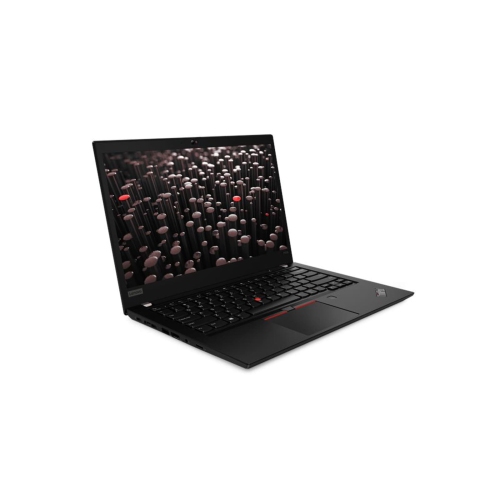
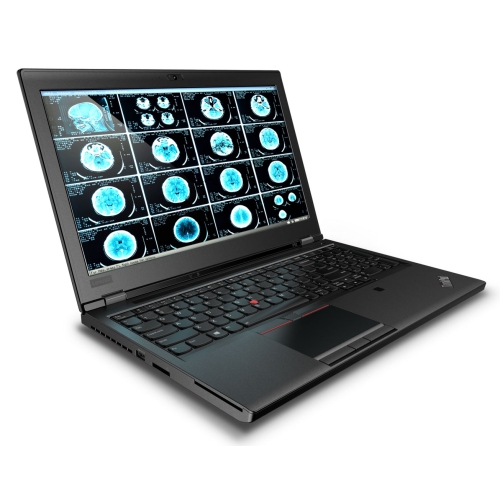
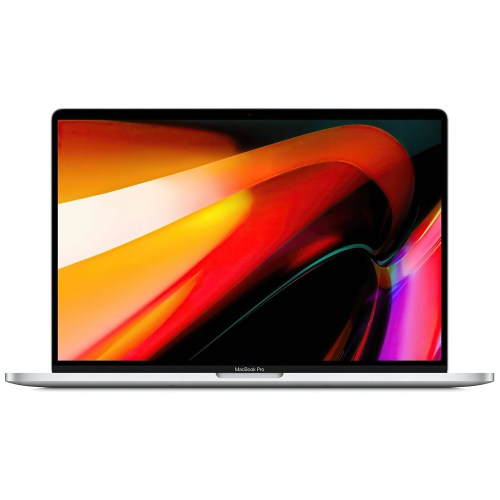
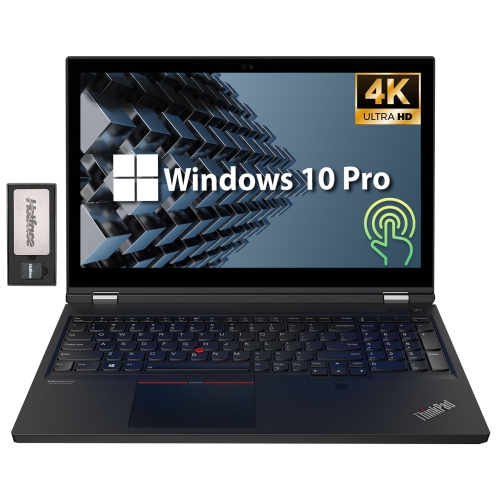
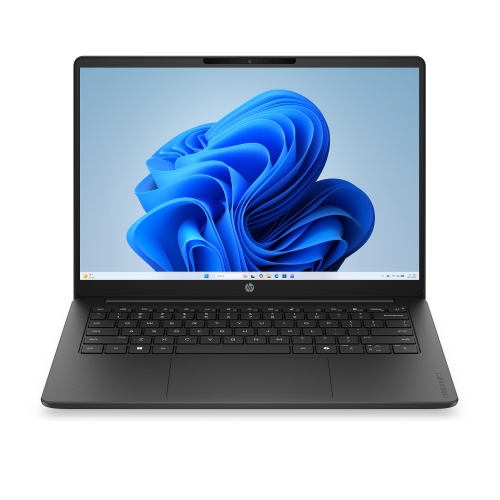
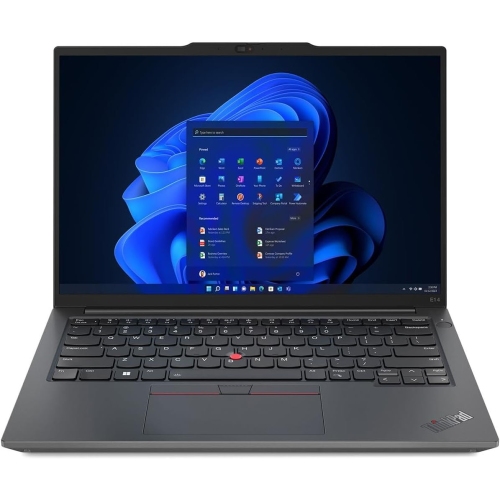
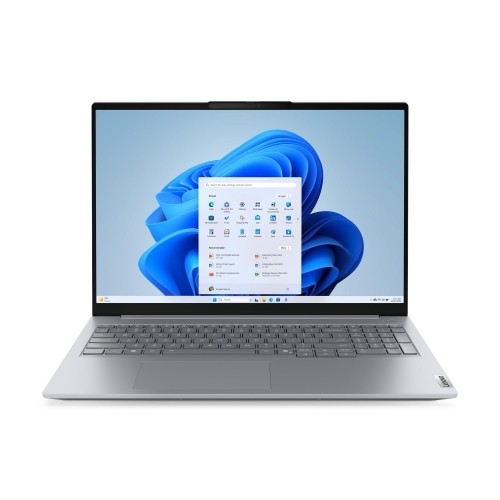
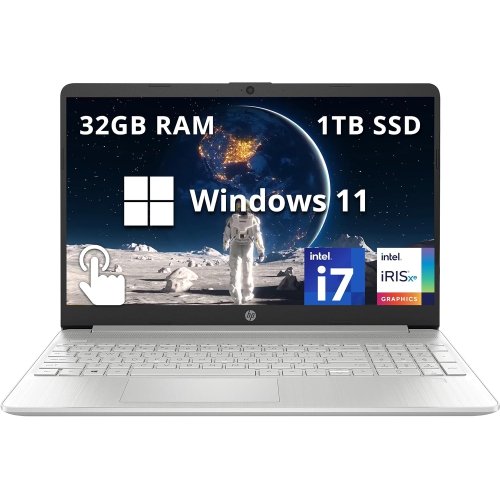
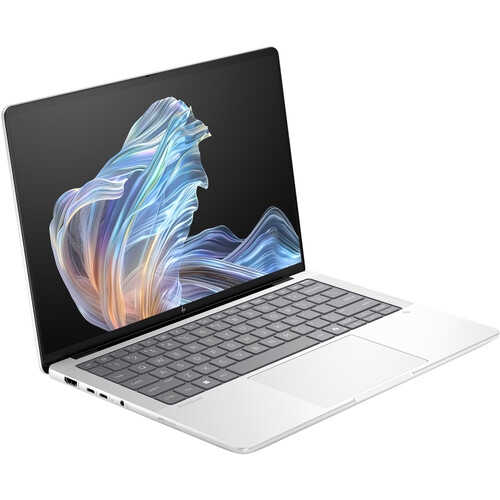
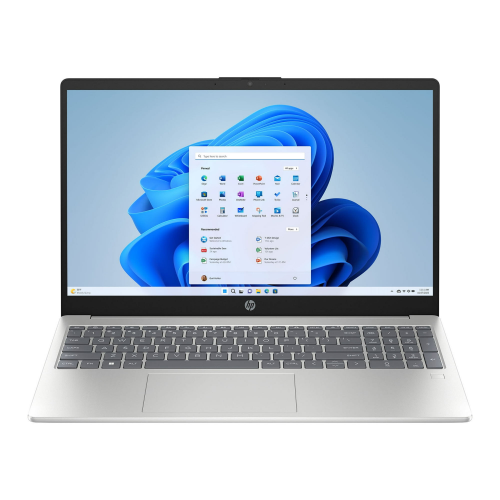
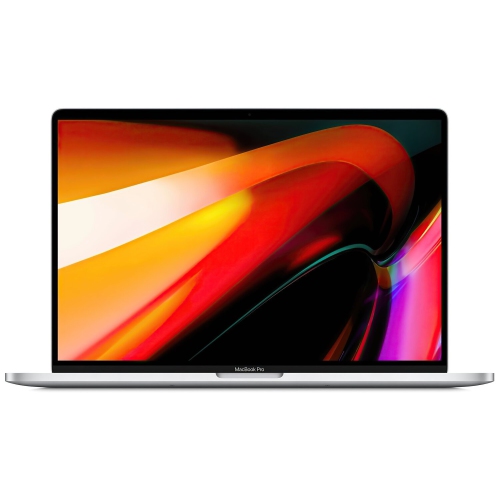
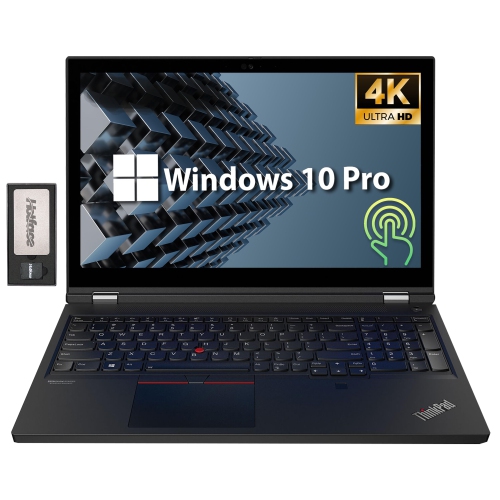
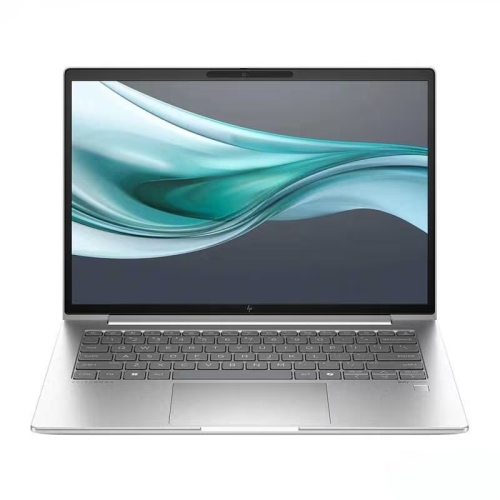
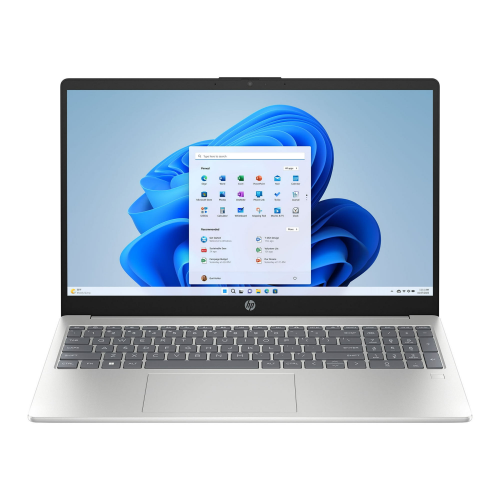
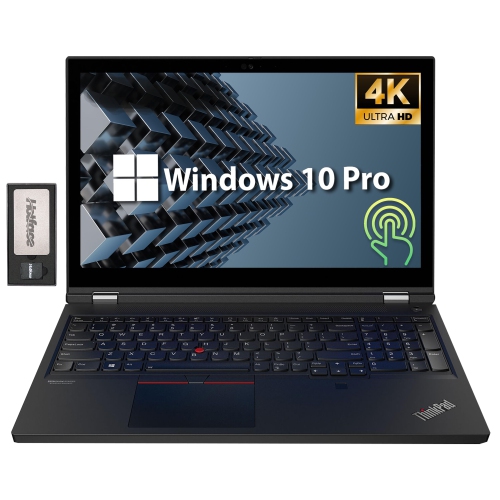
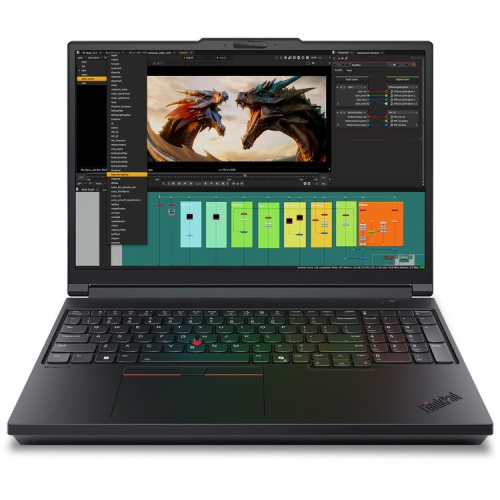
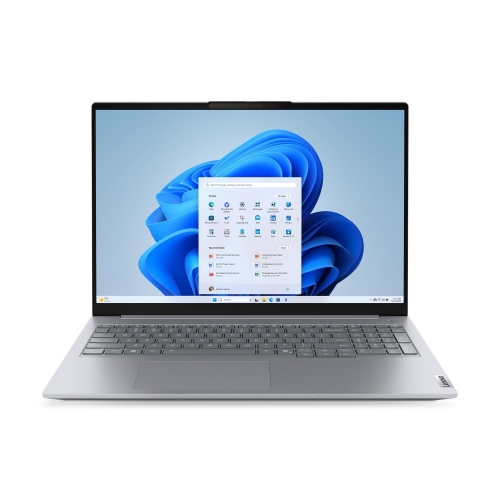
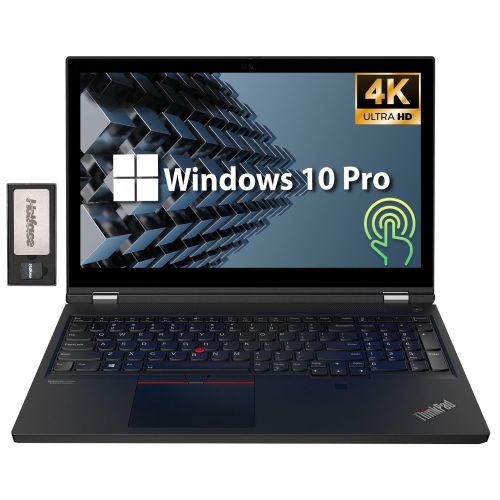
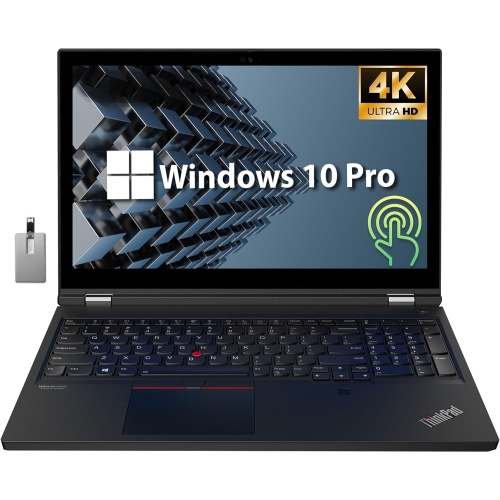
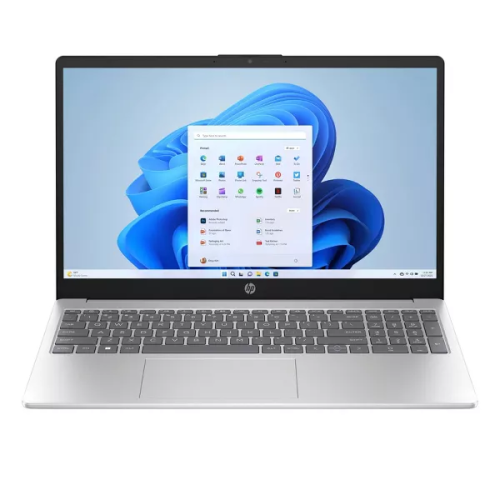
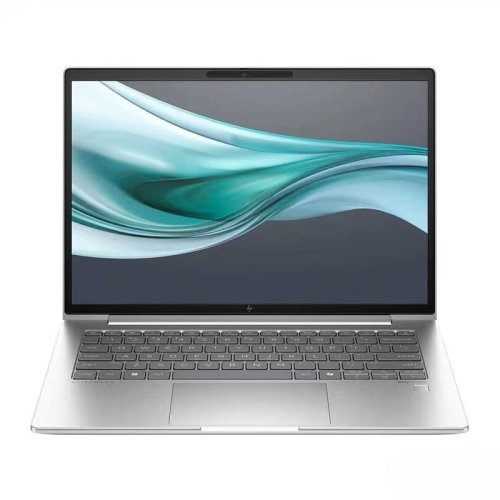
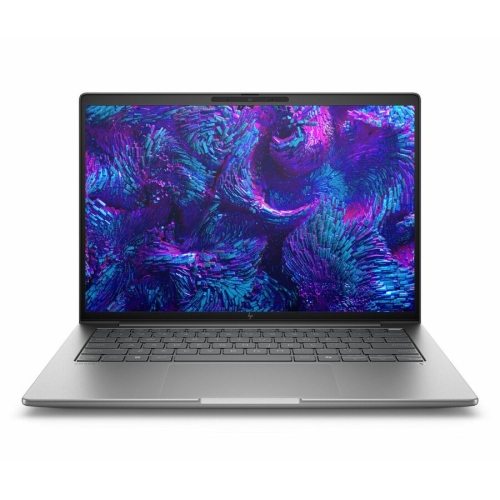
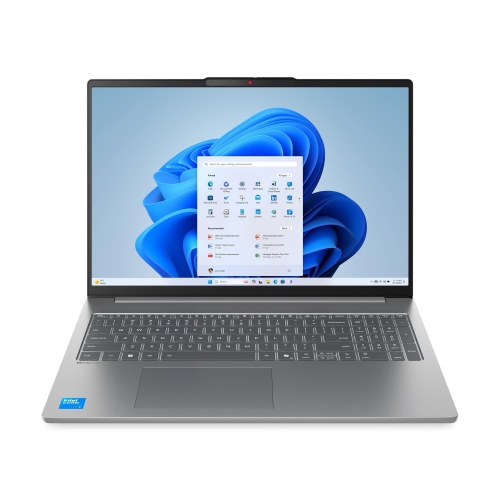
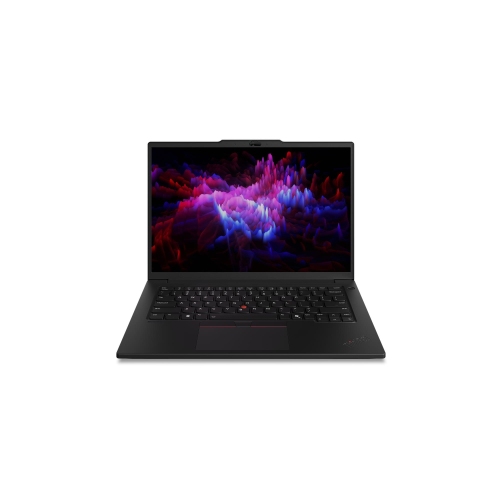
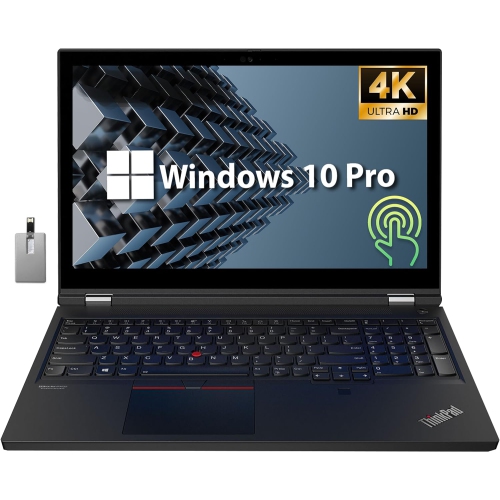
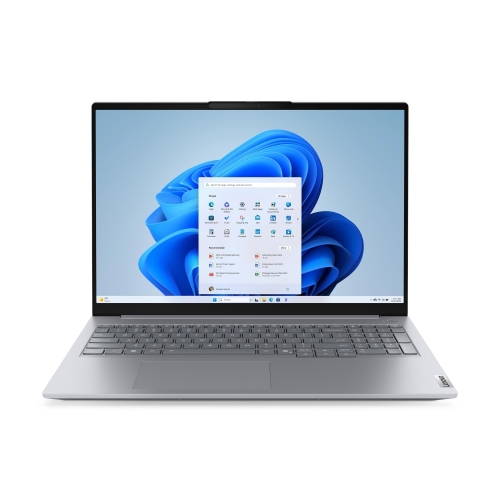
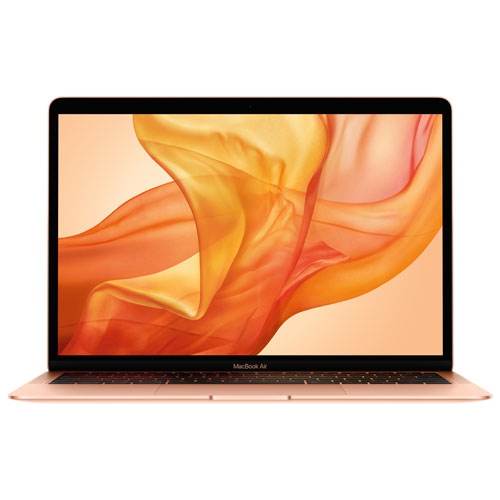
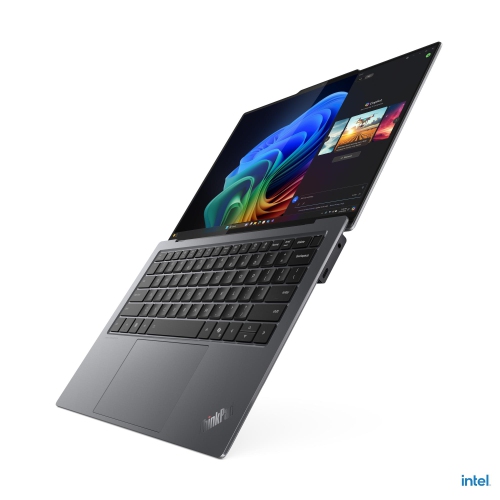
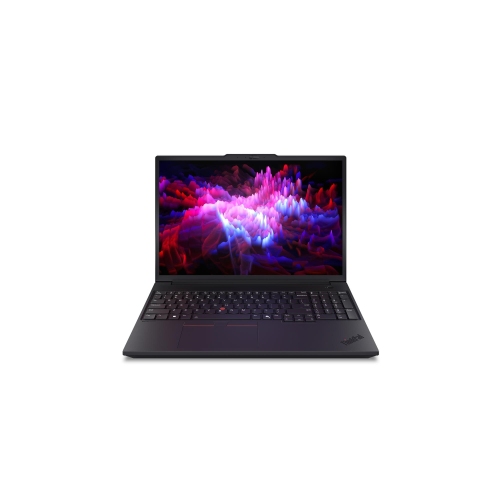
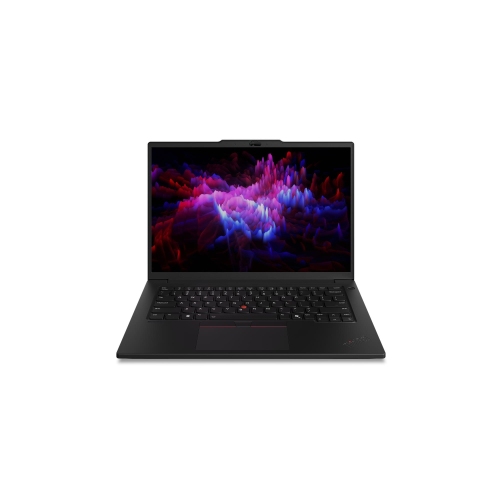
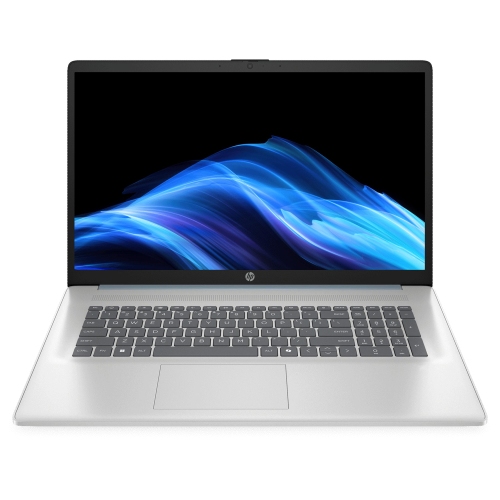
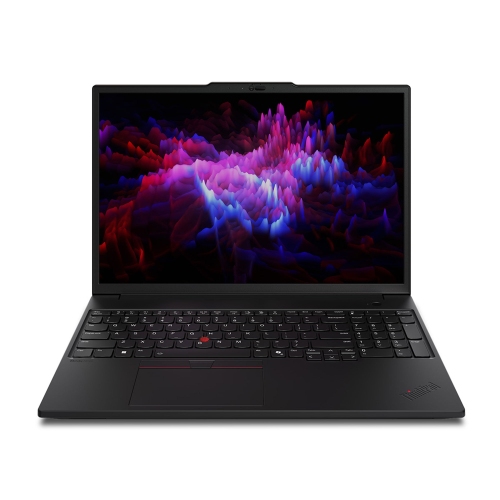
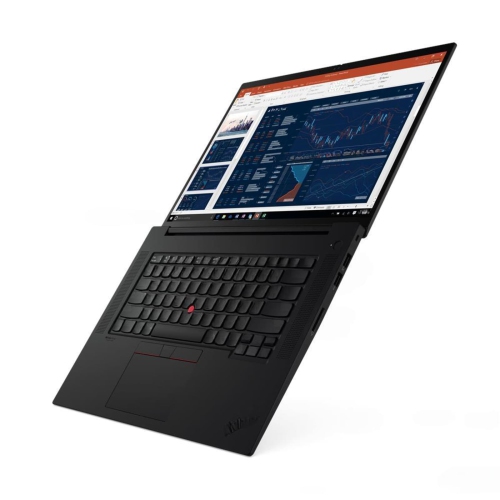
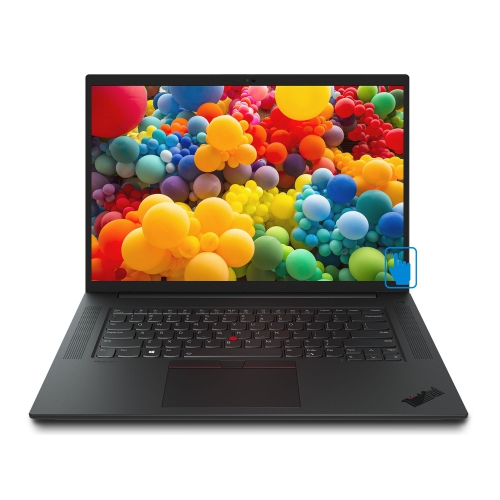
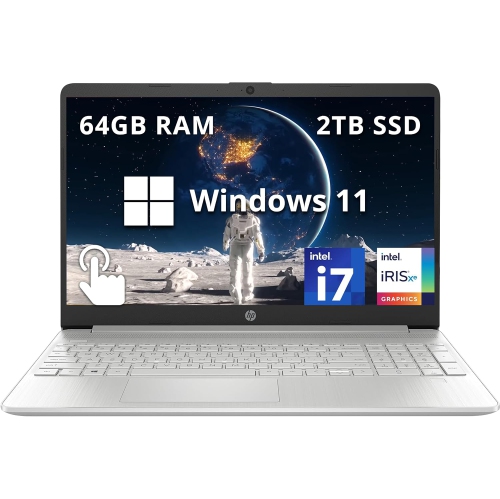
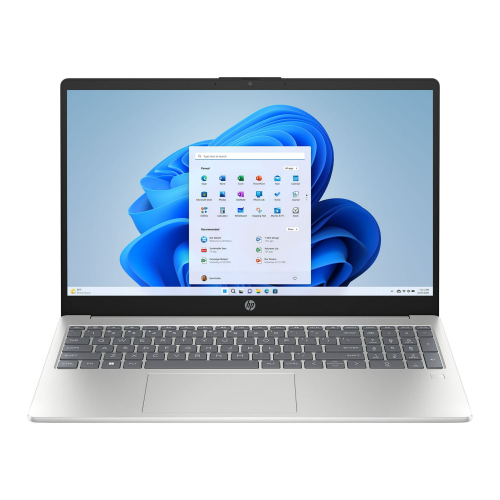
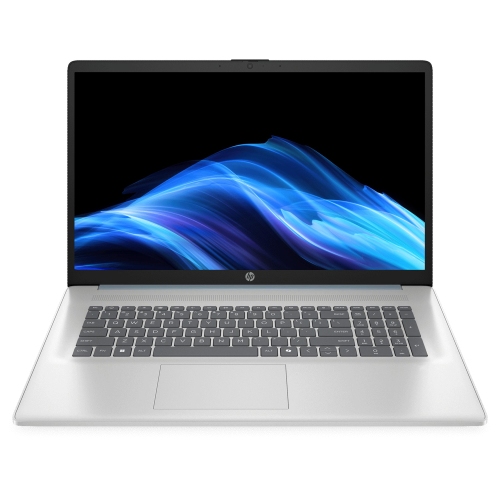
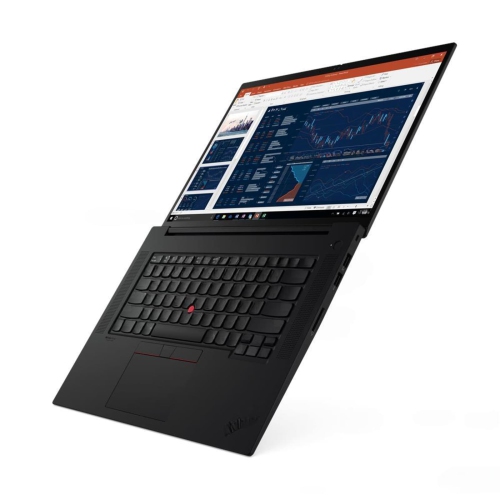
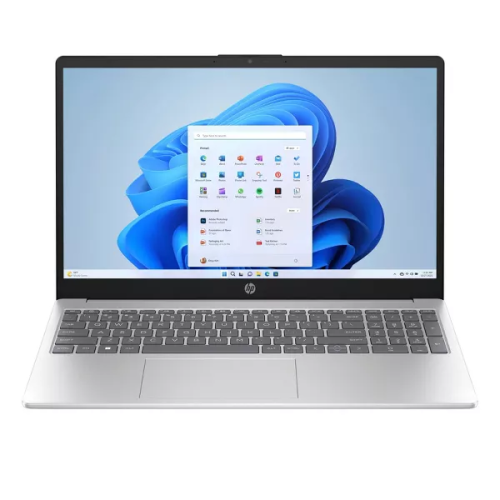
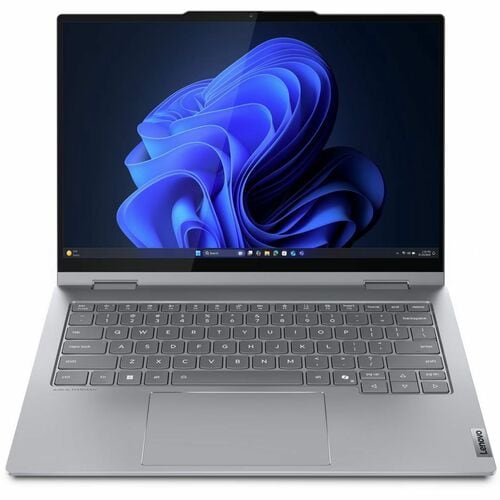
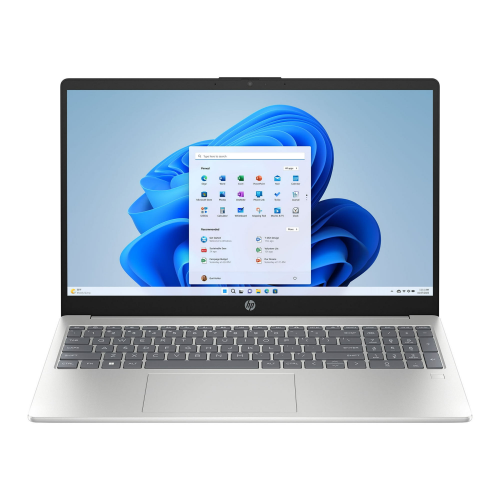
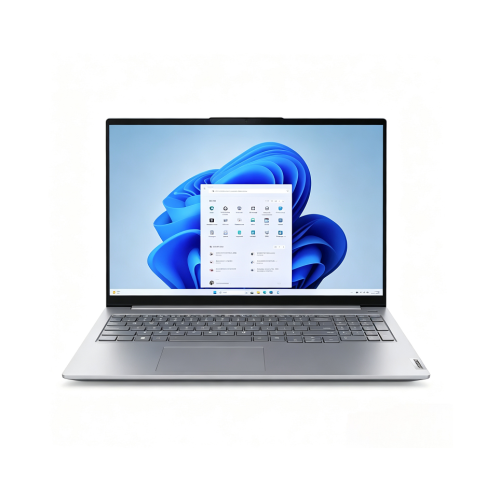
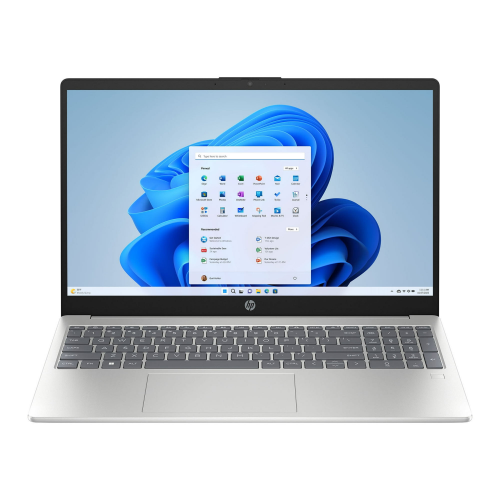
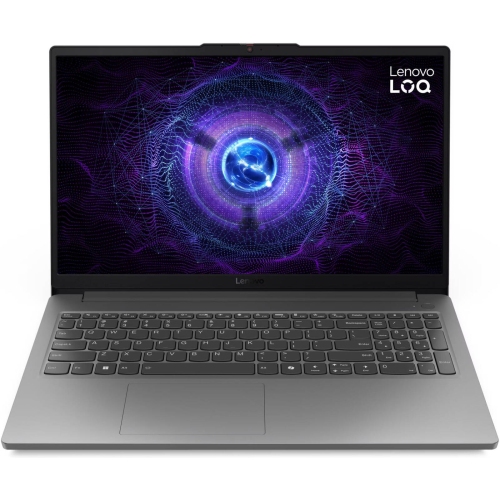
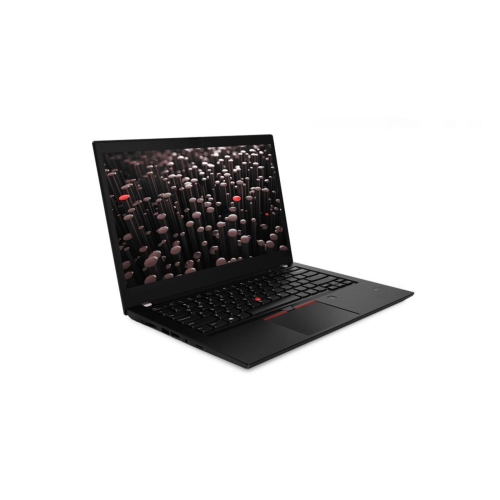
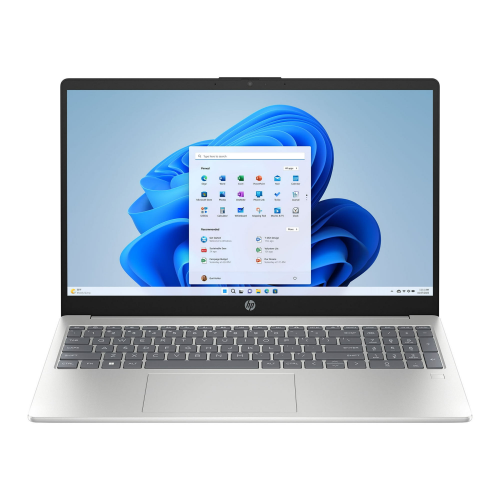
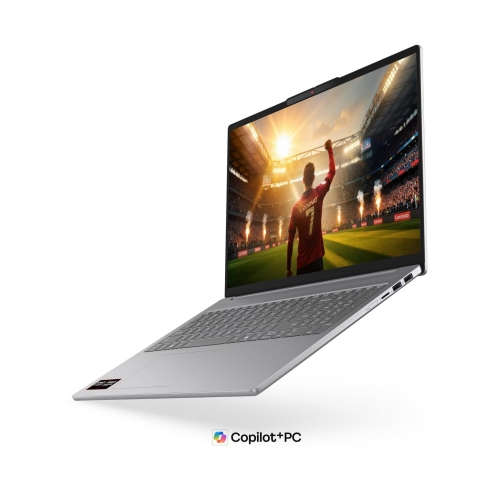
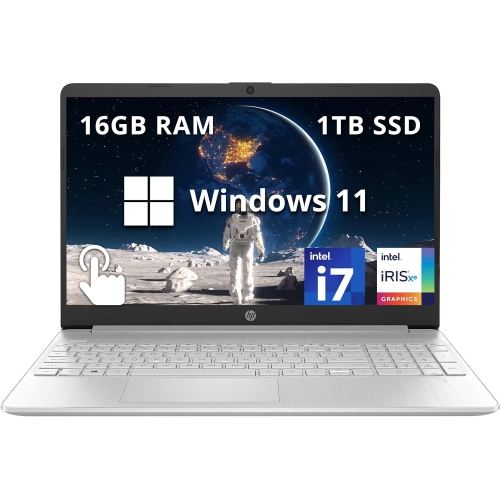
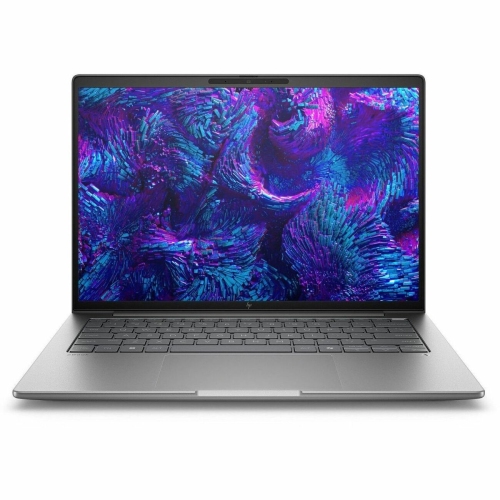
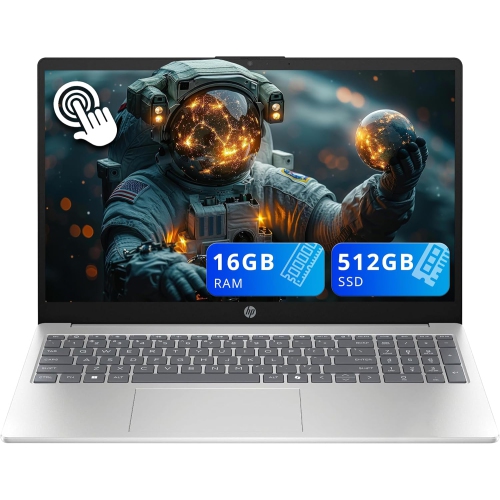
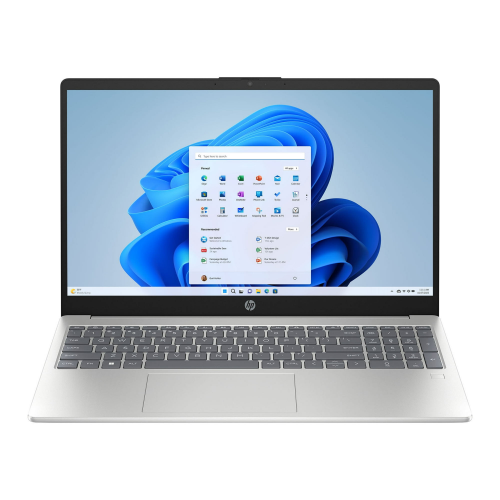
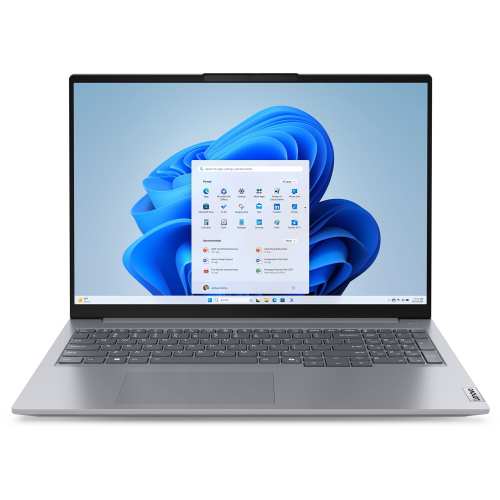
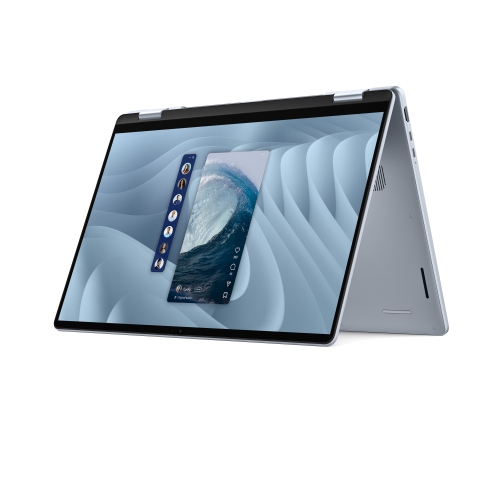
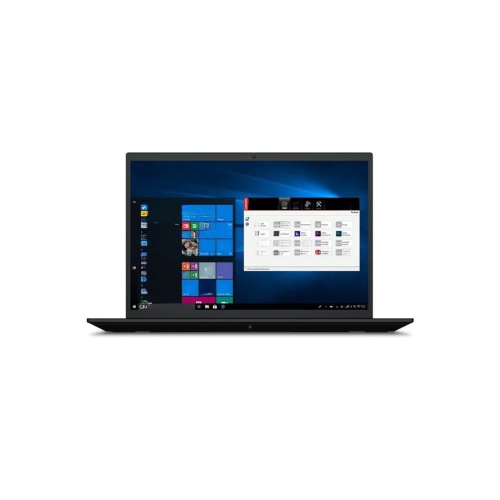
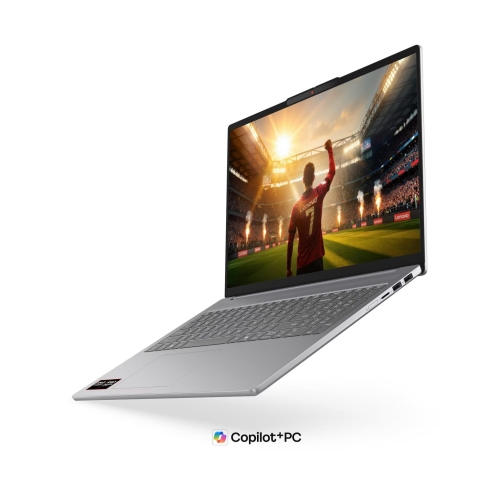
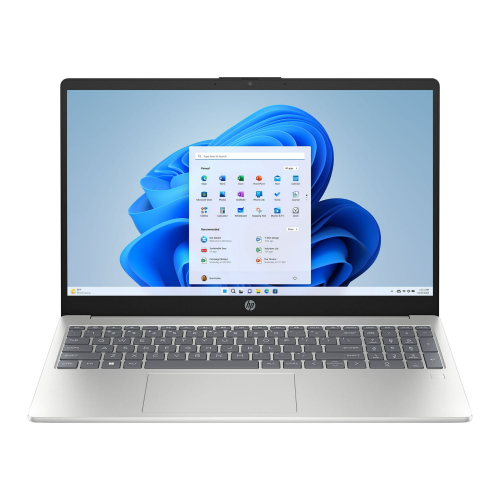
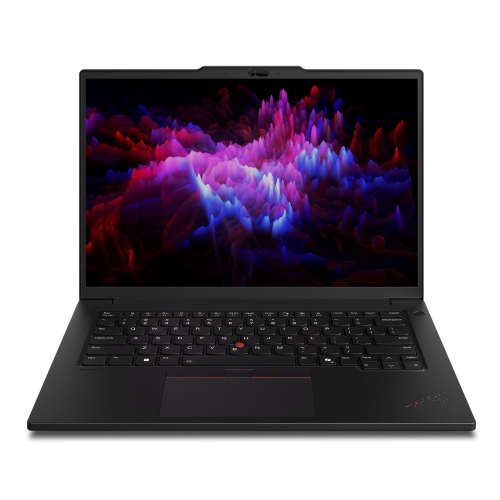
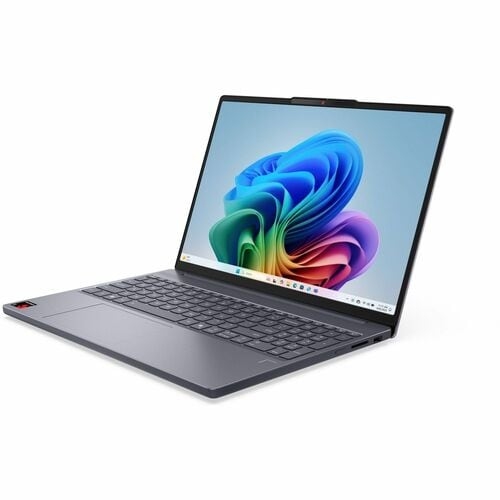
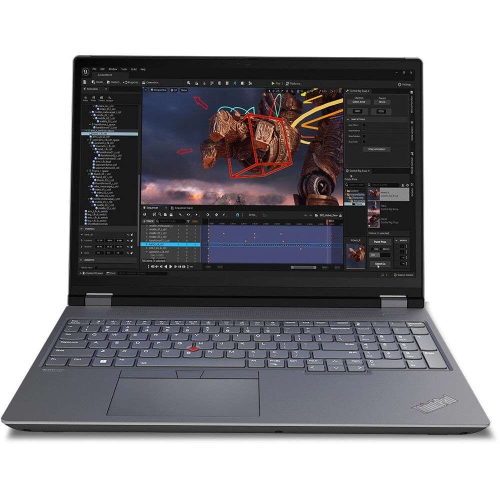
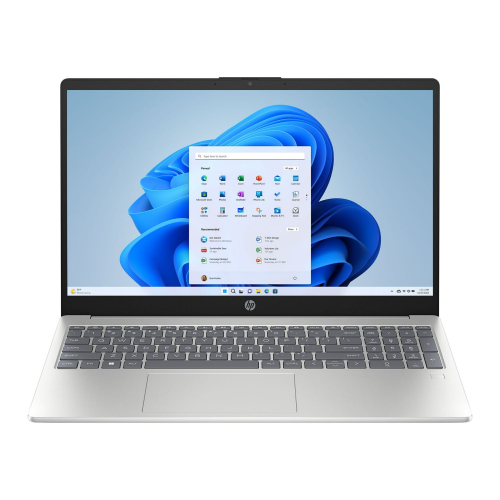
Laptops for photo editing combine colour-accurate displays, fast multi-core processors, ample memory, and solid-state storage to support everything from quick portrait touch-ups to detailed RAW image processing. For many photographers, 16GB of RAM provides a practical starting point, while 32GB offers more room for large files, layered compositions, and several creative applications running together. Graphics needs depend on the software and workload: capable integrated graphics can handle many everyday adjustments, while a dedicated graphics processor can improve performance in supported tasks such as AI-assisted masking, noise reduction, and complex effects. The display is just as important as processing power because it shapes every decision about exposure, skin tones, contrast, and colour balance. A high-resolution screen makes it easier to inspect fine details, from individual eyelashes in a portrait to texture in a close-up of woven fabric. Screen size affects how comfortably those details fit alongside editing panels. A compact 14-inch laptop suits photographers who frequently carry their equipment, while a 16-inch screen provides more space for toolbars, reference images, and side-by-side comparisons. Resolution alone does not establish colour quality, however. Wide colour coverage and good factory calibration help images appear consistent, and near-complete sRGB coverage is useful for photographs intended for websites and everyday digital sharing. Wider colour gamuts can benefit workflows that support them, particularly when preparing images for compatible displays or print. Matte screens help reduce distracting reflections, while glossy screens can deliver a crisp appearance but may reflect nearby windows or lamps. Touchscreens and convertible designs add flexibility for supported editing tools, although neither replaces accurate colour reproduction. For photographers delivering work to clients or preparing prints, a screen that supports calibration offers another way to maintain consistency over time. These qualities matter whether the subject is a family celebration, a carefully lit product photograph, or a landscape with subtle transitions between shadow and light.
Inside a photo-editing laptop, the processor, memory, graphics, and storage work together rather than acting as separate measures of speed. A fast multi-core processor helps with importing image collections, generating previews, applying adjustments, and exporting finished photographs, although the benefit varies by application and task. Consistent performance also depends on cooling: processing a few images is different from exporting several hundred files in one session. A chassis with effective ventilation can help the system maintain performance during extended work, while a particularly thin design may prioritize portability over sustained processing power. Memory becomes especially noticeable when a project grows beyond basic adjustments. High-resolution RAW files, stitched panoramas, focus-stacked images, and layered retouching documents can place much greater demands on RAM than a small collection of compressed photographs. With sufficient memory, moving between a photo library, an editing application, and a browser can feel more fluid, with less reliance on slower temporary storage. Some laptops have memory fixed at manufacture, so capacity is an important distinction for photographers expecting their projects to become more demanding. Solid-state drives support responsive application launches, image browsing, and file transfers, but capacity matters alongside speed. A 512GB SSD can suit a modest working library when older projects live on external storage, while 1TB or more provides extra room for active shoots, previews, and editing files. Actual space requirements vary considerably with camera resolution, file format, and the number of versions retained. External drives provide room for larger archives, and fast connections help when editing directly from compatible storage. A separate backup remains important because an archive stored on a single drive is still vulnerable to drive failure or accidental deletion. Graphics performance deserves similar context: a more powerful graphics processor is useful when editing software takes advantage of it, but it does not compensate for limited memory or an inaccurate display. The right balance depends on whether the laptop will mainly handle occasional adjustments, regular client sessions, or demanding batches of large photographs.
The way a laptop fits into a photographer’s routine often matters as much as its specifications. Students carrying a computer between classes, hobbyists sorting photographs at the kitchen table, and professionals reviewing images with clients can have very different needs. A lighter chassis and compact power adapter make frequent travel easier, while a larger laptop can provide a more comfortable editing surface when most work happens in one place. Aluminium and magnesium-alloy housings can offer a firm feel, though durability also depends on hinge construction, assembly quality, and careful handling. A padded sleeve helps protect the screen and corners inside a camera bag, especially when batteries, lenses, and cables share the same space. Battery life varies with screen brightness, editing intensity, and graphics use; lengthy exports generally draw more power than browsing finished photographs. Ports also shape the experience. A built-in memory card reader can simplify imports from compatible cards, while USB-C, USB-A, and display connections affect how easily cameras, external drives, drawing tablets, and monitors connect. Not every USB-C port supports the same transfer speeds, charging functions, or display capabilities, making those distinctions relevant to a complete workspace. Reliable Wi-Fi supports cloud transfers and client galleries, although large uploads also depend on the internet connection. At a desk, an external monitor, keyboard, and mouse can expand the workspace without replacing the laptop’s portability. A comfortable keyboard and precise trackpad remain valuable for image selection, naming files, and making adjustments away from that setup. Everyday care is straightforward: a soft microfibre cloth helps keep the screen clear, manufacturer-approved cleaning methods protect its finish, and unobstructed vents support airflow. For photography students, keen hobbyists, or someone receiving a laptop as a gift, suitability comes down to the files they work with and the places they edit. The Best Laptops for Photography selection offers a related collection for comparing laptops suited to photographic work, from organizing personal libraries to refining images for a portfolio.
Inside a photo-editing laptop, the processor, memory, graphics, and storage work together rather than acting as separate measures of speed. A fast multi-core processor helps with importing image collections, generating previews, applying adjustments, and exporting finished photographs, although the benefit varies by application and task. Consistent performance also depends on cooling: processing a few images is different from exporting several hundred files in one session. A chassis with effective ventilation can help the system maintain performance during extended work, while a particularly thin design may prioritize portability over sustained processing power. Memory becomes especially noticeable when a project grows beyond basic adjustments. High-resolution RAW files, stitched panoramas, focus-stacked images, and layered retouching documents can place much greater demands on RAM than a small collection of compressed photographs. With sufficient memory, moving between a photo library, an editing application, and a browser can feel more fluid, with less reliance on slower temporary storage. Some laptops have memory fixed at manufacture, so capacity is an important distinction for photographers expecting their projects to become more demanding. Solid-state drives support responsive application launches, image browsing, and file transfers, but capacity matters alongside speed. A 512GB SSD can suit a modest working library when older projects live on external storage, while 1TB or more provides extra room for active shoots, previews, and editing files. Actual space requirements vary considerably with camera resolution, file format, and the number of versions retained. External drives provide room for larger archives, and fast connections help when editing directly from compatible storage. A separate backup remains important because an archive stored on a single drive is still vulnerable to drive failure or accidental deletion. Graphics performance deserves similar context: a more powerful graphics processor is useful when editing software takes advantage of it, but it does not compensate for limited memory or an inaccurate display. The right balance depends on whether the laptop will mainly handle occasional adjustments, regular client sessions, or demanding batches of large photographs.
The way a laptop fits into a photographer’s routine often matters as much as its specifications. Students carrying a computer between classes, hobbyists sorting photographs at the kitchen table, and professionals reviewing images with clients can have very different needs. A lighter chassis and compact power adapter make frequent travel easier, while a larger laptop can provide a more comfortable editing surface when most work happens in one place. Aluminium and magnesium-alloy housings can offer a firm feel, though durability also depends on hinge construction, assembly quality, and careful handling. A padded sleeve helps protect the screen and corners inside a camera bag, especially when batteries, lenses, and cables share the same space. Battery life varies with screen brightness, editing intensity, and graphics use; lengthy exports generally draw more power than browsing finished photographs. Ports also shape the experience. A built-in memory card reader can simplify imports from compatible cards, while USB-C, USB-A, and display connections affect how easily cameras, external drives, drawing tablets, and monitors connect. Not every USB-C port supports the same transfer speeds, charging functions, or display capabilities, making those distinctions relevant to a complete workspace. Reliable Wi-Fi supports cloud transfers and client galleries, although large uploads also depend on the internet connection. At a desk, an external monitor, keyboard, and mouse can expand the workspace without replacing the laptop’s portability. A comfortable keyboard and precise trackpad remain valuable for image selection, naming files, and making adjustments away from that setup. Everyday care is straightforward: a soft microfibre cloth helps keep the screen clear, manufacturer-approved cleaning methods protect its finish, and unobstructed vents support airflow. For photography students, keen hobbyists, or someone receiving a laptop as a gift, suitability comes down to the files they work with and the places they edit. The Best Laptops for Photography selection offers a related collection for comparing laptops suited to photographic work, from organizing personal libraries to refining images for a portfolio.
Top selling and popular products
-
 Your price for this item is $449
-
 Your price for this item is $3099
-
 Your price for this item is $449.99
-
 Your price for this item is $664.05
-
 Your price for this item is $869.99
-
 Your price for this item is $2960.48
-
 Your price for this item is $489.7
-
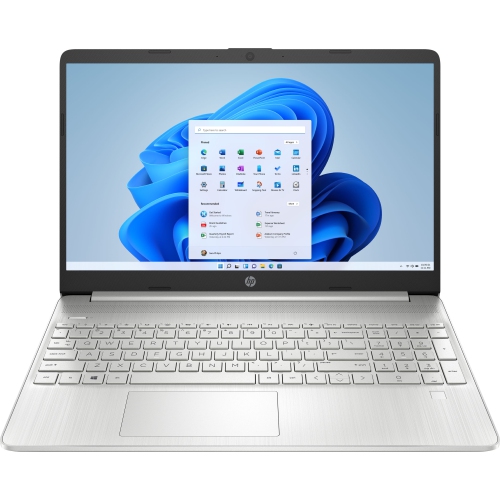 Your price for this item is $829
Discover more categories related to Laptops for Photo Editing
Top Collections:
Pokemon Centers, Best Black Friday Deals This Year, Best Black Friday Deals On Electronics, Kindle Devices, Best Budget Office Chairs, Best Black Friday Deals On Apple Products, Best Cameras for Sports Photography, Pokémon 30th Celebration Cards, Dyson Airwrap, Canon G7X Cameras
Some products may be subject to Environmental Handling Fees
(EHF) depending on your province.
Learn more about EHFs.