Best Laptops for College Students Under $500

Find the best laptops for college students under $500 to help you take notes, research assignments, and stay connected without stretching your budget. Ranked by user review ratings, this selection makes it easy to compare affordable options for campus life. Look for features that suit your study routine, from a lightweight design for carrying between classes to battery life that keeps up with your coursework.

Read More

What to look for in laptops for college students under $500

1. Course Software Compatibility

Check your program’s software requirements before choosing an operating system. Chromebooks can suit browser-based coursework, while some programs require applications that run on Windows or macOS.

2. Memory and Storage

Aim for at least 8 GB of RAM for switching between documents, video calls and browser tabs. An SSD helps applications load quickly, while storage capacity determines how much space you have for assignments and downloaded course materials.

3. Battery Life and Portability

Look for a lightweight laptop with enough battery life for your class schedule, keeping in mind that actual runtime varies with use. A 13-inch or 14-inch screen can balance comfortable viewing with easy carrying.

4. Condition and Value

Compare new, open-box and refurbished laptops to see which features fit your budget under $500. Check the warranty, return policy and stated condition, and account for any accessories or software you need to purchase separately.
Citrus catapult arrow
  1. 1

    ASUS Refurbished (Good) - Vivobook 15 15.6" Fhd Laptop - Amd Ryzen 3 7320U - 8GB Ram - 256GB SSD - Radeon Graphics - Windows 11 Home - In Black

    About this product

    A refurbished black laptop featuring Ryzen 3, 8GB RAM, 256GB SSD, Radeon Graphics, and Windows 11.

    What customers like

    • Good battery life
    • Sleek and modern design
    • Fast performance and quick startup
    • Lightweight and portable
    • Comfortable keyboard and easy navigation
    (157)
    $449.00
    SAVE $150
    Your price for this item is $449
  2. 2

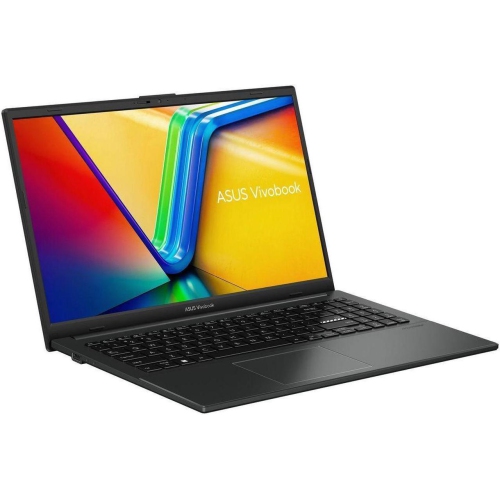
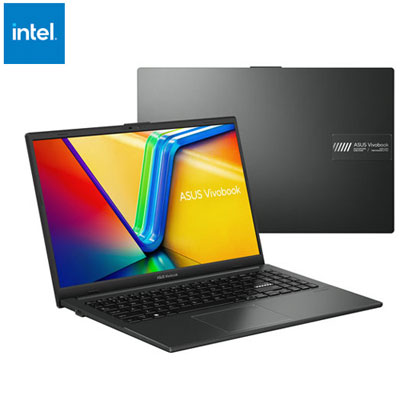
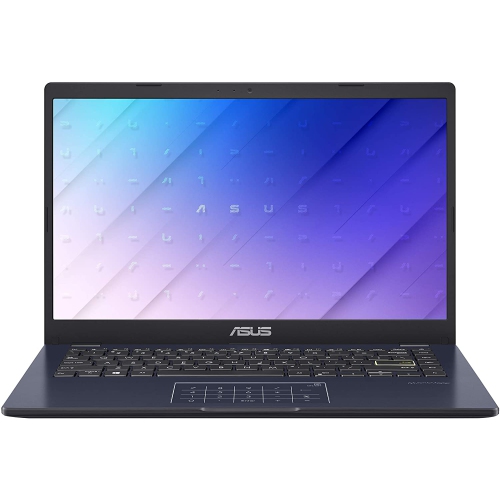
    ASUS Vivobook Go 15.6" Laptop - Intel N100 - 4GB DDR4 - 128GB UFS - Windows 11 S - Mixed Black - Includes 1 year of Microsoft 365

    About this product

    A mixed black laptop featuring an Intel N100 processor, 4GB RAM, FHD display, and 1-year Microsoft 365.

    (7)
    $449.95 Your price for this item is $449.95
  3. 3

    LENOVO Refurbished Good - Thinkpad T490 14" Business & School Laptop - Intel Core I5-8365U - 24GB Ddr4 - 1Tb SSD - Windows 11 Pro - In Black

    About this product

    A refurbished laptop with a 14" display, i5 processor, 24GB RAM, 1TB SSD, and Windows 11 Pro.

    (4)
    $412.98
    SAVE $86
    Your price for this item is $412.98
  4. 4

    HP 14" Student Laptop - Intel Processor N150 - 4GB Ddr4 - 128GB Ufs - Windows 11 Home In S Mode - In Pink

    About this product

    A lightweight pink laptop with Intel N150 processor, 4GB memory, 128GB UFS, Wi-Fi 6, and Bluetooth.

    (5)
    $369.99
    SAVE $130
    Your price for this item is $369.99
  5. 5

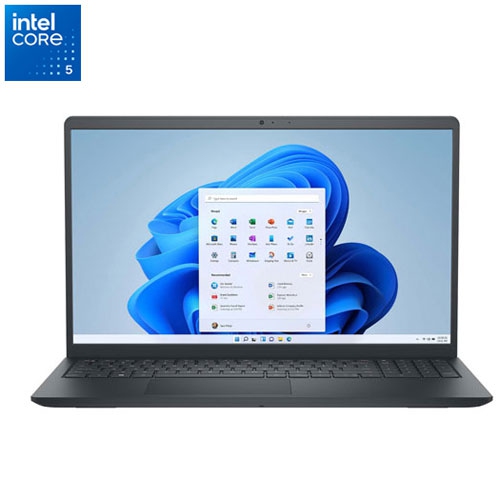
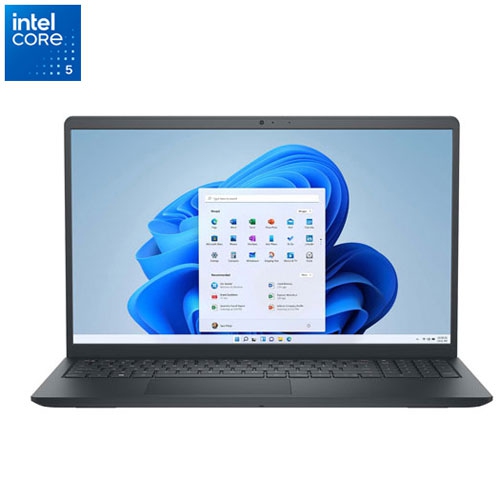
    DELL Refurbished (Excellent) - Inspiron 15 15.6" Touchscreen Laptop - Intel Core I5-1334U - 8GB Ddr4 - 512GB SSD - Windows 11 Home (S Mode)

    About this product

    A refurbished touchscreen laptop featuring an Intel Core i5 processor, 8GB RAM, and 512GB SSD storage.

    (2)
    $474.97
    SAVE $115
    Your price for this item is $474.97
  6. 6

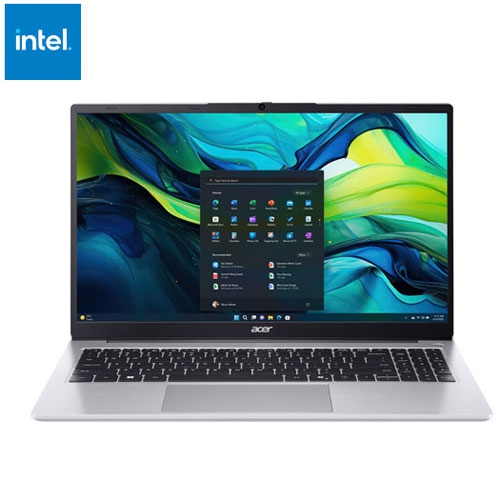
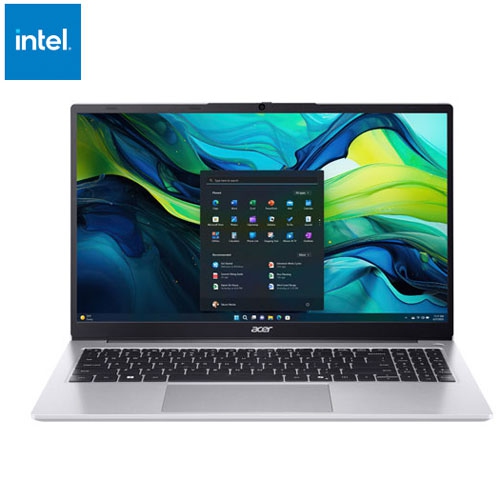
    ACER Refurbished (Excellent) - Aspire Lite 15.6" Laptop - Intel N150 - 8GB Ddr5 - 512GB SSD - Windows 11 - In Silver

    About this product

    A silver laptop featuring an Intel N150 processor, 8GB RAM, 512GB SSD, and Windows 11.

    (2)
    $389.00
    SAVE $75
    Your price for this item is $389
  7. 7

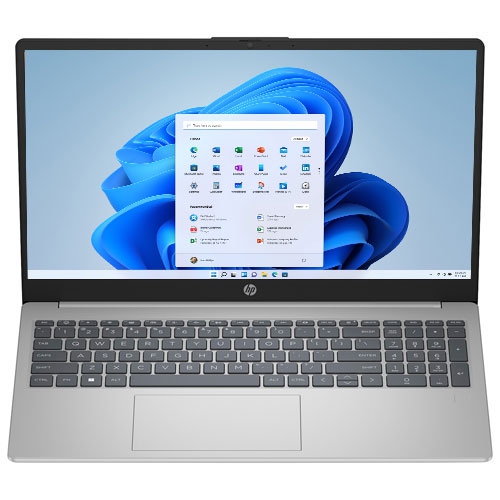
    HP Refurbished (Excellent) - 15.6" Laptop - Amd Ryzen 3-7320U - 8GB Lpddr5 - 512GB SSD - Windows 11 Home - Natural In Silver

    About this product

    A refurbished silver laptop featuring an AMD Ryzen 3 processor, 8GB RAM, 512GB SSD, and Windows 11.

    (1)
    $484.97
    SAVE $160
    Your price for this item is $484.97
  8. 8

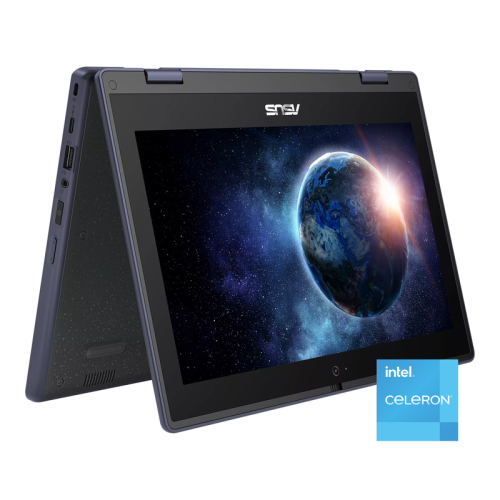
    ASUS 11.6" HD Touchscreen 2-In-1 Student Laptop - Intel Celeron N100 - 4GB Ddr4 - 128GB SSD - Windows 11 Pro - In Gray

    About this product

    A rugged grey 2-in-1 touchscreen laptop with Intel Celeron, 128GB SSD, and Wi-Fi 6 connectivity.

    (1)
    $479.00
    SAVE $210
    Your price for this item is $479
  9. 9

    DELL Refurbished (Fair) - Inspiron 15 15.6" Touchscreen Laptop - Intel Core I5-1334U - 8GB Ddr4 - 512GB SSD - Windows 11 Home (S Mode)

    About this product

    A refurbished touchscreen laptop featuring an Intel Core i5 processor, 8GB RAM, and 512GB SSD storage.

    (1)
    $424.97
    SAVE $165
    Your price for this item is $424.97
  10. 10

    ACER Refurbished (Excellent) - Aspire Lite 15.6" Laptop - Intel N4500 - 4GB Ddr4 - 128GB Emmc - Windows 11 S - In Silver

    About this product

    A silver laptop featuring an Intel N4500 processor, 4GB RAM, 128GB eMMC, and Windows 11 S.

    (1)
    $314.99
    SAVE $35
    Your price for this item is $314.99

What everyday coursework really needs from a laptop

The best laptops for college students are well matched to everyday coursework: writing papers, reading course materials, researching assignments, working in spreadsheets, and joining online classes. For many students, a practical laptop does not need advanced graphics or a high-performance processor; it needs to keep the tools used throughout the day running comfortably. A typical study session might involve a document, several research tabs, a lecture recording, and a group chat open at once. For that kind of workload, 8GB of RAM is a useful starting point, while lighter, mostly browser-based tasks may be manageable with less. A solid-state drive helps applications open promptly and makes the computer feel more responsive when starting up or switching between files. Storage needs depend on the course: essays and presentation slides take up relatively little space, while downloaded lectures, photography assignments, and media projects can fill a drive much faster. A 128GB drive may suit a student who keeps most files online, although the operating system and installed applications use part of that capacity. More local storage gives larger files room to grow and makes it easier to work without an internet connection. Students browsing Student Laptops Under $500 will find that the most meaningful differences often come down to memory, storage, screen size, and software compatibility rather than appearance alone. The intended workload matters just as much as the specification sheet. A laptop used for general arts courses, email, and online research has different demands from one expected to handle three-dimensional modelling or complex engineering software. Course requirements provide an important reference point, particularly where a program requires a particular operating system, desktop application, or exam platform. Browser-based learning tools can cover a substantial part of student life, but a laptop still needs to support the applications required for assignments, assessments, and placements.

Portability and comfort shape how useful a laptop feels beyond its technical specifications. A compact 13-inch or 14-inch screen can work well for a student moving between classrooms, the library, and a shared study space, especially when the laptop travels alongside textbooks, lunch, and a water bottle. A 15.6-inch screen provides more room for reading documents or arranging a spreadsheet beside lecture notes, though the larger body may feel less convenient on a small lecture-hall desk. Full HD resolution can make text and diagrams easier to distinguish than on a lower-resolution display of a similar size. An anti-glare finish helps reduce distracting reflections under overhead lights or near a bright window, while adequate screen brightness makes reading more comfortable in varied settings. Keyboard feel deserves attention, too: well-spaced keys, clear lettering, and a stable typing surface make a difference during a long essay session. A responsive touchpad is helpful when there is no room for a separate mouse, and a number pad may appeal to students who regularly enter figures. Video calls bring another set of everyday considerations. A built-in webcam, usable microphone, and clearly positioned speakers support remote seminars and group projects, while a headset connection offers more privacy in shared accommodation. Reliable Wi-Fi supports access to learning portals and shared documents, although connection quality also depends on the campus or home network. Physical ports can simplify the rest of the setup. USB connections are useful for accessories, and a compatible video output allows a larger monitor to become part of a desk-based study space. USB-C capabilities vary, so a USB-C port does not automatically mean that the laptop supports charging or an external display through that connection. Battery life also varies with screen brightness, video calls, applications, and wireless activity. A manufacturer's stated runtime is best treated as a reference rather than a promise of uninterrupted use through every class. The size and weight of the charger matter for commuters who need to carry it, and a convenient place to plug in can be valuable during longer days on campus.

Durability is especially relevant for a laptop that moves from a kitchen table to a backpack to a library desk several times a day. Plastic housings can be lightweight and practical, while metal panels may add rigidity; neither material alone determines how well a computer will hold up. Hinge construction, a secure charging connection, and a lid that closes evenly all contribute to everyday usability. A padded sleeve or a backpack compartment sized to the laptop helps cushion small knocks and keeps the casing away from loose keys and other hard objects. Carrying the computer with the lid closed, keeping drinks separate, and avoiding pressure from tightly packed books can help protect the screen and hinges. At a desk, a firm, flat surface leaves cooling vents clear, unlike bedding or a soft cushion that can restrict airflow. Routine care can stay simple: shut the laptop down before cleaning, use a soft cloth, and follow the manufacturer's directions for the screen and keyboard. During the cooler months, a laptop brought in from the cold should be allowed to reach room temperature before use, particularly if condensation is present. Digital upkeep matters alongside physical care. Supported software, regular updates, a strong sign-in method, and copies of important assignments help keep coursework accessible. Cloud storage can make files easier to reach from different locations, but offline access is useful on a commute or wherever Wi-Fi is unreliable, and a separate backup adds protection against accidental loss. A student laptop can also be a thoughtful gift for someone starting college, returning to school, or balancing part-time courses with work. The most useful fit reflects how that person studies: a lighter design for frequent travel, a comfortable keyboard for writing-heavy courses, or a larger display for detailed reading and spreadsheets. For students with more demanding creative or technical workloads, department guidance can clarify whether a basic laptop is sufficient or whether access to specialist lab computers will also be needed. A well-matched laptop supports the ordinary moments that make up college life, from reviewing notes before class to submitting a finished assignment after a long evening of revisions.
Read More

FAQ

Some products may be subject to Environmental Handling Fees (EHF) depending on your province. Learn more about EHFs.